Best Coding assistant (2026)

3 min read
If you sign up through a link on this page, we may earn a commission — it never affects our rankings.
A curated guide to the best AI coding assistants, covering tools that help developers write, refactor, debug, and review code across editors, terminals, and CI workflows.
Have you ever found yourself staring at a line of code for what feels like an eternity, trying to remember the perfect function name or wondering how to fix that pesky error message? You're not alone. Developers like you are constantly grappling with the same issue: finding a way to streamline the coding process and get more work done in less time.
That's where coding assistants come in. These AI-powered tools offer real-time suggestions, automated coding tasks, and intuitive interfaces designed to make your life easier. But with so many options available, it can be tough to know which one is right for your needs.
Choosing a Coding Assistant
When it comes to selecting a coding assistant, there's one crucial thing to keep in mind: integration. Can the tool seamlessly integrate into your existing workflow and software stack? Does it play nicely with popular IDEs like Visual Studio Code or IntelliJ IDEA? Some tools, like CodeGPT, are designed specifically to integrate into your IDE of choice, providing context-aware help and suggestions right where you need them.
Another key consideration is the type of assistance the tool provides. Do you need help with auto-completion, code analysis, or even automated coding tasks? Tools like Tabby and Sweep AI excel at real-time autocompletion and automating junior developer tasks, while PR-Agent shines at optimizing pull request reviews.
Avoid Common Pitfalls
One common pitfall to watch out for is over-reliance on the coding assistant. While these tools are meant to save you time, they're no substitute for proper testing and debugging. Don't rely solely on a tool's suggestions or code generation – always review and verify the output to ensure it meets your standards.
Another pitfall is expecting a coding assistant to magically solve all your coding problems. While these tools can greatly improve your workflow, they're not a cure-all. Be realistic about what a tool can and can't do, and choose one that aligns with your existing development workflow.
Typical Pricing Patterns
Most coding assistants are free, open-source tools designed to benefit the community. Some, like Tabby and Sourcegraph Cody AI, offer self-hosted options, allowing you to deploy the tool directly in your own infrastructure. Others, like Project Oscar, are designed for automation of open-source project maintenance tasks.
One thing to keep in mind is that while these tools are free, they do require time and resources to set up and maintain. Be sure to factor in the cost of your own time and personnel when evaluating a coding assistant.
Incorporating Coding Assistants into Your Workflow
If you're still on the fence about trying a coding assistant, consider this: most tools have a free tier or trial period, allowing you to test the waters without committing to a full-blown implementation.
When integrating a coding assistant into your workflow, start small. Begin by testing a tool in a single project or repository, and see how it fits before scaling up. Some tools, like ReactAgent, are designed to generate entire codebases from user stories, so be prepared to explore new possibilities.
Ultimately, the key to successfully incorporating a coding assistant into your workflow is flexibility. Be open to trying new tools, and don't be afraid to experiment and iterate. With the right coding assistant, you can spend more time focusing on the creative aspects of development and less time wrestling with repetitive code tasks.
Coding assistant by the numbers
Pricing mix
Best Coding assistant (2026)
- 1
 Gemini Code AssistGoogle's AI coding assistant powered by Gemini models for faster, smarter development5.0 (4)
 - 2
 Sourcegraph Cody AIAI coding assistant that understands your entire codebase for context-aware help4.8 (6)
 - 3
 OpenHandsOpen-source platform for AI agents that build, debug, and ship code like developers.4.8 (6)
 - 4
 DevArchitectAI-assisted coding companion for planning, building, and refining software projects.4.8 (5)
 - 5
 CodeGPTCustomizable AI coding assistant for generation, completion, and explanation inside your IDE.4.8 (4)
 - 6
 BazAI code review that flags bugs, regressions, and design issues like a senior engineer.4.8 (4)
 - 7
 MaigeAn open-source AI-powered tool that automates natural language workflows within your codebase, integrating seamlessly with GitHub.4.8 (4)
 - 8
 Sweep AIAn AI-powered junior developer that transforms bug reports and feature requests into code changes, streamlining the software development process.4.7 (6)
 - 9
 GPTEngineerTurn natural language prompts into working code and apps, fast.4.7 (6)
 - 10
 TabbyOpen-source, self-hosted AI coding assistant with real-time autocompletion4.6 (5)

Gemini Code Assist
Google's AI coding assistant powered by Gemini models for faster, smarter development
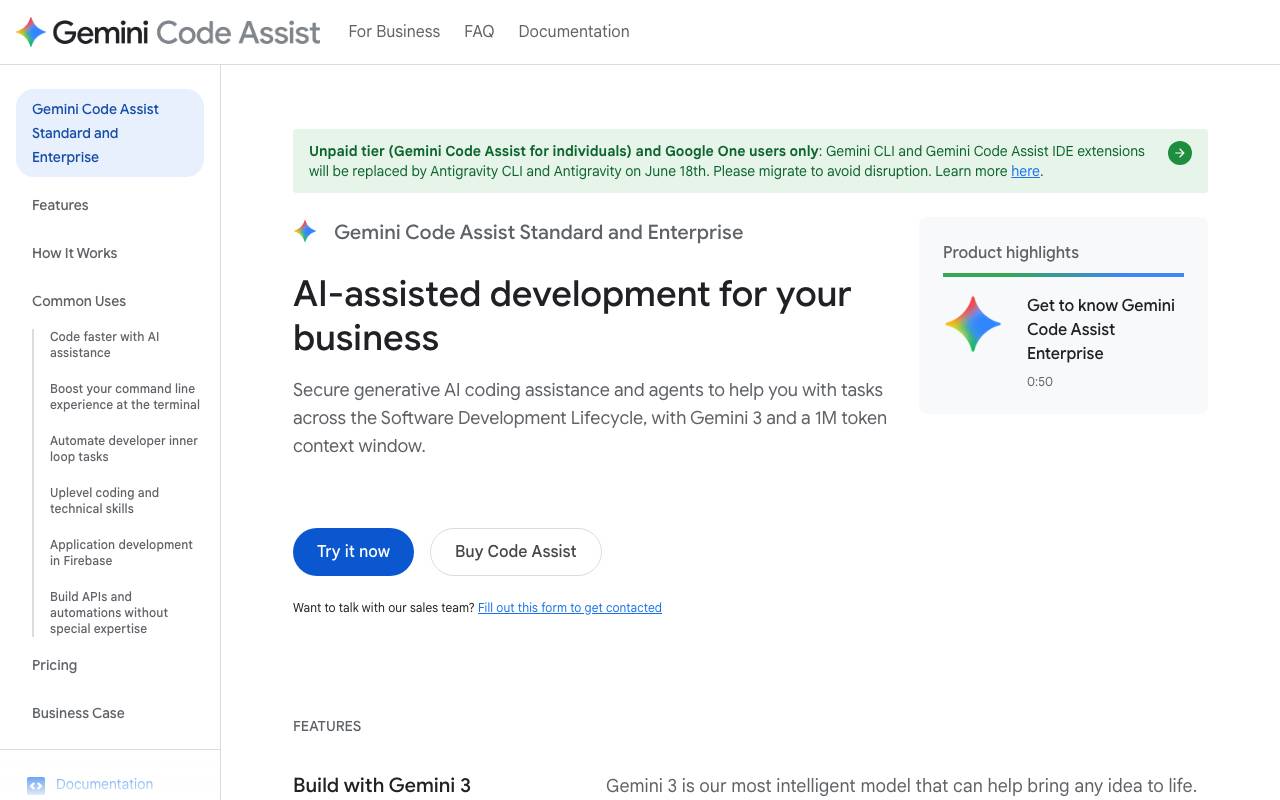
Gemini Code Assist is Google's AI-powered coding companion designed to help developers write, understand, and maintain software more efficiently. Built on Google's Gemini family of large language models, it integrates with popular IDEs like VS Code and JetBrains, as well as Google Cloud environments, to provide contextual code suggestions, completions, and explanations. The tool supports a wide range of programming languages and can assist with tasks such as generating new code, refactoring existing functions, writing unit tests, and explaining unfamiliar codebases. It also offers chat-based interactions, allowing developers to ask questions about their project or get guidance on best practices without leaving their editor. For teams, Gemini Code Assist provides enterprise features including codebase-aware customization, source citation, and IP indemnification, making it suitable for organizations with security and compliance requirements.
- AI code completion and generation
- In-IDE chat for code questions
- Code explanation and refactoring help
- Unit test generation
- Codebase-aware customization for teams
- Integration with Google Cloud and popular IDEs

Sourcegraph Cody AI
AI coding assistant that understands your entire codebase for context-aware help
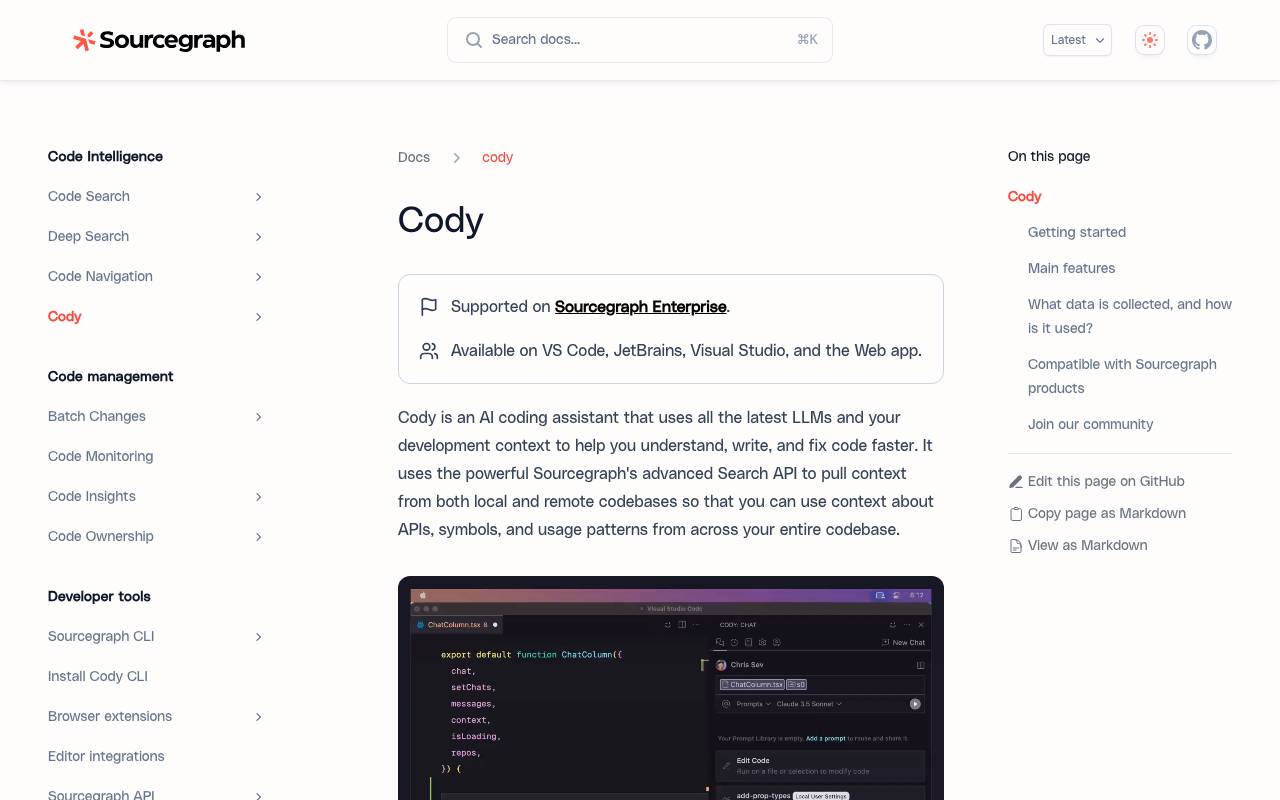
Sourcegraph Cody AI is a coding assistant designed to work with your real codebase, not just the file you're editing. By leveraging Sourcegraph's code search and indexing capabilities, it pulls in relevant context from across your repositories to answer questions, generate code, and explain unfamiliar logic with greater accuracy. Cody integrates into popular editors like VS Code and JetBrains IDEs, offering chat, autocomplete, and inline edits. It supports multiple underlying LLMs and is aimed at teams working in large, complex codebases where surface-level AI suggestions often fall short. With both free and enterprise tiers, Cody targets individual developers as well as organizations that need controls around code privacy, model selection, and integration with internal repositories.
- Context-aware chat and code generation
- Inline autocomplete suggestions
- Codebase-wide search integration
- Multi-LLM support
- IDE plugins for VS Code and JetBrains
- Custom commands and prompts

OpenHands
Open-source platform for AI agents that build, debug, and ship code like developers.
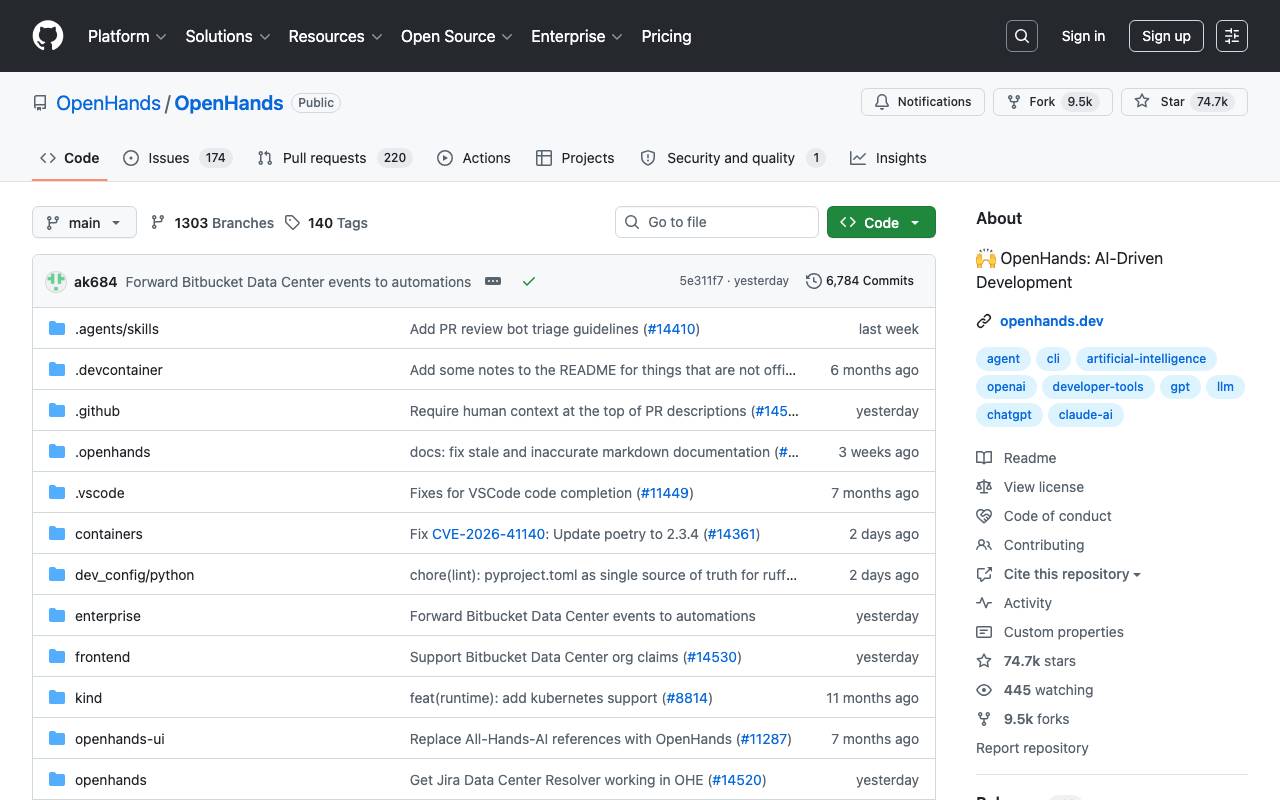
OpenHands is an open-source framework for creating AI agents that can perform end-to-end software development tasks. The agents can read and modify code, run shell commands, browse the web, and interact with APIs—operating much like a human developer working in a sandboxed environment. Designed for both researchers and practitioners, OpenHands supports multiple LLM backends and offers a flexible architecture for customizing agent behavior, tools, and workflows. It can be self-hosted via Docker, used through a web UI, or integrated into existing development pipelines for automating coding, testing, and DevOps tasks.
- Autonomous coding and debugging agents
- Sandboxed shell and file system access
- Web browsing and API interaction tools
- Docker-based local deployment
- Pluggable LLM backend support
- Web-based interactive UI

DevArchitect
AI-assisted coding companion for planning, building, and refining software projects.
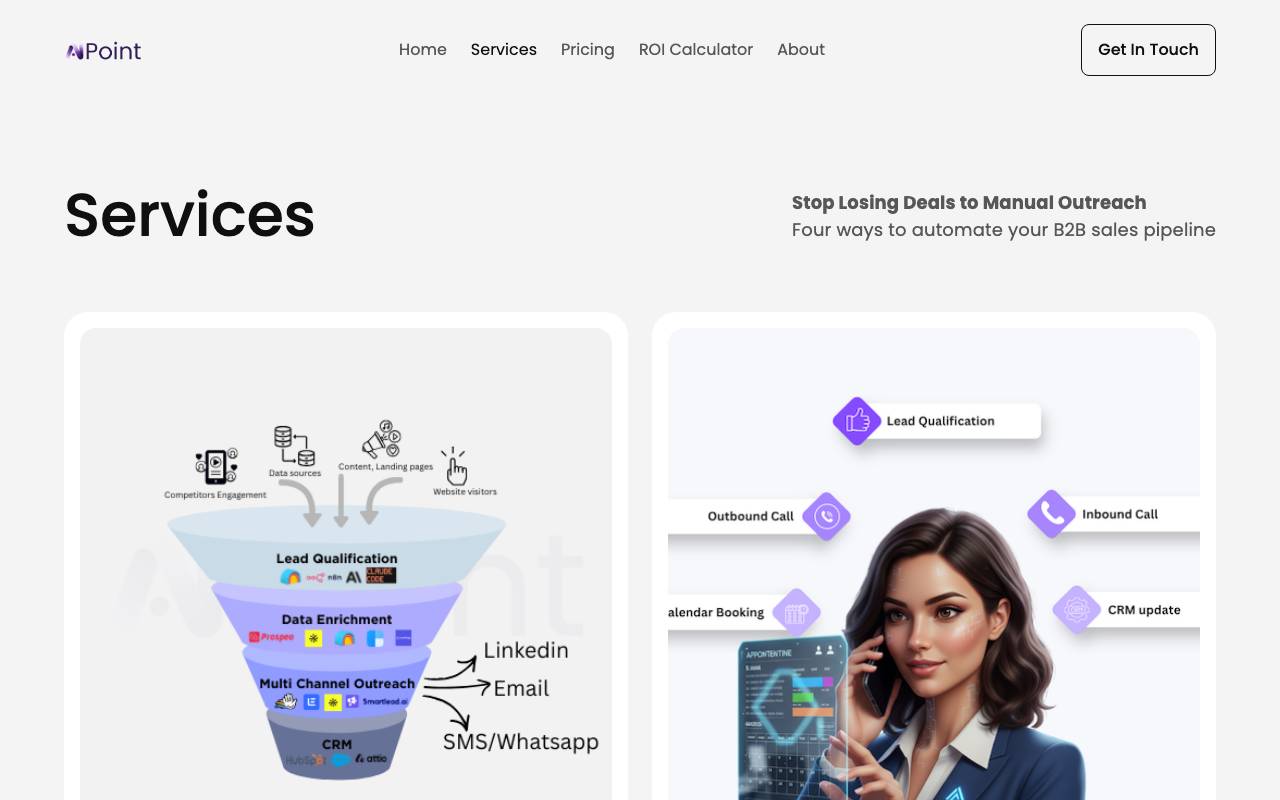
DevArchitect is an AI-powered development assistant designed to help engineers move from idea to implementation more quickly. It supports tasks like generating code, structuring project architectures, reviewing snippets, and suggesting improvements across common programming languages and frameworks. The tool aims to act as a collaborative partner during the software development lifecycle, offering contextual guidance whether you're scaffolding a new application, debugging an existing codebase, or exploring design patterns. By combining code generation with architectural reasoning, it targets both individual developers and small teams looking to streamline their workflow.
- AI-driven code generation and completion
- Project architecture suggestions
- Code review and improvement hints
- Multi-language and framework support
- Debugging and refactoring assistance
- Context-aware development workflow
CodeGPT
Customizable AI coding assistant for generation, completion, and explanation inside your IDE.
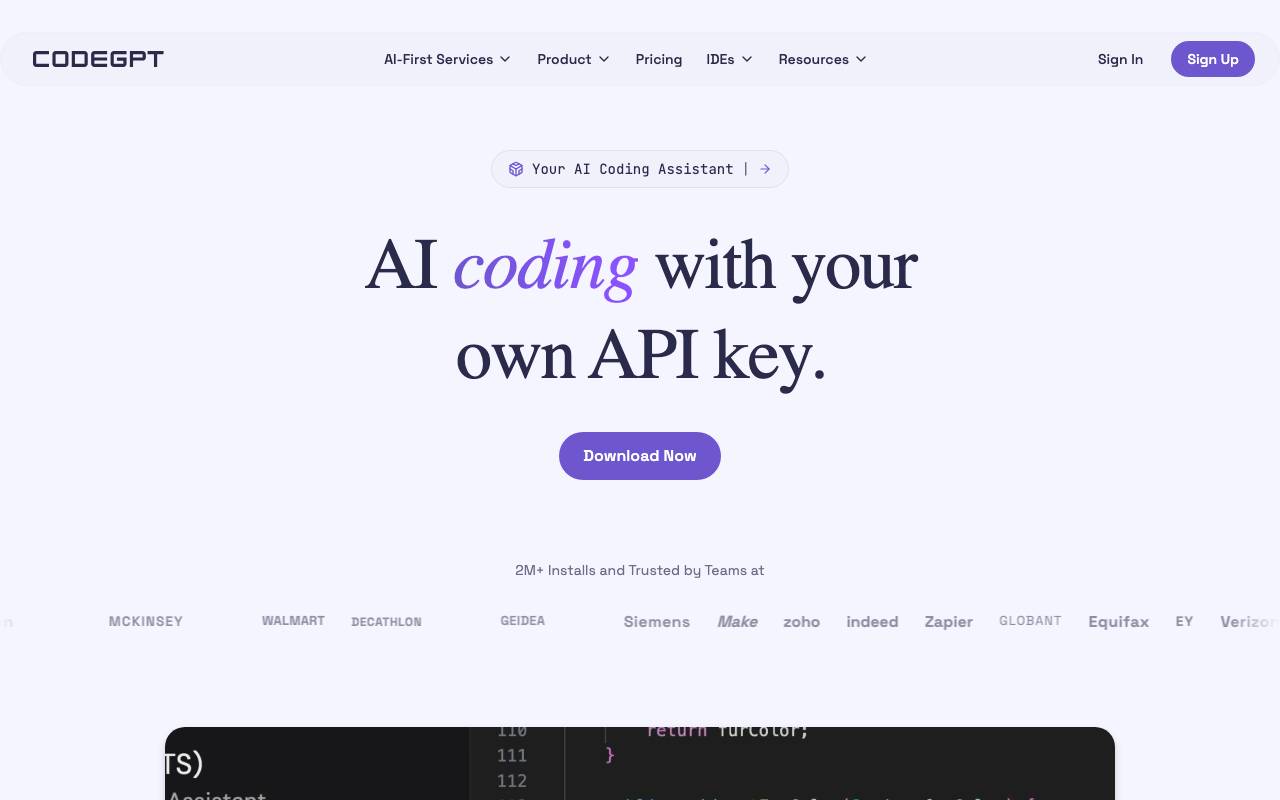
CodeGPT is an AI-powered coding assistant that integrates directly into popular development environments like VS Code and JetBrains IDEs. It helps developers write, complete, refactor, and document code through natural language prompts and contextual suggestions. Beyond standard autocomplete, CodeGPT lets teams configure custom AI agents tied to their own codebases, documentation, or preferred language models. This makes it useful for tasks ranging from generating boilerplate and unit tests to explaining unfamiliar code or onboarding new engineers to a project. It supports multiple AI providers and offers both individual and team plans, with options for self-hosted deployments aimed at organizations with stricter privacy or compliance needs.
- In-IDE code completion and chat
- Custom AI agents trained on your context
- Code explanation and documentation generation
- Unit test and refactoring suggestions
- Multi-model support across providers
- Team and enterprise deployment options

Baz
AI code review that flags bugs, regressions, and design issues like a senior engineer.
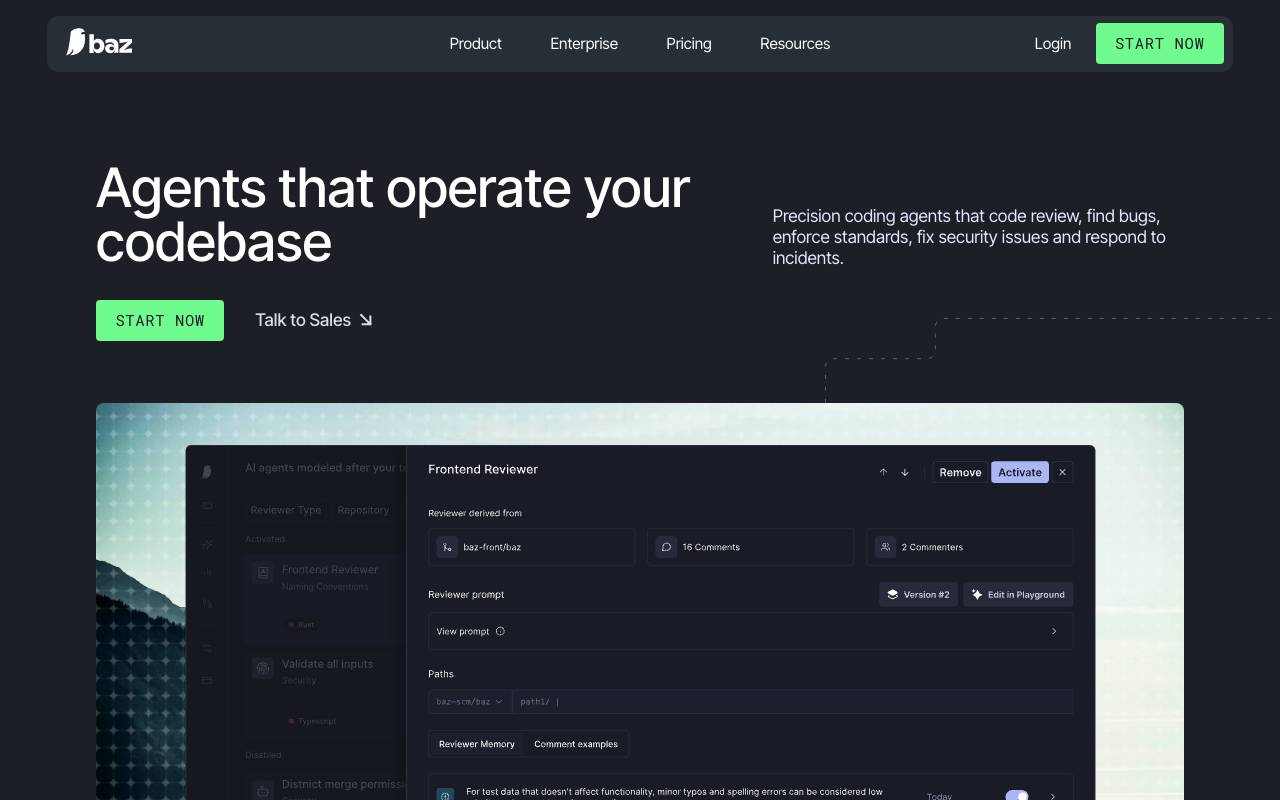
Baz is an AI code review agent that flags bugs, regressions, and design issues in codebases. It works across multiple files and tools to provide critical feedback and measurable insights into how engineering teams interact with AI reviews. Baz adapts to the standards and workflow of its users, improving code quality and helping to eliminate entire classes of bugs and vulnerabilities. It accumulates learnings from teams automatically and modifies instructions accordingly. Baz's AI agent code review is trusted by AI-native dev teams and is designed to be contextual, scalable, and dependable for engineering organizations.
- AI-driven pull request reviews
- Inline comments and suggestions
- Repository-wide context analysis
- Bug and regression detection
- Security and best-practice checks
- Git platform integration

Maige
An open-source AI-powered tool that automates natural language workflows within your codebase, integrating seamlessly with GitHub.
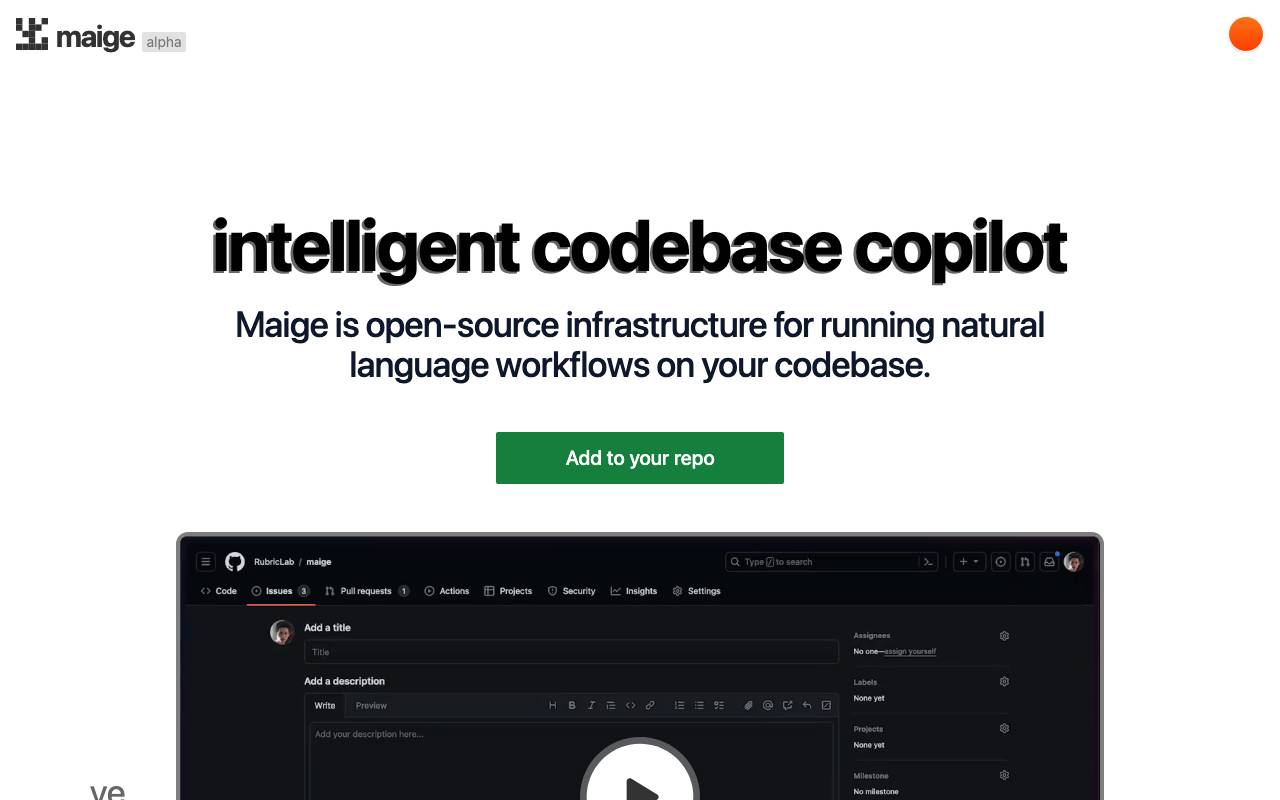
Maige is open-source infrastructure for running natural language workflows on your codebase. When connected to your GitHub repository, it creates a webhook, embeddings of your entire codebase, and a sandbox environment. You can then describe the actions you want Maige to take when issues and pull requests are opened, such as labeling, assigning, commenting, reviewing code, and running simple code snippets. Maige works flexibly with the GitHub API and allows you to monitor and provide feedback in its dashboard. It is an AI with access to GitHub and can automate various tasks, including labeling issues automatically, customizing instructions, and code review. Maige is a flexible and customizable tool that enables you to automate natural language workflows within your codebase. It is primarily used by open-source developers to streamline their workflow and improve collaboration. The tool has been used by over 4,300 repositories and allows users to monitor runs and provide feedback in its dashboard.
- Webhook integration
- Codebase embeddings
- Sandbox environment
- Automated issue labeling
- Custom instructions
- Code review

Sweep AI
An AI-powered junior developer that transforms bug reports and feature requests into code changes, streamlining the software development process.
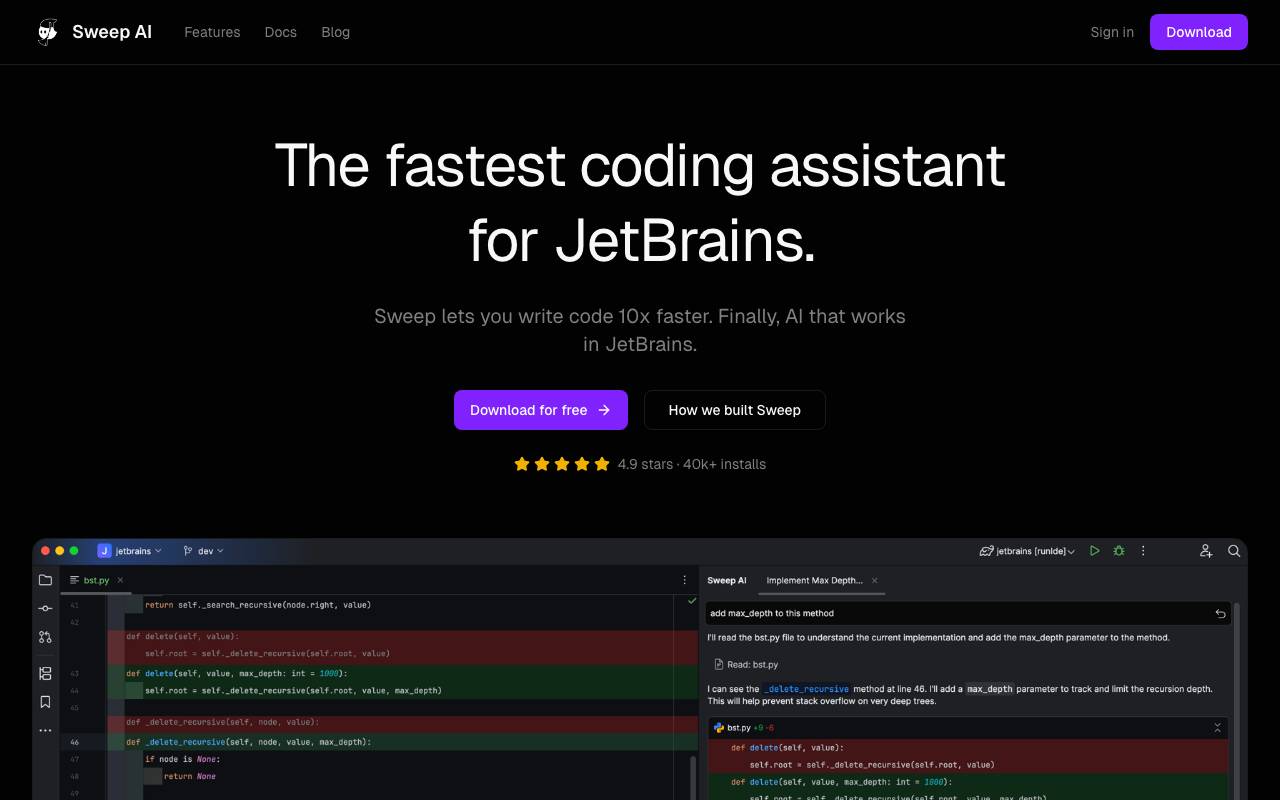
Sweep AI is an artificial intelligence-powered coding assistant designed to work seamlessly within JetBrains integrated development environments (IDEs). It aims to streamline the software development process by suggesting precise code changes, effectively acting as a junior developer. Sweep integrates with various JetBrains IDEs, including IntelliJ IDEA, PyCharm, and WebStorm, making it a versatile tool for developers across different projects. The AI technology behind Sweep, including its custom Tab model and autocomplete features, enables developers to write code faster and more efficiently. Sweep's ability to index the entire project for context-aware suggestions underscores its potential to understand complex codebases and provide relevant assistance. By facilitating rapid and accurate coding, Sweep seeks to boost developer productivity and transform the development workflow. Sweep also emphasizes security and privacy, boasting SOC 2 compliance and zero data retention, which is crucial for enterprises handling sensitive information. The tool's instantaneous code suggestions and comprehensive indexing contribute to its appeal as a productivity-enhancing solution for professional developers. With a strong focus on performance, security, and ease of use, Sweep positions itself as a valuable asset for developers seeking to enhance their coding experience within the JetBrains ecosystem. Sweep's integration with JetBrains IDEs and its commitment to privacy and security standards make it an attractive option for developers looking for a reliable and efficient coding assistant. The tool's impact on developer productivity is highlighted by testimonials from users who have experienced significant improvements in their workflow efficiency. By leveraging AI to automate certain aspects of coding, Sweep enables developers to focus on more complex and creative tasks, potentially leading to better software quality and faster development cycles. Overall, Sweep AI represents a noteworthy innovation in coding assistance, offering a powerful combination of AI-driven code completion, project indexing, and seamless integration with popular development environments.
- AI-powered code completion
- Custom Tab model for precise code suggestions
- Project indexing for context-aware assistance
- Seamless integration with JetBrains IDEs
- SOC 2 compliance and zero data retention for enhanced security and privacy

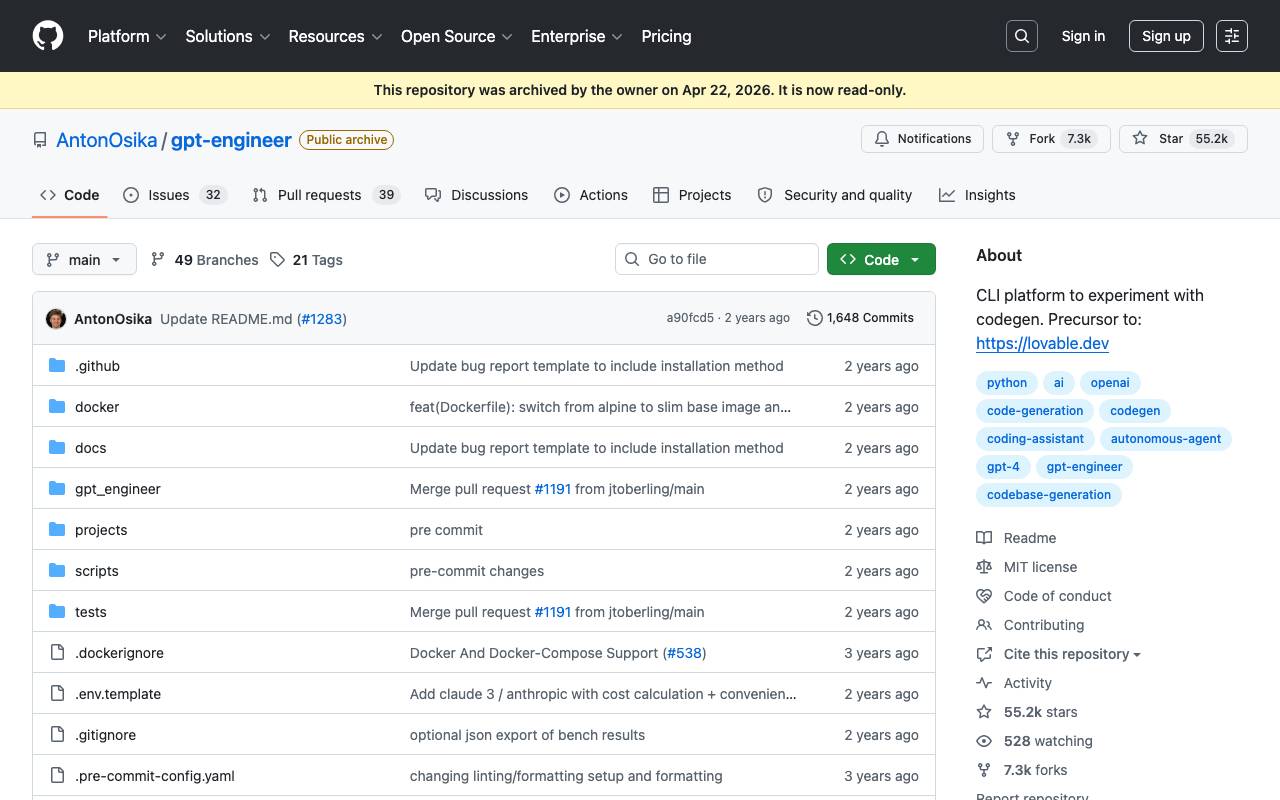
GPT Engineer is a platform that converts natural language prompts into working code and applications quickly. It allows users to specify software requirements in natural language and watch as an AI writes and executes the code. The platform also supports implementing improvements to existing code. The tool is suitable for developers and users who want to rapidly prototype and build software applications. GPT Engineer works by taking a prompt file as input, which contains instructions for the AI to generate or improve code. Key features of GPT Engineer include its ability to generate code based on natural language prompts, support for improving existing code, and benchmarking custom agents against popular public datasets. The platform supports Python 3.10-3.12 and uses the OpenAI API. Users can install GPT Engineer using pip, set up an API key, and run the tool using Docker or in their browser. The platform also provides documentation and a roadmap for future development. GPT Engineer is an open-source tool, but a commercial version called gptengineer.app exists, offering a managed service for automatic web app generation. Another related project is aider, a well-maintained, hackable CLI for code generation.
- Natural language to code generation
- Full app scaffolding from prompts
- Iterative editing via chat
- Project export and code ownership
- Support for common web frameworks
- Rapid prototyping workflow

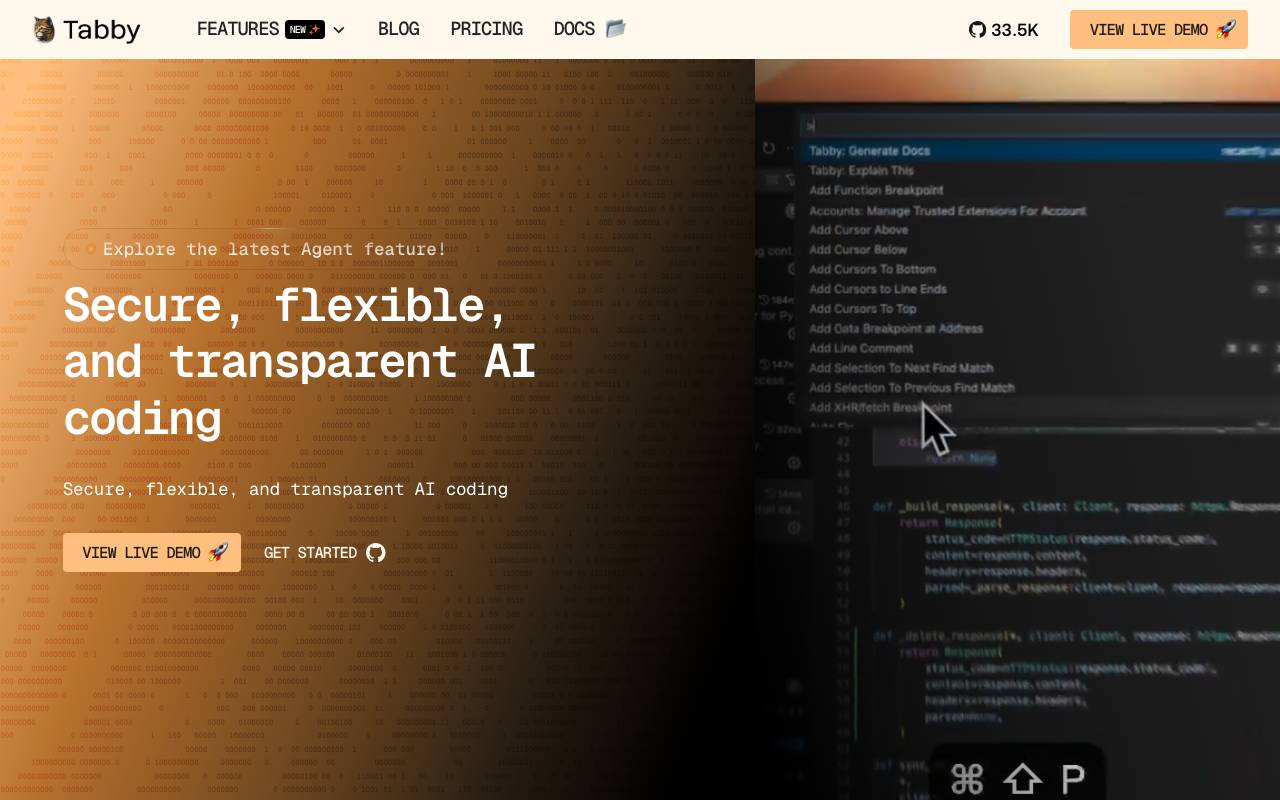
Tabby is an open-source AI coding assistant that you can run on your own infrastructure, giving teams a self-hosted alternative to cloud-based code completion tools. It plugs into popular editors and provides real-time suggestions, multi-line completions, and contextual autocompletion across many programming languages. Because it runs locally or on private servers, Tabby keeps source code inside the organization's environment, making it appealing for companies with strict data, compliance, or IP requirements. It supports consumer GPUs and various open-source models, letting teams tune cost and performance to their hardware. With editor extensions for VS Code, JetBrains IDEs, and Vim/Neovim, plus a transparent, community-driven codebase, Tabby is aimed at developers who want a Copilot-style experience without sending code to a third-party API.
- Real-time code completion and suggestions
- Self-hosted deployment with Docker support
- Extensions for VS Code, JetBrains, and Vim
- Support for multiple open-source LLMs
- GPU-accelerated local inference
- Team usage analytics and admin controls
Browse all 22 Coding assistant tools
The complete, searchable directory — ranked by real user reviews.