
OpenHandsOpen-source platform for AI agents that build, debug, and ship code like developers.

Overview
Key features
- Autonomous coding and debugging agents
- Sandboxed shell and file system access
- Web browsing and API interaction tools
- Docker-based local deployment
- Pluggable LLM backend support
- Web-based interactive UI
Pricing
- Model
- Free
- Category
- Coding assistant
- Rating
- 4.8 / 5 (6)
Use cases
Automate End-to-End Coding Tasks
Deploy AI agents to write, modify, and debug code across a project, executing shell commands and running tests in a sandboxed environment like a human developer would.
Self-Hosted AI Dev Assistant
Run OpenHands locally via Docker with your preferred LLM backend to keep code and data in-house while leveraging autonomous coding agents through a web UI.
Research on Agent Architectures
Use the flexible, pluggable framework to experiment with custom tools, workflows, and LLM providers for studying autonomous software engineering agents.
CI/CD and DevOps Automation
Integrate agents into development pipelines to automate repetitive coding, testing, and DevOps tasks such as bug fixes, refactors, or API interactions.
Pros & Cons
Pros
- Fully open source and self-hostable
- Supports multiple LLM providers
- Active community and frequent updates
- Flexible agent and tool customization
- Sandboxed execution for safer code runs
Cons
- Requires technical setup and configuration
- LLM API usage can become expensive
- Agent reliability varies by task complexity
- Steeper learning curve than hosted alternatives
Reviews
Average from 6 ratings.
Sign in to leave a review.
Compared a few options
Evaluated this against two competitors. Where it wins: sandboxed shell and file system access and fully open source and self-hostable. On balance the feature set — especially autonomous coding and debugging agents — justifies the 5 stars for our use case.
Years in this space
I've evaluated a lot of these over the years. What stands out here is sandboxed shell and file system access — handled better than most — and flexible agent and tool customization. Worth the time if this is your use case.
Solid for our team
We rolled this out across the team last quarter and fully open source and self-hostable. Web browsing and API interaction tools fits neatly into how we already work, and docker-based local deployment removed a step we used to do by hand. but it has held up under daily use.
Solid for our team
We rolled this out across the team last quarter and active community and frequent updates. Web browsing and API interaction tools fits neatly into how we already work, and pluggable LLM backend support removed a step we used to do by hand. Steeper learning curve than hosted alternatives, which is the main caveat, but it has held up under daily use.
Does the job
Pretty happy overall. Docker-based local deployment just works and fully open source and self-hostable. but no dealbreakers — I'd recommend it to a friend without hesitating.
Compared a few options
Evaluated this against two competitors. Where it wins: pluggable LLM backend support and supports multiple LLM providers. On balance the feature set — especially autonomous coding and debugging agents — justifies the 5 stars for our use case.
Q&A
What types of teams use OpenHands?
OpenHands is used by platform teams automating engineering workflows at scale, teams building internal developer platforms or AI-powered tooling, and enterprises managing large or legacy codebases and mission-critical software systems.
Asked by Ximenez Alvarado · Jul 7, 2025
Is OpenHands secure for enterprise use?
OpenHands runs in your environment, whether on-prem or private cloud, so your code never leaves your control. Since agents operate inside secure, isolated execution environments with full auditability, it is built for organizations with strict data security, compliance, and governance requirements.
Asked by Zeynep Aydin · Jul 7, 2025
Can OpenHands work with large or legacy codebases?
Yes. OpenHands is specifically designed to handle large, complex, and legacy codebases. With its Large Codebase SDK, it maps dependencies across the system and orchestrates changes in the correct order, allowing multiple agents to safely work in parallel without conflicts.
Asked by Fatima Zahra · Jun 30, 2025
How is OpenHands different from AI coding tools like GitHub Copilot or ChatGPT?
Instead of helping you write code faster, OpenHands helps you ship changes end-to-end. Tools such as GitHub Copilot or ChatGPT generate code suggestions. OpenHands runs agents that complete entire engineering tasks, taking actions across entire codebases, running tasks in parallel, and executing changes in real environments.
Asked by Giulia Conti · Jun 21, 2025
What is OpenHands?
OpenHands is an AI agent platform for software development that can execute real engineering work, not just suggest code. It runs autonomous agents that plan, write, and apply changes across your codebase, helping teams complete complex tasks end-to-end. Built on an open source foundation, it's designed for enterprise software development at scale.
Asked by Henrik Dahl · May 5, 2025
Ask a question
Coding assistant alternatives


Gemini Code Assist
Coding assistant
Google's AI coding assistant powered by Gemini models for faster, smarter development


Sourcegraph Cody AI
Coding assistant
AI coding assistant that understands your entire codebase for context-aware help


DevArchitect
Coding assistant
AI-assisted coding companion for planning, building, and refining software projects.

CodeGPT
Coding assistant
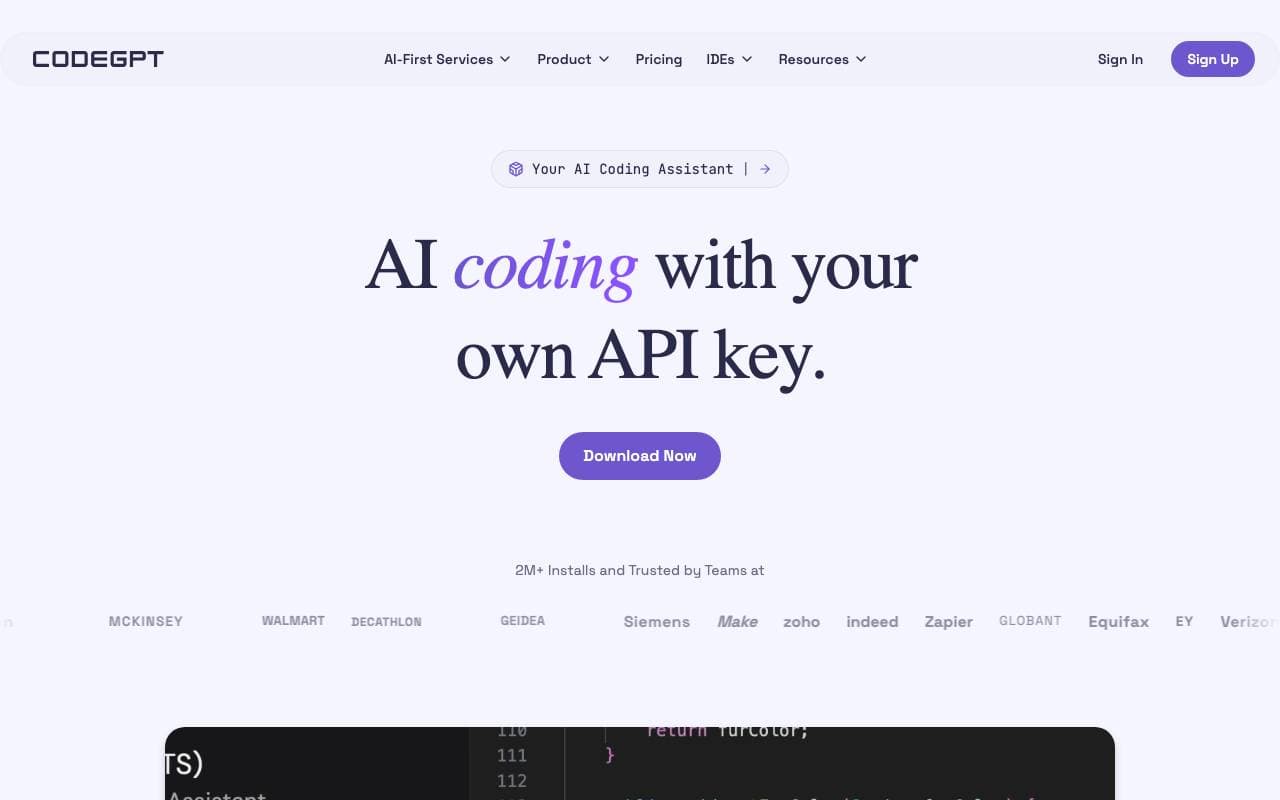
Customizable AI coding assistant for generation, completion, and explanation inside your IDE.

Baz
Coding assistant
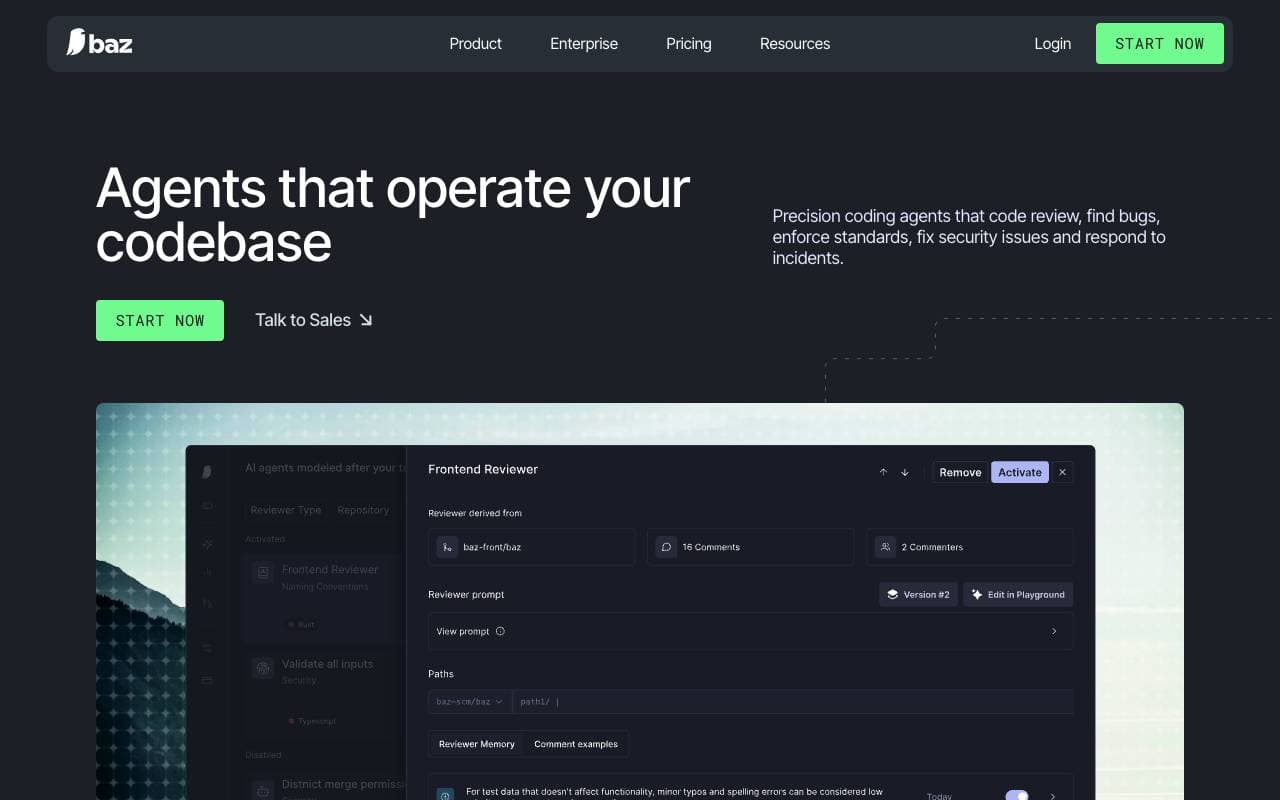
AI code review that flags bugs, regressions, and design issues like a senior engineer.

Maige
Coding assistant
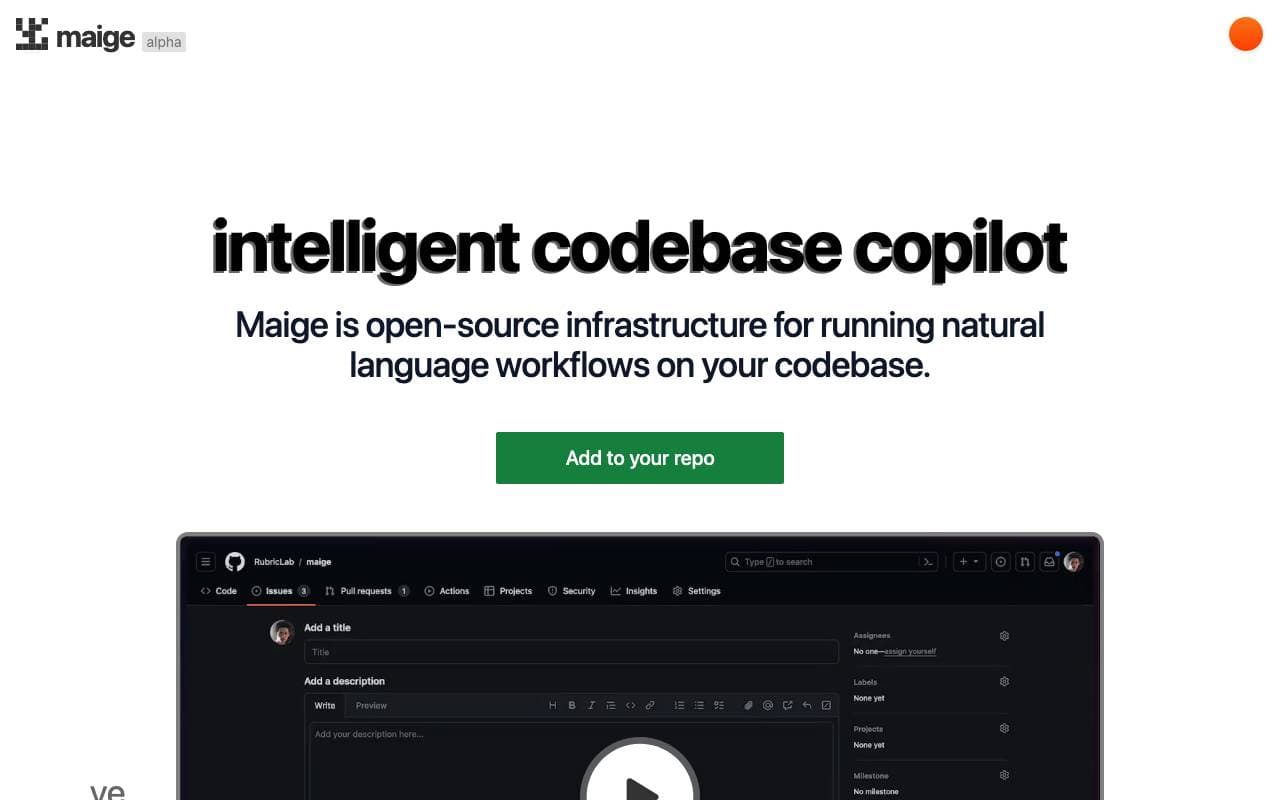
An open-source AI-powered tool that automates natural language workflows within your codebase, integrating seamlessly with GitHub.


Sweep AI
Coding assistant
An AI-powered junior developer that transforms bug reports and feature requests into code changes, streamlining the software development process.


GPTEngineer
Coding assistant
Turn natural language prompts into working code and apps, fast.
Trending now


AdCrier
Marketing & Advertising
Sponsored answers, paid per click.


Reducto AI
AI Agent Development Platforms
Document intelligence API that parses, splits, OCRs, and extracts structured data from complex PDFs, slides, and spreadsheets.


Biology AI
Education AI
Accurate Homework Help with Full Explanations


Pin AI
Workflow automation
Agentic AI recruiter that automates sourcing, screening, and outreach to accelerate hiring.