Past battle · 2024-01-10 UTC
Coding assistant Showdown — January 10, 2024
From the Coding assistant category. 27 marks placed across 10 fighters. PR-Agent took the crown.
Final standings








The line-up
The fighters
Profiles of every tool that competed in this battle, ranked by their final score.

PR-Agent
AI assistant that automates pull request reviews with analysis, feedback, and code suggestions.
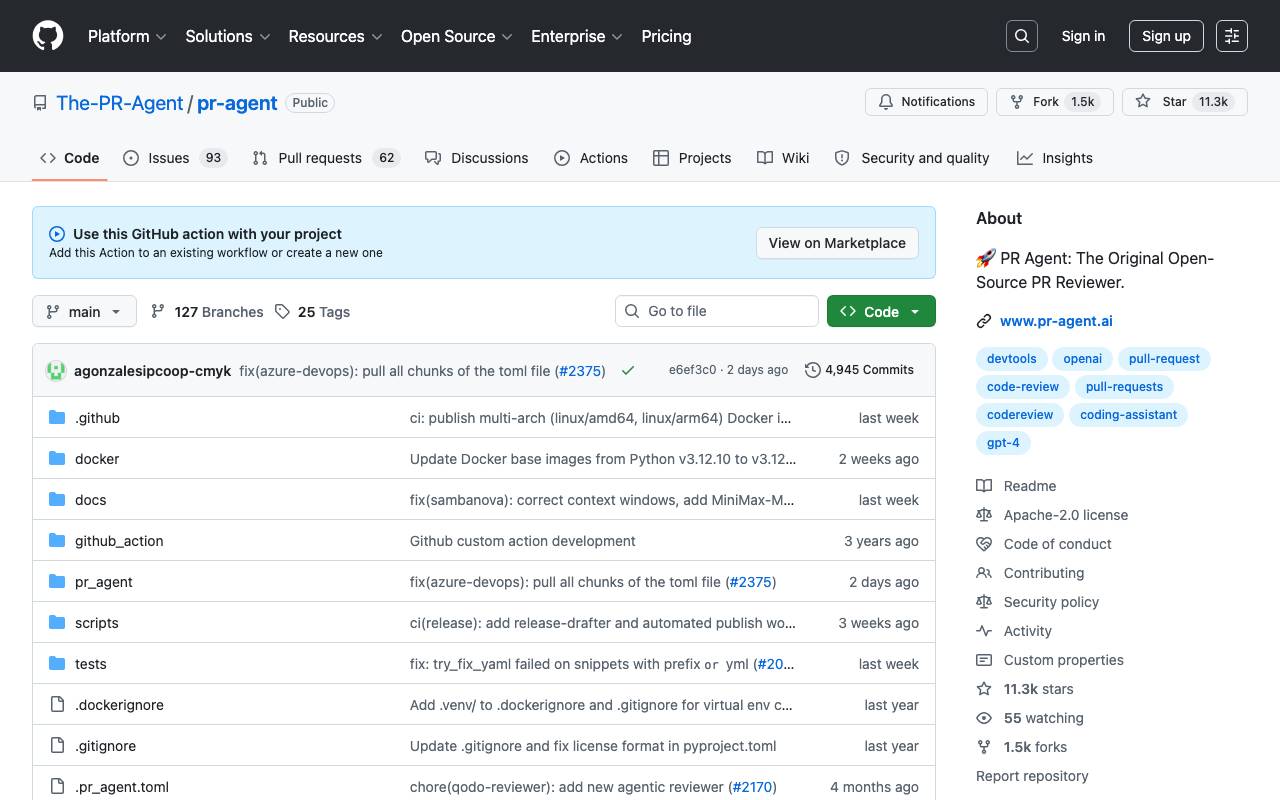
PR-Agent is an AI-powered tool designed to streamline the code review process by automatically analyzing pull requests and surfacing actionable insights. It integrates with common Git platforms and helps teams reduce review bottlenecks by handling repetitive checks before a human reviewer steps in. The tool can generate PR descriptions, summarize changes, suggest code improvements, and answer questions about the diff. By offloading routine review tasks to an AI agent, developers can focus on architectural decisions and higher-level feedback. PR-Agent is suitable for individual developers and engineering teams that want to maintain code quality while accelerating their delivery pipeline.
Criteria breakdown
- Automated pull request analysis
- AI-generated PR descriptions and summaries
- Inline code improvement suggestions
- Interactive Q&A on code changes
- Customizable review prompts
- Support for multiple Git platforms

OpenHands
Open-source platform for AI agents that build, debug, and ship code like developers.
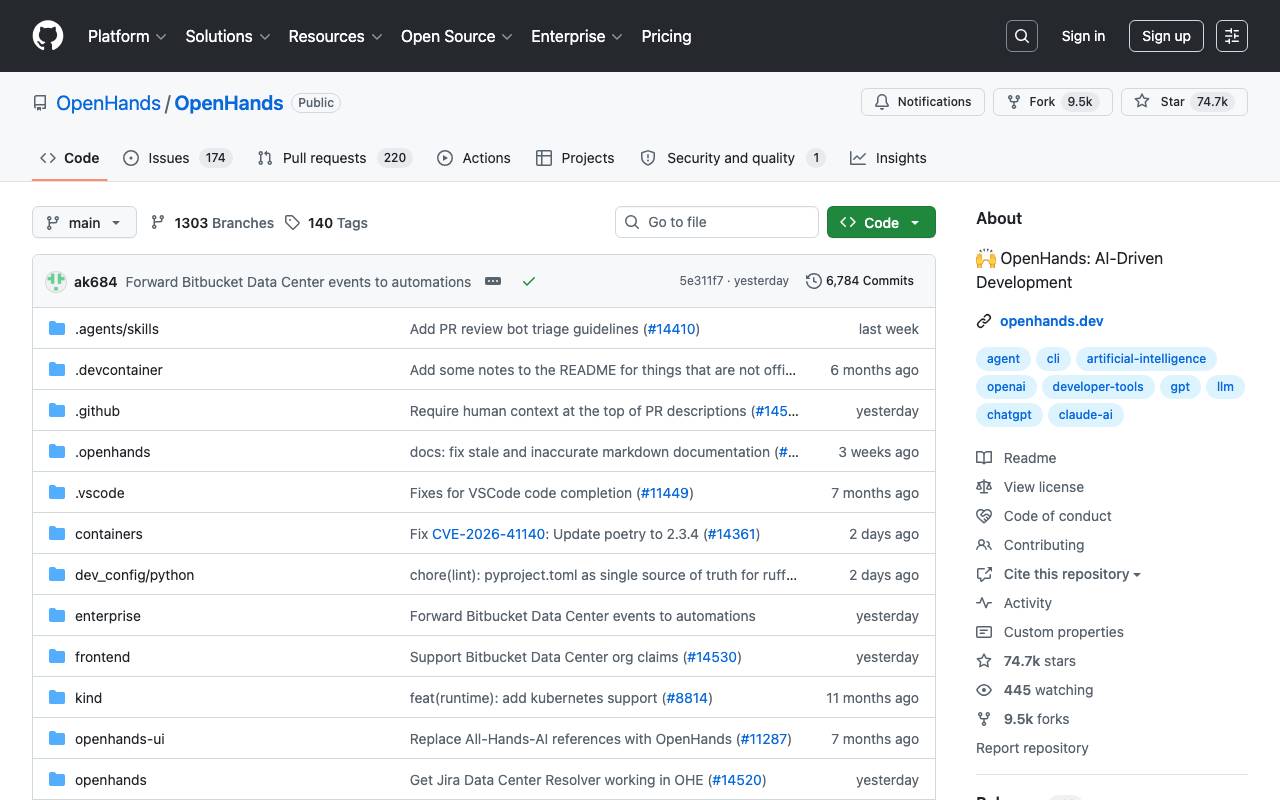
OpenHands is an open-source framework for creating AI agents that can perform end-to-end software development tasks. The agents can read and modify code, run shell commands, browse the web, and interact with APIs—operating much like a human developer working in a sandboxed environment. Designed for both researchers and practitioners, OpenHands supports multiple LLM backends and offers a flexible architecture for customizing agent behavior, tools, and workflows. It can be self-hosted via Docker, used through a web UI, or integrated into existing development pipelines for automating coding, testing, and DevOps tasks.
Criteria breakdown
- Autonomous coding and debugging agents
- Sandboxed shell and file system access
- Web browsing and API interaction tools
- Docker-based local deployment
- Pluggable LLM backend support
- Web-based interactive UI

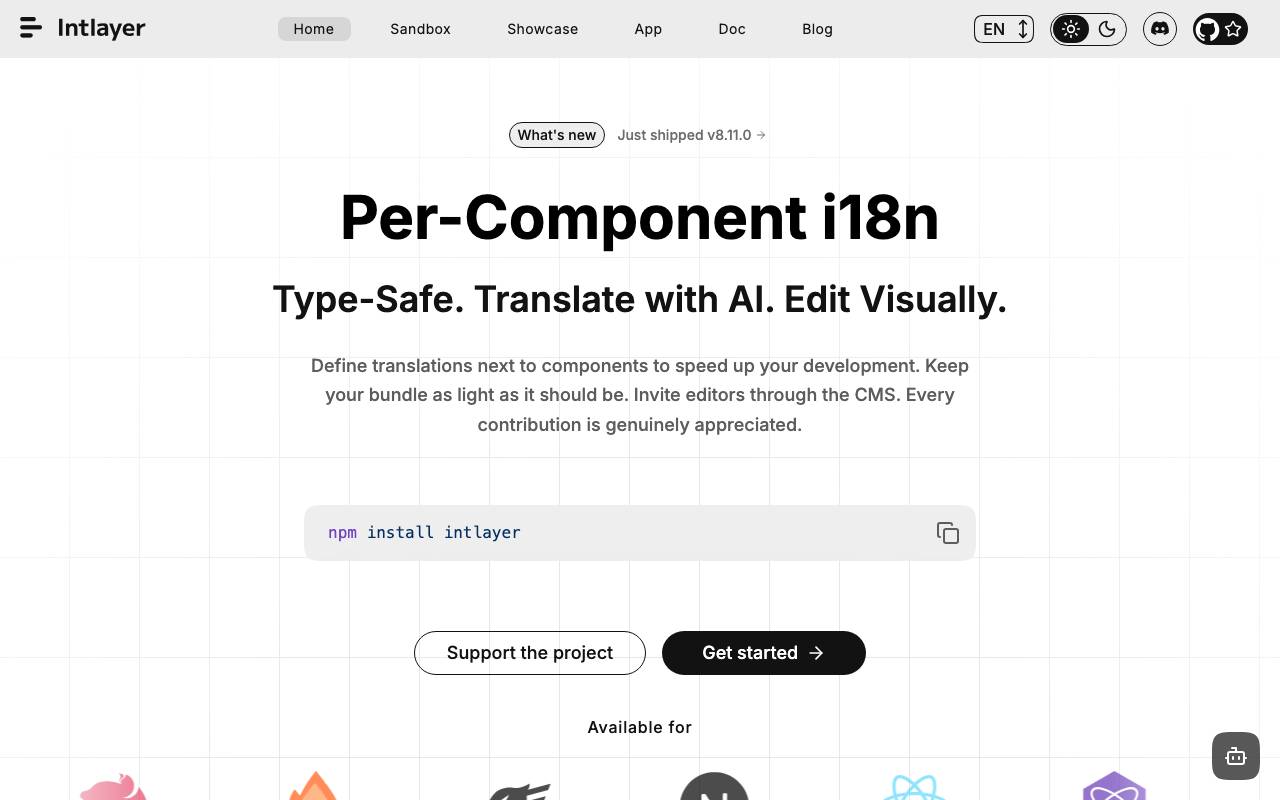
Intlayer MCP server exposes the Intlayer internationalization toolkit through the Model Context Protocol, allowing AI agents and IDE assistants to read, generate, and update translation content directly inside a codebase. It bridges LLM-based coding assistants with structured i18n operations so localization tasks can be handled without manual context switching. Developers can connect compatible clients such as Claude, Cursor, or other MCP-aware tools to scaffold locale files, extract translatable strings, sync missing keys across languages, and keep content dictionaries consistent. This is aimed at SaaS teams that want to ship multilingual features faster while keeping translation logic close to their source code.
Criteria breakdown
- MCP-compatible server for AI agents
- Automated extraction of translatable strings
- Locale file generation and synchronization
- Content dictionary management
- Integration with Claude, Cursor, and similar IDE agents
- Codebase-aware i18n operations

GeniA
Open-source AI assistant that automates engineering workflows across team tools and APIs.
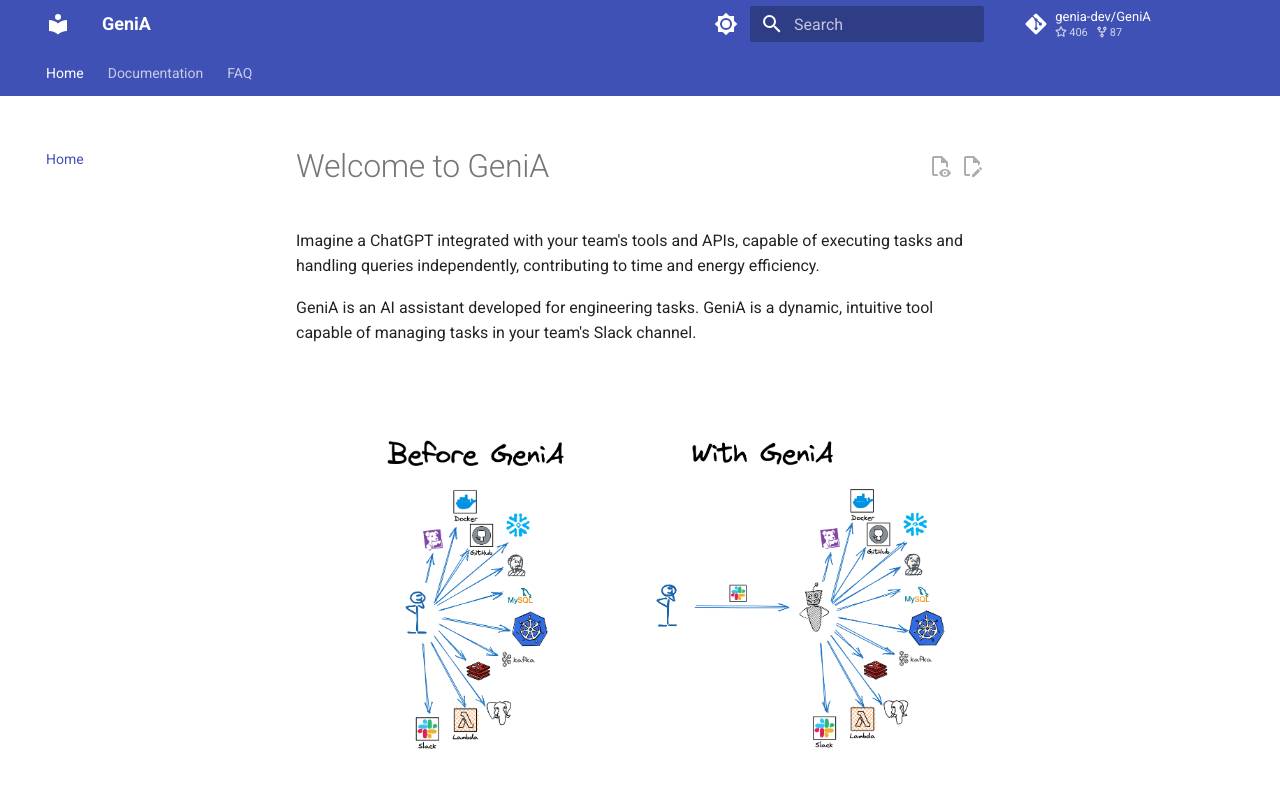
GeniA is a production-grade, open-source AI assistant that automates engineering workflows across team tools and APIs. It is built upon the function-calling capabilities offered by OpenAI and requires an OpenAI API Key to operate. GeniA is designed to be a fast learner, quickly acquiring the ability to utilize customized tools. It can help teams with tasks such as research and development, deployment, troubleshooting, and log summarization, and can be integrated into a team's Slack channel. GeniA is a collaborative tool that aims to boost the speed of its users by minimizing boilerplate and cross-team dependencies. It is 100% open source and can be expanded or modified to suit a team's specific needs. Some of the key features of GeniA include its ability to work alongside engineers in production environments, execute tasks on behalf of users, and conduct tasks such as vulnerability checks, best practices, and playbooks. GeniA is also designed to reduce Mean Time To Resolve (MTTR) and improve service usage monitoring and optimization.
Criteria breakdown
- Conversational interface for engineering tasks
- Pluggable integrations with APIs and SaaS tools
- Custom skill and workflow definitions
- Automation of repetitive ops tasks
- Team-oriented deployment model
- Community-driven development

Sweep AI
An AI-powered junior developer that transforms bug reports and feature requests into code changes, streamlining the software development process.
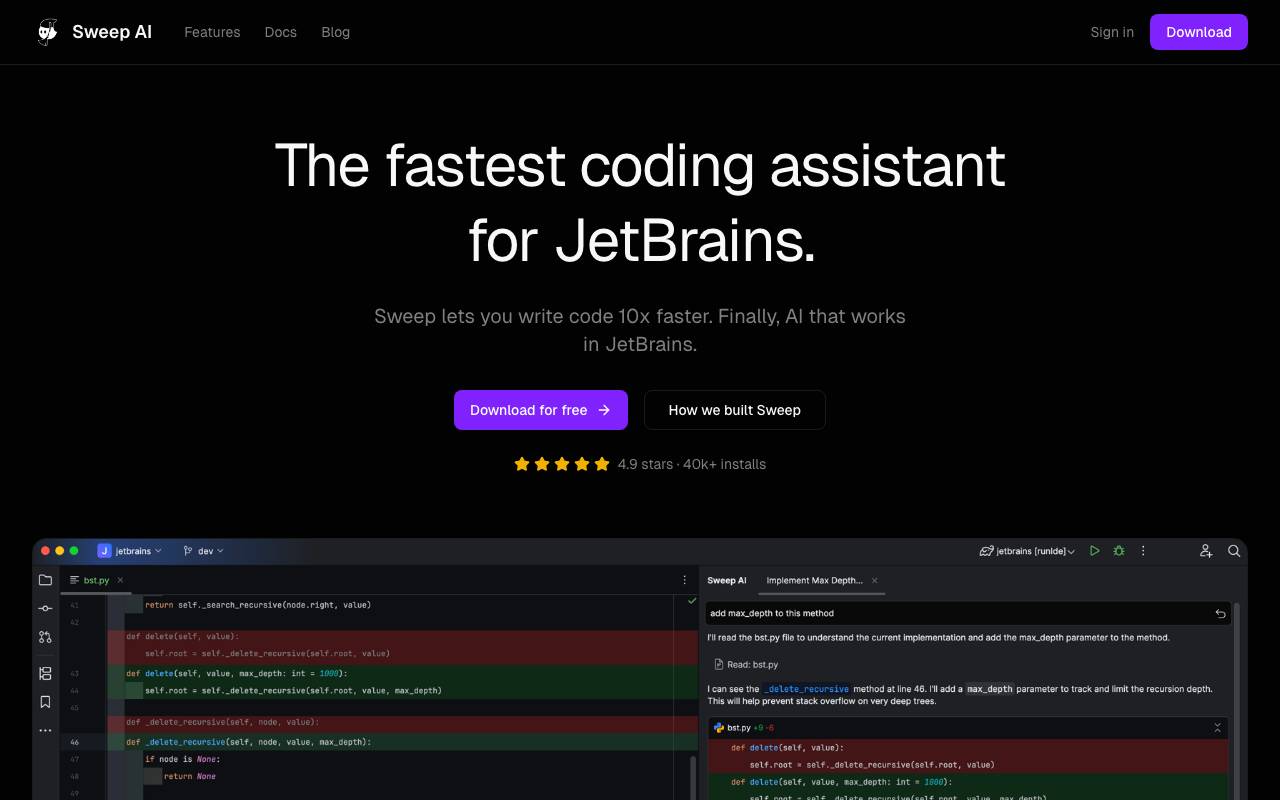
Sweep AI is an artificial intelligence-powered coding assistant designed to work seamlessly within JetBrains integrated development environments (IDEs). It aims to streamline the software development process by suggesting precise code changes, effectively acting as a junior developer. Sweep integrates with various JetBrains IDEs, including IntelliJ IDEA, PyCharm, and WebStorm, making it a versatile tool for developers across different projects. The AI technology behind Sweep, including its custom Tab model and autocomplete features, enables developers to write code faster and more efficiently. Sweep's ability to index the entire project for context-aware suggestions underscores its potential to understand complex codebases and provide relevant assistance. By facilitating rapid and accurate coding, Sweep seeks to boost developer productivity and transform the development workflow. Sweep also emphasizes security and privacy, boasting SOC 2 compliance and zero data retention, which is crucial for enterprises handling sensitive information. The tool's instantaneous code suggestions and comprehensive indexing contribute to its appeal as a productivity-enhancing solution for professional developers. With a strong focus on performance, security, and ease of use, Sweep positions itself as a valuable asset for developers seeking to enhance their coding experience within the JetBrains ecosystem. Sweep's integration with JetBrains IDEs and its commitment to privacy and security standards make it an attractive option for developers looking for a reliable and efficient coding assistant. The tool's impact on developer productivity is highlighted by testimonials from users who have experienced significant improvements in their workflow efficiency. By leveraging AI to automate certain aspects of coding, Sweep enables developers to focus on more complex and creative tasks, potentially leading to better software quality and faster development cycles. Overall, Sweep AI represents a noteworthy innovation in coding assistance, offering a powerful combination of AI-driven code completion, project indexing, and seamless integration with popular development environments.
Criteria breakdown
- AI-powered code completion
- Custom Tab model for precise code suggestions
- Project indexing for context-aware assistance
- Seamless integration with JetBrains IDEs
- SOC 2 compliance and zero data retention for enhanced security and privacy

AutoPR
An AI-driven GitHub Action that automates pull request creation and summarizes code modifications to streamline development workflows.
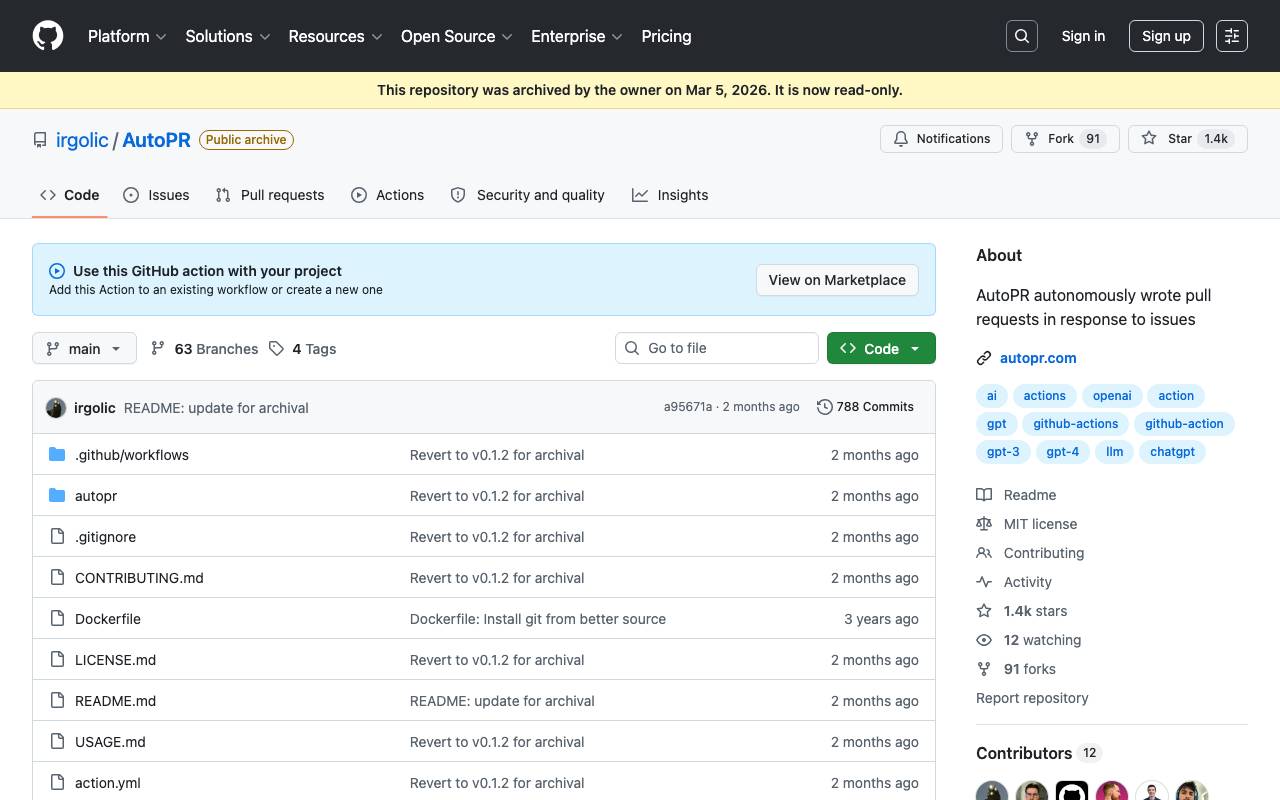
AutoPR is an AI-driven GitHub Action that automates pull request creation and summarizes code modifications to streamline development workflows. It was designed to autonomously generate pull requests in response to issues. The tool was triggered by adding a label containing AutoPR to an issue, after which it would plan a fix, write the code, push a branch, and open a pull request. AutoPR was built using Guardrails, which prompted LLMs to generate structured data with JSON Schemas. The project was in development and alpha release, with limitations including incorrectly referencing code in other files, duplicating lines, calling non-existent functions, and only working on GitHub. The repository is now archived and read-only.
Criteria breakdown
- Automated pull request creation
- Code summarization
- Triggered by label
- Autonomous code generation

Gemini Code Assist
Google's AI coding assistant powered by Gemini models for faster, smarter development
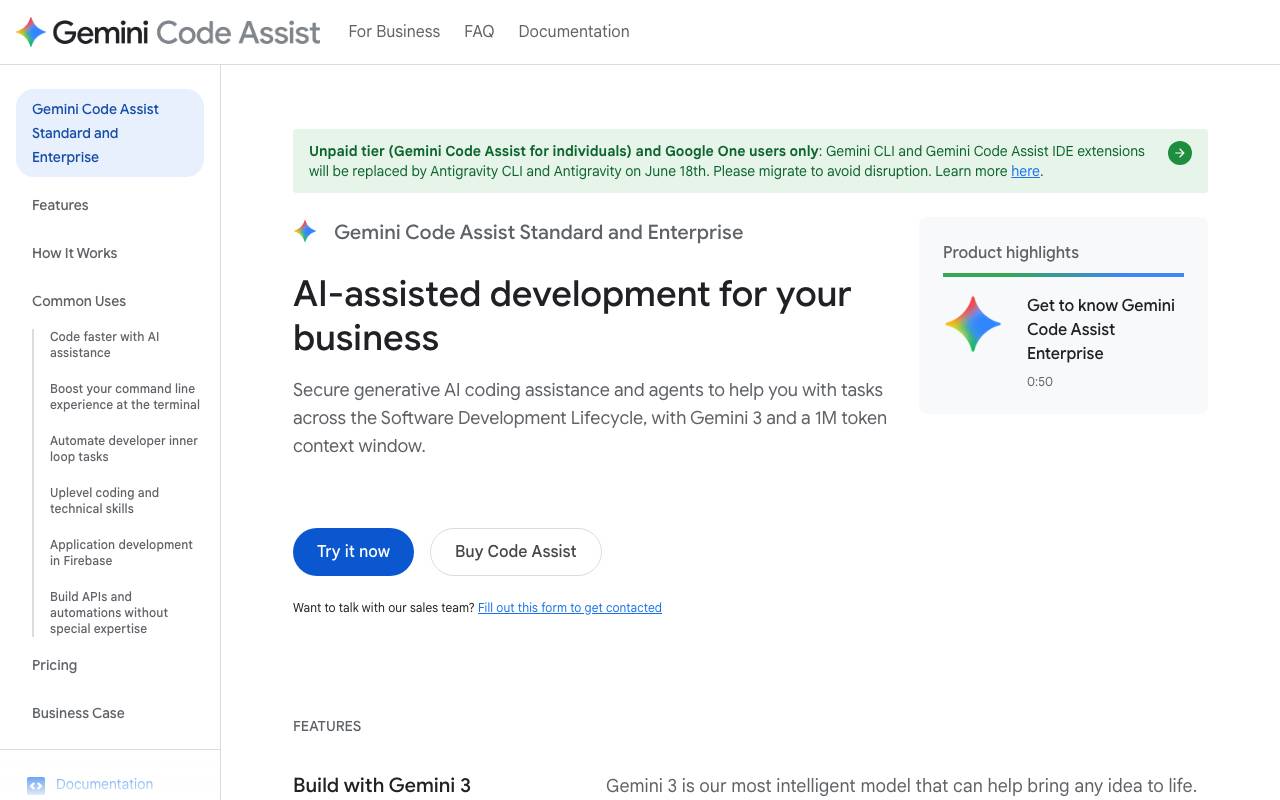
Gemini Code Assist is Google's AI-powered coding companion designed to help developers write, understand, and maintain software more efficiently. Built on Google's Gemini family of large language models, it integrates with popular IDEs like VS Code and JetBrains, as well as Google Cloud environments, to provide contextual code suggestions, completions, and explanations. The tool supports a wide range of programming languages and can assist with tasks such as generating new code, refactoring existing functions, writing unit tests, and explaining unfamiliar codebases. It also offers chat-based interactions, allowing developers to ask questions about their project or get guidance on best practices without leaving their editor. For teams, Gemini Code Assist provides enterprise features including codebase-aware customization, source citation, and IP indemnification, making it suitable for organizations with security and compliance requirements.
Criteria breakdown
- AI code completion and generation
- In-IDE chat for code questions
- Code explanation and refactoring help
- Unit test generation
- Codebase-aware customization for teams
- Integration with Google Cloud and popular IDEs

Project Oscar
Open-source AI agent platform for automating open-source project maintenance tasks.
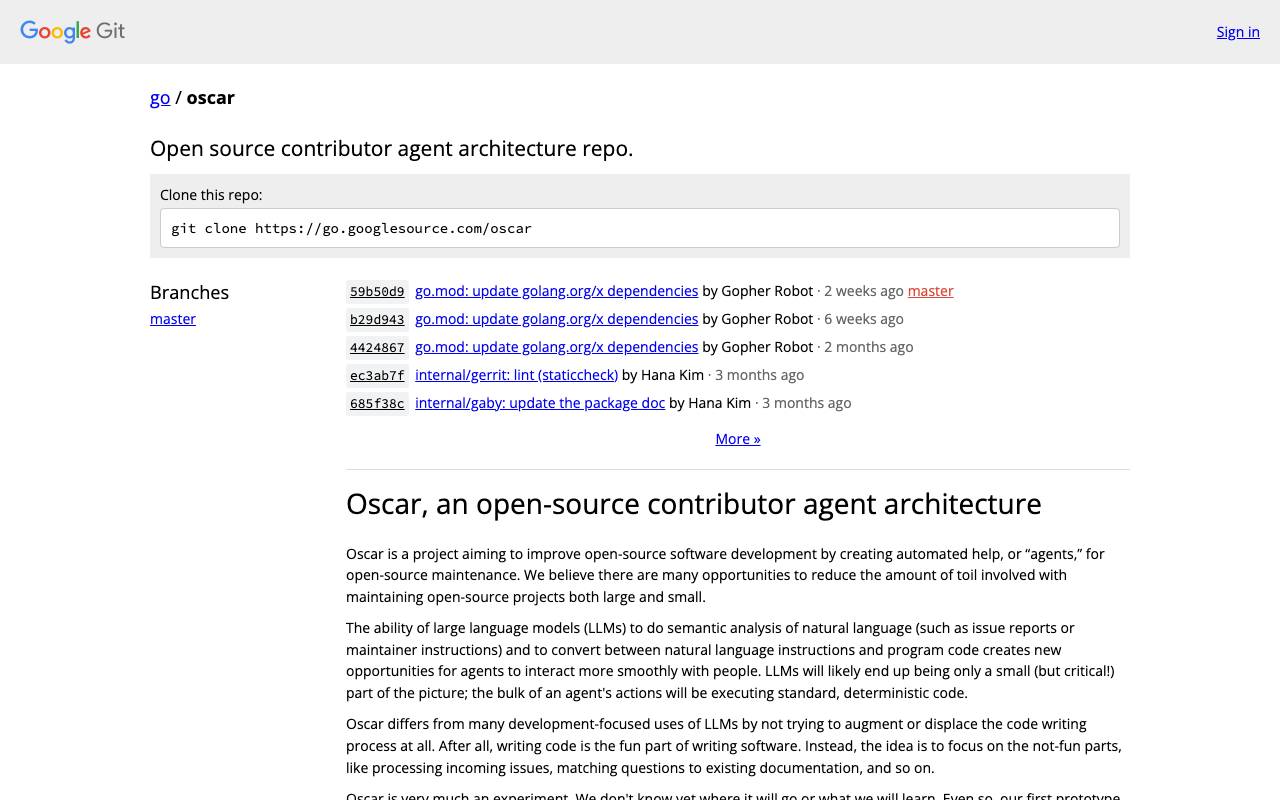
Project Oscar is an open-source platform for building AI agents that help maintain open-source repositories. It targets the repetitive overhead maintainers face, such as triaging incoming issues, identifying duplicates, and matching reports to relevant documentation or prior discussions. Rather than acting as a single bot, Oscar provides a framework for defining agents that can observe project activity and respond with useful context. Maintainers can configure agents to summarize issues, suggest labels, point contributors to existing resources, or flag missing information, reducing the manual load on small teams. Because the project itself is open source, teams can self-host, extend, and audit the agents they deploy, adapting Oscar to the conventions of their own communities.
Criteria breakdown
- Automated issue triage
- Duplicate detection for issues
- Documentation matching for questions
- Configurable AI agent framework
- Integration with project repositories
- Self-hosted deployment

Promptables is a platform designed to help teams build, test, and refine AI prompts as part of their product development workflow. It aims to shorten the cycle between prompt ideation and production-ready deployment, making prompt engineering more systematic and repeatable. The tool focuses on streamlining how developers and product teams create AI-driven features, offering structured tooling around prompt creation, iteration, and integration. This can be useful for startups and product teams looking to ship AI capabilities quickly without building prompt infrastructure from scratch.
Criteria breakdown
- Prompt development tooling
- Iteration and testing workflows
- Deployment-oriented prompt management
- Support for AI product workflows
- Structured prompt organization

Sourcegraph Cody AI
AI coding assistant that understands your entire codebase for context-aware help
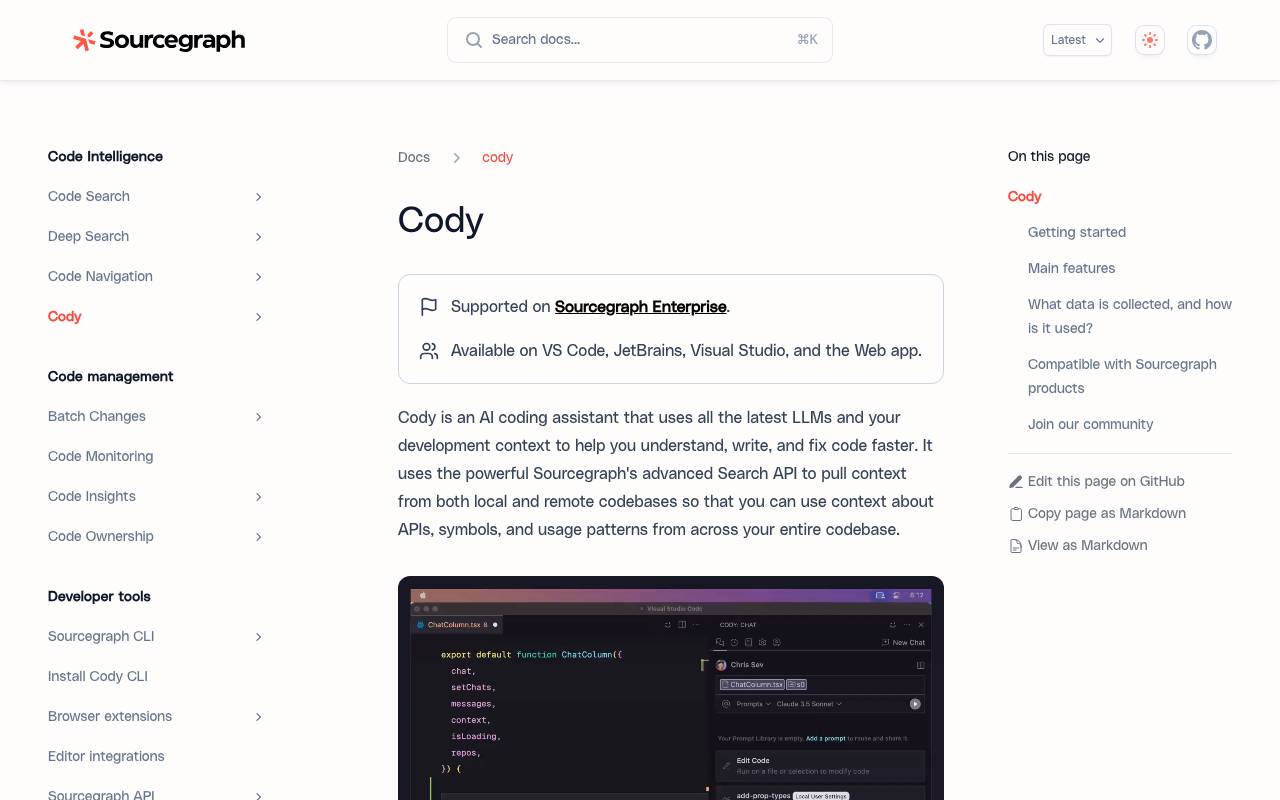
Sourcegraph Cody AI is a coding assistant designed to work with your real codebase, not just the file you're editing. By leveraging Sourcegraph's code search and indexing capabilities, it pulls in relevant context from across your repositories to answer questions, generate code, and explain unfamiliar logic with greater accuracy. Cody integrates into popular editors like VS Code and JetBrains IDEs, offering chat, autocomplete, and inline edits. It supports multiple underlying LLMs and is aimed at teams working in large, complex codebases where surface-level AI suggestions often fall short. With both free and enterprise tiers, Cody targets individual developers as well as organizations that need controls around code privacy, model selection, and integration with internal repositories.
Criteria breakdown
- Context-aware chat and code generation
- Inline autocomplete suggestions
- Codebase-wide search integration
- Multi-LLM support
- IDE plugins for VS Code and JetBrains
- Custom commands and prompts