
PubNub MCP ServerMCP server bridging AI coding assistants to PubNub docs, apps, and real-time messaging APIs.

Overview
Key features
- Documentation and SDK reference retrieval
- App and keyset management
- Publish, subscribe, and message history tools
- Presence and occupancy queries
- Channel and user object metadata operations
- MCP-standard integration with AI assistants
Pricing
- Model
- Free
- Category
- Programming Assistants
- Rating
- 4.4 / 5 (5)
Use cases
Scaffold real-time chat features in-IDE
Let Claude or Cursor pull current PubNub SDK references and generate working publish/subscribe code without leaving the editor or browsing external docs.
Manage PubNub apps and keysets via AI
Have an AI assistant programmatically create, configure, and inspect PubNub apps and keysets during setup, reducing manual dashboard work.
Test messaging and presence flows
Use the assistant to publish test messages, fetch message history, and query presence and occupancy data to validate real-time features end-to-end.
Operate channel and user metadata
Read and update channel and user object metadata through MCP tool calls, letting the assistant maintain app state while iterating on features.
Pros & Cons
Pros
- Direct access to current PubNub docs and SDKs
- Lets assistants manage apps and keysets programmatically
- Supports messaging, presence, and object APIs
- Works with any MCP-compatible client
Cons
- Useful only for PubNub-based projects
- Requires MCP-aware AI client setup
- Granting account access carries security considerations
Battle record
Across 1 battle in the Pantheon.
Last battle
Reviews
Average from 5 ratings.
Sign in to leave a review.

Years in this space
I've evaluated a lot of these over the years. What stands out here is mCP-standard integration with AI assistants — handled better than most — and supports messaging, presence, and object APIs. Useful only for PubNub-based projects is my one real gripe. Worth the time if this is your use case.
Use it every day
Honestly didn't expect to like it this much. Publish, subscribe, and message history tools is exactly what I needed, and lets assistants manage apps and keysets programmatically. I do wish requires MCP-aware AI client setup, but I reach for it almost every day now and it just clicks.

Compared a few options
Evaluated this against two competitors. Where it wins: presence and occupancy queries and works with any MCP-compatible client. Where it lags: requires MCP-aware AI client setup. On balance the feature set — especially mCP-standard integration with AI assistants — justifies the 5 stars for our use case.

Skeptical, then convinced
I went in skeptical — most tools in this space overpromise. It actually delivers on channel and user object metadata operations, and works with any MCP-compatible client caught me off guard. Useful only for PubNub-based projects is why this isn't a perfect score, still, I'd recommend giving it a real trial.
Years in this space
I've evaluated a lot of these over the years. What stands out here is mCP-standard integration with AI assistants — handled better than most — and works with any MCP-compatible client. Worth the time if this is your use case.
Q&A
What is crisis prevention?
Crisis prevention allows GitHub Enterprise Server customers to prepare for—and experience—an incident without risk. Your Customer Reliability Engineer (CRE) guides your team through an incident simulation in a safe, controlled environment. Crisis Prevention consists of up to four sessions covering reliability best practices, incident preparation, and efficient interaction with GitHub Support. After the simulation, the CRE runs a detailed retrospective, uncovering lessons learned and improvement suggestions.
Asked by Zara Ahmed · Feb 17, 2026
How long does GitHub Premium Support take?
GitHub Premium Support and GitHub Premium Plus Support customers have service‑level agreements (SLAs) for initial response. For urgent priority tickets, the initial response SLA guarantees a 30‑minute response time, which includes troubleshooting. For high‑priority tickets, the initial response SLA provides a four‑hour response. Resolution times are not estimated because they depend on ticket complexity, but we regularly review and aim to reduce them.
Asked by Linda Petersen · Feb 13, 2026
What’s included in initial troubleshooting?
For initial troubleshooting, the assigned Premium Support Engineer or Customer Reliability Engineer will review and acknowledge your ticket. They may request additional information such as screenshots, error messages, log files, diagnostics, support bundles, or command output. They may also collaborate with other support staff, engineering, or a regional incident commander. If a callback was requested, they will determine if screen sharing is the most effective way to drive resolution and invite you to join a session.
Asked by Oksana Melnyk · Feb 8, 2026
Who is this most useful for, and are there limitations to be aware of?
It targets developers building chat, notifications, IoT, or live experiences on PubNub. It's only useful for PubNub-based projects, requires an MCP-aware client, and granting account access introduces security considerations to weigh.
Asked by Hannah Goldberg · Jan 20, 2026
How do I resolve a problem in GitHub Enterprise?
You can get support via online ticket submission if you’re using the basic plan included with your GitHub Enterprise license. If you have GitHub Premium Support or GitHub Premium Plus Support, you can submit a ticket online. For urgent tickets, Premium Support and Premium Plus customers can request a callback and have a screen‑sharing session with a Premium Support Engineer or Customer Reliability Engineer (CRE). Please refer to our plan comparison table for more details.
Asked by Fernando Rojas · Jan 20, 2026
Ask a question
Programming Assistants alternatives
 ModdyProgramming Assistants
Multi-repo AI agent for analyzing and modernizing large-scale codebases.
 CodigaProgramming Assistants
Static code analysis and automated code reviews with IDE/CI integrations, security rulesets, custom rules, and one-click autofix.

 Kimi‑DevProgramming Assistants
Open‑source coding LLM optimized for automated debugging and issue resolution tasks.

 GPT EngineerProgramming Assistants
An open-source AI tool that generates codebases from user-provided project descriptions through interactive dialogues.
 WindframeProgramming Assistants
AI-powered Tailwind CSS builder for rapid UI design, prototyping, and code export to HTML, React, or Vue.
 gstackProgramming Assistants
Open-source workflow layer that adds planning, review, QA, and shipping skills to Claude Code and Codex.
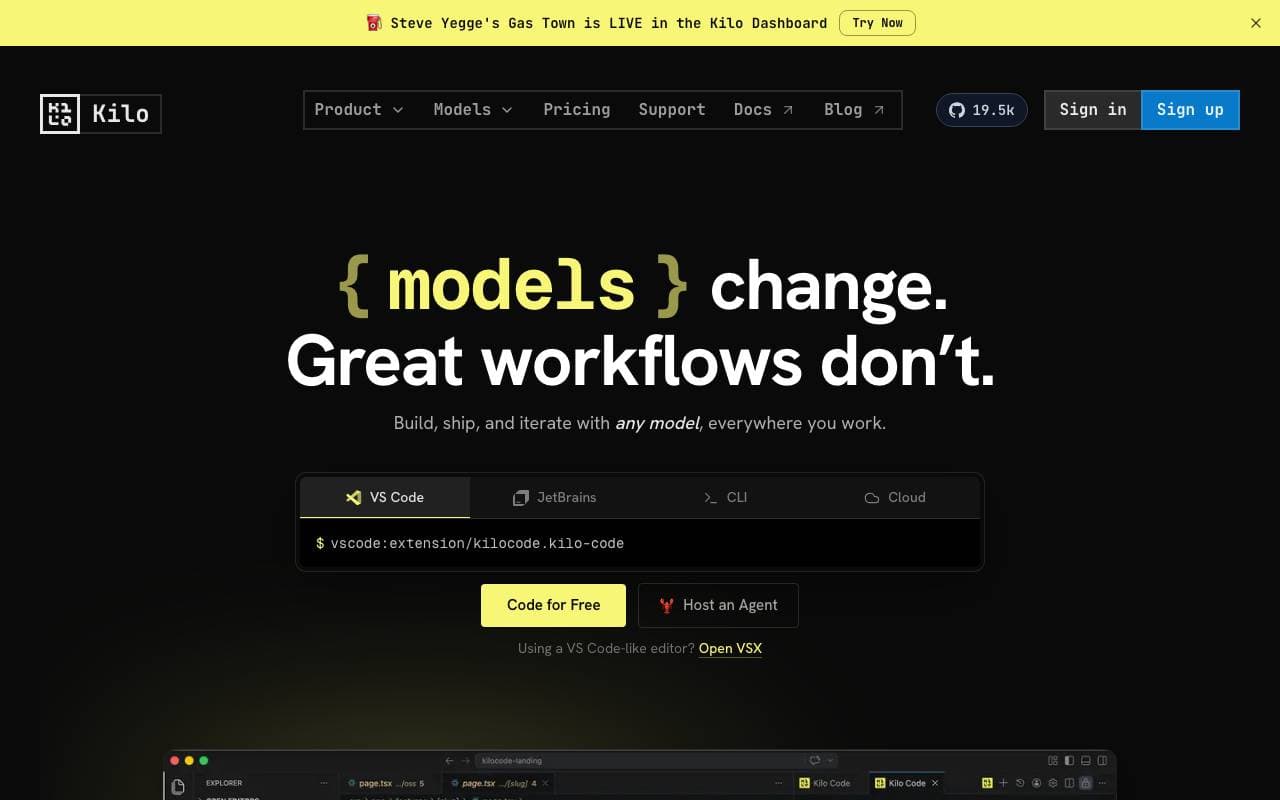
 Kilo CodeProgramming Assistants
Open-source AI coding assistant for VS Code and JetBrains that plans, writes, and debugs code with multi-model support.

 Desktop Commander MCPProgramming Assistants
MCP server giving AI agents safe terminal, process, and file editing access on your desktop.
Trending now

 Reducto AIAI Agent Development Platforms
Document intelligence API that parses, splits, OCRs, and extracts structured data from complex PDFs, slides, and spreadsheets.

 AdCrierMarketing & Advertising
Sponsored answers, paid per click.

 Biology AIEducation AI
Accurate Homework Help with Full Explanations

 Pixtral 12B 24.09LLM
Open multimodal 12B model handling interleaved images and text with a 128K context window.