Best Workflow automation (2026)

3 min read
If you sign up through a link on this page, we may earn a commission — it never affects our rankings.
A buyer's guide to the best workflow automation tools, covering platforms that connect apps, trigger actions, and orchestrate multi-step processes across business operations.
We've all been there - stuck in the trenches of manual tasks that take up an inordinate amount of time and energy. As workflows get increasingly complex, businesses are looking for ways to streamline, automate, and accelerate their processes without sacrificing accuracy or quality. This is where workflow automation tools come in, promising to revolutionize the way your team gets things done.
Choosing the right workflow automation tool
When it comes to selecting a workflow automation tool, there are a few things you should keep in mind. First and foremost, consider the complexity of your workflow - can you handle a no-code solution or do you need something more bespoke? Some tools, like Pin AI, specialize in automating HR workflows, while others, like Neota, focus on the needs of legal and professional services. If you're a small business or startup, a no-code solution like Pin AI or Neota might be a great way to get started.
Another critical consideration is the level of customization required - can you adapt the tool to meet your specific needs or would you be locked into a rigid framework? Some tools, like Zivy, prioritize integrations with key platforms like Slack, which can be a major advantage if that's your workflow hub. However, if you need more flexibility, you might find that tools like Skyvern offer more extensive scripting capabilities.
Pricing and cost considerations
Pricing models can vary widely in workflow automation, from free tier offerings to expensive enterprise licenses. When evaluating costs, consider not just the upfront fees but also any additional charges for features like user access or integrations. Neota's free tier offers a generous selection of tools, while ArchiLabs AI prioritizes features over free tier options.
Real-world applications and practical advice
Let's take a look at a few real-world examples of how workflow automation tools are being used in different industries. In the world of architecture, ArchiLabs AI's AI copilot has become an indispensable tool for accelerating design and drafting workflows. Zivy's AI assistant is similarly useful for product teams looking to declutter their Slack channels and prioritize their workload.
When choosing a workflow automation tool, it's essential to evaluate your specific pain points and needs. Ask yourself a few key questions: what are my most time-consuming tasks, and can they be automated? Which tools are required to perform those tasks, and can they integrate seamlessly? By taking a thoughtful approach to workflow automation, you can significantly boost productivity, improve accuracy, and unlock new opportunities for growth and innovation.
Ultimately, the right workflow automation tool is one that can adapt to the unique demands of your business. Whether you're an architect, HR manager, or product leader, there's a solution out there waiting to help you streamline your workflow and achieve more in less time.
Workflow automation by the numbers
Pricing mix
Best Workflow automation (2026)
- 1
 Pin AIAgentic AI recruiter that automates sourcing, screening, and outreach to accelerate hiring.4.8 (5)
 - 2
 ZivyAI assistant that prioritizes and organizes Slack messages for engineering and product teams.4.8 (4)
 - 3
 ArchiLabs AIAI copilot that helps architects accelerate design, drafting, and documentation workflows.4.5 (6)
 - 4
 NeotaNo-code automation platform for legal and professional services workflows.4.5 (4)
 - 5
 SkyvernAI agents that automate browser workflows using LLMs and computer vision4.5 (4)

Pin AI
Agentic AI recruiter that automates sourcing, screening, and outreach to accelerate hiring.
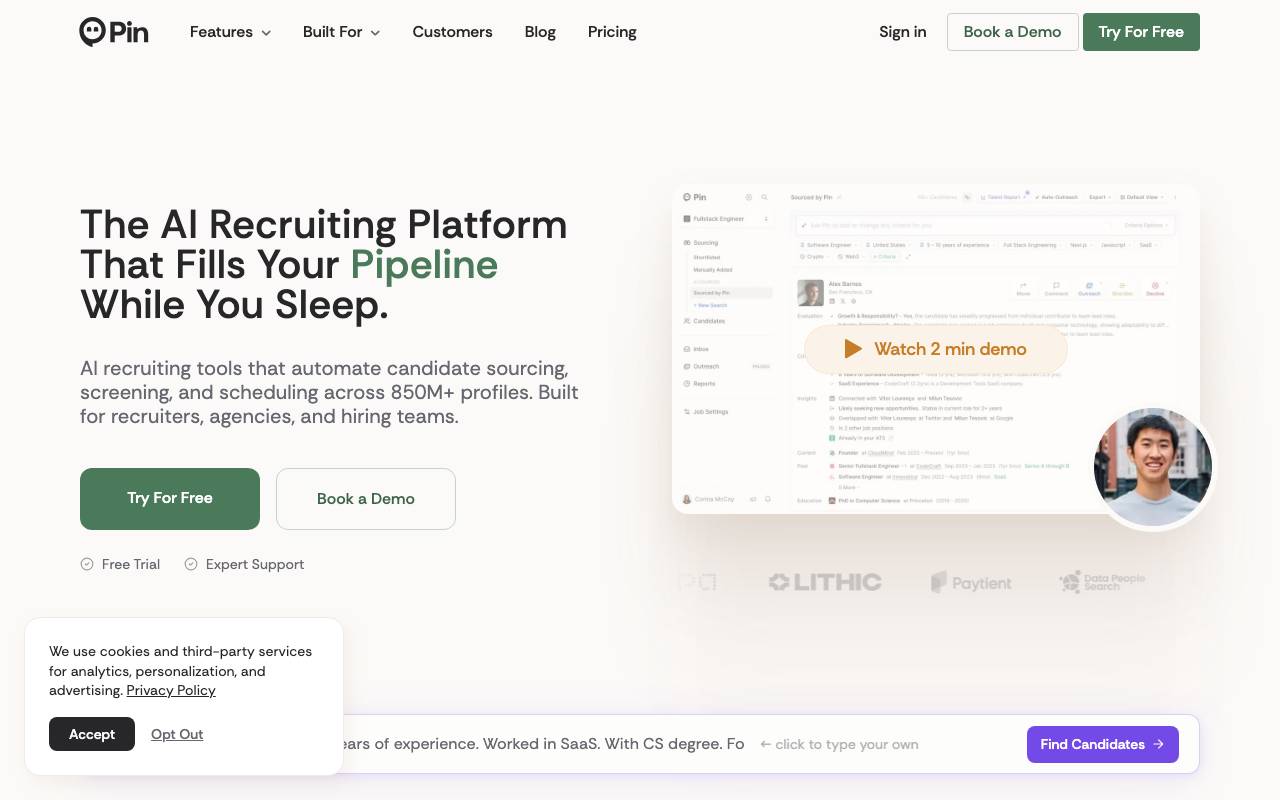
Pin AI is an agentic AI recruiter that automates sourcing, screening, and outreach to accelerate hiring. It is designed for recruiters, agencies, and hiring teams, and is built to work with a vast pool of over 850 million profiles. The platform uses AI candidate matching to rank talent by fit, not just keywords, and provides decision-ready insights to help hiring teams make informed decisions. The platform offers a range of features, including instant shortlists, deep analysis, and real-time refinement, allowing users to adjust criteria and watch their pipeline update instantly. Pin AI also provides automated candidate outreach, multi-channel engagement, and smart suggestions to boost conversion rates. One of the key benefits of Pin AI is its ability to automate decisions and reach out to top qualified candidates daily on behalf of the user. The platform also offers a unified inbox for the entire hiring team, with AI drafting and total visibility of every candidate interaction. Additionally, Pin AI provides collaborative hiring tools, including real-time updates and shared tools for faster team decisions. Pin AI integrates with existing stacks, making data entry and collaboration automatic, and also offers a Chrome extension to add candidates from LinkedIn and the web in one click. The platform also provides AI-powered tools to help build inclusive candidate pools and reduce bias. Overall, Pin AI aims to supercharge recruiting automation, allowing users to reach candidates anywhere, engage talent where they are most active, and scale without chaos. The platform has received positive reviews from customers, with a 4.8/5 average rating across 27 verified customer reviews on G2. Customers have praised Pin AI for its speed, accuracy, and ability to find candidates that don't appear on other recruiting platforms. The platform offers a free plan, as well as a solo plan for individual recruiters, and provides simple pricing with unlimited potential.
- Agentic candidate sourcing across channels
- Automated resume and profile screening
- Personalized outreach and follow-up sequences
- Pipeline tracking and candidate management
- Customizable role and criteria configuration
- Integrations with existing recruiting workflows

Zivy
AI assistant that prioritizes and organizes Slack messages for engineering and product teams.
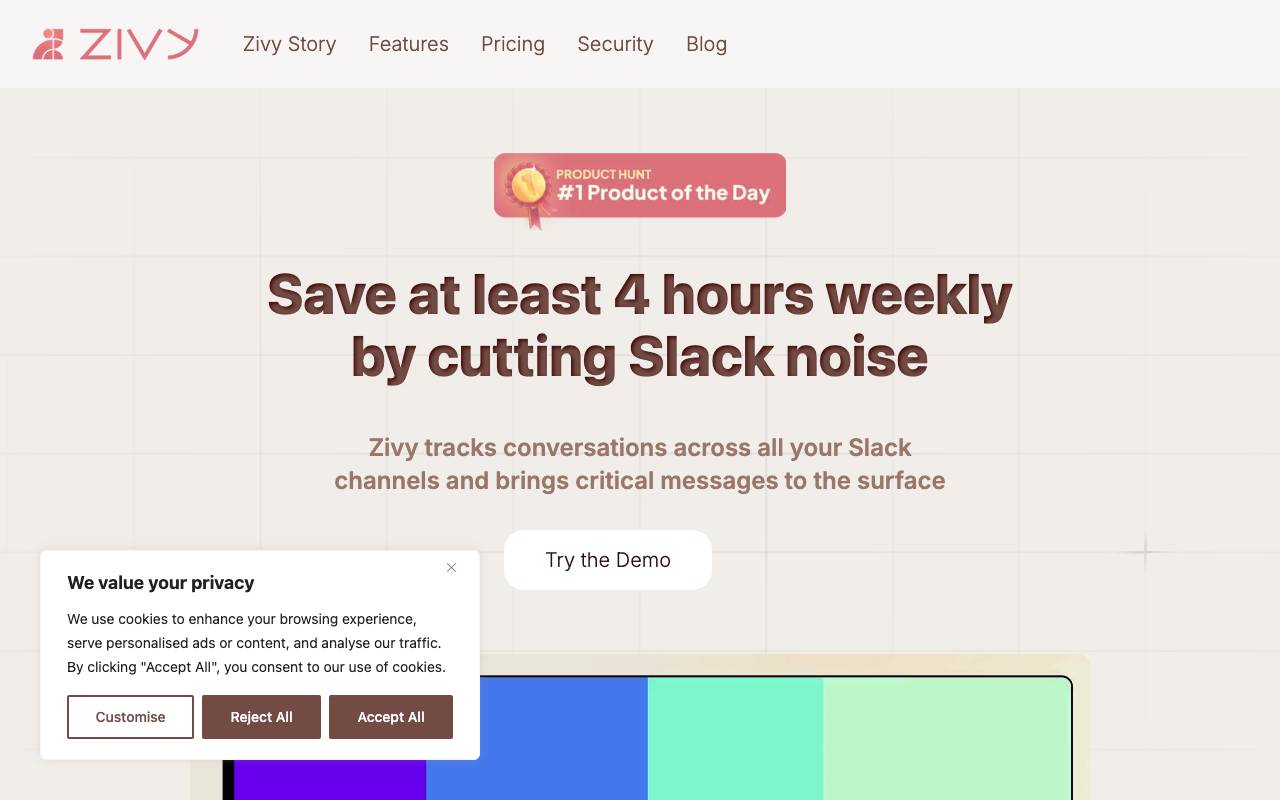
Zivy is an AI-powered communication tool designed to cut through Slack noise for busy engineering and product teams. It analyzes incoming messages, channels, and threads to surface what truly needs attention, helping team members focus on high-priority discussions instead of constantly monitoring every conversation. By learning from user behavior and context, Zivy organizes messages into actionable groups, highlights mentions and decisions, and reduces the cognitive load of staying on top of fast-moving workspaces. It aims to make asynchronous collaboration more efficient without forcing teams to abandon their existing Slack workflows.
- AI-driven message prioritization
- Automatic categorization of conversations
- Mention and thread summarization
- Context-aware filtering
- Slack-native integration
- Personalized relevance learning

ArchiLabs AI
AI copilot that helps architects accelerate design, drafting, and documentation workflows.
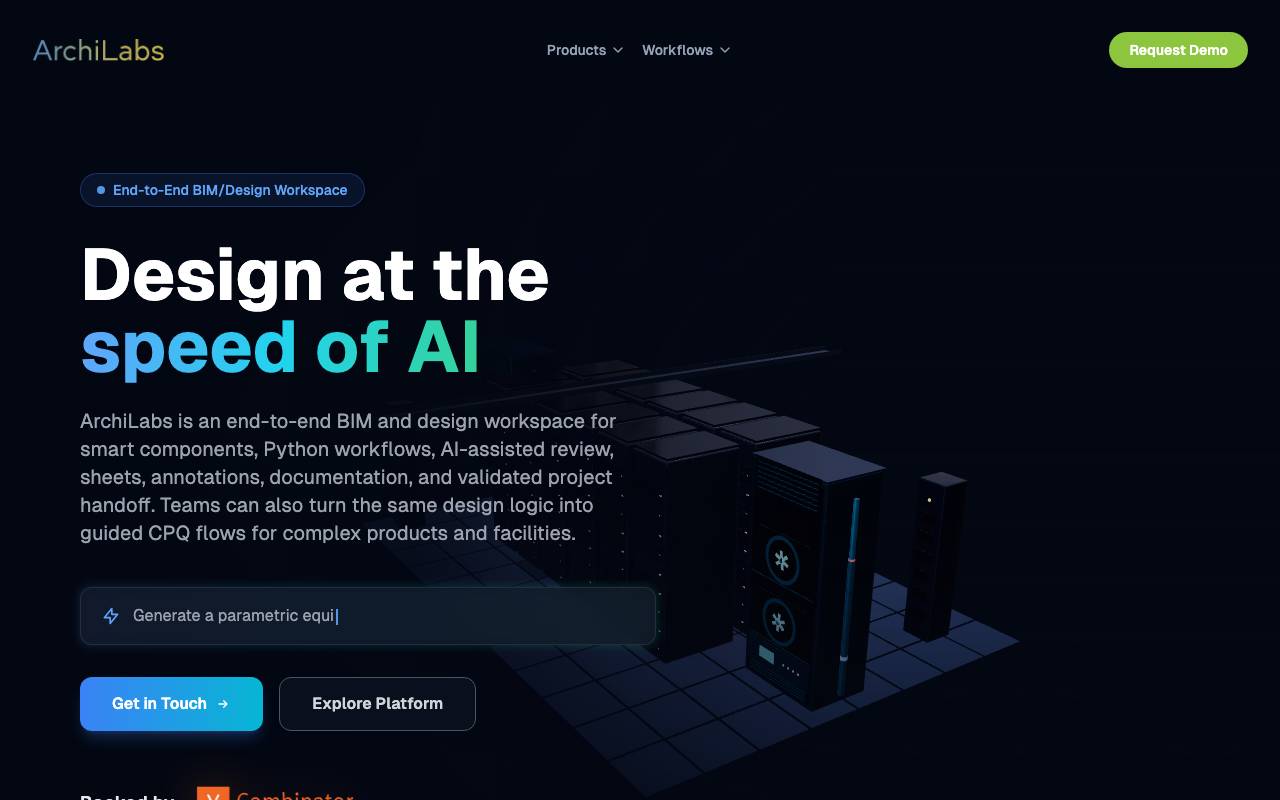
ArchiLabs AI is an AI-powered assistant built specifically for architects and architectural firms. It integrates into the design process to automate repetitive drafting tasks, generate design options, and streamline the production of construction documents. By combining generative AI with architectural domain knowledge, the tool aims to reduce time spent on routine modeling and documentation work, letting architects focus more on creative and strategic decisions. It is positioned as a copilot that works alongside designers rather than replacing them. Typical use cases include early-stage concept exploration, BIM automation, plan generation, and producing drawing sets more efficiently across residential and commercial projects.
- AI copilot for architectural design
- Automated drafting and documentation
- Generative design option exploration
- BIM workflow assistance
- Integration with architect tooling
- Support for plans and drawing sets

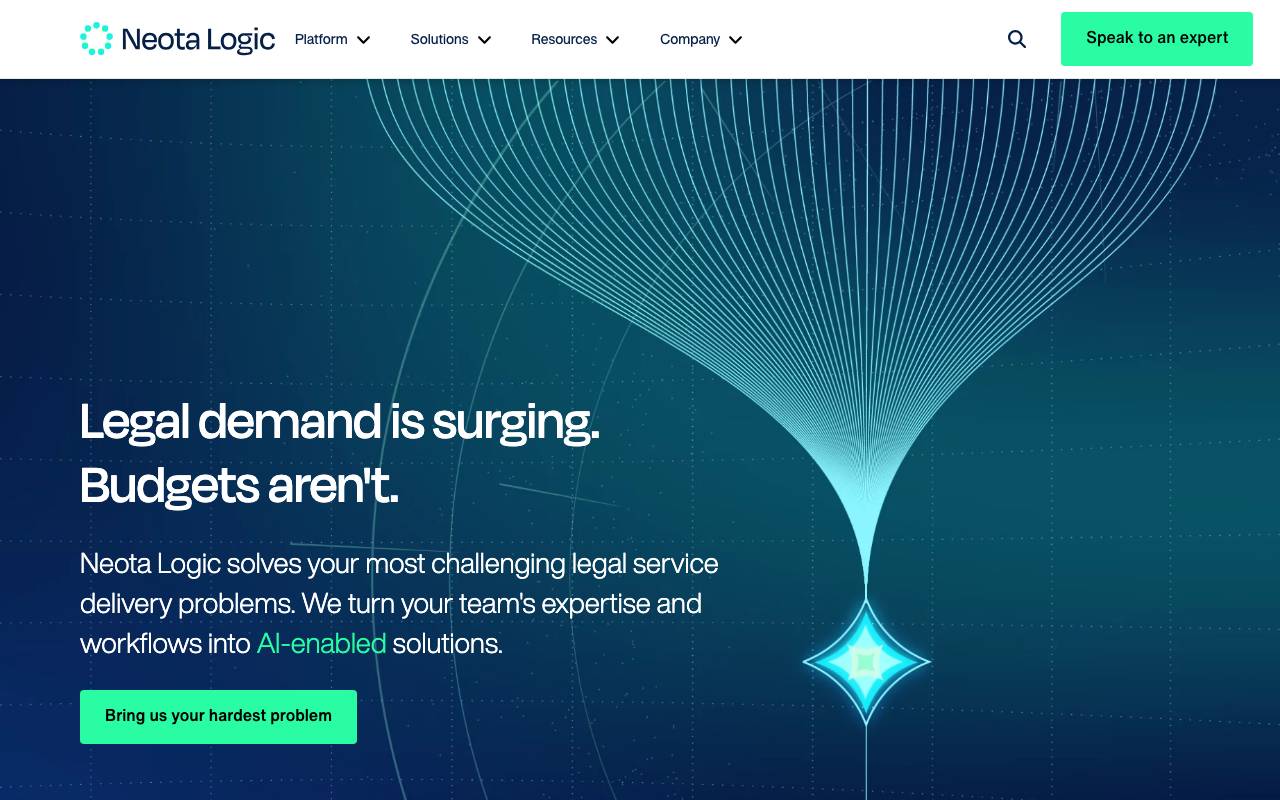
Neota is a no-code development platform designed for legal, compliance, and professional services teams to build custom applications without writing code. It enables users to automate decision-making, document generation, intake processes, and complex workflows through a visual interface. The platform is commonly used by law firms, in-house legal departments, and consulting organizations to productize expertise, streamline repetitive tasks, and deliver scalable client-facing or internal tools. By combining logic-driven automation with integrations and AI capabilities, Neota helps teams reduce manual work and improve service delivery.
- Visual no-code app builder
- Decision tree and rules engine
- Automated document generation
- Workflow and process automation
- Client and internal portal creation
- Integrations with existing business systems
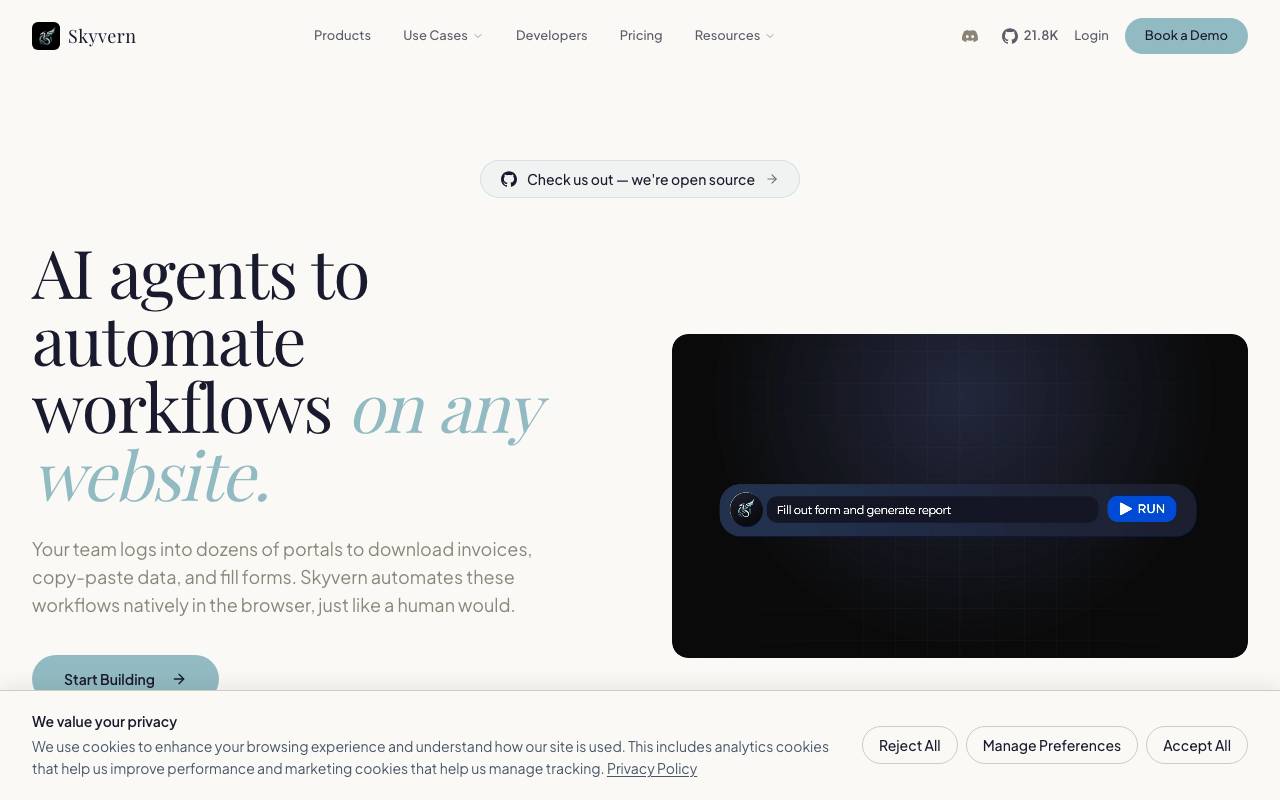
Skyvern is an open-source tool that uses large language models and computer vision to automate tasks in a web browser. Instead of relying on brittle XPath selectors or hand-coded scripts, it interprets pages visually and semantically, allowing it to adapt when site layouts change. It is aimed at developers and operations teams that need to automate repetitive web tasks such as form filling, data extraction, procurement workflows, and account management across many sites. Skyvern can be self-hosted or used via its managed cloud, and exposes an API for integrating browser automation into larger systems. Because it reasons about pages rather than memorizing structure, a single Skyvern workflow can often run across multiple similar websites without per-site customization.
- LLM and vision-based page understanding
- Workflow builder for multi-step tasks
- REST API and Python SDK
- Handles CAPTCHAs and 2FA flows
- Structured data extraction
- Self-hosted or cloud deployment
Browse all 5 Workflow automation tools
The complete, searchable directory — ranked by real user reviews.


