Best Data Analytics & Business Intelligence (2026)

3 min read
If you sign up through a link on this page, we may earn a commission — it never affects our rankings.
A buyer's guide to the best AI-powered data analytics and business intelligence tools, covering platforms that turn raw data into dashboards, insights, and decisions.
If you're anything like me, you've probably spent hours pouring over spreadsheets, trying to make sense of your company's data. Maybe you've even enlisted the help of a team of analysts, only to have them tell you that, yes, your sales numbers do seem to be up this quarter – but by how much, and what does that mean for the long-term? The frustrating reality is that data analysis can be both fascinating and infuriating, especially as a business leader or manager.
Luckily, the field of data analytics and business intelligence has made tremendous strides in recent years, thanks to advancements in artificial intelligence and machine learning. Now, you can access powerful tools that let you "talk" to your data in plain language and get instant answers and charts. Case in point: Talk to Data, a free tool that's basically a conversation interface for your SQL database.
But how do you choose a tool that's right for your organization? The good news is that there are many solid options out there, but the bad news is that each one tends to have its own strengths and weaknesses. Here are a few key things to keep in mind as you shop for a data analytics and business intelligence tool:
Ask the right questions
When comparing different tools, pay attention to their core features and how well they align with your business needs. Some tools are designed for high-level summaries and visualizations (think dashboards), while others are more suited for in-depth analysis and drilling down into specific data points. Think about whether you need to ask yes/no questions like "Is our company profitable this quarter?" (where Talk to Data can help), or whether you need to dive deeper into data like customer demographics and purchase history (in which case Kenley might be more useful).
Automating consulting tasks
If you're a larger organization, you may want to look into tools that can automate consulting tasks for your analysts, using your organization's own knowledge base. Kenley is a workspace that's particularly well-suited for this, allowing you to create a bespoke environment for your team to tackle complex business problems.
Self-serve business intelligence
Another option to consider is self-serve business intelligence, which lets non-technical users generate reports and dashboards on their own without relying on a team of IT experts. Zenlytic is a great example of this, powered by an AI data analyst named Zoë who can even assist with data visualization.
Pricing patterns
Be aware that pricing patterns for data analytics and business intelligence tools can be quite variable. Some offer free services with basic features, while others require a paid subscription for more advanced capabilities. Look for tools that fit your budget and provide the level of complexity that you need.
Common pitfalls
When shopping for a data analytics and business intelligence tool, it's easy to get caught up in the hype around the latest "super-powerful" features. However, the most important thing is often the most straightforward: can the tool provide you with actionable insights that inform your business decisions? Don't get too distracted by fancy tech and make sure to ask questions about the tool's usability, scalability, and support for your specific needs.
Practically, I'd say don't be afraid to try out different tools, even if they offer free services. Take advantage of free trials or demos, and don't be afraid to ask questions – it's the best way to get a true sense of how a tool fits into your workflow and how it can solve problems for your organization. Happy hunting!
Data Analytics & Business Intelligence by the numbers
Pricing mix
Best Data Analytics & Business Intelligence (2026)

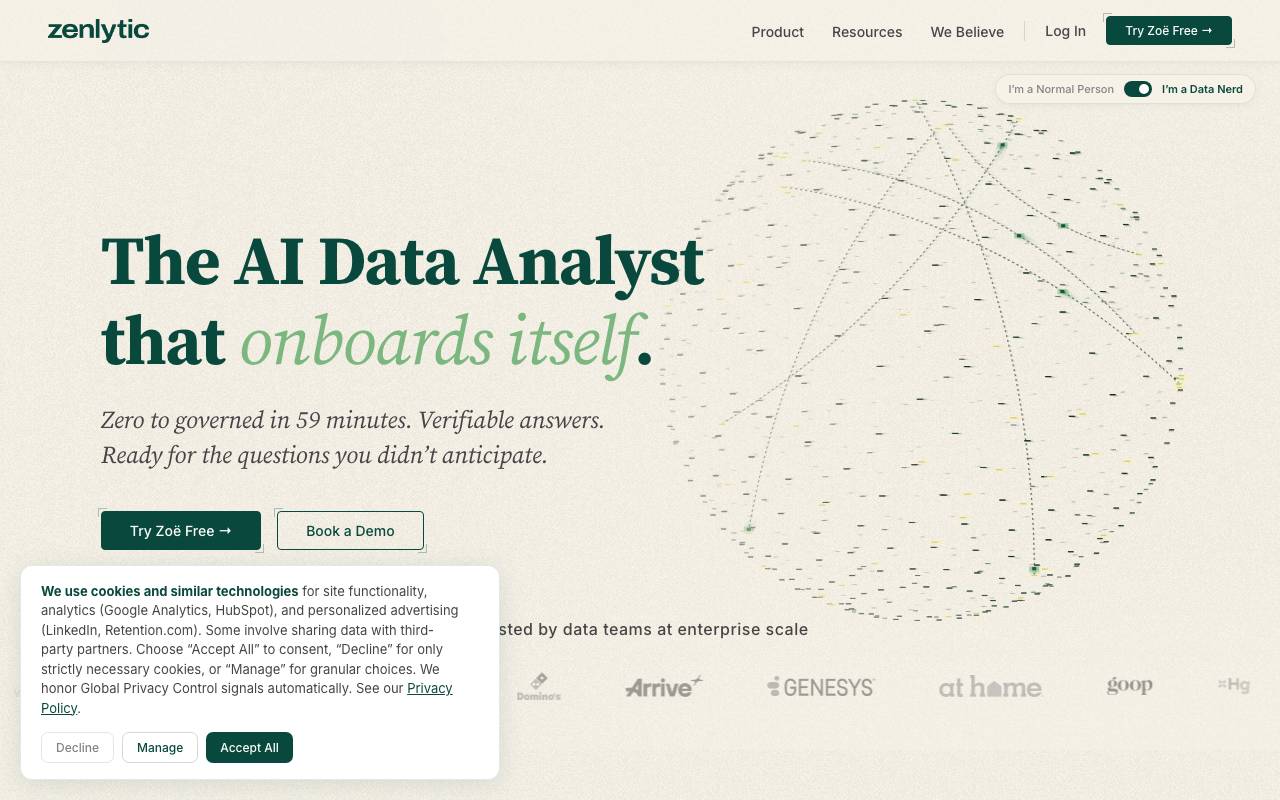
Zenlytic is a business intelligence platform built around Zoë, an AI assistant that lets non-technical users query company data in plain English. Instead of writing SQL or waiting on an analytics team, employees can ask questions about metrics, customers, or trends and get charts and explanations in seconds. The platform combines a semantic layer with conversational AI, so answers stay grounded in defined business logic rather than guessing at schema. Teams use it for ad-hoc exploration, dashboards, and reporting across sales, marketing, finance, and product data. Zenlytic targets mid-market and enterprise companies that want to scale analytics access without hiring a larger data team, and it integrates with common cloud warehouses like Snowflake, BigQuery, and Redshift.
- Zoë conversational AI analyst
- Semantic modeling layer
- Interactive dashboards and visualizations
- Warehouse-native connections (Snowflake, BigQuery, Redshift)
- Self-serve exploration for business users
- Governed metrics and definitions

Talk to Data
Ask questions of your data in plain language and get instant answers and charts.
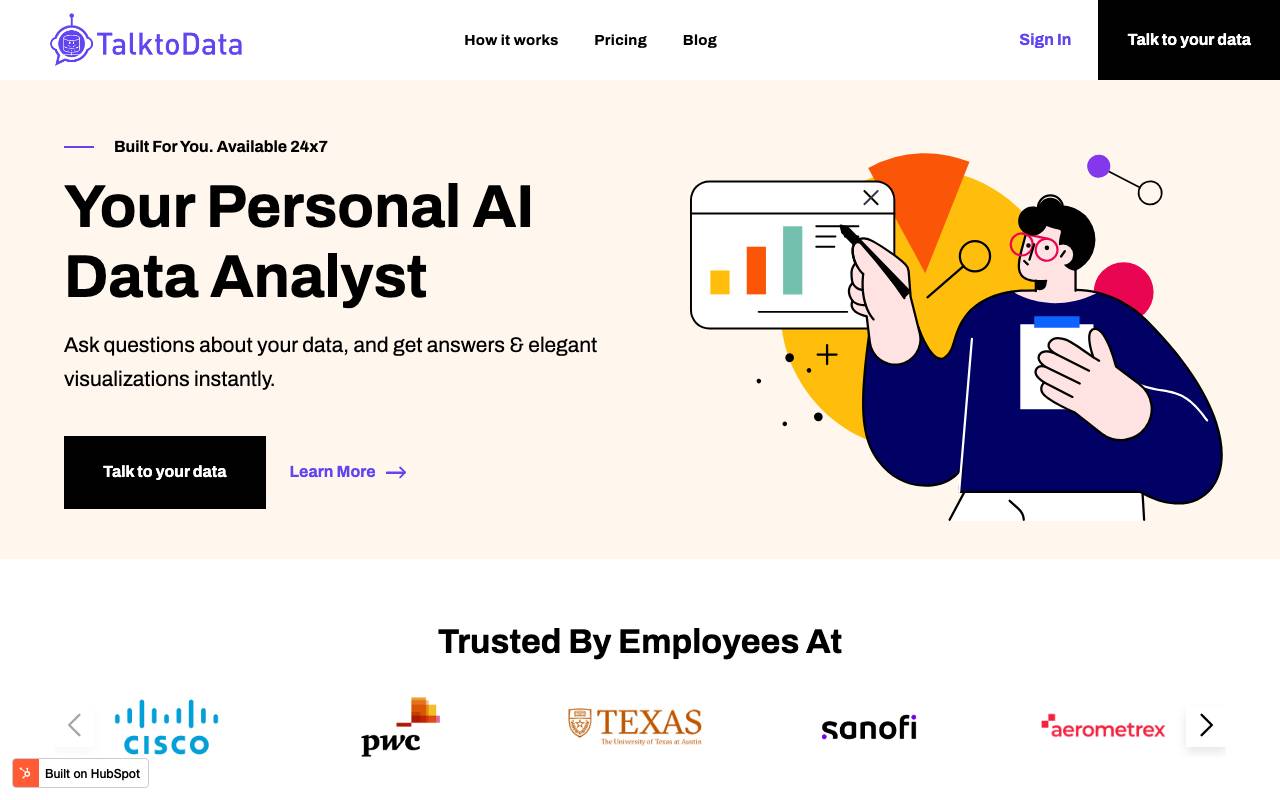
Talk to Data is a tool that allows users to ask questions of their data in plain language and get instant answers and charts. Users can easily connect to their structured data in Spreadsheets and SQL databases, making data analysis effortless with a user-friendly interface. The tool performs advanced data analysis techniques such as correlation analysis, segmentation, and forecasting, providing insightful reports in natural language. Its unique feature is that it is known to be one of the best AI-powered data analysis assistants, connecting with most major SQL databases and Spreadsheets, and has very good reviews.
- Natural language querying
- Automatic chart and graph generation
- Connects to common data sources
- Conversational follow-up questions
- Shareable results and dashboards

Kenley
AI workspace that automates consulting tasks using your firm's own knowledge base.
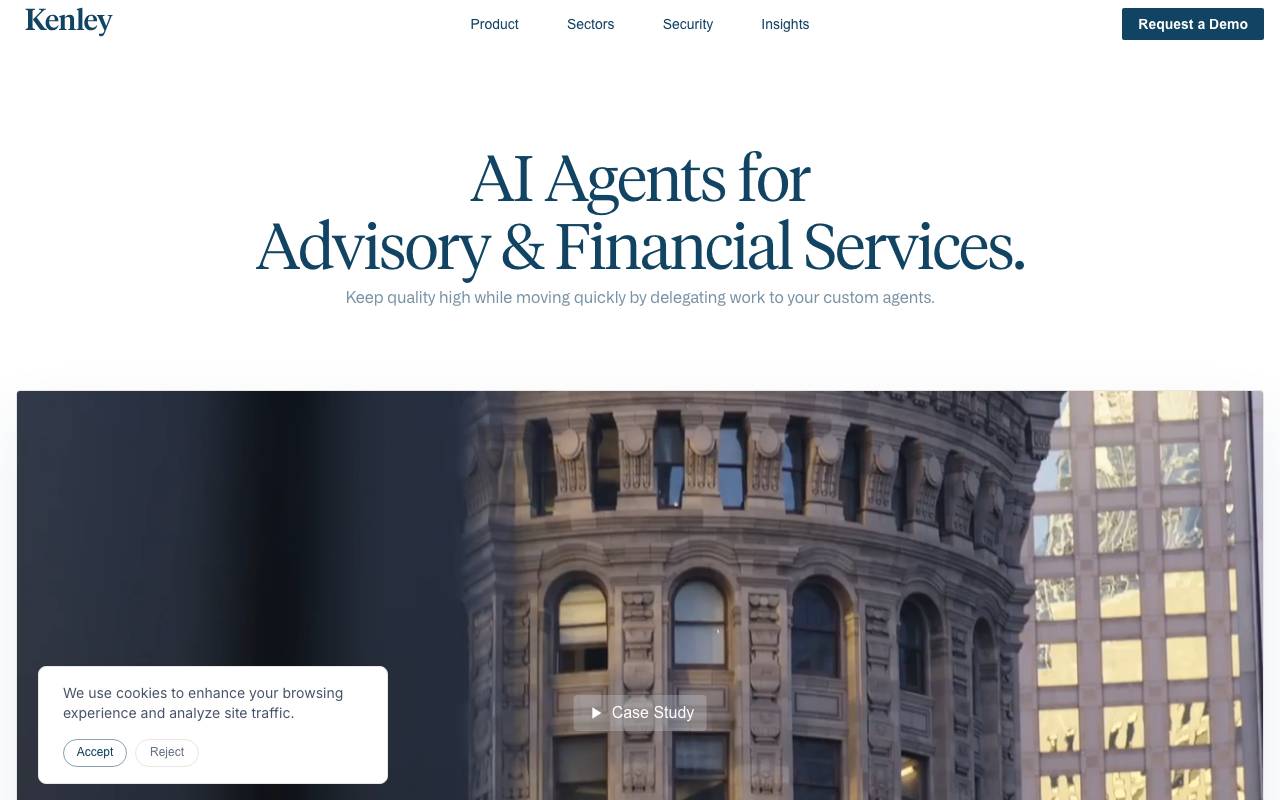
Kenley is an AI workspace that automates consulting tasks using a firm's own knowledge base. It enables teams to create high-quality materials, such as proposals and pitchbooks, by codifying their processes as agent instructions. These agents can be reused to drive consistency, pace, and output quality across various sectors like strategy consulting, life sciences, and investment banking. Kenley integrates with office productivity suites through plugins for Microsoft PowerPoint, Word, and Excel, and includes robust data governance and SOC 2 Type II compliance. By delegating work to custom agents, teams can focus on high-value client work, such as insight and execution, rather than repetitive tasks.
- Custom knowledge base integration
- Automated deliverable drafting
- Research synthesis tools
- Consulting-specific task templates
- Collaborative workspace for teams
Browse all 3 Data Analytics & Business Intelligence tools
The complete, searchable directory — ranked by real user reviews.


