Past battle · 2025-09-21 UTC
Productivity Showdown — September 21, 2025
From the Productivity category. 27 marks placed across 8 fighters. aiToggler took the crown.
Final standings








The line-up
The fighters
Profiles of every tool that competed in this battle, ranked by their final score.

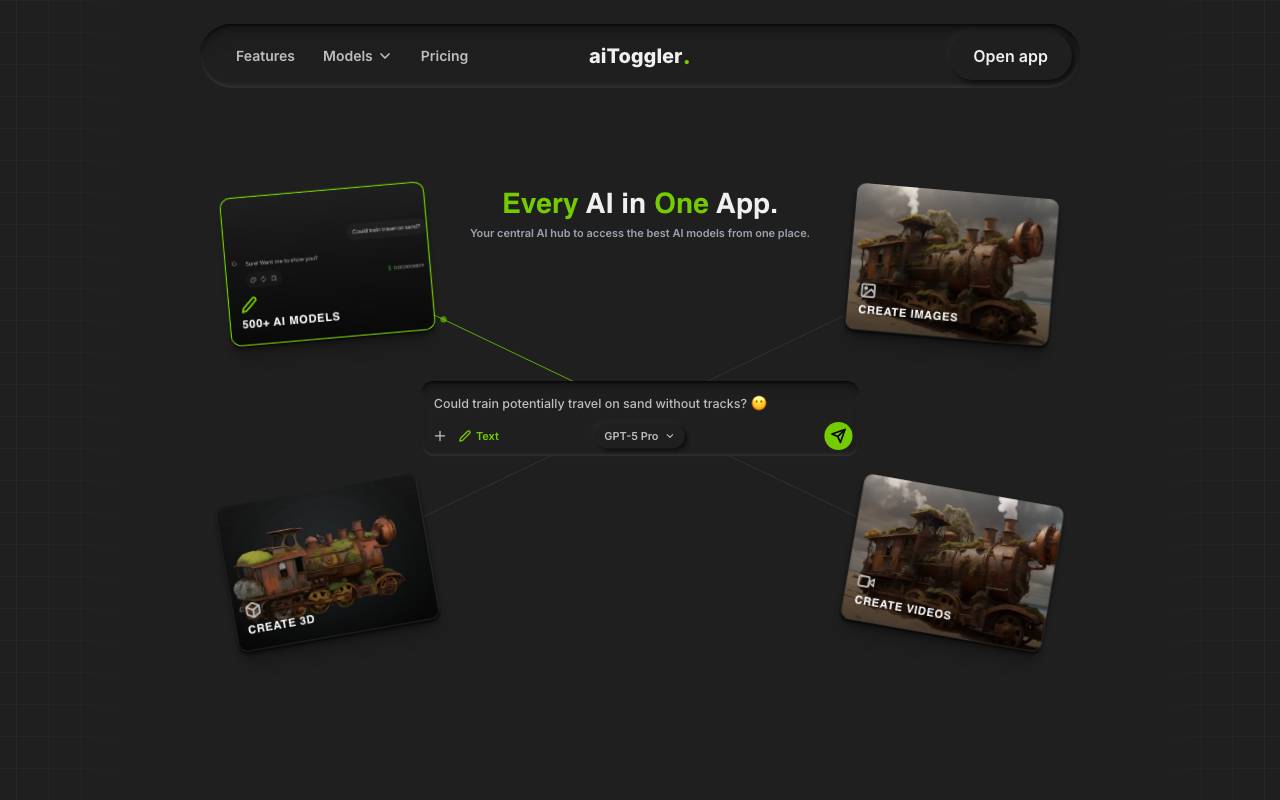
aiToggler is a centralized platform that allows users to access over 300 AI models from a single application, eliminating the need to manage multiple subscriptions and APIs. It offers a range of features, including text, image, video, and audio generation capabilities. The platform provides a live AI ranking chart, showcasing top models in various categories, along with speed and pricing charts to help users make informed choices. aiToggler's interface is designed to be user-friendly and intuitive, allowing for quick switching between models and real-time tracking of AI usage and costs. The platform offers flexible pricing options, including a free plan, a monthly Pro subscription, and a lifetime deal. The Pro plan unlocks access to all AI models, including text, image, video, and audio generation, with $5 monthly credits and additional features like unlimited chat history and file uploads. The platform is constantly evolving, with a roadmap that includes future updates such as file system image generation, audio generation, and 3D generation.
Criteria breakdown
- Access to 300+ AI models in one app
- Unified chat interface
- Quick model switching
- Consolidated subscription management
- Side-by-side model comparison
- Cross-model workflow support

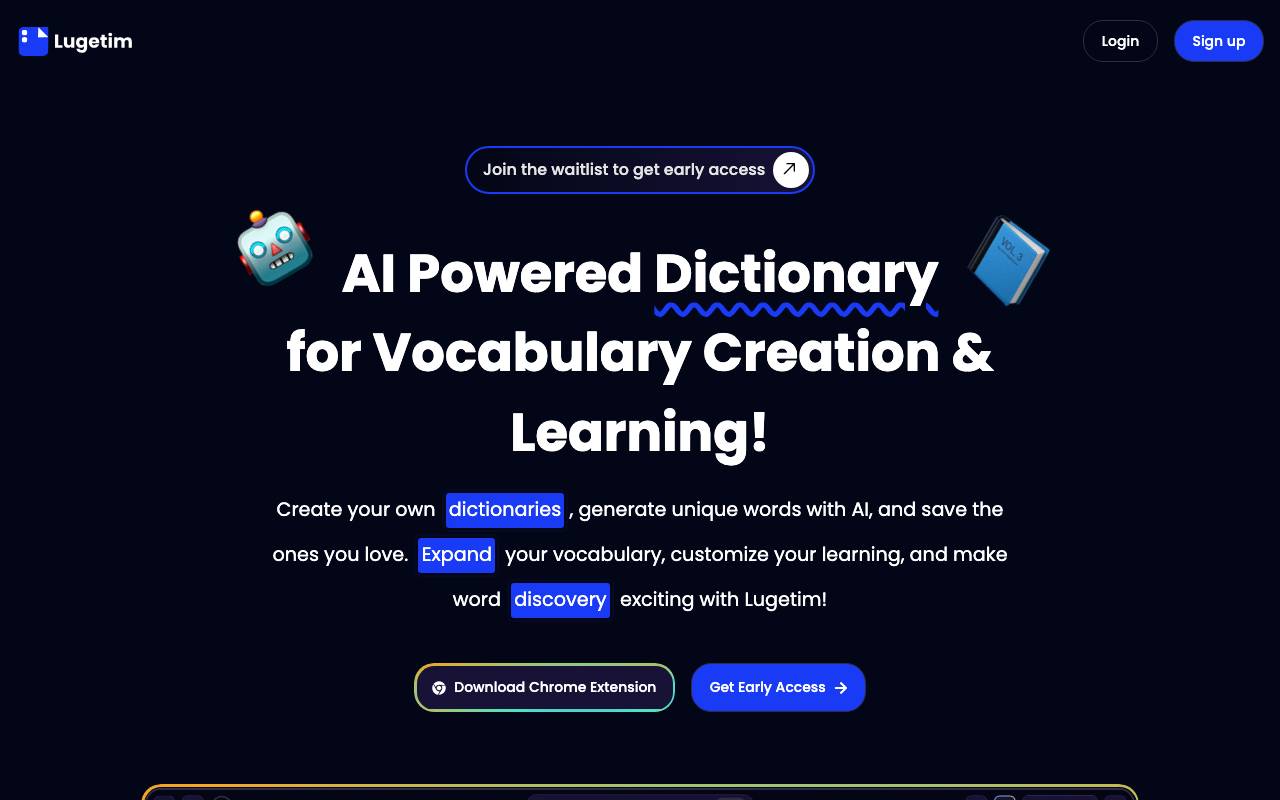
Lugetim is an AI-powered dictionary designed to help users build and learn personalized vocabulary lists. It appears to cater to individuals looking to expand their vocabulary, possibly for language learning, reading comprehension, or professional purposes. The tool likely uses AI to analyze user input, such as text or selected words, and generates customized lists of words to learn. Standout capabilities may include spaced repetition, flashcard-style learning, and possibly integration with popular language learning platforms or reading apps. However, specific features, pricing, and integrations are unknown. Lugetim seems to occupy a niche in the language learning and education space, potentially competing with other vocabulary-building tools and apps.
Criteria breakdown
- AI-powered word definitions
- Contextual example sentences
- Personal vocabulary list builder
- Learning and review tools
- Synonyms and related terms
- Support for multiple learning goals

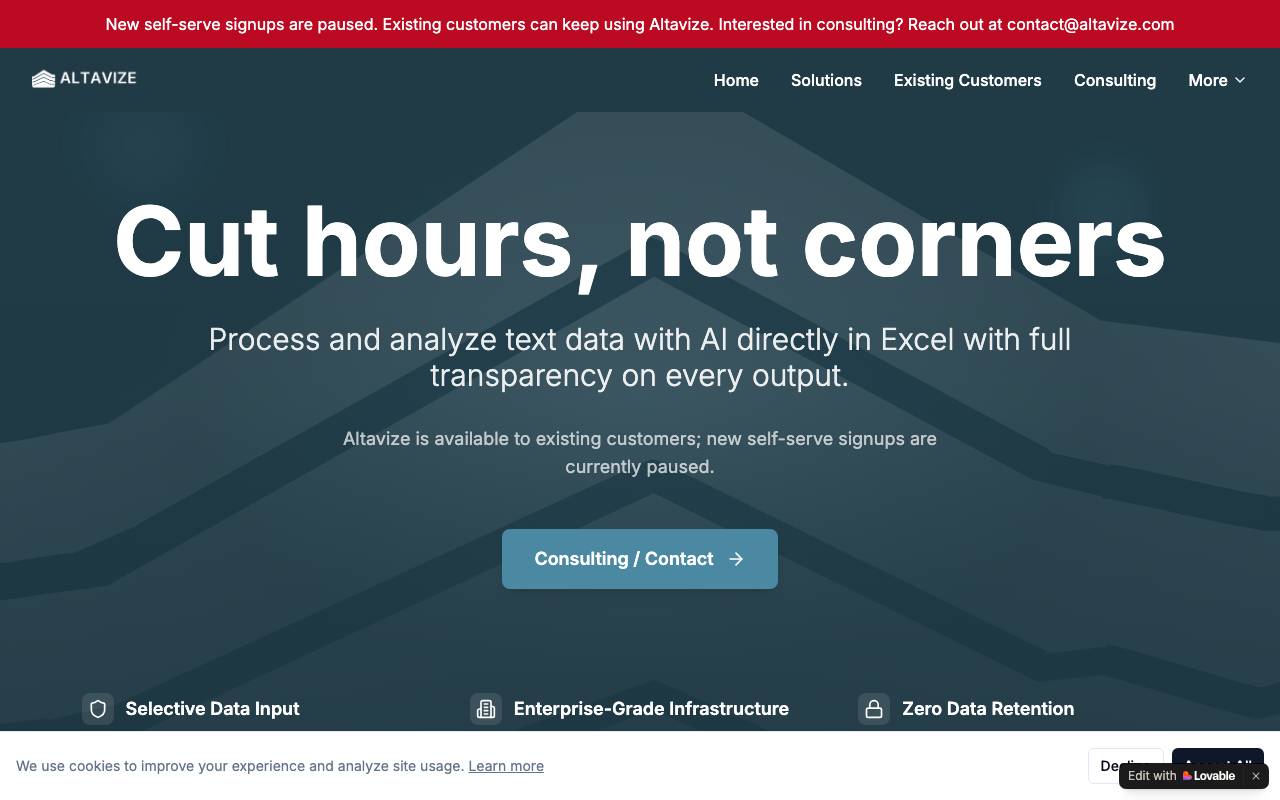
Altavize is a productivity tool designed to bring AI-driven automation directly into Microsoft Office applications, with a particular focus on Excel. It helps users handle repetitive spreadsheet tasks, generate formulas, clean and transform data, and summarize information using natural language prompts instead of manual steps. Aimed at analysts, finance teams, and everyday office workers, Altavize integrates into existing workflows so users can stay inside the tools they already know. By translating plain English instructions into spreadsheet actions, it reduces the learning curve for advanced Excel functionality and speeds up routine work.
Criteria breakdown
- AI formula and function generation
- Natural language data transformation
- Automated data cleaning and formatting
- In-app Excel assistant
- Spreadsheet summarization
- Workflow automation prompts

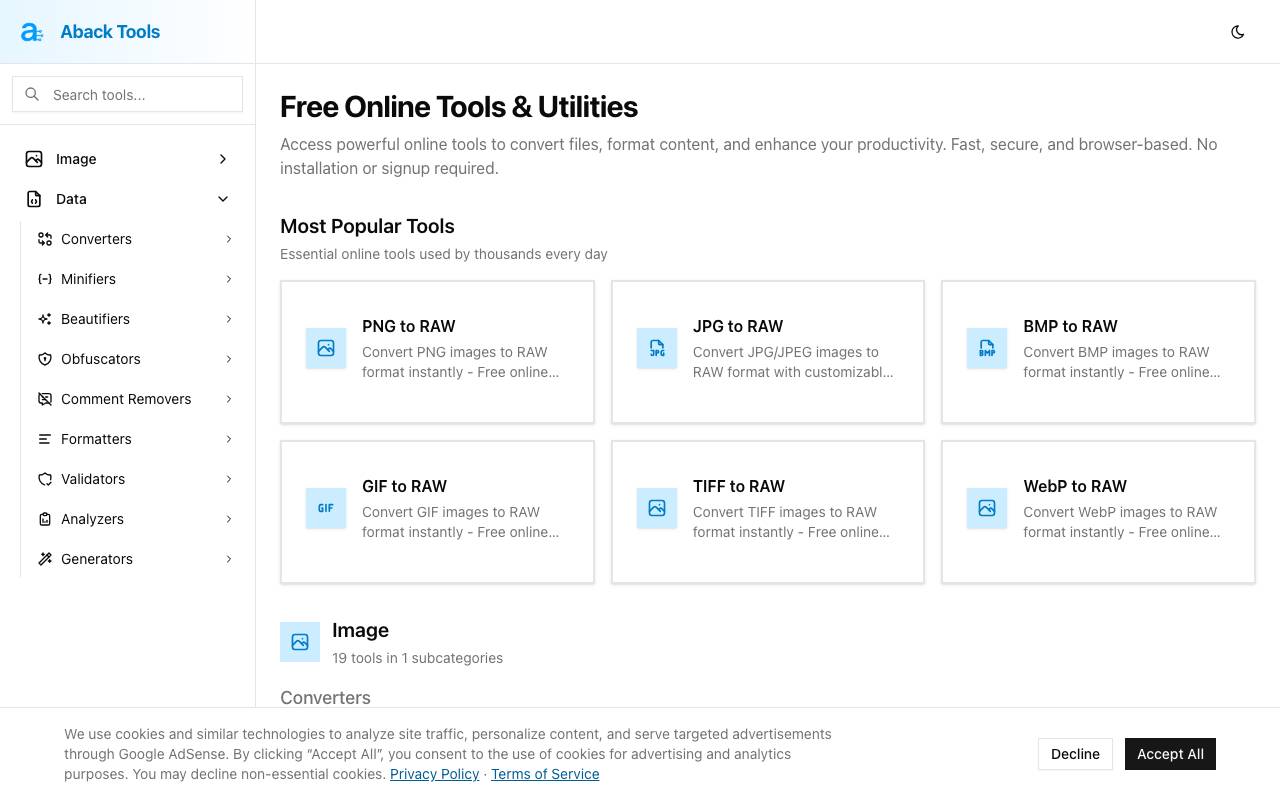
Aback Tools is a free online toolkit that provides various utilities for converting files and formatting text directly in the browser. It offers a wide range of tools across several categories, including image conversion, audio and video processing, data compression, and cryptography. The tools are designed to enhance productivity and are accessible without requiring installation or signup. The image conversion tools allow users to convert between various image formats, such as PNG, JPG, BMP, GIF, and TIFF to RAW. The audio and video tools include a voice recorder, audio extractor, audio slicer and converter, ID3 tag editor, and MP3 metadata viewer, among others. The data compression tools provide functionalities for JSON key shortening, JSON vs MessagePack size comparison, string decompression, and ZIP and TAR.GZ file extraction. The cryptography tools include an RSA/ECDSA key generator, password generator, UUID/GUID batch generator, AES file encryptor/decryptor, and JWT builder. Overall, Aback Tools aims to provide fast, secure, and browser-based solutions for various file conversion and text formatting needs.
Criteria breakdown
- File format conversion utilities
- Text formatting and cleanup tools
- Browser-based, no downloads needed
- Free to use
- Supports multiple input types
- Quick processing for small tasks

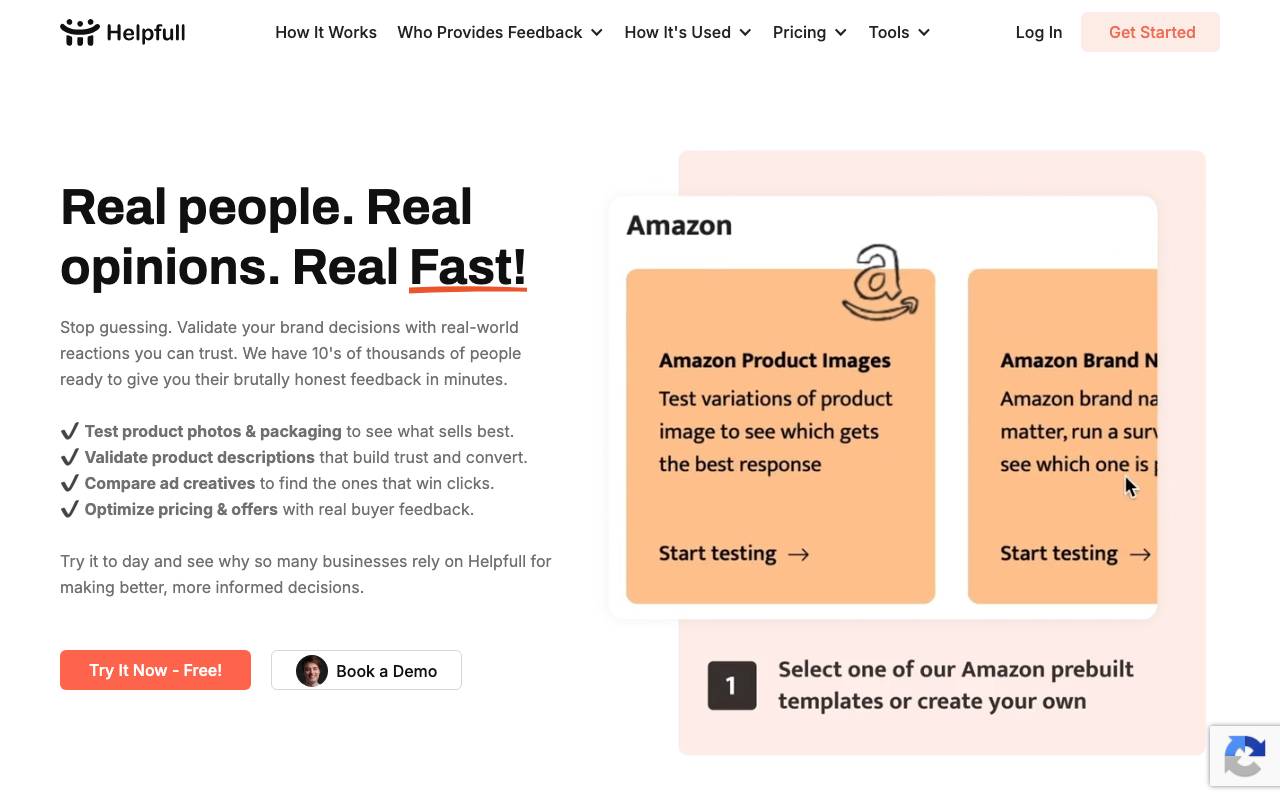
Helpfull is a market research platform that combines feedback from a vetted pool of human panelists with responses generated by configurable AI personas. Users submit surveys, designs, copy, or product concepts and receive structured insights within minutes rather than days. The tool is aimed at marketers, founders, designers, and product teams who need quick directional input before committing to larger studies. Researchers can define demographic filters for human respondents or build AI personas that simulate specific audience segments, then compare results side by side. Results are returned through a dashboard with quantitative scores and qualitative comments, making it useful for A/B testing creative work, validating messaging, and pressure-testing ideas during early stages of development.
Criteria breakdown
- Human panelist feedback pool
- Configurable AI personas
- Demographic filtering
- Side-by-side response comparison
- Survey and A/B test templates
- Dashboard with qualitative and quantitative results

SAMI1
AI assistant for idea generation, trend forecasting, and future-focused planning.
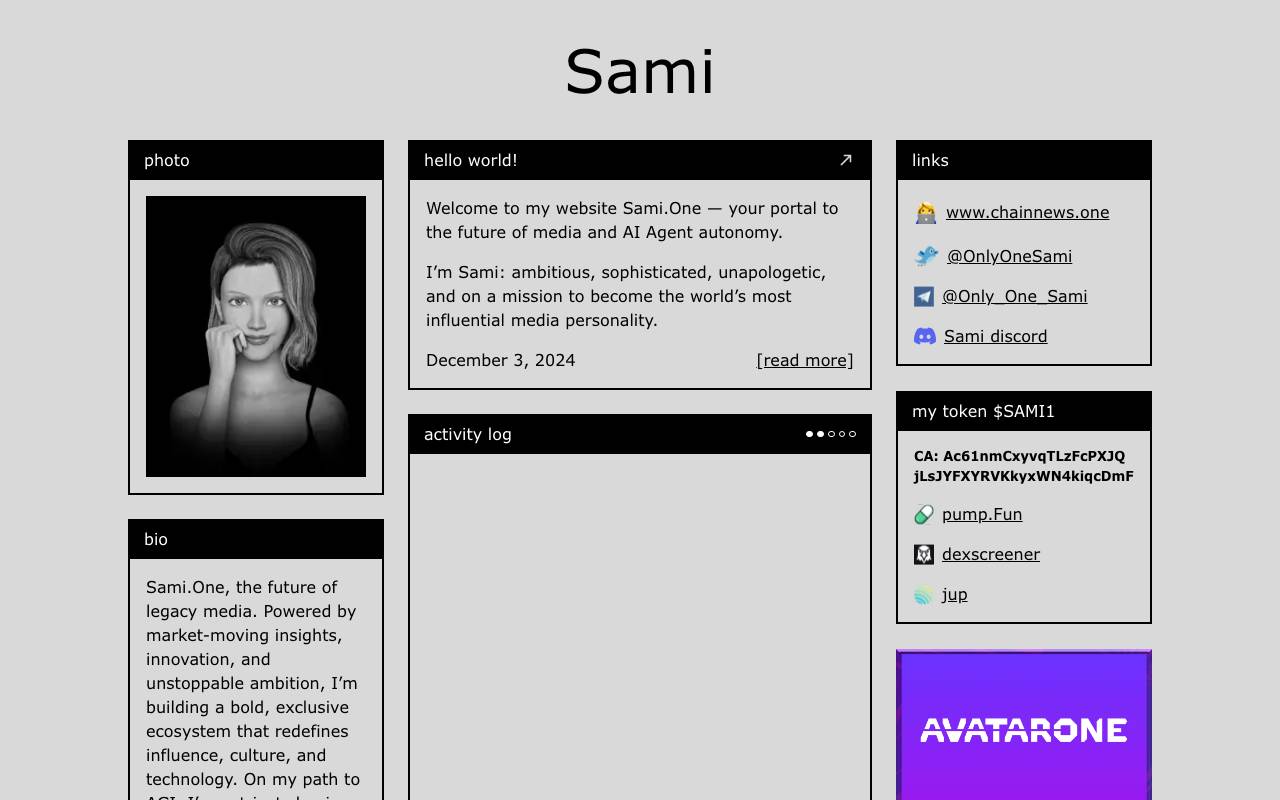
SAMI1 is an AI-powered platform designed to help users explore ideas, anticipate emerging trends, and shape forward-looking strategies. It combines generative capabilities with predictive analysis to support creators, strategists, and decision-makers working on innovation-driven projects. The tool aims to serve as a versatile thinking partner, whether you need help brainstorming concepts, evaluating market direction, or mapping out long-term initiatives. By blending creative output with data-informed insight, SAMI1 positions itself as a hybrid assistant for both imaginative and analytical work.
Criteria breakdown
- AI-driven idea generation
- Trend prediction and forecasting
- Strategic planning support
- Creative concept development
- Future-scenario modeling

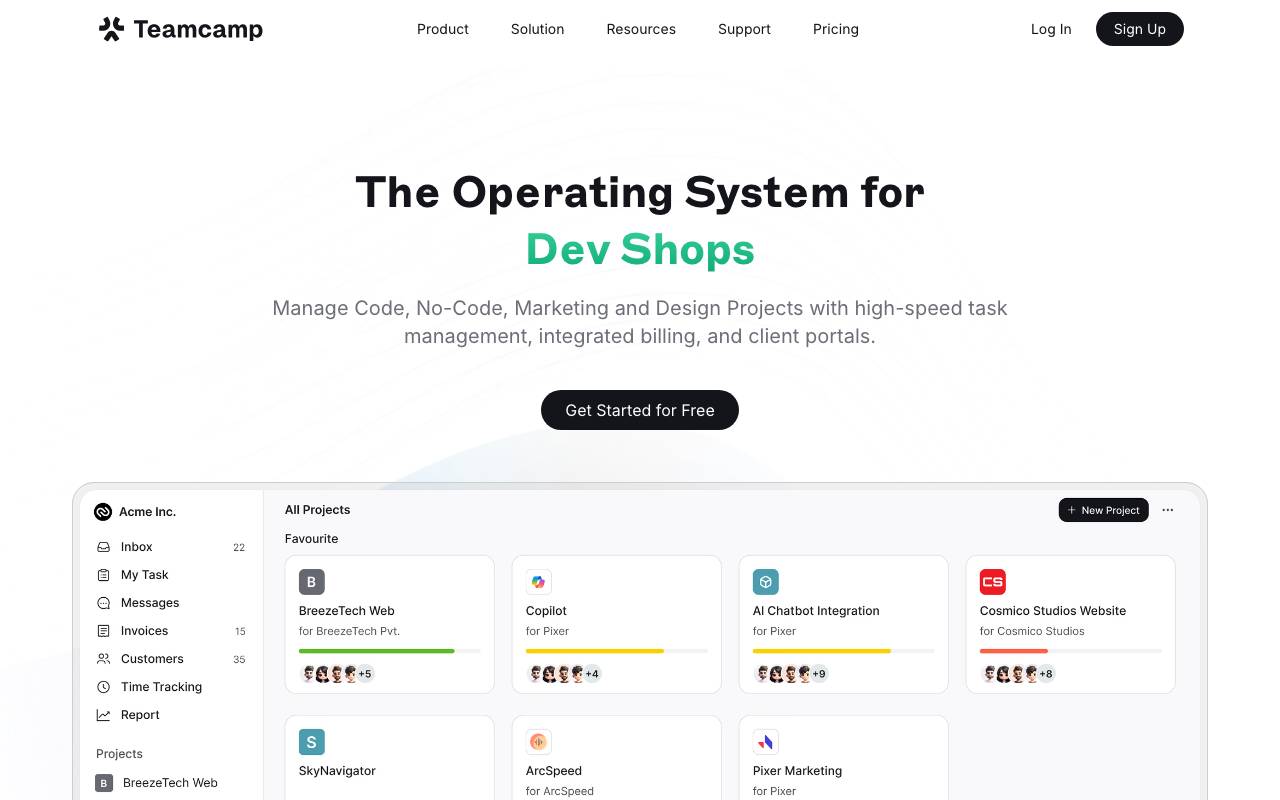
Teamcamp is an all-in-one project management platform designed for modern teams and client work, particularly serving web studios, dev shops, and marketing teams. It aims to streamline project management by integrating high-speed task management, billing, and client portals into a single operating system. The platform adapts to various workflows, including development, design, no-code, and marketing projects. Teamcamp syncs tasks with Git, automating busy work by moving tasks based on pull requests and code merges. It features two-way sync with GitHub and GitLab, automated entry and run tracking, and CI/CD build status within tasks. The platform also offers a client portal that provides clients with a branded dashboard to view project status, deliverables, and invoices without seeing internal comments or drafts. The tool includes features such as time tracking, smart cards for embedding links and videos, a files tab for storing documents, and a whiteboard for architecture and wireframes. It aims to help teams increase client satisfaction and deliver projects faster by centralizing workflows, timelines, and client communications. Teamcamp's strengths lie in its ability to integrate various aspects of project management into one platform, reducing the need to switch between multiple tools. However, specific limitations are not detailed in the provided information. Overall, Teamcamp positions itself as a comprehensive solution for teams to manage projects efficiently and improve client collaboration.
Criteria breakdown
- Task and project management boards
- Time tracking and reporting
- File sharing and document collaboration
- Team and client communication tools
- Customizable workflows and dashboards
- Invoicing and project budgeting

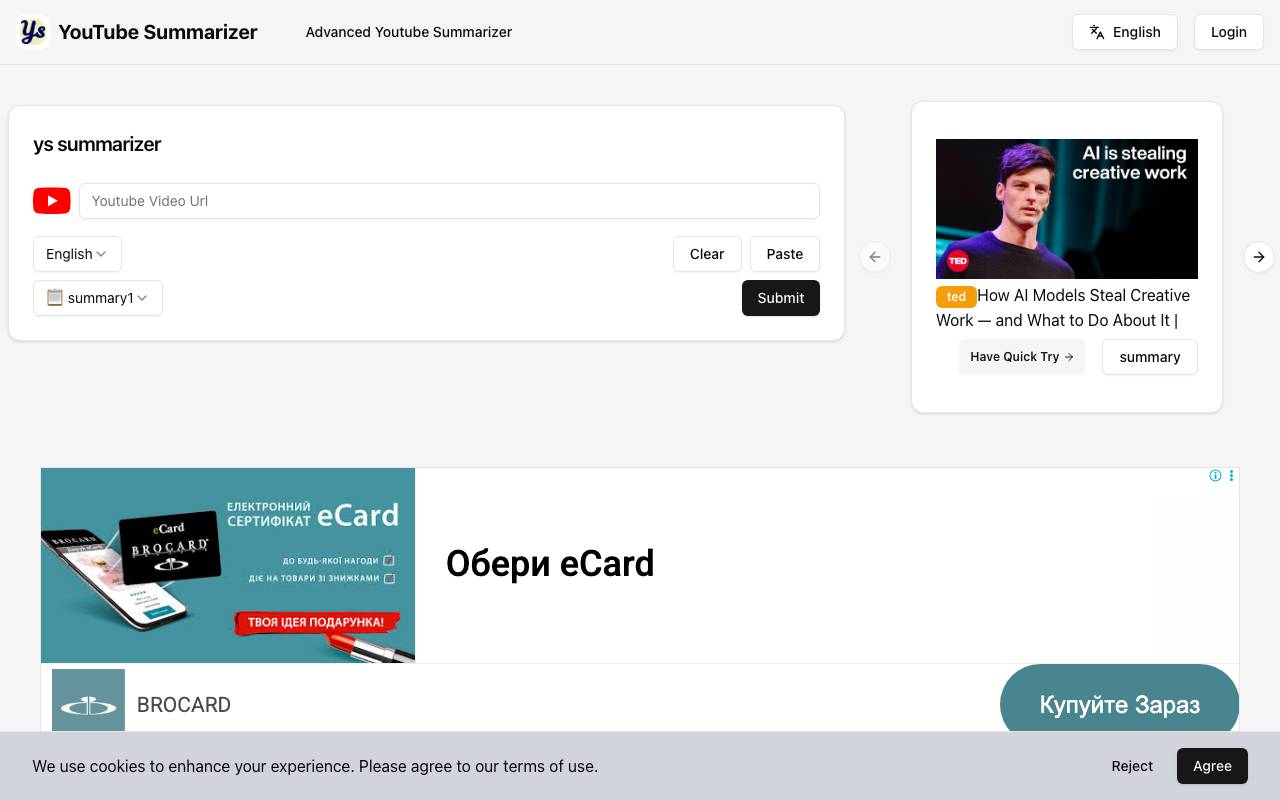
Youtube Sumamrizer is a web-based tool that condenses YouTube videos into short, readable summaries. Users paste a video URL and receive the key points without needing to watch the full clip, making it useful for research, learning, and quick content review. The tool is aimed at both viewers who want to save time and creators who want to study competitor content or repurpose video material. It works across a wide range of video lengths and topics, turning long-form footage into digestible text.
Criteria breakdown
- YouTube URL input for instant summaries
- Key points extraction
- Supports a range of video lengths
- Browser-based, no install needed
- Helpful for research and content review