Past battle · 2025-11-06 UTC
Video AI Agents Showdown — November 6, 2025
From the Video AI Agents category. 39 marks placed across 9 fighters. Agent Opus took the crown.
Final standings








The line-up
The fighters
Profiles of every tool that competed in this battle, ranked by their final score.

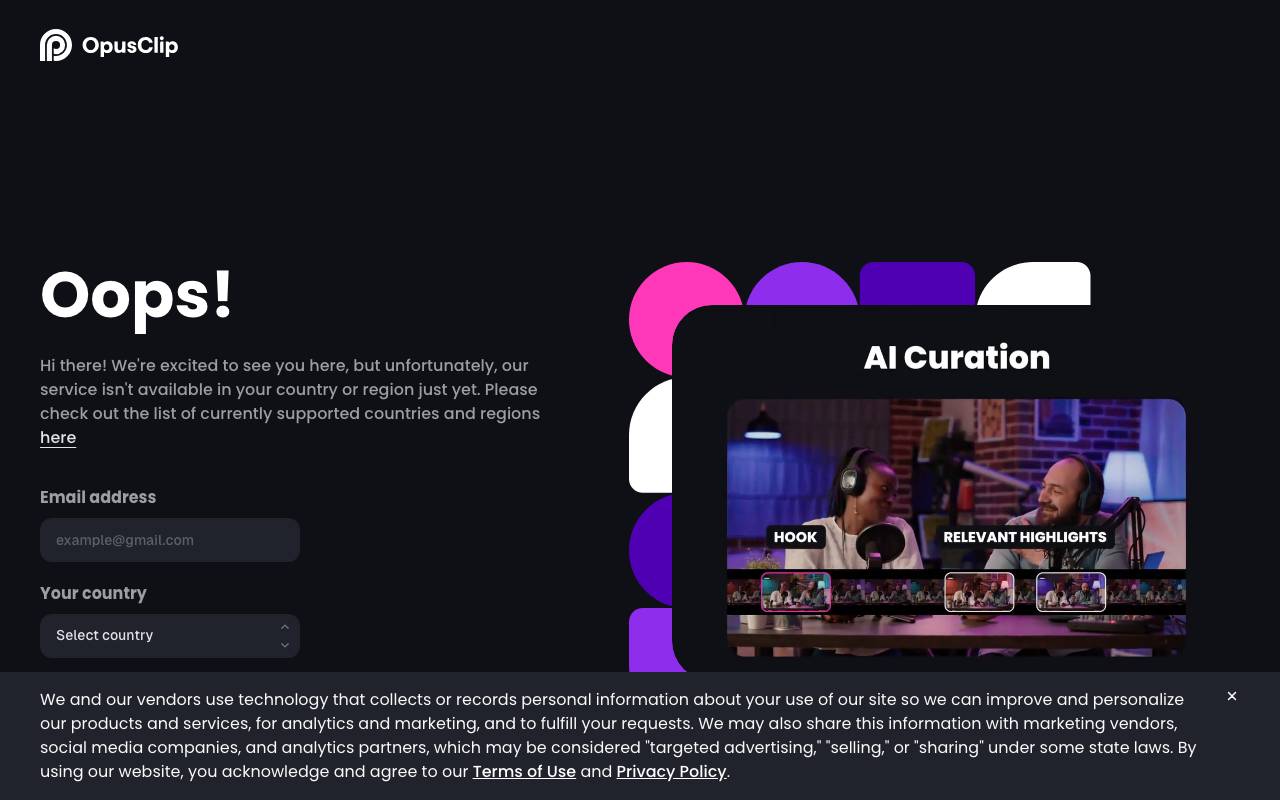
Get started for free. End-to-end AI video creation at the speed of thought. Your personal creative squad inside one app. From research, script, motion graphics, to avatar, voiceover, and editing, Agent Opus does it all in one flow. Researcher, Scriptwriter, Storyboard artist, Asset manager, Hook designer, Motion designer, Video editor, Voice actor. Explore what creators and businesses are making. Promotional video, Explainer, Audio to video, Animated B-Roll, Audio to video, AI Ads, Motion Graphics, Explainer, AI Ads, Motion Graphics. Everyone will be video first. What's stopping you?
Criteria breakdown
- AI-driven video editing
- Automatic captions and subtitles
- Trend discovery tools
- Direct publishing to platforms
- Idea-to-video script generation
- Free and paid usage tiers

Hailuo AI
An AI video generator that turns text or images into 5–10s cinematic clips with camera & motion control.
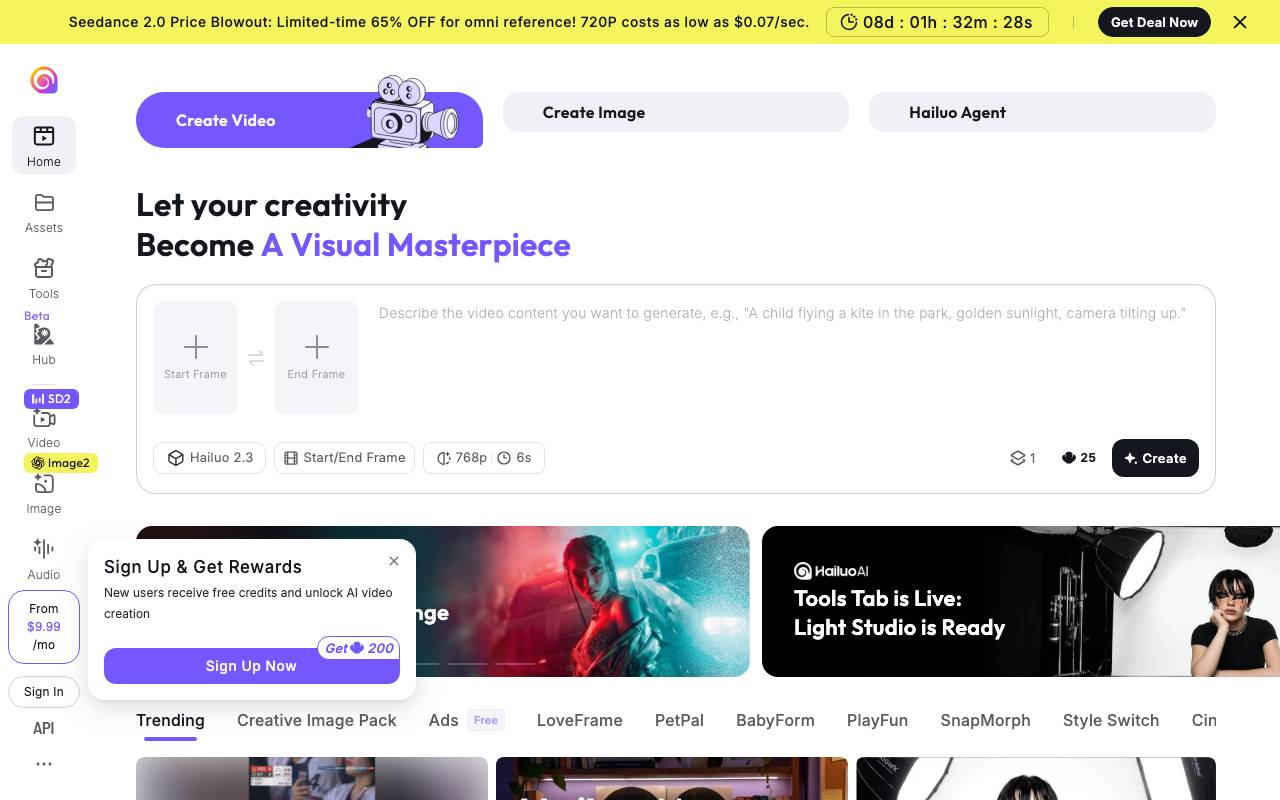
Hailuo AI is an AI-powered video generator that turns text or images into 5-10 second cinematic clips with camera and motion control. With its features, users can create visual masterpieces with ease. The tool allows users to import images and export them as visually stunning videos with camera movements and animations. However, the website does not provide further information on the specifics of the tool or its capabilities. The platform seems to be targeting creatives, content creators, and marketers who want to enhance their visual storytelling. Hailuo AI can be used for various purposes, such as creating product demos, explainer videos, and promotional materials. More details on the tool's limitations, pricing, and integrations are not available on the provided website. The user interface includes a 'Light Studio' tab, which is mentioned as being ready, although the exact features and capabilities of the Light Studio are not clear from the website. Hailuo AI appears to be a tool for those looking to add professional-level cinematic flair to their content, but more information is needed to accurately assess its scope and capabilities. Some features, such as style switching and CineScope, are mentioned on the website, but their specifics and usage are unclear.
Criteria breakdown
- Style switching
- CineScope
- ASMR creation
- Motion control camera movements
- Camera zoom and animations

Veo 4 Video Generator
Prompt-to-video platform for cinematic multi-shot scenes with synced audio and consistent characters.
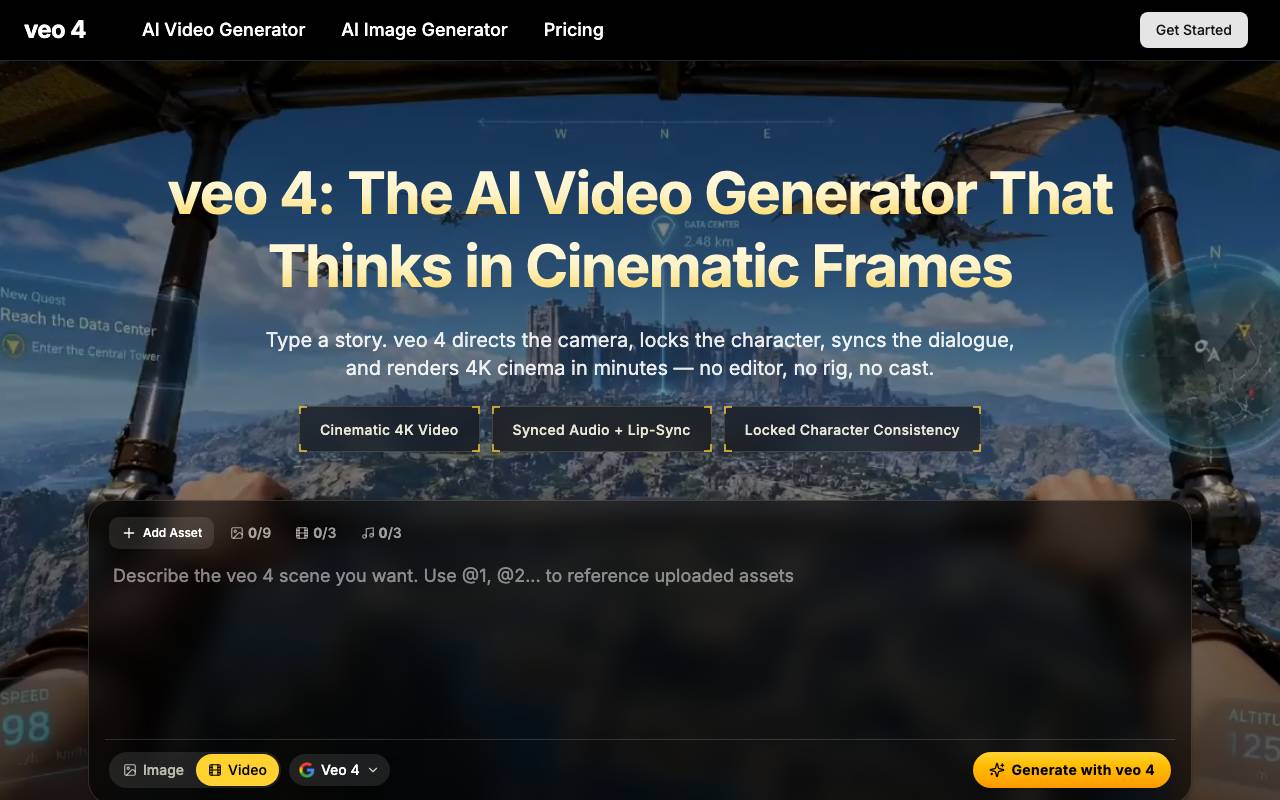
Veo 4 Video Generator is an AI video creation platform that turns text prompts and reference assets into multi-shot, cinematic sequences. It aims to handle the heavier parts of video production — shot framing, scene transitions, lighting, and pacing — so creators can move from concept to a finished clip without traditional editing pipelines. A central focus is consistency: characters, wardrobe, and environments are maintained across shots, and dialogue, sound effects, and ambient audio are generated in sync with the visuals. Users can upload images or briefs as anchors, then iterate on prompts to refine tone, camera work, and narrative beats. It is positioned for marketers, social creators, filmmakers, and prototypers who need short-form cinematic content quickly, while still allowing scene-by-scene control over the final output.
Criteria breakdown
- Text-to-video with multi-shot scene planning
- Character and style consistency controls
- Synchronized audio, dialogue, and effects
- Image and asset-based prompting
- Cinematic camera and lighting presets
- Iterative prompt refinement per shot

freebeat AI
AI music and video agent that turns any song and prompt into beat-synced music, dance, and lyric videos plus AI-generated tracks and effects.
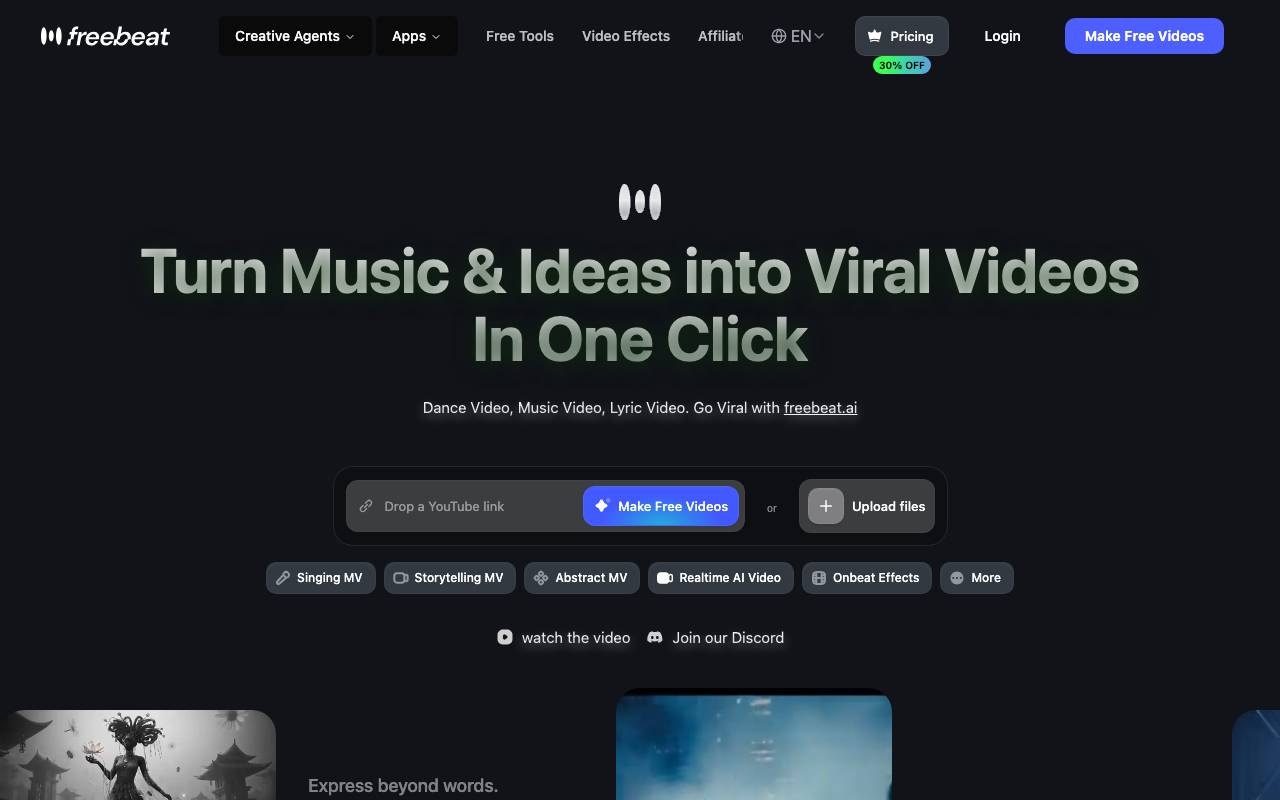
Freebeat AI is an artificial intelligence tool that creates music and video content. It is designed to transform any song and prompt into synchronized music, dance, and lyric videos, along with AI-generated tracks and effects. This tool appears to cater to individuals looking to generate engaging audio-visual content, potentially for social media, entertainment, or creative projects. The process of using Freebeat AI likely involves inputting a song and a prompt, after which the AI engine works to generate beat-synced visuals and audio. One of the standout capabilities of Freebeat AI is its ability to create AI-generated tracks and effects, which can enhance the overall quality and uniqueness of the output. In terms of workflow and integrations, the specifics are unclear, but it is conceivable that Freebeat AI could be used in conjunction with other video editing or music production software to further customize the generated content. As with any AI-driven creative tool, Freebeat AI likely has its strengths, such as efficiency and versatility, but may also face limitations, including potential constraints on creativity and the risk of producing content that feels overly generic or lacking in human touch. Compared to alternative AI music and video generation tools, Freebeat AI's unique selling point seems to be its focus on beat-synced content generation and its user-friendly approach to creating complex audio-visual productions. However, without more specific information, it is difficult to assess its full capabilities and how it stacks up against competing solutions.
Criteria breakdown
- AI-generated music tracks
- Beat-synced videos
- Lyric videos
- AI music and video generation
- Prompt-based content creation

Wan2.2
Open-source video generation model family (5B/14B) for text/image/video-to-video, delivering 1080p clips with improved motion and control.

Wan2.2 is an open-source video generation model family with two variants, 5B and 14B, supporting text/image/video-to-video generation. It can deliver 1080p clips with improved motion and control. The model incorporates a Mixture-of-Experts (MoE) architecture, cinematic-level aesthetics, and complex motion generation. The architecture of Wan2.2 is based on a video diffusion model, with the MoE architecture separating the denoising process across timesteps. This allows it to maintain the same computational cost while increasing the overall model capacity. Wan2.2 has been trained on a significantly larger dataset than its predecessor, Wan2.1, with +65.6% more images and +83.2% more videos. This expansion enhances the model's generalization across multiple dimensions, including motions, semantics, and aesthetics. The model supports text-to-video and image-to-video generation at 720P resolution with 24fps, and can run on consumer-grade graphics cards like 4090. It is one of the fastest 720P@24fps models currently available, capable of serving both the industrial and academic sectors simultaneously. Wan2.2 has been integrated into several frameworks, including Diffusers, ComfyUI, and ModelScope, and has been used for various applications, such as character animation, replacement, and audio-driven cinematic video generation. Wan2.2 has also been used to create a unified model for character animation and replacement with holistic movement and expression replication, and an audio-driven cinematic video generation model, including inference code, model weights, and technical report. The model has also been used to create a 5B model built with the Wan2.2-VAE that achieves a compression ratio of 16 16 4, supporting both text-to-video and image-to-video generation at 720P resolution with 24fps. The model has been released under an open-source license and has gained popularity, with over 50 commits on its GitHub repository and a large community of contributors and users. Wan2.2 is a powerful video generation model that provides state-of-the-art performance and versatility for various applications, including character animation, replacement, and audio-driven cinematic video generation. Its architecture and training dataset make it a valuable resource for researchers and developers working in the field of video generation and processing., The model is suitable for various applications, including character animation, replacement, and audio-driven cinematic video generation. However, like any machine learning model, Wan2.2 has some limitations. For example, it requires a significant amount of computational resources and training data to achieve its performance, and it may not be suitable for all types of video generation tasks. Additionally, while Wan2.2 has been integrated into several frameworks, its performance and versatility may vary depending on the specific use case and application. Overall, Wan2.2 is a powerful and versatile video generation model that provides state-of-the-art performance for various applications. Its architecture and training dataset make it a valuable resource for researchers and developers working in the field of video generation and processing.
Criteria breakdown
- Text-to-video generation
- Image-to-video generation
- Video-to-video generation
- Mixture-of-Experts architecture
- Cinematic-level aesthetics
- Complex motion generation

D-ID Creative Reality™ Studio
Turn text and photos into lifelike talking avatar videos
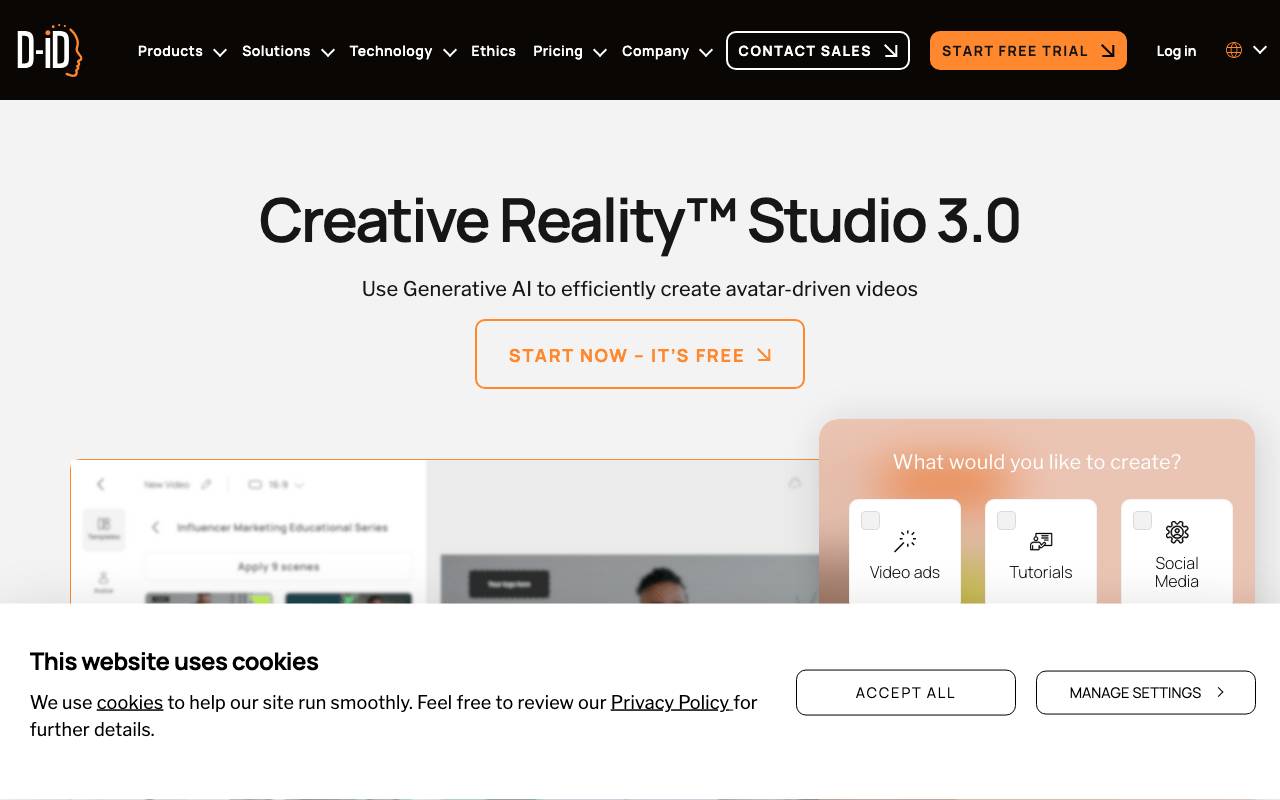
D-ID Creative Reality Studio is an AI video platform that transforms still images and written scripts into animated presenter videos. Users can choose from a library of digital avatars or upload their own photo, then pair it with synthesized speech in dozens of languages to produce a talking head clip in minutes. The Studio is aimed at marketers, educators, HR teams, and content creators who need scalable video production without cameras, actors, or studios. It integrates with tools like GPT for script generation and supports common video workflows, making it suitable for training materials, sales outreach, social content, and personalized messaging.
Criteria breakdown
- Text-to-video with AI presenters
- Photo-to-avatar animation
- Multilingual text-to-speech voices
- GPT-powered script assistance
- API access for automation
- Pre-built avatar and template library

Vidnoz AI
Free AI video generator with thousands of avatars, voices, and ready-made templates.
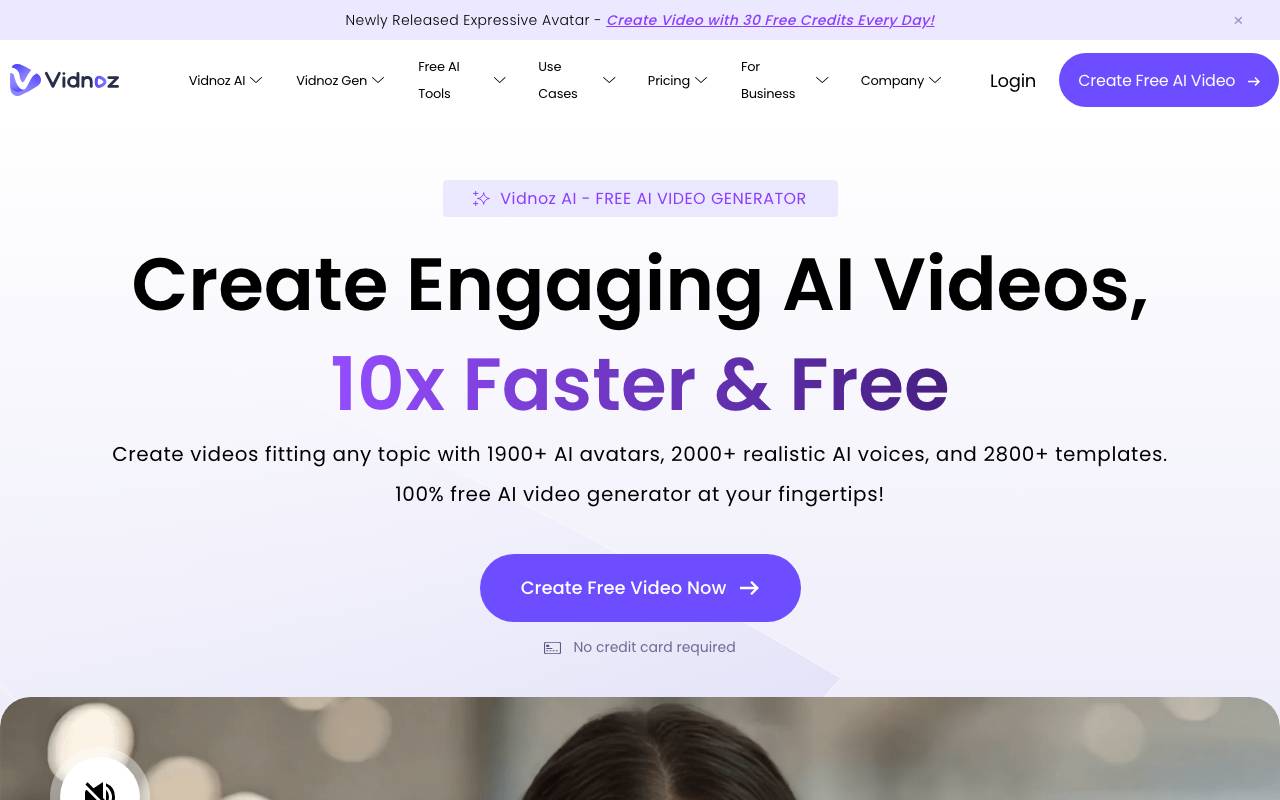
Vidnoz AI is an online video creation platform that uses AI avatars and text-to-speech to turn scripts into talking-head videos without cameras or actors. Users pick an avatar, choose a voice, type or paste a script, and the tool renders a finished video that can be customized with templates, backgrounds, and on-screen elements. The service is aimed at marketers, educators, trainers, and small teams who need to produce explainer, training, or social videos quickly. With a large library of avatars, multilingual voices, and pre-built templates, it lowers the barrier to producing branded video content at scale, and a free tier makes it accessible for casual or trial use.
Criteria breakdown
- 1500+ AI avatars
- 1380+ text-to-speech voices
- 2800+ video templates
- Script-to-video generation
- Multilingual voiceovers
- Online editor with customization

FocuSee
An AI-powered screen recorder that automates editing with zoom, captions, and effects for polished videos.

FocuSee is an AI-powered screen recorder designed to automate video editing, making it easy to produce polished videos without extensive editing experience. It offers features like auto zoom, cursor effects, dynamic layout, AI audio enhancement, and an annotation suite. The tool is aimed at content creators, educators, and businesses looking to create professional-looking videos quickly. FocuSee's AI capabilities handle tasks such as zooming in on important actions, adding cinematic 3D motion effects, and generating subtitles in multiple languages. The platform also provides AI-driven enhancements like virtual avatars and background removal. Overall, FocuSee aims to streamline the video creation process, saving users time and effort in post-production.
Criteria breakdown
- Auto Pan & Zoom
- Cursor Effects
- Dynamic Layout
- AI Audio Enhancement
- Annotation Suite
- AI Virtual Avatar

Live3D AI Face Swap
Online AI face swap for photos and videos with no-login workflow, watermark-free results, and daily free video swaps.
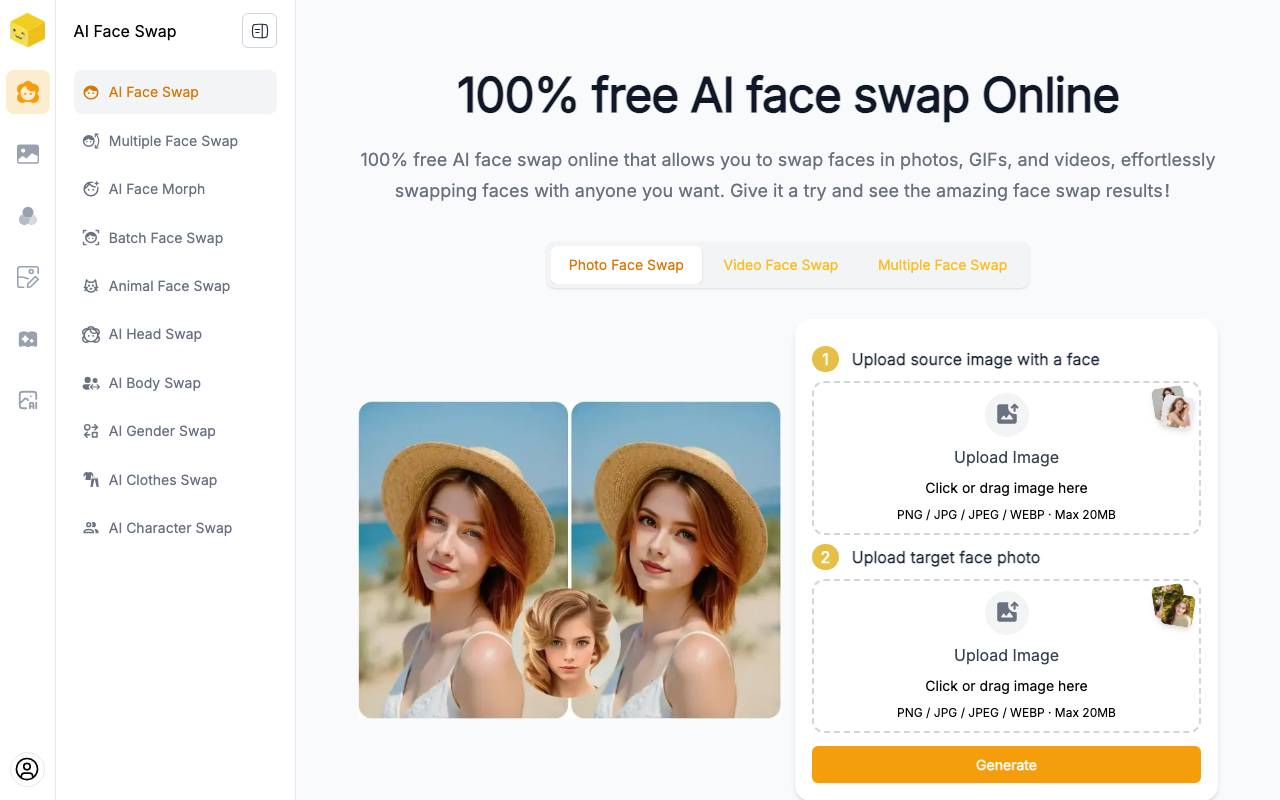
Live3D AI Face Swap is an online AI face swap tool that allows users to swap faces in photos, GIFs, and videos without requiring a login. It supports multiple face swaps and offers watermark-free results. The tool is free, and users can swap faces up to 20 times a day. Live3D AI Face Swap also supports video face swaps, enabling users to imagine themselves in movie clips. The AI-powered face swap technology provides impressive results in a matter of seconds. Users can swap faces in group photos, creating unique and funny memes. The tool's user-friendly interface makes it easy for anyone to use, without requiring special skills. The tool supports various file formats, including PNG, JPG, JPEG, and WEBP, with a maximum file size of 20MB. It offers a seamless face swap experience, effortlessly merging the user's face with that of a celebrity or other person. Live3D AI Face Swap is suitable for users who want to create funny memes, replace faces in group photos, or simply imagine themselves in a different context. However, users should note that the video length should not exceed 10 seconds, and the tool may have limitations in terms of face swap results, especially with low-quality images or videos. Live3D AI Face Swap offers a convenient and free solution for face swapping, making it an attractive option for users who want to have fun with their images and videos. The tool's AI-powered face swap technology is designed to deliver impressive results, but users may experience limitations in terms of face swap quality, especially with low-quality images or videos. Live3D AI Face Swap is an online tool that can be accessed anywhere, at any time, making it a convenient solution for users who want to swap faces in their photos and videos.
Criteria breakdown
- Face swap for photos and videos
- Supports multiple face swaps
- Watermark-free results
- Free up to 20 face swaps per day
- Supports video face swaps
- User-friendly interface