Past battle · 2024-11-07 UTC
Images Showdown — November 7, 2024
From the Images category. 37 marks placed across 8 fighters. Color Analysis Tech took the crown.
Final standings


The line-up
The fighters
Profiles of every tool that competed in this battle, ranked by their final score.

Color Analysis Tech
Instantly discover your personal color palette with AI-powered image analysis.
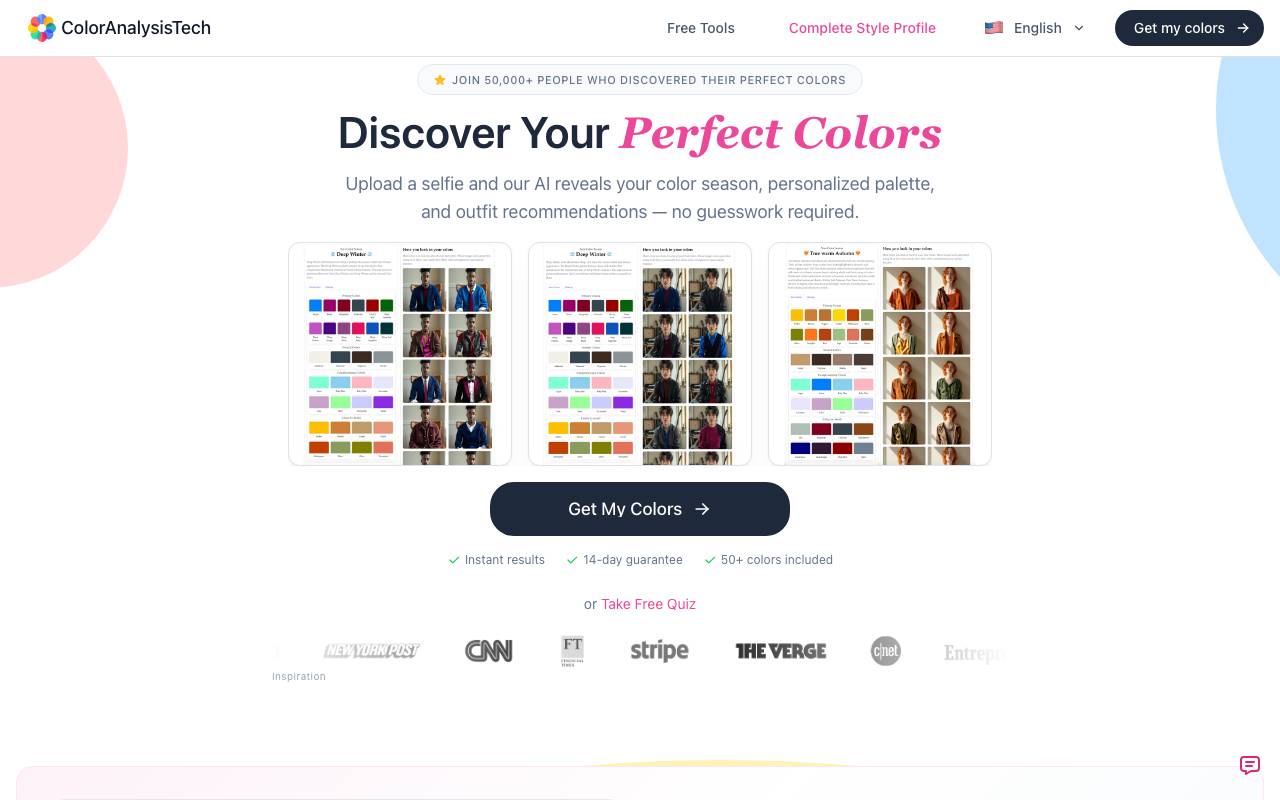
Color Analysis Tech is an AI-powered tool that analyzes uploaded selfies to discover users' personal color palettes. It provides instant results, including color seasons, personalized palettes, and outfit recommendations. The tool offers various packages, including a free quiz, a complete color analysis with Kibbe body type analysis and virtual color draping, and personalized outfit suggestions. The complete profile package costs $39 and includes 144 drapes and 30+ outfit renders.
Criteria breakdown
- AI-based skin, hair, and eye tone detection
- Personalized color palette suggestions
- Seasonal color category matching
- Recommendations for clothing and makeup shades
- Instant photo-based analysis

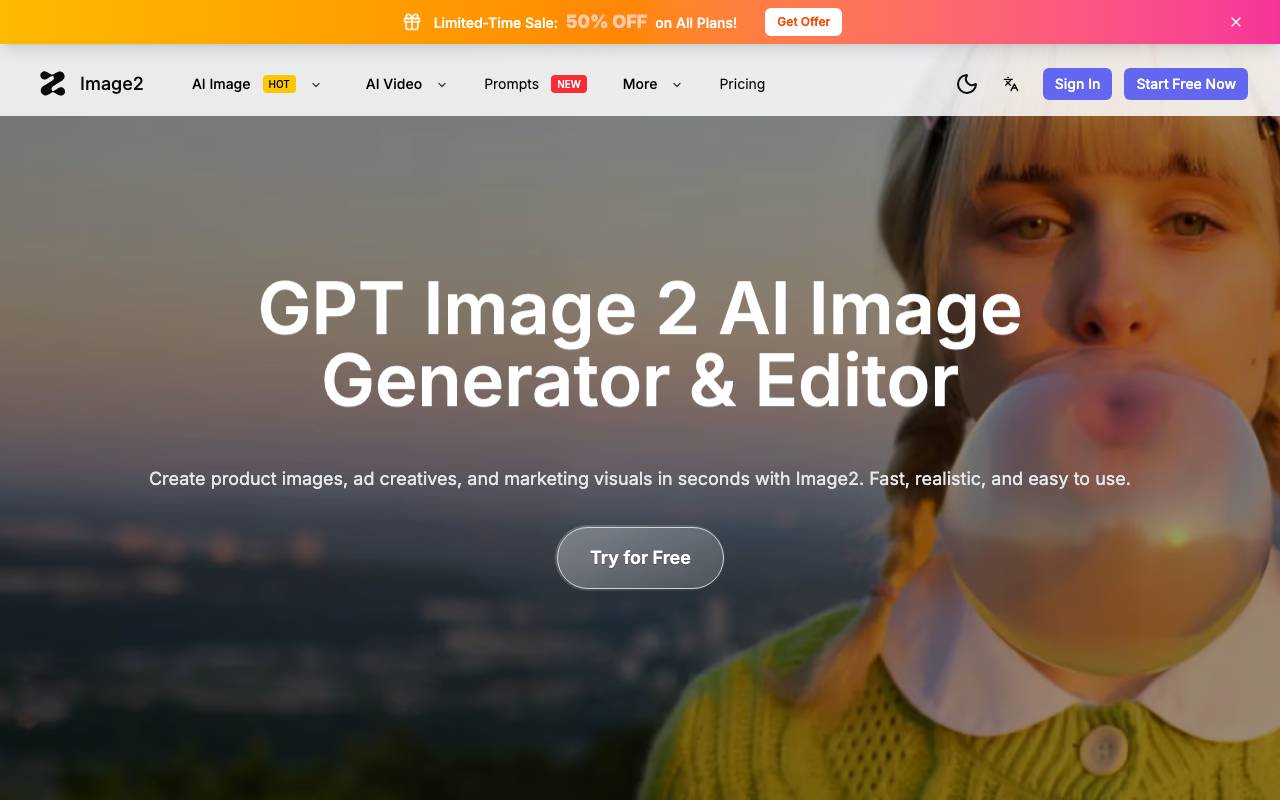
Image 2 is an AI-powered image generation and editing tool aimed at marketers, designers, and ecommerce teams who need polished visuals at scale. It can produce product shots, lifestyle scenes, campaign artwork, and social-ready graphics from text prompts or reference images. Beyond generation, it includes editing features such as background replacement, object removal, and style adjustments, helping teams iterate quickly without a full studio workflow. The output is geared toward commercial use cases, with controls intended to keep brand and product details consistent across assets.
Criteria breakdown
- Text-to-image and image-to-image generation
- Background replacement and removal
- Object and element editing
- Style and brand consistency controls
- Product and lifestyle scene presets
- Export formats suited to ads and ecommerce

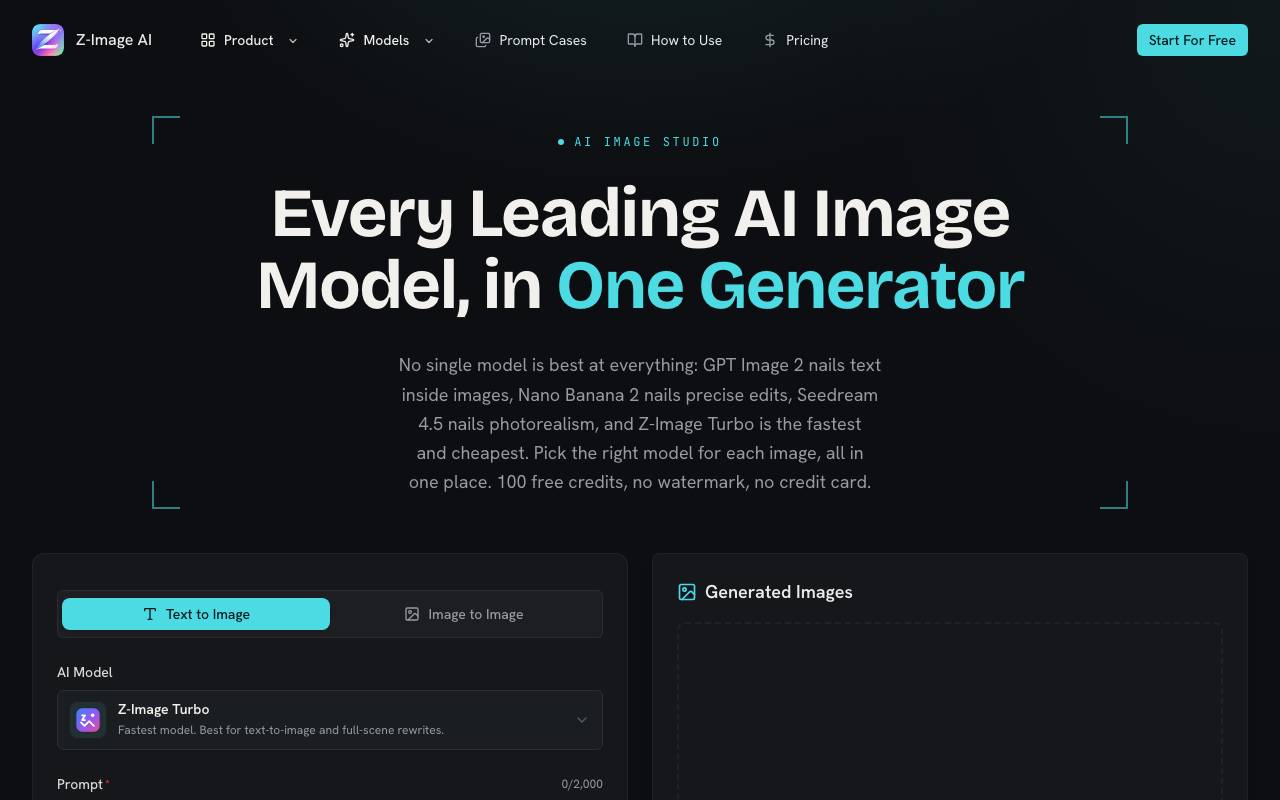
Z-Image AI is a free AI image generator and editor that allows users to create images from text prompts or edit existing photos using various AI models. The tool offers a single plan with 100 free credits, allowing users to generate images with different models, aspect ratios, and output formats. It supports text-to-image and image-to-image creation, with features like fast iteration, refunded credits for failed generations, and no watermarks on generated images. The AI models available include GPT Image 2, Nano Banana 2, Z-Image Turbo, and Seedream 4.5, each suited for different tasks such as photorealistic quality, precise edits, fast drafts, and product photography. Users can refine and regenerate images in seconds, and the tool provides preset aspect ratios for various platforms.
Criteria breakdown
- Text-to-image generation
- Image-to-image transformation
- Prompt-based creation
- Web interface
- Free access tier
- Style variation options

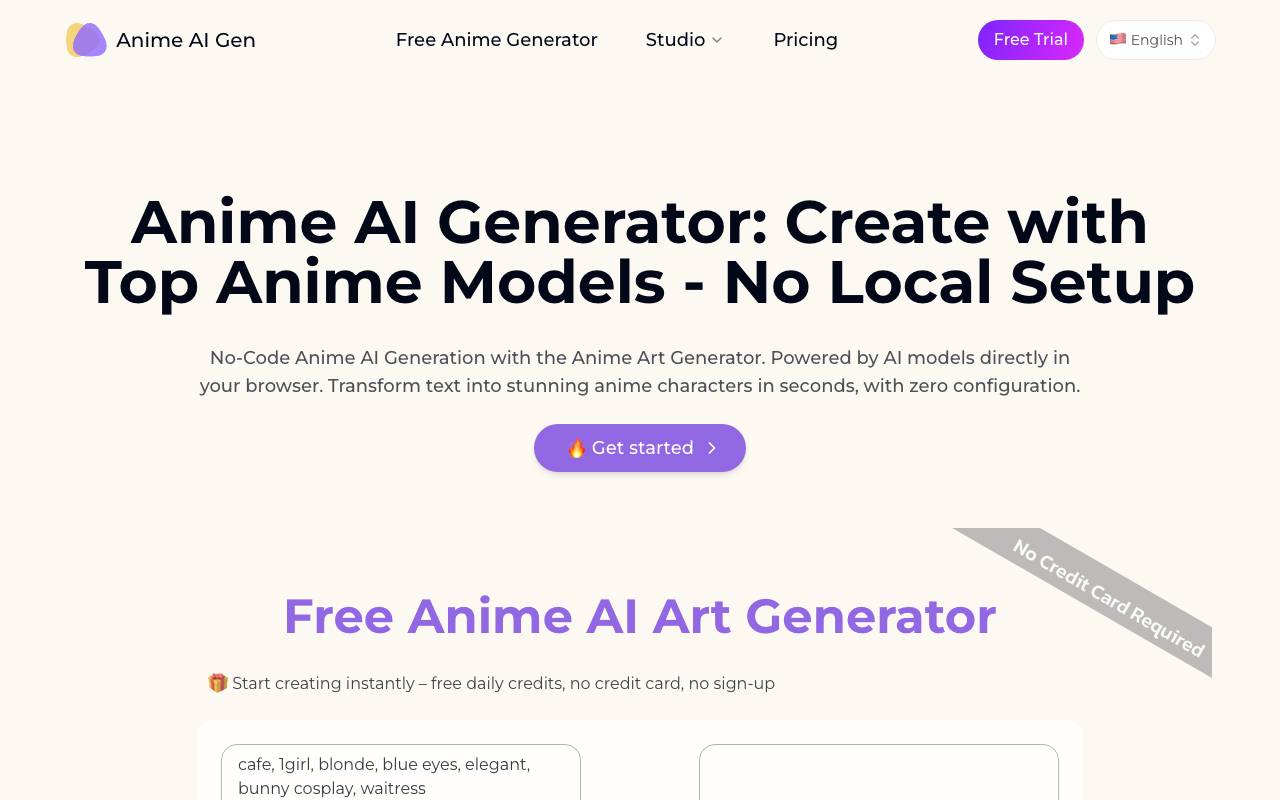
Anime AI Gen is an online image generator focused on anime and manga aesthetics. Users describe a character, scene, or mood, and the tool produces stylized illustrations that mimic popular anime art styles, from soft shoujo to sharper shonen and chibi looks. The platform is aimed at hobbyists, fan artists, writers, and content creators who want quick visual references or shareable artwork without needing drawing skills. Generated images can be used for inspiration, character design, social posts, or personal projects. With adjustable prompts and style options, Anime AI Gen offers a low-friction way to experiment with anime art direction, though results still depend on prompt quality and the limits of the underlying model.
Criteria breakdown
- Text-to-image anime generation
- Multiple anime art style presets
- Prompt-based character creation
- Quick downloads for sharing
- Web-based, no installation needed

Imgtoimg AI
AI image generator for editing, enhancing, and restyling photos with simple prompts.
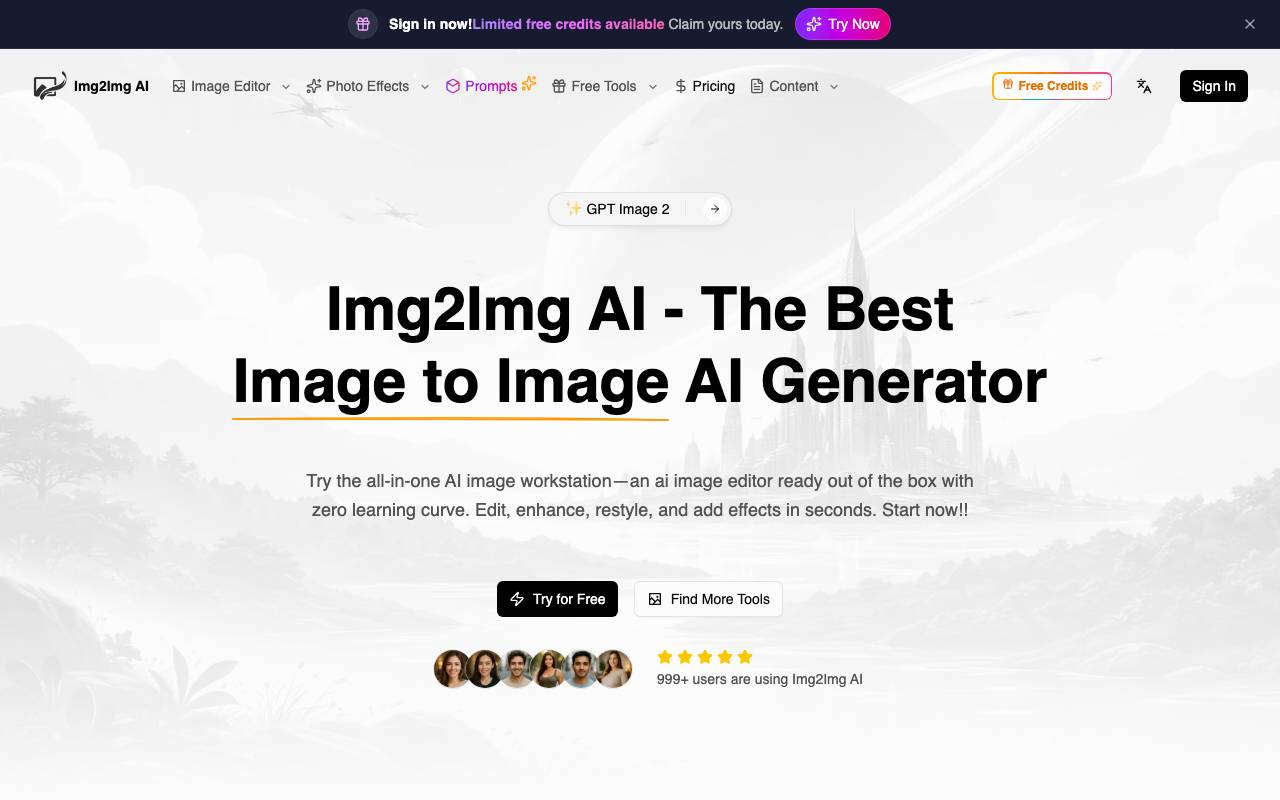
Imgtoimg AI is an all-in-one AI image workstation for editing, enhancing, and restyling photos with simple prompts. It's designed for users who want to transform their images quickly and easily, without requiring extensive Photoshop skills. The platform offers a range of features, including the ability to upload a reference image and apply changes using a text prompt. The tool integrates multiple advanced AI image generation models, allowing users to choose from various options based on their needs and available credits. These models can be used for text-to-image and image-to-image generation, providing diverse outputs. One of the key advantages of Imgtoimg AI is its ability to analyze the composition, lighting, and structure of an uploaded photo and use it as a foundation for applying changes. This approach enables the creation of natural-looking edits and restyles while preserving key elements of the original image. The platform offers a range of utilities and effects, including watermark removal, background removal, photo restoration, and image enhancement. Additionally, users can access a library of curated prompts and tutorials to help them get the most out of the tool. Imgtoimg AI is suitable for various professionals, including designers, marketers, and creators, who need to produce high-quality visuals quickly and efficiently. The tool aims to provide a balance between creative transformation and preservation of the original image, making it a useful solution for those looking for a user-friendly AI image editor.
Criteria breakdown
- Image-to-image transformation
- Style transfer and restyling
- Photo enhancement and upscaling
- Background replacement
- Prompt-guided editing
- Adjustable generation strength

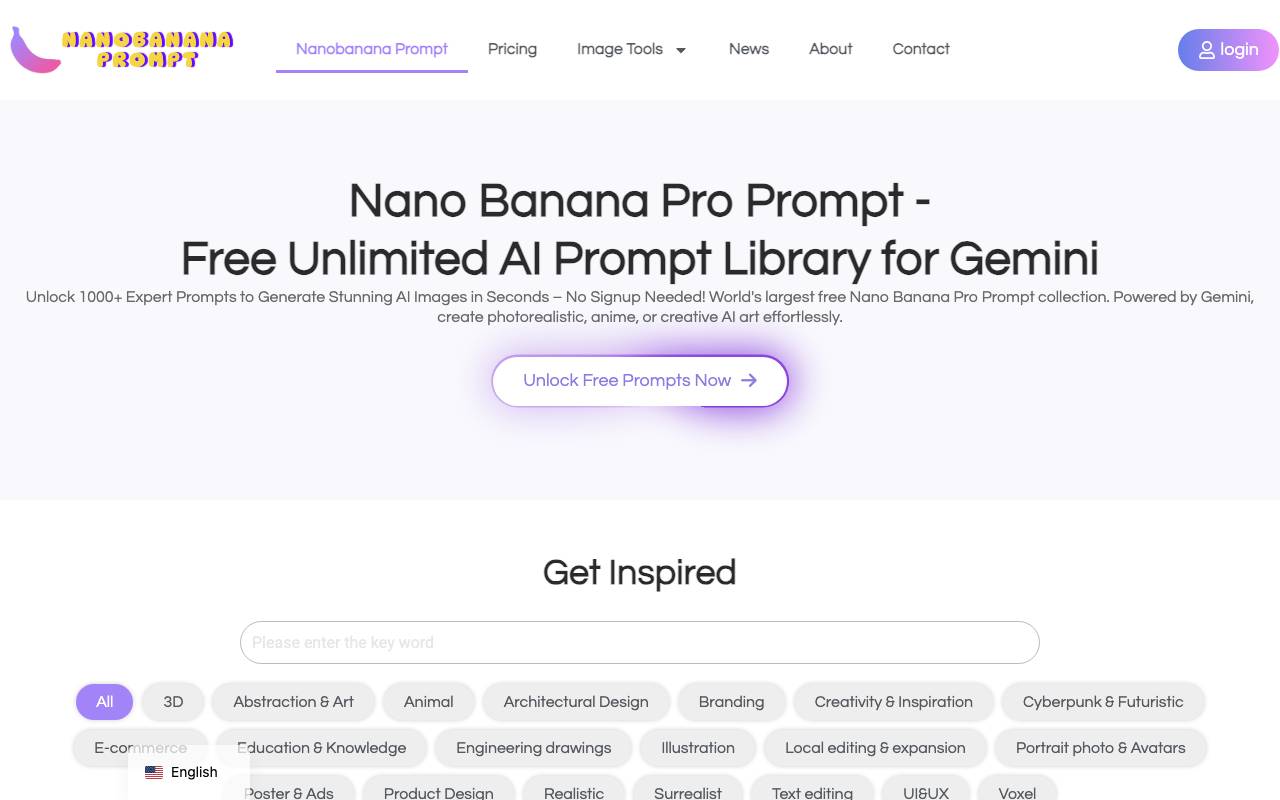
Banana Peel Prompt is a curated library of prompts designed specifically for Google's Gemini image generation models. It offers free, unlimited access to ready-to-use prompts, helping users skip the trial-and-error phase of crafting effective image descriptions. The platform organizes prompts by style, subject, and use case, making it easier to find inspiration or starting points for creative projects. Users can browse, copy, and adapt prompts to fit their own ideas, whether they're working on concept art, marketing visuals, or personal experiments. It's aimed at hobbyists, designers, and content creators who want to get more consistent and visually compelling results from Gemini without spending hours refining prompts from scratch.
Criteria breakdown
- Curated Gemini prompt library
- Free and unlimited browsing
- Categorized by style and subject
- Copy-ready prompt formatting
- Regularly updated examples
- Inspiration for image generation workflows
loramodel
Professional LoRA image platform offering 500+ specialized creative models for AI art generation.
Loramodel is an AI image generation platform built around LoRA (Low-Rank Adaptation) models, giving users access to a library of over 500 specialized models tuned for distinct styles, subjects, and aesthetics. Instead of relying on a single general-purpose generator, creators can pick fine-tuned models that better match their target look, from photorealistic portraits to stylized illustration. The platform is aimed at designers, artists, and content creators who want more control over visual output without training their own models from scratch. Users select a LoRA, provide prompts, and generate images that reflect the chosen style with greater consistency than base diffusion models typically offer. By centralizing a large catalog of community and curated LoRAs, Loramodel functions as both a generation tool and a discovery hub for specialized AI art styles.
Criteria breakdown
- 500+ curated LoRA models
- Prompt-based image generation
- Style and subject specialization
- Model browsing and discovery
- Support for diverse art aesthetics
- Web-based creative workflow

Nano Banana Pro Image Tool
AI image generator focused on high-quality, prompt-driven visuals for creators and teams.
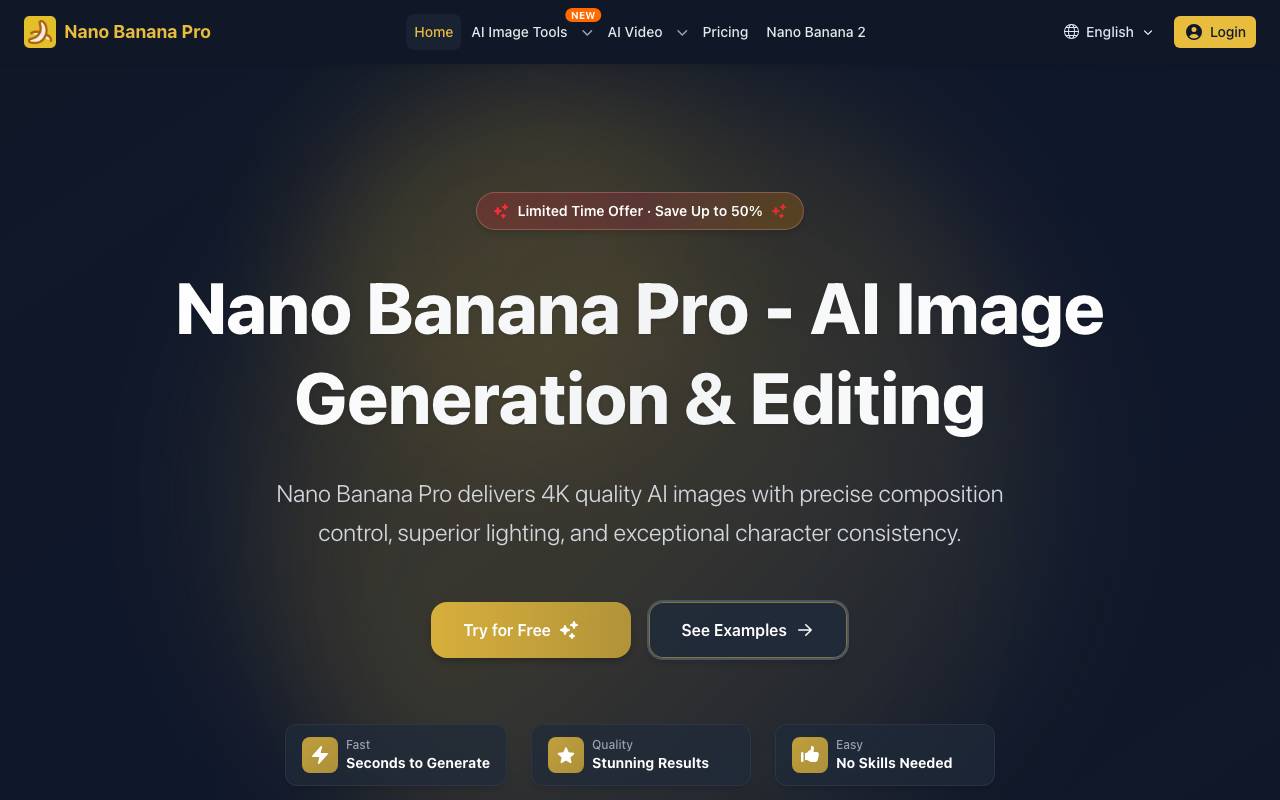
Nano Banana Pro is an AI image generation tool focused on high-quality, prompt-driven visuals. It offers 4K quality AI images with precise composition control, superior lighting, and exceptional character consistency. The tool is designed for creators and teams, allowing them to transform their imagination into beautiful images using advanced AI technology. Nano Banana Pro supports 2K/4K output with cinematic controls and can maintain consistency across multiple assets and characters. It has advanced professional controls for camera angles, focus, lighting transitions, color grading, and aspect ratios. The tool is suitable for various creative tasks, including marketing visuals, storyboards, and sticker sets, and can replace traditional editing software like Photoshop.
Criteria breakdown
- Text-to-image generation
- High-resolution output
- Style and prompt customization
- Quick iteration and previews
- Suitable for marketing and design assets