Past battle · 2024-02-12 UTC
Tool Libraries Showdown — February 12, 2024
From the Tool Libraries category. 31 marks placed across 6 fighters. Grimly AI took the crown.
Final standings





The line-up
The fighters
Profiles of every tool that competed in this battle, ranked by their final score.

Grimly AI
Developer-focused AI API for integrating language models into apps and workflows.
Grimly AI is a developer-focused AI API that enables the integration of language models into applications and workflows. It provides a programmable interface for incorporating AI capabilities, allowing developers to build and enhance their software with language understanding and generation features. Grimly AI's API is designed to be used by developers who want to add AI-powered functionality to their apps, but the specifics of its capabilities, such as supported models, customization options, and usage scenarios, are not readily available. The tool appears to cater to developers looking to leverage language models in their projects, but a detailed understanding of its strengths, limitations, and competitive landscape is not possible without further information.
Criteria breakdown
- AI model access via API
- Prompt and response endpoints
- Integration into custom apps
- Developer-oriented documentation
- Programmable automation workflows

Markdown Converter Pro
Convert Markdown to PDF, HTML, and Word—and turn PDFs back into clean Markdown.
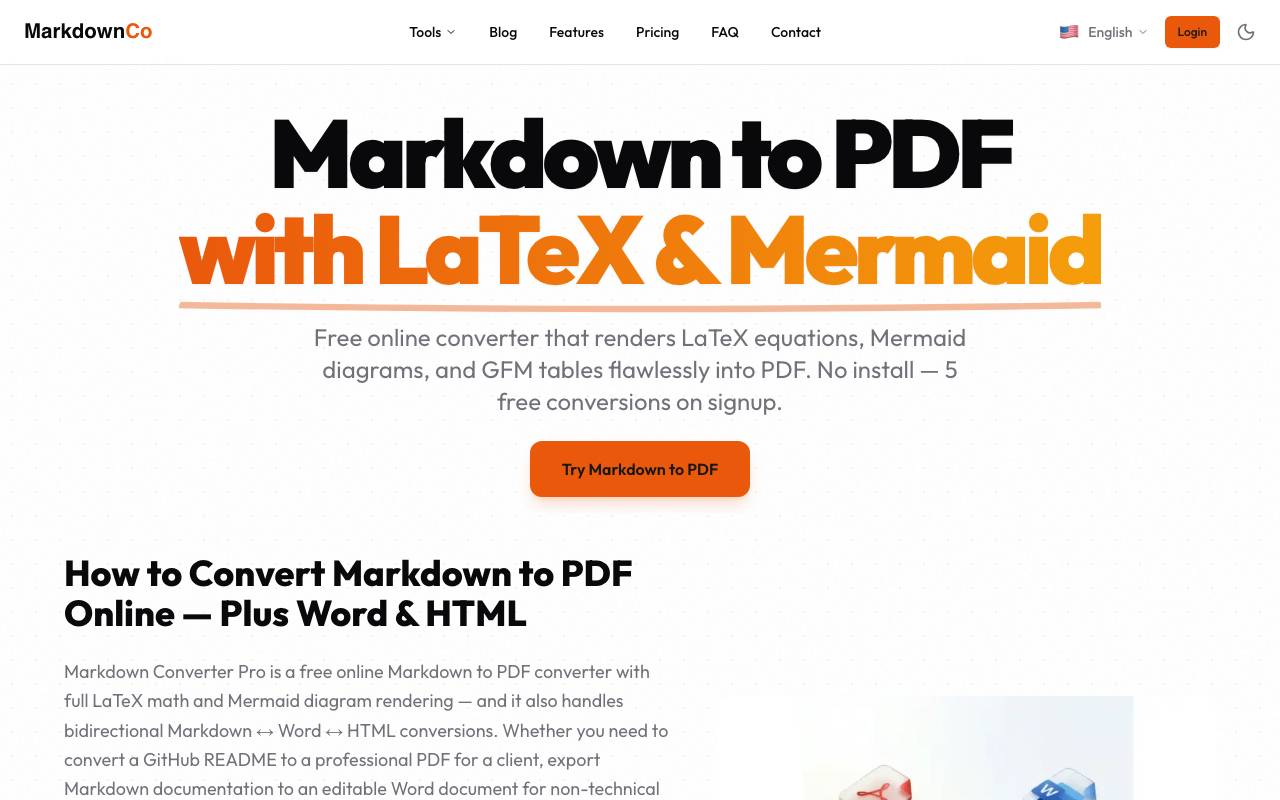
Markdown Converter Pro is a document conversion utility built around the Markdown format. It handles the common workflows writers and developers need: exporting Markdown notes to polished PDF, HTML, or Word files, and extracting clean Markdown from existing PDF documents. The tool aims to preserve formatting elements such as headings, lists, tables, code blocks, and links during conversion, making it useful for technical documentation, blog drafts, reports, and archiving content across formats. It fits into workflows where Markdown is the source of truth but final deliverables need to be shared in more universal office or web formats.
Criteria breakdown
- Markdown to PDF export
- Markdown to HTML conversion
- Markdown to Word (DOCX) export
- PDF to Markdown extraction
- Formatting preservation for headings, lists, and code
- Browser-based conversion workflow

Receipt Taxer
AI-powered receipt scanner that organizes expenses and simplifies tax tracking.
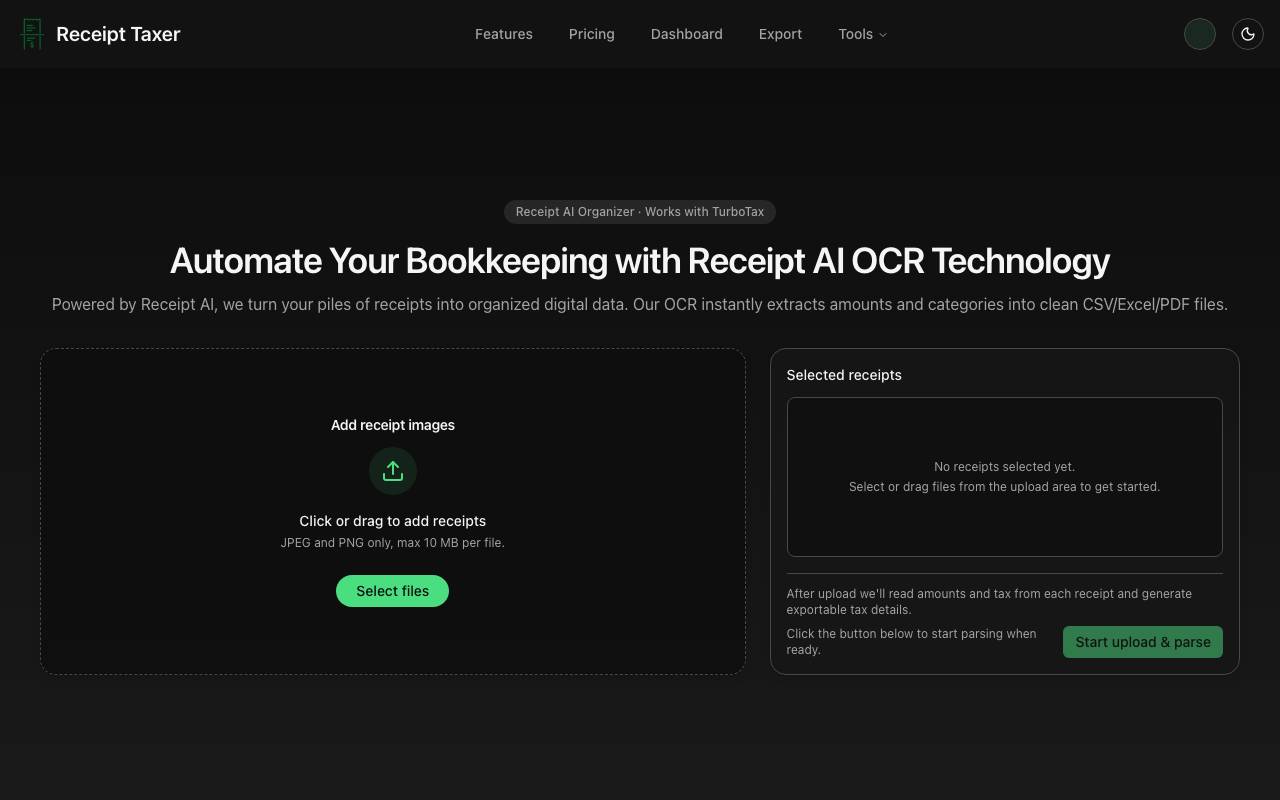
Receipt Taxer is an AI-powered receipt scanner that organizes expenses and simplifies tax tracking. It uses OCR technology to instantly extract amounts and categories from receipts, producing clean CSV, Excel, and PDF files. The tool can handle JPEG and PNG files, with a maximum file size of 10 MB per file. Users can upload and parse receipts, and the AI-powered tool categorizes and extracts amounts, generating exportable tax details. In the 'Tax season summary', the tool demonstrates its capabilities by categorizing and extracting amounts from a set of demo receipts. The tool integrates with TurboTax, allowing users to export receipt data for backup or manual entry. Receipt Taxer offers a simple pricing plan at $9.99 per period, with 200 receipt parses included. The tool is suitable for individuals and businesses looking to automate bookkeeping and simplify tax tracking.
Criteria breakdown
- AI-based receipt scanning and OCR
- Automatic expense categorization
- Tax amount detection and totals
- Searchable digital receipt archive
- Export options for accounting tools
- Mobile capture on the go

AI prompt library
A large searchable collection of ready-made prompts for ChatGPT, MidJourney and other AI models.
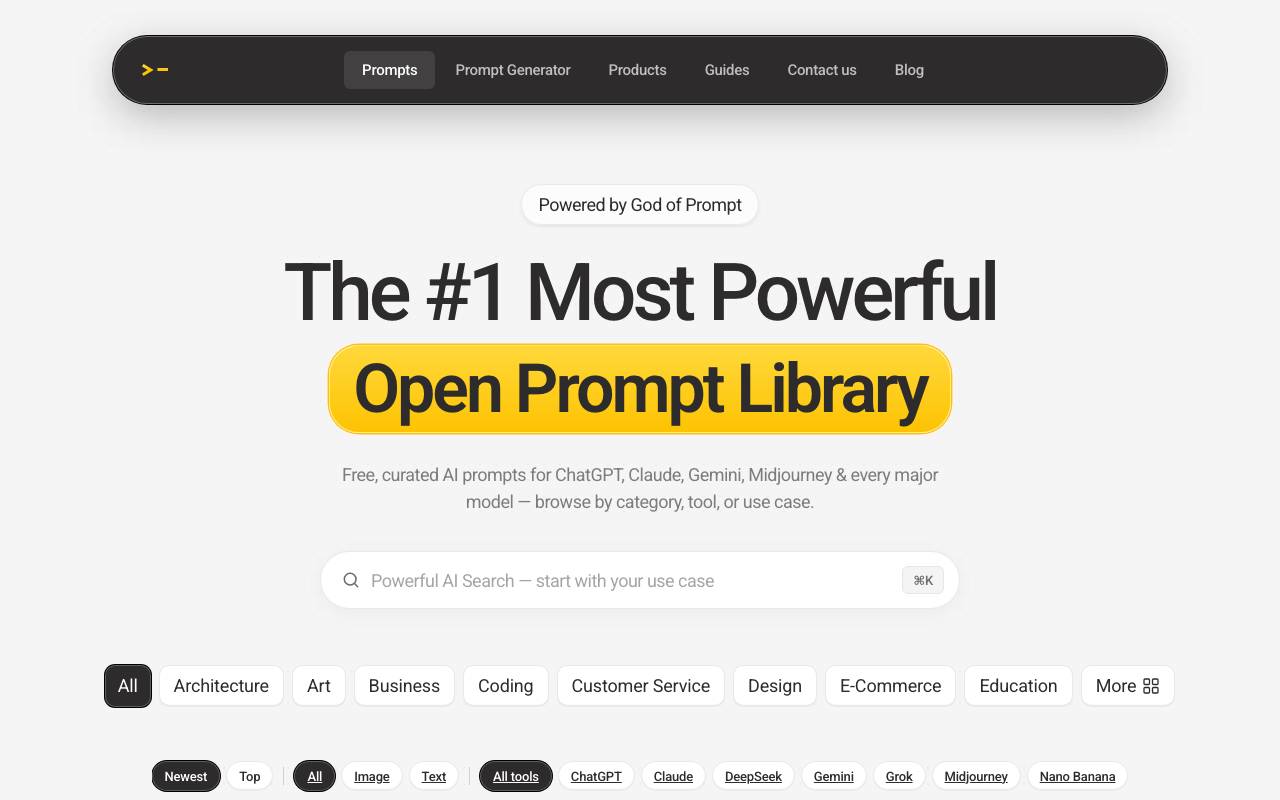
AI Prompt Library is a curated repository of pre-written prompts designed to help users get better results from generative AI tools. With tens of thousands of entries spanning writing, coding, marketing, design, and image generation, it aims to shorten the learning curve for both new and experienced AI users. Prompts are typically organized by use case, model, and category, making it easier to browse for inspiration or copy a tested template directly into a chatbot or image generator. The library is useful as a reference, a starting point for customization, or a way to discover new ways of applying AI in daily workflows.
Criteria breakdown
- 30,000+ prompt collection
- Support for ChatGPT and MidJourney
- Category and use-case browsing
- Copy-ready prompt templates
- Coverage of writing, marketing, art, and coding tasks

AI VIDEO SPLITTER
Local, browser-based video splitter that works instantly with no uploads or watermarks.
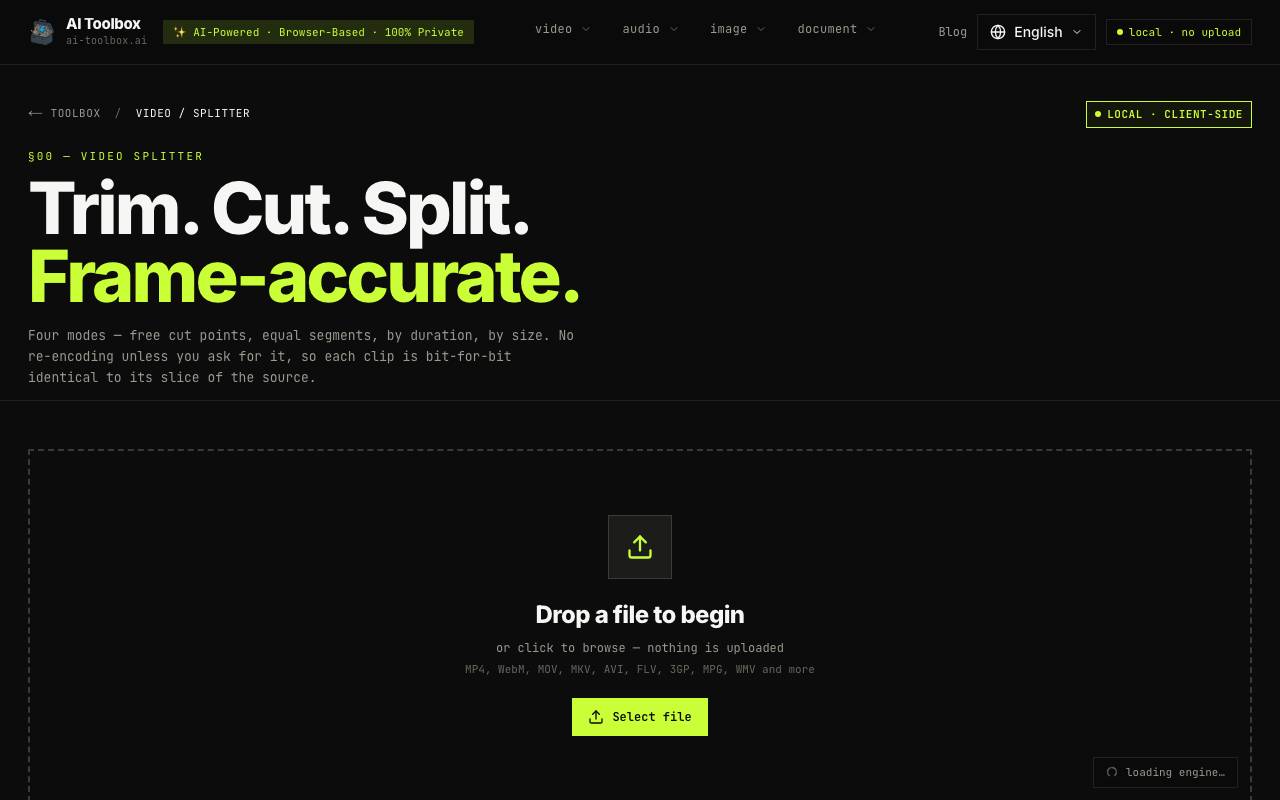
AI Video Splitter is a browser-based tool that allows users to split videos into clips without uploading them to a remote server. It works locally in the browser, ensuring that files are never transferred or stored online. The tool supports various video formats, including MP4, WebM, MOV, MKV, AVI, FLV, 3GP, MPG, and WMV. The tool offers four methods for splitting videos: manual precision using timestamps and a preview player, bulk automation by dividing the video into equal parts, splitting by duration, and splitting by file size. The splitter operates in two modes: Fast Mode, which uses stream copy for instant splitting without re-encoding, and Advanced Mode, which allows for format conversion and precise cuts but takes longer. AI Video Splitter is designed for users who need to process confidential or personal videos, as it ensures zero-upload privacy by using WebAssembly-compiled FFmpeg in the browser. The tool is suitable for various workflows, including breaking down lecture recordings, long-form content, or large files into smaller, manageable clips. The tool's key benefits include speed, security, and flexibility. It operates instantly without requiring uploads or waiting for remote processing. Users can export clips in various formats, including MP4, WebM, and MOV, and choose from different quality settings. Overall, AI Video Splitter is a convenient and private solution for splitting videos locally in the browser, making it an attractive alternative to cloud-based tools.
Criteria breakdown
- Local in-browser video processing
- Fast splitting without server uploads
- Watermark-free exports
- No file size or usage limits
- Supports common video formats
- Privacy-friendly workflow

WhatsMyName App
Check username availability and presence across hundreds of websites in seconds.
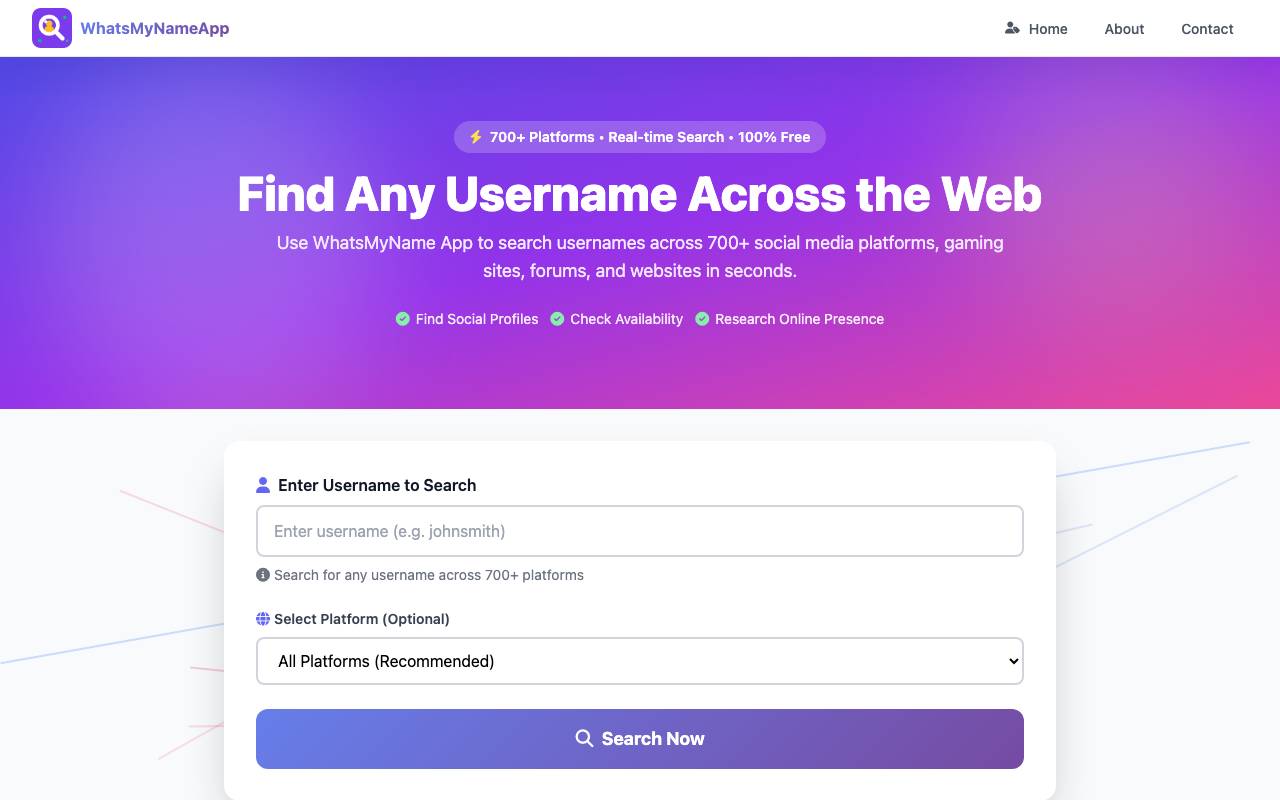
WhatsMyName App is a username enumeration tool that searches for the presence of a given username across hundreds of social media platforms, forums, and online services. By querying each site and analyzing the responses, it quickly reveals where a specific handle is in use or still available. Commonly used by OSINT investigators, security researchers, and journalists, the tool helps map an individual's digital footprint across the web. It is also useful for personal branding, allowing creators and businesses to find consistent usernames across platforms before signing up. The project is open source and maintained as part of broader OSINT resources, with a regularly updated list of supported sites and detection rules contributed by the community.
Criteria breakdown
- Username lookup across hundreds of platforms
- Direct links to detected profile pages
- Regularly updated detection rules
- Open-source codebase with community contributions
- Browser-based and CLI-friendly workflows
- Useful for OSINT investigations and digital footprint mapping