Past battle · 2025-07-11 UTC
Code Assistants Showdown — July 11, 2025
From the Code Assistants category. 21 marks placed across 6 fighters. Mermaid Viewer took the crown.
Final standings






The line-up
The fighters
Profiles of every tool that competed in this battle, ranked by their final score.

Mermaid Viewer
Browser-based Mermaid diagram editor with live preview, AI generation, and multi-format export.
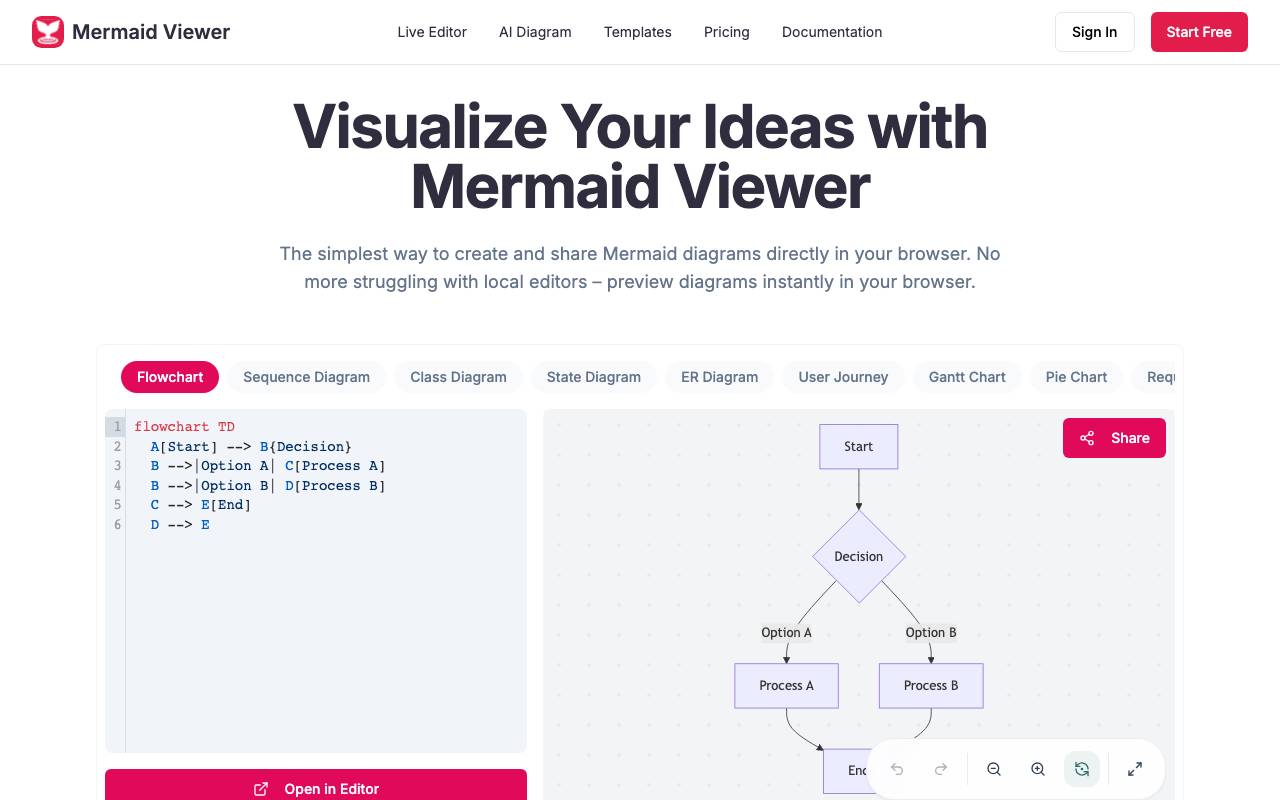
Mermaid Viewer is a browser-based Mermaid diagram editor that offers live preview, AI generation, and multi-format export. It allows users to create and share Mermaid diagrams directly in their browser, eliminating the need for local editors. The tool provides a range of features, including live preview, AI-assisted coding, smart export, enterprise integration, smart debugging, and real-time collaboration. The live preview feature enables users to visualize changes as they type, without the need for a 'Render' button. The AI-assisted coding feature includes a 'Generate with GPT-4' button that converts text descriptions to Mermaid code. Users can export diagrams in various formats, including SVG, PNG, and Markdown, with custom DPI and dark/light themes. Mermaid Viewer is suitable for developers and teams who need to create professional diagrams quickly and efficiently. It offers a free plan, as well as several paid plans with additional features, including unlimited diagrams, AI conversations, and advanced sharing and statistics. The tool prioritizes user privacy, storing data locally in the browser and not collecting user information. The platform also provides recommended templates for various use cases, including flowcharts, timelines, and wireframes. Users can start creating diagrams immediately, without the need for registration or setup. Overall, Mermaid Viewer aims to simplify the process of creating and sharing Mermaid diagrams, making it a useful tool for developers and teams.
Criteria breakdown
- Live Mermaid code preview
- AI-assisted diagram code generation
- Support for multiple Mermaid diagram types
- Export to image and vector formats
- Browser-based editor with no installation
- Shareable diagram output

Replit
Browser-based platform for building and deploying full-stack apps with AI agents.
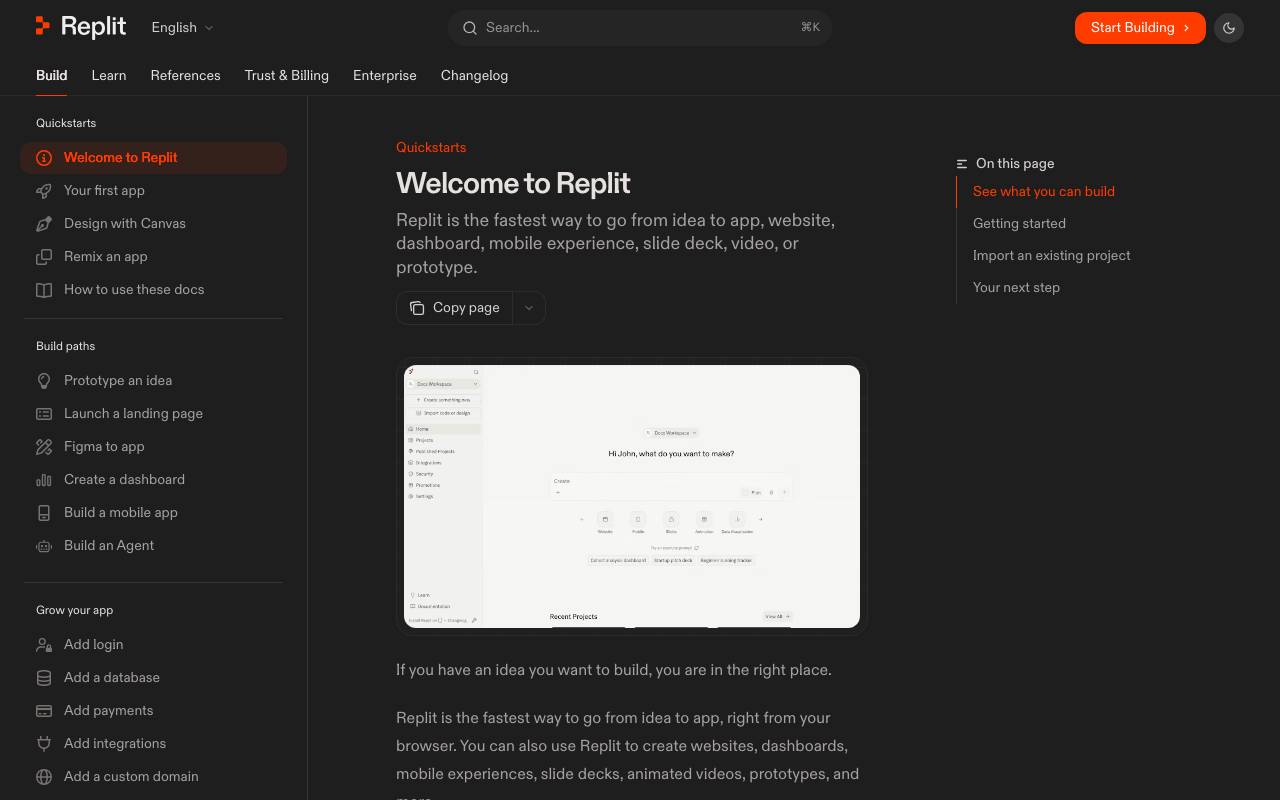
Replit is a cloud development environment that combines an online IDE with AI agents capable of generating, editing, and deploying full-stack applications from natural language prompts. Users can describe what they want to build and the agents handle scaffolding, coding, and configuration, while still allowing manual edits in the integrated editor. The platform supports parallel agents that can work on different parts of a project simultaneously, along with hosting, databases, and collaboration features. It targets both non-technical creators who want to ship apps without writing code and developers looking to speed up prototyping and iteration.
Criteria breakdown
- AI agents for app generation
- Browser-based IDE
- One-click deployment and hosting
- Built-in databases and auth
- Real-time collaboration
- Support for many languages and frameworks

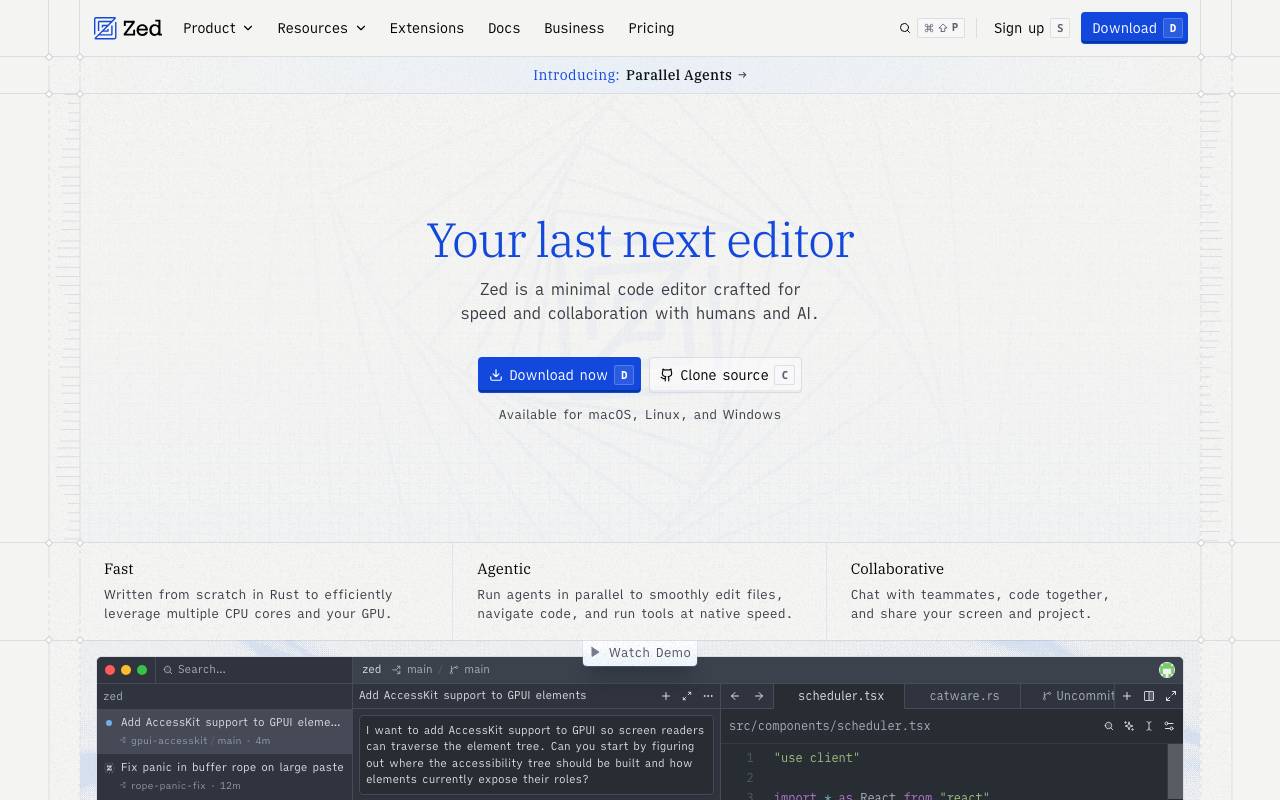
Zed AI is a fast, Rust-built code editor designed for low-latency coding and real-time team collaboration. It combines a responsive native interface with multi-buffer editing, language server support, and integrated AI features that help developers write, refactor, and understand code without leaving the editor. The AI layer connects to large language models for chat-based assistance, inline edits, and context-aware suggestions drawn from the open project. Combined with shared workspaces, voice channels, and live cursors, Zed positions itself as both a solo productivity tool and a pair-programming environment.
Criteria breakdown
- GPU-accelerated native code editor
- Built-in AI assistant and inline edits
- Real-time collaborative editing with shared workspaces
- Language server protocol and Tree-sitter support
- Integrated terminal and Git tooling
- Voice chat and project channels for teams

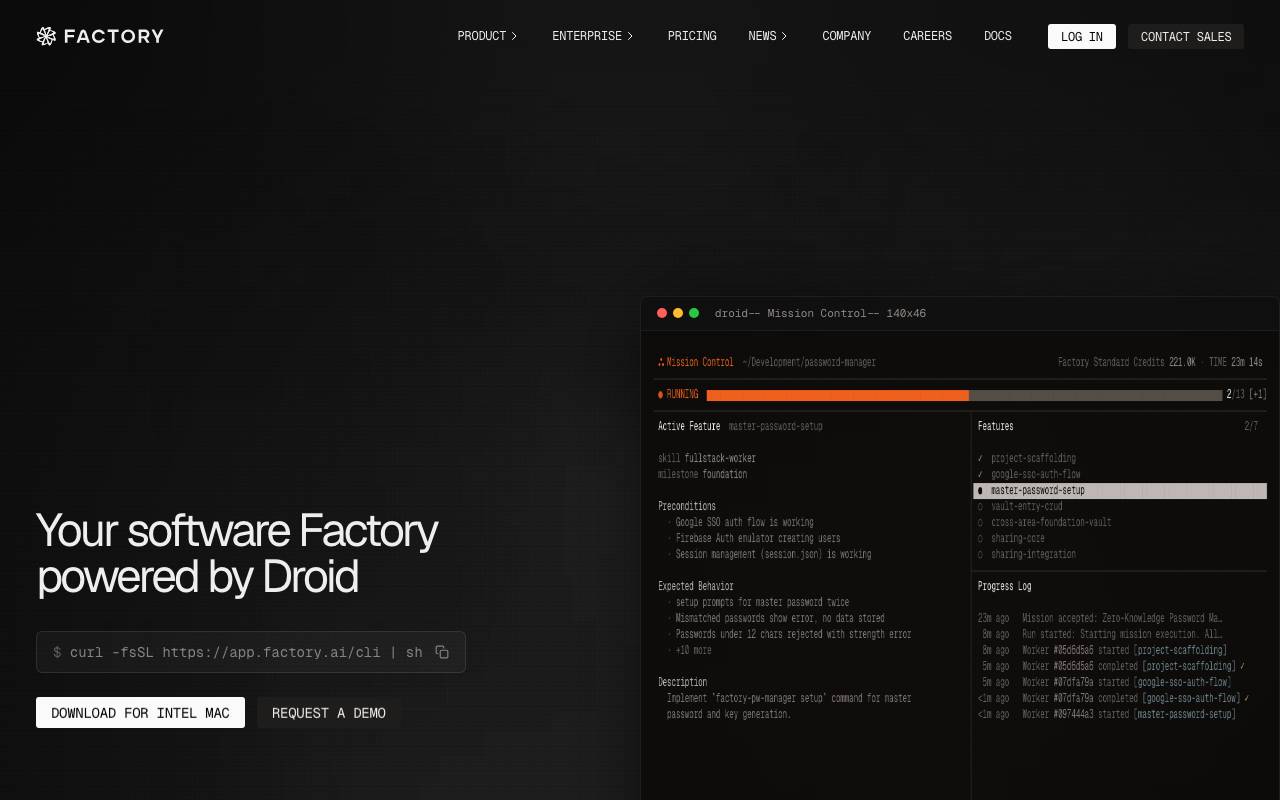
Factory AI is a developer platform that uses autonomous agents to handle engineering work across the software development lifecycle, from planning and code generation to review, testing, and deployment. It positions itself as 'the machine that builds the machine,' aiming to let teams orchestrate AI workers alongside human engineers. The system integrates with common developer tools like GitHub, Jira, Slack, and CI/CD pipelines, allowing agents — called Droids — to pick up tasks, write and review code, and ship changes with human oversight. Teams can configure workflows, guardrails, and approval steps to match their existing engineering practices. It targets engineering organizations that want to scale output without proportionally scaling headcount, and treats AI agents as collaborators that operate within a structured, auditable delivery process.
Criteria breakdown
- Autonomous coding agents (Droids)
- SDLC workflow orchestration
- Integrations with GitHub, Jira, and Slack
- Code review and PR automation
- Configurable guardrails and approvals
- Audit trails for agent actions

Aider
Terminal-based AI pair programmer that edits code and commits to your local Git repo.
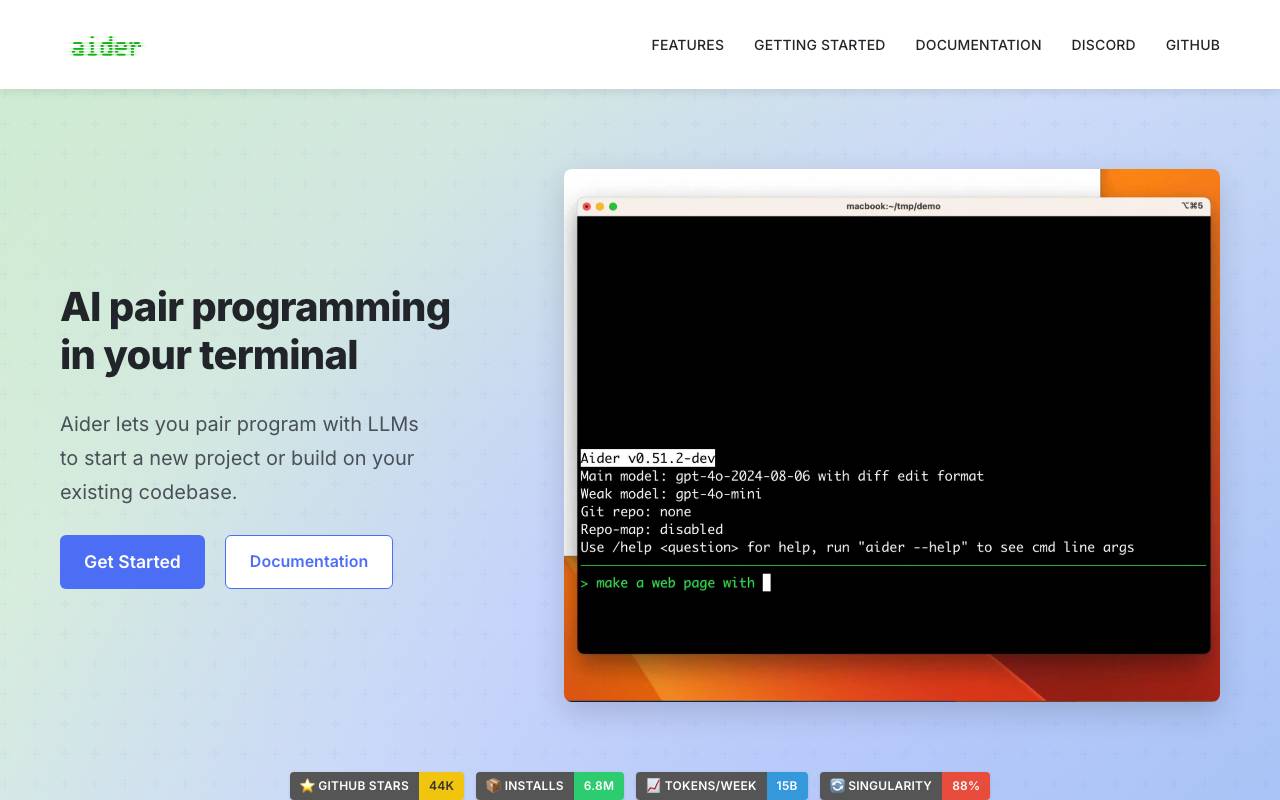
Aider is a command-line coding assistant that lets developers collaborate with large language models directly inside their terminal. It works against your local Git repository, reading existing source files, applying multi-file edits, and automatically committing changes with descriptive messages so every AI-driven modification is tracked in version history. Designed for real codebases, Aider builds a map of your project to give the model relevant context, supports a wide range of programming languages, and can be paired with models from providers like OpenAI, Anthropic, and others, including local models. It fits naturally into existing developer workflows without requiring a separate IDE, web app, or proprietary platform.
Criteria breakdown
- Local Git repository integration
- Automatic commit messages for AI edits
- Repository map for codebase-aware context
- Multi-file editing and refactoring
- Support for multiple LLM providers
- Voice input and image context options

LaVague
An open-source framework for building and deploying AI Web Agents to automate web-based tasks.
LaVague is an open-source framework for building Web Agents, which enables users to automate web-based tasks in a few lines of code. The framework supports a variety of use cases, including writing automated tests, process automation, information retrieval, and customizing Agents to suit specific needs. It allows users to deploy Agents that leverage local models or on-VPC models, and also provides enterprise services for companies. LaVague is designed to be customizable, allowing users to adapt tools, knowledge, and integration to solve their use cases. This framework is particularly useful for developers, contributors, and companies looking to improve their operations using AI-based Agents. One notable feature of LaVague is its use of Large Action Models to automate interactions on the web, providing state-of-the-art performance. While the documentation and resources are readily available, further clarification is needed on how the framework handles large-scale deployments, security, and potential scalability issues. The flexibility and customizability of LaVague make it an attractive option for users who want to create tailored solutions for their web-based tasks. However, the lack of comprehensive case studies and user testimonials makes it difficult to gauge the real-world effectiveness of the framework. One potential concern is the need for technical expertise to fully utilize the framework, which may limit its accessibility to a wider audience. The performance of LaVague Agents depends on the chosen model and deployment strategy, which can have varying impacts on the overall efficiency and reliability of the solution. By leveraging state-of-the-art models and customizable tools, LaVague offers a robust framework for building AI Web Agents.
Criteria breakdown
- Building and deploying Web Agents
- Automating web-based tasks
- Use with local and on-VPC models
- State-of-the-art Large Action Models
- Customizable tools and knowledge
- Private deployment options