
tl;dv for Sales MeetingsAI meeting recorder and notetaker built for sales teams to capture, summarize, and analyze calls.

Overview
Key features
- AI transcription and summaries for Zoom, Meet, and Teams
- Automatic CRM sync with Salesforce and HubSpot
- Sales coaching with speaker analytics and keyword tracking
- Custom AI playbooks and meeting templates
- Searchable call library with timestamps and clips
- Integrations with Slack, Notion, and 5,000+ apps via Zapier
Pricing
- Model
- Free
- Category
- Operations AI Agents
- Rating
- 4.5 / 5 (6)
Use cases
Automate Sales Call Notes and CRM Updates
Reps record Zoom, Meet, or Teams calls and automatically sync summaries, action items, and key insights into Salesforce or HubSpot, eliminating manual note-taking and data entry.
Coach Reps with Conversation Analytics
Sales managers review deal calls at scale using speaker analytics, keyword tracking, and sentiment analysis to identify coaching opportunities and improve team performance.
Track Objections and Competitor Mentions
Surface buyer objections, competitor references, and recurring themes across calls to refine messaging, sharpen positioning, and inform sales playbooks.
Build a Searchable Deal Knowledge Base
Create a centralized, timestamped library of recorded calls and clips that teams can search, share via Slack or Notion, and reference for handoffs and deal reviews.
Pros & Cons
Pros
- Strong native integrations with major CRMs
- Accurate multilingual transcription and summaries
- Useful coaching and deal-review features for managers
- Free tier available for individuals
Cons
- Advanced AI insights require higher-tier plans
- Bot-based recorder may feel intrusive to some prospects
- Setup of playbooks and templates takes time
Battle record
Across 2 battles in the Pantheon.
Last 2 battles
Reviews
Average from 6 ratings.
Sign in to leave a review.
Years in this space
I've evaluated a lot of these over the years. What stands out here is custom AI playbooks and meeting templates — handled better than most — and useful coaching and deal-review features for managers. Worth the time if this is your use case.
Skeptical, then convinced
I went in skeptical — most tools in this space overpromise. It actually delivers on automatic CRM sync with Salesforce and HubSpot, and strong native integrations with major CRMs caught me off guard. still, I'd recommend giving it a real trial.
Solid for our team
We rolled this out across the team last quarter and accurate multilingual transcription and summaries. Searchable call library with timestamps and clips fits neatly into how we already work, and searchable call library with timestamps and clips removed a step we used to do by hand. but it has held up under daily use.
Years in this space
I've evaluated a lot of these over the years. What stands out here is sales coaching with speaker analytics and keyword tracking — handled better than most — and strong native integrations with major CRMs. Bot-based recorder may feel intrusive to some prospects is my one real gripe. Worth the time if this is your use case.

Skeptical, then convinced
I went in skeptical — most tools in this space overpromise. It actually delivers on integrations with Slack, Notion, and 5,000+ apps via Zapier, and free tier available for individuals caught me off guard. Setup of playbooks and templates takes time is why this isn't a perfect score, still, I'd recommend giving it a real trial.

Use it every day
Honestly didn't expect to like it this much. Sales coaching with speaker analytics and keyword tracking is exactly what I needed, and accurate multilingual transcription and summaries. I do wish setup of playbooks and templates takes time, but I reach for it almost every day now and it just clicks.
Q&A
Can tl;dv summarize multiple meetings automatically?
Yes, tl;dv’s Multi-Meeting Summary Agent can consolidate insights from multiple meetings into a single, concise report. This is perfect for tracking recurring themes, action items, or customer feedback across sales calls or team discussions.
Asked by Hosanna Marte · Aug 3, 2025
How does tl;dv integrate with other tools like CRMs or Slack?
tl;dv seamlessly connects with tools like HubSpot, Salesforce, Slack, and Notion. Meeting summaries, insights, and action items can be shared directly into these platforms, ensuring real-time updates without manual input. For example, sales teams can sync customer feedback from meetings straight into their CRM.
Asked by Nadia Benali · Aug 5, 2025
What tools does tl;dv integrate with for seamless workflows?
tl;dv integrates with popular tools like Zoom, Google Meet, HubSpot, Salesforce, Slack, Notion, and more. These integrations allow you to sync meeting outcomes directly into CRMs, productivity apps, or communication channels, turning insights into actionable updates.
Asked by Tunde Balogun · Jun 27, 2025
Can AI meeting agents automate follow-ups and task tracking?
Yes, tl;dv AI meeting agents can extract action items and tasks from meeting discussions and sync them into tools like Trello, Asana, or Slack. While follow-up emails are not yet fully automated, you can easily draft them using the agent’s insights.
Asked by Ludovic Girard · Jun 16, 2025
How secure are my meeting recordings and transcriptions with tl;dv?
tl;dv prioritizes your data security with end-to-end encryption and strict privacy standards. Your meeting recordings and transcriptions are stored securely, and you have full control over who can access them.
Asked by Zofia Kaczmarek · Jun 16, 2025
Ask a question
Operations AI Agents alternatives

 Setter AIOperations AI Agents
WhatsApp-first AI scheduling assistant that books qualified leads into your calendar automatically.

 Smart AuditOperations AI Agents
AI-powered internal audit management platform for modern audit teams
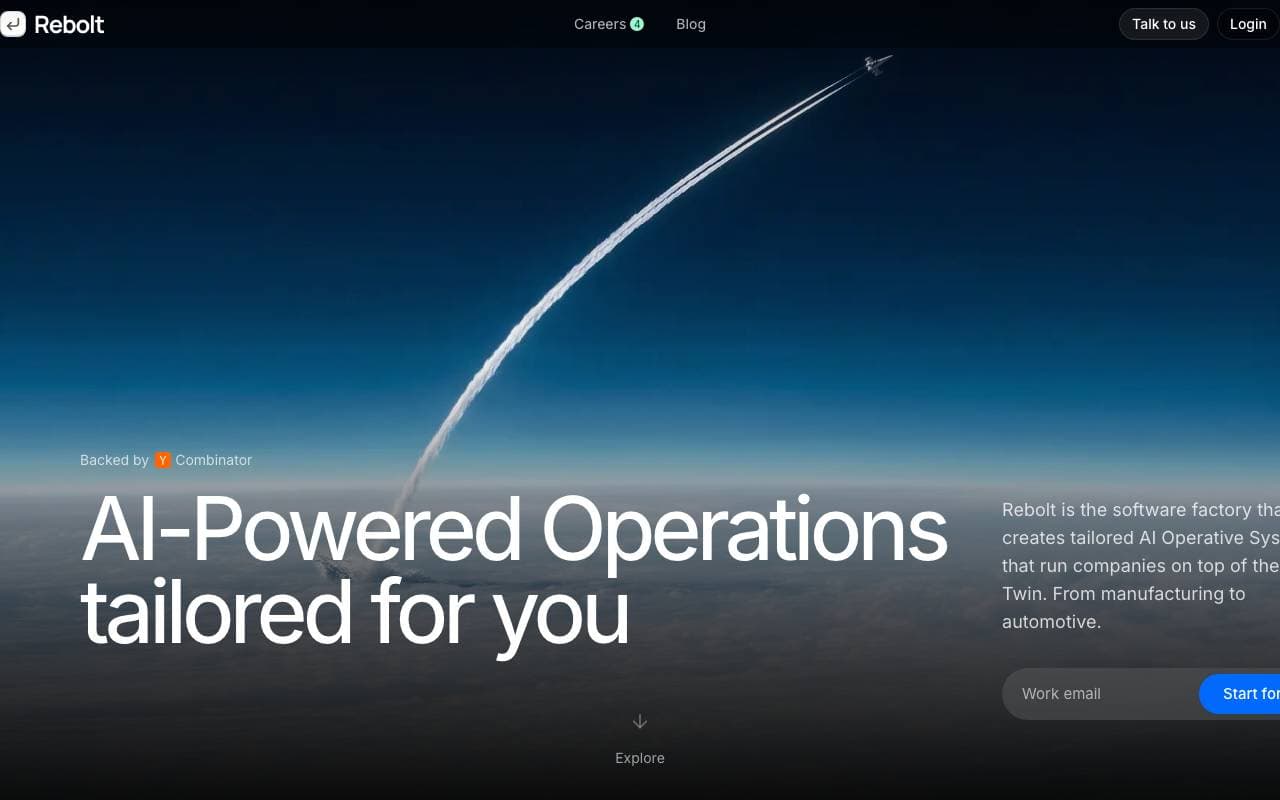
 ReboltOperations AI Agents
Enterprise platform for building custom AI apps and agents wired into your company's tools and data.

 Steadfast Supply Chain AlertsOperations AI Agents
Daily AI-powered supply chain alerts tailored to your operations and risk priorities.

 PPE Kit Detection AgentsOperations AI Agents
AI agents that monitor PPE compliance in real time using existing camera feeds.
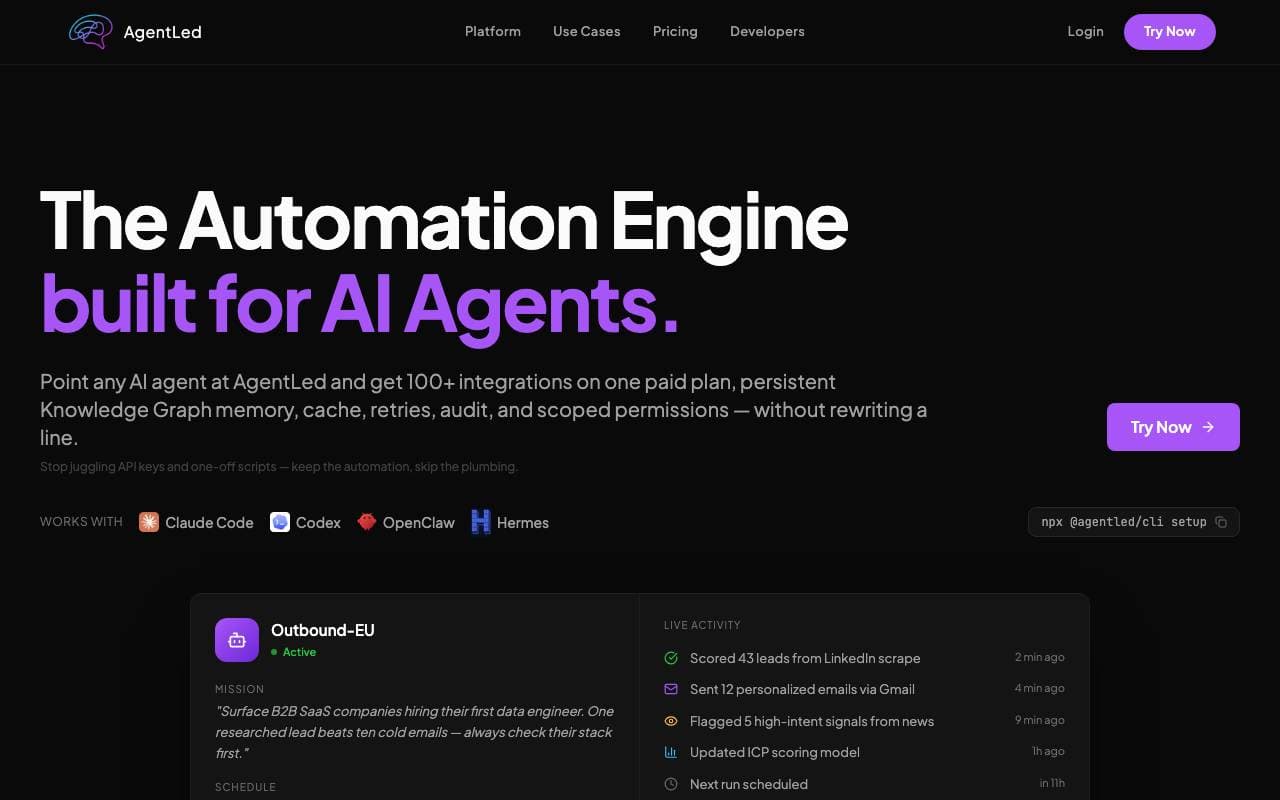
AI agents that build and run marketing campaigns without code.
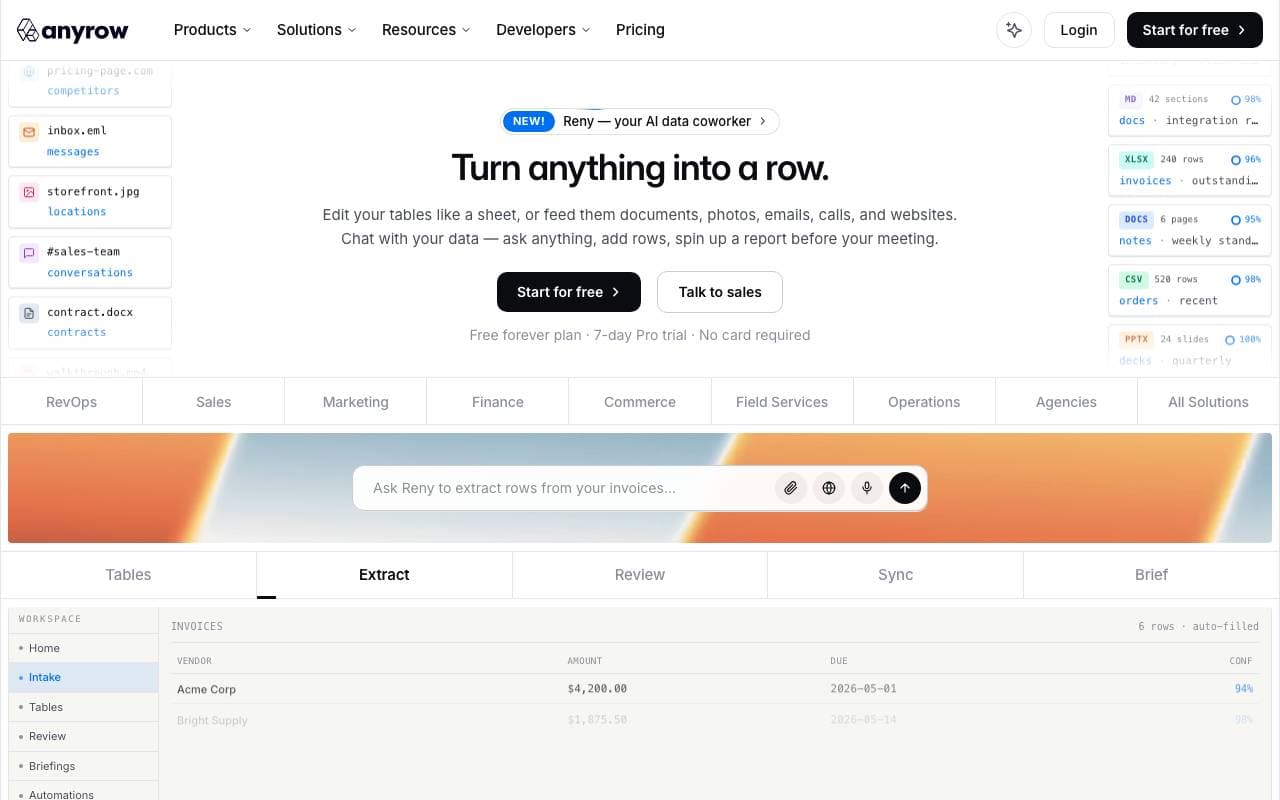
 AnyrowOperations AI Agents
End-to-end AI-native platform for automating core business operations
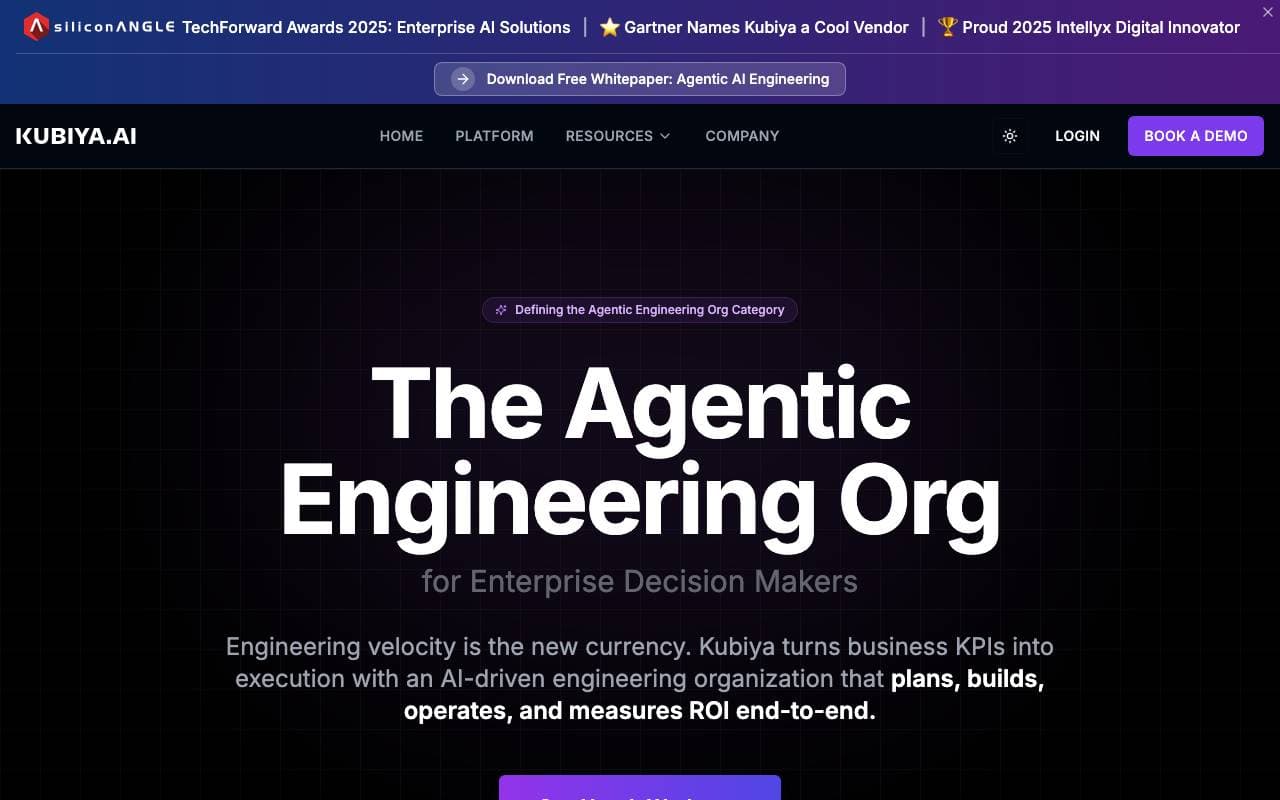
AI agents that turn business goals into automated DevOps and engineering workflows.
Trending now

 Biology AIEducation AI
Accurate Homework Help with Full Explanations

 Reducto AIAI Agent Development Platforms
Document intelligence API that parses, splits, OCRs, and extracts structured data from complex PDFs, slides, and spreadsheets.

 Pixtral 12B 24.09LLM
Open multimodal 12B model handling interleaved images and text with a 128K context window.

 AdCrierMarketing & Advertising
Sponsored answers, paid per click.