
Runway MLAI-powered creative suite for generative video, image, and multimedia editing.

Overview
Key features
- Text-to-video and image-to-video generation
- AI green screen and background removal
- Inpainting and object removal in video
- Motion tracking and camera controls
- Collaborative browser-based editor
- Library of trainable and pre-built AI models
Pricing
- Model
- Freemium
- Category
- Video Generation
- Rating
- 4.8 / 5 (4)
Use cases
Rapid Video Concept Prototyping
Filmmakers and directors generate text-to-video or image-to-video clips to visualize shots and storyboards before committing to full production.
Social Media Content Creation
Marketers and creators produce short-form generative videos and stylized visuals in the browser for fast publishing across social platforms.
Post-Production Cleanup
Editors use AI green screen, inpainting, and object removal to handle background replacement and remove unwanted elements without complex VFX software.
Collaborative Creative Iteration
Distributed teams share a browser-based project to iterate on shots, test AI effects, and export results into larger production pipelines.
Pros & Cons
Pros
- Wide range of generative video and image tools
- Browser-based with no heavy local setup
- Frequent updates with new models like Gen-3
- Useful for both prototyping and finished work
Cons
- Credit-based usage can get expensive at scale
- Output quality varies by prompt and model
- Limited fine control compared to traditional NLEs
- Generations can be slow during peak times
Battle record
Across 1 battle in the Pantheon.
Last battle
Reviews
Average from 4 ratings.
Sign in to leave a review.
Skeptical, then convinced
I went in skeptical — most tools in this space overpromise. It actually delivers on aI green screen and background removal, and frequent updates with new models like Gen-3 caught me off guard. still, I'd recommend giving it a real trial.

Years in this space
I've evaluated a lot of these over the years. What stands out here is text-to-video and image-to-video generation — handled better than most — and frequent updates with new models like Gen-3. Worth the time if this is your use case.
Compared a few options
Evaluated this against two competitors. Where it wins: aI green screen and background removal and frequent updates with new models like Gen-3. Where it lags: generations can be slow during peak times. On balance the feature set — especially text-to-video and image-to-video generation — justifies the 4 stars for our use case.
Solid for our team
We rolled this out across the team last quarter and browser-based with no heavy local setup. Collaborative browser-based editor fits neatly into how we already work, and motion tracking and camera controls removed a step we used to do by hand. but it has held up under daily use.
Q&A
Can I change my plan after subscribing?
Yes. You can upgrade at any time and the change takes effect immediately — upgrades are prorated, so you only pay the time-adjusted difference and receive the additional credits right away. If you downgrade, the unused balance is applied as a credit toward your next billing cycle and your current plan stays active until then.
Asked by Olamide Fashola · Jul 6, 2025
How do credits work?
Credits are the unit you spend to generate images, video, and audio on Runway. Each model uses a set number of credits per generation depending on the model, duration, and resolution — for example, Gen-4.5 uses 12 credits per second of generated video. Paid plans include a monthly credit allotment, and the Free plan includes a one-time deposit of 125 credits that doesn't expire.
Asked by Ivo Novotný · Jun 24, 2025
Do my credits roll over or expire?
On the Standard and Pro plans, monthly credits don't roll over — they reset within 24 hours of your billing date each cycle. On the Max plan, up to one month of unused credits rolls over to the following month. Any additional credits you purchase never expire.
Asked by Sanjay Gupta · May 30, 2025
What if I need more credits?
If you need more credits, you can purchase additional credits from the Plans & Billing page in your dashboard. The minimum purchase is 1,000 credits.
Asked by Ines Zeković · May 31, 2025
Ask a question
Video Generation alternatives

 Steve AiVideo Generation
Turn text, scripts, and audio into animated or generative AI videos in minutes.

 Voe AiVideo Generation
AI video generation platform powered by the Veo 3.1 model.

 Animate AIVideo Generation
All-in-one AI video generator for animated series with consistent characters

 Elai.ioVideo Generation
An AI-powered platform that transforms text into professional videos featuring lifelike digital avatars, streamlining content creation across various industr...

 Lumen5Video Generation
An AI-powered video creation platform that transforms text content into engaging videos, enabling effortless content repurposing and enhanced audience engage...
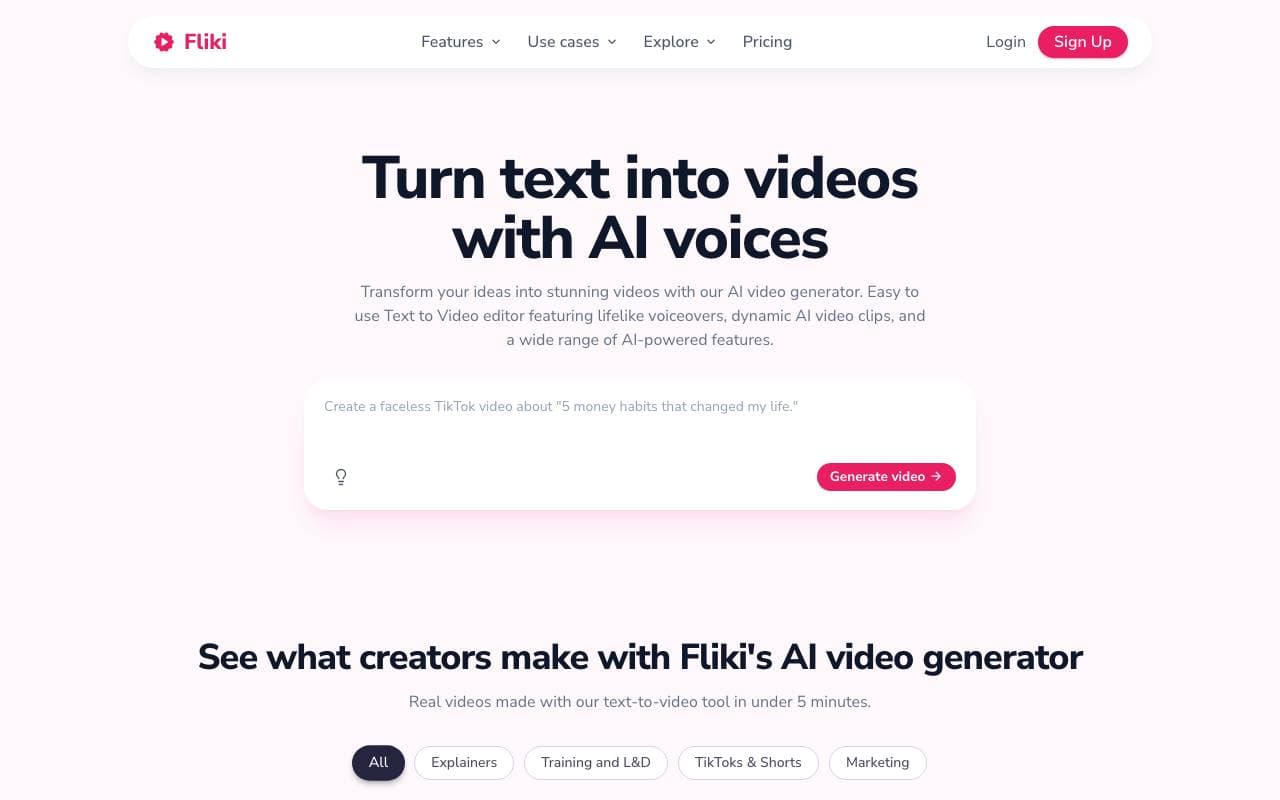
 FlikiVideo Generation
Turn text and scripts into narrated videos with AI voices and stock visuals in minutes.

 TopView AIVideo Generation
An AI-powered online video editor that transforms media assets or links into professional, viral-ready videos with just one click.

 HeyOzVideo Generation
Generate social posts, ads, UGC, and brand commercials in minutes with AI.
Trending now

 Reducto AIAI Agent Development Platforms
Document intelligence API that parses, splits, OCRs, and extracts structured data from complex PDFs, slides, and spreadsheets.

 AdCrierMarketing & Advertising
Sponsored answers, paid per click.

 Biology AIEducation AI
Accurate Homework Help with Full Explanations

 Pixtral 12B 24.09LLM
Open multimodal 12B model handling interleaved images and text with a 128K context window.