
Airtop AINo-code AI agents that browse, click, and extract data from any website.

Overview
Key features
- AI-driven browser automation
- Persistent login and session management
- Structured data extraction from pages
- Scheduled and API-triggered runs
- Natural language task instructions
- Integrations with Zapier, n8n, and webhooks
Pricing
- Model
- $26
- Category
- Data Engineering & Extraction
- Rating
- 4.8 / 5 (4)
Use cases
Automated Lead Generation
Deploy AI agents to log into directories and social platforms, extract prospect details, and feed structured lead data into CRMs via Zapier or webhooks.
Competitive Monitoring on Schedule
Schedule recurring agent runs to track competitor pricing, product launches, or content changes across websites and deliver structured updates to your team.
Market Research Across Authenticated Sites
Use persistent sessions to navigate gated portals, research databases, and SaaS dashboards, extracting structured insights without manual browsing.
API-Triggered Web Workflows
Developers can trigger multi-step browser tasks via API or n8n, automating form submissions, data lookups, and repetitive online operations at scale.
Pros & Cons
Pros
- No coding required to build agents
- Handles authenticated sites and complex flows
- Integrates with common automation tools
- Cloud browsers manage sessions and CAPTCHAs
Cons
- Usage-based pricing can add up at scale
- Performance depends on target site stability
- Learning curve for advanced workflows
Battle record
Across 6 battles in the Pantheon.
Last 5 battles
- #4
Data Engineering & Extraction Showdown — June 3, 2026
Jun 3, 2026 · #4 of 4
- #4
Data Engineering & Extraction Showdown — June 5, 2025
Jun 5, 2025 · #4 of 4
- #4
Data Engineering & Extraction Showdown — March 3, 2025
Mar 3, 2025 · #4 of 4
- #1
Data Engineering & Extraction Showdown — October 22, 2024
Oct 22, 2024 · #1 of 2
- #2
Data Engineering & Extraction Showdown — May 28, 2024
May 28, 2024 · #2 of 4
Reviews
Average from 4 ratings.
Sign in to leave a review.
Does the job
Pretty happy overall. AI-driven browser automation just works and integrates with common automation tools. Performance depends on target site stability can be annoying, but no dealbreakers — I'd recommend it to a friend without hesitating.

Compared a few options
Evaluated this against two competitors. Where it wins: integrations with Zapier, n8n, and webhooks and handles authenticated sites and complex flows. On balance the feature set — especially integrations with Zapier, n8n, and webhooks — justifies the 5 stars for our use case.
Does the job
Pretty happy overall. AI-driven browser automation just works and no coding required to build agents. but no dealbreakers — I'd recommend it to a friend without hesitating.
Compared a few options
Evaluated this against two competitors. Where it wins: integrations with Zapier, n8n, and webhooks and handles authenticated sites and complex flows. On balance the feature set — especially natural language task instructions — justifies the 5 stars for our use case.
Q&A
Do credits in the Free plan renew?
Yes, credits in the Free plan renew monthly. You receive 1,000 credits each month with the Free plan to build and test your agents.
Asked by Lior Ben-David · Sep 10, 2025
When do credits renew?
Credits renew monthly on all subscription plans, including the Free plan. Your renewal date is the specific day of the month you subscribed to your plan. For Free plans, it is the day of the month you originally created your account.
Asked by Amara Chukwu · Aug 17, 2025
Does Airtop store my login credentials?
No. Airtop does not store your actual login credentials (username/password) when you sign in using the Airtop browser. When you create a Profile to maintain your authentication state, Airtop only stores the encrypted cookies and browsing artifacts required to tell websites you are signed in.
Asked by George Papadakis · Aug 17, 2025
I am encountering too many CAPTCHAs when using the Agent Browser. How do I fix this?
You can make Agent logins more reliable by using the Proxy setting. A proxy routes your agent traffic through a residential IP, closely mimicking human behavior. This prevents CAPTCHA loops when trying to login using the Agent Browser Window. Click the gear icon on the top right of the Agent Builder or Portal. Select Proxy -> Integrated. Choose your desired country (we recommend United States for most uses).
Asked by Ethan Brooks · Aug 10, 2025
How do Airtop Agents handle 2FA/MFA?
Airtop manages Multi-Factor Authentication (2FA) by preserving your authenticated state. You can use a Live Browser View to log in to the target website manually and complete the 2FA challenge. Airtop then saves this session as a Profile (storing cookies and browsing artifacts), which allows your automated Agents to run subsequently without being prompted for 2FA again.
Asked by Greta Nowak · Aug 10, 2025
Ask a question
Data Engineering & Extraction alternatives

No-code web scraper that turns any site into structured data with AI assistance.
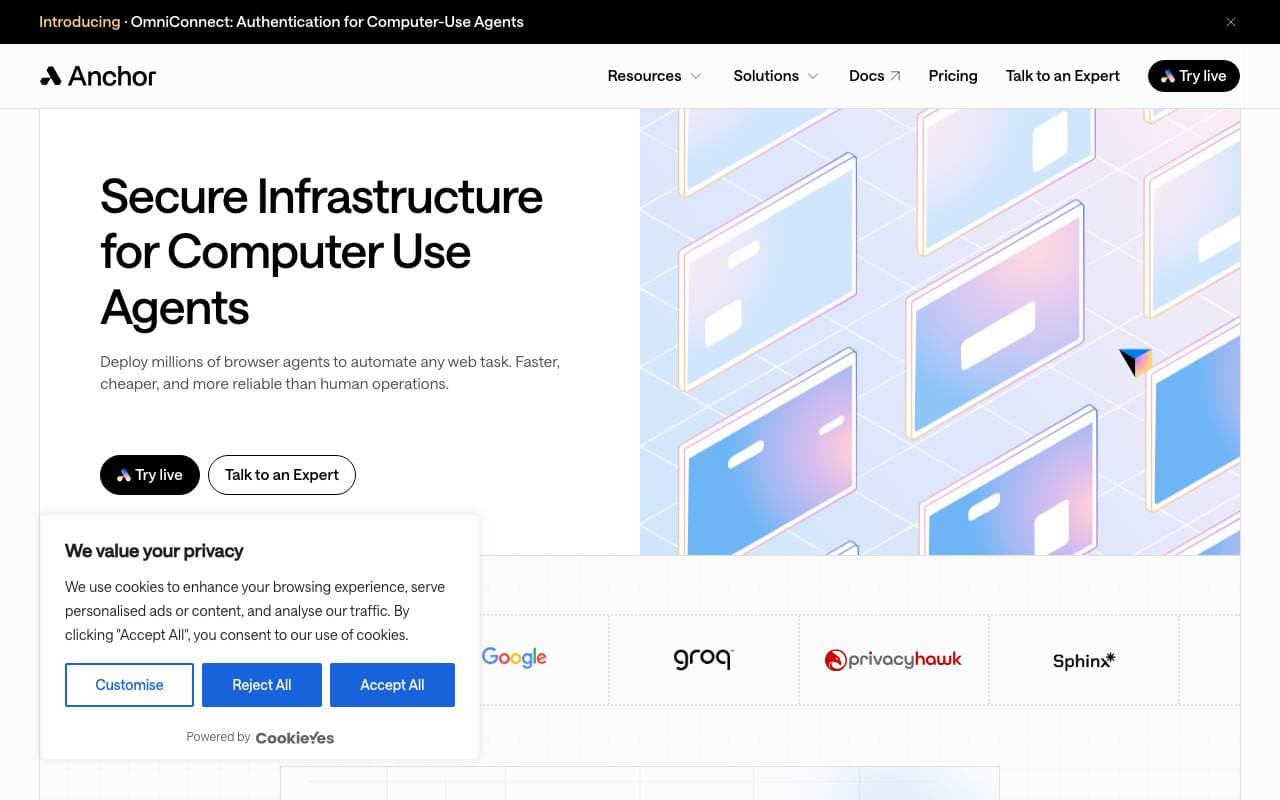
Reliable, secure web automation infrastructure for business workflows
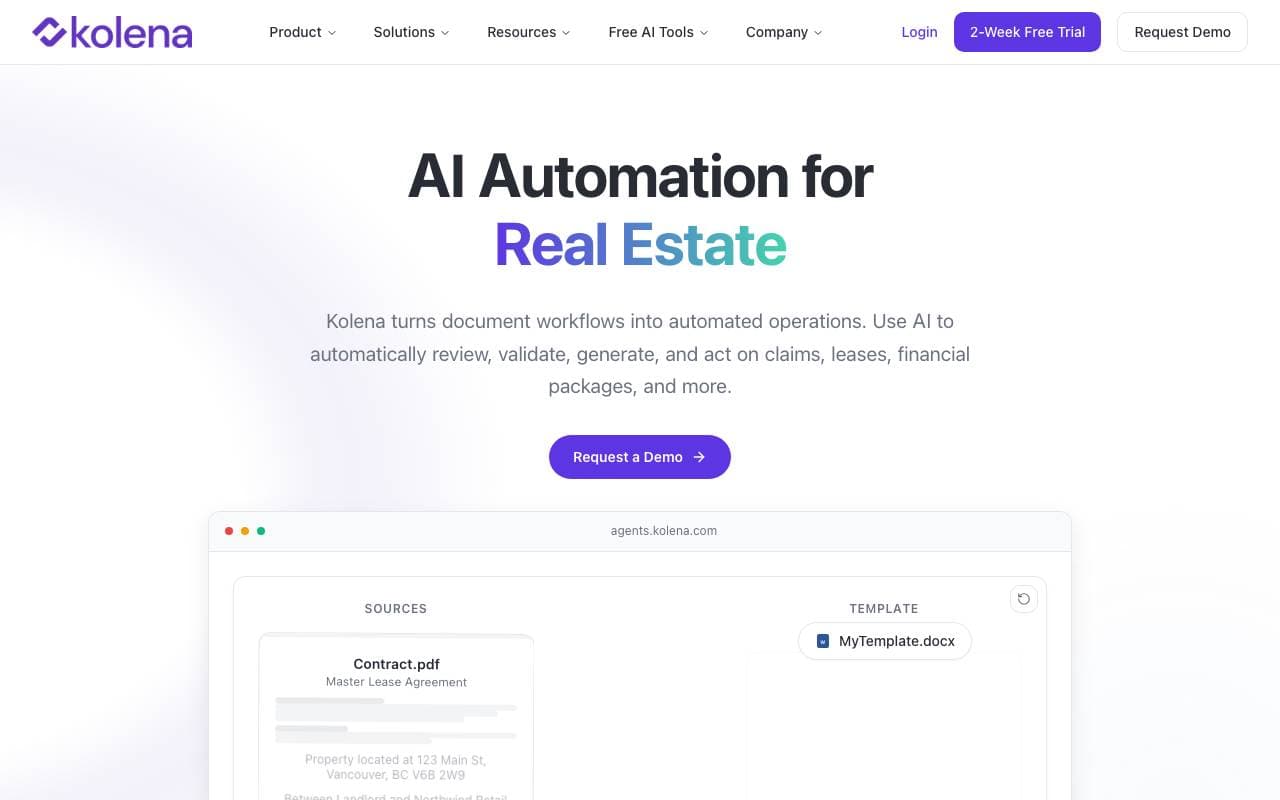
 KolenaData Engineering & Extraction
AI platform that reviews, validates, and acts on documents to automate file-based workflows.
Trending now

 Biology AIEducation AI
Accurate Homework Help with Full Explanations

 Reducto AIAI Agent Development Platforms
Document intelligence API that parses, splits, OCRs, and extracts structured data from complex PDFs, slides, and spreadsheets.

 AdCrierMarketing & Advertising
Sponsored answers, paid per click.

 Pixtral 12B 24.09LLM
Open multimodal 12B model handling interleaved images and text with a 128K context window.