
Markdown Converter ProMarkdown' ı PDF, HTML ve Word'a dönüştürün ve PDF'leri temiz Markdown'a çevirin.

Genel Bakış
Temel özellikler
- Markdown' dan PDF'ye export
- Markdown' dan HTML'ye çeviri
- Markdown' dan Word (DOCX) export
- PDF' lerden Markdown çıkarma
- Başlıklar, listeler ve kodlar için biçimlendirme koruyması
- Tarayıcı tabanlı dönüşüm akışı
Fiyatlar
- Model
- Free
- Kategori
- Tool Kütüphaneleri
- Puan
- 5.0 / 5 (6)
Kullanım senaryoları
Markdown belgeleme dosyasını düzenlenebilir Word belgelerine export etmek için
Não teknikal katılımcılara uyumlu işbirliği ve düzenleme yapmasına izin veren poliçeli Word belgeleri için Markdown dosyalarını dönüştürün.
Blog postlarını temiz HTML için websitesine yayınlayın
Web yayımlama için yüksek kaliteli HTML'e dönüştürülen Markdown içeriğini korumak amacıyla, başlıkları, resimleri, tabloları ve kod bloklarını koruyun.
Mirroring geçmiş PDF belgeleme dosyalarını Git-backed Markdown depolarına
PDF belgelerinden düz, düzenlenebilir Markdown'a metin, başlıklar, tablolar, kod blokları ve resimleri çıkarmak yaparak, sürüm kontrolü ve işbirliğini kolaylaştırmak için.
Artılar ve eksiler
Artılar
- Birden fazla çıktı formatını aynı kaynaktan desteklemesi
- PDF'den Markdown'a iki taraflı dönüştürme
- Sık kullanılan Markdown yapılandırmaları seperti tablo ve kodları koruması
- Teknik ve non-teknik teslimatlar için faydalı
Eksiler
- Karmaşık PDF dizaymları temiz dönüştürülmeyebilir
- Özel stil kontrolündeki sınırlı bilgi
- Taklit veya API erişimi belirtilmedi
Savaş rekoru
Pantheon’da 5 savaş.
Last 5 battles
- #8
Tool Libraries Showdown — July 30, 2025
Jul 30, 2025 · #8 of 9
- #6
Tool Libraries Showdown — February 1, 2025
Feb 1, 2025 · #6 of 7
- #2
Tool Libraries Showdown — November 25, 2024
Nov 25, 2024 · #2 of 10
- #1
Tool Libraries Showdown — July 7, 2024
Jul 7, 2024 · #1 of 7
- #1
Tool Libraries Showdown — February 12, 2024
Feb 12, 2024 · #1 of 6
İncelemeler
6 puandan ortalama.
İnceleme bırakmak için giriş yap.
Solid for our team
We rolled this out across the team last quarter and two-way conversion including PDF to Markdown. Markdown to HTML conversion fits neatly into how we already work, and browser-based conversion workflow removed a step we used to do by hand. Complex PDF layouts may not convert cleanly, which is the main caveat, but it has held up under daily use.
Compared a few options
Evaluated this against two competitors. Where it wins: markdown to HTML conversion and useful for both technical and non-technical deliverables. Where it lags: complex PDF layouts may not convert cleanly. On balance the feature set — especially pDF to Markdown extraction — justifies the 5 stars for our use case.
Solid for our team
We rolled this out across the team last quarter and supports multiple output formats from one source. Formatting preservation for headings, lists, and code fits neatly into how we already work, and markdown to Word (DOCX) export removed a step we used to do by hand. but it has held up under daily use.
Years in this space
I've evaluated a lot of these over the years. What stands out here is formatting preservation for headings, lists, and code — handled better than most — and preserves common Markdown structures like tables and code. Worth the time if this is your use case.

Use it every day
Honestly didn't expect to like it this much. PDF to Markdown extraction is exactly what I needed, and useful for both technical and non-technical deliverables. but I reach for it almost every day now and it just clicks.
Years in this space
I've evaluated a lot of these over the years. What stands out here is browser-based conversion workflow — handled better than most — and useful for both technical and non-technical deliverables. Worth the time if this is your use case.
Sorular
Why choose credits over a subscription?
100% ControlOnly pay for what you use. No recurring charges on your credit card.Lifetime ValidityYour credits never expire. Buy now and use them next week, next month, or next year.Access EverythingDetailed conversions, large files (10MB), and image extraction included.Simple Pricing1 Credit = 1 Conversion. No complicated math. Just simple value.Money-Back GuaranteeNot satisfied? Get a full refund within 7 days. See our Refund Policy.Your Files Stay PrivateSecure checkout, and your uploaded files are auto-removed after processing.
Asked by Pierre Dubois · May 7, 2026
Who Uses a Markdown Converter?
From code reviews to journal submissions, the same Markdown round-trip fits very different workflows.
Asked by Ekaterina Orlova · May 6, 2026
What is a Markdown converter and why do I need one?
A Markdown converter is a tool that transforms Markdown (.md) files into other document formats such as PDF, Word (.docx), and HTML — or converts those formats back into Markdown. You need a Markdown converter when you write documentation, README files, or technical content in Markdown but need to share it as a professional PDF for clients, an editable Word document for non-technical colleagues, or clean HTML for web publishing. Markdown Converter Pro supports all six conversion directions: Markdown to PDF, Markdown to Word, Markdown to HTML, PDF to Markdown, Word to Markdown, and HTML to Markdown — making it a complete solution for any document conversion workflow.
Asked by Katarzyna Zielinska · May 1, 2026
How do I convert Markdown to PDF, Word, or HTML online?
To convert Markdown to PDF, Word, or HTML online, follow these three steps: Step 1 — paste your Markdown content into the editor or drag and drop a .md file. Step 2 — select your target format (PDF for print-ready documents, Word for editable reports, or HTML for web publishing) and preview the result in real time. Step 3 — click 'Convert & Download' to generate and download your file instantly. The converter preserves all GitHub Flavored Markdown (GFM) syntax including tables, code blocks with syntax highlighting, LaTeX math equations, Mermaid diagrams, task lists, and embedded images. Most conversions complete in under 5 seconds.
Asked by Cristina Moreno · Apr 26, 2026
What Markdown features are supported — GFM, LaTeX, Mermaid, tables?
Markdown Converter Pro supports the full GitHub Flavored Markdown (GFM) specification and beyond. Supported features include: Tables with column alignment, fenced code blocks with syntax highlighting for 100+ programming languages (Python, JavaScript, Go, Rust, etc.), LaTeX math equations (both inline $...$ and block $$...$$), Mermaid diagrams (flowcharts, sequence diagrams, Gantt charts, class diagrams), task lists with checkboxes, strikethrough, auto-linked URLs, footnotes, and embedded images. This makes it suitable for converting complex technical documentation, academic papers with mathematical formulas, and software architecture diagrams.
Asked by Quyen Tran · Apr 12, 2026
Soru sor
Tool Kütüphaneleri alternatifleri


AI prompt library
Tool Kütüphaneleri
Büyük arama yapitable, önceden hazırlanmış ChatGPT, MidJourney gibi AI modelleri için etiketler koleksiyonu.
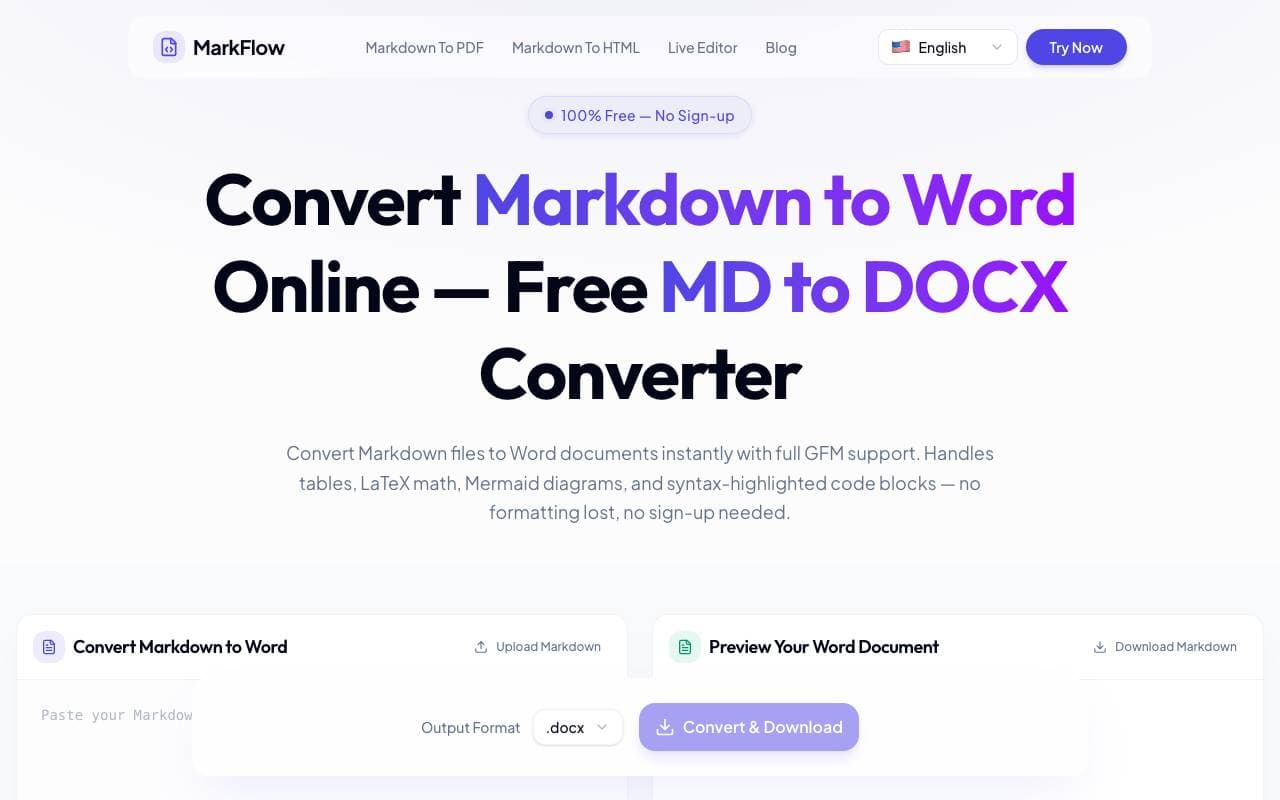

MD2Word
Tool Kütüphaneleri
Ücretsiz çevrimiçi aracımız Markdown dosyalarını biçimlendirilmiş Word dosyalarına dönüştürmek için kullanılır.
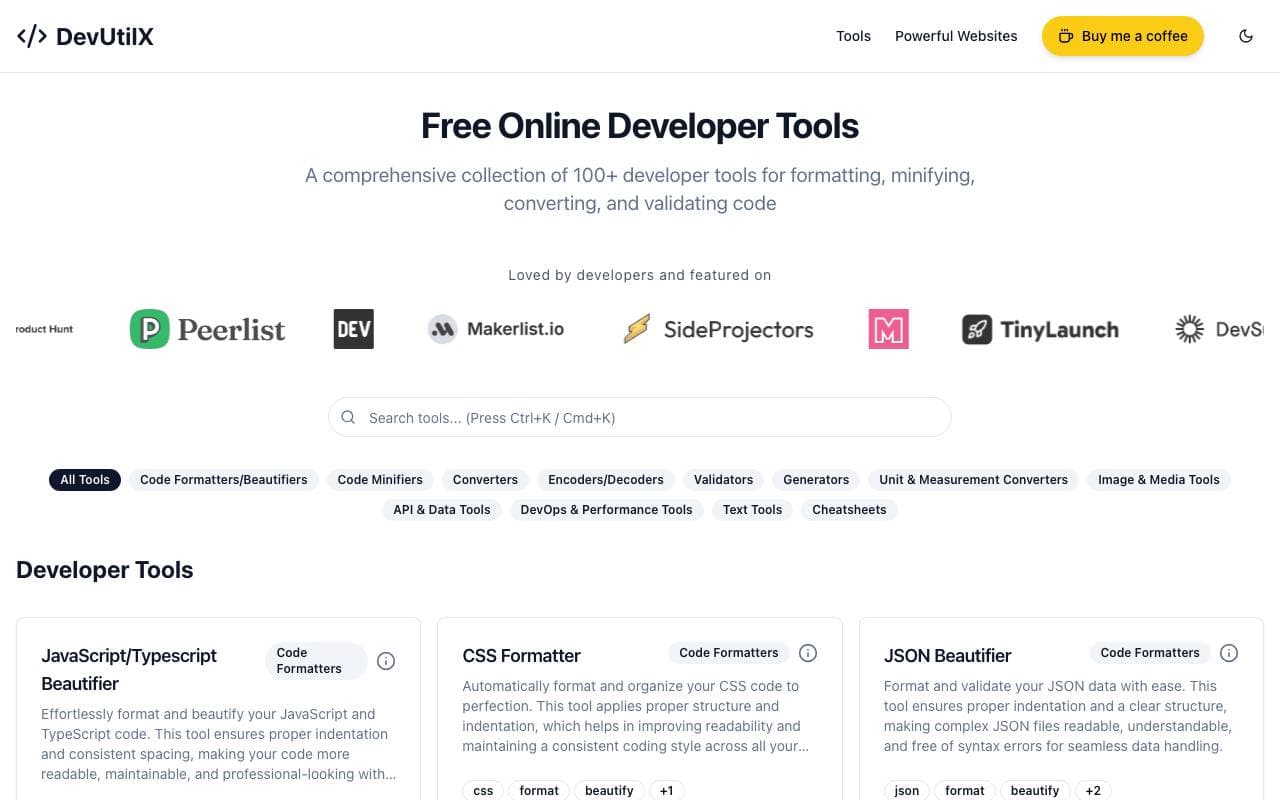

DevUtilX
Tool Kütüphaneleri
Her gün kodlamada kullanılan araçlar için tek bir web suite, 100'den fazla geliştirici aracı.


AgentAuth
Tool Kütüphaneleri
AI agentlerinin kullanıcıların hesabına 250+'den fazla uygulamaya güvenli bir şekilde erişebildiği otomatikleştirme katmanı sağlar.

Wildcard
Tool Kütüphaneleri
Markalar için ChatGPT ve diğer AI yardımcı programlarında ürünlerin ortaya çıkması ve satılması için yardımcı olan bir araçtır.

Machine Generated
Tool Kütüphaneleri
Makine audience ve AI tüketici için tasarlanmış içerik akışları


NomadicML
Tool Kütüphaneleri
Sürekli üretimde AI modellerini gerçek dünyada görülmeyen veri ile gerçek zamanlı olarak optimize edin ve adapte edin.

Grimly AI
Tool Kütüphaneleri
App ve akışlara dil modellerini birleştirmek için geliştirici odaklı AI API.
Trending now


Reducto AI
AI Agent Geliştirme Platformları
Belge zeka API, karmaşık PDF'ler, sunumlar ve tabloları okur ve yapılandırılmış verileri ayırarak, ayrıştırır, ayırır, OCR yapar ve çıkartır.


Biology AI
Eğitim AI
Daha doğru Homework Yardımıyla Tam Açıklamalar


AdCrier
Pazarlama ve Reklam
Sponsorlu yanıtlar, tık başına tahsil edilen


Pin AI
Daha Hızlı Akış Otomasyonu
Hiringi iş süreçlerin hızlandırılmasını sağlayarak süregelen işe alım için yetkin AI yardımcı.