
Project IDXAI IDE oparty na chmurze Google do tworzenia aplikacji full-stack i multiplatformowych z Gemini

Przegląd
Kluczowe funkcje
- Przestrzenie robocze oparte na chmurze
- Pomoc kodowa i czat AI Gemini
- Szablony i startery frameworków
- Wbudowane emulatorzy i podglądy
- Integracja Firebase i Google Cloud
- Edytor oparty na VS Code w przeglądarce
Cennik
- Model
- Freemium
- Kategoria
- Rozwój oprogramowania
- Ocena
- 4.5 / 5 (6)
Zastosowania
Prototypowanie aplikacji full-stack z dowolnego miejsca
Uruchom przestrzeń roboczą Next.js, Astro lub React w przeglądarce i użyj Gemini do tworzenia funkcji bez instalowania zależności lokalnie.
Tworzenie i podgląd aplikacji mobilnych Flutter
Twórz aplikacje Flutter cross-platform z wbudowanymi emulatorami Androida i sieci, podglądając zmiany bezpośrednio w chmurowej przestrzeni roboczej.
Szybsze wdrażanie projektów opartych na Firebase
Wykorzystaj natywną integrację Firebase i Google Cloud do podłączenia uwierzytelniania, baz danych i hostingu, podczas gdy Gemini pomaga w kodzie i debugowaniu.
Współpraca między urządzeniami
Udostępniaj prekonfigurane środowiska z zespołem i przełączaj się między laptopem, tabletem czy Chromebookiem bez utraty konfiguracji.
Plusy i minusy
Plusy
- Brak konieczności lokalnej konfiguracji do rozpoczęcia kodowania
- Wbudowana pomoc AI zasilana Gemini
- Szablony dla wielu popularnych frameworków
- Zintegrowane emulatorzy Androida i sieci
Minusy
- Wymaga stabilnego połączenia internetowego
- Zależne od ekosystemu chmury Google
- Wciąż rozwijane, z lukami funkcjonalnymi w porównaniu do dojrzałych IDE
Wynik bitew
W 2 bitwach w Panteonie.
Last 2 battles
Recenzje
Średnia z 6 ocen.
Zaloguj się, aby zostawić recenzję.
Does the job
Pretty happy overall. Built-in emulators and previews just works and no local setup required to start coding. Requires stable internet connection can be annoying, but no dealbreakers — I'd recommend it to a friend without hesitating.
Skeptical, then convinced
I went in skeptical — most tools in this space overpromise. It actually delivers on cloud-based development workspaces, and templates for many popular frameworks caught me off guard. Requires stable internet connection is why this isn't a perfect score, still, I'd recommend giving it a real trial.

Solid for our team
We rolled this out across the team last quarter and integrated Android and web emulators. VS Code-based editor in the browser fits neatly into how we already work, and built-in emulators and previews removed a step we used to do by hand. Requires stable internet connection, which is the main caveat, but it has held up under daily use.

Solid for our team
We rolled this out across the team last quarter and no local setup required to start coding. Built-in emulators and previews fits neatly into how we already work, and built-in emulators and previews removed a step we used to do by hand. Tied to Google's cloud ecosystem, which is the main caveat, but it has held up under daily use.

Compared a few options
Evaluated this against two competitors. Where it wins: gemini AI code assistance and chat and gemini-powered AI assistance built in. Where it lags: still evolving with feature gaps versus mature IDEs. On balance the feature set — especially vS Code-based editor in the browser — justifies the 4 stars for our use case.

Compared a few options
Evaluated this against two competitors. Where it wins: firebase and Google Cloud integration and gemini-powered AI assistance built in. Where it lags: tied to Google's cloud ecosystem. On balance the feature set — especially built-in emulators and previews — justifies the 5 stars for our use case.
Pytania i odpowiedzi
What frameworks are supported for scaffolding and code generation?
IDX provides templates and starters for popular frameworks such as Next.js, Astro, Flutter, Angular, React, and Vue, and Gemini can generate or modify code within any of these.
Asked by Malik Rasheed · Sep 7, 2025
Can I use Project IDX with my existing Firebase projects?
Yes, IDX includes built‑in integrations with Firebase, allowing you to connect to your existing Firebase services directly from the cloud workspace.
Asked by Mei-Ling Wong · Aug 6, 2025
How does pricing work for Project IDX workspaces?
Project IDX runs on Google Cloud, so you pay for the underlying cloud resources (CPU, memory, storage) you consume; there is no separate IDE license fee.
Asked by Ren Nakamura · Jul 20, 2025
Zadaj pytanie
Alternatywy dla Rozwój oprogramowania
Rectify
Rozwój oprogramowania
Inteligentny asystent debugowania, który pomaga programistom szybko znajdować i naprawiać błędy w kodzie generowanym przez AI.


SwarmStack
Rozwój oprogramowania
Agent AI do planowania produktu, określania zakresu i rekomendacji budowy


Warp AI
Rozwój oprogramowania
Terminal oparty na sztucznej inteligencji, który przekształca język naturalny w polecenia powłoki i przepływy pracy.
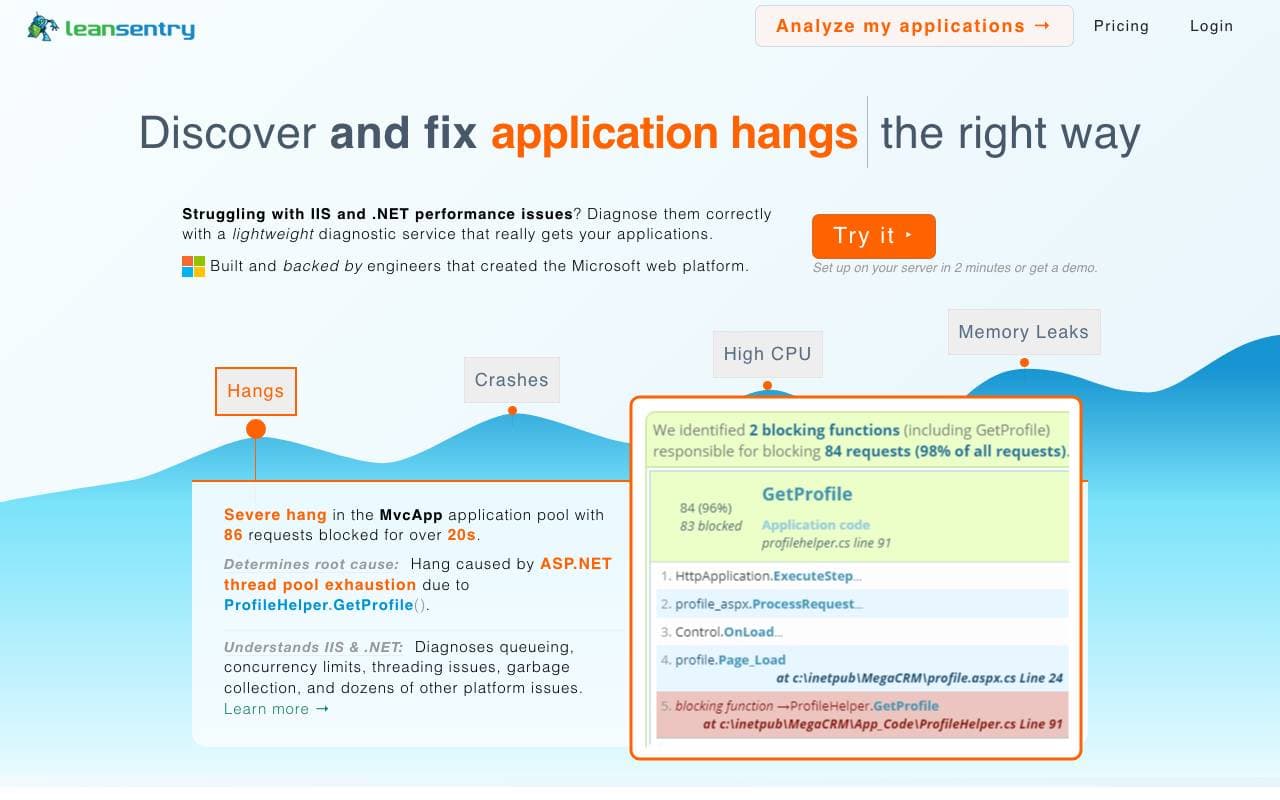

LeanSentry
Rozwój oprogramowania
Diagnostyka i monitorowanie oparte na sztucznej inteligencji dla problemów z wydajnością IIS i ASP.NET.


CopyChecker AI Reverse Image Search
Rozwój oprogramowania
Wyszukiwanie zdjęć wstecz w celu śledzenia pierwotnych źródeł oraz wykrywania duplikatów lub zbliżonych obrazów.


OG Pilot
Rozwój oprogramowania
Generator obrazów Open Graph jednym kliknięciem dla szybszych, lepiej wyglądających podglądów linków.

Plexe
Rozwój oprogramowania
Buduj własne modele ML na podstawie opisów w języku naturalnym

Wrapifai
Rozwój oprogramowania
Twórz mini narzędzia AI bez kodowania, aby przyciągać ruch SEO i pozyskiwać leady.
Trending now


Reducto AI
Platformy Rozwoju Agentów Inteligentnych
API inteligencji dokumentowej, które analizuje, dzieli, wykonuje OCR i wyodrębnia strukturalne dane z złożonych PDF-ów, slajdów i arkuszy kalkulacyjnych.


Biology AI
AI w Edukacji
Precyzyjna pomoc z zadaniami domowymi z pełnymi wyjaśnieniami


AdCrier
Marketing i Reklama
Sponsorowane odpowiedzi, płatne za kliknięcie.


Pin AI
Automatyzacja przepływu pracy
Agentowy rekruter AI, który automatyzuje pozyskiwanie, selekcję i kontakt, przyspieszając proces rekrutacji.