
AutoGenOtwartoźródłowy framework Python do tworzenia wieloagentowych aplikacji LLM, które współpracują w celu rozwiązania zadań.

Przegląd
Kluczowe funkcje
- Orkiestracja konwersacji wieloagentowej
- Konfigurowalne role i persony agentów
- Wykonywanie kodu i wywoływanie narzędzi
- Wsparcie z udziałem człowieka (Human-in-the-loop)
- Zgodność z głównymi dostawcami LLM
- Rozszerzalny API w Pythonie
Cennik
- Model
- Freemium
- Kategoria
- Rozwój Agentów
- Ocena
- 4.5 / 5 (4)
Zastosowania
AI Konwersacyjne
Buduj systemy konwersacyjne wielo-agentowe, które współpracują w rozwiązywaniu zadań, z zastosowaniami w obsłudze klienta, wsparciu technicznym i innych obszarach.
Przepływy pracy LLM
Twórz przepływy, które wykorzystują duże modele językowe do automatyzacji zadań, takich jak przetwarzanie danych, analiza tekstów i generowanie treści.
Systemy Wielo-Agenta
Rozwijaj systemy umożliwiające interakcję i współpracę wielu agentów, z potencjalnymi zastosowaniami w grach, symulacjach i edukacji.
Optymalizowane Wnioskowanie
Wykorzystaj rozszerzone API wnioskowania LLM AutoGen do optymalizacji wydajności i redukcji kosztów w dużej skali wdrożeń modeli językowych.
Plusy i minusy
Plusy
- Darmowy i otwartoźródłowy
- Elastyczne wzorce konwersacji wieloagentowej
- Obsługuje korzystanie z narzędzi i wykonywanie kodu
- Wsparcie Microsoft Research oraz aktywna społeczność
Minusy
- Wymaga znajomości Pythona i LLM API
- Dokumentacja może opóźniać się względem szybkich aktualizacji
- Uruchamianie pętli wieloagentowych może wiązać się z wysokimi kosztami tokenów
- Brak wbudowanego interfejsu GUI dla osób nietechnicznych
Recenzje
Średnia z 4 ocen.
Zaloguj się, aby zostawić recenzję.
Skeptical, then convinced
I went in skeptical — most tools in this space overpromise. It actually delivers on code execution and tool calling, and free and open source caught me off guard. Requires Python and LLM API knowledge is why this isn't a perfect score, still, I'd recommend giving it a real trial.
Solid for our team
We rolled this out across the team last quarter and flexible multi-agent conversation patterns. Compatible with major LLM providers fits neatly into how we already work, and multi-agent conversation orchestration removed a step we used to do by hand. but it has held up under daily use.

Compared a few options
Evaluated this against two competitors. Where it wins: human-in-the-loop support and backed by Microsoft Research with active community. On balance the feature set — especially compatible with major LLM providers — justifies the 5 stars for our use case.
Skeptical, then convinced
I went in skeptical — most tools in this space overpromise. It actually delivers on compatible with major LLM providers, and flexible multi-agent conversation patterns caught me off guard. No built-in GUI for non-developers is why this isn't a perfect score, still, I'd recommend giving it a real trial.
Pytania i odpowiedzi
None of the devcontainers are building due to "Hash sum mismatch", what should I do?
This is an intermittent issue that appears to be caused by some combination of mirror and proxy issues. If it arises, try to replace the apt-get update step with the following: RUN echo "Acquire::http::Pipeline-Depth 0;" > /etc/apt/apt.conf.d/99custom && \ echo "Acquire::http::No-Cache true;" >> /etc/apt/apt.conf.d/99custom && \ echo "Acquire::BrokenProxy true;" >> /etc/apt/apt.conf.d/99customRUN apt-get clean && \ rm -r /var/lib/apt/lists/* && \ apt-get update -o Acquire::CompressionTypes::Order::=gz && \ apt-get -y update && \ apt-get install sudo git npm # and whatever packages need to be installed in this specific version of the devcontainer This is a combination of StackOverflow suggestions here and here.
Asked by Vasyl Kovalenko · May 21, 2026
What should I do if I get the error "TypeError: Assistants.create() got an unexpected keyword argument 'file_ids'"?
This error typically occurs when using Autogen version earlier than 0.2.27 in combination with OpenAI library version 1.21 or later. The issue arises because the older version of Autogen does not support the file_ids parameter used by newer versions of the OpenAI API. To resolve this issue, you need to upgrade your Autogen library to version 0.2.27 or higher that ensures compatibility between Autogen and the OpenAI library. pip install --upgrade autogen
Asked by Nikolai Petrenko · May 13, 2026
Agents are throwing due to docker not running, how can I resolve this?
If running AutoGen locally the default for agents who execute code is for them to try and perform code execution within a docker container. If docker is not running, this will cause the agent to throw an error. To resolve this you have some options.
Asked by Tunde Balogun · May 6, 2026
When using autogen docker, is it always necessary to reinstall modules?
The "use_docker" arg in an agent's code_execution_config will be set to the name of the image containing the change after execution, when the conversation finishes. You can save that image name. For a new conversation, you can set "use_docker" to the saved name of the image to start execution there.
Asked by Ismael Rios · May 1, 2026
How to get each agent message?
Please refer to https://microsoft.github.io/autogen/docs/reference/agentchat/conversable_agent#chat_messages
Asked by Lucas Petit · Apr 15, 2026
Zadaj pytanie
Alternatywy dla Rozwój Agentów
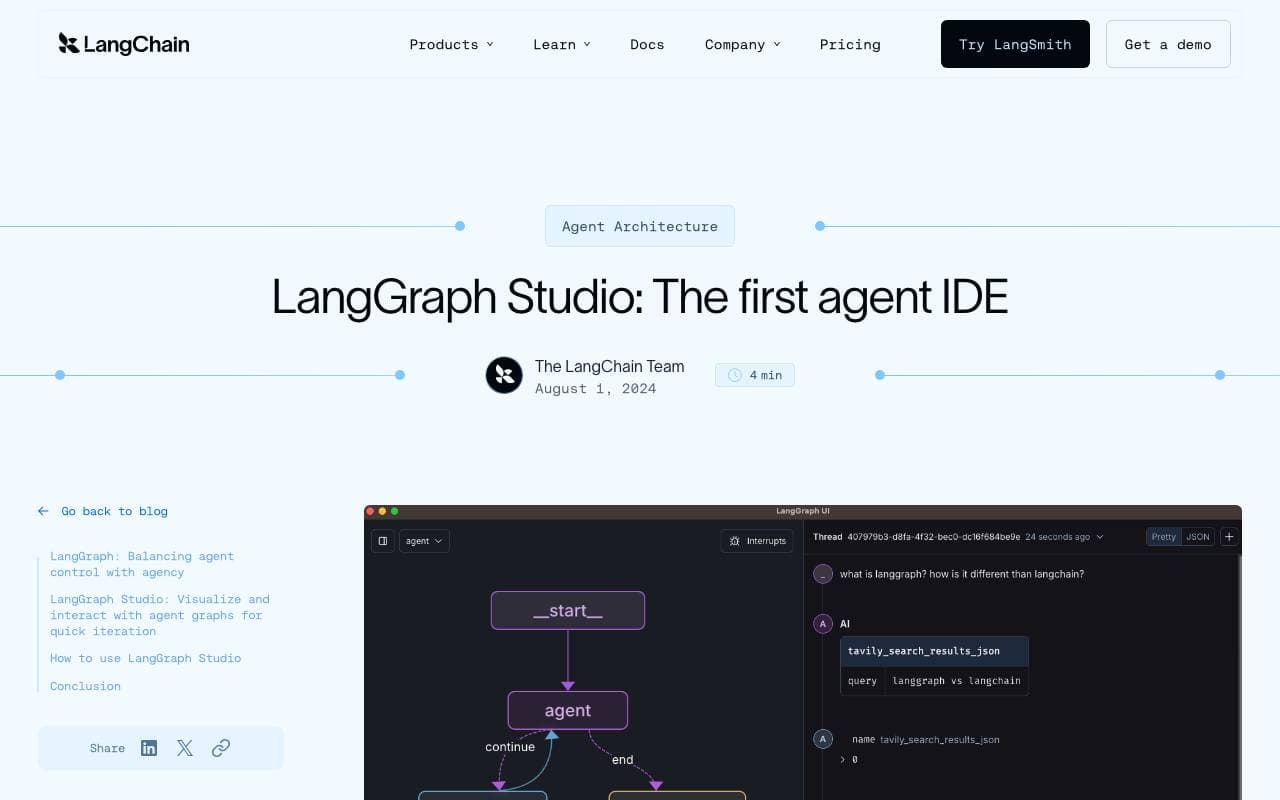

LangGraph Studio
Rozwój Agentów
Wizualne IDE do tworzenia, debugowania i inspekcji przepływów pracy agenta LangGraph

BrainSoup
Rozwój Agentów
Twórz własne agenty AI, które automatyzują zadania i procesy przy pomocy języka naturalnego.


Letta AI
Rozwój Agentów
Otwarte źródło platformy do tworzenia stanowych agentów AI z długoterminową pamięcią i zaawansowanym rozumowaniem.


Snorkel Flow
Rozwój Agentów
Platforma programmaticzna do oznaczania danych i rozwoju AI, pozwalająca szybciej budować modele produkcyjne.

NetX
Rozwój Agentów
Modularna sieć ekonomiczna łącząca infrastrukturę blockchain z możliwościami AI


Theoriq AI
Rozwój Agentów
Protokół zdecentralizowany do budowania i zarządzania wielo-agentowymi systemami AI na łańcuchu
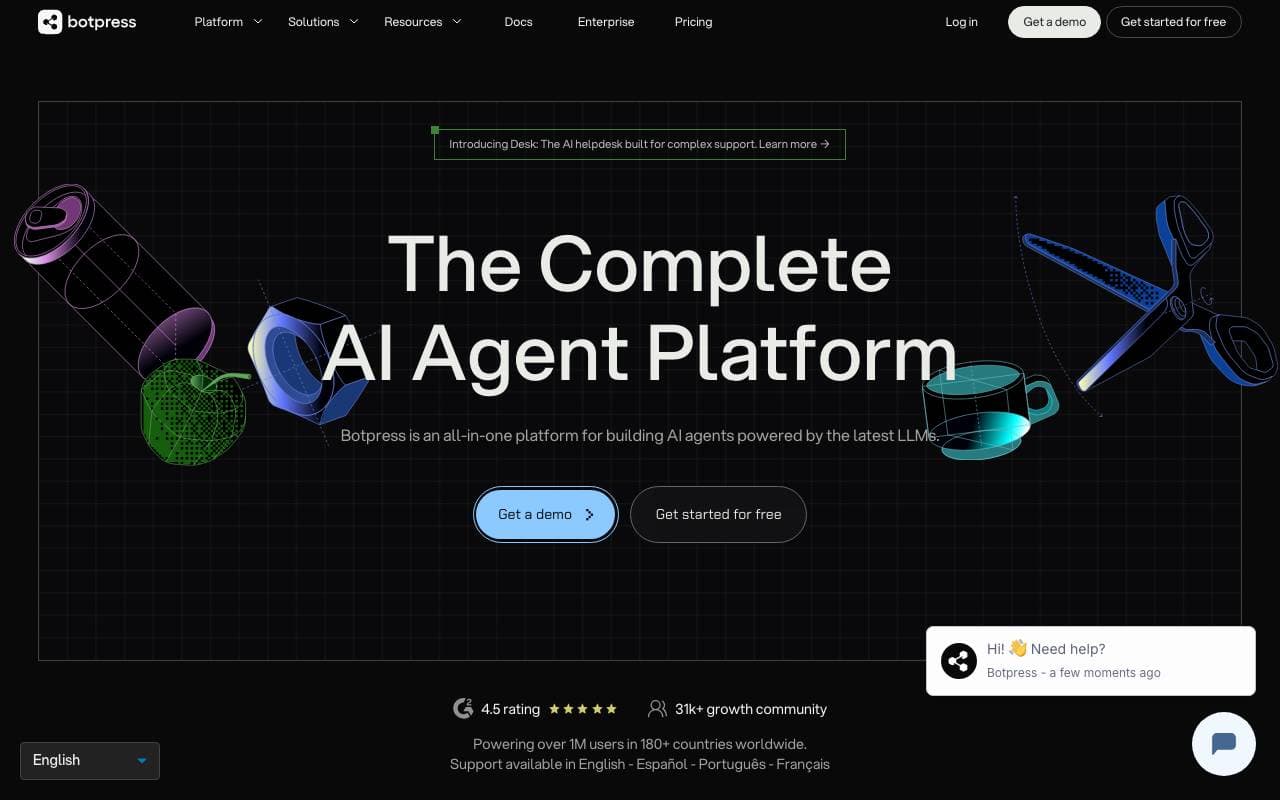

Botpress
Rozwój Agentów
Kompleksowa platforma do budowania, wdrażania i zarządzania agentami AI oraz chatbotami.
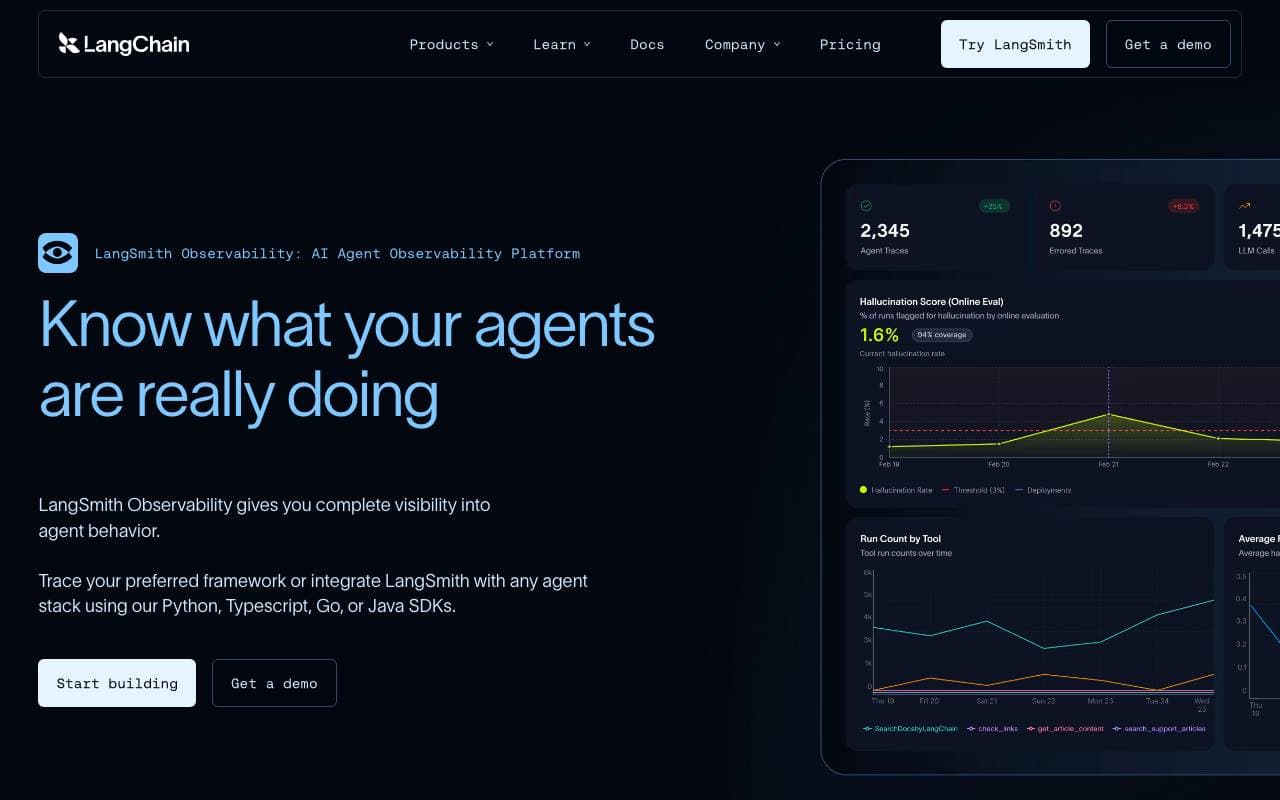

LangSmith
Rozwój Agentów
Platforma obserwowalności, ewaluacji i debugowania aplikacji LLM od zespołu LangChain
Trending now


Reducto AI
Platformy Rozwoju Agentów Inteligentnych
API inteligencji dokumentowej, które analizuje, dzieli, wykonuje OCR i wyodrębnia strukturalne dane z złożonych PDF-ów, slajdów i arkuszy kalkulacyjnych.


AdCrier
Marketing i Reklama
Sponsorowane odpowiedzi, płatne za kliknięcie.


Biology AI
AI w Edukacji
Precyzyjna pomoc z zadaniami domowymi z pełnymi wyjaśnieniami


Pin AI
Automatyzacja przepływu pracy
Agentowy rekruter AI, który automatyzuje pozyskiwanie, selekcję i kontakt, przyspieszając proces rekrutacji.