
AutoGenOpen-source Python-framework voor het bouwen van multi-agent LLM-toepassingen die samenwerken om taken op te lossen.

Overzicht
Belangrijkste functies
- Multi-agent conversatieorchestratie
- Aangepaste agentrollen en personages
- Code-uitvoering en toolaanroepen
- Ondersteuning voor menselijke tussenkomst
- Compatibel met belangrijke LLM-aanbieders
- Uitbreidbare Python API
Prijs
- Model
- Freemium
- Categorie
- Agent Ontwikkeling
- Beoordeling
- 4.5 / 5 (4)
Toepassingen
Gespreksgeniale AI
Bouw multi-agents gesprekssystemen die samenwerken om taken op te lossen, met toepassingen in klantenservice, technisch ondersteuning, en meer.
Workflows met Grote Taalmodellen
Creëer workflows die gebruik maken van grote taalmodellen om taken te automatiseren, zoals dataprocessing, tekstanalyse, en inhoudsgeneratie.
Multi-Agent Systeem
Ontwikkel systemen die meerdere agents in staat stellen om te interacteren en samen te werken, met potentieel toepassingen in gebieden als gaming, simulatie, en onderwijs.
Optimalisatie van Inferenties
Gebruik Autogen's geoptimaliseerde LLM-inferentie-API's om prestaties te optimaliseren en kosten te beperken in grote schaal-taalmodelimplementaties.
Pluspunten & minpunten
Pluspunten
- Gratis en open source
- Flexibele multi-agent conversatiepatronen
- Ondersteunt toolgebruik en code-uitvoering
- Ondersteund door Microsoft Research met een actieve community
Minpunten
- Vereist kennis van Python en LLM API
- Documentatie kan achterblijven bij snelle updates
- Het draaien van multi-agent loops kan hoge tokenkosten veroorzaken
- Geen ingebouwde GUI voor niet-ontwikkelaars
Strijdrecord
Over 1 strijd in het Pantheon.
Last battle
Recensies
Gemiddelde van 4 beoordelingen.
Log in om een review te schrijven.
Skeptical, then convinced
I went in skeptical — most tools in this space overpromise. It actually delivers on code execution and tool calling, and free and open source caught me off guard. Requires Python and LLM API knowledge is why this isn't a perfect score, still, I'd recommend giving it a real trial.
Solid for our team
We rolled this out across the team last quarter and flexible multi-agent conversation patterns. Compatible with major LLM providers fits neatly into how we already work, and multi-agent conversation orchestration removed a step we used to do by hand. but it has held up under daily use.

Compared a few options
Evaluated this against two competitors. Where it wins: human-in-the-loop support and backed by Microsoft Research with active community. On balance the feature set — especially compatible with major LLM providers — justifies the 5 stars for our use case.
Skeptical, then convinced
I went in skeptical — most tools in this space overpromise. It actually delivers on compatible with major LLM providers, and flexible multi-agent conversation patterns caught me off guard. No built-in GUI for non-developers is why this isn't a perfect score, still, I'd recommend giving it a real trial.
Vragen
None of the devcontainers are building due to "Hash sum mismatch", what should I do?
This is an intermittent issue that appears to be caused by some combination of mirror and proxy issues. If it arises, try to replace the apt-get update step with the following: RUN echo "Acquire::http::Pipeline-Depth 0;" > /etc/apt/apt.conf.d/99custom && \ echo "Acquire::http::No-Cache true;" >> /etc/apt/apt.conf.d/99custom && \ echo "Acquire::BrokenProxy true;" >> /etc/apt/apt.conf.d/99customRUN apt-get clean && \ rm -r /var/lib/apt/lists/* && \ apt-get update -o Acquire::CompressionTypes::Order::=gz && \ apt-get -y update && \ apt-get install sudo git npm # and whatever packages need to be installed in this specific version of the devcontainer This is a combination of StackOverflow suggestions here and here.
Asked by Vasyl Kovalenko · May 21, 2026
What should I do if I get the error "TypeError: Assistants.create() got an unexpected keyword argument 'file_ids'"?
This error typically occurs when using Autogen version earlier than 0.2.27 in combination with OpenAI library version 1.21 or later. The issue arises because the older version of Autogen does not support the file_ids parameter used by newer versions of the OpenAI API. To resolve this issue, you need to upgrade your Autogen library to version 0.2.27 or higher that ensures compatibility between Autogen and the OpenAI library. pip install --upgrade autogen
Asked by Nikolai Petrenko · May 13, 2026
Agents are throwing due to docker not running, how can I resolve this?
If running AutoGen locally the default for agents who execute code is for them to try and perform code execution within a docker container. If docker is not running, this will cause the agent to throw an error. To resolve this you have some options.
Asked by Tunde Balogun · May 6, 2026
When using autogen docker, is it always necessary to reinstall modules?
The "use_docker" arg in an agent's code_execution_config will be set to the name of the image containing the change after execution, when the conversation finishes. You can save that image name. For a new conversation, you can set "use_docker" to the saved name of the image to start execution there.
Asked by Ismael Rios · May 1, 2026
How to get each agent message?
Please refer to https://microsoft.github.io/autogen/docs/reference/agentchat/conversable_agent#chat_messages
Asked by Lucas Petit · Apr 15, 2026
Stel een vraag
Alternatieven voor Agent Ontwikkeling
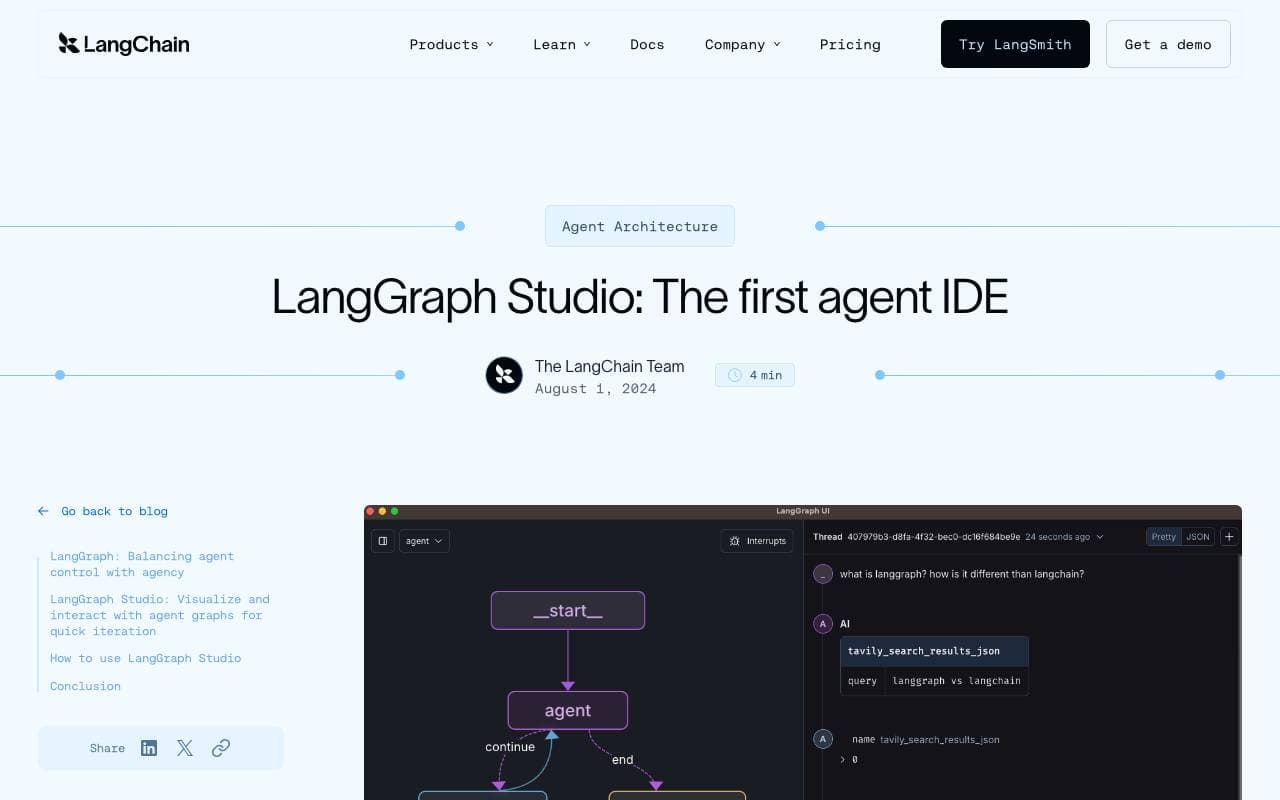

LangGraph Studio
Agent Ontwikkeling
Visuele IDE voor het bouwen, debuggen en inspecteren van LangGraph-agentworkflows

BrainSoup
Agent Ontwikkeling
Maak op maat gemaakte AI-agenten die taken en workflows automatiseren via natuurlijke taal.


Letta AI
Agent Ontwikkeling
Een open-sourceplatform voor het bouwen van stateful AI-agenten met langetermijngeheugen en geavanceerd redeneren.


Snorkel Flow
Agent Ontwikkeling
Programmeren van gegevensetikettering en AI-onwikkelingsplatform om productiemodellen sneller te ontwikkelen.

NetX
Agent Ontwikkeling
Modulair economisch netwerk dat blockchain-infrastructuur combineert met AI-mogelijkheden.


Theoriq AI
Agent Ontwikkeling
Gedecentraliseerd protocol voor het bouwen en besturen van multi-agent AI-systemen on-chain
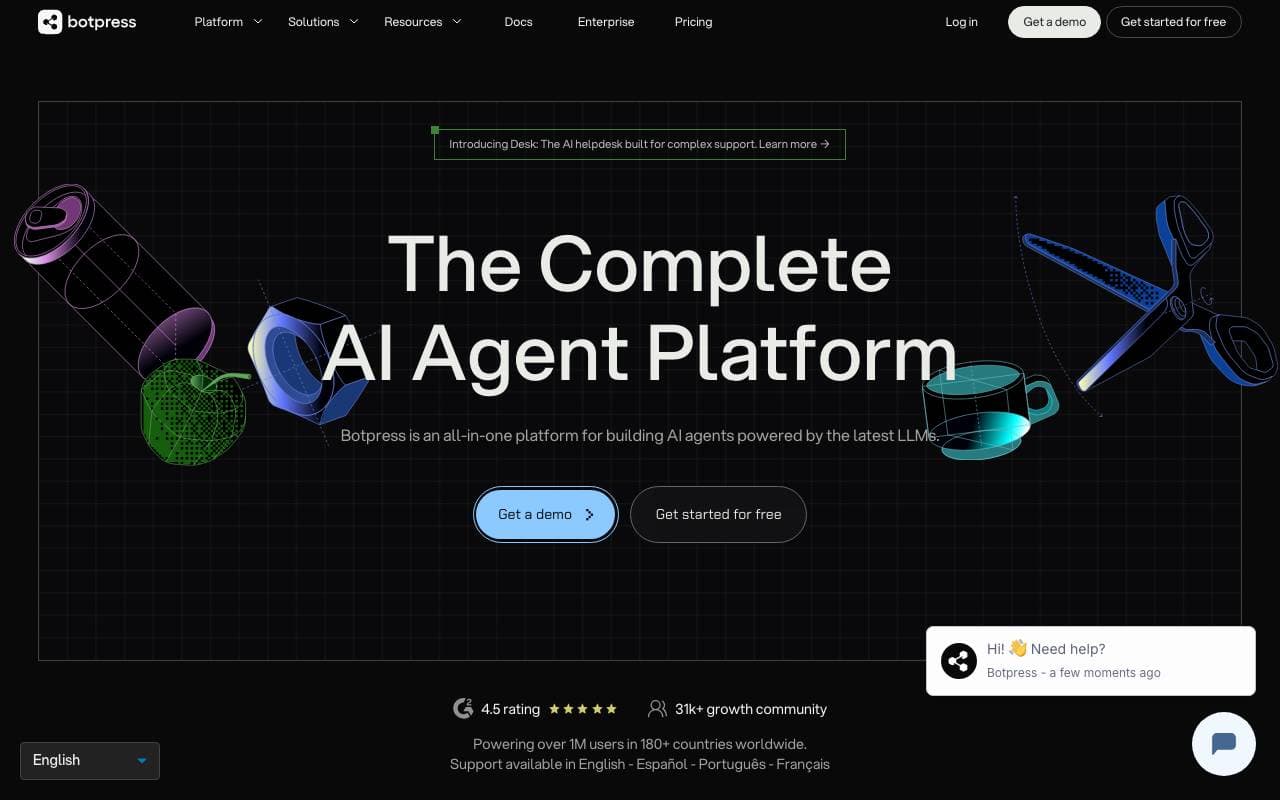

Botpress
Agent Ontwikkeling
End-to-end platform voor het bouwen, implementeren en beheren van AI agents en chatbots.
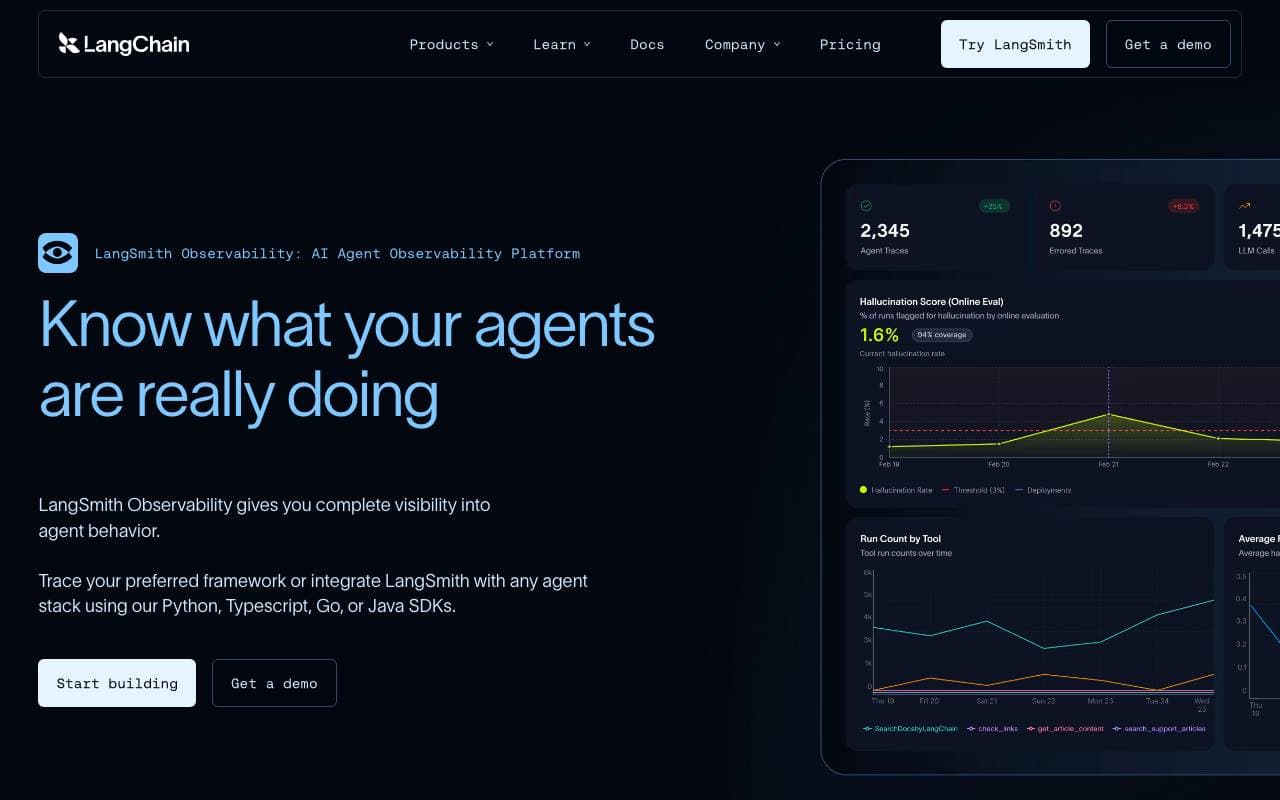

LangSmith
Agent Ontwikkeling
Observability-, evaluatie- en debugplatform voor LLM-toepassingen van het LangChain-team
Trending now


Reducto AI
Platformen voor ontwikkeling van AI Agents
Document intelligence-API die pdf's, Presentaties en spreadsheets analyseert, splijt en extraheren van complexe gestructureerde gegevens.


Biology AI
Onderwijs AI
Nauwkeurige Huiswerkhulp met Volledige Uitleg


AdCrier
Marketing & Adverteren
Gesponsorde antwoorden, betaald per klik.


Beam AI
Artificiële Agentsystemen
Een toonaangevend platform voor agentische procesautomatisering, dat zelflerende AI‑agents gebruikt om workflows in diverse sectoren te stroomlijnen.