Chat4DataChat4Data – სტრუქტურირებული ვებ-მონაცემების მიღება მარტივი ჩატით, კოდის გარეშე.

მიმოხილვა
ძირითადი ფუნქციები
- მონაცემების ნატურალური ენის მიხედვით გამოშვება
- ჩატის საფუძველზე ურთიერთობა სამიზნე გვერდებთან
- სტრუქტურირებული გამოსავალი ცხრილებისა და სიებისთვის
- ექსპორტი ჩვეულებრივ ფაილურ ფორმატებში
- ბრაუზერული სამუშაო ნაკადი
- მრავალ მონაცემთა ველს თითო მოთხოვნაში მართავს
ფასები
- მოდელი
- Free
- კატეგორია
- ვებ სკრეპინგი
- შეფასება
- 4.4 / 5 (5)
გამოყენების შემთხვევები
პროდუქტების სიების შეგროვება ბაზრის კვლევისთვის
მარკეტორები და ანალიტიკოსები მარტივად აღწერენ საჭირო ველებს ჩატში, რათა გამოიტანონ პროდუქტის სახელები, ფასები და აღწერები ელექტრონული კომერციის გვერდებიდან და შემდეგ ექსპორტირონ შედეგები შედარებისთვის.
პოტენციური კლიენტების სიების შექმნა დირექტორიებიდან
პატარა ბიზნესის მფლობელები შეძლებენ კონტაქტის ინფორმაციის (სახელი, ელ-ფოსტა, ტელეფონო ნომერი) გადმოტვირთვას ონლაინ დირექტორიებიდან სტრუქტურირებული ცხრილში, სკრიპტირების გარეშე.
მონაცემების შეგროვება აკადემიურ ან ინდუსტრიულ კვლევებისთვის
კვლევეები სწრაფად მოათავსებენ სიებს, სტატიკებს ან მითითებულ მონაცემებს მრავალ ვებ-გვერდიდან ბუნებრივი ენის მოთხოვნების მეშვეობით და ექსპორტირებენ მათ საერთო ფაილურ ფორმატებში ანალიზისთვის.
მონიტორირება კონკურენტთა კატალოგებზე
ანალიტიკოსები განმეორებით სტრუქტურირებული დეტალებს გამოიძახებენ კონკურენტთა პროდუქტის გვერდებიდან საუბრის პრომპტებით, რაც დროის დაზოგვაა, ვიდრე საკუთარი სკრიპტების შექმნა და მოვლა.
დადებითი და უარყოფითი
დადებითი
- არ საჭიროებს კოდირებას ან სკრიპტირების ცოდნას
- საუბრის ინტერფეისი სწავლას მარტივს ხდის
- მუშაობს მრავალი ვებ-გვერდის განლაგებებით
- ექსპორტს იღებს მონაცემებს მოხერხებულ სტრუქტურირებულ ფორმატებში
უარყოფითი
- შეიძლება იმუშაოს რთული დინამიური ან დაცული საიტებზე
- სიზუსტე დამოკიდებულია, თუ რა მკაფიოდ მოთხოვნები არის ფორმულირებული
- მცირე კონტროლი შედარებით საკუთარი სკრიპტებზე
- უფასო დონეებზე გამოყენების შეზღუდვები
შეფასებები
საშუალო 5 შეფასებიდან.
შედი ანგარიშზე შეფასების დასატოვებლად.
Compared a few options
Evaluated this against two competitors. Where it wins: export to common file formats and no coding or scraping knowledge needed. Where it lags: usage limits likely on free tiers. On balance the feature set — especially handles multiple data fields per request — justifies the 5 stars for our use case.
Does the job
Pretty happy overall. Structured output for tables and lists just works and no coding or scraping knowledge needed. but no dealbreakers — I'd recommend it to a friend without hesitating.

Years in this space
I've evaluated a lot of these over the years. What stands out here is chat-based interaction with target pages — handled better than most — and works across many website layouts. May struggle with heavily dynamic or protected sites is my one real gripe. Worth the time if this is your use case.
Years in this space
I've evaluated a lot of these over the years. What stands out here is handles multiple data fields per request — handled better than most — and works across many website layouts. Less control than custom-built scrapers is my one real gripe. Worth the time if this is your use case.
Skeptical, then convinced
I went in skeptical — most tools in this space overpromise. It actually delivers on natural language data extraction, and conversational interface lowers the learning curve caught me off guard. Accuracy depends on how clearly requests are phrased is why this isn't a perfect score, still, I'd recommend giving it a real trial.
კითხვები
What is Chat4Data?
Chat4Data is an AI-powered Chrome extension designed to be your ultimate data collection assistant. With intuitive natural language commands or simple quick-click actions, you can effortlessly extract and organize web page data on any website, making information gathering faster and smarter than ever. Think of it as ChatGPT for web scraping!
Asked by Elena Rossi · Oct 3, 2025
What types of websites can I scrape using Chat4Data?
Chat4Data works with most HTML websites, including e-commerce platforms, news sites, real estate listings, job boards, directories, and educational portals. It extracts data from listing pages and detailed subpages without triggering blocks. If you encounter a website that doesn't work optimally, simply report it to us and we'll tune our system specifically for it.
Asked by Bianca Ferreira · Sep 29, 2025
Do I need coding skills to use Chat4Data?
Not at all. Chat4Data is designed for everyone — simply tell it what data you want in plain language, and our AI does the rest. No programming, no technical setup, just natural conversation that gets you professional results in seconds.
Asked by Bruno Kaufmann · Sep 20, 2025
Is Chat4data free to use? How does the credit system work?
Yes! Every new user gets 100 free starting credits — enough to scrape 2–3 websites. After that, it's $1 per hundred credits (incredibly affordable compared to hiring data assistants or buying datasets). Credits are consumed for chat interactions, and data analysis.
Asked by Yaw Owusu · Sep 10, 2025
How many data can I scrape in one Chat4Data run?
There's no set limit — Chat4Data will keep working until you have all the data you need! Whether it's 50 products or 5,000 listings, the extension runs continuously in your browser until the job is complete. Just keep your browser tab open during extraction, and Chat4Data handles the rest automatically.
Asked by Freya Solberg · Sep 4, 2025
დასვი კითხვა
ვებ სკრეპინგი-ის ალტერნატივები

Datavist
ვებ სკრეპინგი
Agentic ვებ-მონაცემთა ექსპორტირება, pay-as-you-go ფასებით და კოდის გარეშე.
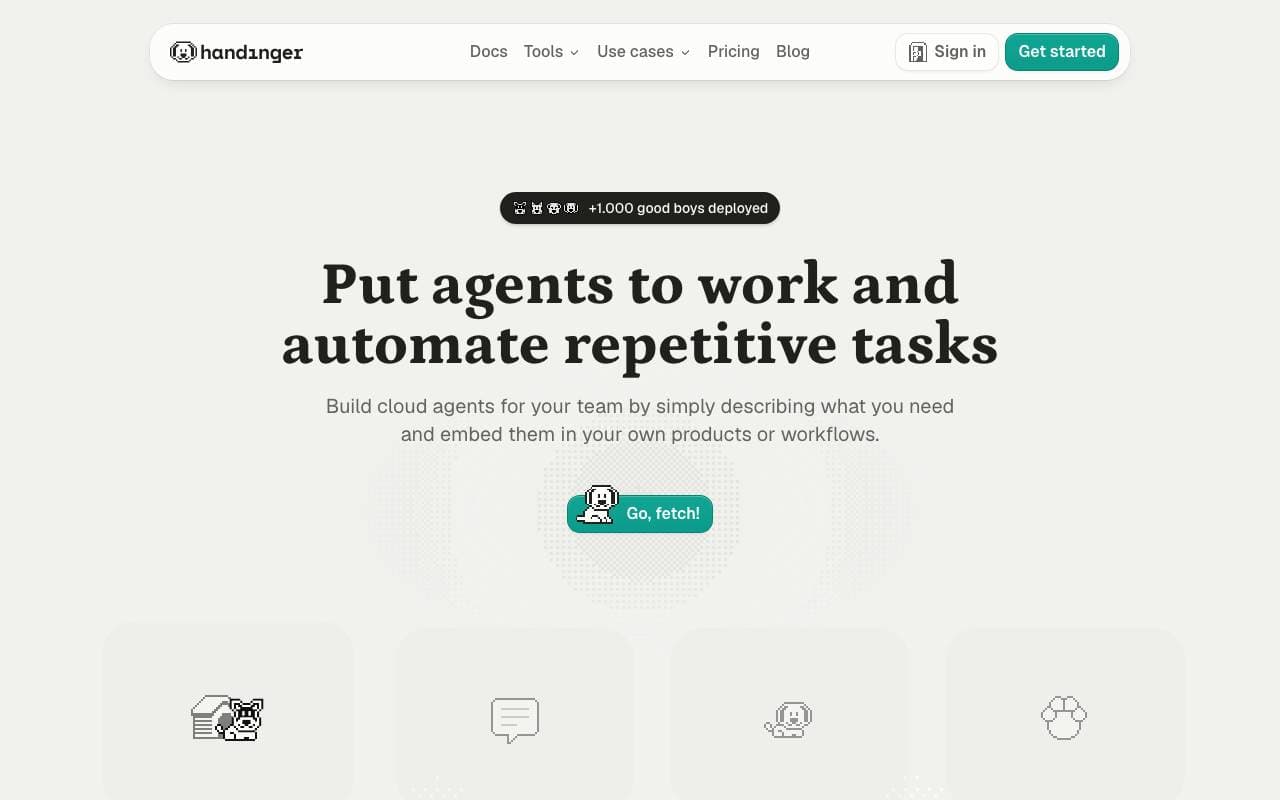

Handinger
ვებ სკრეპინგი
გადასახადო-გამოყენების მიხედვით API, რომელიც ამოღებს ვებ‑კონტენტს და ქმნის მოთხოვნებს AI-სთვის მზად ფორმატებში.
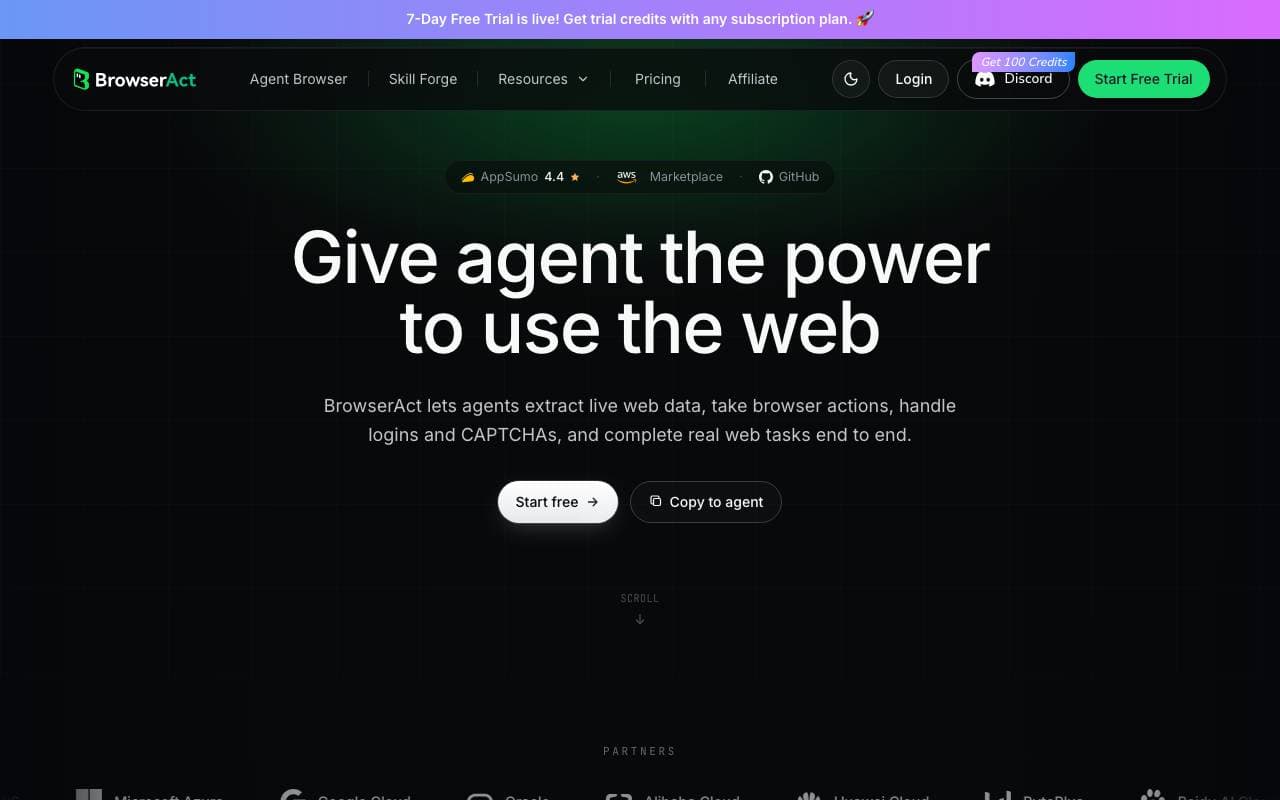
BrowserAct
ვებ სკრეპინგი
არ‑კოდიანი AI‑ბრაუზერის ავტომატიზაცია მონაცემთა შეგროვებისთვის და დავალებების გაშვებისთვის ნებისმიერ ვებგვერდზე, მარტივი ინგლისური გამოყენებით.
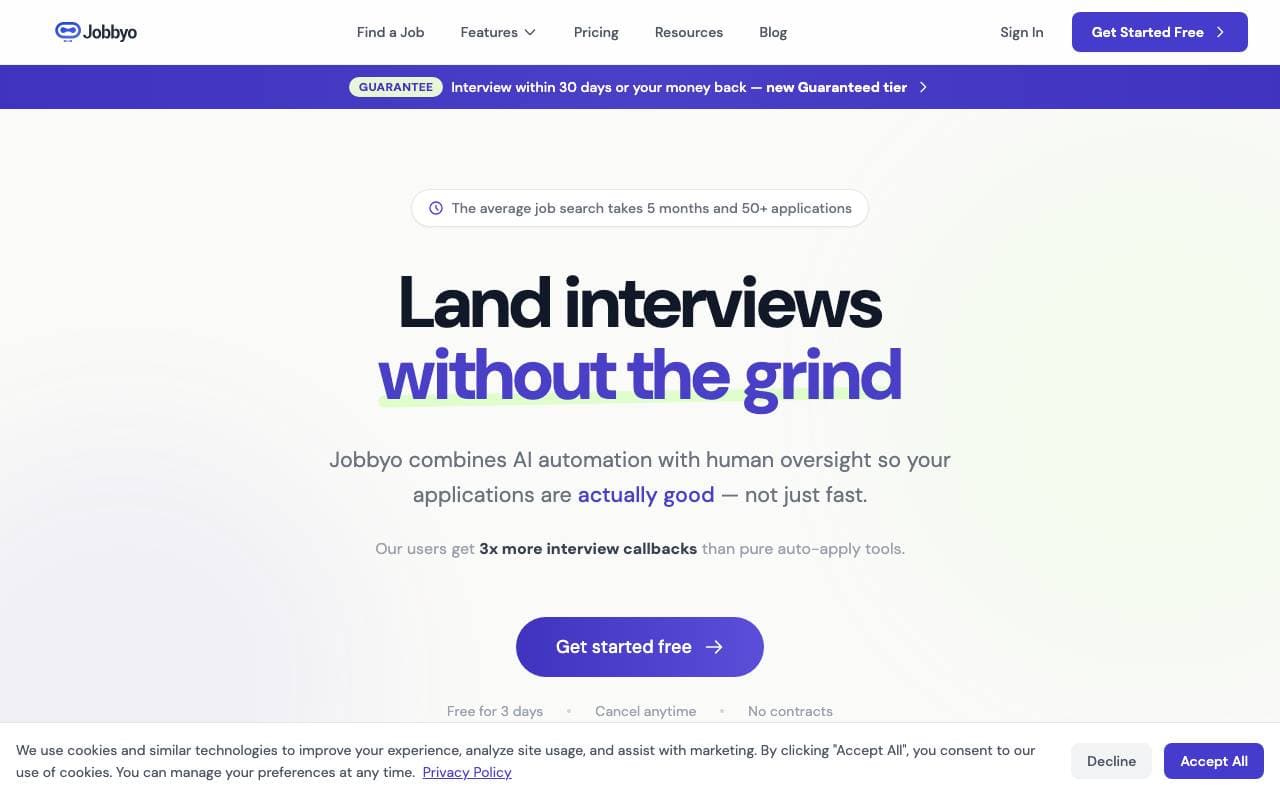

Jobbyo
ვებ სკრეპინგი
AI‑თან სამუშაო ადგილების ძებნაში, რომელიც იპოვება, მიმართავს და თქვენსთვის როლებზე გადმოდება.
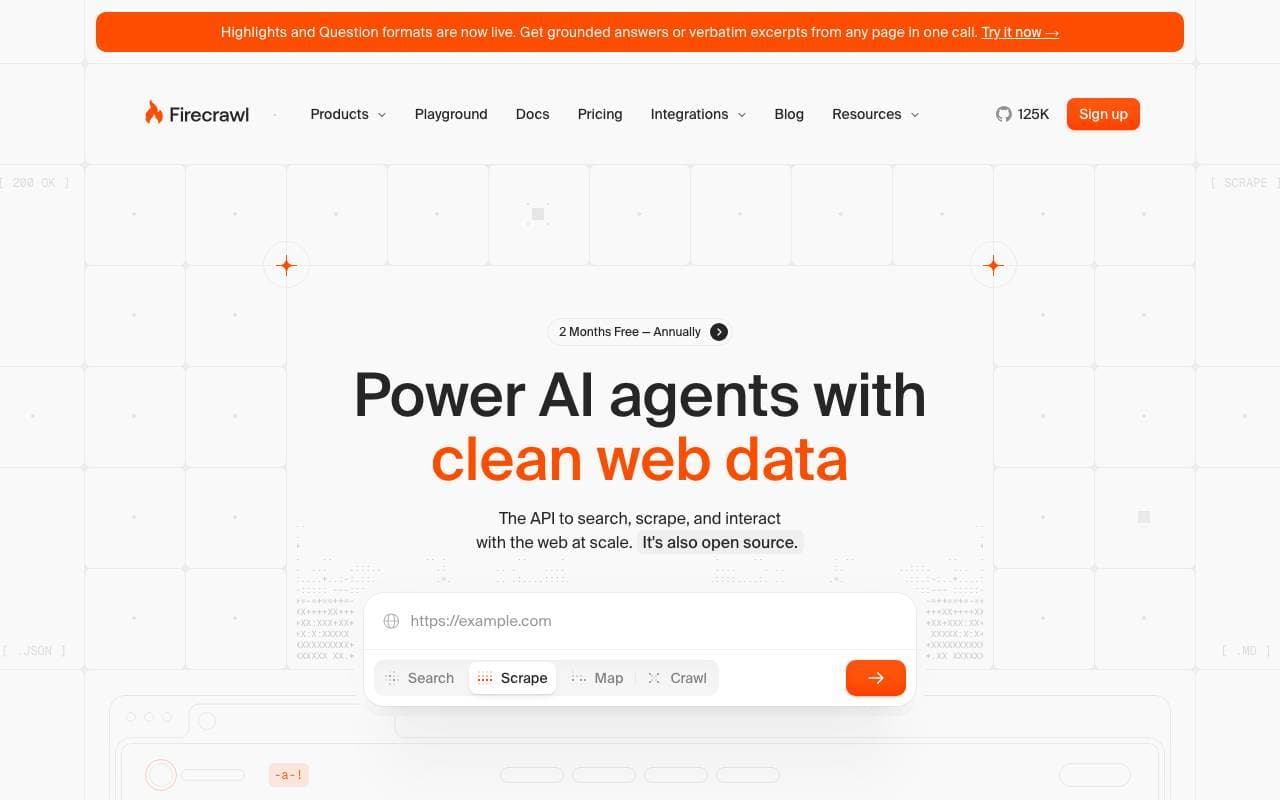
Firecrawl
ვებ სკრეპინგი
ნებისმიერი ვებსაიტის გადაყვანა სუფთა, AI-სთვის მზად მონაცემებად ერთი API‑გამოძახებით.


PartnerCheck
ვებ სკრეპინგი
უკანასკნელი გამოსახულების ძიება datings საიტებზე, რათა დამალული პროფილები გამოვლინდეს


X Twitter Scraper
ვებ სკრეპინგი
ღია ბრძანებებით კოსტეტი X / ტვიტერის მონაცემების დისპეტჩერი, მშენებლობის აგენტები და ავტომაცია პროცესებისთვის.

Cliprun
ვებ სკრეპინგი
Python კოდის გაშვება ონლაინში მיידედ, მარჯვენა-კლიკით, დაყენების გარეშე.
Trending now


Reducto AI
AI აგენტის განვითარების პლატფორმები
დოკუმენტების ინტელექტუალური API, რომელიც პარსინგს, გაყოფას, OCR-ს და სტრუქტურიზებულ მონაცემთა ექსტრაქციას კომპლექსურ პდფ-ებში, სლაიდებში და ელექტრონულ ცხრილებში ახდენს.


AdCrier
სარბალთანმთავრობითი მოქმედებები და ჟურნალისტიკა
სპონსორული პასუხები, დახმარება ერთ კილაბად მონაცემთა მოცულობით.


Biology AI
საგანმანამარე აი
ზუსტი ჰომვორვის დახმარება სრული ახსნა-განმარტებით


Pin AI
სამუშაო პროცესების ავტომატიზაცია
Agentic AI რეკრუტერი, რომელიც ავტომატურად იპოვება, სკრინავს და მიმართავს კანდიდატებს, რათა დასაქმების პროცესი სწრაფდეს.