
Markdown Converter ProConverte Markdown in PDF, HTML e Word - e torna indietro i PDF puliti nel Markdown。

Panoramica
Funzionalità chiave
- Consegna Markdown in PDF
- Consegna Markdown in HTML
- Consegna Markdown in Word (DOCX)
- Esportazione PDF in Markdown
- Preservazione degli elementi di formattazione per titoli, elenchi e blocchi di codice
- Flusso di lavoro di conversione basato sul browser
Prezzi
- Modello
- Free
- Categoria
- Librerie di utilità per strumenti
- Valutazione
- 5.0 / 5 (6)
Casi d’uso
Esportare la documentazione Markdown come documenti Word edibili
Converte i file Markdown in documenti Word finiti per i destinatari non tecnici, consentendo la collaborazione e la modifica senza sforzi.
Pubblicare le newsletter di Markdown come HTML pulito per siti web
Trasforma il contenuto Markdown in HTML di alta qualità per la pubblicazione web, mantenendo la formattazione, le immagini, le tabelle e i blocchi di codice.
Migrare la documentazione PDF di legacy verso repository di Markdown con controllo delle versioni di Git
Estrae testo, titoli, tabelle, blocchi di codice ed immagini dai documenti PDF in Markdown pulito e modellabile, favorendo il controllo delle versioni e la collaborazione.
Pro & contro
Pro
- Supporta più formattazioni di output da un unico file di origine
- Due vie di conversione inclusa l'esportazione PDF in Markdown
- Preserva le strutture Markdown comuni come le tabelle e il codice
- Utile sia per prodotti non tecnici sia per prodotti tecnici
Contro
- Possibili layout PDF complessi non si convertono in modo pulito
- Limitata documentazione sui controlli avanzati di formattazione
- Menzione assente del batch e dell'accesso API
Recensioni
Media su 6 valutazioni.
Accedi per lasciare una recensione.
Solid for our team
We rolled this out across the team last quarter and two-way conversion including PDF to Markdown. Markdown to HTML conversion fits neatly into how we already work, and browser-based conversion workflow removed a step we used to do by hand. Complex PDF layouts may not convert cleanly, which is the main caveat, but it has held up under daily use.
Compared a few options
Evaluated this against two competitors. Where it wins: markdown to HTML conversion and useful for both technical and non-technical deliverables. Where it lags: complex PDF layouts may not convert cleanly. On balance the feature set — especially pDF to Markdown extraction — justifies the 5 stars for our use case.
Solid for our team
We rolled this out across the team last quarter and supports multiple output formats from one source. Formatting preservation for headings, lists, and code fits neatly into how we already work, and markdown to Word (DOCX) export removed a step we used to do by hand. but it has held up under daily use.
Years in this space
I've evaluated a lot of these over the years. What stands out here is formatting preservation for headings, lists, and code — handled better than most — and preserves common Markdown structures like tables and code. Worth the time if this is your use case.

Use it every day
Honestly didn't expect to like it this much. PDF to Markdown extraction is exactly what I needed, and useful for both technical and non-technical deliverables. but I reach for it almost every day now and it just clicks.
Years in this space
I've evaluated a lot of these over the years. What stands out here is browser-based conversion workflow — handled better than most — and useful for both technical and non-technical deliverables. Worth the time if this is your use case.
Domande e risposte
Why choose credits over a subscription?
100% ControlOnly pay for what you use. No recurring charges on your credit card.Lifetime ValidityYour credits never expire. Buy now and use them next week, next month, or next year.Access EverythingDetailed conversions, large files (10MB), and image extraction included.Simple Pricing1 Credit = 1 Conversion. No complicated math. Just simple value.Money-Back GuaranteeNot satisfied? Get a full refund within 7 days. See our Refund Policy.Your Files Stay PrivateSecure checkout, and your uploaded files are auto-removed after processing.
Asked by Pierre Dubois · May 7, 2026
Who Uses a Markdown Converter?
From code reviews to journal submissions, the same Markdown round-trip fits very different workflows.
Asked by Ekaterina Orlova · May 6, 2026
What is a Markdown converter and why do I need one?
A Markdown converter is a tool that transforms Markdown (.md) files into other document formats such as PDF, Word (.docx), and HTML — or converts those formats back into Markdown. You need a Markdown converter when you write documentation, README files, or technical content in Markdown but need to share it as a professional PDF for clients, an editable Word document for non-technical colleagues, or clean HTML for web publishing. Markdown Converter Pro supports all six conversion directions: Markdown to PDF, Markdown to Word, Markdown to HTML, PDF to Markdown, Word to Markdown, and HTML to Markdown — making it a complete solution for any document conversion workflow.
Asked by Katarzyna Zielinska · May 1, 2026
How do I convert Markdown to PDF, Word, or HTML online?
To convert Markdown to PDF, Word, or HTML online, follow these three steps: Step 1 — paste your Markdown content into the editor or drag and drop a .md file. Step 2 — select your target format (PDF for print-ready documents, Word for editable reports, or HTML for web publishing) and preview the result in real time. Step 3 — click 'Convert & Download' to generate and download your file instantly. The converter preserves all GitHub Flavored Markdown (GFM) syntax including tables, code blocks with syntax highlighting, LaTeX math equations, Mermaid diagrams, task lists, and embedded images. Most conversions complete in under 5 seconds.
Asked by Cristina Moreno · Apr 26, 2026
What Markdown features are supported — GFM, LaTeX, Mermaid, tables?
Markdown Converter Pro supports the full GitHub Flavored Markdown (GFM) specification and beyond. Supported features include: Tables with column alignment, fenced code blocks with syntax highlighting for 100+ programming languages (Python, JavaScript, Go, Rust, etc.), LaTeX math equations (both inline $...$ and block $$...$$), Mermaid diagrams (flowcharts, sequence diagrams, Gantt charts, class diagrams), task lists with checkboxes, strikethrough, auto-linked URLs, footnotes, and embedded images. This makes it suitable for converting complex technical documentation, academic papers with mathematical formulas, and software architecture diagrams.
Asked by Quyen Tran · Apr 12, 2026
Fai una domanda
Alternative a Librerie di utilità per strumenti


AI prompt library
Librerie di utilità per strumenti
Una grande raccolta di promemoria di ricerca pronti per l'utilizzo con ChatGPT, MidJourney e altri modelli AI.
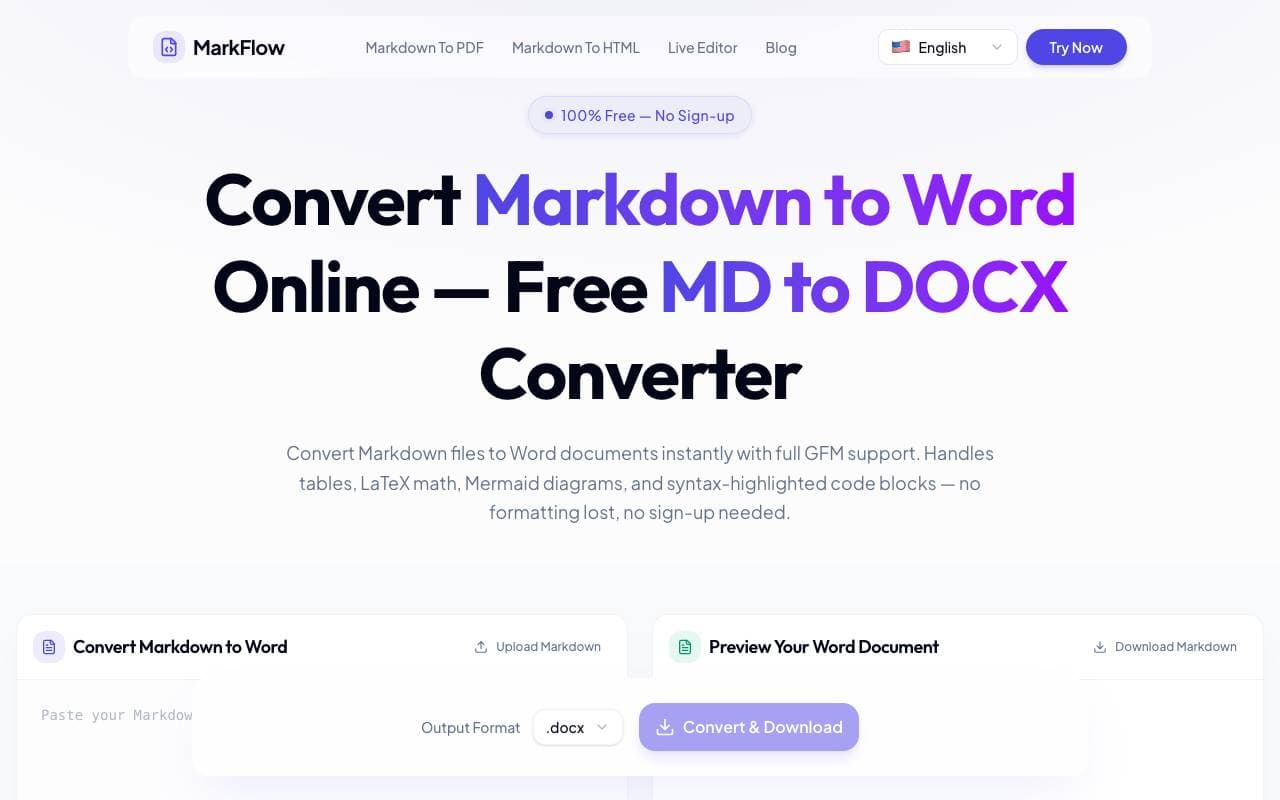

MD2Word
Librerie di utilità per strumenti
Strumento gratuito online per convertire file Markdown in documenti Word formattati.
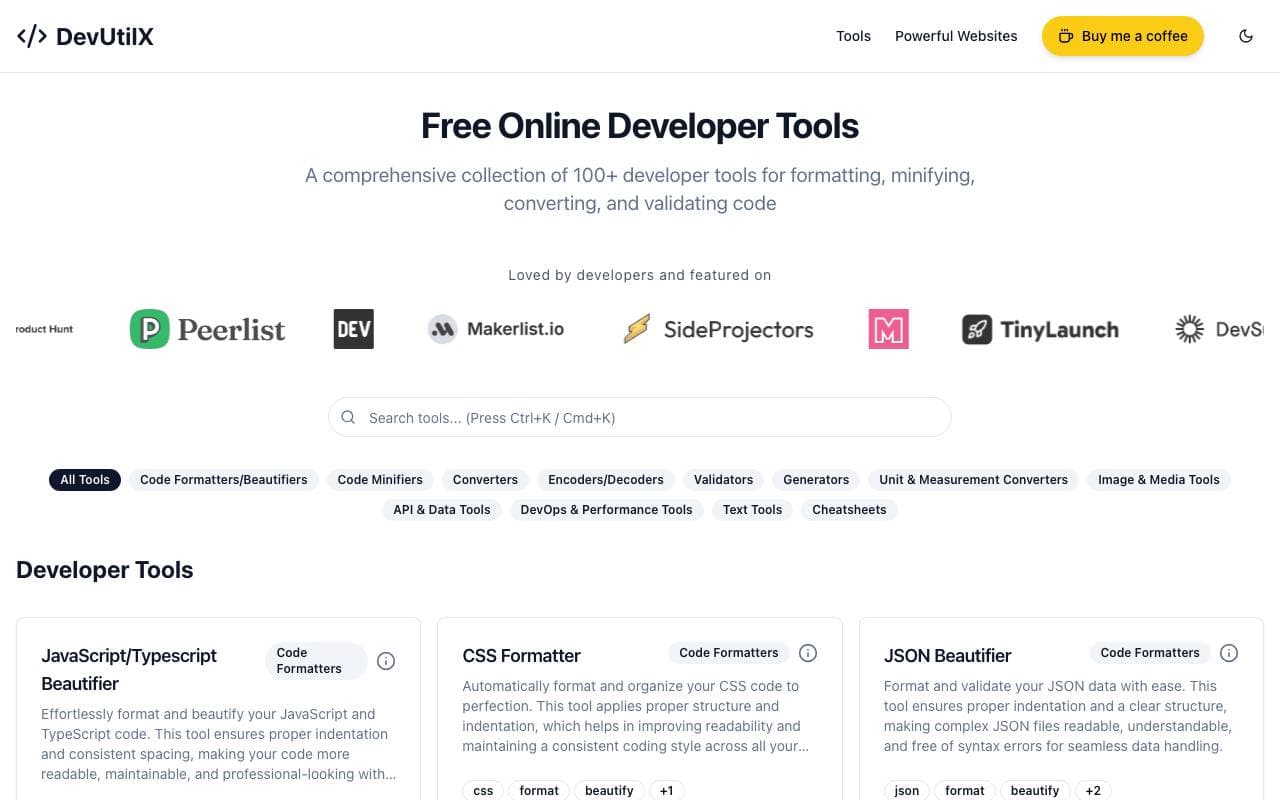

DevUtilX
Librerie di utilità per strumenti
Un suite web unificato di 100+ strumenti per i tasks di sviluppo quotidiano.


AgentAuth
Librerie di utilità per strumenti
Livello di autenticazione che consente agli agenti AI di accedere in modo sicuro a oltre 250 app per conto degli utenti.

Wildcard
Librerie di utilità per strumenti
Aiuta le marche a portare alla luce e vendere prodotti all'interno di ChatGPT e altri assistenti AI

Machine Generated
Librerie di utilità per strumenti
Contenitori per macchine ingegnerizzati per audienze automatizzate e consumatori di AI.


NomadicML
Librerie di utilità per strumenti
Ottimizza e adatti i modelli di apprendimento automatico in produzione ai dati del mondo reale non visti in tempo reale.

Grimly AI
Librerie di utilità per strumenti
API di sviluppatore focalizzato per l'integrazione di modelli di linguaggio nelle app e nei flussi di lavoro.
Trending now


Reducto AI
Piattaforme per lo Sviluppo di Agenti AI
API di intelligenza dei documenti che elabora, suddivide, riconosce testi da immagine e estrae dati strutturati da PDFs complessi, diapositive e fogli elettronici


AdCrier
Marketing & Publicità
Risposte sponsorizzate, pagate per clic


Biology AI
Intelligenza Artificiale per l"Educazione
Aiuto di Alta Qualità per i Compiti con Spiegazioni Dettagliate


Pin AI
Automazione di workflow
Recruiter AI Agent che automatizza la sorgenza, lo screening e la outreach per velocizzare il processo di assunzione.