
Komment AIDocumentazione per codice automatizzata, eseguita in modo sicuro all'interno del tuo workflow.

Panoramica
Funzionalità chiave
- Generazione automatica di commenti inline
- Estrazione di funzioni e classi
- Documentazione su tutta la repository
- Pipeline di elaborazione sicura
- Integrazione con i processi di integrazione continua e distribuzione continua (CI/CD) e i sistemi di controllo delle versioni
- Supporto per diversi linguaggi di programmazione
Prezzi
- Modello
- Freemium
- Categoria
- Sviluppo del Software
- Valutazione
- 4.8 / 5 (4)
Casi d’uso
Documentazione su Codici Legacy
Genera automaticamente commenti inline e documentazione per grandi repository legacy, rendendo il codice obsoleto o non documentato più facili da capire e mantenere.
Accelerazione dell'Onboarding dei Developer
Fornisci agli ingegneri nuovi spiegazioni contestuali e inline delle funzioni e delle classi, riducendo il tempo per l'assorbimento del sapere e l'easier transfer del sapere tra team.
Tieni le Docs Attuali via CI/CD
Integra Komment AI nei pipeline di CI/CD e controllo delle versioni per ricaricare la documentazione automaticamente in base alle modifiche al codice, evitando lo straripamento delle documentazioni.
Documentazione di Codici Enterprise con Modalità Sicura
Documenta codici proprietari o sensibili all'interno di un pipeline di elaborazione sicuro, adatto per le imprese con requisiti di compliance e gestione dei dati stringenti.
Pro & contro
Pro
- Genera documentazioni direttamente nei file sorgenti
- Impatta favorevole sui grandi e sui codici legacy
- Integrazione con i flussi di lavoro di sviluppo esistenti
- RIDuce l'onere di documentazione manuale
Contro
- Qualità del risultato varia a seconda del linguaggio e della complessità del codice
- I commenti generati possono richiedere revisione umana
- Nel codice insignificante o autoesplicativo, non è particolarmente utile
Storico battaglie
Su 1 battaglia nel Pantheon.
Last battle
Recensioni
Media su 4 valutazioni.
Accedi per lasciare una recensione.
Does the job
Pretty happy overall. Function and class extraction just works and reduces manual documentation overhead. but no dealbreakers — I'd recommend it to a friend without hesitating.
Solid for our team
We rolled this out across the team last quarter and generates documentation directly in source files. Secure processing pipeline fits neatly into how we already work, and cI/CD and version control integration removed a step we used to do by hand. Generated comments may need human review, which is the main caveat, but it has held up under daily use.
Years in this space
I've evaluated a lot of these over the years. What stands out here is secure processing pipeline — handled better than most — and reduces manual documentation overhead. Worth the time if this is your use case.
Does the job
Pretty happy overall. CI/CD and version control integration just works and generates documentation directly in source files. Generated comments may need human review can be annoying, but no dealbreakers — I'd recommend it to a friend without hesitating.
Domande e risposte
How do I get started with Komment?
Sign in to Komment using your email or git account, then connect a code repository. Trigger documentation jobs by clicking Quickstart or set up a schedule, and watch as Komment automatically builds your wiki.
Asked by Anya Sokolova · Apr 3, 2026
Do you offer a free trial?
Yes, all new users automatically receive a 30-day free trial for any paid plan. Upon completion of the trial period, your account will automatically switch to the Free plan unless you choose to upgrade your subscription.
Asked by Femi Adebayo · Mar 18, 2026
How does Komment ensure accuracy?
Komment heavily leverages purpose-built algorithms, deterministic static analyses and multi-layer quality assurance to generate the best in-class output for technical documentation. Our rules-based approach to leveraging AI in production settings offers far superior performance over LLM wrappers. We also regularly run benchmarks against our output to continuously monitor reliability and performance. Fun fact — Komment's own code repos are documented by Komment as well!
Asked by Lindiwe Mahlangu · Feb 24, 2026
Which languages and platforms does Komment support?
Languages: Komment supports over 90 programming languages. Unless you're working with a highly specialized or obscure language, it's likely that Komment can generate a wiki for your codebase. Dev Platforms: You can use your GitHub, GitLab or BitBucket account to sign up and log in to Komment. You can also connect any GitHub-hosted repository to Komment for wiki generation. We plan to release adapters for GitLab and Bitbucket in 2025. Infrastructure: Komment is available as a Software-as-a-Service (SaaS) solution at https://app.komment.ai. For teams that prefer self-hosting, Komment can be deployed on virtual private clouds (VPCs) via AWS, Azure, or GCP.
Asked by Priya Nair · Feb 21, 2026
What types of documentation does Komment generate?
Komment currently generates: Usage instructions, Architecture diagrams, General overviews, Implementation details, API documentation, Security insights, Example snippets, In-code comments. Komment tailors documentation for each file based on its size, content, and complexity so that only the most relevant pieces from this list are produced for your code. Users on the Scale plan also receive documentation as markdown files submitted to their repo as a pull request, allowing them to keep their docs alongside their code. If your business needs a specific kind of documentation, let us know and we'll make it happen!
Asked by Noor Siddiqui · Feb 2, 2026
Fai una domanda
Alternative a Sviluppo del Software
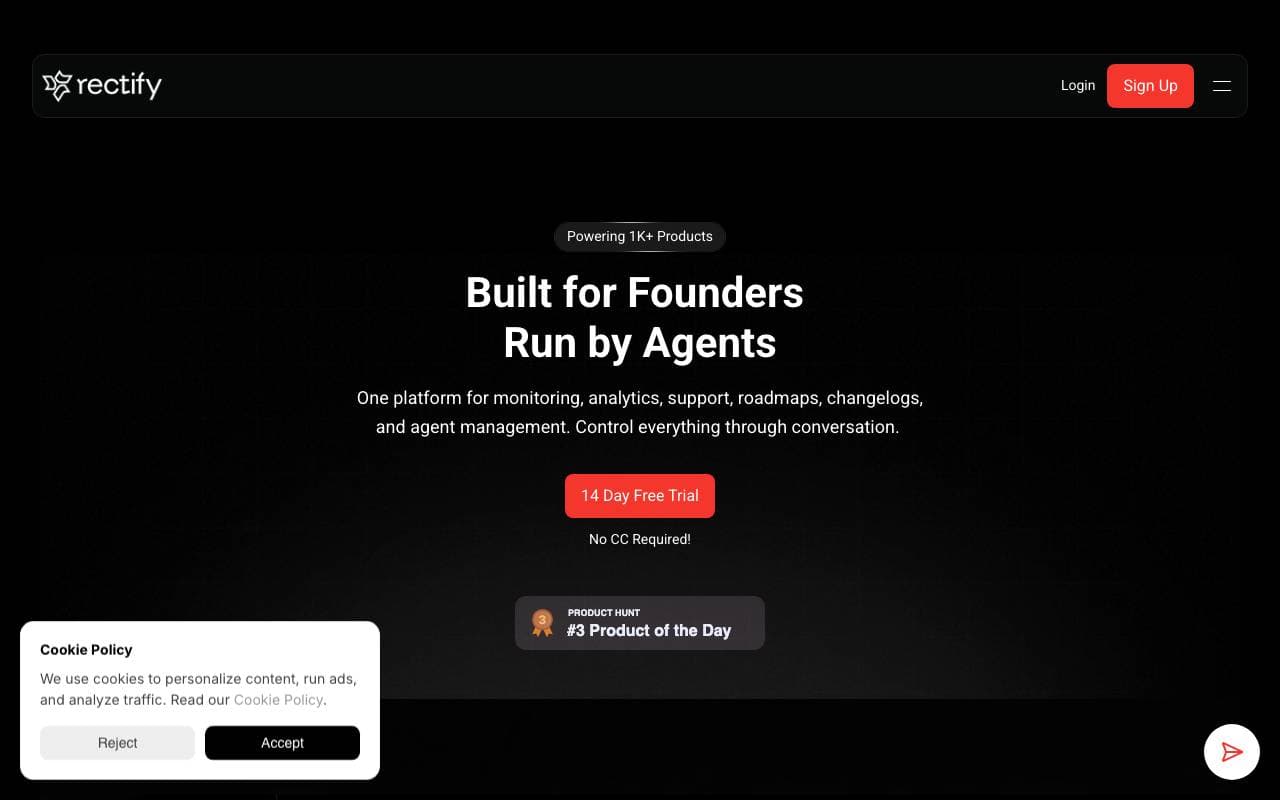
Rectify
Sviluppo del Software
Assistente di debug intelligente che aiuta gli sviluppatori a trovare e fissare velocemente i bug del codice generato da IA.

SwarmStack
Sviluppo del Software
Agente di intelligenza artificiale per la pianificazione, la definizione delle scadenze e le raccomandazioni per la costruzione


Warp AI
Sviluppo del Software
Termiale AI-powered che trasforma la lingua naturale in comandi e workflow del terminale.
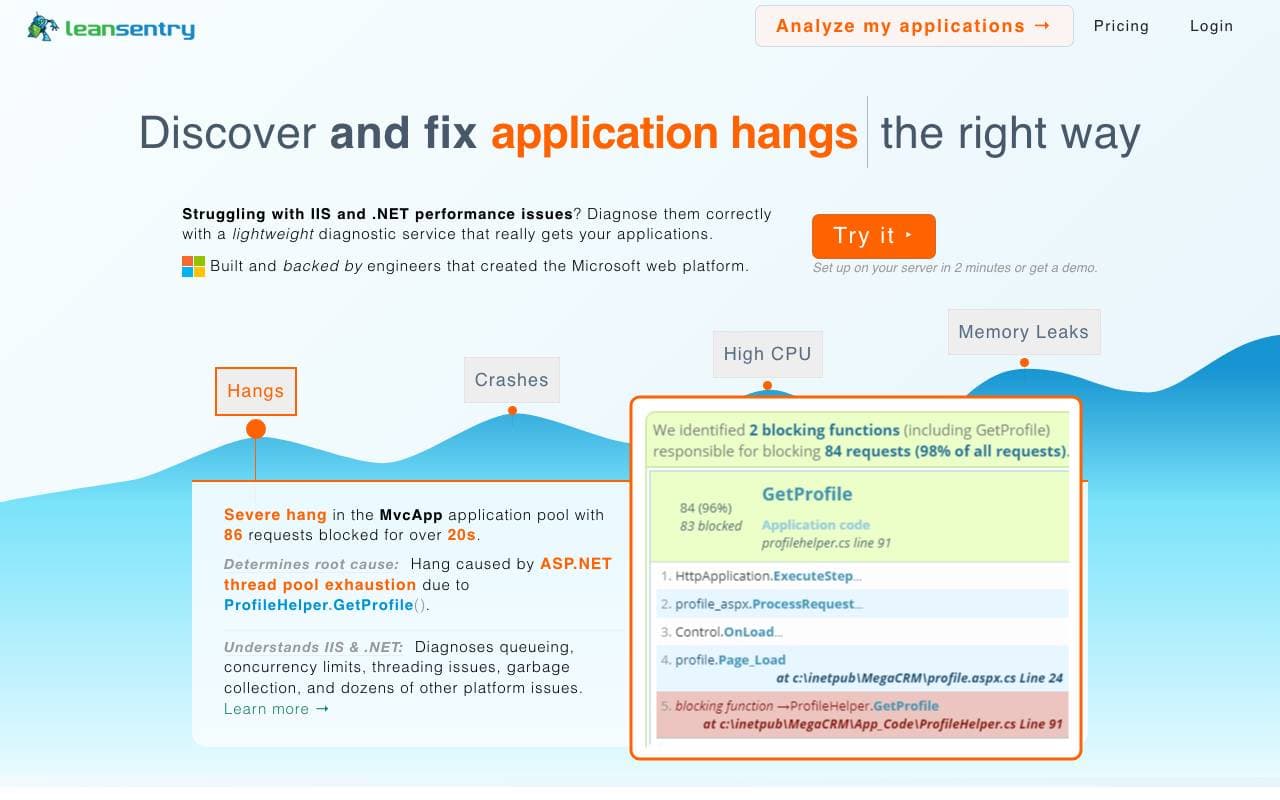

LeanSentry
Sviluppo del Software
Diagnostica e monitoraggio automatizzati per problemi di prestazioni IIS ed ASP.NET


CopyChecker AI Reverse Image Search
Sviluppo del Software
Cerca immagini inversa per tracciare le sorgenti originali e individuare duplicati o simili。


OG Pilot
Sviluppo del Software
Genera immagini Open Graph con un solo clic per antecci di condivisione più rapide ed eleganti.
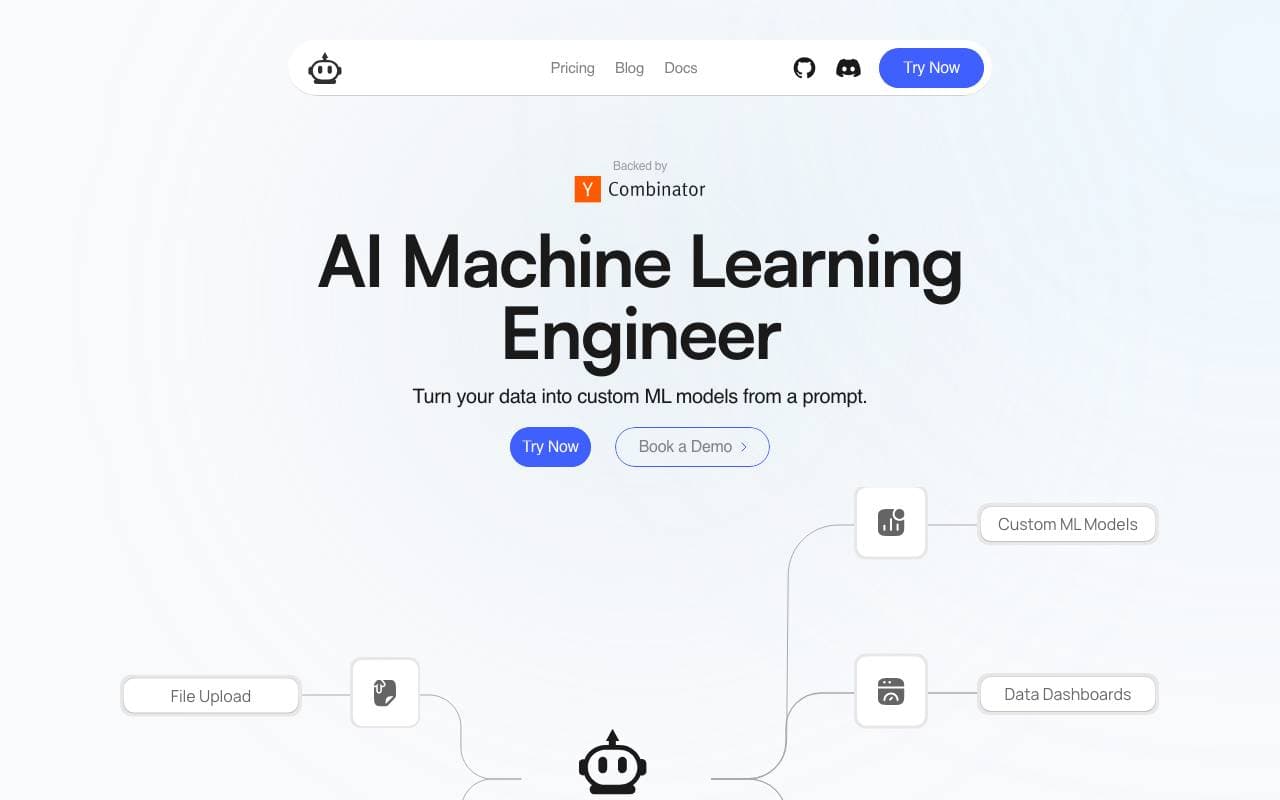

Plexe
Sviluppo del Software
Crea modelli di apprendimento automatico personalizzati a partire da descrizioni naturali
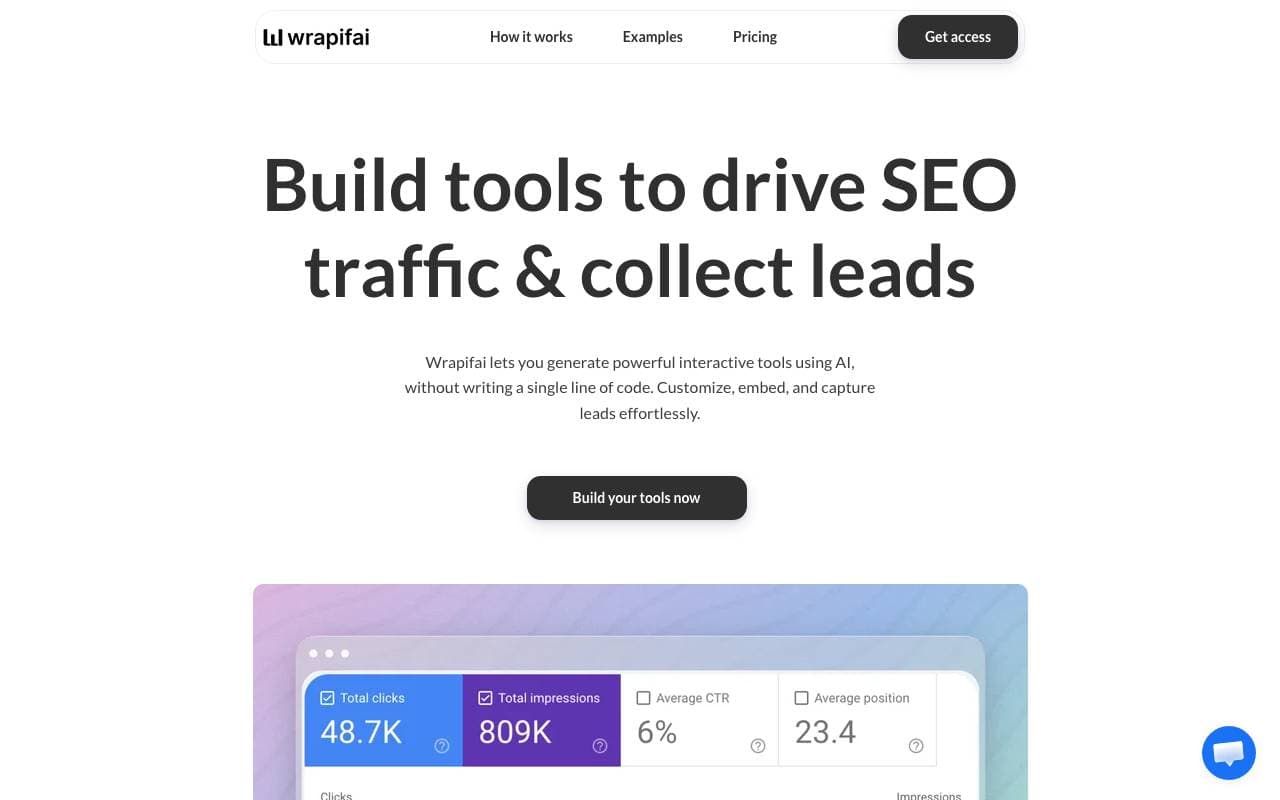

Wrapifai
Sviluppo del Software
Crea strumenti di AI senza codice per attrarre traffico SEO ed acquisire lead.
Trending now


AdCrier
Marketing & Publicità
Risposte sponsorizzate, pagate per clic


Reducto AI
Piattaforme per lo Sviluppo di Agenti AI
API di intelligenza dei documenti che elabora, suddivide, riconosce testi da immagine e estrae dati strutturati da PDFs complessi, diapositive e fogli elettronici


Biology AI
Intelligenza Artificiale per l"Educazione
Aiuto di Alta Qualità per i Compiti con Spiegazioni Dettagliate


Pin AI
Automazione di workflow
Recruiter AI Agent che automatizza la sorgenza, lo screening e la outreach per velocizzare il processo di assunzione.