
drawmingoTrasformare i disegni statici in personaggi animati con l'intelligenza artificiale in pochi secondi.

Panoramica
Funzionalità chiave
- Riconoscimento dei personaggi dai disegni con AI
- Semi-predefiniti di moto e modelli di animazione
- Flusso di lavoro di caricamento e elaborazione dell'immagine
- Clip di video animate scaricabili
- Funzionalità web-based, nessuna installazione di software necessaria
- Output condivisibili per i social network
Prezzi
- Modello
- Free
- Categoria
- Agenti per assistenza vocale AI
- Valutazione
- 4.6 / 5 (5)
Casi d’uso
Attività creativa genitore-bambino
Genitori e bambini possono lavorare insieme per caricare i disegni, rafforzarli con l'intelligenza artificiale e creare animazioni e storie da condividere.
Strumento educativo
Insegnanti e educatori possono utilizzare DrawMingo per ispirare la creatività e catturare i progressi dei bambini, rendendo l'apprendimento più coinvolgente e divertente.
Divertimento dei bambini
I bambini possono utilizzare DrawMingo per dare vita ai loro disegni, creando animazioni personalizzate e video che possono essere condivisi con la famiglia e gli amici.
Pro & contro
Pro
- Non richiede esperienza di animazione
- Ritorno veloce da schizzo a video
- Divertente per l'arte dei bambini e l'istruzione
- Funziona con immagini manuale e digitali
- Compatibilità con JPG, PNG, WebP, GIF
Contro
- Controllo limitato sui dettagli delle sfumature
- I risultati migliori richiedono figure isolate e chiare
- Stili di output limitati ai preset animations
- Utilizza API, SDK e LLM per prestazioni migliori
Storico battaglie
Su 1 battaglia nel Pantheon.
Last battle
Recensioni
Media su 5 valutazioni.
Accedi per lasciare una recensione.

Years in this space
I've evaluated a lot of these over the years. What stands out here is preset motion and animation templates — handled better than most — and fast turnaround from sketch to video. Best results require clear, isolated figures is my one real gripe. Worth the time if this is your use case.

Solid for our team
We rolled this out across the team last quarter and fun for kids' artwork and education. Shareable outputs for social media fits neatly into how we already work, and downloadable animated video clips removed a step we used to do by hand. Output styles constrained to preset animations, which is the main caveat, but it has held up under daily use.

Skeptical, then convinced
I went in skeptical — most tools in this space overpromise. It actually delivers on downloadable animated video clips, and works with hand-drawn and digital images caught me off guard. still, I'd recommend giving it a real trial.

Use it every day
Honestly didn't expect to like it this much. Downloadable animated video clips is exactly what I needed, and works with hand-drawn and digital images. I do wish output styles constrained to preset animations, but I reach for it almost every day now and it just clicks.
Solid for our team
We rolled this out across the team last quarter and fast turnaround from sketch to video. Downloadable animated video clips fits neatly into how we already work, and preset motion and animation templates removed a step we used to do by hand. but it has held up under daily use.
Domande e risposte
What types of creation does DrawMingo support?
Currently, DrawMingo supports uploading images to generate animated videos. You can upload children's hand-drawn artwork, doodles, or any creative drawings. Our AI will automatically recognize and generate amazing animations.
Asked by Nadia Benali · Jun 4, 2026
How fast can I bring drawing to life?
Create animations in 2-5 minutes. Most videos complete within that range. Continue uploading more drawings while processing happens automatically.
Asked by Tomáš Novák · May 20, 2026
What quality are drawing to life animations?
Every animated video is HD 1080p with smooth 30fps playback. Your creations export as MP4 files compatible with all devices.
Asked by Grzegorz Lewandowski · May 9, 2026
Can I add voice to drawing to life animations?
Yes! Add custom voices to your animations. Record your own narration or let children voice their animated characters for a personal touch.
Asked by Anders Lindgren · May 5, 2026
How do I get credits?
You can purchase credits through recharge. Each animated video generation consumes 10 credits. We offer various recharge packages at affordable prices to meet different family needs.
Asked by Zeynep Aydin · Apr 24, 2026
Fai una domanda
Alternative a Agenti per assistenza vocale AI

Custodia AI
Agenti per assistenza vocale AI
Agenti di voce AI per l'automazione della conformità regolamentare e della gestione dei dati dei clienti
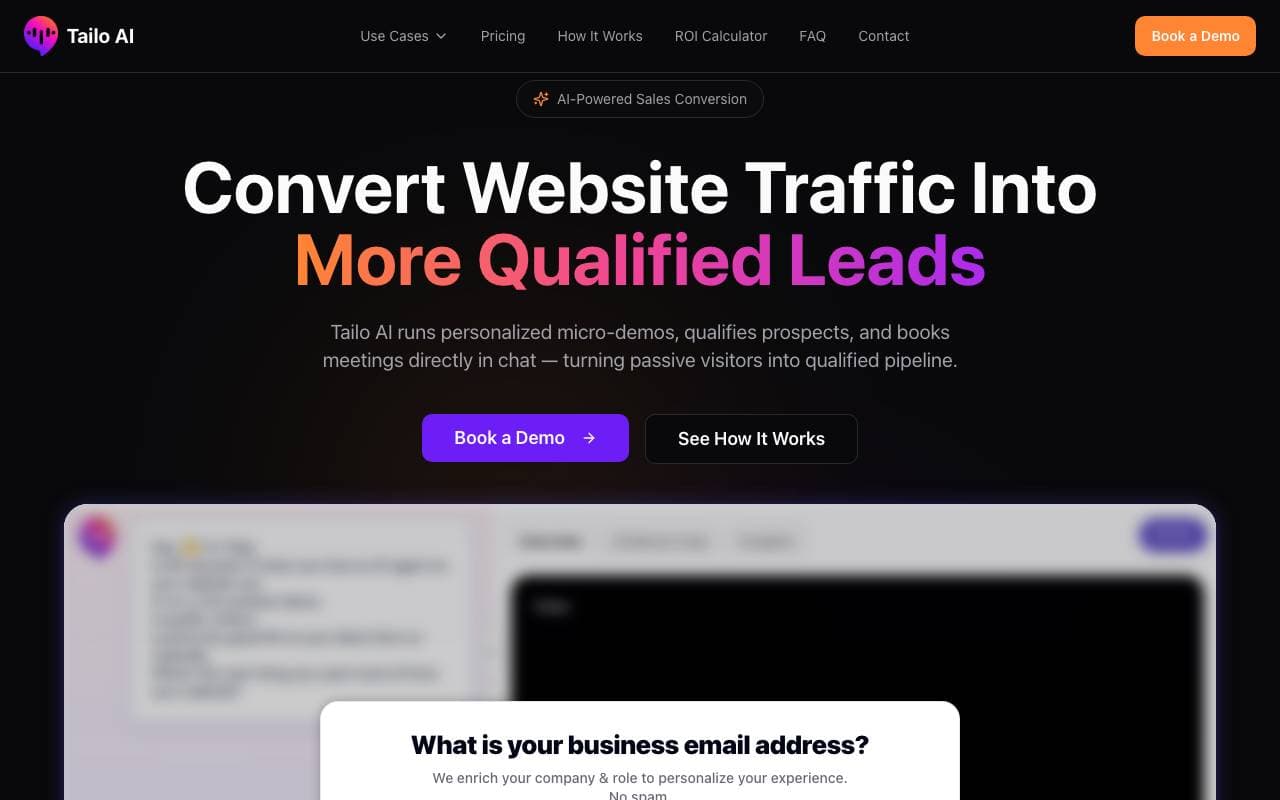

Tailo
Agenti per assistenza vocale AI
Agente di intelligenza artificiale che esegue demo di prodotto immediate e interattive con le prospettive

Destiny
Agenti per assistenza vocale AI
Riflessione autonoma guidata dall'IA per plasmare scelte di vita e crescita personale
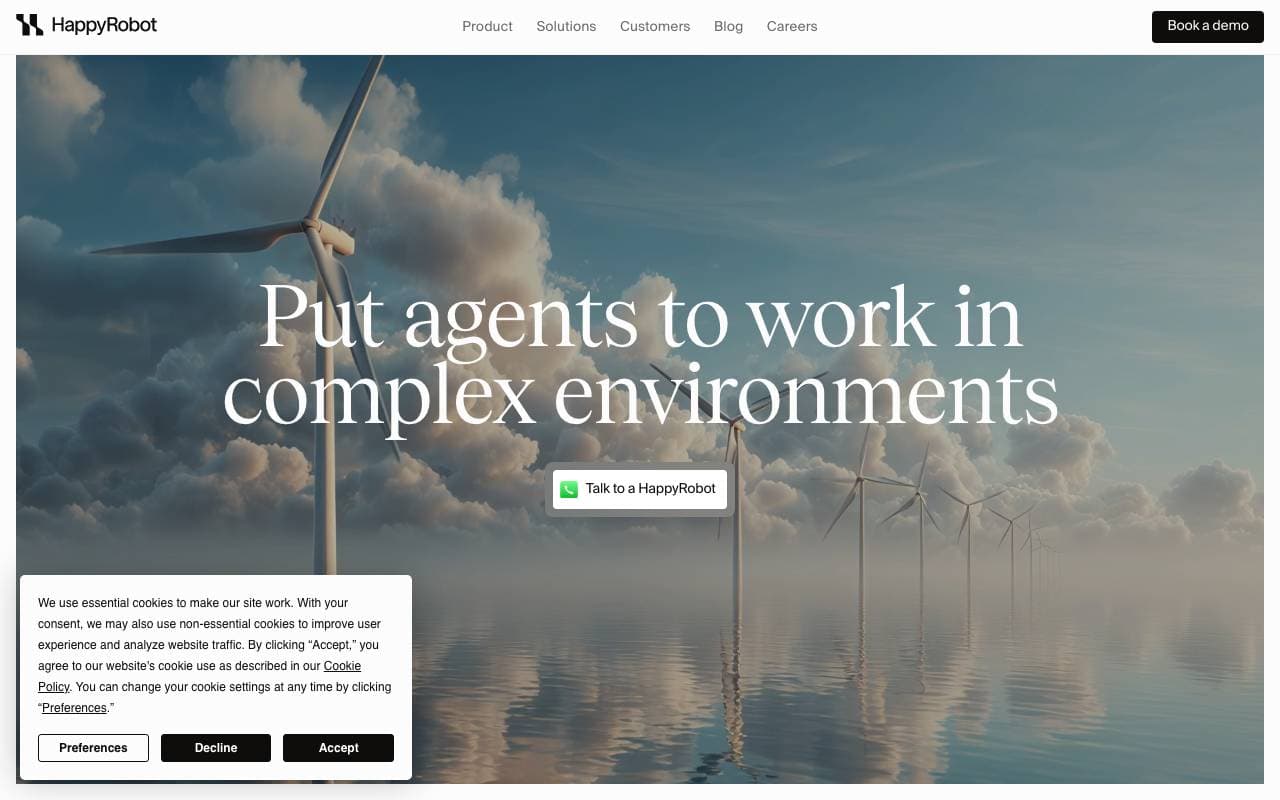

HappyRobot AI
Agenti per assistenza vocale AI
Agenti vocali AI che automatizzano le comunicazioni logistiche come le chiamate, gli email e i messaggi di testo per le operazioni di merci.
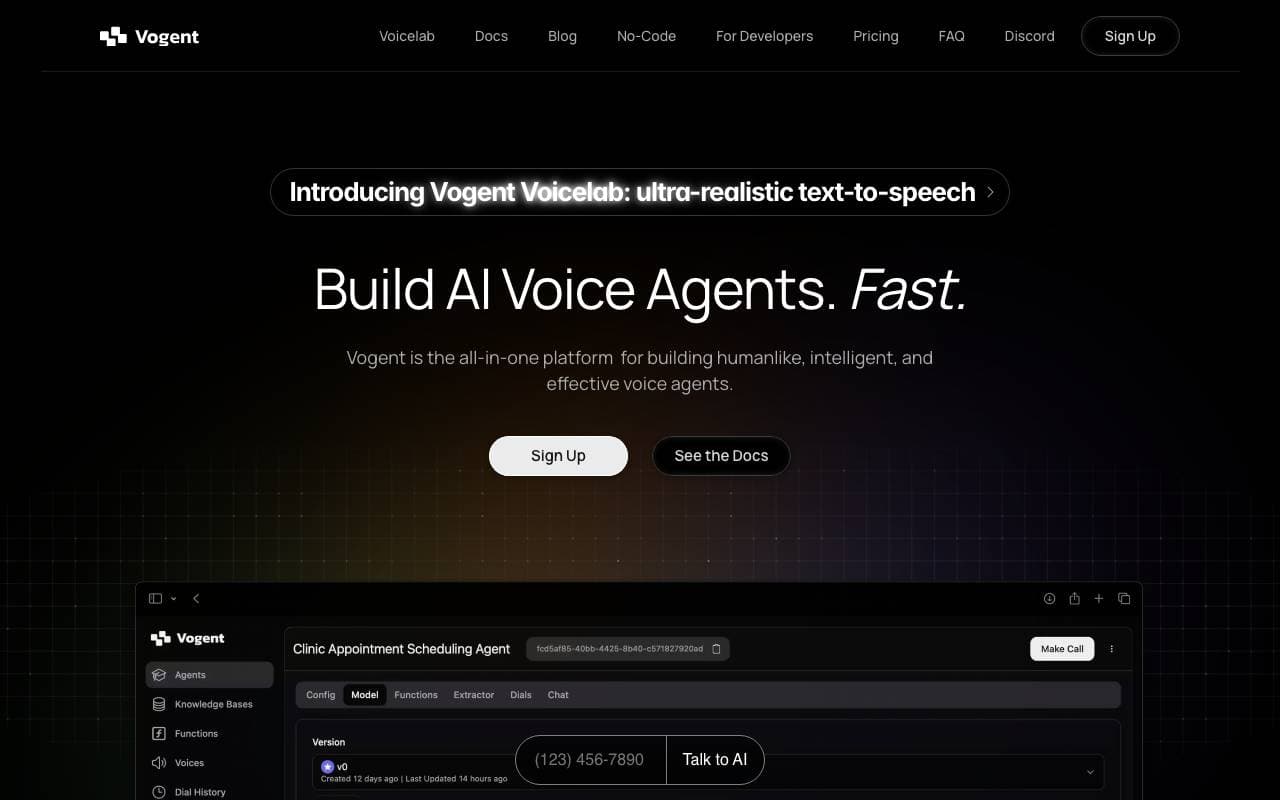
Vogent AI
Agenti per assistenza vocale AI
Crea agenti di voce AI che suonano umani per le chiamate automatiche telefoniche


Wispr Flow
Agenti per assistenza vocale AI
Dicisione vocale che digita per te in qualunque app, con precisione perfezionata da AI
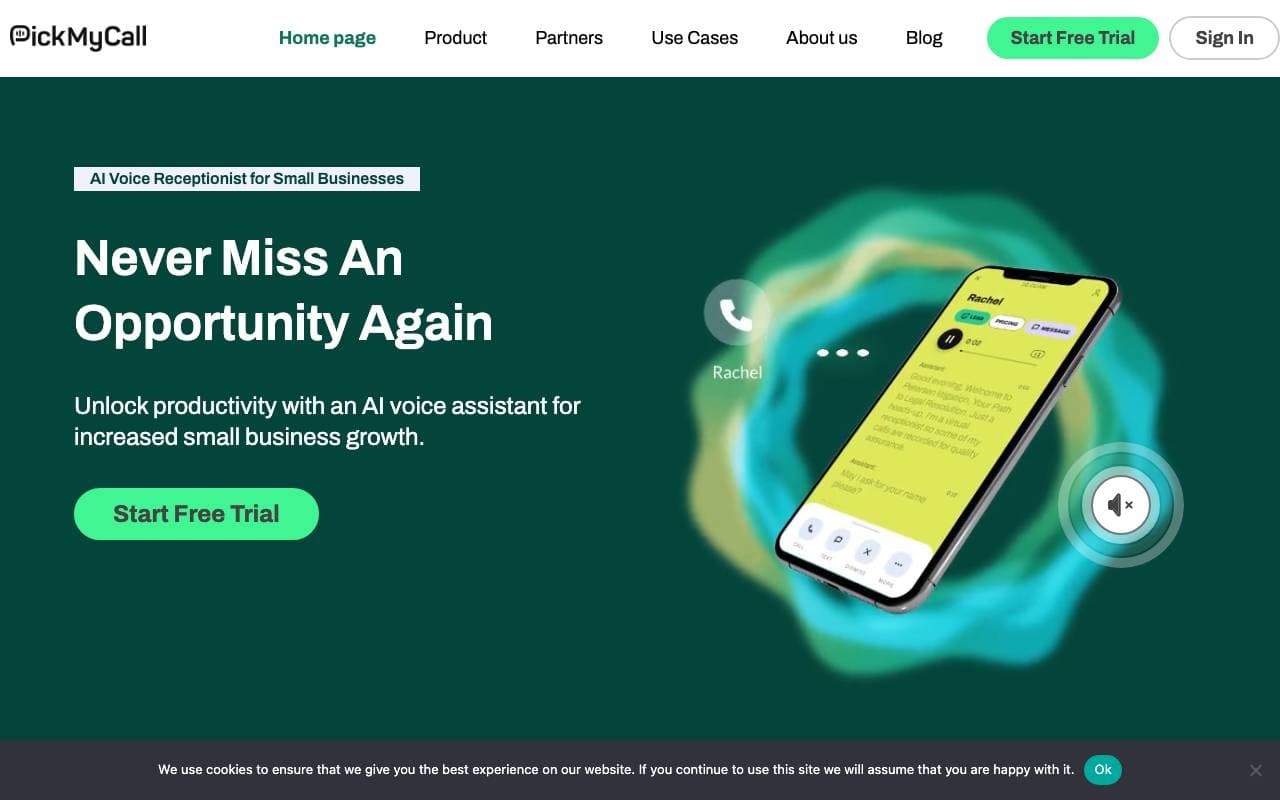

PickMyCall
Agenti per assistenza vocale AI
Risposte alle chiamate AI costruite per piccole e medi imprese che non perdono mai un cliente.
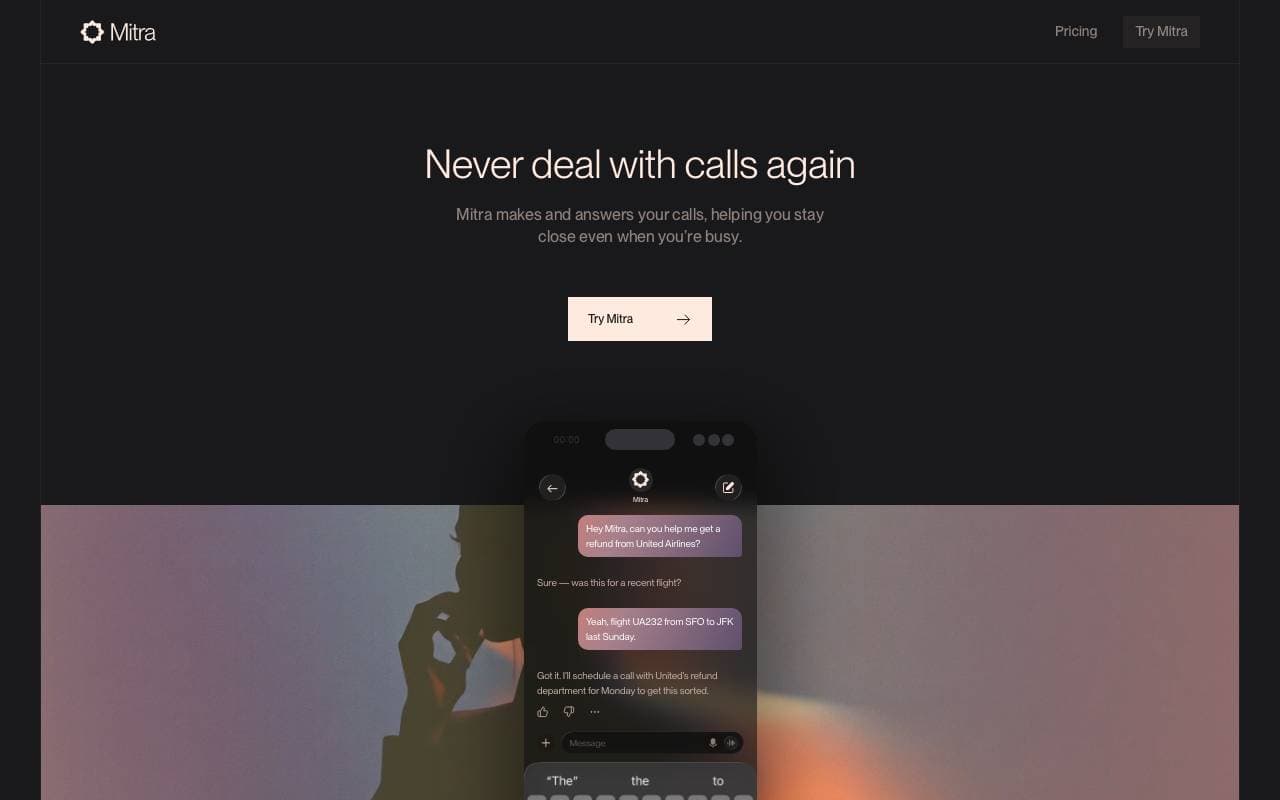

Mitra AI Phone Calling
Agenti per assistenza vocale AI
L'assistente AI che effettua chiamate telefoniche al tuo posto utilizzando il tuo ID chiamante
Trending now


Reducto AI
Piattaforme per lo Sviluppo di Agenti AI
API di intelligenza dei documenti che elabora, suddivide, riconosce testi da immagine e estrae dati strutturati da PDFs complessi, diapositive e fogli elettronici


Biology AI
Intelligenza Artificiale per l"Educazione
Aiuto di Alta Qualità per i Compiti con Spiegazioni Dettagliate


AdCrier
Marketing & Publicità
Risposte sponsorizzate, pagate per clic


Pin AI
Automazione di workflow
Recruiter AI Agent che automatizza la sorgenza, lo screening e la outreach per velocizzare il processo di assunzione.