
Markdown Converter ProMuuta Markdowndia PDF:ksi, HTML:ksi ja Wordiksi - ja käännä PDF:t siis takaisin puhtaan Markdowndi

Yleiskatsaus
Pääominaisuudet
- Markdowndista PDF- tulostus
- Markdowndi HTML-muunnos
- Markdowndista Word (DOCX) - tulostus
- PDFstä Markdowndi noudattaminen
- Otsikoiden
- listojen ja koodin säilyttäminen
- Selainperusteinen muutospolku
- API
- SDK
- LLM
- SaaS -yhteensopivuus ei ole maininnassa
Hinnat
- Malli
- Free
- Kategoria
- Tiedostokirjastot
- Arvio
- 5.0 / 5 (6)
Käyttötapaukset
Vie Markdown-dokumentaatio muokattaviin Word-dokumentteihin
Muunna Markdown-tiedostot kiillotetuiksi Word-dokumenteiksi ei-teknisille sidosryhmille, mikä mahdollistaa saumattoman yhteistyön ja muokkaamisen.
Julkaise Markdown-blogikirjoitukset puhtaina HTML-tiedostoina verkkosivustoille
Muunna Markdown-sisältö korkealaatuiseksi HTML-tiedostoksi verkkojulkaista varten, säilyttäen muotoilu, kuvat, taulukot ja koodilohkot.
Siirrä perintö-PDF-dokumentaatio Git-tukeisiin Markdown-arkistoihin
Poimi teksti, otsikot, taulukot, koodilohkot ja kuvat PDF-dokumenteista puhtaaksi, muokattavaksi Markdowniksi, mikä helpottaa versionhallintaa ja yhteistyötä.
Plussat ja miinukset
Plussat
- Tuki useille ulotuformaateille yhdestä lähteestä
- Kaksisuuntainen muutos sisälsi PDF:stä Markdowndiin
- Yleisten Markdowndi rakenteiden säilyttäminen kuten taulukoiden ja koodin
- Hyödyllinen myös teknisen ja ei-teknisen tyyppisten tuotteiden kehittämisessä
- cons
- :
- Monimutkaiset PDF-muodot eivät muodostuisi siis siistin muutoksessa,Rajoittuneet tiedot etenkin edistyksellisistä muotoiluvalikoimista,Ei maininta sarjaamisen tai API-pääsyn suhteen
- useCases
- :
- [object Object],[object Object],[object Object]
Miinukset
- Monimutkaiset PDF-asettelut eivät välttämättä muunnu siististi
- Rajoitettu tieto edistyneistä tyylivalinnoista
- Ei mainintaa erä- tai API-käytöstä
Taisteluennätys
5 taistelussa Panteonissa.
Last 5 battles
- #8
Tool Libraries Showdown — July 30, 2025
Jul 30, 2025 · #8 of 9
- #6
Tool Libraries Showdown — February 1, 2025
Feb 1, 2025 · #6 of 7
- #2
Tool Libraries Showdown — November 25, 2024
Nov 25, 2024 · #2 of 10
- #1
Tool Libraries Showdown — July 7, 2024
Jul 7, 2024 · #1 of 7
- #1
Tool Libraries Showdown — February 12, 2024
Feb 12, 2024 · #1 of 6
Arvostelut
Keskiarvo 6 arviosta.
Kirjaudu sisään jättääksesi arvostelun.
Solid for our team
We rolled this out across the team last quarter and two-way conversion including PDF to Markdown. Markdown to HTML conversion fits neatly into how we already work, and browser-based conversion workflow removed a step we used to do by hand. Complex PDF layouts may not convert cleanly, which is the main caveat, but it has held up under daily use.
Compared a few options
Evaluated this against two competitors. Where it wins: markdown to HTML conversion and useful for both technical and non-technical deliverables. Where it lags: complex PDF layouts may not convert cleanly. On balance the feature set — especially pDF to Markdown extraction — justifies the 5 stars for our use case.
Solid for our team
We rolled this out across the team last quarter and supports multiple output formats from one source. Formatting preservation for headings, lists, and code fits neatly into how we already work, and markdown to Word (DOCX) export removed a step we used to do by hand. but it has held up under daily use.
Years in this space
I've evaluated a lot of these over the years. What stands out here is formatting preservation for headings, lists, and code — handled better than most — and preserves common Markdown structures like tables and code. Worth the time if this is your use case.

Use it every day
Honestly didn't expect to like it this much. PDF to Markdown extraction is exactly what I needed, and useful for both technical and non-technical deliverables. but I reach for it almost every day now and it just clicks.
Years in this space
I've evaluated a lot of these over the years. What stands out here is browser-based conversion workflow — handled better than most — and useful for both technical and non-technical deliverables. Worth the time if this is your use case.
Kysymykset
Why choose credits over a subscription?
100% ControlOnly pay for what you use. No recurring charges on your credit card.Lifetime ValidityYour credits never expire. Buy now and use them next week, next month, or next year.Access EverythingDetailed conversions, large files (10MB), and image extraction included.Simple Pricing1 Credit = 1 Conversion. No complicated math. Just simple value.Money-Back GuaranteeNot satisfied? Get a full refund within 7 days. See our Refund Policy.Your Files Stay PrivateSecure checkout, and your uploaded files are auto-removed after processing.
Asked by Pierre Dubois · May 7, 2026
Who Uses a Markdown Converter?
From code reviews to journal submissions, the same Markdown round-trip fits very different workflows.
Asked by Ekaterina Orlova · May 6, 2026
What is a Markdown converter and why do I need one?
A Markdown converter is a tool that transforms Markdown (.md) files into other document formats such as PDF, Word (.docx), and HTML — or converts those formats back into Markdown. You need a Markdown converter when you write documentation, README files, or technical content in Markdown but need to share it as a professional PDF for clients, an editable Word document for non-technical colleagues, or clean HTML for web publishing. Markdown Converter Pro supports all six conversion directions: Markdown to PDF, Markdown to Word, Markdown to HTML, PDF to Markdown, Word to Markdown, and HTML to Markdown — making it a complete solution for any document conversion workflow.
Asked by Katarzyna Zielinska · May 1, 2026
How do I convert Markdown to PDF, Word, or HTML online?
To convert Markdown to PDF, Word, or HTML online, follow these three steps: Step 1 — paste your Markdown content into the editor or drag and drop a .md file. Step 2 — select your target format (PDF for print-ready documents, Word for editable reports, or HTML for web publishing) and preview the result in real time. Step 3 — click 'Convert & Download' to generate and download your file instantly. The converter preserves all GitHub Flavored Markdown (GFM) syntax including tables, code blocks with syntax highlighting, LaTeX math equations, Mermaid diagrams, task lists, and embedded images. Most conversions complete in under 5 seconds.
Asked by Cristina Moreno · Apr 26, 2026
What Markdown features are supported — GFM, LaTeX, Mermaid, tables?
Markdown Converter Pro supports the full GitHub Flavored Markdown (GFM) specification and beyond. Supported features include: Tables with column alignment, fenced code blocks with syntax highlighting for 100+ programming languages (Python, JavaScript, Go, Rust, etc.), LaTeX math equations (both inline $...$ and block $$...$$), Mermaid diagrams (flowcharts, sequence diagrams, Gantt charts, class diagrams), task lists with checkboxes, strikethrough, auto-linked URLs, footnotes, and embedded images. This makes it suitable for converting complex technical documentation, academic papers with mathematical formulas, and software architecture diagrams.
Asked by Quyen Tran · Apr 12, 2026
Kysy kysymys
Tiedostokirjastot vaihtoehdot


AI prompt library
Tiedostokirjastot
Suuri etsitään hakematon kokoelma valmiita pyynnöitä ChatGPT:lle, MidJourneylle ja muihin AI-malleihin.
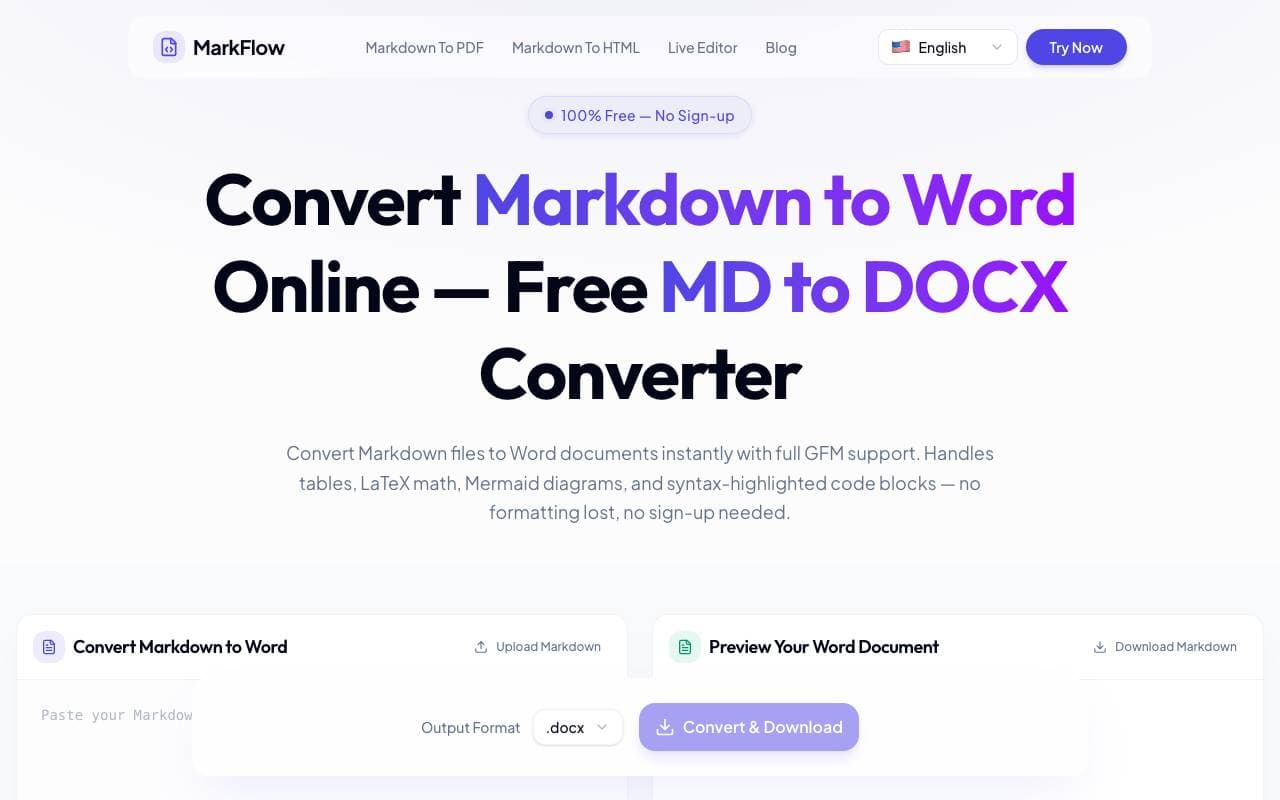

MD2Word
Tiedostokirjastot
Ilmainen verkkotyökalu Markdown-tiedostojen muuntamiseen formatoituun Word-dokumentteihin.
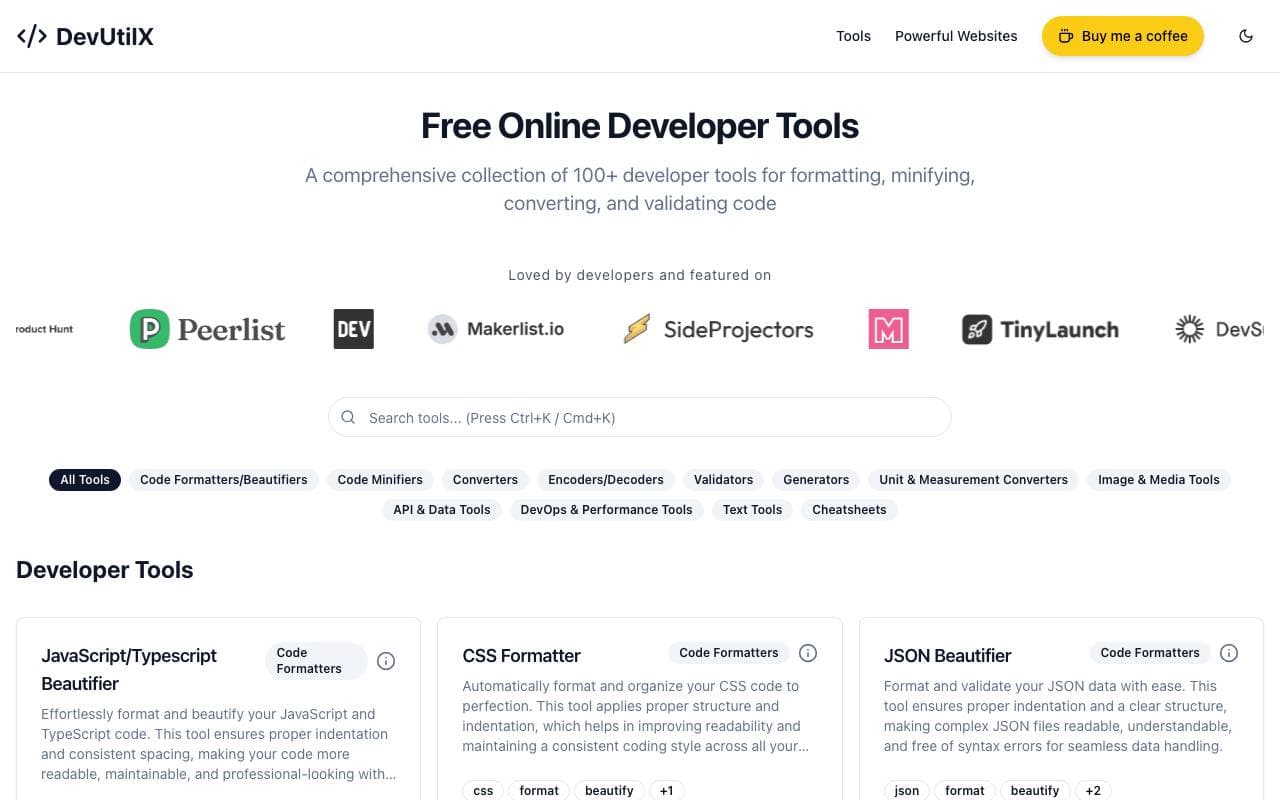

DevUtilX
Tiedostokirjastot
Yhdistetty verkkosovellus satojen kehittäjän työkalujen tarjoajana arvioitavissa tuntitöitä varten.


AgentAuth
Tiedostokirjastot
Järjestelmäkuvake, joka mahdollistaa AI- agenttien turvalliseen pääsyn lukuisille sovelluksiin käyttäjien edustamana.

Wildcard
Tiedostokirjastot
Auta brändejä esittämään ja myymään tuotteita ChatGPT:ssä ja muissa AI-avustajissa.

Machine Generated
Tiedostokirjastot
Sisäänkäyttölle kehitetty sisällönvirtauksia koneille ja AI-käyttäjille.


NomadicML
Tiedostokirjastot
Jatkuvasti optimoida ja mukauttaa tuotantoympäristössä olevia AI-malleja näkemättömään todellisen maailman dataan reaaliajassa.

Grimly AI
Tiedostokirjastot
Kehittäjöille suunnattu AI-palvelun yhteensopivuuskehysta integroimaan kielimalleja sovelluksiin ja työtyönteisiin prosessiin
Trending now


Reducto AI
AI-toimintointirakennepalvelut
Dokumentti-intelligentti API, joka parsitsee, jaetsee, tunnistaa OCR:in ja noutaa rakennepohjaisia tietoja monimutkaisista PDF-tiedostoista, näyttelyesitelmista ja lehtikuluista.


Biology AI
Koulutuksen AI
Tarkka avuksi koulutehtävissä - selitykset mukaan lukien


AdCrier
Markkinointi & mainonta
Vastineiden sponsoroiminen, maksettu per klikki.


Pin AI
Työprosessin automaatio
Agenttinen AI-rekrytoija, joka automatisoi ehdokkaiden etsinnän, seulonnan ja yhteydenoton nopeuttaakseen rekrytointia.