
AutoGenAvatud lähtekoodiga Pythoni raamistik mitmeagentlike LLM‑i rakenduste loomiseks, mis üksteisega koostööd tegutsevad ülesannete lahendamiseks.

Ülevaade
Põhifunktsioonid
- Mitmeagentliku vestluse orkestreerimine
- Kohandatavad agentide rollid ja isikused
- Koodi täitmine ja tööriistade kutsumine
- Inimese kaasamine tsüklis
- Ühilduvus peamiste LLM‑i pakkujatega
- Laiendatav Python API
Hinnad
- Mudel
- Freemium
- Kategooria
- Agentide Arendamise Rakendusi
- Hinnang
- 4.5 / 5 (4)
Kasutusjuhud
Rakenduskõnekõrgendik
Ehitage mitmeagentse rääkumissüsteeme, mis koostöös süsteemitega lahendavad ülesandeid, nagu kasutajapidamis teenused, tehniline abipersonal ning veel mitu teemat.
LM Töötussüsteemid
Loo töötussüsteemid, mis kasutavad suuri keelemodelle, et automaatselt täita ülesandeid, nagu andmesüsteemide töötamine, tekstianalüüs ning sisu loomine.
Mitmeagentne süsteemid
Arendage süsteeme, mis võimaldavad mitmeid agenteid interaktseerus ja koostöös, ning võimalikud rakendused, sh mängumängud, simulatsioonid ning haridus.
Optimeeritud infööreeding
Kasutage AutoGen andmebaasi süsteeme, et optimeerida kõrgendike modellide infööreedingu teostatavust, saavutades parema töökindlust ning madalamat hinda suurte skaalates keelemodeleid rakendades.
Plussid ja miinused
Plussid
- Tasuta ja avatud lähtekoodiga
- Paindlikud mitmeagentlikud vestluse mustrid
- Toetab tööriistade kasutamist ja koodi täitmist
- Microsoft Researchi taustaga aktiivse kogukonnaga
Miinused
- Vajaliku Pythoni ja LLM API teadmiste olemasolu
- Dokumentatsioon võib ajaga jääda uuendustest maha
- Mitmeagentlike tsüklite käitamine võib põhjustada kõrgeid tokenikulu
- Ei ole sisseehitatud GUI mitte-arendajatele
Arvustused
Keskmine 4 hinnangust.
Logi sisse arvustuse jätmiseks.
Skeptical, then convinced
I went in skeptical — most tools in this space overpromise. It actually delivers on code execution and tool calling, and free and open source caught me off guard. Requires Python and LLM API knowledge is why this isn't a perfect score, still, I'd recommend giving it a real trial.
Solid for our team
We rolled this out across the team last quarter and flexible multi-agent conversation patterns. Compatible with major LLM providers fits neatly into how we already work, and multi-agent conversation orchestration removed a step we used to do by hand. but it has held up under daily use.

Compared a few options
Evaluated this against two competitors. Where it wins: human-in-the-loop support and backed by Microsoft Research with active community. On balance the feature set — especially compatible with major LLM providers — justifies the 5 stars for our use case.
Skeptical, then convinced
I went in skeptical — most tools in this space overpromise. It actually delivers on compatible with major LLM providers, and flexible multi-agent conversation patterns caught me off guard. No built-in GUI for non-developers is why this isn't a perfect score, still, I'd recommend giving it a real trial.
Küsimused
None of the devcontainers are building due to "Hash sum mismatch", what should I do?
This is an intermittent issue that appears to be caused by some combination of mirror and proxy issues. If it arises, try to replace the apt-get update step with the following: RUN echo "Acquire::http::Pipeline-Depth 0;" > /etc/apt/apt.conf.d/99custom && \ echo "Acquire::http::No-Cache true;" >> /etc/apt/apt.conf.d/99custom && \ echo "Acquire::BrokenProxy true;" >> /etc/apt/apt.conf.d/99customRUN apt-get clean && \ rm -r /var/lib/apt/lists/* && \ apt-get update -o Acquire::CompressionTypes::Order::=gz && \ apt-get -y update && \ apt-get install sudo git npm # and whatever packages need to be installed in this specific version of the devcontainer This is a combination of StackOverflow suggestions here and here.
Asked by Vasyl Kovalenko · May 21, 2026
What should I do if I get the error "TypeError: Assistants.create() got an unexpected keyword argument 'file_ids'"?
This error typically occurs when using Autogen version earlier than 0.2.27 in combination with OpenAI library version 1.21 or later. The issue arises because the older version of Autogen does not support the file_ids parameter used by newer versions of the OpenAI API. To resolve this issue, you need to upgrade your Autogen library to version 0.2.27 or higher that ensures compatibility between Autogen and the OpenAI library. pip install --upgrade autogen
Asked by Nikolai Petrenko · May 13, 2026
Agents are throwing due to docker not running, how can I resolve this?
If running AutoGen locally the default for agents who execute code is for them to try and perform code execution within a docker container. If docker is not running, this will cause the agent to throw an error. To resolve this you have some options.
Asked by Tunde Balogun · May 6, 2026
When using autogen docker, is it always necessary to reinstall modules?
The "use_docker" arg in an agent's code_execution_config will be set to the name of the image containing the change after execution, when the conversation finishes. You can save that image name. For a new conversation, you can set "use_docker" to the saved name of the image to start execution there.
Asked by Ismael Rios · May 1, 2026
How to get each agent message?
Please refer to https://microsoft.github.io/autogen/docs/reference/agentchat/conversable_agent#chat_messages
Asked by Lucas Petit · Apr 15, 2026
Esita küsimus
Agentide Arendamise Rakendusi alternatiivid
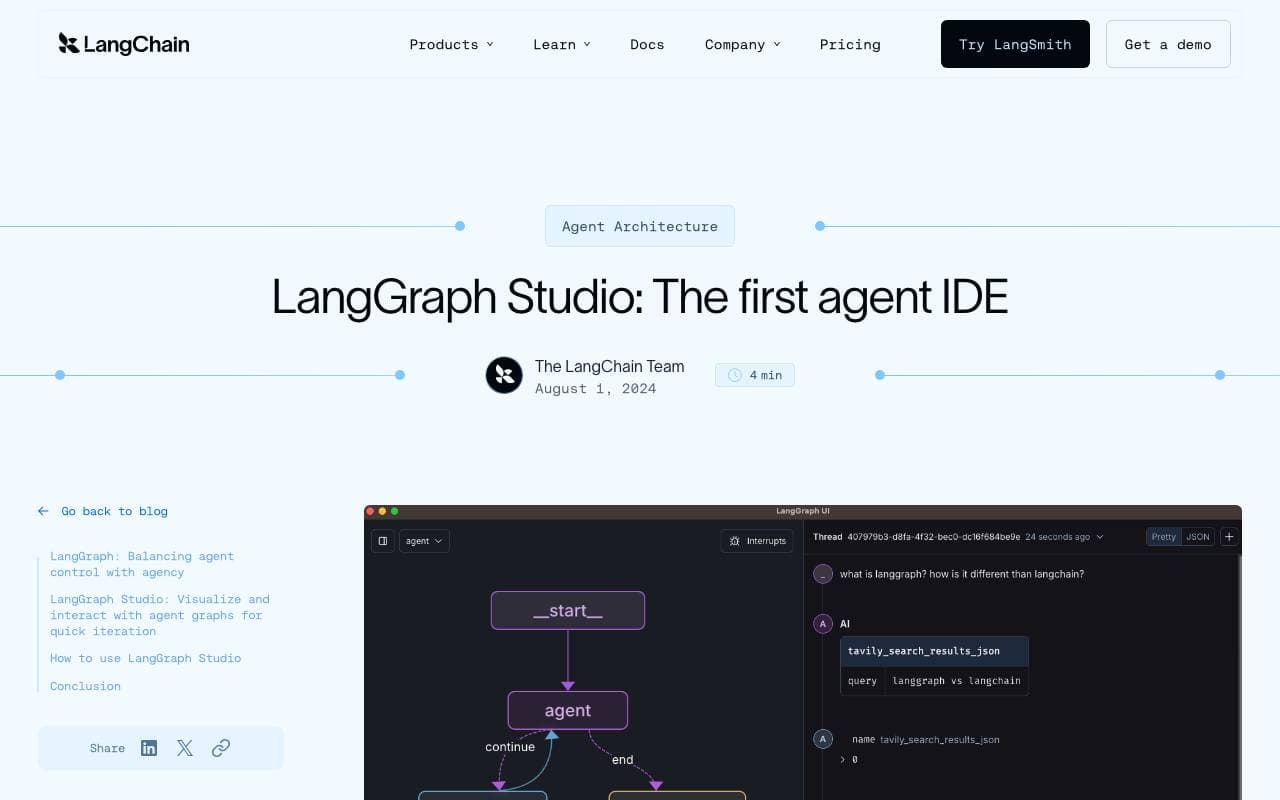

LangGraph Studio
Agentide Arendamise Rakendusi
Kaardiga siimamine IDE LangGraph agenti käridu loomisel, peitmiseks ja seadistamisel

BrainSoup
Agentide Arendamise Rakendusi
Ehita kohandatud AI-agentid, mis automatiseerivad ülesandeid ja töövoogusid loodusliku keele kaudu.


Letta AI
Agentide Arendamise Rakendusi
Letjet Ekspertiseksi


Snorkel Flow
Agentide Arendamise Rakendusi
Automated datavaliväli määratlemine ja AI heuristikute hoidmine: värskendada AI puhkus,

NetX
Agentide Arendamise Rakendusi
Maadised ja turud ekosüsteem on tehnoloogiate kombineerimise kohandatud kohast


Theoriq AI
Agentide Arendamise Rakendusi
Johanduslikud VAISI-protokoll, mis eesmärk on kohandada ja kontrollida meediaprotoollised väliste järelevalve. (A vastus põhitooled ja klõpsate loetletud värskendust).
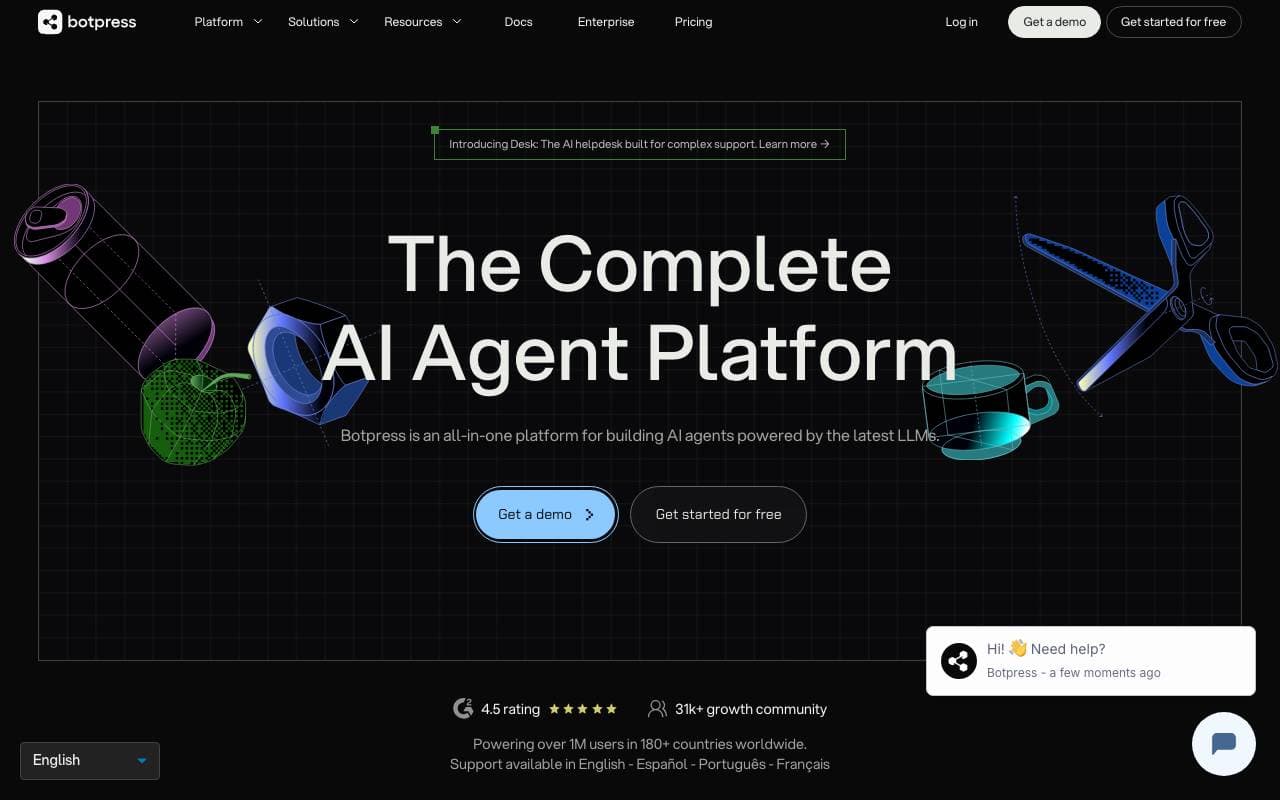

Botpress
Agentide Arendamise Rakendusi
Alustest lõpuni platvorm AI-agentide ja vestlusrobottide loomiseks, juurutamiseks ning haldamiseks.
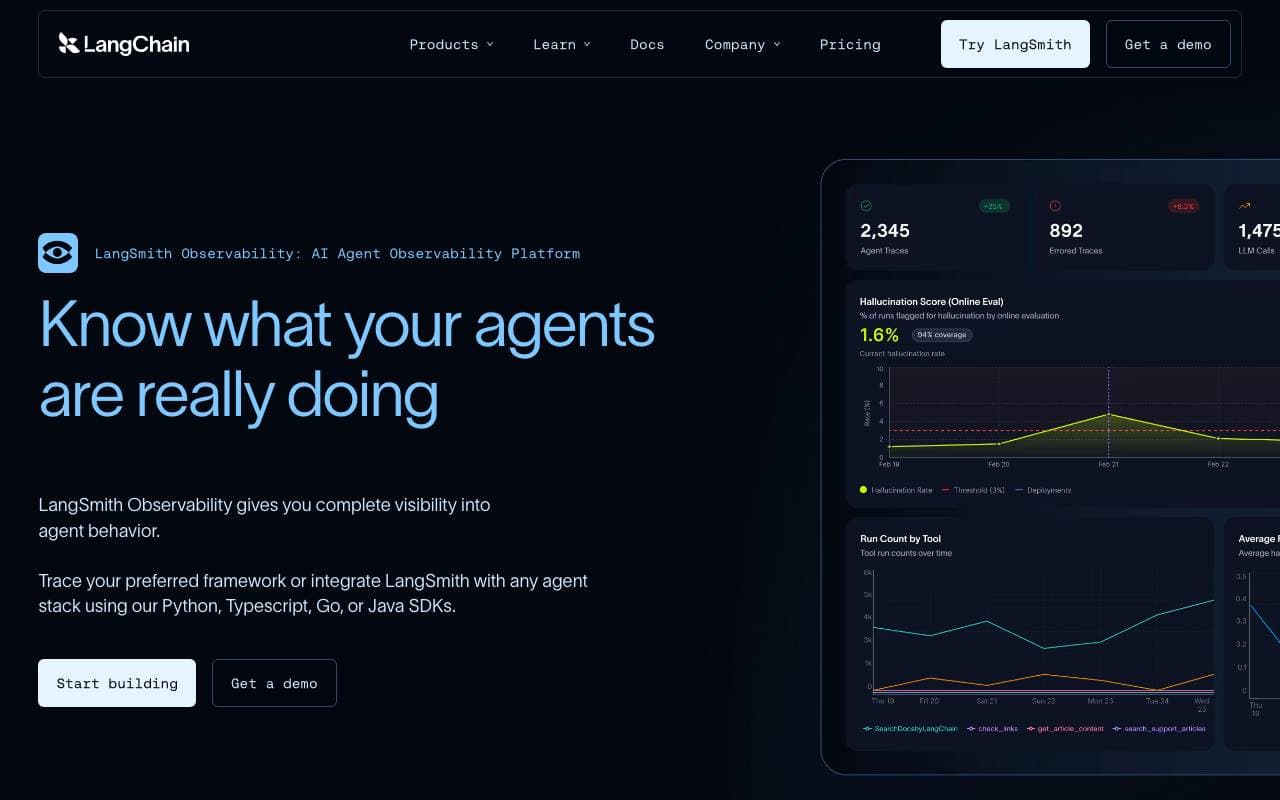

LangSmith
Agentide Arendamise Rakendusi
Suurkeelemudelite rakenduste jälgitavuse, hindamise ja silumise platvorm LangChain meeskonnalt
Trending now


AdCrier
Turundus & Reklam
Sponsoreeritud vastused, makstakse klikkide eest.


Reducto AI
AI Agentide Arendusplatvormid
Dokumentide intelligentsuse API, mis parsee, lõikab, OCRib ja ekstraheerib struktureeritud andmeid keerukatest PDF-failidest, slaididest ja tabelitest.


Biology AI
Haridustehnoloogia
Täpne kodutööabi täielike selgitustega


Pin AI
Tööjuhtimise automatiseerimine
Meie agentlik Olümp asjuajas