
Markdown Converter ProConvierte Markdown a PDF, HTML y Word, y convierte documentos PDF a Markdown limpios.

Resumen
Funciones clave
- Exportación de Markdown a PDF
- Conversión de Markdown a HTML
- Exportación de Markdown a Word (DOCX)
- Extracción de PDF a Markdown
- Preservación del formato para encabezados, listas y código
- Flujo de trabajo de conversión basado en navegador
Precio
- Modelo
- Free
- Categoría
- Bibliotecas de Herramientas
- Valoración
- 5.0 / 5 (6)
Casos de uso
Exportar documentación de Markdown a documentos de Word editables
Convierte archivos de Markdown a documentos Word pulidos para partes interesadas sin técnica, habilitando colaboración y edición en línea.
Publicar entradas de blog de Markdown como HTML limpios para sitios web
Transforma el contenido de Markdown en HTML de alta calidad para publicaciones web, preservando el formato, las imágenes, las tablas y los bloques de código.
Migrar documentación de PDF legada a repositorios de Markdown con control de versión
Extrae texto, encabezados, tablas, bloques de código y imágenes de documentos PDF a Markdown limpio y editable, facilitando el control de versiones y la colaboración.
Pros y contras
Ventajas
- Soporta múltiples formatos de salida a partir de una fuente
- Convierte en ambos sentidos, incluyendo PDF a Markdown
- Preserva estructuras de Markdown comunes como tablas y código
- Útil tanto para entregables técnicos como no técnicos
Contras
- Los diseños de PDF complejos pueden no convertirse limpiamente
- Limitada información sobre controles de estilo avanzados
- No se menciona el acceso en lote o API
Historial de batallas
En 5 batallas del Panteón.
Last 5 battles
- #8
Tool Libraries Showdown — July 30, 2025
Jul 30, 2025 · #8 of 9
- #6
Tool Libraries Showdown — February 1, 2025
Feb 1, 2025 · #6 of 7
- #2
Tool Libraries Showdown — November 25, 2024
Nov 25, 2024 · #2 of 10
- #1
Tool Libraries Showdown — July 7, 2024
Jul 7, 2024 · #1 of 7
- #1
Tool Libraries Showdown — February 12, 2024
Feb 12, 2024 · #1 of 6
Reseñas
Promedio de 6 valoraciones.
Inicia sesión para dejar una reseña.
Solid for our team
We rolled this out across the team last quarter and two-way conversion including PDF to Markdown. Markdown to HTML conversion fits neatly into how we already work, and browser-based conversion workflow removed a step we used to do by hand. Complex PDF layouts may not convert cleanly, which is the main caveat, but it has held up under daily use.
Compared a few options
Evaluated this against two competitors. Where it wins: markdown to HTML conversion and useful for both technical and non-technical deliverables. Where it lags: complex PDF layouts may not convert cleanly. On balance the feature set — especially pDF to Markdown extraction — justifies the 5 stars for our use case.
Solid for our team
We rolled this out across the team last quarter and supports multiple output formats from one source. Formatting preservation for headings, lists, and code fits neatly into how we already work, and markdown to Word (DOCX) export removed a step we used to do by hand. but it has held up under daily use.
Years in this space
I've evaluated a lot of these over the years. What stands out here is formatting preservation for headings, lists, and code — handled better than most — and preserves common Markdown structures like tables and code. Worth the time if this is your use case.

Use it every day
Honestly didn't expect to like it this much. PDF to Markdown extraction is exactly what I needed, and useful for both technical and non-technical deliverables. but I reach for it almost every day now and it just clicks.
Years in this space
I've evaluated a lot of these over the years. What stands out here is browser-based conversion workflow — handled better than most — and useful for both technical and non-technical deliverables. Worth the time if this is your use case.
Preguntas y respuestas
Why choose credits over a subscription?
100% ControlOnly pay for what you use. No recurring charges on your credit card.Lifetime ValidityYour credits never expire. Buy now and use them next week, next month, or next year.Access EverythingDetailed conversions, large files (10MB), and image extraction included.Simple Pricing1 Credit = 1 Conversion. No complicated math. Just simple value.Money-Back GuaranteeNot satisfied? Get a full refund within 7 days. See our Refund Policy.Your Files Stay PrivateSecure checkout, and your uploaded files are auto-removed after processing.
Asked by Pierre Dubois · May 7, 2026
Who Uses a Markdown Converter?
From code reviews to journal submissions, the same Markdown round-trip fits very different workflows.
Asked by Ekaterina Orlova · May 6, 2026
What is a Markdown converter and why do I need one?
A Markdown converter is a tool that transforms Markdown (.md) files into other document formats such as PDF, Word (.docx), and HTML — or converts those formats back into Markdown. You need a Markdown converter when you write documentation, README files, or technical content in Markdown but need to share it as a professional PDF for clients, an editable Word document for non-technical colleagues, or clean HTML for web publishing. Markdown Converter Pro supports all six conversion directions: Markdown to PDF, Markdown to Word, Markdown to HTML, PDF to Markdown, Word to Markdown, and HTML to Markdown — making it a complete solution for any document conversion workflow.
Asked by Katarzyna Zielinska · May 1, 2026
How do I convert Markdown to PDF, Word, or HTML online?
To convert Markdown to PDF, Word, or HTML online, follow these three steps: Step 1 — paste your Markdown content into the editor or drag and drop a .md file. Step 2 — select your target format (PDF for print-ready documents, Word for editable reports, or HTML for web publishing) and preview the result in real time. Step 3 — click 'Convert & Download' to generate and download your file instantly. The converter preserves all GitHub Flavored Markdown (GFM) syntax including tables, code blocks with syntax highlighting, LaTeX math equations, Mermaid diagrams, task lists, and embedded images. Most conversions complete in under 5 seconds.
Asked by Cristina Moreno · Apr 26, 2026
What Markdown features are supported — GFM, LaTeX, Mermaid, tables?
Markdown Converter Pro supports the full GitHub Flavored Markdown (GFM) specification and beyond. Supported features include: Tables with column alignment, fenced code blocks with syntax highlighting for 100+ programming languages (Python, JavaScript, Go, Rust, etc.), LaTeX math equations (both inline $...$ and block $$...$$), Mermaid diagrams (flowcharts, sequence diagrams, Gantt charts, class diagrams), task lists with checkboxes, strikethrough, auto-linked URLs, footnotes, and embedded images. This makes it suitable for converting complex technical documentation, academic papers with mathematical formulas, and software architecture diagrams.
Asked by Quyen Tran · Apr 12, 2026
Hacer una pregunta
Alternativas a Bibliotecas de Herramientas


AI prompt library
Bibliotecas de Herramientas
Una amplia colección de prompts listos para usar en ChatGPT, MidJourney y otros modelos de IA.
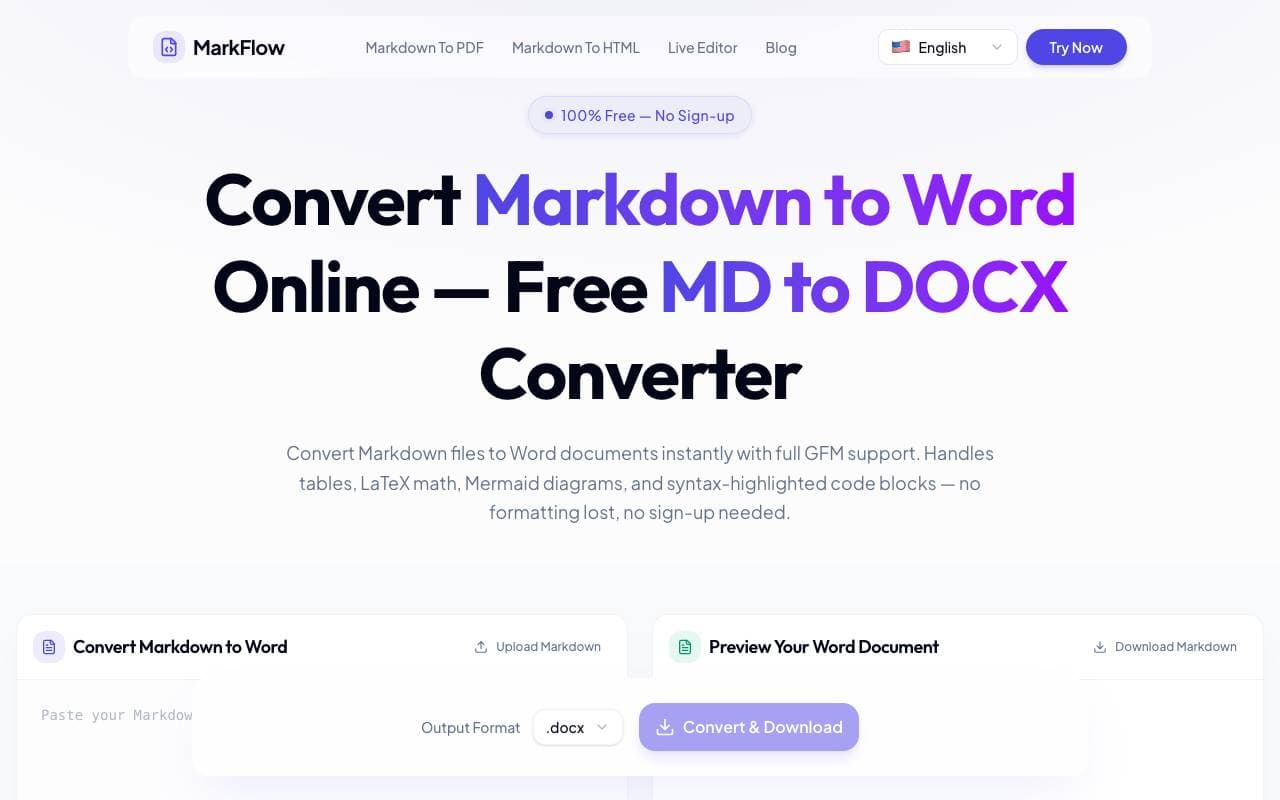

MD2Word
Bibliotecas de Herramientas
Herramienta en línea gratuita para convertir archivos Markdown en documentos de Word formateados
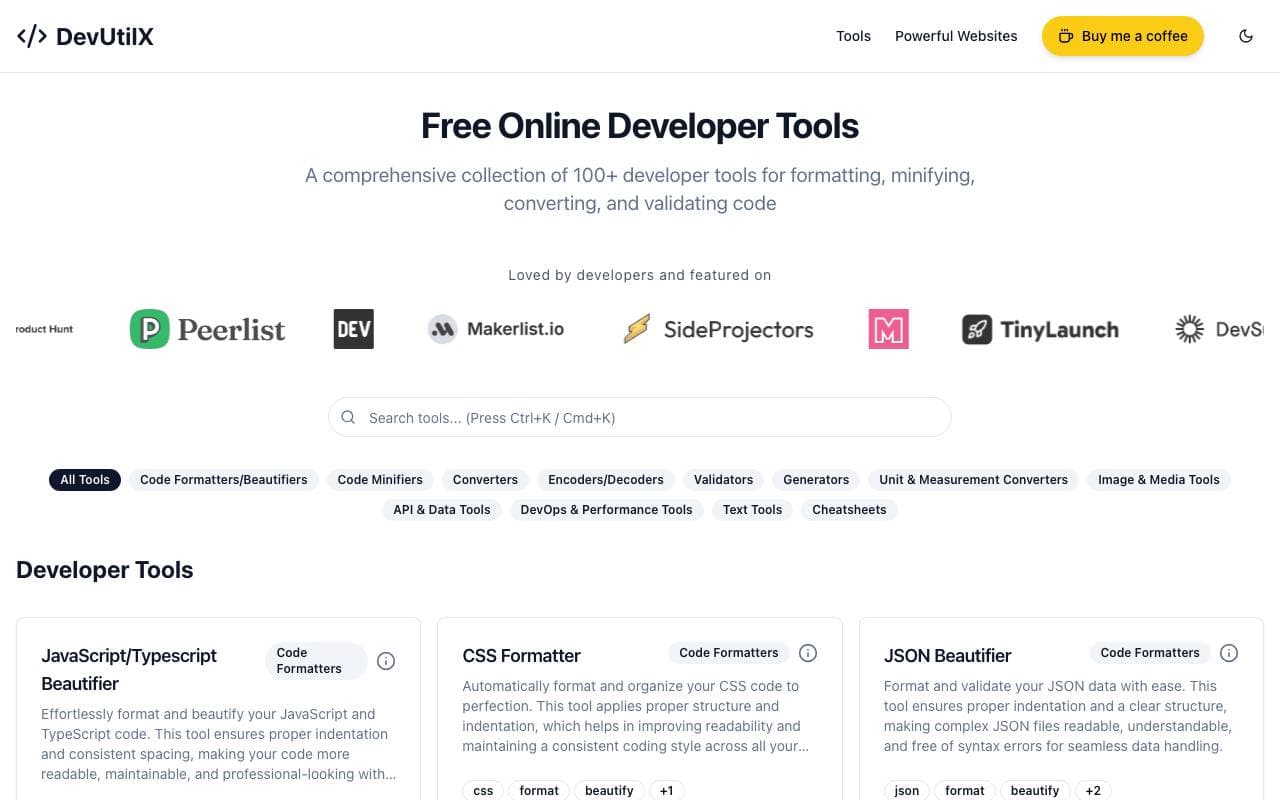

DevUtilX
Bibliotecas de Herramientas
Un conjunto web unificado de más de 100 utilidades para desarrolladores que cubren tareas de codificación cotidianas.


AgentAuth
Bibliotecas de Herramientas
Capa de autenticación que permite a los agentes de IA acceder de forma segura a más de 250 aplicaciones en nombre de los usuarios.

Wildcard
Bibliotecas de Herramientas
Ayuda a las marcas a poner frente y vender productos dentro de ChatGPT y otros asistentes de IA.

Machine Generated
Bibliotecas de Herramientas
Flujos de contenido diseñados para audiencias máquinas y consumidores de IA.


NomadicML
Bibliotecas de Herramientas
Optimiza y adapta continuamente modelos de aprendizaje de máquina de producción a datos no vistos en la vida real en tiempo real.

Grimly AI
Bibliotecas de Herramientas
API de IA enfocada a desarrolladores para integrar modelos de lenguaje en aplicaciones y flujos de trabajo.
Trending now


Reducto AI
Plataformas de Desarrollo de Agentes de Inteligencia Artificial
API de inteligencia de documentos que analiza, divide, reconoce textos impresos y extrae datos estructurados desde PDF complejos, presentaciones y hojas de cálculo.


Biology AI
IA educativa
Ayuda precisa con las tareas de biología y explicaciones detalladas


AdCrier
Marketing y Publicidad
Respuestas patrocinadas, pagadas por clic.


Pin AI
Automatización de flujo de trabajo
Contratista de AI agente que automatiza la busca, la selección y el acercamiento para acelerar el reclutamiento.