Best Software Engineering (2026)

3 min read
If you sign up through a link on this page, we may earn a commission — it never affects our rankings.
A curated guide to the best AI tools for software engineering, covering code generation, review, debugging, testing, and developer productivity across the full development lifecycle.
The Struggle is Real: How Software Engineering Tools Can Save the Day
We've all been there - staring at a stack of pull requests, trying to juggle multiple coding projects, and struggling to make sense of your team's codebase. It's no wonder that software engineering teams spend an inordinate amount of time on repetitive, tedious tasks that take away from what really matters: building innovative solutions.
One of the most effective ways to combat this problem is by leveraging software engineering tools that utilize AI. These tools can automate everything from code review to incident prevention, freeing up your team to focus on the high-level thinking that drives growth and innovation.
Choosing the Right Tool for Your Software Engineering Team
But with so many options on the market, how do you choose the right tool for your team? The first step is to identify the specific pain points you're trying to solve. Are you looking to speed up the development process, or to improve code quality and reduce bugs? Perhaps you're struggling with tedious documentation or legacy codebases. Once you have a clear understanding of your needs, you can start evaluating tools that address those specific pain points.
When choosing a tool, it's essential to consider factors like pricing, ease of integration, and user experience. While it may be tempting to go for the free option, be wary of tools that sacrifice features for a lower price tag. On the other hand, overly complex tools can be a hindrance rather than a help, especially for smaller teams. Be sure to read reviews and ask about user experience before making a decision.
Key Features to Look for in Software Engineering Tools
When evaluating software engineering tools, look for the following key features:
- Integration with your existing workflows and tools
- Clear and concise reporting and analytics
- Ease of use and user experience
- Customizability and flexibility
Let's take a look at a few examples of tools that embody these features. For instance, cubic offers AI-powered code review that speeds up pull requests and catches bugs before they ship. This can be a game-changer for teams that struggle with manually reviewing code, saving them time and reducing the risk of bugs.
Real-World Examples and Pricing Insights
Another tool worth mentioning is TRAE, which builds, debugs, and ships code on your behalf. While this might seem like a utopian dream come true, TRAE is actually a real tool that leverages AI to streamline the development process. However, be warned: this kind of automation often comes with a higher price tag. TRAE is a paid tool, as are many of its competitors in the space.
On the other hand, cobl offers a free alternative for automating tedious documentation work. While this might not solve the biggest pain points, it can still save teams a significant amount of time.
Putting it All Together
When choosing a software engineering tool, it's essential to put your specific needs first. Don't be swayed by the promise of "silver bullets" or "magic solutions." Instead, focus on finding a tool that integrates seamlessly with your existing workflows, offers clear and concise reporting, and is easy to use.
In the end, the right tool can mean the difference between a development team that's stuck in a productivity rut and one that's innovating and growing at lightning speed. So take the time to do your research, and don't be afraid to reach out to tool vendors directly to ask about their features and pricing. Your team will thank you.
Software Engineering by the numbers
Pricing mix
Best Software Engineering (2026)
- 1ccubicAI code review that speeds up pull requests and catches bugs before they ship.5.0 (6)
- 2TTRAEAI software engineer that builds, debugs, and ships code on your behalf.4.8 (5)
- 3PPythagoraAI platform that builds and deploys full-stack web apps from natural language prompts.4.7 (6)
- 4TTestZeusNo-code AI agent that automates and maintains Salesforce end-to-end tests4.7 (6)
- 5
 PureCode AIAI assistant for understanding, maintaining, and modernizing legacy codebases.4.7 (6)
 - 6NNOFire AIProactive incident prevention and rapid root cause analysis for software teams.4.5 (4)
- 7WWindsurfAI-native code editor designed to keep developers in a continuous flow state.4.5 (4)
- 8
 PotpieAI agents that understand your codebase to automate engineering tasks4.4 (5)
 - 9TTempoAI-assisted builder for shipping React apps from design to code in one workspace.4.2 (5)
- 10
 coblAI team that automates tedious document work for businesses4.2 (6)
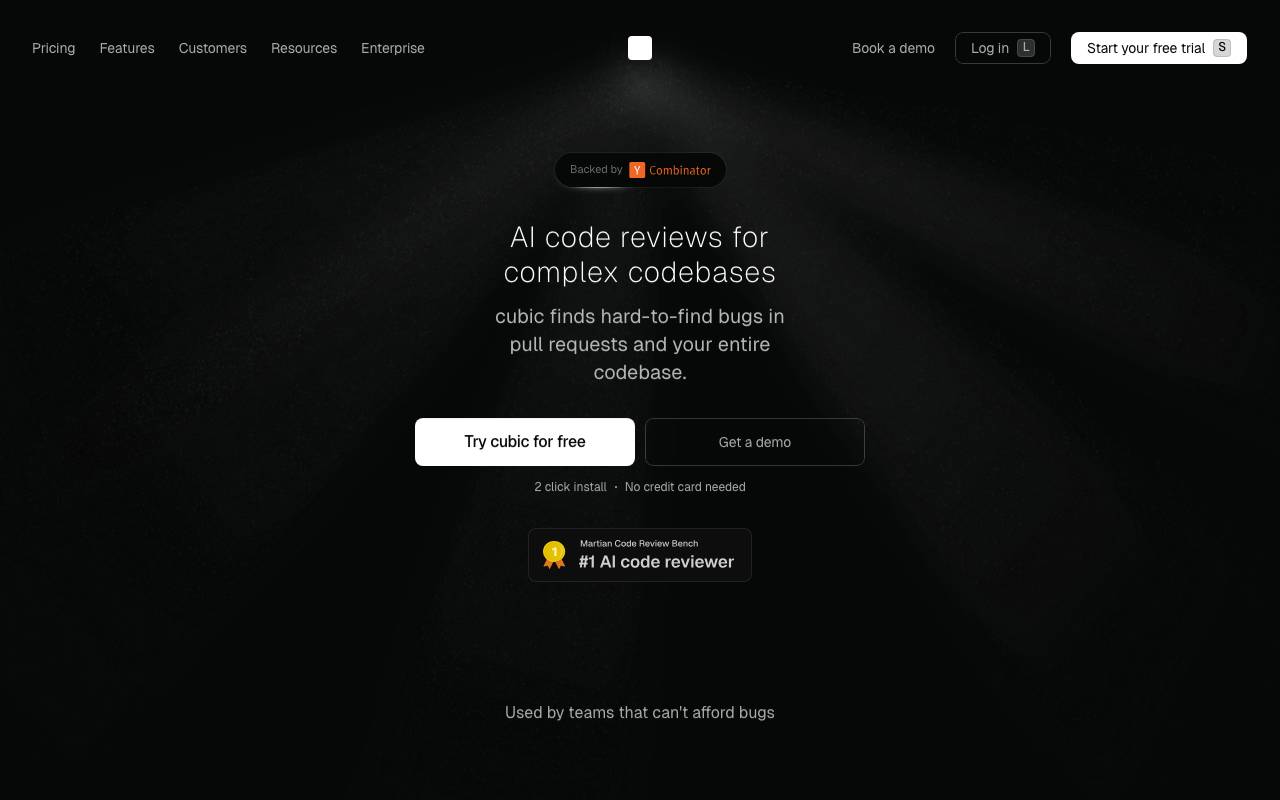
cubic is an AI-powered code review tool designed to help engineering teams move faster without sacrificing quality. It automatically analyzes pull requests, surfaces likely bugs, and offers actionable suggestions so reviewers can focus on higher-level decisions instead of routine checks. By integrating into existing development workflows, cubic reduces the back-and-forth typically associated with code review. It flags issues early, provides context-aware feedback, and helps maintain consistent standards across a codebase, making it useful for both small teams and larger engineering organizations.
- Automated AI code review on pull requests
- Bug and issue detection
- Inline suggestions and comments
- Workflow integration with Git platforms
- Faster PR review cycles
- Consistent code quality checks
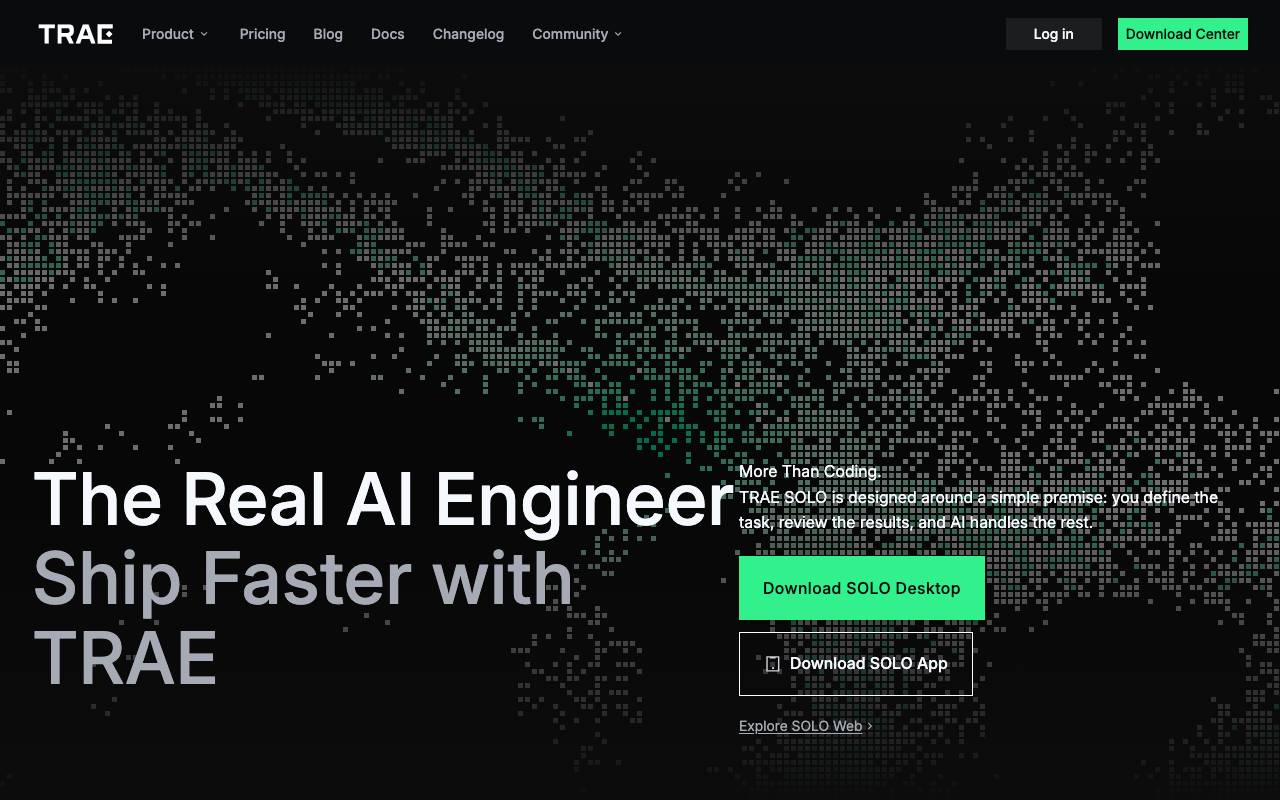
TRAE is an AI-powered engineering assistant designed to take software projects from idea to working code. It interprets requirements in natural language, plans implementation steps, and generates the underlying codebase, allowing developers and non-developers alike to move faster from concept to deliverable. Beyond simple code generation, TRAE aims to act as a collaborative engineer, handling tasks such as refactoring, debugging, and iterating on existing projects. It can work across multiple files and frameworks, adapting to the structure of your project while keeping a human in the loop for review and direction. The tool is positioned for teams and individuals who want to accelerate development workflows, prototype ideas quickly, or offload repetitive engineering tasks without sacrificing control over the final output.
- Natural language to code generation
- Autonomous task planning and execution
- Multi-file project understanding
- Debugging and refactoring assistance
- Iterative collaboration with developers
Pythagora
AI platform that builds and deploys full-stack web apps from natural language prompts.
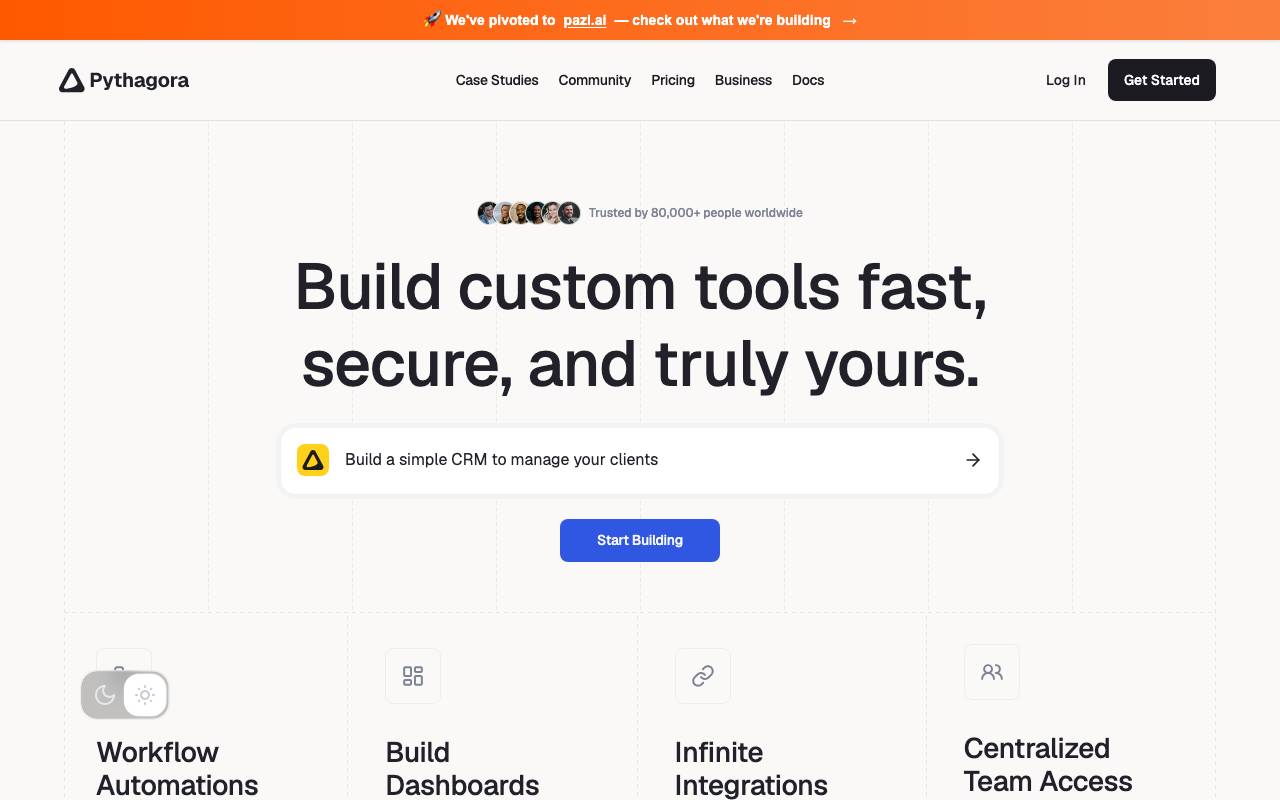
Pythagora is an AI-driven development platform that turns plain-language prompts into working web applications. Instead of scaffolding code by hand, users describe what they want and Pythagora generates the front end, back end, and database structure, then iterates with them through follow-up instructions. The platform is aimed at founders, product teams, and developers who want to move from idea to deployed prototype quickly. It handles tasks like setting up routes, wiring up APIs, and pushing the finished project to a live environment, while still allowing technical users to inspect and edit the underlying code.
- Prompt-to-app generation
- Front-end and back-end scaffolding
- Automated deployment workflow
- Conversational iteration and edits
- Database setup and integration
- Editable underlying codebase
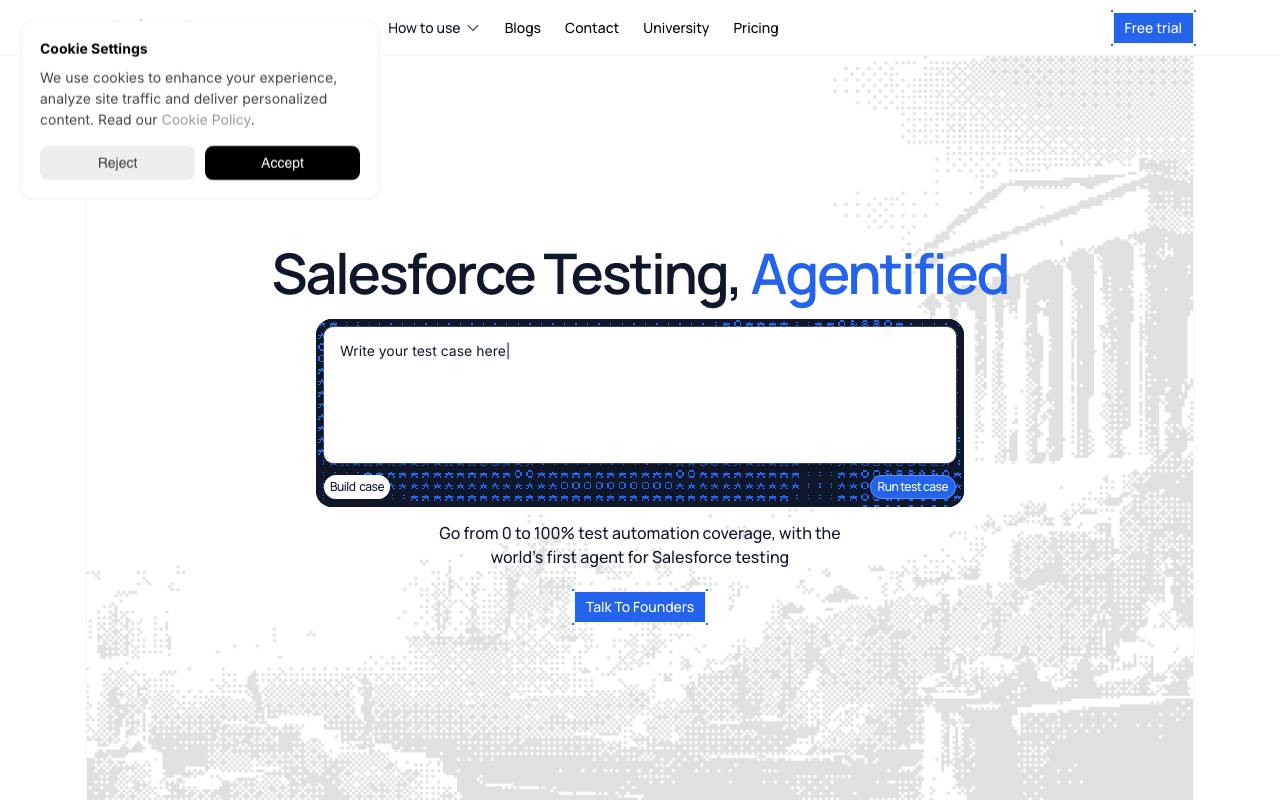
TestZeus is an AI-powered testing platform built specifically for Salesforce environments. It lets QA teams and admins create end-to-end tests in plain language, without writing or maintaining brittle test scripts, while the underlying agent adapts to UI and metadata changes automatically. The tool focuses on reducing the operational overhead of Salesforce QA, where frequent releases, custom objects, and dynamic components often break traditional automation. By interpreting intent rather than relying on fixed selectors, TestZeus aims to keep test suites stable across org changes, sandbox refreshes, and seasonal Salesforce updates. It fits into CI/CD pipelines and existing release workflows, giving teams faster feedback on regressions and broader coverage of Salesforce business processes such as Sales Cloud, Service Cloud, and custom Lightning apps.
- Natural language test creation
- AI-driven self-healing locators
- Salesforce metadata and DOM awareness
- CI/CD and pipeline integration
- Coverage for Sales, Service, and custom Lightning apps
- Reusable test flows and data setup

PureCode AI
AI assistant for understanding, maintaining, and modernizing legacy codebases.
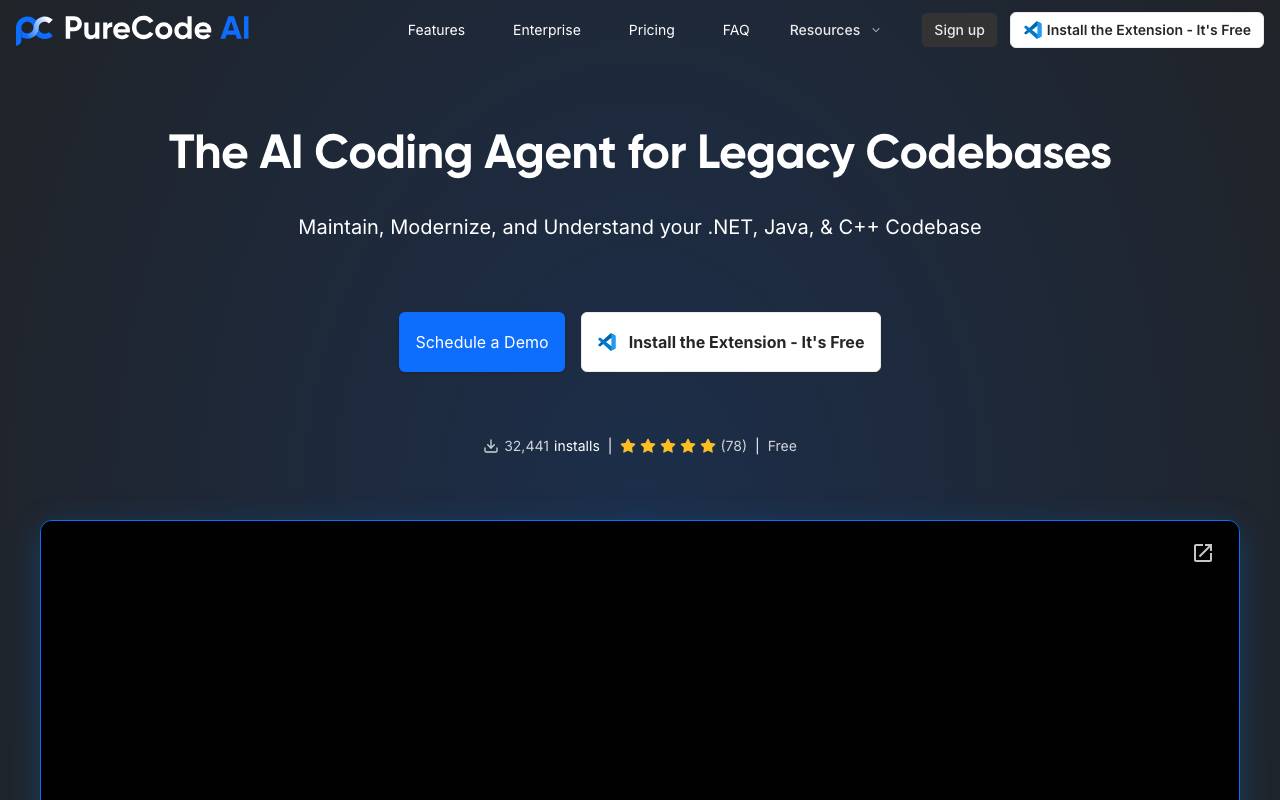
Imagine a single control plane that spawns agents to write code for you, the way you write code. Collaborate, integrate into your process, and ensure production-grade code without the need to teach the AI. It works for ALL workflows (web, microservices, containers) and enables you to bring AI into legacy codebases without breaking: architecture, security, coding practices, CI-CD Integration Testing, and testing, and across languages and frameworks.
- Code explanation and summarization
- Refactoring and modernization suggestions
- Legacy-to-modern framework migration help
- Automated documentation generation
- Codebase navigation and context retrieval
NOFire AI
Proactive incident prevention and rapid root cause analysis for software teams.
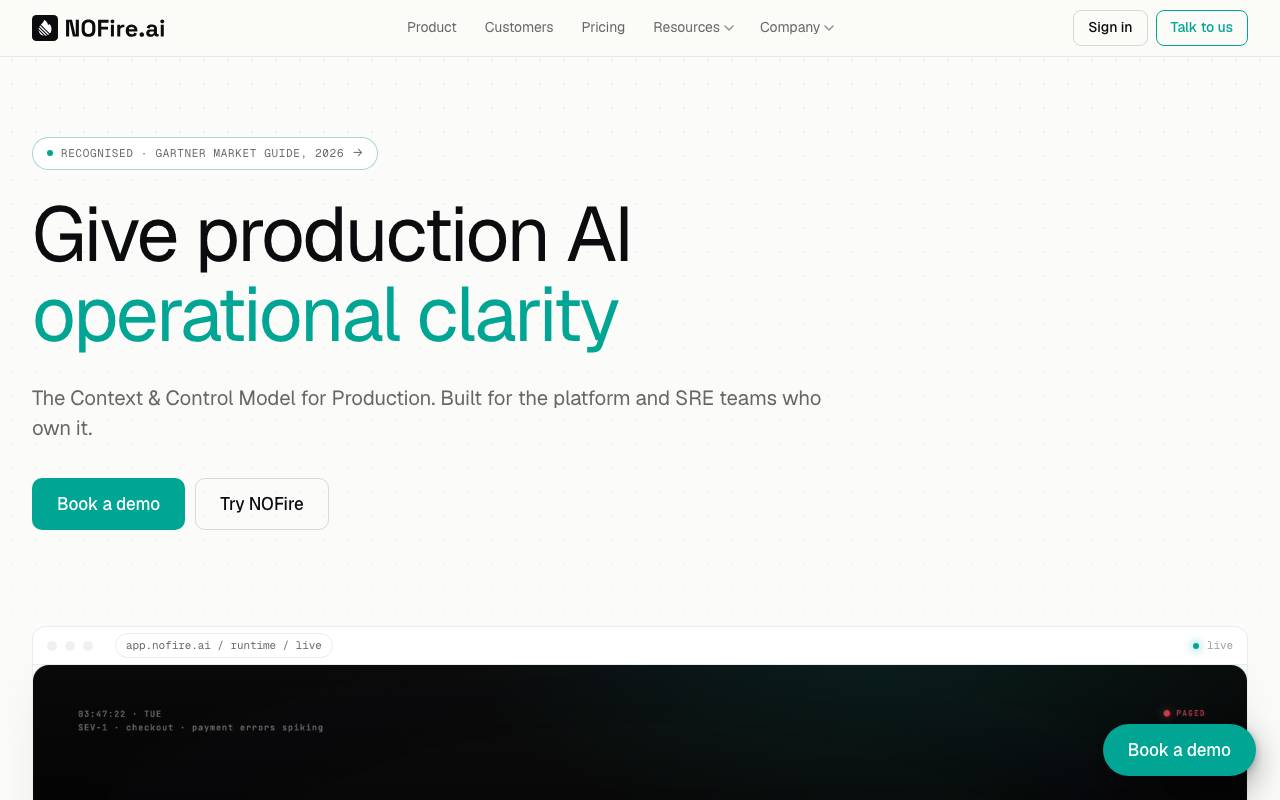
NOFire AI is an AI-powered reliability platform designed to help engineering teams reduce production incidents before they happen. By analyzing signals across code changes, deployments, logs, and system telemetry, it surfaces risks early and flags potential failure points during the development and release cycle. When incidents do occur, NOFire AI accelerates triage by correlating events and pinpointing likely root causes, cutting down the time engineers spend digging through dashboards and logs. The goal is to shift teams from reactive firefighting toward proactive operational health. It fits into the workflows of SRE, DevOps, and platform engineering teams looking to improve mean time to resolution and overall service reliability.
- AI-driven incident prediction
- Automated root cause analysis
- Deployment and change risk scoring
- Log and telemetry correlation
- Integration with observability stacks
- Insights for SRE and DevOps workflows
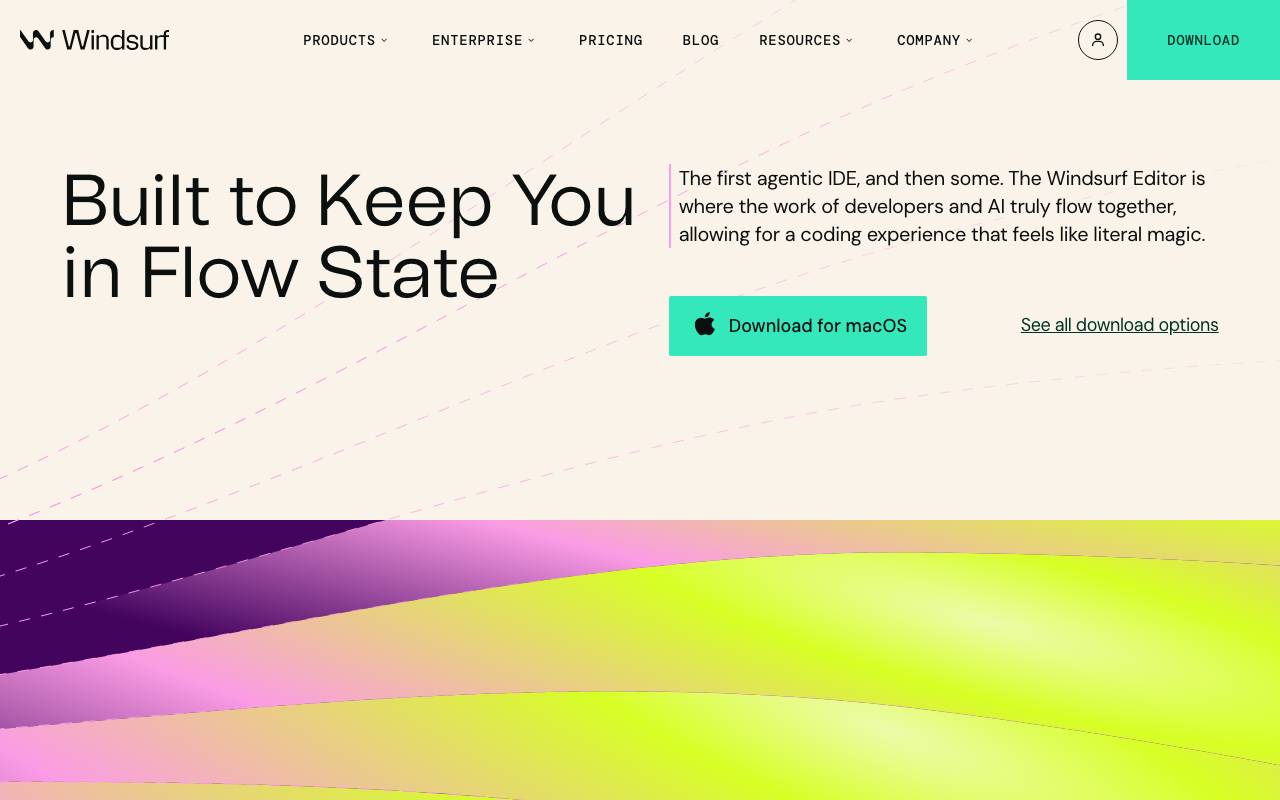
Windsurf is an AI-powered code editor built around the idea of minimizing context switches and keeping developers immersed in their work. It blends traditional IDE features with deeply integrated AI assistance that can read your codebase, suggest changes, and execute multi-step tasks across files. The editor combines autocomplete, chat-based assistance, and autonomous agent capabilities so engineers can move between writing, refactoring, and reviewing code without leaving the workspace. It is aimed at both individual developers looking for a smarter coding environment and teams that want consistent AI tooling across projects.
- AI chat with project context
- Autonomous coding agent
- Inline code completion
- Multi-file refactoring
- Natural language commands
- Integrated terminal and tooling

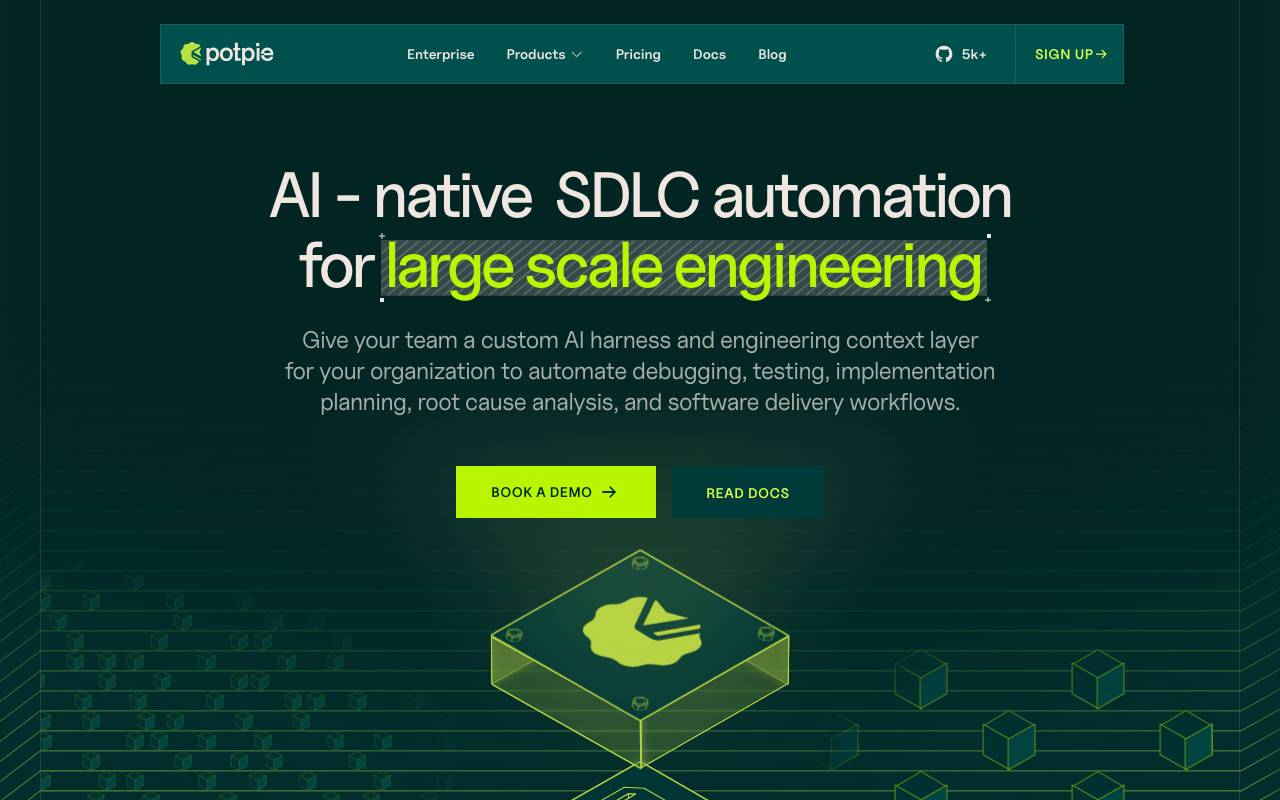
Potpie is a native SDLC automation solution for large-scale engineering, providing a custom AI harness and engineering context layer for organizations. It allows teams to automate debugging, testing, implementation planning, root cause analysis, and software delivery workflows. Potpie's AI is deeply aware of a codebase, knowledge graph, logs, PRs, and workflows, enabling a full suite of enterprise-grade agents to streamline development processes and seamlessly connect services. The tool tackles the challenges of complex engineering by providing real codebase-aware intelligence. It can build a feature from scratch, automate workflows, and integrate with popular services like Slack, GitHub, and Notion. Additionally, Potpie offers error analysis and troubleshooting capabilities, allowing developers to directly interact with AI-powered assistance in their team channels.
- Codebase-aware AI agents
- Prebuilt agents for common dev tasks
- Custom agent builder
- Integration with Git workflows
- Code review and debugging assistance
- Documentation generation

Tempo is a development environment that combines AI code generation, visual design, and a live React codebase so teams can prototype and build production apps in one place. Instead of switching between Figma, an IDE, and AI chat tools, developers and designers work on the same components and see changes reflected in real code. The platform targets React projects specifically, generating clean component code that integrates with existing repositories. It is aimed at startups and product teams that want to move quickly from idea to working UI without sacrificing code quality or developer control.
- AI-powered React component generation
- Visual editor synced with code
- Live preview of changes
- Git and codebase integration
- Reusable component library
- Collaborative design-to-code workspace

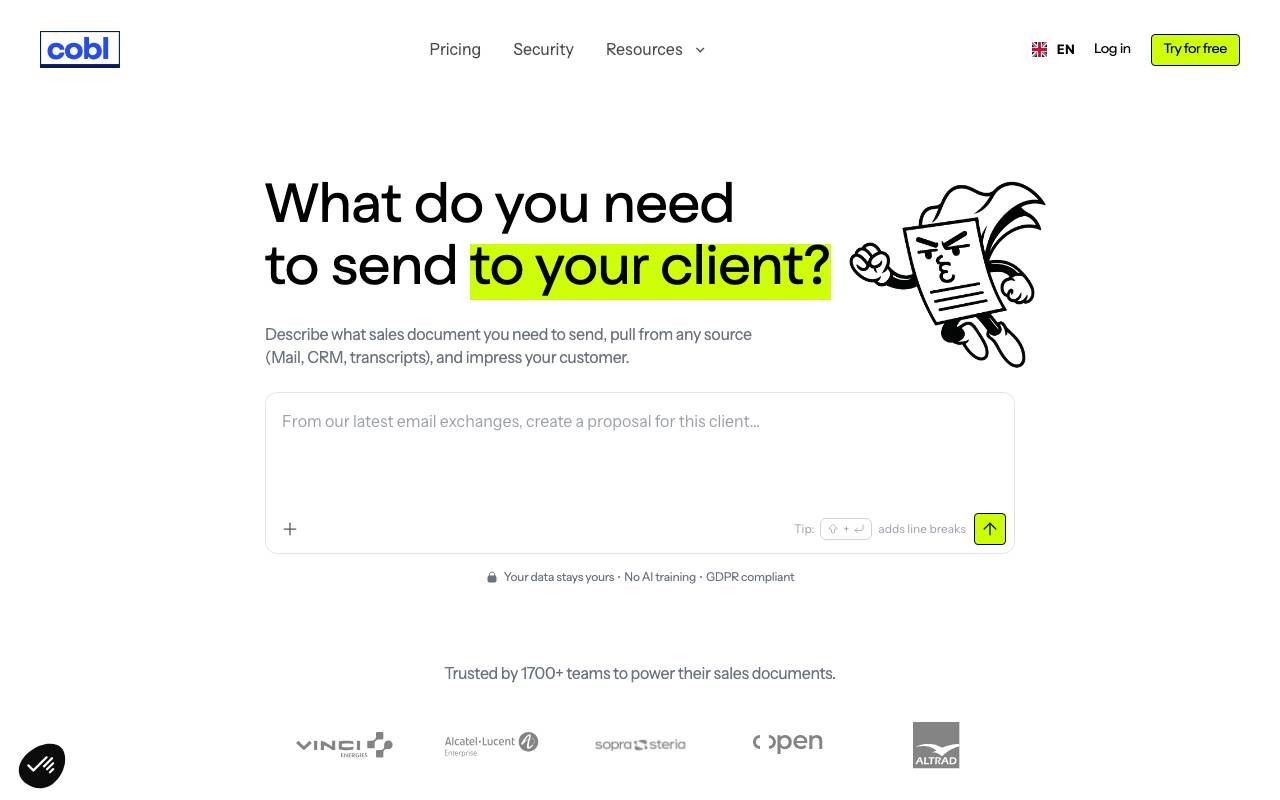
Cobl is a tool that automates tedious document work for businesses. It helps teams generate sales proposals that are polished, on-brand, and built to win. Cobl takes a guided approach, starting from a single prompt and auto-gathering necessary information from connected tools such as CRM, workspace, and files. The tool uses AI to edit and refine the proposal, allowing users to adjust tone, match company branding, and pull from their various tools. This process enables teams to save hours of work and generate proposals in a matter of minutes, with over 90% accuracy. Users can export the proposal in PDF, Word, or PowerPoint format. Cobl claims to have helped over 1,700 teams simplify repetitive document generation and free up time to focus on more critical tasks, such as adapting to client needs.
- Automated document processing
- Information extraction from files
- Workflow automation for paperwork
- AI-driven task handling
- Business-focused integrations
- Scalable document throughput
Browse all 10 Software Engineering tools
The complete, searchable directory — ranked by real user reviews.


