Past battle · 2025-07-14 UTC
AI Detection Showdown — July 14, 2025
From the AI Detection category. 16 marks placed across 4 fighters. xiaofei li took the crown.
Final standings




The line-up
The fighters
Profiles of every tool that competed in this battle, ranked by their final score.

xiaofei li
ByteDance's AI video model generating native 2K footage with multi-shot storytelling and synced audio.
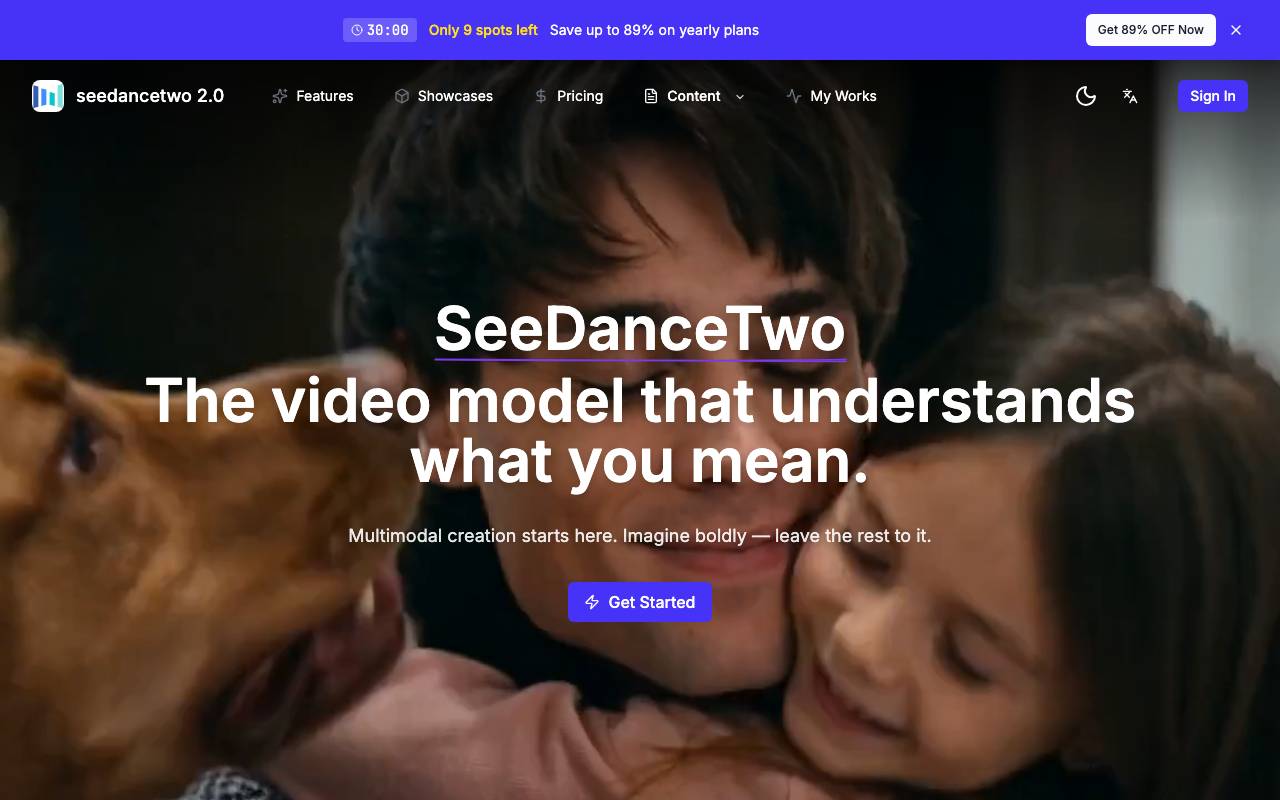
Xiaofei Li is an AI video generation model developed by ByteDance, designed to produce high-fidelity short-form video content directly from prompts. It supports native 2K resolution output, enabling sharper visuals without relying on post-process upscaling. The model focuses on coherent multi-shot narratives, allowing creators to build sequences where characters, settings, and tone remain consistent across cuts. It also generates synchronized audio alongside visuals, covering ambient sound and dialogue timing so finished clips feel more complete out of the box. It is aimed at content creators, marketers, and storytellers who need quick turnaround on cinematic-style clips without assembling separate video and audio pipelines.
Criteria breakdown
- Native 2K video generation
- Coherent multi-shot storytelling
- Audio-video synchronized output
- Prompt-driven scene creation
- Character and setting consistency
- Cinematic visual styling

AltxtAI
AI alt text generator that writes SEO-aware, accessible image descriptions in seconds with no signup
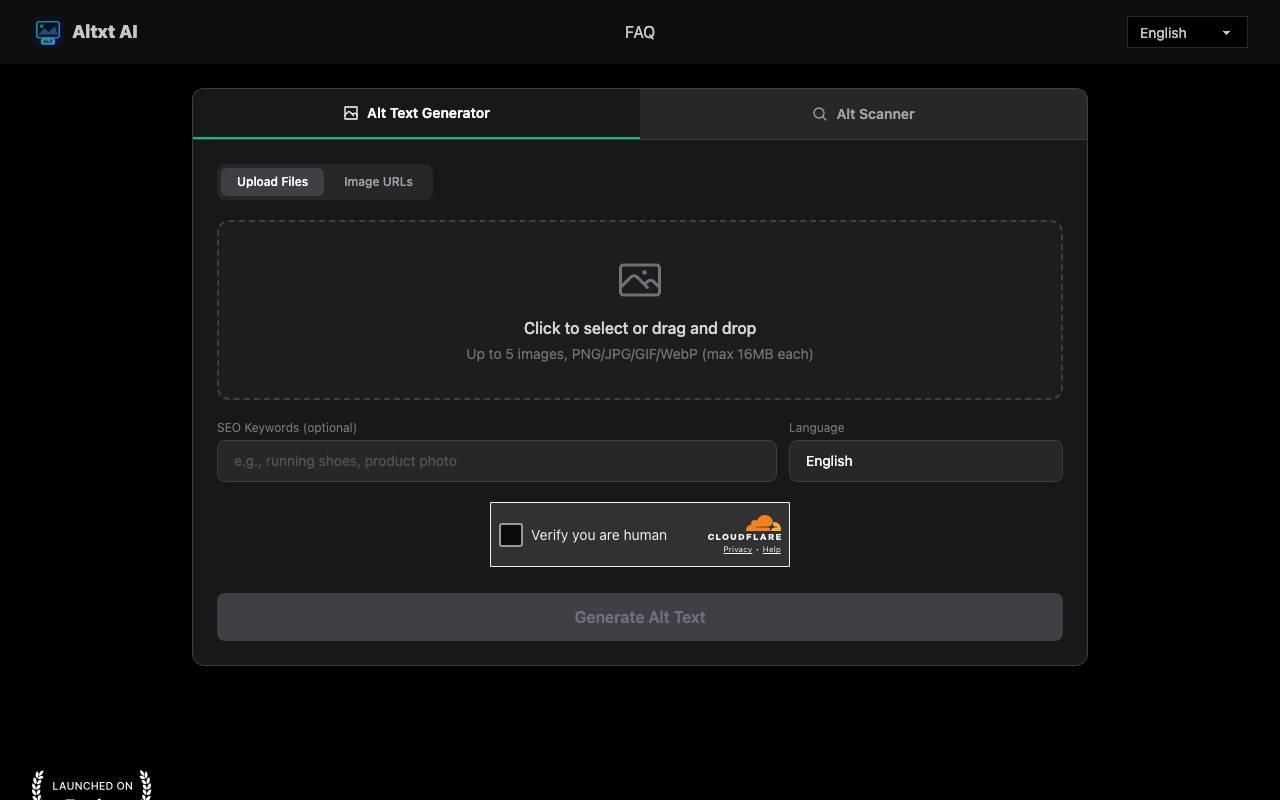
Altxt AI is a web-based tool that automatically generates alt text — the descriptive text attached to images for accessibility and search engine indexing. It targets a common but tedious problem: websites with large image libraries that lack proper descriptions, which hurts both screen-reader accessibility and visibility in Google Images. Rather than writing each description by hand, users upload images or paste image URLs and receive ready-to-paste alt text in seconds. The tool is aimed at bloggers, e-commerce store owners, developers, real estate agents, and anyone managing image-heavy pages. It uses vision models to identify objects, people, actions, colors, text, and scene context within an image, then produces concise natural-language descriptions. A distinguishing feature is its SEO orientation: users can supply optional keywords so the generated text is keyword-aware and tied to page content, rather than just a generic caption. Altxt AI emphasizes a low-friction workflow. There is no signup, login, email, or credit card required to use the basic generator — you open it in a browser, upload up to several images (PNG, JPG, GIF, or WebP, up to 16MB each), optionally add SEO keywords and select an output language, and generate. The output can be copied directly into an image's alt attribute. The site also references an "Alt Scanner" alongside the generator and offers output in many languages. For teams with backlogs, batch upload lets users process multiple images at once, which is positioned as a way to clear accessibility gaps and resolve SEO audit warnings quickly. The vendor claims multi-layer validation for accuracy and readability, WCAG-oriented output, and that descriptions avoid hallucinated details — though as with any AI vision tool, output quality should be verified, especially for nuanced or domain-specific imagery. Compared to manual alt-text writing or built-in CMS accessibility checkers, Altxt AI's value is speed and convenience for bulk work. Its trade-offs are typical of automated description tools: generated text can still require human review for correctness and tone, it operates as a standalone web tool rather than a native CMS integration, and SEO benefit depends on appropriate keyword input and accurate image recognition.
Criteria breakdown
- Vision-model image analysis for objects, scenes, and context
- Optional SEO keyword input for keyword-aware alt text
- Batch upload of multiple images (PNG/JPG/GIF/WebP)
- Image URL input as well as direct upload
- Multi-language description output
- Alt Scanner alongside the generator

Face Shape Detector
Browser-based AI tool that detects your face shape from a photo and suggests flattering styles
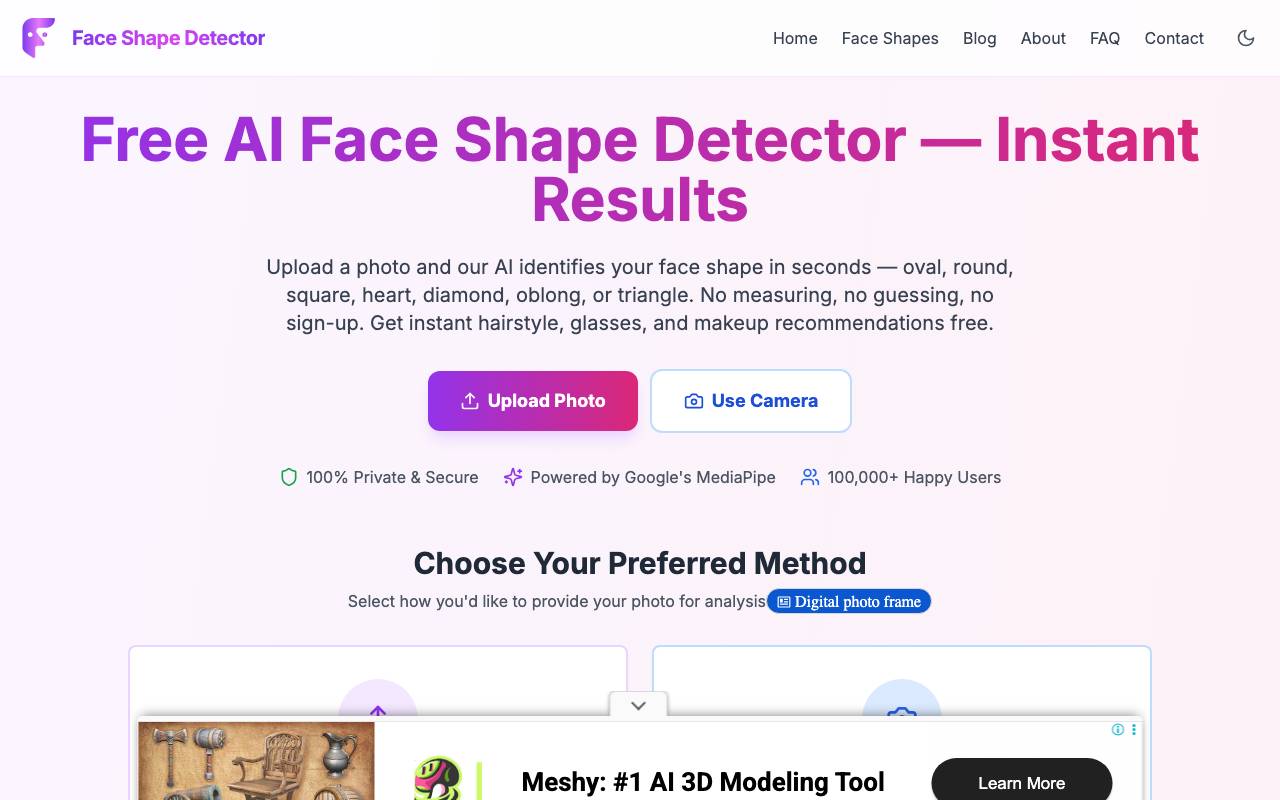
Face Shape Detector is a free, web-based tool that analyzes a photo of your face and classifies it into one of seven recognized face shapes: oval, round, square, heart, diamond, oblong, or triangle. It then translates that result into practical styling guidance — hairstyle, glasses frame, makeup contouring, and beard recommendations tailored to your detected proportions. The core problem it addresses is the guesswork involved in determining face shape manually with a tape measure, replacing it with an automated analysis that runs in under a minute. The tool is built on Google's MediaPipe face-landmark technology, which maps 478 facial landmarks across an uploaded image. From these points it measures forehead width, cheekbone width, jawline width, and overall face length, then computes the proportional ratios that distinguish one face shape from another. A confidence breakdown is shown for each category rather than a single binary answer, which gives a sense of how strongly the face matches a given shape. Notably, the analysis runs entirely client-side in the browser, so the photo is never uploaded to a server or stored — a meaningful privacy advantage over tools that process images remotely. Using it is straightforward: upload an image (JPG, PNG, or WebP) or capture one with the device camera, and the system returns results within roughly 30 seconds. The site recommends a clear, front-facing photo with even lighting and hair pulled back for the most accurate result. No account, email, or payment is required, and it works across phone, tablet, and desktop without an app install. It's aimed at everyday users curious about their face shape for styling purposes — people choosing a new haircut, shopping for glasses frames, learning makeup contouring, or deciding on a beard style. It sits within a broader suite of browser-based beauty and style tools from the same maker, including an eye shape detector, face symmetry test, color season analyzer, body shape calculator, and lip shape analyzer. The main strengths are its privacy model, speed, zero cost, and reliance on a well-regarded landmark-detection library. The trade-offs are inherent to the category: face-shape classification is somewhat subjective and sensitive to photo angle, lighting, and hairline visibility, so results can vary between photos. The styling recommendations are general guidance rather than professional consultation, and the tool's accuracy depends heavily on input image quality.
Criteria breakdown
- AI face shape detection across seven categories
- 478-point facial landmark mapping via MediaPipe
- Local in-browser processing with no server upload
- Confidence breakdown for each face shape
- Hairstyle, glasses, makeup, and beard recommendations
- Photo upload or live camera capture support

Image Text Editor
AI-powered online tool to edit or replace text in images and screenshots with automatic font matching
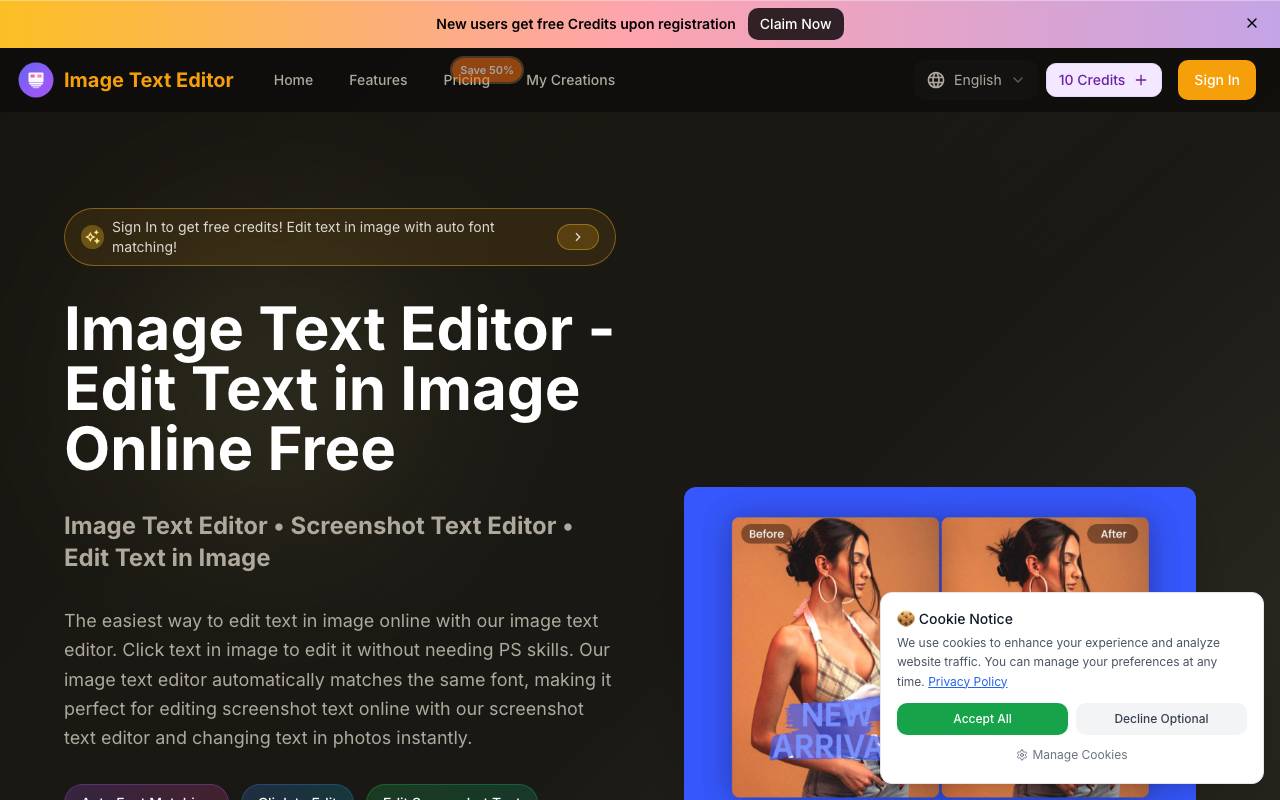
Image Text Editor is a web-based tool for editing text inside existing images without traditional photo-editing software. Instead of working with layers, masking, or manual font selection, users upload an image and type a plain-language instruction describing the change they want — for example, swapping "50% OFF" for "60% OFF" or replacing a place name. The tool uses AI to detect the original text and regenerate it in place, attempting to match the surrounding background, lighting, font style, size, and color. The product is aimed at people who need quick text edits but don't have design skills or access to tools like Photoshop — marketers updating promotional copy, e-commerce sellers changing prices or labels on product photos, and social media creators tweaking captions or memes. A recurring emphasis throughout the site is screenshot editing, positioning the tool for updating app screenshots, website captures, and social posts where text needs to change but the visual context should stay intact. The workflow is straightforward: upload a JPG, PNG, or WEBP file (up to 5MB), enter a prompt describing the desired text change, preview the result, and download the edited image. The site notes that being specific about the new text and whether to preserve original font, size, and color improves results. The service runs on a credit system, with free credits granted to new users on registration. The main appeal is speed and accessibility — replacing manual layer editing and font-hunting with a single text instruction. The automatic font matching is the headline feature, intended to make edits blend in naturally. As with most AI image-editing tools of this kind, results can vary depending on image complexity, font rarity, and background texture, and the 5MB upload limit and credit-based pricing are practical constraints to keep in mind. It competes with general AI image editors and inpainting tools, but differentiates by focusing narrowly on the text-editing use case.
Criteria breakdown
- Prompt-based text editing in images
- Automatic same-font matching
- Screenshot text editing
- Background and lighting preservation
- Support for JPG, PNG, and WEBP formats
- Instant preview and download