Past battle · 2026-04-08 UTC
Text to Media Showdown — April 8, 2026
From the Text to Media category. 14 marks placed across 5 fighters. Beautiful Ai took the crown.
Final standings





The line-up
The fighters
Profiles of every tool that competed in this battle, ranked by their final score.

Beautiful Ai
AI-powered presentation builder that auto-designs polished, on-brand slides in minutes.
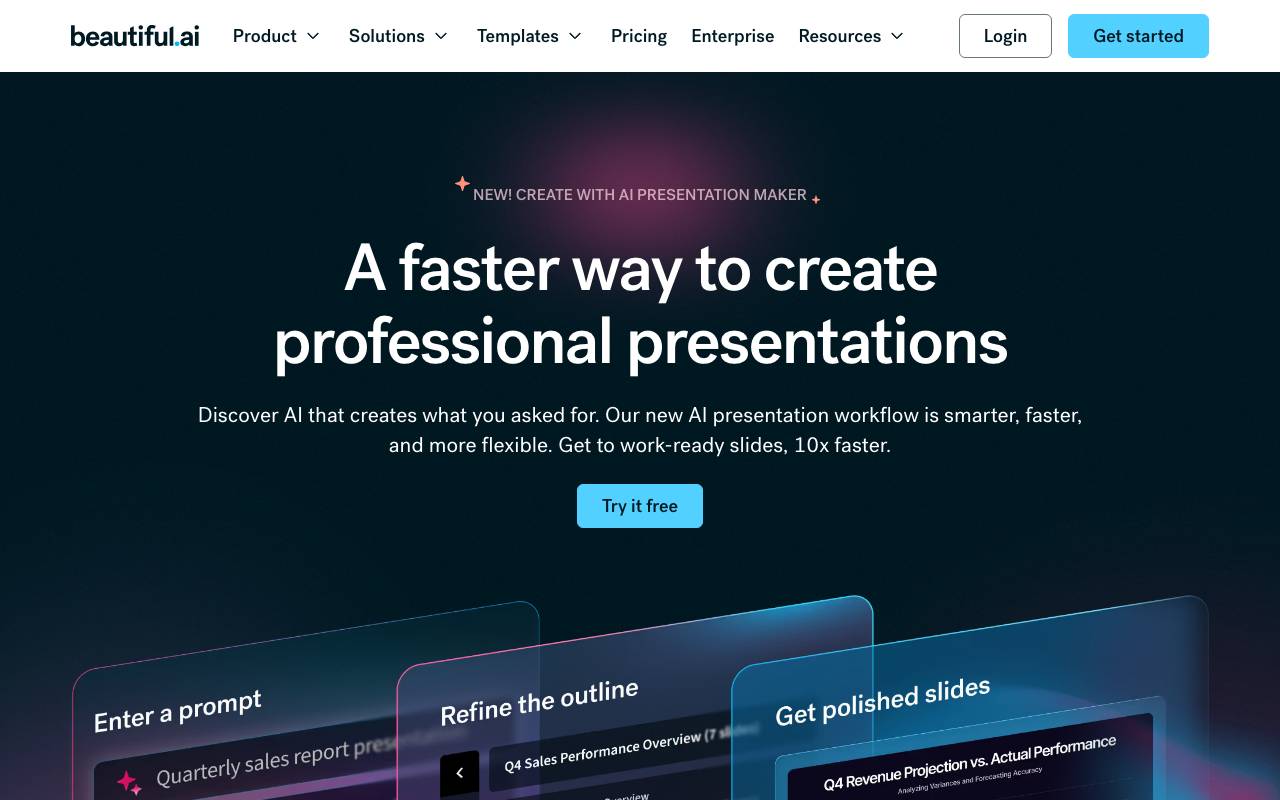
Beautiful.ai is a presentation tool that uses AI to handle slide design automatically. Instead of manually adjusting layouts, spacing, and fonts, users add content and the platform applies design rules in real time to keep slides visually balanced and consistent. It offers smart templates, brand controls, and collaboration features aimed at teams who need to produce decks quickly without a dedicated designer. Recent AI features can generate full presentations from a prompt, suggest visuals, and adapt slides to match brand guidelines. It's geared toward marketers, sales teams, founders, and consultants who want professional-looking presentations without spending hours in PowerPoint or Keynote.
Criteria breakdown
- AI-generated presentations from text prompts
- Smart slide templates with auto-layout
- Team brand kits and style enforcement
- Collaborative editing and commenting
- Analytics on shared presentations
- Export to PowerPoint, PDF, and video

Dart
AI-powered project management that automates routine planning, tracking, and reporting tasks.
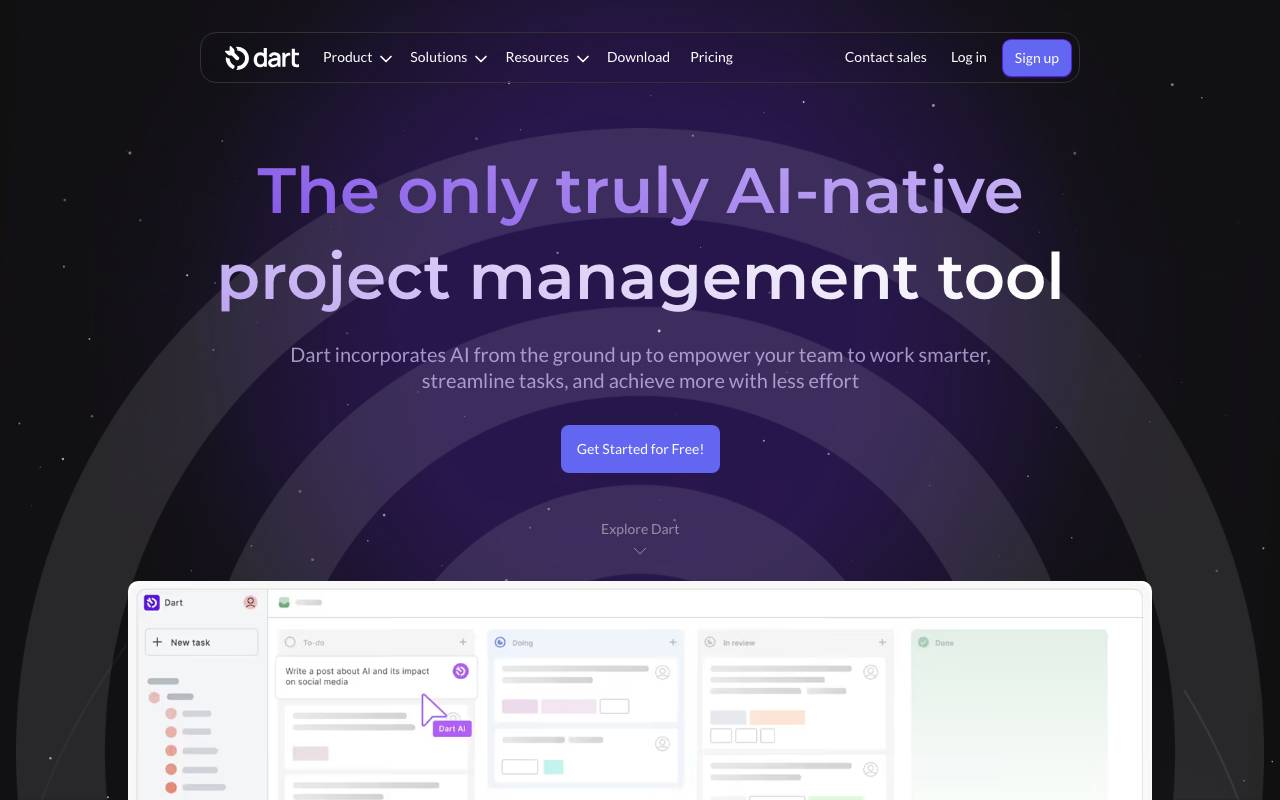
Dart is an AI-driven project management platform designed to reduce the manual overhead that typically slows teams down. It handles repetitive coordination work—like writing task descriptions, assigning priorities, organizing sprints, and updating statuses—so contributors can focus on shipping rather than maintaining the board. Built for product, engineering, and operations teams, Dart combines familiar PM features such as tasks, docs, and roadmaps with AI assistance that learns project context. It can draft subtasks, summarize progress, suggest assignees, and keep documentation aligned with active work. Teams can use Dart as a standalone workspace or integrate it with tools like GitHub, Slack, and calendar apps to centralize project activity and automate cross-tool updates.
Criteria breakdown
- AI task generation and subtask breakdown
- Roadmaps, sprints, and backlogs
- Connected docs and project wikis
- Status and progress summarization
- GitHub, Slack, and calendar integrations
- Custom properties and views

My Coloring Pages
Create and print custom coloring pages tailored to any theme or idea.
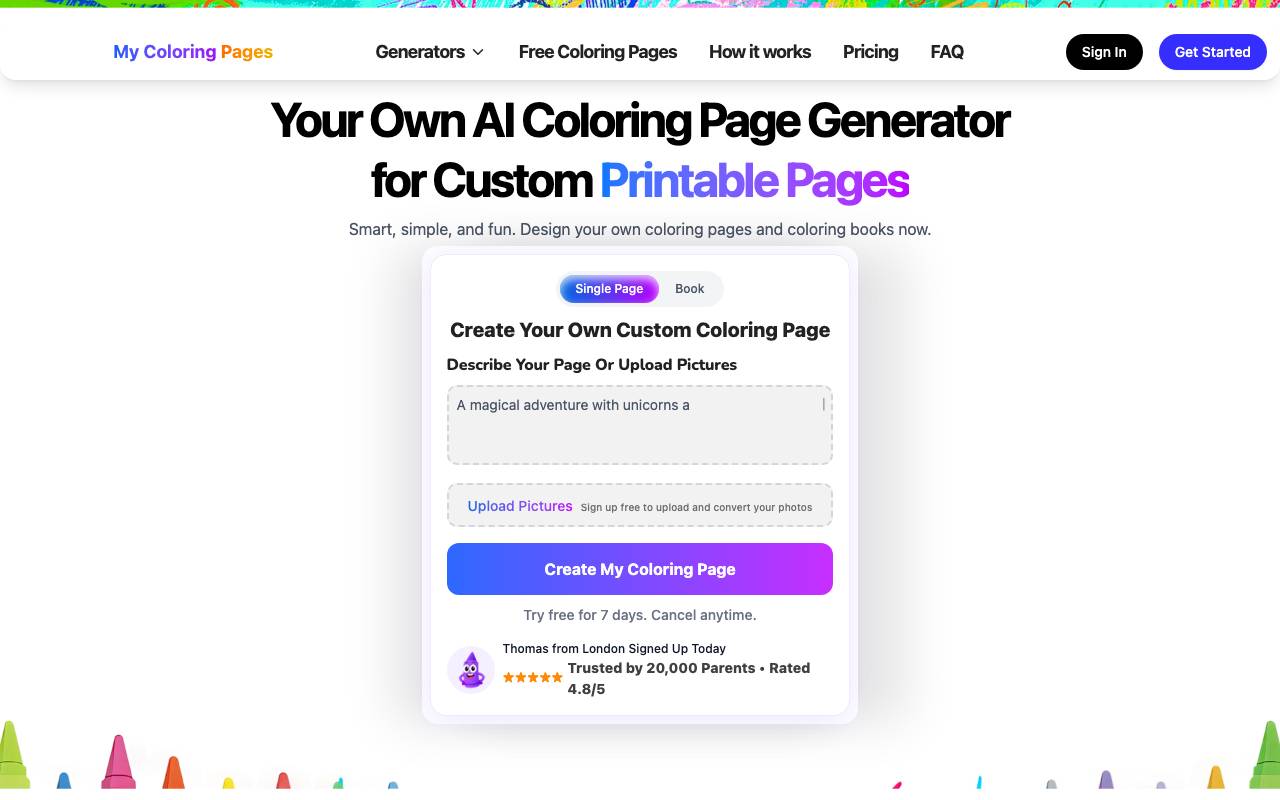
My Coloring Pages is an AI-powered tool that generates custom printable coloring pages for various themes and ideas. It's designed for parents, kids, adults, and schools, offering a creative outlet and educational resource. Users can describe their desired page, upload pictures, or build a storybook, then generate and print their custom coloring pages in seconds. The platform provides a library of over 100,000 custom coloring pages, categorized for kids, adults, and educational content. It also features a community section where users can share pages and participate in discussions. The tool is user-friendly, requiring no technical skills, and offers a free 7-day trial with the option to cancel anytime.
Criteria breakdown
- Text-to-coloring-page generation
- Custom themed coloring book creation
- Printable PDF output
- Kid-friendly art styles
- Personalization with names and subjects
- Library of generated pages

AI Video Watermark Remover
Automatically detect and erase watermarks from videos using AI.
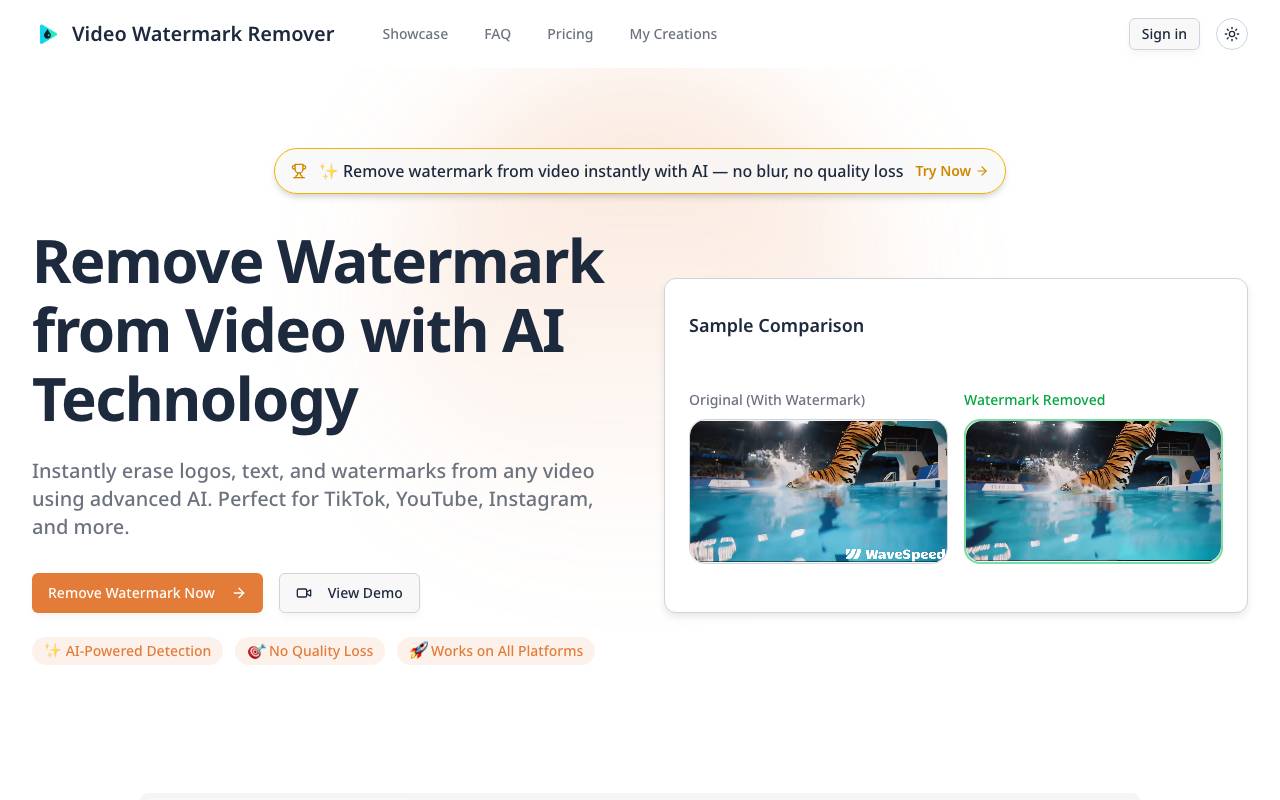
Video Watermark Remover uses AI to automatically detect and erase watermarks from videos. It is suitable for content creators, Sora 2 creators, social media managers, video editors, and businesses. The tool works on all platforms, preserves video quality, and supports batch processing. It also provides encrypted processing and secure deletion of videos. Users trust the tool for removing watermarks from AI renders, social clips, stock footage, and unwanted elements from video content. The tool is optimized for AI-generated and platform videos, and it is ready for Sora 2.
Criteria breakdown
- AI-powered watermark detection
- Region selection for targeted removal
- Batch frame inpainting
- Supports common video formats
- Online processing without downloads
- Preview before export

Socialaf.ai
AI-powered generator for scroll-stopping social media images, videos, and posts.

Socialaf.ai is an AI-powered generator for creating consistent characters and media content. It allows users to build a single character and create various formats, including stills, videos, voiceovers, and talking avatars. The platform uses plain-English prompts and can render moments, with the cost displayed before any render. It also enables swapping models on the fly and composing scenes with library assets.
Criteria breakdown
- AI image generation for social posts
- Short-form video creation
- Automated caption and copy writing
- Multi-platform content formatting
- Templates for common post types
- Fast batch content generation