Past battle · 2024-08-19 UTC
AI Avatar Showdown — August 19, 2024
From the AI Avatar category. 26 marks placed across 7 fighters. Caricature AI Studio took the crown.
Final standings



The line-up
The fighters
Profiles of every tool that competed in this battle, ranked by their final score.

Caricature AI Studio
Turn photos into stylized caricatures, cartoons, and avatars using AI.
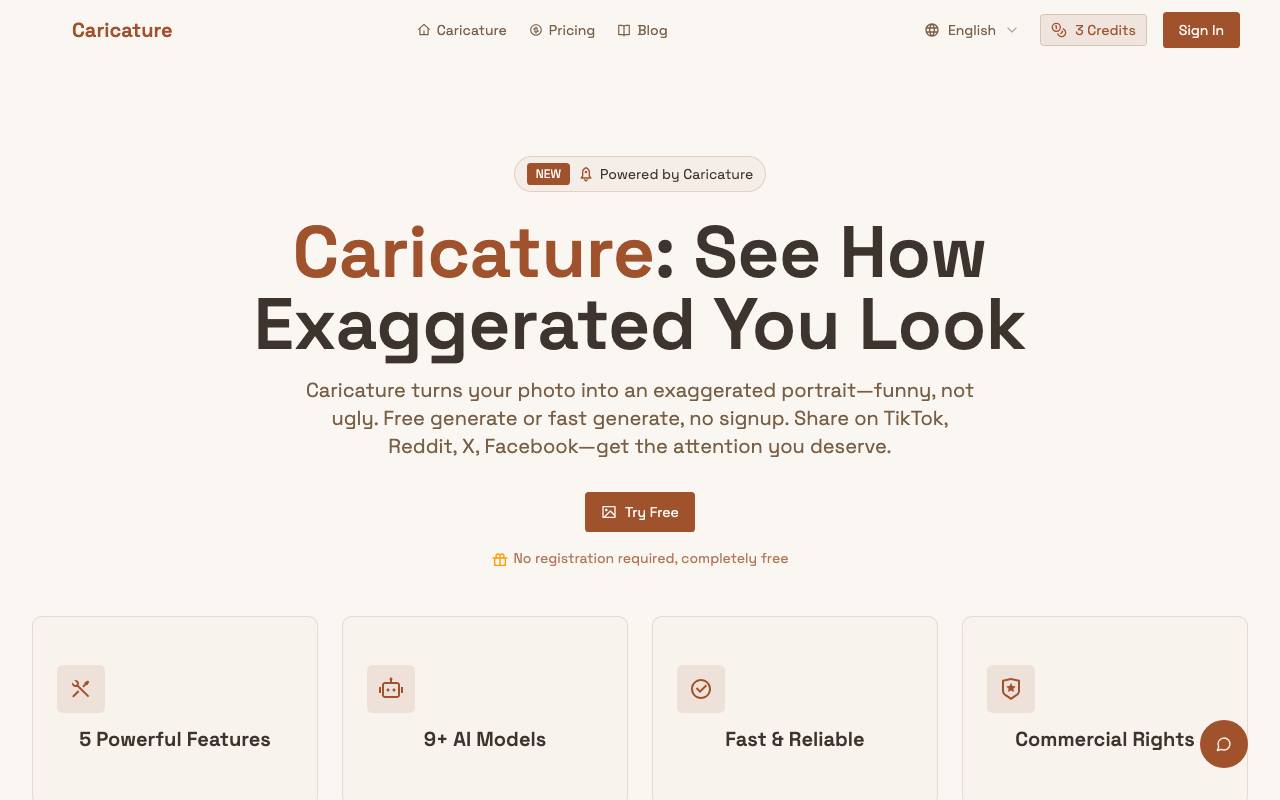
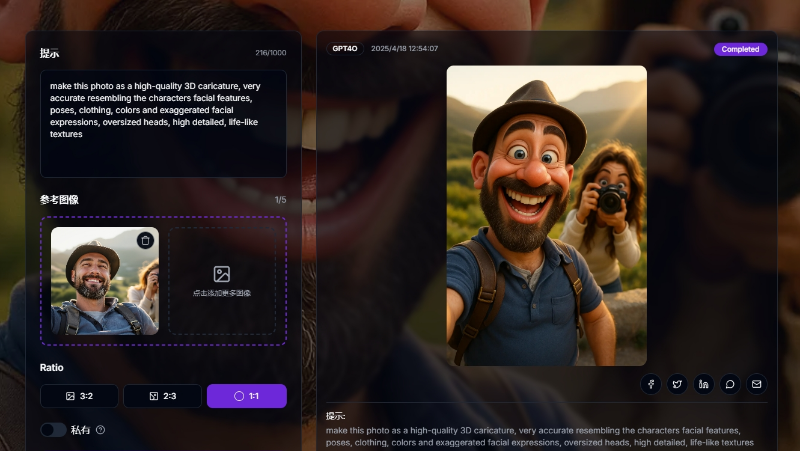
Caricature AI Studio is an AI tool that turns photos into stylized caricatures, cartoons, and avatars. Users can upload their photos and choose from various AI models to generate funny yet flattering exaggerated portraits. The tool is completely free with no signup required, and users can share their generated caricatures directly on social media platforms. The process involves uploading a clear portrait, selecting a model, and downloading the caricature, which is generated in seconds. The tool has 9+ AI models, supports various image formats, and offers commercial rights. Caricature AI Studio aims to provide users with a zero-friction experience, making it easy to create and share humorous yet accurate portraits.
Criteria breakdown
- AI caricature generation from photos
- Cartoon and avatar style presets
- One-click stylization
- Downloadable high-resolution outputs
- Web-based, no install required
- Support for portrait and group photos

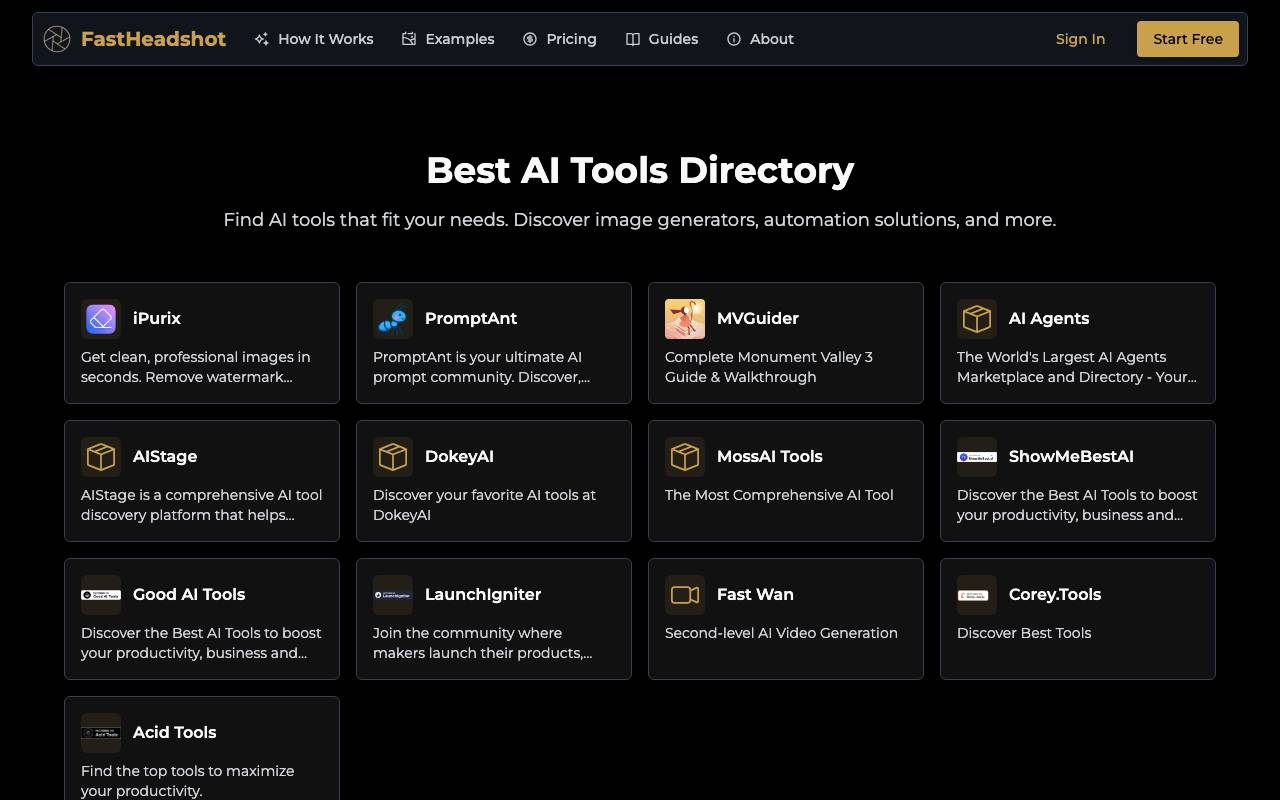
FastHeadshot is an AI tool designed to transform casual selfies into polished, professional headshots in a matter of seconds. It is intended for individuals and professionals who require high-quality headshots for various purposes, such as social media profiles, resumes, or business websites. The tool is likely user-friendly, allowing users to upload their selfies and utilize the AI technology to enhance and refine the images without requiring extensive photo editing skills. The process of using FastHeadshot probably involves uploading a selfie to the platform, selecting from a range of options or presets to choose the desired level of editing, and then letting the AI algorithm work its magic to produce a professional-looking headshot. The tool may offer features such as automatic background removal, skin smoothing, and lighting adjustments to create a more flattering and professional image. One of the standout capabilities of FastHeadshot is its ability to deliver high-quality results quickly, making it an attractive option for those who need professional headshots but may not have the time or resources to visit a photography studio. The tool may also integrate with other platforms or services, allowing users to directly share their edited headshots on social media or upload them to professional networks. The strengths of FastHeadshot likely include its ease of use, speed, and ability to produce high-quality results without requiring extensive photo editing expertise. However, limitations may include the potential for over-editing or an unnatural appearance if the AI algorithm is not finely tuned. In comparison to other photo editing tools, FastHeadshot is specifically designed for creating professional headshots, setting it apart from more general-purpose photo editing software. Overall, FastHeadshot seems to be a convenient and efficient solution for individuals and professionals seeking to create high-quality, professional headshots from casual selfies. Its ease of use, speed, and focus on headshot editing make it a useful tool for those who require professional-looking images without the hassle and expense of a traditional photo shoot.
Criteria breakdown
- AI photo-to-headshot conversion
- Professional styling and backgrounds
- Multiple headshot variations
- Quick upload and generation workflow
- Suitable for LinkedIn and resumes

AnividAI
Generate anime-style characters and scenes from text prompts and reference images.
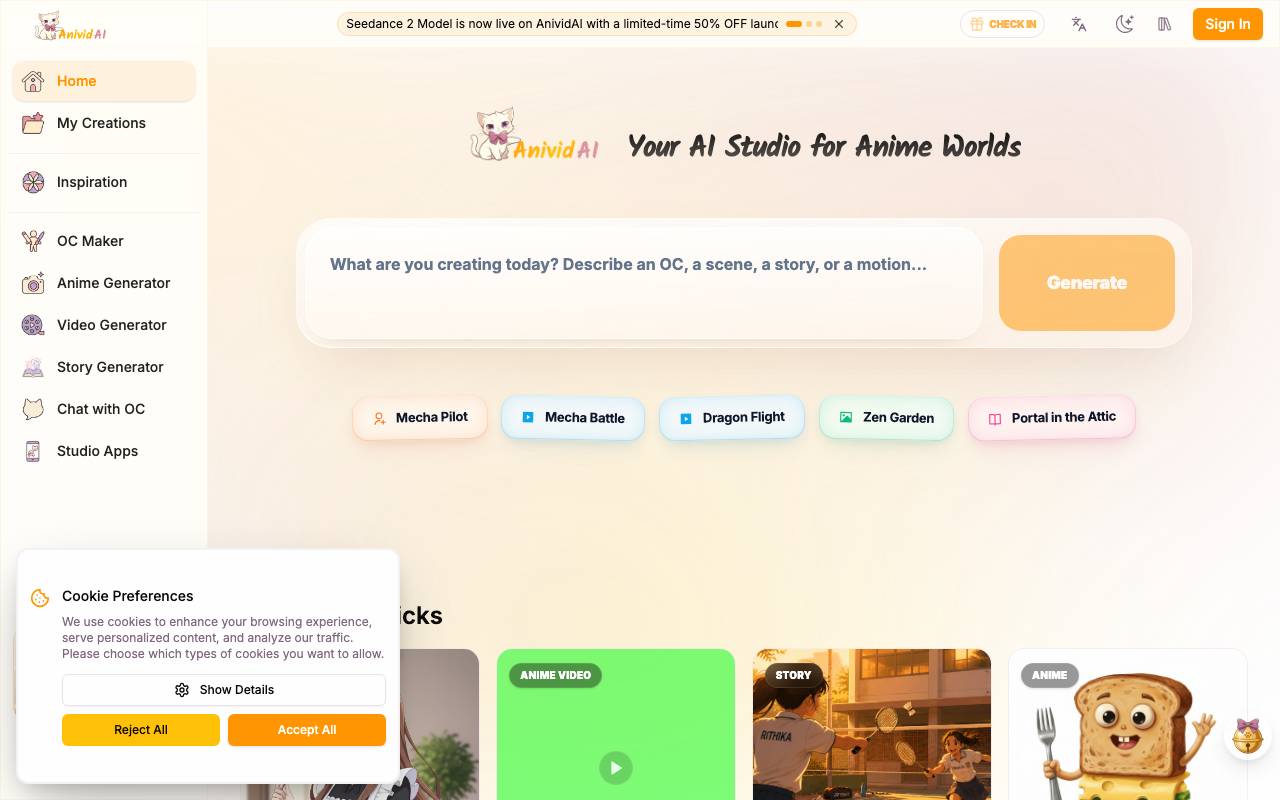
AnividAI offers a connected suite of AI tools for creating consistent anime characters, art, and videos. Users can design their OC, generate scenes, and build their anime world without any prompt skills needed. The platform is free to use, and consistent characters are guaranteed. AnividAI provides a range of tools, including an AI Anime Video Generator that can turn static illustrations into dynamic anime masterpieces, and an AI Story Generator that can create illustrated anime story pages. The platform also features a Template Gallery that allows users to create high-quality anime images and videos in seconds using pre-designed workflows and customizable variables.
Criteria breakdown
- Text-to-anime image generation
- Character design from references
- Multiple anime style presets
- Scene and background creation
- Prompt-based iteration and refinement
- Shareable visual outputs

My Relationship AI
AI-powered relationship coach offering personalized guidance for couples and individuals navigating love.
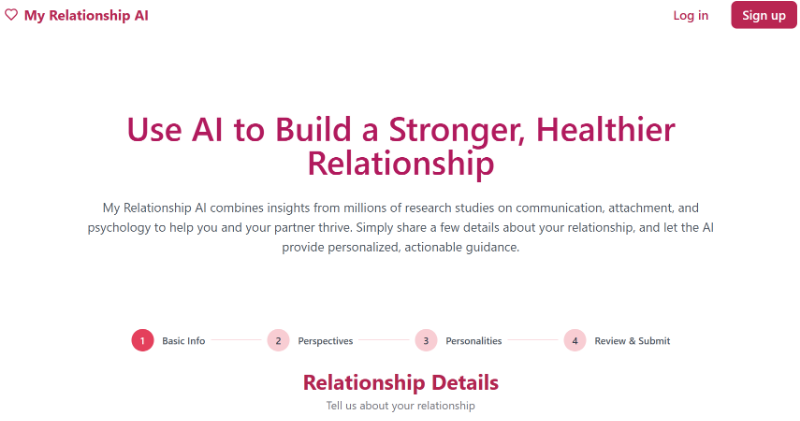
My Relationship AI is a digital relationship assistant designed to help users better understand their romantic dynamics, communication patterns, and emotional challenges. Drawing on insights aggregated from large volumes of relationship data, it offers tailored advice for everyday situations, conflicts, and long-term compatibility questions. Users can describe their circumstances, ask specific questions, or seek perspective on conversations and behaviors. The tool responds with suggestions intended to promote healthier communication, empathy, and self-reflection, making it useful for individuals as well as couples looking for accessible guidance between or instead of traditional counseling sessions.
Criteria breakdown
- Personalized relationship guidance
- Conflict resolution suggestions
- Communication improvement tips
- Insights drawn from large relationship datasets
- Anonymous and confidential conversations
- Support for individuals and couples

Soulmaite Io
AI companion app offering personalized virtual girlfriend chats through Telegram and web.
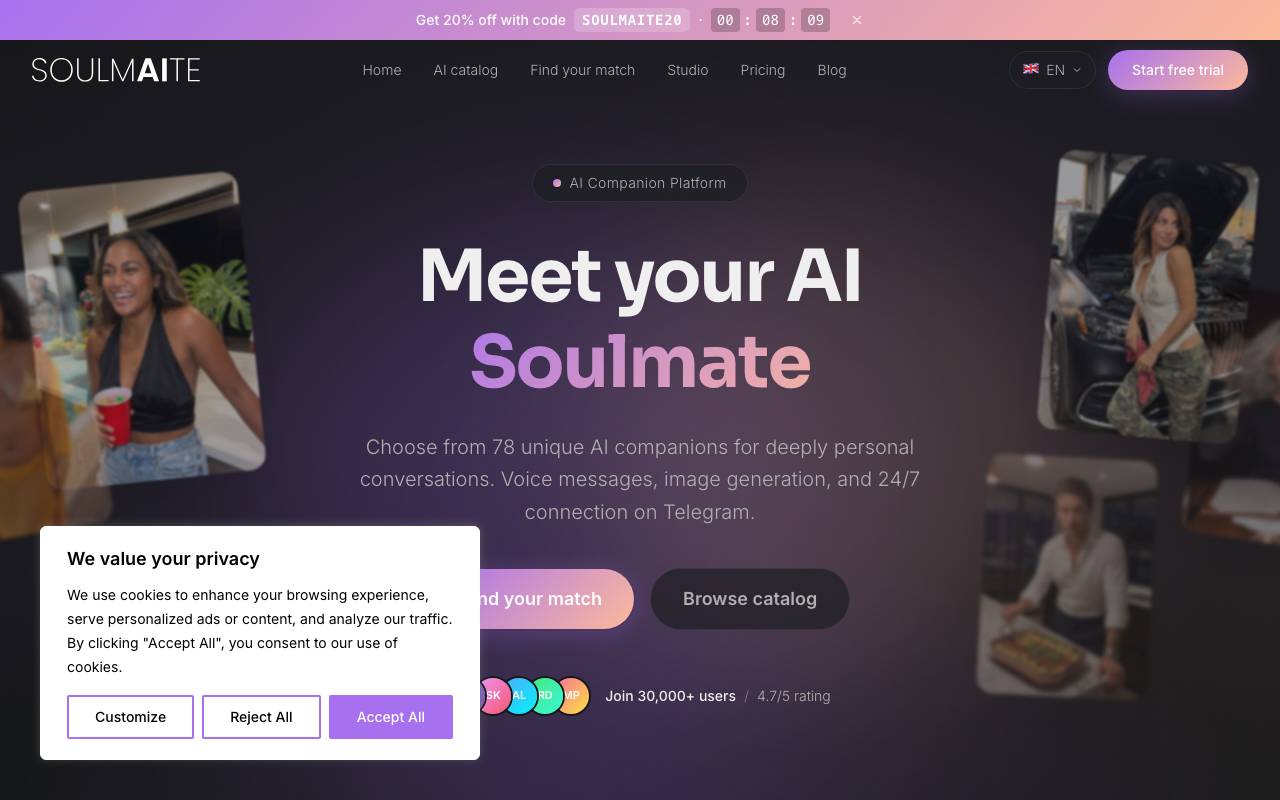
Soulmaite Io offers a virtual AI girlfriend chat experience through Telegram and web. Users can choose from 78 unique AI companions, each with their own personality, and engage in deeply personal conversations. The platform provides features such as voice messages that sound lifelike, AI-generated photos, and 24/7 availability. Conversations feel natural and personal due to the AI's ability to remember context and adapt to the user's style. The platform is designed to provide companionship, romance, emotional support, and entertainment. Users can browse the catalog, take a 30-second personality quiz to find their ideal AI companion, and start their free trial with no credit card required. Conversations happen in real-time through Telegram, with end-to-end encryption for security. The user interface is minimalistic, allowing for a seamless experience. The platform works across various devices, and there is no need to download or install additional apps.
Criteria breakdown
- AI-powered virtual girlfriend chat
- Telegram bot access
- Character personality customization
- Image and avatar generation
- Persistent conversation memory
- Web and mobile-friendly interface

Action Figure
Turn your photos into custom collectible-style action figure images using AI.
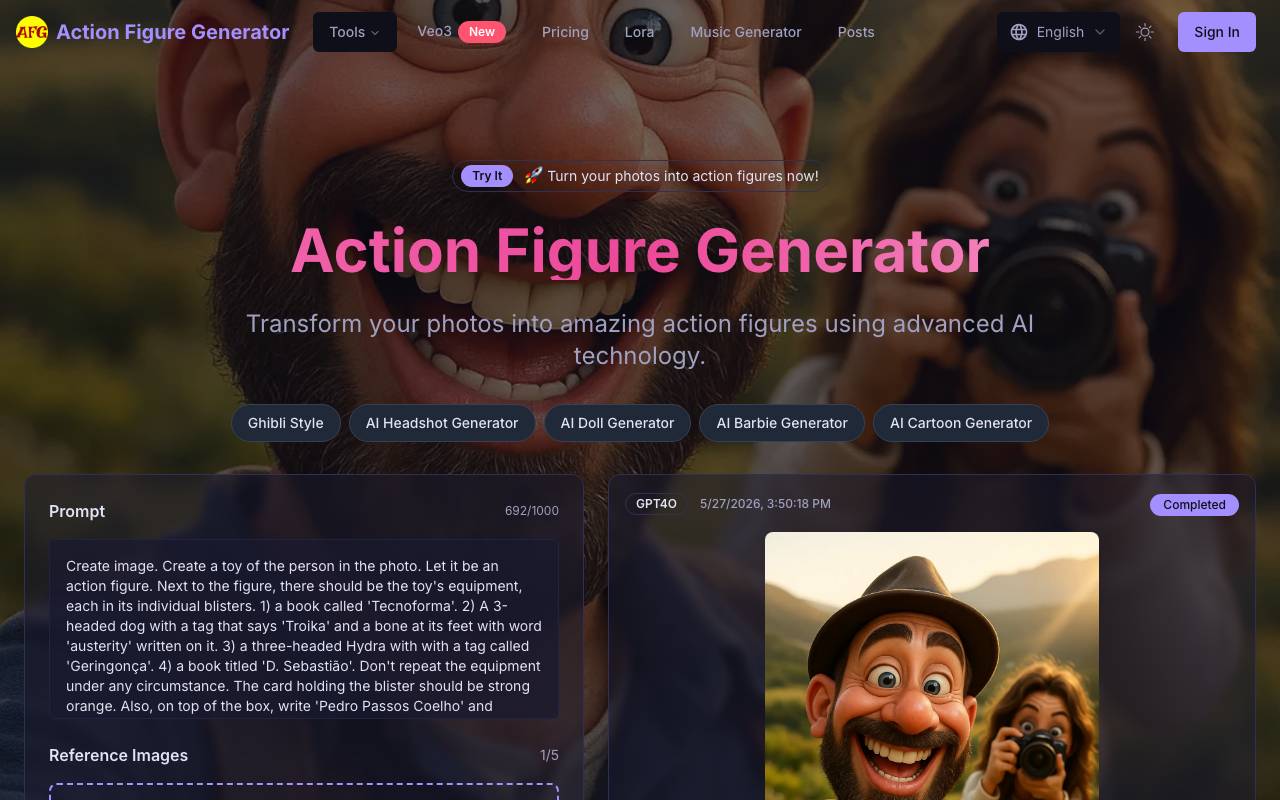
Action Figure Generator is an AI-powered tool that transforms ordinary photos into stylized action figure images with authentic toy details. It's designed for users who want to create custom collectible-style action figures from their photos. The tool works by analyzing facial features and body proportions to create hyper-realistic action figures with a toy-like finish. Users can upload a clear, front-facing photo, select from various action figure styles, and customize details such as backgrounds, packaging designs, poses, and accessories. The AI processing preserves recognizable features while adding authentic toy-like qualities and details. The final output is a high-resolution image that can be downloaded and shared on social media, used as a profile picture, or printed for physical display. The tool offers advanced capabilities, including state-of-the-art facial recognition AI and multiple action figure styles, such as superhero, sci-fi warrior, and fantasy character designs.
Criteria breakdown
- AI-powered action figure image generation
- Photo upload and transformation
- Toy packaging-style layouts
- Custom accessories and props
- Downloadable high-resolution outputs
- Shareable results for social media

Seedream 4.5 – Free AI Image
Free online AI image generator and editor with text-to-image and editing tools.
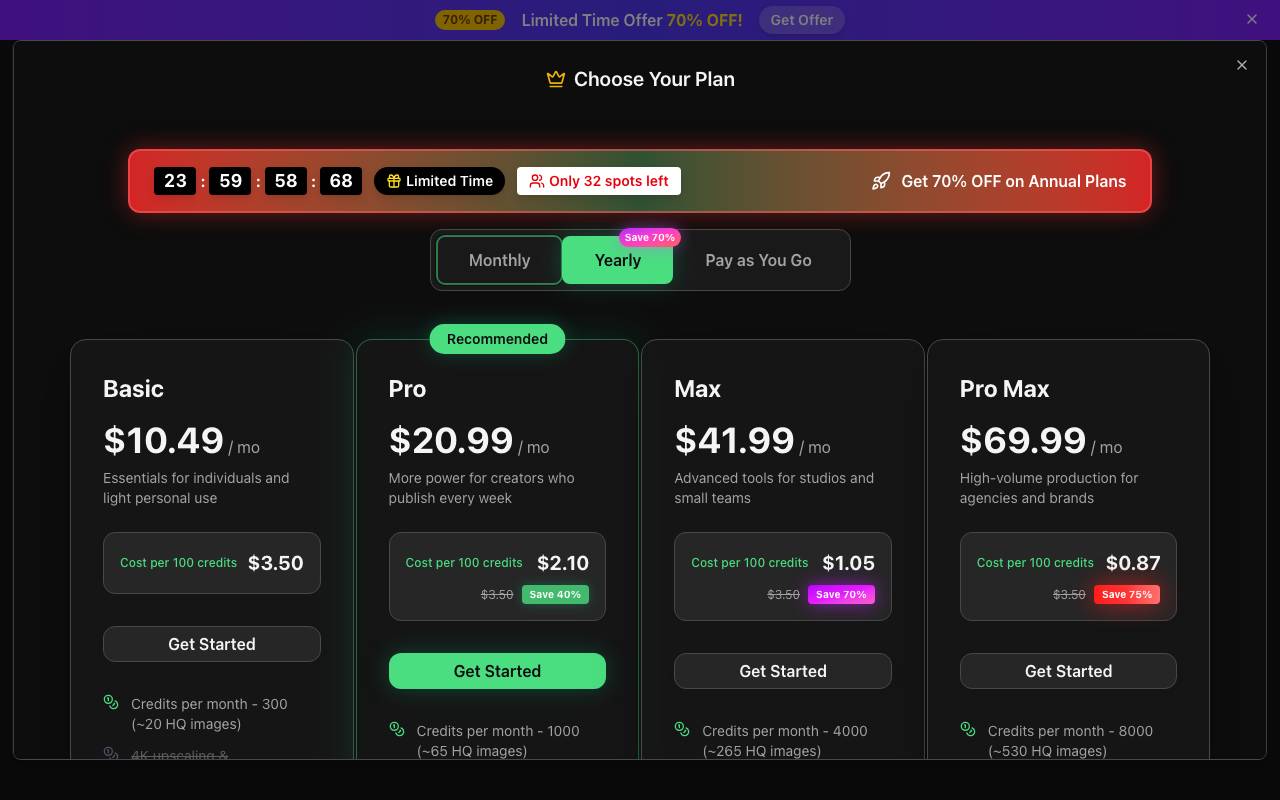
Seedream 4.5 is a free online AI image generator and editor that uses text-to-image and editing tools. It allows users to upload a photo and let Seedream 4.5 fix backgrounds, lighting, faces, and text in seconds. The platform provides advanced AI capabilities, including generating clear, sharp, and legible text, improved real-world knowledge, and multilingual typography. Users can also upscale images to 1K / 2K / 4K and generate multiple variants with one prompt. Seedream 4.5 is suitable for designers, creators, and illustrators who need top-quality visuals without extra tweaking. It is recommended for best quality, supports advanced AI to turn ideas into production-ready images, and comes with 20 free credits. Users can sign up to create about one HD image with no credit card needed. The platform highlights text fidelity, real-world knowledge, multilingual layout, and production-ready image quality. Seedream 4.5 has a user-friendly interface, where users can follow four quick steps to go from selecting the model to downloading their final image. The platform can handle reference images for image-to-image generation and supports various languages, including English, Chinese, Japanese, Korean, Spanish, Arabic, and more. The free plan includes 20 credits (about one HD image), and users can add additional images, which use 15 credits each. The free version of Seedream 4.5 comes with many capabilities, including generating clear text, real-world knowledge, and multilingual typography. It also produces high-resolution, print-ready images from text with sharper details and professional clarity. The seedream 4.5 model has 8 highlights, including: generating clear text, improved real-world knowledge, multilingual typography, and upscaling images to 4K. Seedream 4.5 also produces crisp, readable text for posters, diagrams, product mockups, and more, with AI-driven precision. The model can interpret handwriting, annotate images, or convert information into diagrams and infographics for reasoning-driven visual creation. Seedream 4.5 allows the user to turn scribbles and sketches into polished designs, transform rough ideas into clean visuals, and turn text into high-quality images. It uses 15 credits per image and is recommended for best quality. It supports various languages and also can upscale images to 4K. It uses advanced AI, produces clear text, real-world knowledge, and multilingual typography. Seedream 4.5 is an excellent choice for designers, creators, and illustrators who need quality visuals without extra tweaking.
Criteria breakdown
- Text-to-image generation
- AI-powered image editing
- Online browser-based access
- Prompt-based creative workflow
- Support for multiple image styles
- Quick export of generated visuals