Past battle · 2025-05-15 UTC
AI Video Agents Showdown — May 15, 2025
From the AI Video Agents category. 23 marks placed across 8 fighters. Happy Horse took the crown.
Final standings







The line-up
The fighters
Profiles of every tool that competed in this battle, ranked by their final score.

Happy Horse
AI video generation platform for creating short-form visual content from prompts and images.
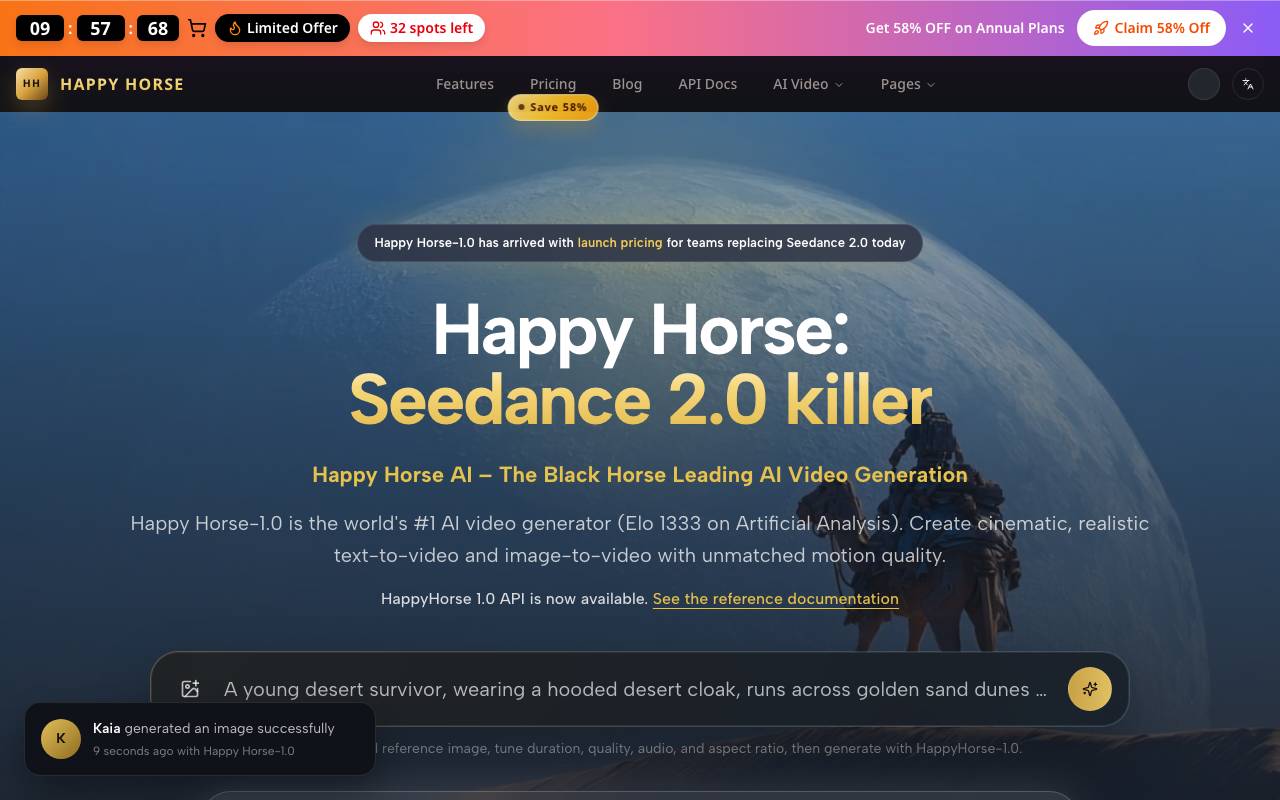
Happy Horse is an AI-powered video generation tool that helps creators turn text prompts and reference images into short video clips. It targets marketers, social media creators, and storytellers who need quick visual content without traditional production workflows. The platform focuses on stylized motion output, offering different visual presets and aspect ratios suited for platforms like TikTok, Instagram Reels, and YouTube Shorts. Users can iterate on generations, adjust parameters, and export finished clips for use in broader video projects. Positioned as a challenger in the growing AI video space, Happy Horse aims to balance ease of use with creative control, making generative video accessible to users who may not have animation or editing experience.
Criteria breakdown
- Text-to-video generation
- Image-to-video animation
- Style and visual presets
- Short-form vertical and horizontal formats
- Prompt-based scene control
- Downloadable MP4 exports

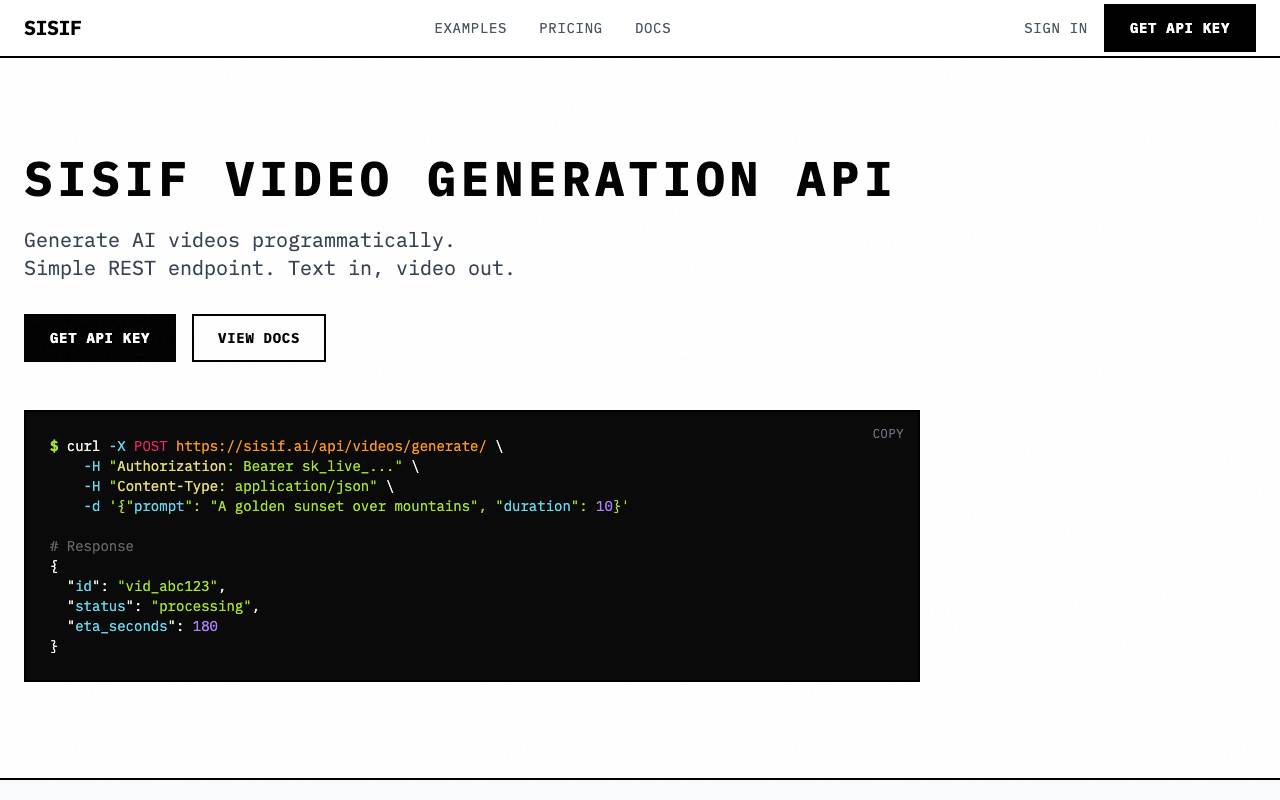
Sisif is an AI video generation tool that turns text prompts into short, ready-to-share videos in seconds. The platform offers a simple REST endpoint for programmatically generating AI videos. To use the platform, one first needs to obtain an API key, which can be created from the dashboard. The API key is then used to make a POST request to the "/api/videos/generate/" endpoint, specifying the prompt, duration, and resolution of the video. The status of the video can be polled using a separate endpoint. Sisif supports two resolutions: 540x960 (high) and 720x1280 (ultra), both optimized for vertical and social formats. Pricing is based on the number of credits required, with 35 credits included in the free tier. The platform offers a free tier with pay-per-video pricing and higher volume rates available upon request. The tool allows for the commercial use of generated videos. Additionally, Sisif offers webhooks for notifications when videos complete or fail. With N8n integration, users can automate video generation at scale and connect Sisif to their existing workflows.
Criteria breakdown
- Text-to-video generation
- Prompt-based scene creation
- Multiple visual styles
- Automated transitions and pacing
- Short-form video output
- Quick export for social platforms

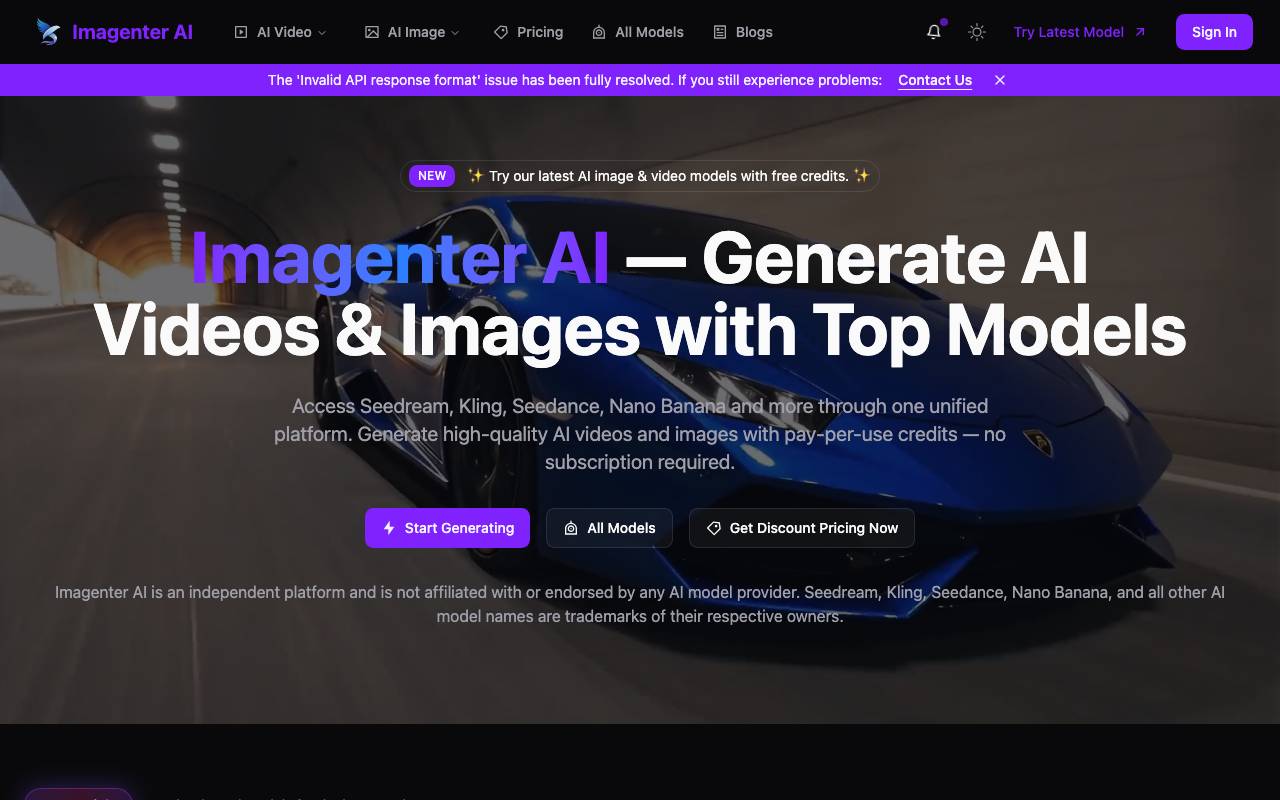
Sora 2 AI Video is a web-based platform that lets users create short videos from text prompts using OpenAI's Sora 2 model. Accessible through sora2.shop, it provides a streamlined interface for turning written ideas into animated scenes without requiring technical setup or local hardware. The tool is aimed at creators, marketers, and hobbyists who want to experiment with generative video for social content, storyboards, concept visualization, or creative projects. Users describe a scene, adjust basic parameters, and receive a generated clip ready to download or share.
Criteria breakdown
- Text-to-video generation
- Sora 2 model integration
- Online access via sora2.shop
- Short cinematic clip output
- Prompt-driven scene creation
- Downloadable video results

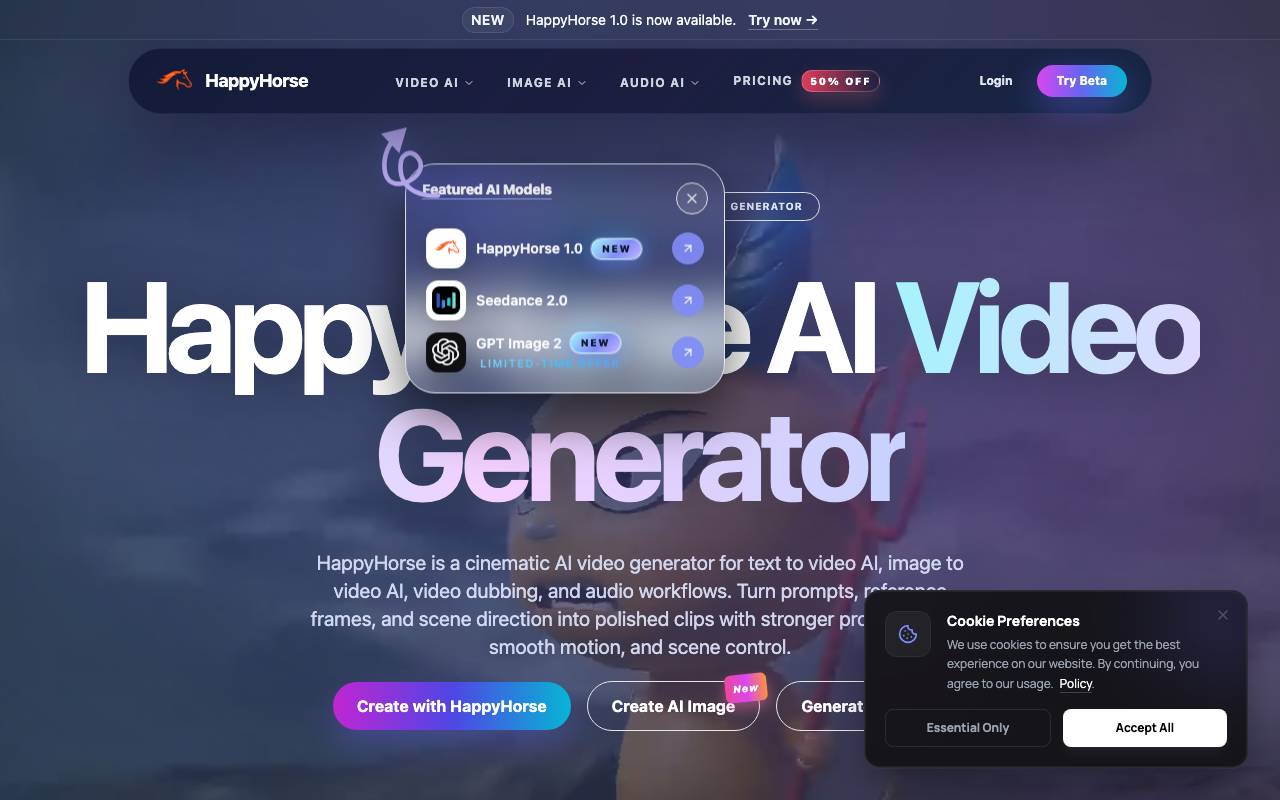
HappyHorse AI Video Generator is a cinematic AI video generator for text-to-video and image-to-video creation. It allows users to turn prompts, reference frames, and scene direction into polished clips with stronger prompt fidelity, smooth motion, and scene control. The tool is designed for creators and offers various AI workflows, including text-to-video, image-to-video, video dubbing, and audio workflows. HappyHorse AI Video Generator is noted for its human-centric control features, which enable users to guide the AI with images, storyboards, and concept frames to improve facial performance, body motion, lip-sync alignment, subject continuity, and shot planning. The tool's unified video and audio thinking approach, described as a single-stream architecture that learns text, video, and audio tokens together, makes it suitable for dialogue scenes, timing-sensitive edits, and creator workflows that require sound-aware generation. The tool offers a starter tier with credits for testing AI video generation, as well as paid tiers with higher usage, faster queues, longer generations, and more production capacity. HappyHorse AI Video Generator can be used for various applications, including launch videos, ad concepts, social clips, explainers, product storytelling, digital-human scenes, multilingual promos, training videos, and mood films. HappyHorse AI is drawing attention for its strong prompt fidelity, multimodal conditioning, realistic human motion, and scalable inference. The tool's capabilities include generating cinematic AI video from prompts or reference frames, with features such as stronger instruction following and more realistic motion.
Criteria breakdown
- Text-to-video generation
- Image-to-video animation
- Cinematic style presets
- Prompt-based scene control
- Short-form clip output
- Browser-based workflow

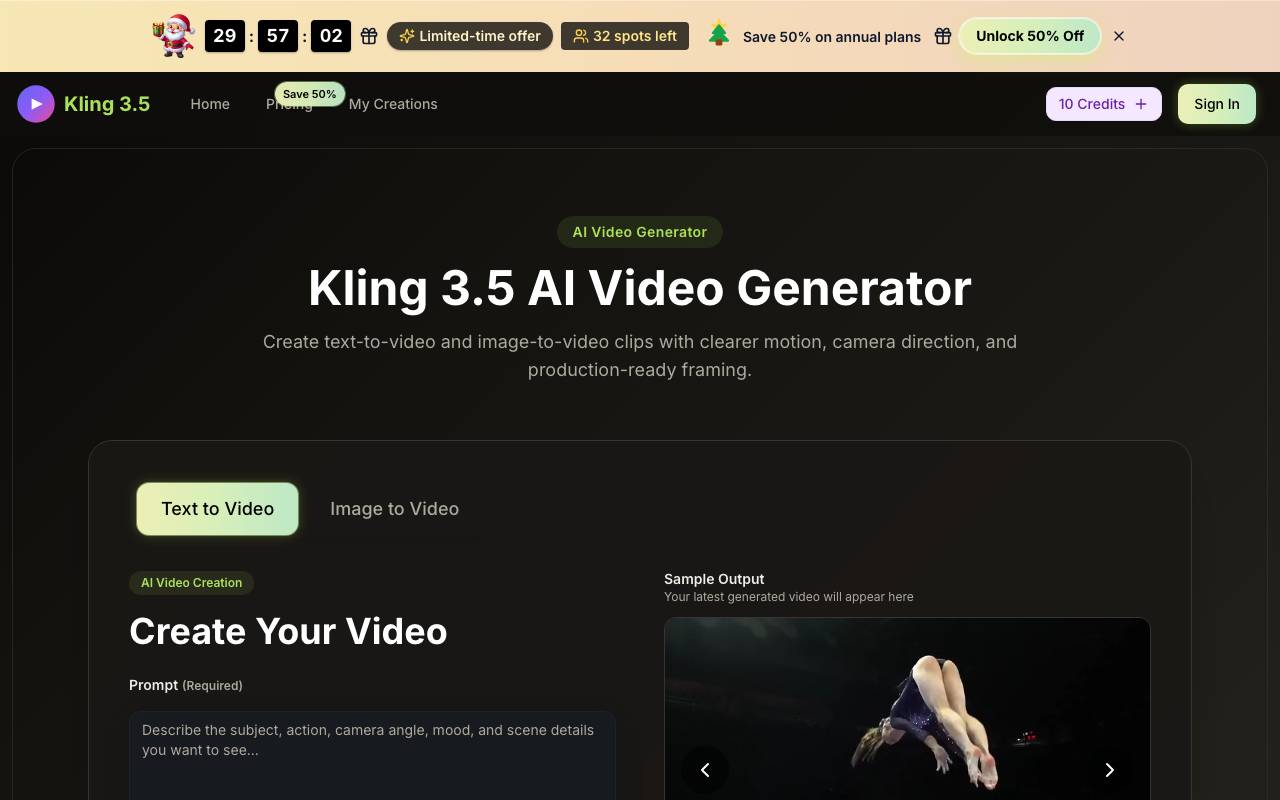
Kling 3.5 is an AI video generation model designed to produce short, high-fidelity video clips from text prompts or reference images. It targets creators who want quick visual concepts, social content, or animated stills without a full production pipeline. The model focuses on improved motion coherence, prompt adherence, and image-to-video conversion compared to earlier Kling releases. Outputs typically range from a few seconds to longer clips, with controls for camera movement, style, and aspect ratio. It is suited to marketers, designers, filmmakers exploring previsualization, and hobbyists experimenting with generative video.
Criteria breakdown
- Text-to-video generation
- Image-to-video animation
- Camera movement controls
- Multiple aspect ratios and styles
- Prompt-based scene direction
- Short-form cinematic output

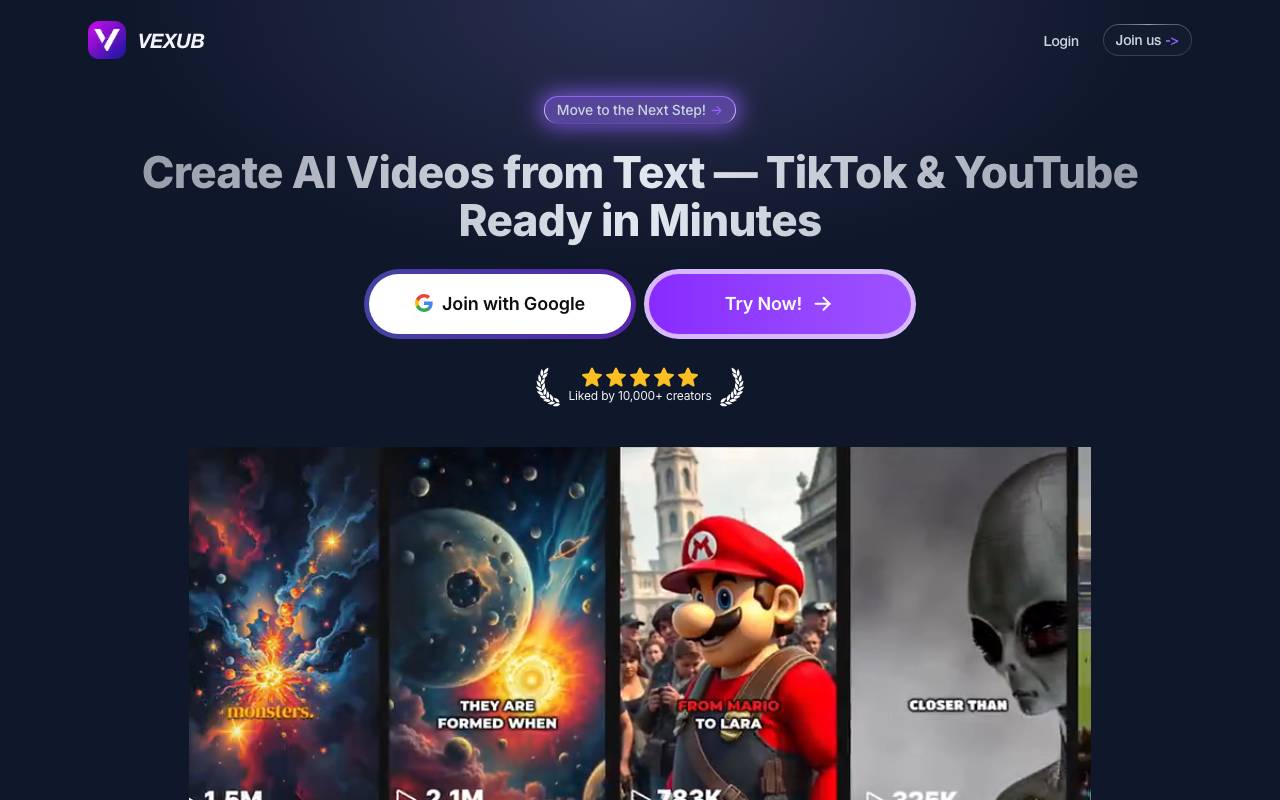
Vexub is an AI video generator that transforms your text into viral-ready videos in minutes. It automatically adds AI voices, stunning visuals, and dynamic subtitles perfect for TikTok, YouTube Shorts, and Instagram Reels. The process is straightforward: simply paste your script, choose a voice and style, and Vexub handles the rest - AI images, voiceover, subtitles, and editing. Most videos are generated in 5-10 minutes, making it a quick and efficient tool for creators. Vexub supports various video formats, including faceless videos, educational content, storytelling videos, product explainers, motivational clips, and more. TikTok (9:16), YouTube (16:9), and square formats are all supported. Once generated, you own the commercial rights to the videos, allowing you to use them freely on any platform. Additionally, you can upload your own audio (MP3) or video (MP4) and Vexub will generate visuals and subtitles to match. It's free to try, with an option to upgrade and unlock more credits and premium features.
Criteria breakdown
- Text-to-video generation
- Auto captions and subtitles
- AI voiceovers
- Templates for viral formats
- Vertical video export for TikTok, Reels, Shorts
- Script and prompt-based workflow


AI Note Taker is a productivity tool that captures spoken conversations from meetings, calls, or voice memos and turns them into organized written notes. It transcribes audio in real time and uses AI to generate summaries, highlight key points, and surface action items so users don't have to type everything by hand. It is typically used by professionals, students, and teams who want to stay focused during discussions instead of splitting attention between listening and note taking. Notes can usually be searched, shared, and exported to other workspace tools, making meeting outcomes easier to review and act on later.
Criteria breakdown
- Real-time audio transcription
- AI-generated meeting summaries
- Action item and key point extraction
- Searchable note library
- Sharing and export options
- Multi-platform meeting support

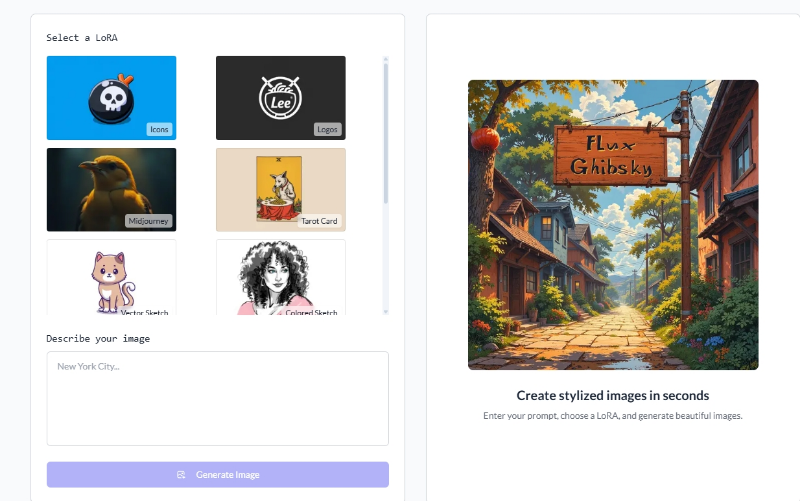
LoraAI
LoRA-focused AI image generator for training custom styles and running Flux-based models.
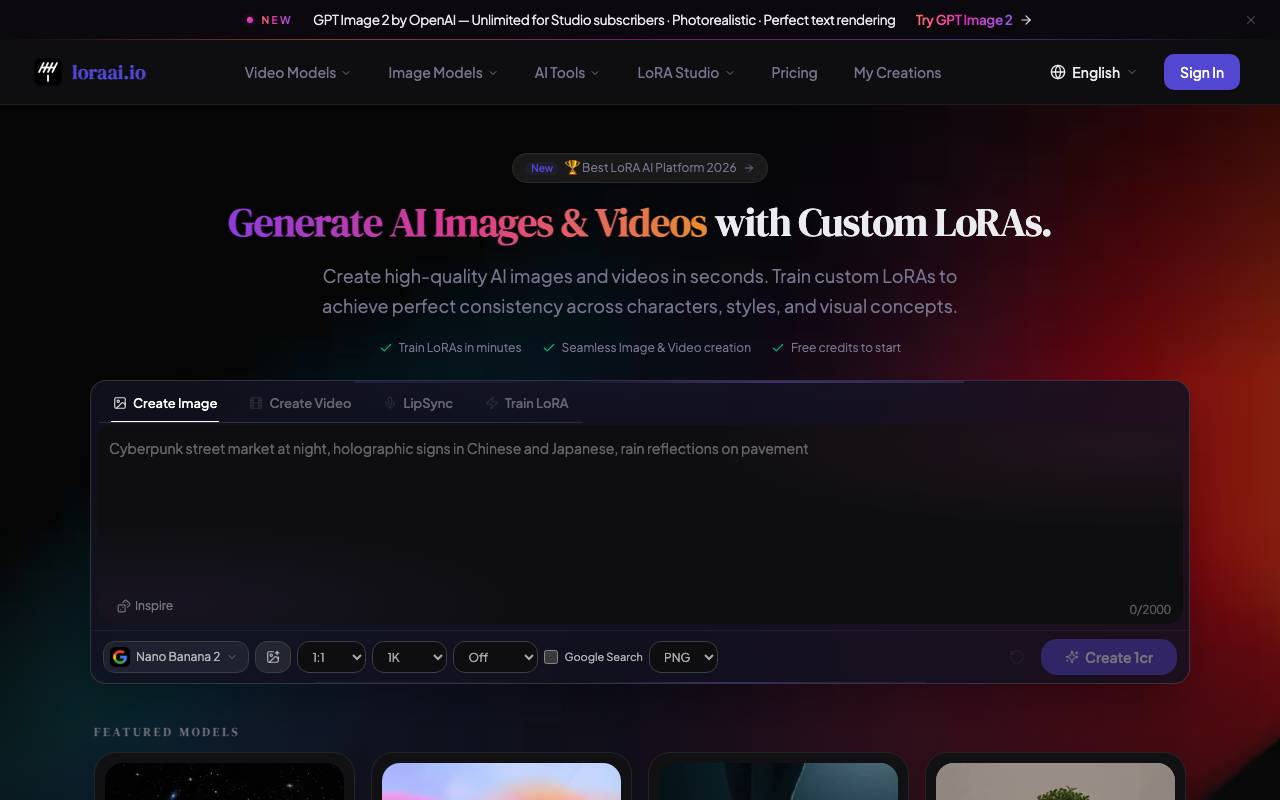
LoraAI is an image generation platform built around LoRA (Low-Rank Adaptation) models, letting users train, share, and run custom style or character adapters on top of base diffusion models. It emphasizes compatibility with Flux and other modern checkpoints, giving creators a way to produce consistent looks without fine-tuning entire models. The service combines a generation interface with tools for uploading datasets, managing trained LoRAs, and combining multiple adapters in a single prompt. It targets digital artists, designers, and hobbyists who want more control over visual style than typical text-to-image apps offer. Users can browse community-shared LoRAs, mix them at adjustable strengths, and iterate on prompts with standard generation controls such as seeds, samplers, and resolution settings.
Criteria breakdown
- Custom LoRA training from user datasets
- Flux LoRA model compatibility
- Multi-LoRA blending with weight controls
- Prompt and generation parameter tuning
- Shared library of community LoRAs
- Style and character consistency tools