Past battle · 2026-02-05 UTC
Programming Agents Showdown — February 5, 2026
From the Programming Agents category. 21 marks placed across 5 fighters. Fine AI took the crown.
Final standings



The line-up
The fighters
Profiles of every tool that competed in this battle, ranked by their final score.

Fine AI
An AI-powered coding platform designed to help startup teams build, test, and deploy software more efficiently.
Fine AI is an AI-powered coding platform built to help startup teams streamline their software development process. By leveraging AI, teams can automate repetitive tasks, build and test software more efficiently, and speed up the deployment of applications. This platform aims to enhance collaboration among developers, designers, and product managers, ultimately reducing the time-to-market for new features and products. Fine AI likely offers a range of features, including automated testing, code generation, and project management tools. The platform may also provide integration with popular development tools to ensure a seamless workflow. However, its specific limitations and trade-offs are not yet clear.
Criteria breakdown
- Automated testing and code review
- AI-driven code generation and completion
- Integrated project management and workflow tools

Ralph
Autonomous AI coding loop that repeatedly runs Amp or Claude Code until all PRD items are completed, using git history as memory.
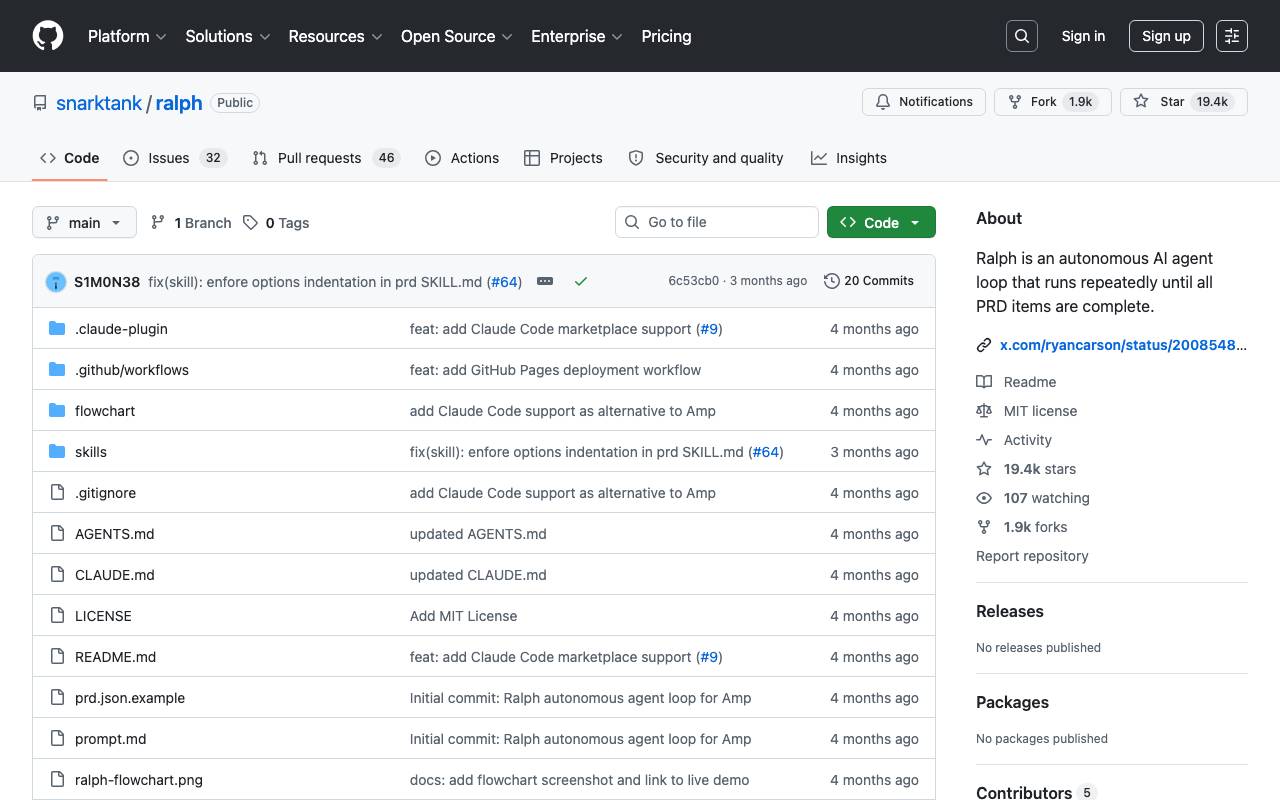
Ralph is an autonomous AI agent loop that runs AI coding tools (Amp or Claude Code) repeatedly until all PRD items are complete. Each iteration is a fresh instance with clean context. Memory persists via git history, progress.txt, and prd.json. Based on Geoffrey Huntley's Ralph pattern. The tool uses a workflow where you create a PRD, convert it to Ralph format, and then run Ralph to implement the stories. Ralph can be integrated with Amp or Claude Code, and the tool provides features such as automatic handoff and quality checks. To use Ralph, you need to install one of the AI coding tools (Amp or Claude Code) and a git repository for your project. You can set up Ralph by copying the files to your project, installing skills globally, or adding it as a Claude Code Marketplace. Key Files: ralph.sh: The bash loop that spawns fresh AI instances (supports --tool amp or --tool claude) prompt.md: Prompt template for Amp
Criteria breakdown
- Create PRD using AI coding tools
- Convert PRD to Ralph format
- Run Ralph to implement stories
- Automatic handoff and quality checks
- Supports Amp and Claude Code tools
- Flexible setup and integration options

Codex CLI
Open-source terminal AI assistant that reads, writes, and runs code locally with multimodal input.
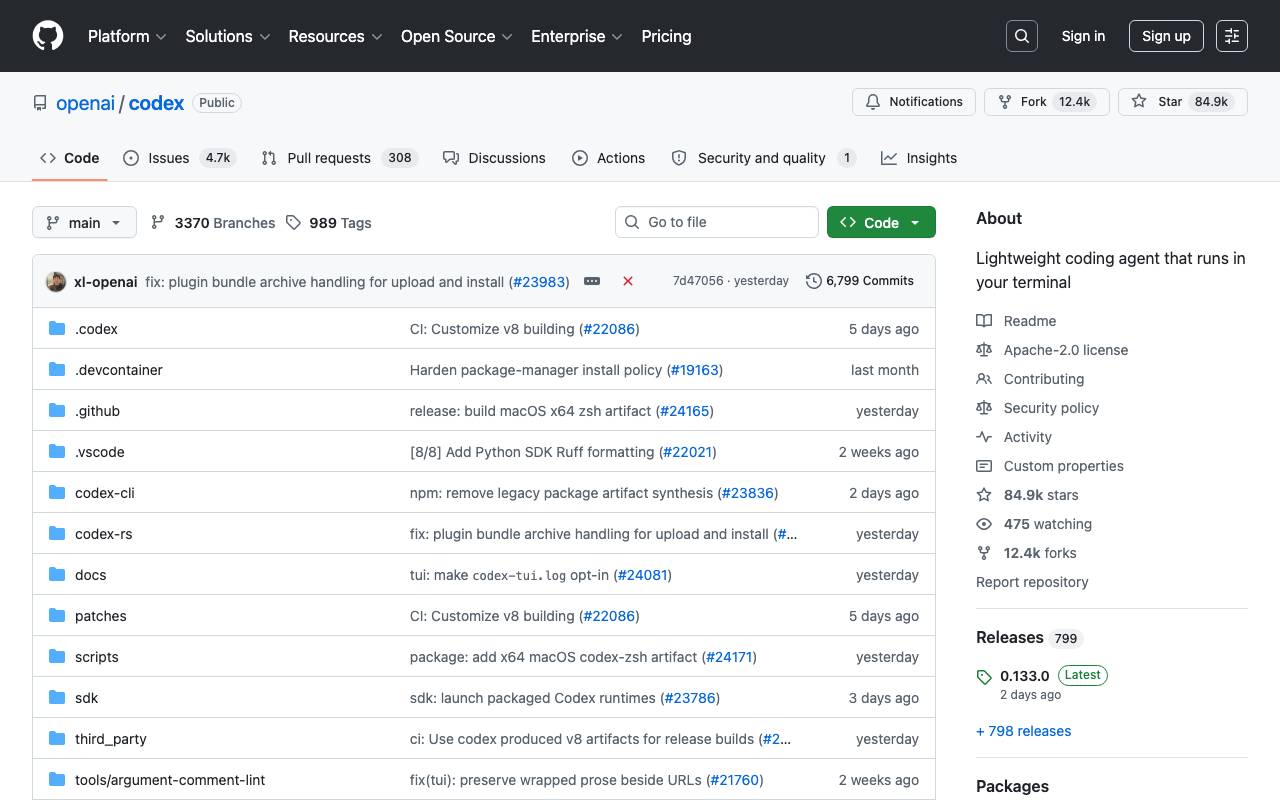
Codex CLI is a command-line coding assistant that brings AI pair programming directly into your terminal. It can analyze existing codebases, generate new code, execute commands, and iterate on changes—all while keeping your files and execution environment local. Designed for developers who prefer keyboard-driven workflows, it supports multimodal inputs such as screenshots or diagrams alongside natural language prompts. Because it's open source, teams can inspect, extend, and self-host the tool to fit their security and tooling requirements.
Criteria breakdown
- Terminal-native chat and code generation
- Reads and edits files in your project
- Executes shell commands and scripts
- Multimodal input (text and images)
- Open-source, self-hostable codebase
- Works across multiple programming languages

Cognition Devin AI
Autonomous AI software engineer that plans, codes, and ships tasks end-to-end.
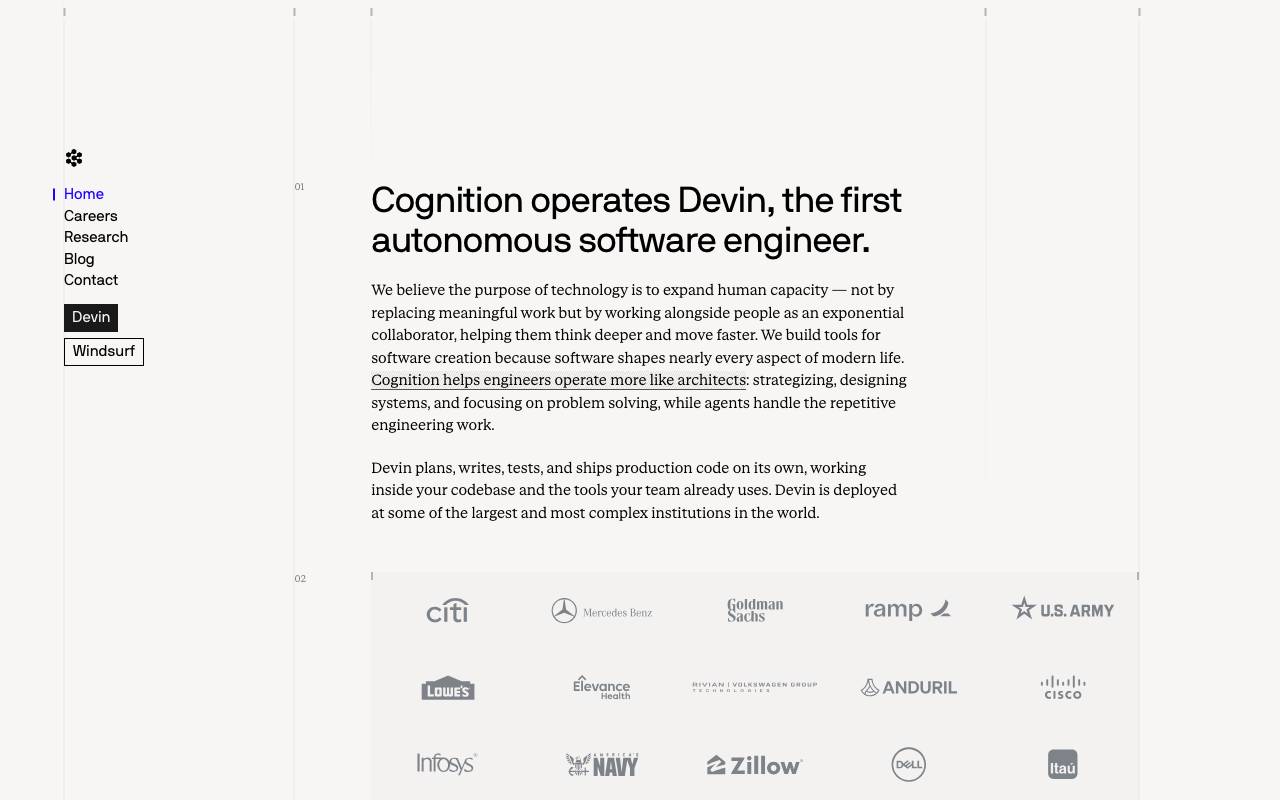
Cognition Devin AI is an autonomous coding agent designed to handle software engineering tasks with minimal human oversight. It can read requirements, plan multi-step solutions, write and edit code across files, run commands in a sandboxed environment, and iterate based on test results or errors. Devin is aimed at teams that want to offload routine engineering work such as bug fixes, refactors, migrations, and small feature implementations. It integrates with common developer workflows, including source control and issue trackers, and produces pull requests that humans can review before merging. While not a replacement for senior engineers, Devin functions as a collaborative teammate that can take on well-scoped tickets in parallel, freeing developers to focus on architecture and higher-level decisions.
Criteria breakdown
- Autonomous task planning and execution
- Sandboxed shell, editor, and browser tools
- Pull request generation and code review responses
- Integration with GitHub, Slack, and issue trackers
- Long-running multi-step task sessions
- Team collaboration with human-in-the-loop oversight

Gemini CLI
An open‑source command‑line AI agent bringing Gemini 2.5 Pro into your terminal for coding, research, content and task automation.
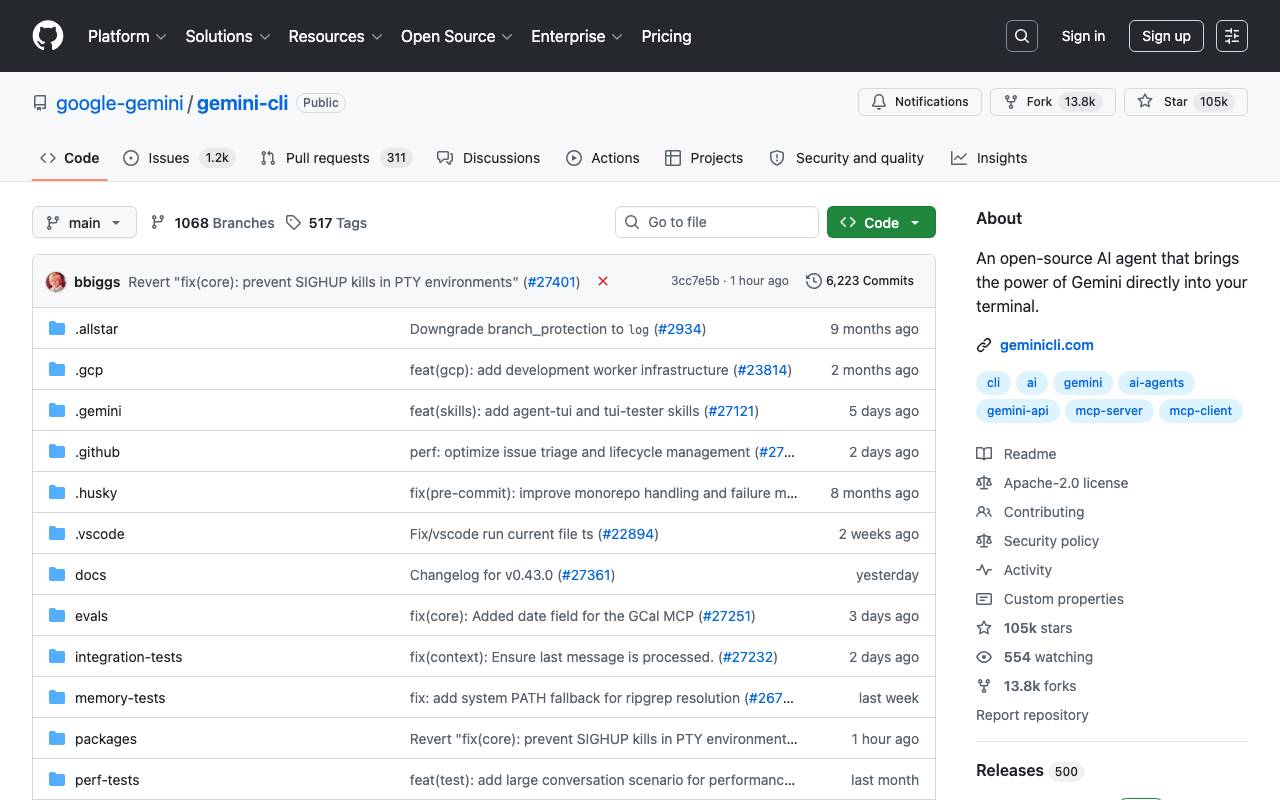
Gemini CLI is an open-source command-line AI agent that brings the power of Gemini directly into your terminal. It provides lightweight access to Gemini, giving users the most direct path from their prompt to the model. The tool is designed for developers who live in the command line, offering a free tier with 60 requests per minute and 1,000 requests per day with a personal Google account. It also features powerful Gemini 3 models with improved reasoning and a 1M token context window. Gemini CLI comes with built-in tools such as Google Search grounding, file operations, shell commands, and web fetching. Additionally, it supports custom integrations through Model Context Protocol (MCP). The tool is licensed under Apache 2.0 and has a terminal-first design. In terms of installation, Gemini CLI can be run instantly with npx or installed globally using npm, Homebrew, or MacPorts. It also supports installation with Anaconda for restricted environments. The tool has multiple release channels, including preview, stable, and nightly, allowing users to choose the level of stability they prefer. The key features of Gemini CLI include code understanding and generation, automation and integration, and extensibility. It can be used to query and edit large codebases, generate new apps from PDFs or images, and automate operational tasks. Overall, Gemini CLI is a powerful tool for developers who want to leverage the capabilities of Gemini in their terminal.
Criteria breakdown
- Coding assistance
- Research capabilities
- Content creation automation
- Task automation
- Command-line interface
- Open-source