Past battle · 2025-01-24 UTC
Programming Assistants Showdown — January 24, 2025
From the Programming Assistants category. 26 marks placed across 7 fighters. GPT Engineer took the crown.
Final standings




The line-up
The fighters
Profiles of every tool that competed in this battle, ranked by their final score.

GPT Engineer
An open-source AI tool that generates codebases from user-provided project descriptions through interactive dialogues.
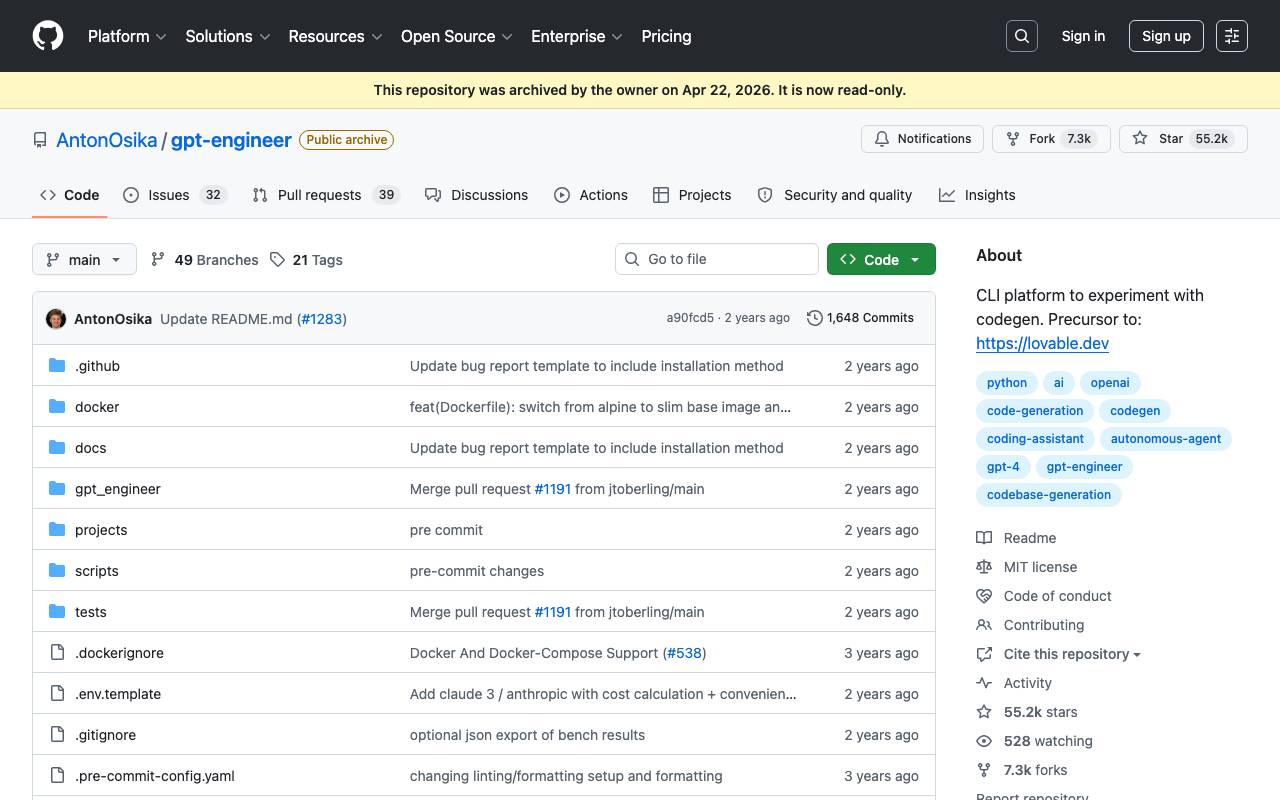
GPT Engineer is an open-source AI tool that generates codebases from user-provided project descriptions through interactive dialogues. It allows users to specify software requirements in natural language and have an AI write and execute the code. The tool also supports implementing improvements to existing codebases. GPT Engineer is aimed at developers and programmers looking to streamline their workflow and increase productivity. The tool is available for installation via pip and can be run using a command-line interface. It currently supports Python 3.10-3.12 and requires an OpenAI API key for functionality. The project is no longer actively maintained, having been archived by its owner on April 22, 2026.
Criteria breakdown
- Code generation from natural language
- Interactive dialogue interface
- Improvement of existing codebases
- Support for OpenAI API key
- Command-line interface
- Benchmarking of custom agents

Desktop Commander MCP
MCP server giving AI agents safe terminal, process, and file editing access on your desktop.
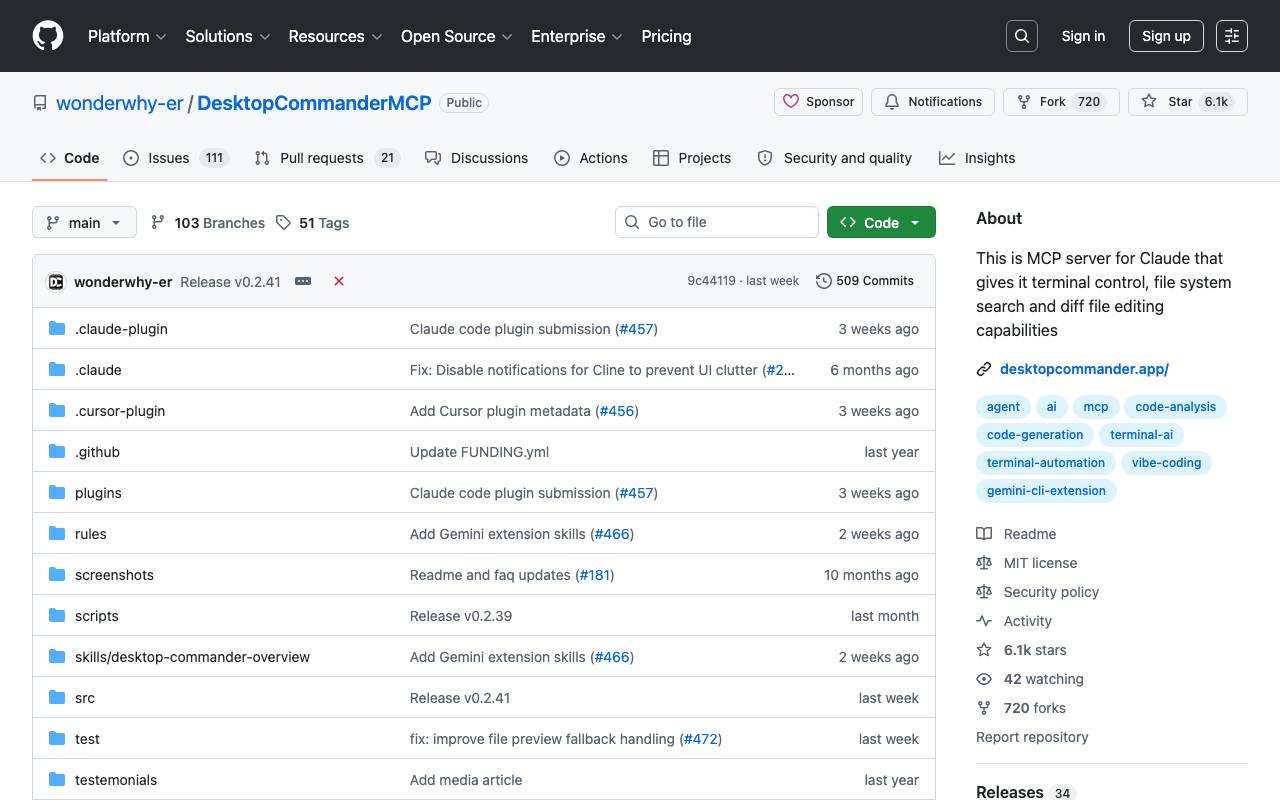
Desktop Commander MCP is a Model Context Protocol server that connects AI assistants to your local machine, letting them run terminal commands, manage running processes, and perform targeted file edits without leaving the chat. It uses diff-based edits to make surgical changes rather than rewriting whole files, reducing token use and the risk of unintended modifications. Beyond basic shell access, it can search across codebases and documents, read and write Excel spreadsheets and PDFs, and keep an audit log of every action the AI takes. This makes it suitable for developers automating local workflows as well as analysts who want an AI to operate on real files and data on disk. Because it runs locally and integrates with MCP-compatible clients like Claude Desktop, it keeps sensitive work on your own machine while still giving the assistant practical tools to get things done.
Criteria breakdown
- Terminal command execution
- Process management and monitoring
- Diff-based file editing
- Codebase and document search
- Excel and PDF read/write support
- Audit logging of AI actions


Onlook is a platform that enables designers to visually edit React websites with AI and sync changes back to code in real-time. It allows teams to design together directly in their real codebase. The platform appears to be optimized for larger screens. Onlook seems to facilitate a collaborative design process, allowing users to make changes and updates in a shared environment. The tool also includes features such as design mockup containers, top navigation bars, and various design elements. While specific details about how it works are limited, it seems to aim at streamlining the design-to-code process for React websites.
Criteria breakdown
- Visual editing of live React components
- Two-way code and design synchronization
- AI-powered component and style generation
- In-browser preview of edits
- Direct write-back to source files
- Designer-developer collaboration workflow

Kilo Code
Open-source AI coding assistant for VS Code and JetBrains that plans, writes, and debugs code with multi-model support.
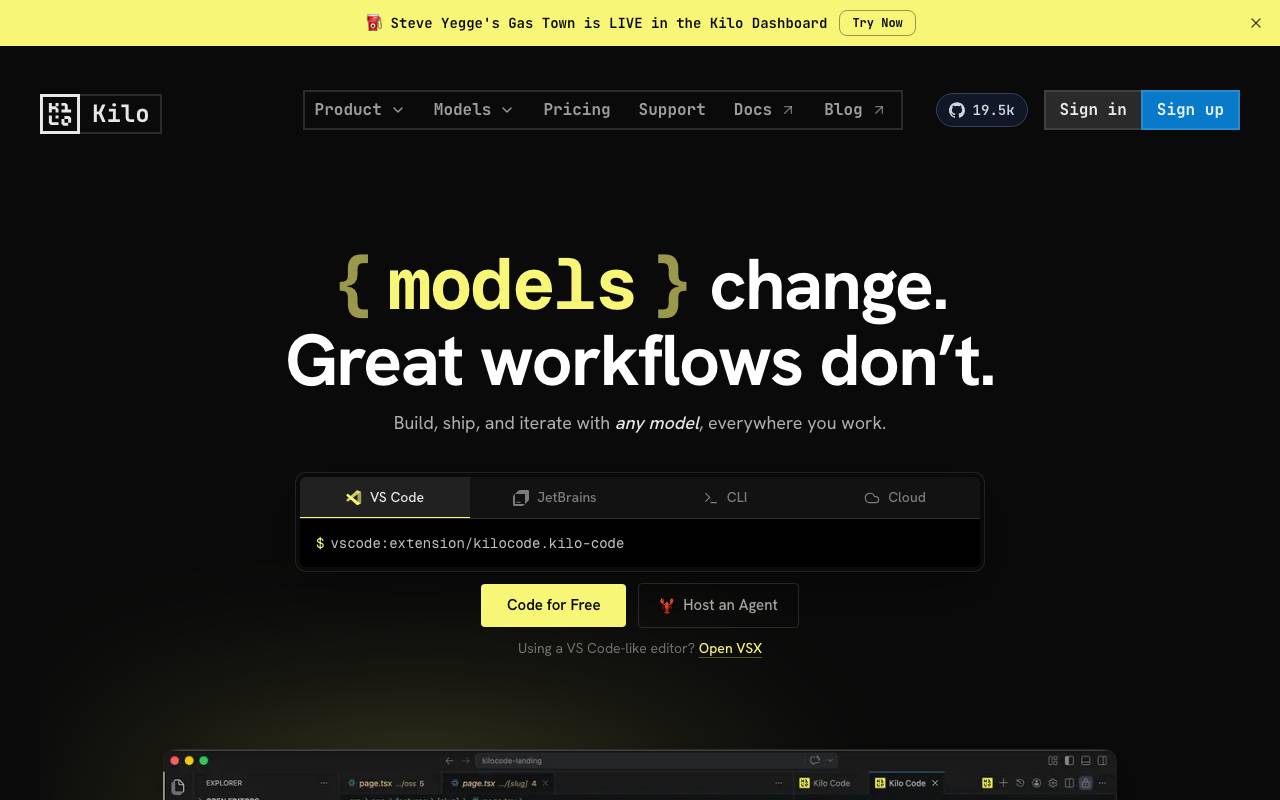
Kilo Code is an open-source AI coding assistant designed to work with various integrated development environments (IDEs) such as VS Code and JetBrains. It is built to plan, write, and debug code, offering support for multiple models. This tool aims to provide developers with a flexible and cost-effective solution for AI-assisted coding, allowing them to choose from over 500 models without markup, including the option to use their own model keys. Kilo Code operates under an open-source license, ensuring transparency and the ability for developers to inspect, modify, and self-host the software if needed. One of the key features of Kilo Code is its ability to work across different platforms and environments, including local machines, cloud services, and even within Slack for team collaboration. It supports various modes of operation, such as Code Mode for writing and refactoring code, Architect Mode for planning complex features, and Debug Mode for identifying and fixing bugs. Additionally, Kilo Code introduces Auto Model, a feature that automatically selects the most appropriate model based on the task at hand and the user's budget, eliminating the need for manual model selection. Kilo Code is designed with the philosophy that AI coding tools should work for the developer, not against them. It emphasizes flexibility, transparency, and cost-effectiveness, making it an attractive option for individual developers and teams looking for an open-source solution that can integrate well with their existing workflows. The tool's open-source nature also means that it can be audited, modified, and extended by the community, potentially leading to a richer set of features and models over time. The flexibility of Kilo Code extends to its pricing model, which is designed to be aligned with the costs of the models used, without any additional markup. This approach, combined with the support for local models and the ability to bring your own keys, aims to provide a cost-effective solution for developers. Furthermore, the tool's support for parallel isolated worktrees and IDE and CLI sessions enhances its usability in different development environments. In terms of comparisons with other AI coding assistants, Kilo Code's open-source approach and transparent pricing model set it apart. While other tools may offer similar functionality, Kilo Code's commitment to openness and community involvement could make it a more appealing choice for developers who value these aspects. However, the effectiveness of Kilo Code ultimately depends on the quality of its models and the user experience, areas where continuous development and community feedback are crucial. Overall, Kilo Code presents itself as a versatile and developer-friendly AI coding assistant, designed to adapt to various workflows and preferences. Its open-source nature, flexible pricing, and commitment to transparency are key selling points for developers looking for a customizable and cost-effective AI coding solution.
Criteria breakdown
- Multi-model support
- Agent command center
- Aligned pricing
- Bring your own keys
- Auto Model for optimized model routing
- Local and cloud agents

Claude Code Telegram Bot
Open-source Telegram bot that gives remote, chat-based access to Claude Code with per-project session persistence and safe directory sandboxing.
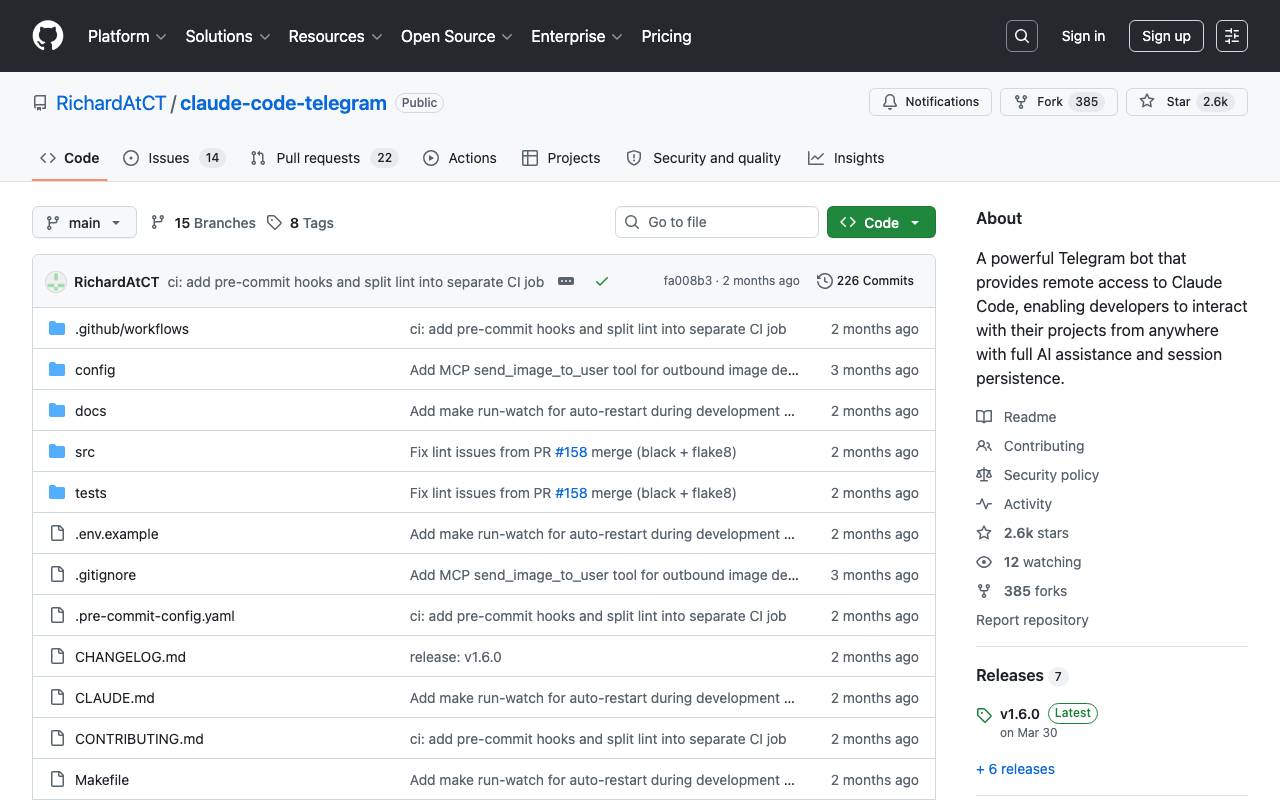
The Claude Code Telegram Bot is an open-source bot that provides remote, chat-based access to Claude Code with per-project session persistence and safe directory sandboxing. It allows users to interact with Claude naturally, asking it to analyze, edit, or explain code without needing to write terminal commands. The bot maintains context across conversations, enabling users to work on their codebases from anywhere with Telegram, receiving proactive notifications and staying secure with built-in authentication, directory sandboxing, and audit logging.
Criteria breakdown
- Agentic Mode for conversational interaction
- Automatic session persistence per project
- Directory sandboxing for safe code analysis
- Proactive notifications from webhooks and CI/CD events
- Built-in authentication and audit logging
gstack
Open-source workflow layer that adds planning, review, QA, and shipping skills to Claude Code and Codex.
gstack is an open-source workflow system designed to extend AI coding assistants like Claude Code and Codex with structured engineering practices. Instead of treating AI as a freeform chat partner, it introduces explicit skills for planning work, reviewing changes, running QA, and shipping code, helping teams move from prototype prompts to repeatable development loops. By codifying common stages of a software project into reusable skills, gstack aims to make AI-assisted development more predictable and auditable. It fits into existing repositories and developer workflows, letting engineers invoke the right skill at the right step rather than reinventing prompts for each task.
Criteria breakdown
- Structured planning skill
- Code review skill
- QA and testing workflows
- Shipping and release helpers
- Integration with Claude Code and Codex
- Open-source and extensible
OpenCode
Open-source AI coding agent for terminal, desktop, and IDEs—plans changes, edits code, and can run tasks in GitHub via comments.
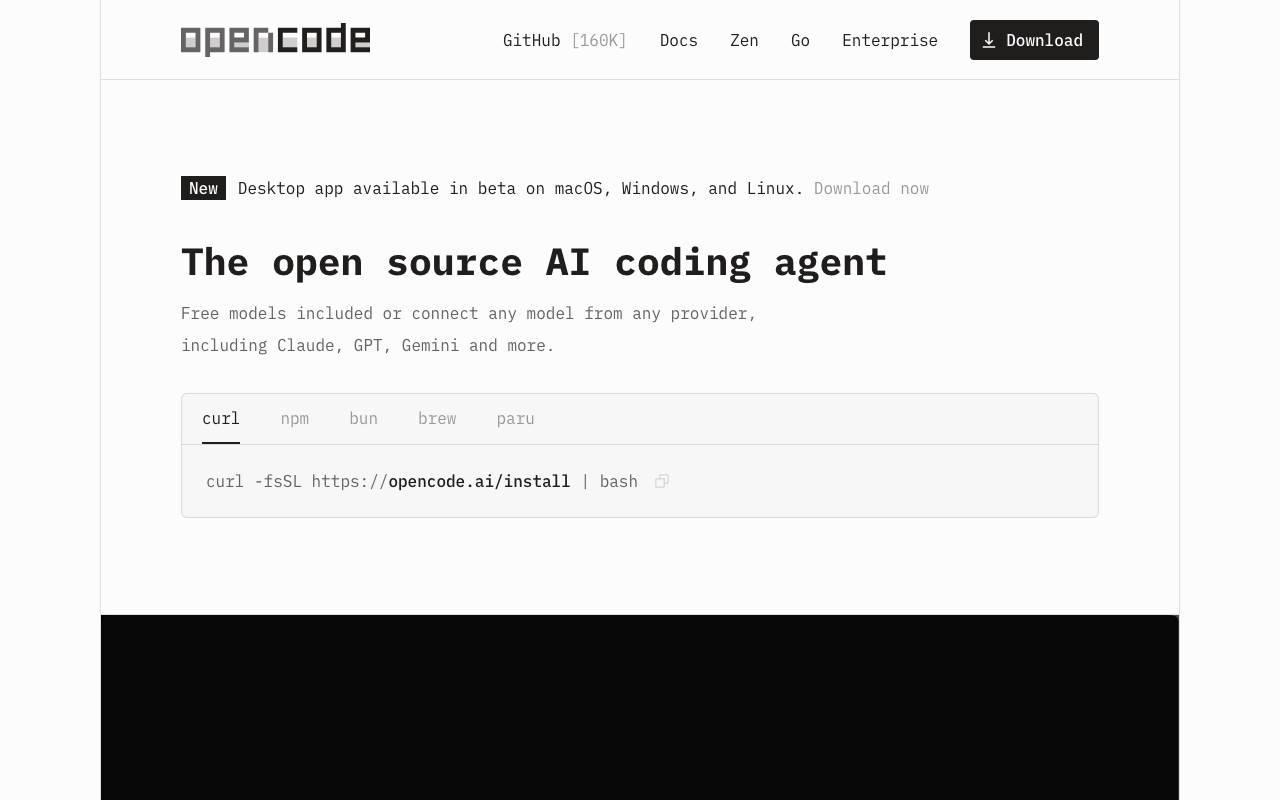
OpenCode is an open-source AI coding agent that assists developers in writing code within their terminal, IDE, or desktop environment. It is designed to work with various models from different providers, including Claude, GPT, and Gemini, allowing users to choose the model that best suits their needs. OpenCode also supports multi-session functionality, enabling developers to start multiple agents in parallel on the same project, and includes features such as automatic loading of the right Language Server Protocols (LSPs) for the chosen model. One of the key benefits of OpenCode is its ability to integrate with popular platforms like GitHub, allowing users to log in with their GitHub account and use their Copilot account. Additionally, it supports connections to ChatGPT Plus or Pro accounts through OpenAI. This versatility, combined with its availability as a terminal interface, desktop app, and IDE extension, makes OpenCode a highly adaptable tool for a wide range of development environments. OpenCode prioritizes privacy, ensuring that it does not store any of the user's code or context data. This makes it suitable for use in environments where data privacy is a significant concern. With a large community of contributors and users, OpenCode has gained trust among over 7.5 million developers who use it every month. The tool also offers access to optimized models through its Zen feature, which provides a handpicked set of AI models tested and benchmarked specifically for coding agents. This eliminates the need for users to worry about inconsistent performance and quality across different providers. In terms of its development and community, OpenCode has a significant presence on GitHub, with over 160,000 stars and 900 contributors, indicative of its popularity and the active community that supports it. OpenCode's features and integrations make it a valuable resource for developers looking to leverage AI in their coding workflow. Its commitment to privacy and its open-source nature further contribute to its appeal. However, the effectiveness of OpenCode can depend on the specific model chosen and the complexity of the coding tasks at hand. OpenCode's model-agnostic approach allows developers to experiment with different models to find the one that best fits their needs. The community-driven aspect of OpenCode, with its large number of contributors and users, ensures that the tool is continuously improved and supported. Overall, OpenCode represents a significant advancement in AI-assisted coding, offering a flexible, privacy-conscious, and community-driven solution for developers.
Criteria breakdown
- Code planning and editing
- Integration with GitHub via comments
- Task automation