Past battle · 2024-06-27 UTC
Image Generation Showdown — June 27, 2024
From the Image Generation category. 14 marks placed across 4 fighters. graffiti generator took the crown.
Final standings

The line-up
The fighters
Profiles of every tool that competed in this battle, ranked by their final score.

graffiti generator
AI-powered tool that turns text prompts into stylized graffiti and street art designs.
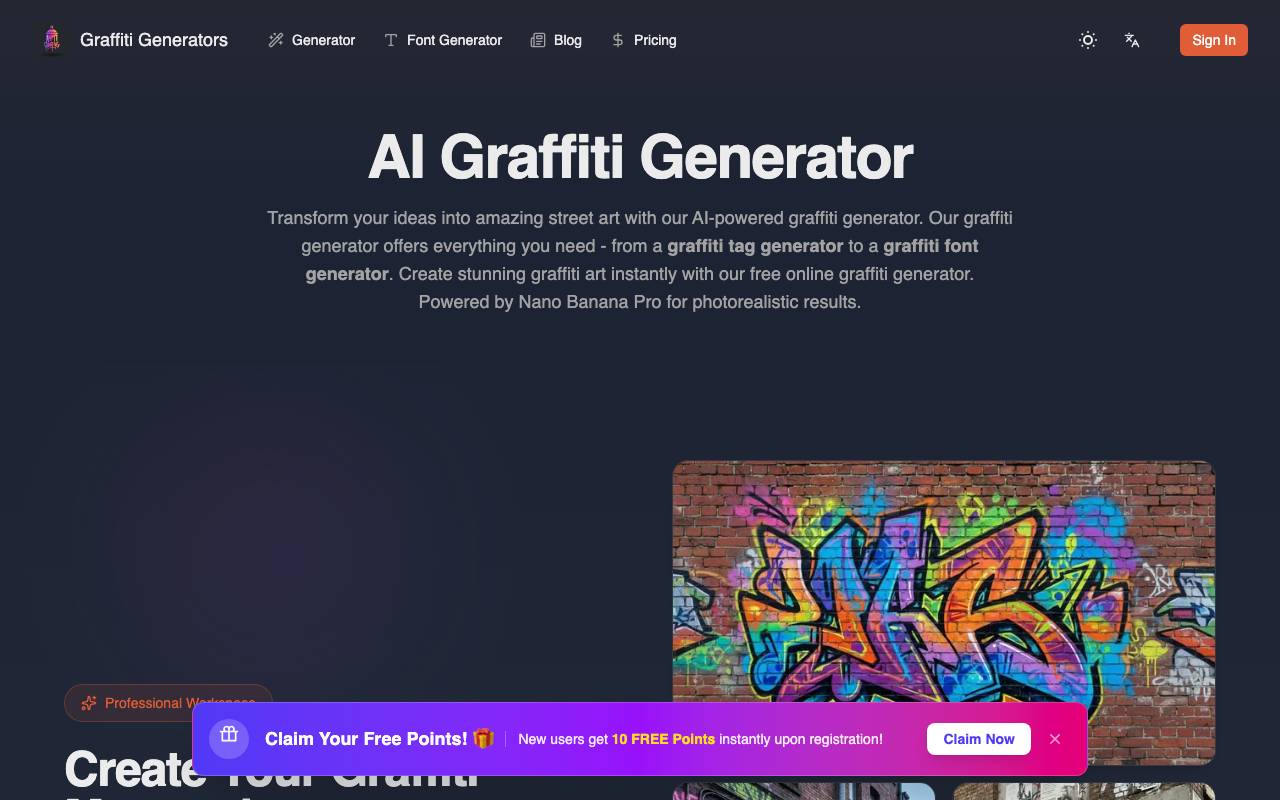
Graffiti Generator is an AI image tool that transforms simple text descriptions into graffiti-style artwork, mimicking the look of spray paint, tags, throw-ups, and wildstyle lettering. Users can experiment with different fonts, color palettes, and backdrops like brick walls, subway cars, or concrete to produce shareable urban art visuals. The tool is aimed at designers, hobbyists, and content creators who want quick street art mockups without picking up a spray can. Outputs can be used for social media graphics, posters, apparel concepts, or as inspiration for real-world murals and sketches.
Criteria breakdown
- Text-to-graffiti image generation
- Multiple street art style presets
- Customizable backgrounds and surfaces
- Color palette selection
- High-resolution downloads
- Shareable output formats

Seedream 5.0
ByteDance's advanced AI image generator and editor for high-fidelity visual creation.
Seedream 5.0 is an AI image generation and editing tool developed by ByteDance, designed to turn text prompts into detailed visuals and refine existing images with natural language instructions. It targets creators, designers, and marketers who want quick access to high-quality AI imagery without complex software. The platform supports a range of styles, from photorealistic compositions to illustrative and stylized artwork, and includes editing features such as inpainting, object replacement, and style adjustments. It is offered with free access tiers, making it approachable for casual experimentation as well as more serious creative workflows.
Criteria breakdown
- Text-to-image generation
- AI-powered image editing and inpainting
- Multiple artistic and photorealistic styles
- Natural language prompt control
- High-resolution output options
- Browser-based access

Resizebox is an online tool for quickly resizing and converting image formats. It is designed for users who need to adjust the size of photos and graphics. The tool allows users to change the dimensions and file type of their images. It is suitable for individuals who require a simple and efficient way to modify image sizes and formats without needing advanced editing skills. The exact capabilities, such as supported formats and any limitations on file size or quality, are not specified.
Criteria breakdown
- Image resizing by pixels or percentage
- Format conversion between popular types
- Drag-and-drop upload
- Downloadable processed files
- Works in any modern browser

HeicToPng.org
Free browser-based HEIC to PNG converter with client-side batch processing
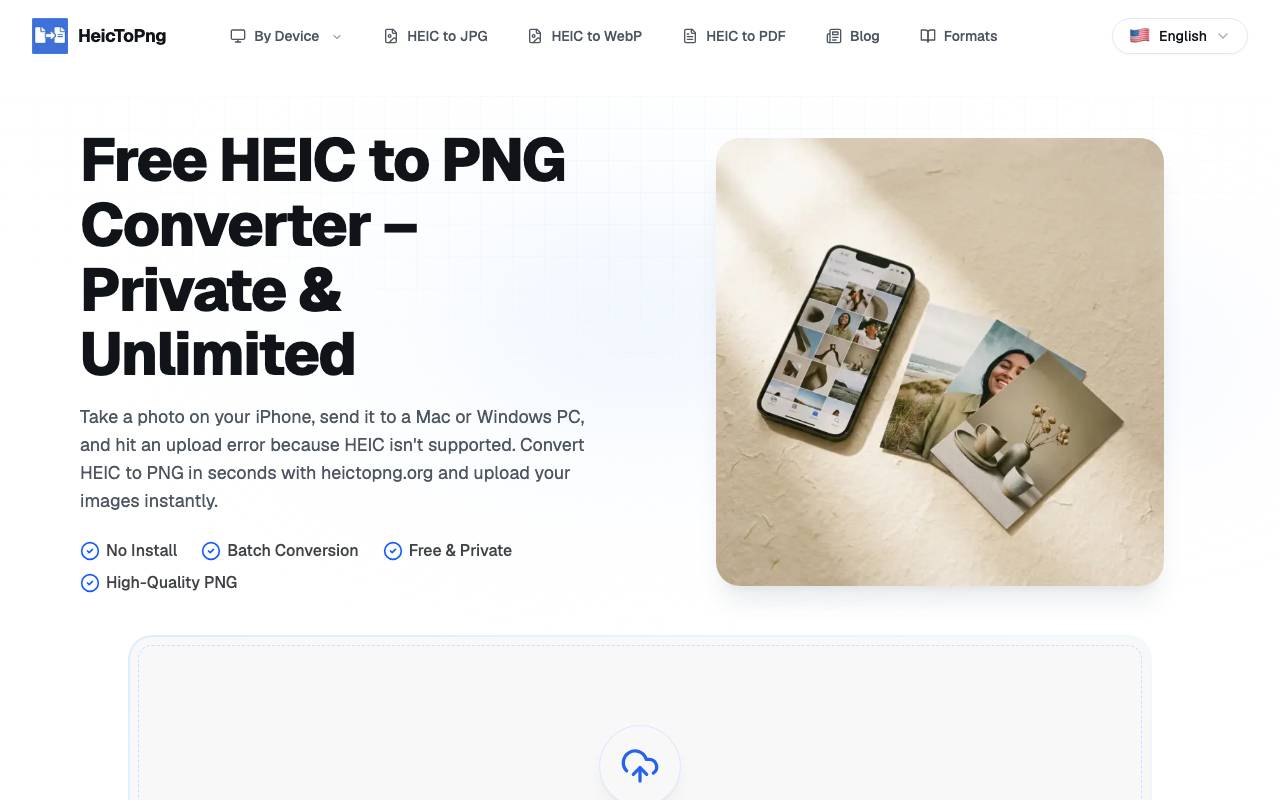
HeicToPng.org is a free browser-based HEIC to PNG converter that performs client-side batch processing. It allows users to convert up to 100 HEIC files to PNG format without uploading their photos to a server, preserving their original quality and private data. The converter supports drag-and-drop functionality, has no file size limit, and can run in any modern browser. Its batch conversion feature makes it suitable for processing large collections of photos, and it does not require installation or registration, making it a convenient and accessible tool for users who need to convert HEIC files to PNG.
Criteria breakdown
- HEIC to PNG conversion
- Client-side in-browser processing
- Batch support for up to 100 files
- No upload to external servers
- Cross-platform browser compatibility
- Free with no account required