Past battle · 2024-12-05 UTC
Image Generation Showdown — December 5, 2024
From the Image Generation category. 23 marks placed across 6 fighters. Autoslide took the crown.
Final standings






The line-up
The fighters
Profiles of every tool that competed in this battle, ranked by their final score.

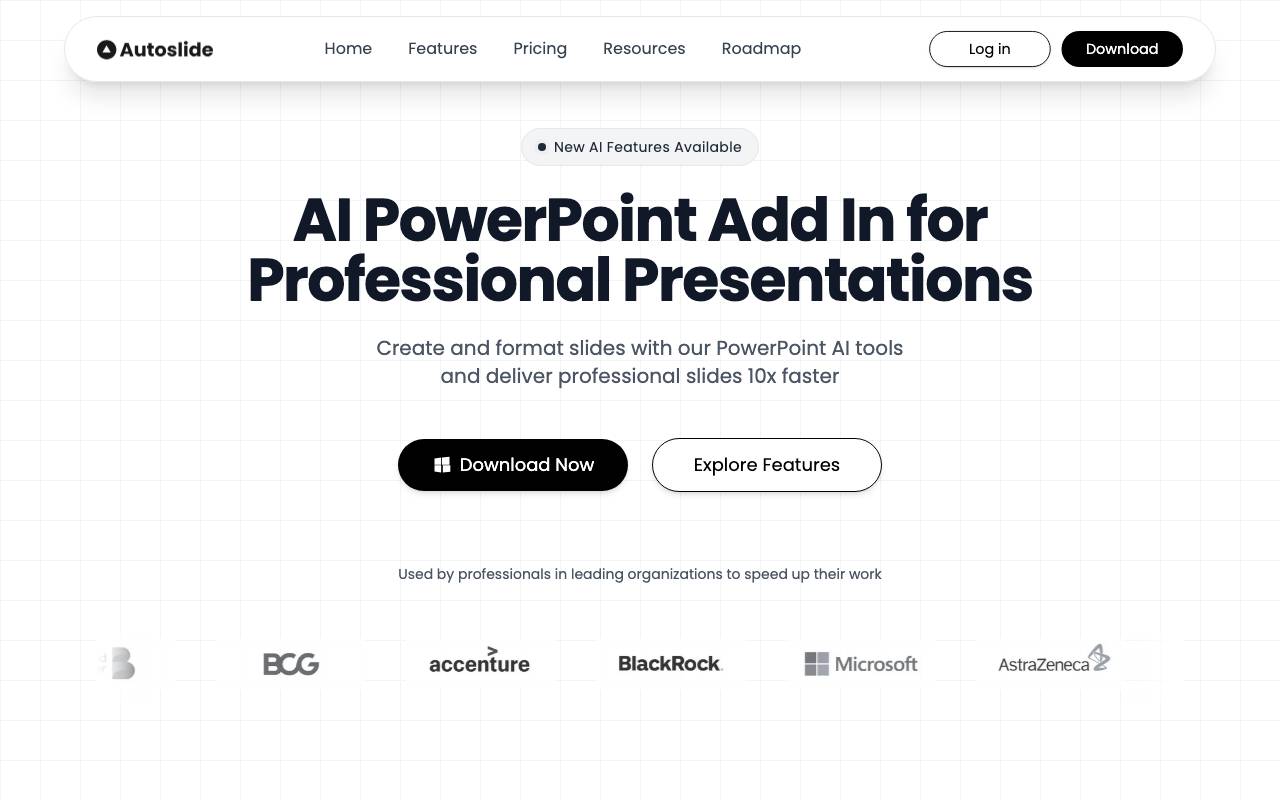
Autoslide is an AI-powered add-in for Microsoft PowerPoint that helps users build presentations faster by automating slide creation, layout, and content generation. It works directly inside PowerPoint, letting you draft decks from a prompt, outline, or existing material without leaving the familiar editing environment. The tool focuses on producing clean, professional-looking slides with consistent formatting, suggested visuals, and editable text. It is aimed at professionals, educators, and students who need to turn ideas into structured presentations without spending hours on design work. Because it integrates with PowerPoint, output remains fully editable as native .pptx files, making it easy to refine, rebrand, or combine AI-generated slides with manually created ones.
Criteria breakdown
- AI-generated slide content from prompts
- Automated layout and design suggestions
- Native PowerPoint add-in integration
- Editable .pptx output
- Support for visuals and structured outlines
- Templates for common presentation types

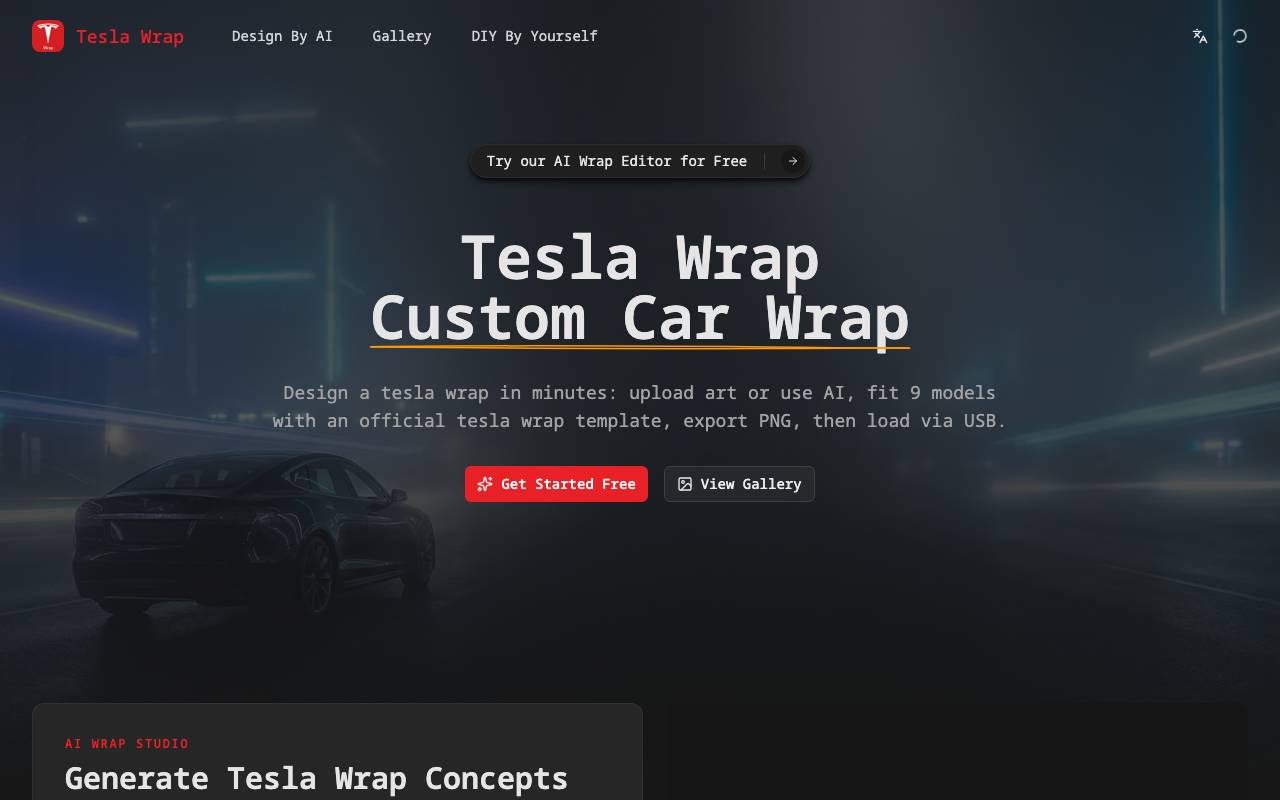
Tesla Wrap is an online tool that uses AI to help Tesla owners visualize and design custom vinyl wraps for their vehicles. Users can generate wrap concepts based on text prompts, color preferences, or style references, then preview the results on their specific Tesla model before committing to a real-world installation. Alongside the design generator, the platform hosts a community gallery where users can browse wraps created by others, gather inspiration, and share their own concepts. It serves as both a creative sandbox and a discovery hub for Tesla enthusiasts exploring exterior customization options.
Criteria breakdown
- AI-generated wrap design concepts
- Tesla model-specific previews
- Public gallery of user creations
- Text and style-based prompts
- Color and pattern customization
- Shareable design outputs

Crazy Face AI
AI facial expression editor for photos and videos with drag-and-drop controls.
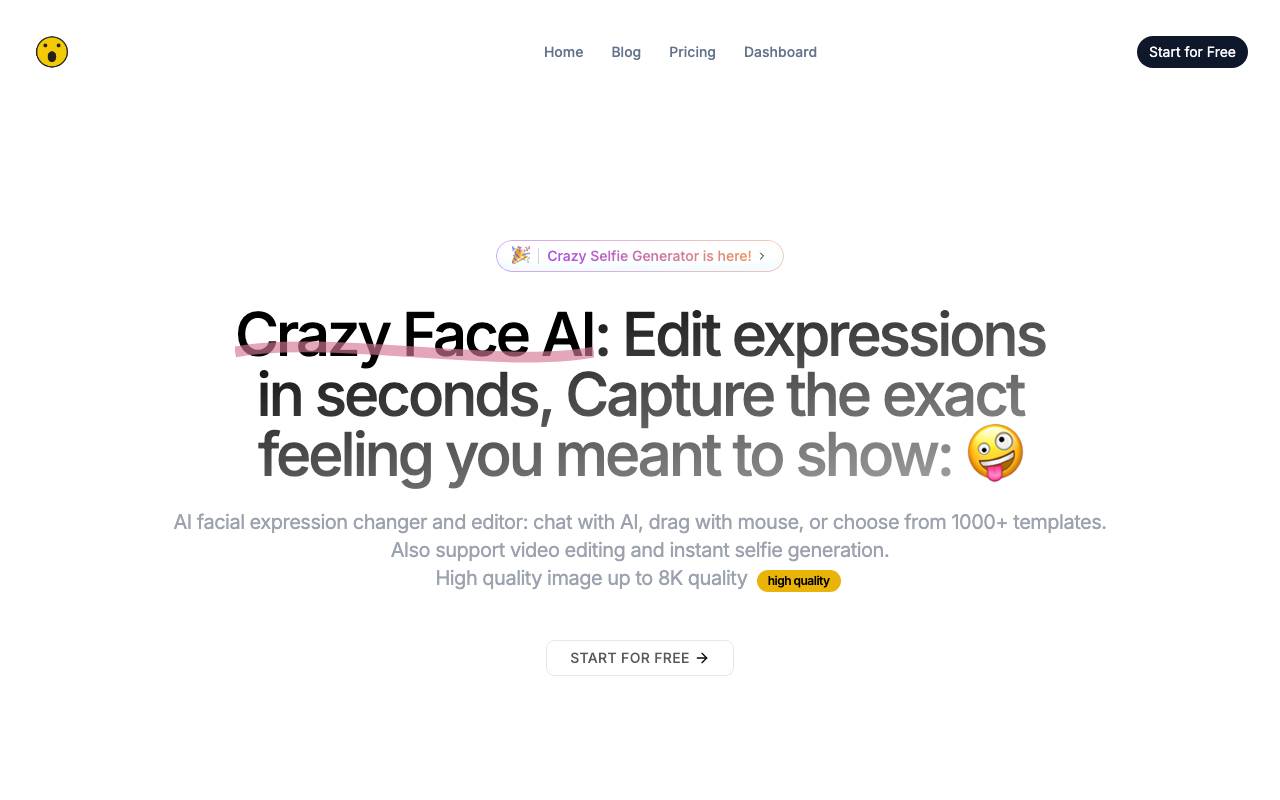
Crazy Face AI is an AI-powered facial expression editor for photos and videos. It allows users to change or edit facial expressions with drag-and-drop controls, chat with AI, or choose from over 1000 templates. The tool supports video editing and instant selfie generation, with high-quality image output up to 8K resolution. The process involves uploading a photo, editing expressions using a mouse or by choosing a prompt, template, or reference image, and then generating and downloading the edited image. Crazy Face AI supports a wide range of facial expressions, including special expressions like facepalm and hand over mouth. It uses proprietary AI models and Face Detailer technology to provide precise control over facial features and expressions. The tool is suitable for various use cases, including generating perfect selfies, transforming pet photos, creating animal memes and videos, and editing facial expressions in professional portraits or YouTube thumbnails. While Crazy Face AI offers advanced features and high-quality output, its capabilities and limitations may vary depending on the specific application and user requirements.
Criteria breakdown
- AI-driven facial expression editing
- Drag-and-drop expression controls
- 1000+ preset expression templates
- Support for photo and video input
- Quick export for social sharing
- Browser-based workflow

PageOn AI
An AI-powered platform that transforms simple prompts into impactful, visually engaging presentations, streamlining the content creation process.
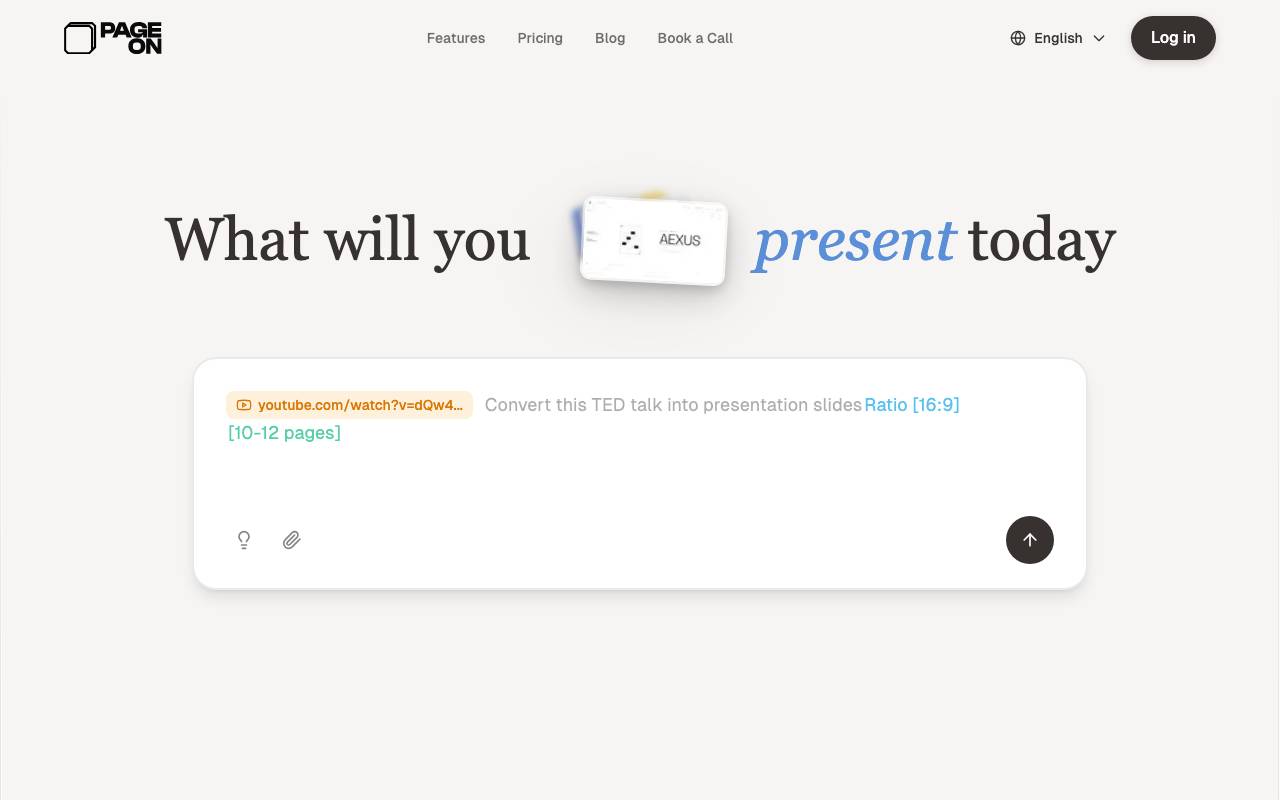
PageOn AI is an AI-powered platform that transforms simple prompts into impactful, visually engaging presentations. It streamlines the content creation process by utilizing AI agents that understand the user's vision, research the topic, plan the structure, and design pages. The platform offers a range of features, including modular blocks for infinite possibilities, interactive charts and diagrams, and live data visualization. It's designed for creators, marketers, and professionals looking to create stunning visual stories without requiring design expertise. The platform provides a free plan, as well as annual pro plans with flexible pricing.
Criteria breakdown
- AI-powered presentation maker
- Modular blocks for design
- Interactive charts and diagrams
- Live data visualization
- Brand consistency features
- Rich media integration


AI Image Editor is a prompt-based photo editing tool that lets users modify images by describing the changes they want in natural language. Instead of navigating complex menus or learning specialized software, users can type instructions like "remove the background" or "make it look like a watercolor painting" to get instant results. The tool is designed for quick edits, creative experimentation, and image enhancement tasks. It can handle common workflows such as object removal, style transfer, color adjustments, and upscaling, making it useful for content creators, marketers, and casual users who want fast results without a steep learning curve.
Criteria breakdown
- Text-prompt-based image editing
- Background removal and replacement
- Style and artistic transformations
- Photo enhancement and upscaling
- Object addition or removal
- Color and lighting adjustments

Krea AI
An AI-powered platform that enables users to generate and enhance images and videos effortlessly.
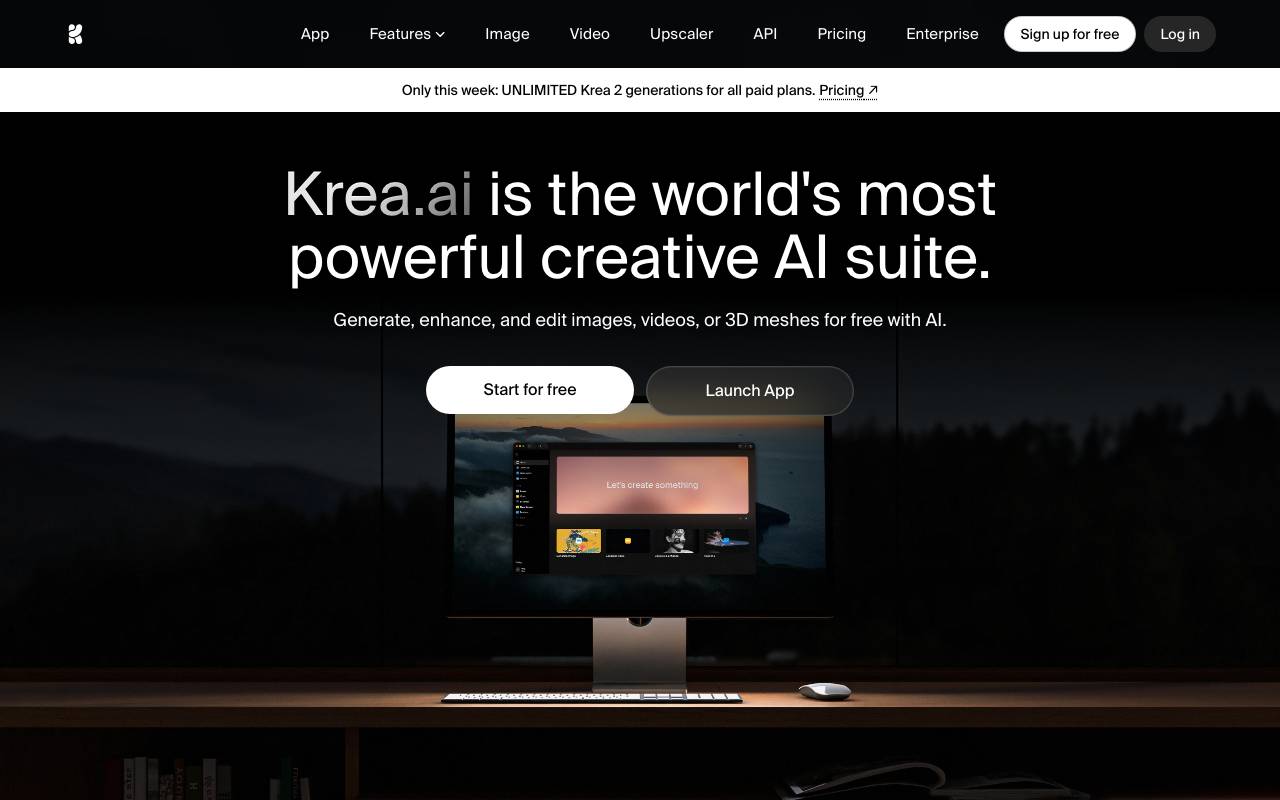
Krea AI is a powerful creative platform that enables users to generate and enhance images, videos, and 3D objects effortlessly using artificial intelligence. It offers features such as text-to-image generation, image and video upscaling, real-time rendering, and fine-tuning of models, making it accessible to both professionals and beginners. Krea powers millions of creatives and enterprises worldwide, providing a vast array of models and styles, including 1000+ image styles and 64+ models. With its minimalist UI, asset management, and fast inference speeds, Krea has become the industry's leading platform for generative AI. Users can start generating, enhancing, and editing with AI for free and access industry-leading features and models with a subscription.
Criteria breakdown
- Text-to-image generation
- Image upscaling to 22K resolution
- Video upscaling to 8K
- Real-time rendering for images and videos
- Generative editing with 10+ editing models
- Fine-tuning of models with custom data