Past battle · 2024-06-23 UTC
Virtual Workers Showdown — June 23, 2024
From the Virtual Workers category. 20 marks placed across 7 fighters. Convergence Proxy took the crown.
Final standings






The line-up
The fighters
Profiles of every tool that competed in this battle, ranked by their final score.

Convergence Proxy
Adaptive AI assistant that learns new skills on the fly through real-world use.

Convergence Proxy is an AI-powered virtual assistant designed to handle a wide range of tasks while continuously expanding its capabilities. Rather than relying solely on a fixed skill set, it learns from real-time interactions, picking up new workflows and refining its behavior as users guide it. The assistant is suited for professionals and teams who want an agent that grows alongside their needs, whether automating repetitive web tasks, managing research, or coordinating multi-step processes. Its adaptive nature aims to reduce the manual setup typically required for traditional automation tools.
Criteria breakdown
- Real-time skill acquisition
- Autonomous task execution
- Continuous self-improvement
- Natural language instruction
- Multi-step workflow handling
- Adaptive memory of user preferences

Perplexity Computer
Always-on digital worker that executes full workflows using app connectors, research, coding, and scheduled monitoring and actions.

Perplexity Computer is a digital worker designed to operate continuously, automating workflows that involve research, coding, and integration with various applications through connectors. It allows users to set up scheduled monitoring and actions, enabling the tool to run independently. This functionality is geared towards streamlining tasks and augmenting human capabilities. Perplexity Computer's features cater to users seeking efficiency and versatility in their workflows. Its capabilities are centered around automating repetitive tasks, allowing users to focus on strategy and high-level decision making. By leveraging connectors for various apps, Perplexity Computer can access and process data from a wide range of sources. Perplexity Computer is well-suited for users who require a high degree of automation in their workflows and can benefit from a digital co-worker that runs continuously.
Criteria breakdown
- Research integration
- Coding capabilities
- Scheduled actions
- App connectors
- Continuous automation

Qevlar AI
Autonomous SOC analyst that triages and investigates security alerts in minutes with SIEM/SOAR integrations and flexible deployment.
Qevlar AI is an autonomous Security Operations Center (SOC) analyst that transforms the daily activity of a SOC into a self-improving defense system. It achieves this by continuously sharpening investigation, detection, response, threat hunting, and vulnerability prioritization through contextual intelligence that compounds with every action. Qevlar AI investigates and responds across an organization's stack, connecting related activity into a single incident story and mapping the full blast radius. It drives the next action based on the incident, including containment for malicious activity, tuning for false positives, and policy or compliance follow-up for benign violations. This process improves the defense system over time. One of the key benefits of Qevlar AI is its ability to compound institutional knowledge, making investigations faster, decisions more consistent, and the entire SOC smarter with every cycle. It also connects SOC and vulnerability teams through a shared intelligence layer, prioritizing real risk and elevating vulnerable assets in the remediation queue. Qevlar AI can be integrated into an organization's environment quickly, connecting with tech stack via API in minutes. This allows security teams to see results directly in their console or Qevlar's platform. By using Qevlar AI, organizations can achieve more capacity without headcount growth, handling repetitive operational work and focusing on decisions that matter most. Security leaders can also benefit from the integration of Qevlar's autonomous, adaptive agentic AI with their existing cybersecurity systems, delivering incremental operational excellence and protecting business customer data.
Criteria breakdown
- Autonomous SOC analyst
- Investigates and responds across the stack
- Drives the next action based on incidents
- Compound institutional knowledge
- Connects SOC and vulnerability teams
- Shared intelligence layer for prioritizing real risk

Enso
AI agents marketplace for SMBs automating growth, marketing, and admin work for $49/month.
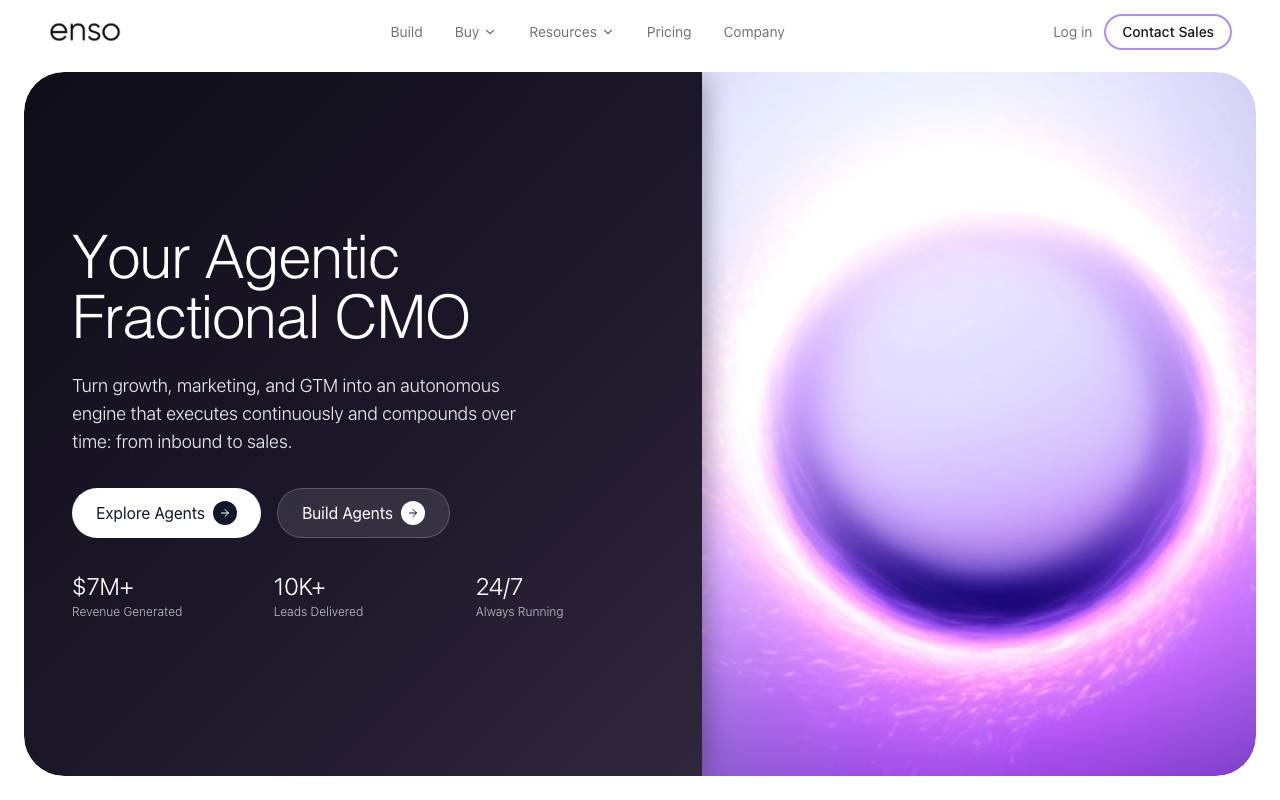
Enso is a subscription-based marketplace where small and medium-sized businesses can deploy AI agents to handle repetitive growth, marketing, and administrative tasks. Instead of stitching together multiple SaaS tools or hiring contractors for each function, users access a catalog of pre-built agents from a single platform. The service runs on a flat $49 monthly fee, making costs predictable regardless of how many agents a business activates. Agents can take on jobs like lead outreach, content drafting, social posting, scheduling, and basic back-office workflows, freeing owners and small teams to focus on higher-value work. Enso targets companies that want automation without the overhead of building or managing it themselves, positioning AI agents as on-demand digital staff for everyday operations.
Criteria breakdown
- Marketplace of pre-built AI agents
- Flat-rate monthly subscription
- Growth and marketing automation
- Administrative task handling
- SMB-focused workflows
- Centralized agent management

Hugging Face Open Computer Agent
An open-source AI agent that automates web tasks by simulating user interactions in a virtual Linux environment.

Hugging Face Open Computer Agent is an open-source AI agent designed to automate web tasks by simulating user interactions in a virtual Linux environment. It is part of the Hugging Face Spaces platform, which enables users to build, share, and collaborate on various AI-related projects. The agent is typically used for automating repetitive tasks, such as data scraping, web crawling, and form filling. It provides a flexible solution for those who need to interact with websites, APIs, or other web-based systems programmatically. The agent simulates user interactions, emulating browser behavior and navigating through virtual web pages. This allows it to complete tasks that would be time-consuming or require human intervention otherwise. By utilizing a virtual Linux environment, the agent provides a sandboxed space for web interactions, reducing the risk of interference with local systems. Notably, the agent is designed to be scalable and flexible. Users can build and customize agents using the Hugging Face Spaces platform, which includes tools for scripting and integrating various AI models. One potential use case for the Hugging Face Open Computer Agent is in the context of web development, data science, or research. It can be employed to automatically test websites, fill out forms, or extract data from web applications. However, it's essential to note that the agent may have limitations when dealing with complex web applications that employ advanced security measures or anti-scraping techniques. Additionally, users should be cautious when handling sensitive web applications and ensure that they comply with applicable laws and regulations. Overall, the Hugging Face Open Computer Agent offers a powerful solution for automating web tasks. While it may require some technical expertise to set up and customize, it provides a flexible and scalable way to interact with web applications programmatically. The agent's workflow typically involves scripting interactions using a programming language or Hugging Face's custom DSL. It can be integrated with a range of AI models and tools, including those provided by Hugging Face Spaces. Users can access additional resources and support through the Hugging Face community, which includes forums, documentation, and tutorials. When choosing an alternative to the Hugging Face Open Computer Agent, users should consider their specific needs and requirements. While other tools may offer similar functionality, they may differ in terms of ease of use, performance, or customizability.
Criteria breakdown
- Virtual Linux environment for web interactions
- Browser emulation for automating user interactions
- Scriptable using a programming language or custom DSL
- Integration with Hugging Face Spaces and other AI models
- Automated testing and form filling
- Data scraping and extraction

Roo Code
An autonomous open-source AI agent that can code, debug, and evolve software with minimal human intervention.
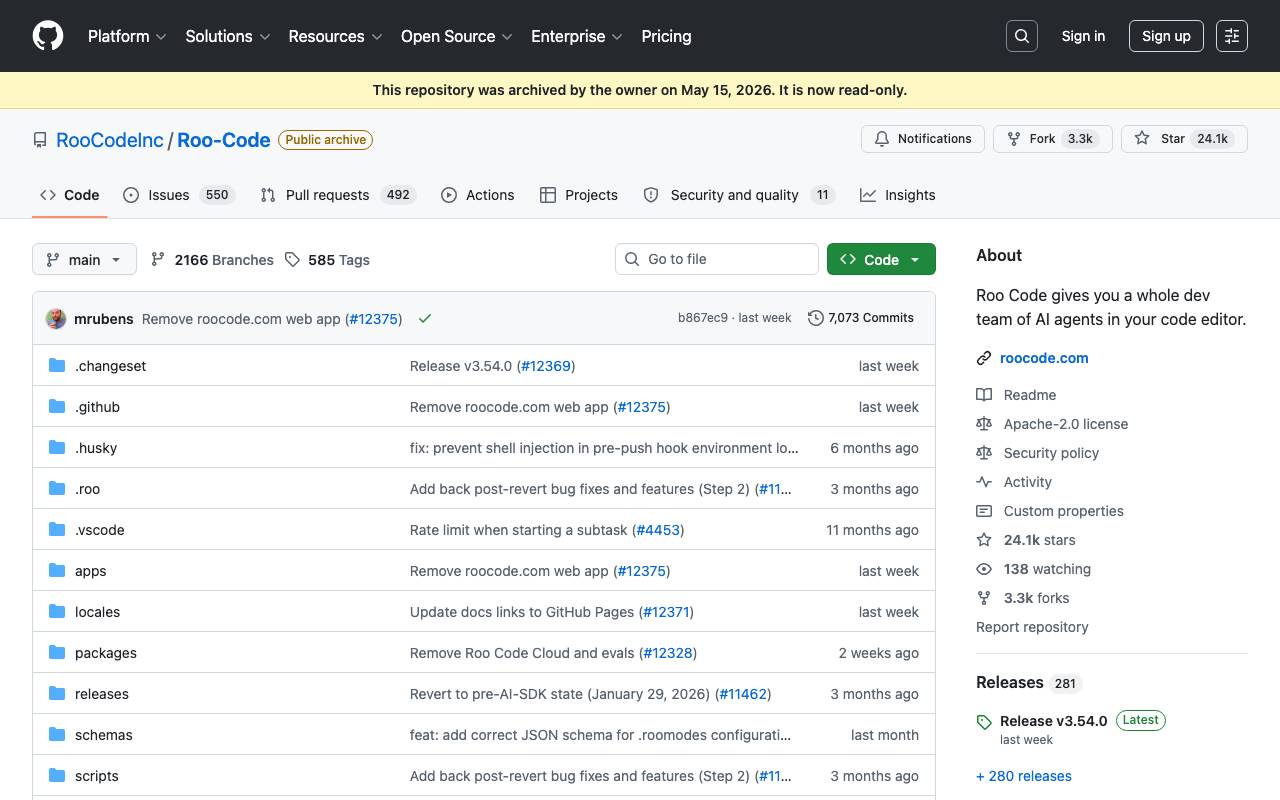
Roo Code is an autonomous, open-source AI agent designed to code, debug, and evolve software with minimal human intervention. It functions as a virtual development team within the user's code editor, supporting various programming languages. The tool offers multiple modes of operation, including Code Mode for everyday coding tasks, Architect Mode for planning systems and specifications, Ask Mode for quick answers and explanations, Debug Mode for tracing issues, and Custom Modes for specialized team or workflow requirements. Roo Code can generate code from natural language descriptions, adapt to different working styles, refactor and debug existing code, write and update documentation, answer questions about the codebase, and automate repetitive tasks. The project was archived on May 15, 2026, and is no longer actively maintained. Users are directed to alternatives like ZooCode and Cline.
Criteria breakdown
- Code generation from natural language descriptions
- Multiple modes of operation (Code, Architect, Ask, Debug, Custom)
- Code refactoring and debugging
- Documentation writing and updating
- Automated task handling
- Support for various programming languages

Ace by General Agents
Desktop AI agent that automates tasks by controlling your mouse and keyboard like a human user.
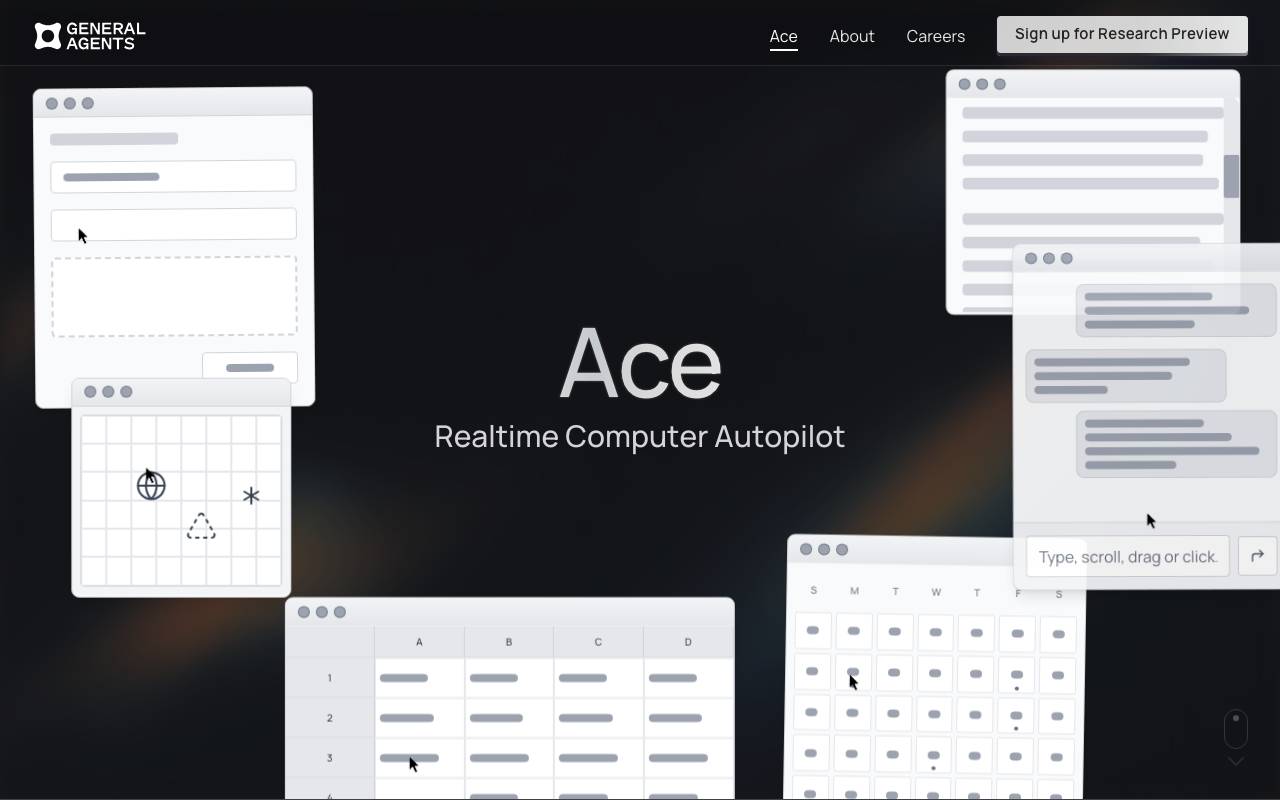
Ace by General Agents is a computer-use AI agent designed to operate desktop applications the same way a person would, by moving the cursor, clicking, typing, and navigating through visible interface elements. Instead of relying on app-specific APIs or integrations, it interprets the screen and produces real input events to complete workflows. This approach lets Ace work across virtually any software installed on a machine, from web browsers to productivity suites and legacy tools. Users can delegate repetitive sequences, multi-step processes, or routine admin work and have the agent carry them out in the background while they focus on other tasks. Ace is positioned for individuals and teams who want to automate desktop activity without writing scripts or maintaining brittle macros, while keeping a human-style interaction model that mirrors how the apps were originally meant to be used.
Criteria breakdown
- Mouse and keyboard input simulation
- Visual interpretation of on-screen elements
- Cross-application task automation
- Natural language task instructions
- Autonomous multi-step execution
- Runs directly on the user's desktop