
WorkatoEnterprise iPaaS for automating workflows across apps, data, and teams with AI-assisted recipes.

Overview
Key features
- Prebuilt connectors for 1,000+ apps
- Recipe-based workflow builder with branching and loops
- AI copilot for building and debugging automations
- On-prem connectivity via secure agents
- Workbot for chat-based automation in Slack and Teams
- Environment management, versioning, and role-based access
Pricing
- Model
- Freemium
- Category
- Digital Workers
- Rating
- 4.8 / 5 (5)
Use cases
Automate Lead-to-Cash Across CRM and ERP
Connect Salesforce and NetSuite with recipes that sync accounts, opportunities, and invoices, eliminating manual handoffs between sales and finance teams.
Streamline Employee Onboarding
Trigger workflows from Workday to provision accounts, assign equipment, and notify managers via Slack, coordinating HR, IT, and facilities steps end-to-end.
Chat-Based Approvals with Workbot
Use Workbot in Slack or Teams to route purchase, PTO, or access approvals to managers, capturing decisions and updating backend systems automatically.
Consolidate Point Integrations at Scale
Replace fragmented scripts and middleware with governed recipes, using environment management, versioning, and role-based access for enterprise-wide automation.
Pros & Cons
Pros
- Broad library of prebuilt connectors
- Low-code recipe builder suits business and IT users
- Strong governance, security, and audit controls
- AI assistance speeds up recipe creation
- Scales from simple integrations to complex workflows
Cons
- Pricing can be high for smaller teams
- Learning curve for advanced logic and error handling
- Some connectors lag behind native vendor APIs
- Cost model based on tasks can be hard to predict
Battle record
Across 1 battle in the Pantheon.
Last battle
Reviews
Average from 5 ratings.
Sign in to leave a review.
Does the job
Pretty happy overall. Prebuilt connectors for 1,000+ apps just works and scales from simple integrations to complex workflows. but no dealbreakers — I'd recommend it to a friend without hesitating.
Use it every day
Honestly didn't expect to like it this much. On-prem connectivity via secure agents is exactly what I needed, and scales from simple integrations to complex workflows. but I reach for it almost every day now and it just clicks.
Years in this space
I've evaluated a lot of these over the years. What stands out here is environment management, versioning, and role-based access — handled better than most — and aI assistance speeds up recipe creation. Worth the time if this is your use case.
Use it every day
Honestly didn't expect to like it this much. On-prem connectivity via secure agents is exactly what I needed, and scales from simple integrations to complex workflows. I do wish some connectors lag behind native vendor APIs, but I reach for it almost every day now and it just clicks.
Years in this space
I've evaluated a lot of these over the years. What stands out here is prebuilt connectors for 1,000+ apps — handled better than most — and strong governance, security, and audit controls. Learning curve for advanced logic and error handling is my one real gripe. Worth the time if this is your use case.
Q&A
Does Workato support collaboration and governance for large teams?
Yes, the platform includes environment management, version control, role‑based access, and audit logs, enabling IT‑led governance while allowing business users to develop and share reusable recipes.
Asked by Elias Hedström · Feb 7, 2026
What level of technical skill is needed to build complex workflows with branching or loops?
Workato’s low‑code, recipe‑based builder is designed for both IT and citizen developers, but advanced logic such as branching, loops, and error handling does have a learning curve for users new to integration platforms.
Asked by Camille Laurent · Jan 9, 2026
Can Workato integrate with on‑premise systems and how secure is that connection?
Yes, Workato connects to on‑premise applications through secure agents that run within your firewall, providing encrypted communication and compliance with enterprise security standards.
Asked by Amina Diallo · Nov 29, 2025
How is Workato priced and what should I expect in terms of cost predictability?
Workato uses a task-based pricing model, which can become expensive for smaller teams and is sometimes hard to forecast because costs depend on the volume of automation tasks executed. Enterprise plans typically include higher allowances and additional features.
Asked by Halima Bello · Nov 15, 2025
Ask a question
Digital Workers alternatives


Arya-AI
Digital Workers
Tailored AI digital workforce for automating enterprise workflows across operations and decision-making.
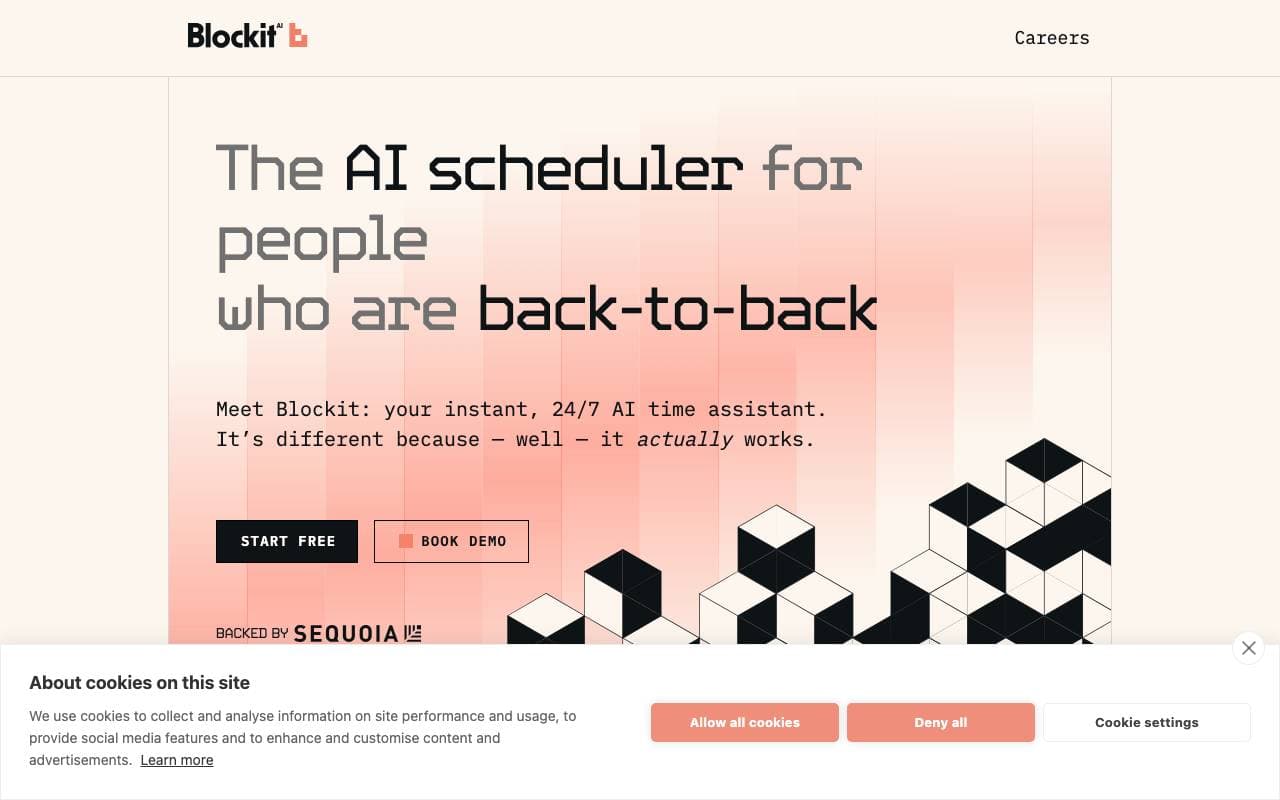

BlockitAI
Digital Workers
24/7 AI scheduling assistant that books meetings instantly and accurately.
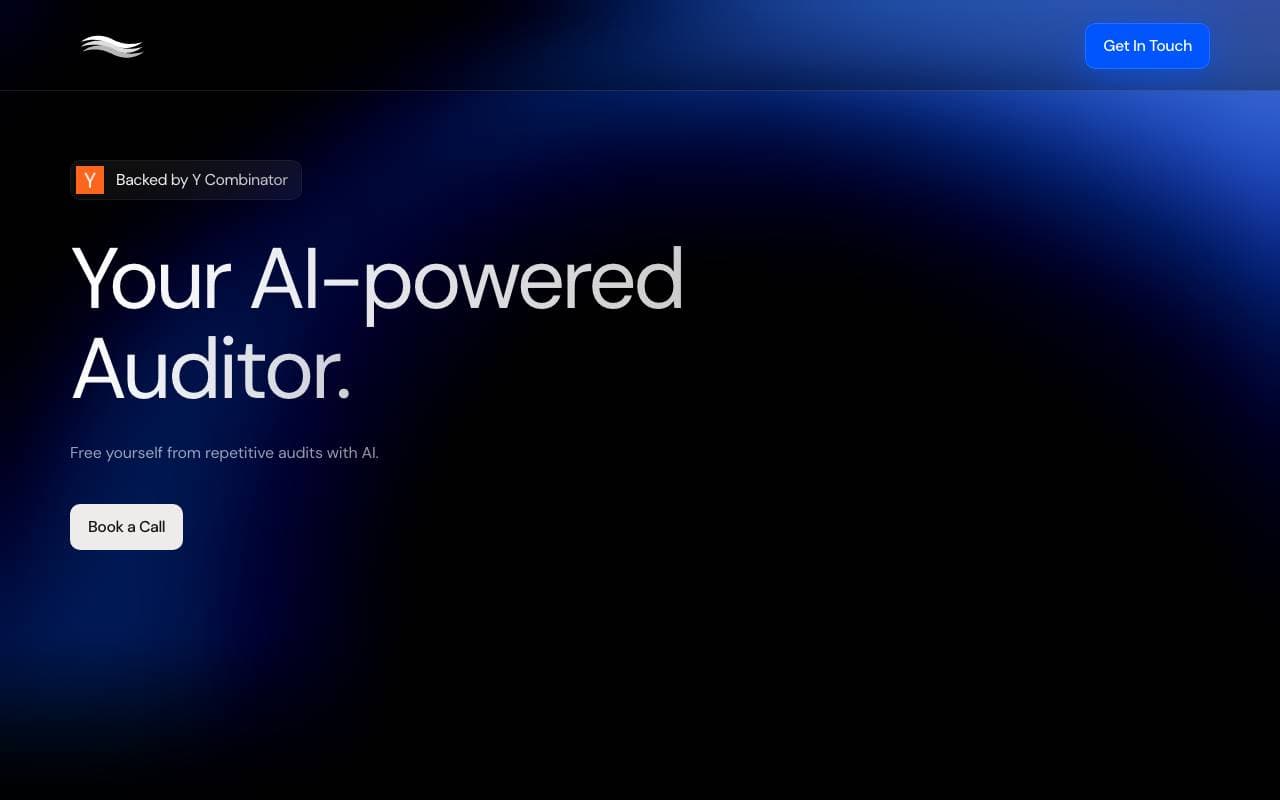
Tergle
Digital Workers
AI-powered auditor that automates repetitive audit and compliance tasks.


Helpcare AI (YC F24)
Digital Workers
AI voice and workflow agents that automate healthcare administrative tasks for clinics and provider groups.


ProposalAgent
Digital Workers
AI assistant that helps teams draft, refine, and deliver winning business proposals faster.


Rosetta Stone
Digital Workers
AI agent for pre-bill compliance that catches billing issues before invoices go out.
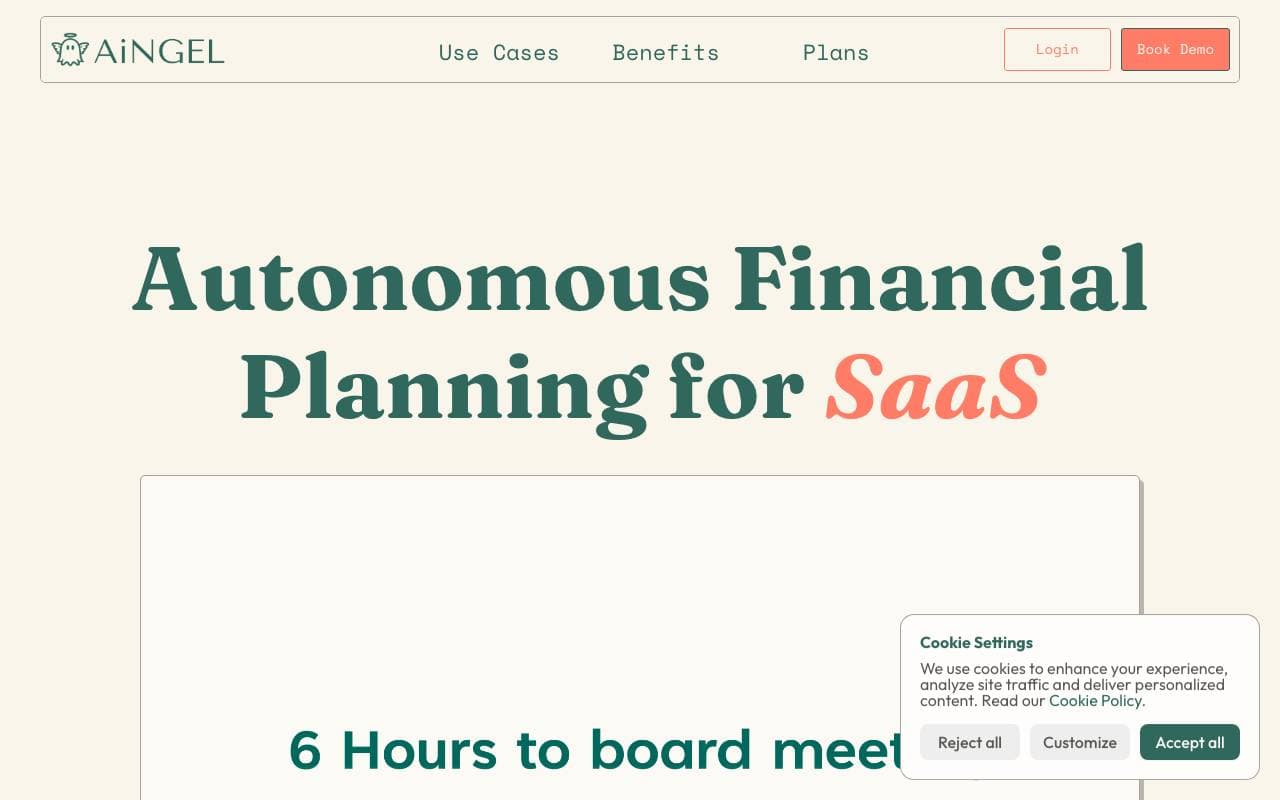

AiNGEL
Digital Workers
Financial modeling built for SaaS and AI founders—no spreadsheets or formulas required.


Oh My Guests
Digital Workers
AI-powered wedding RSVP and guest management that collects replies in minutes.
Trending now


Reducto AI
AI Agent Development Platforms
Document intelligence API that parses, splits, OCRs, and extracts structured data from complex PDFs, slides, and spreadsheets.


AdCrier
Marketing & Advertising
Sponsored answers, paid per click.


Biology AI
Education AI
Accurate Homework Help with Full Explanations


Beam AI
AI Agents
A leading platform for agentic process automation, utilizing self-learning AI agents to streamline workflows across various industries.