
TailrideAI invoice & receipt automation that collects bills from email/portals, extracts data, reconciles statements, and forwards to tools.

Overview
Key features
- Inbox scanning and online portal integrations
- AI processing and reconciliation
- Customizable workflows and rules
- Extension for extracting invoices from over 20 apps
- Telegram and WhatsApp bot for scanning paper receipts
- Native connection with email clients
Pricing
- Model
- Freemium
- Category
- Finance AI Agents
- Rating
- 4.4 / 5 (5)
Use cases
Automated Bill Collection from Email
Automatically gather invoices and receipts from email inboxes and vendor portals, eliminating manual downloading and organizing of billing documents.
Invoice Data Extraction
Extract structured data from invoices and receipts to streamline bookkeeping and reduce manual data entry errors.
Statement Reconciliation
Reconcile statements against collected invoices and receipts to ensure accuracy and catch discrepancies in financial records.
Forwarding to Accounting Tools
Automatically forward processed invoices and extracted data to downstream accounting or finance tools to keep records up to date.
Pros & Cons
Pros
- Saves hundreds of hours of manual work
- Automates invoice management
- Connects to email inboxes and online portals
- Customizable workflows and rules
- Seamless integrations with accounting tools
Cons
- May require connection to email inboxes and online portals, raising security concerns
- May not be suitable for small businesses or individuals with simple accounting needs
- Limited information available on pricing and plans
Battle record
Across 3 battles in the Pantheon.
Last 3 battles
Reviews
Average from 5 ratings.
Sign in to leave a review.
Use it every day
Honestly didn't expect to like it this much. The dashboard is exactly what I needed, and it is genuinely easy to set up. I do wish the docs could be deeper, but I reach for it almost every day now and it just clicks.

Skeptical, then convinced
I went in skeptical — most tools in this space overpromise. It actually delivers on the dashboard, and support is responsive caught me off guard. still, I'd recommend giving it a real trial.

Does the job
Pretty happy overall. The automation just works and it is genuinely easy to set up. The docs could be deeper can be annoying, but no dealbreakers — I'd recommend it to a friend without hesitating.

Solid for our team
We rolled this out across the team last quarter and it is genuinely easy to set up. The dashboard fits neatly into how we already work, and the API removed a step we used to do by hand. but it has held up under daily use.

Years in this space
I've evaluated a lot of these over the years. What stands out here is the onboarding — handled better than most — and support is responsive. A few rough edges remain is my one real gripe. Worth the time if this is your use case.
Q&A
What sources can Tailride pull invoices and receipts from?
Tailride collects bills from two main sources: your email inbox and supplier or vendor portals. This means recurring invoices and receipts can be gathered automatically without you logging in and downloading them yourself.
Asked by Rina Desai · Jan 18, 2026
Can Tailride send the extracted invoice data to my accounting or finance tools?
Yes. Tailride is designed to forward processed invoices and receipts to other tools, so the captured data can flow into the systems you already use rather than staying siloed in Tailride itself.
Asked by Naomi Suzuki · Nov 29, 2025
What does Tailride actually do day-to-day?
Tailride automates invoice and receipt processing by collecting bills directly from your email and supplier portals, extracting the relevant data, reconciling statements, and forwarding the results to your downstream tools—removing the need to manually download, key in, or match documents.
Asked by Tariq Aziz · Sep 30, 2025
Ask a question
Finance AI Agents alternatives
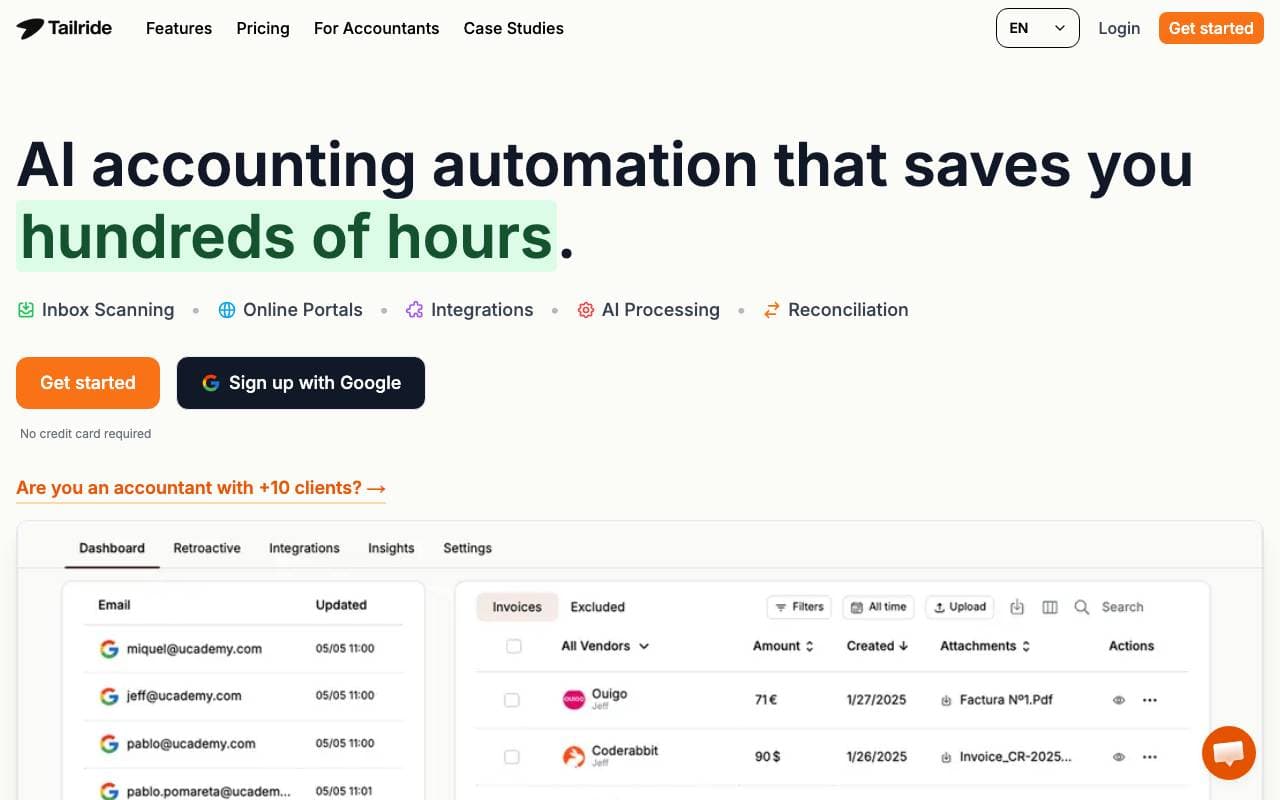

GetInvoice
Finance AI Agents
Automated invoice and receipt collection from email inboxes and vendor portals.


Moody's Research Assistant
Finance AI Agents
AI assistant for faster, deeper financial research and credit analysis.
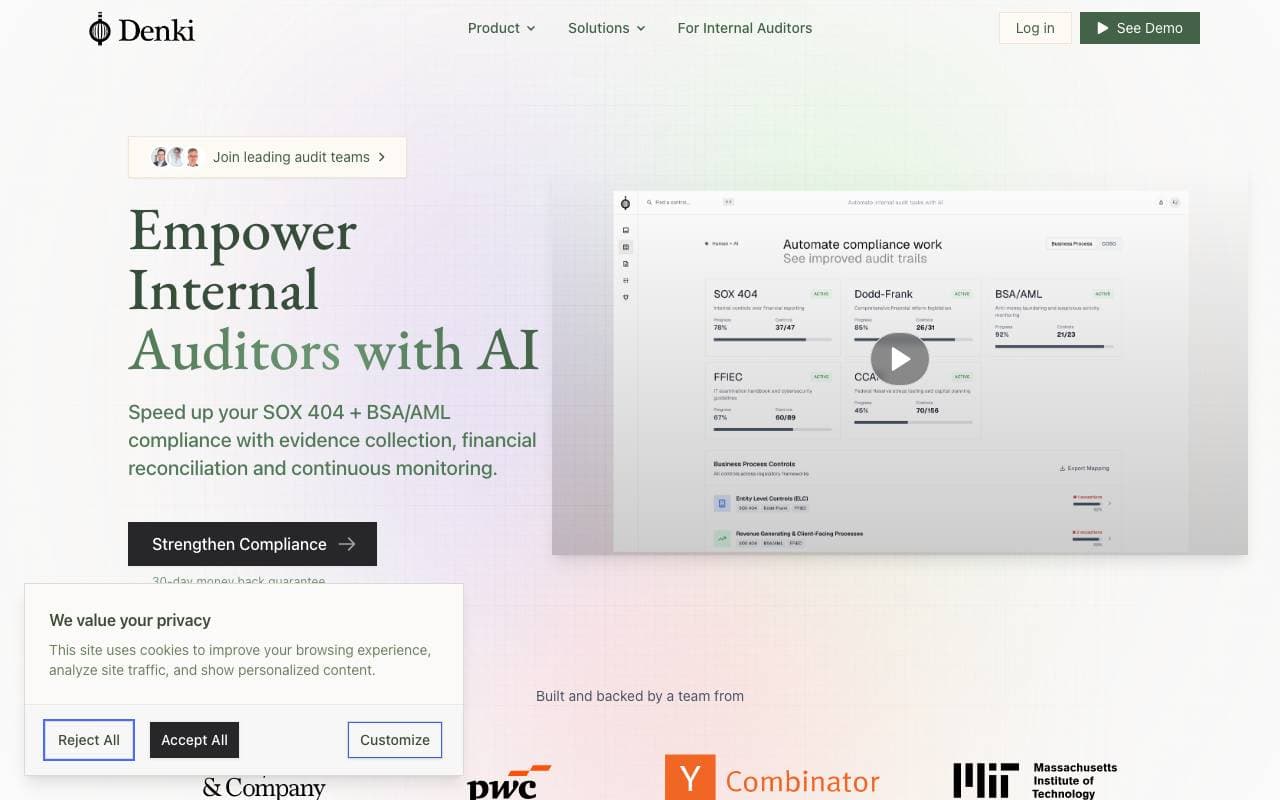

Denki
Finance AI Agents
An AI audit automation platform that handles evidence collection, reconciliations, monitoring, and documentation for compliance teams.
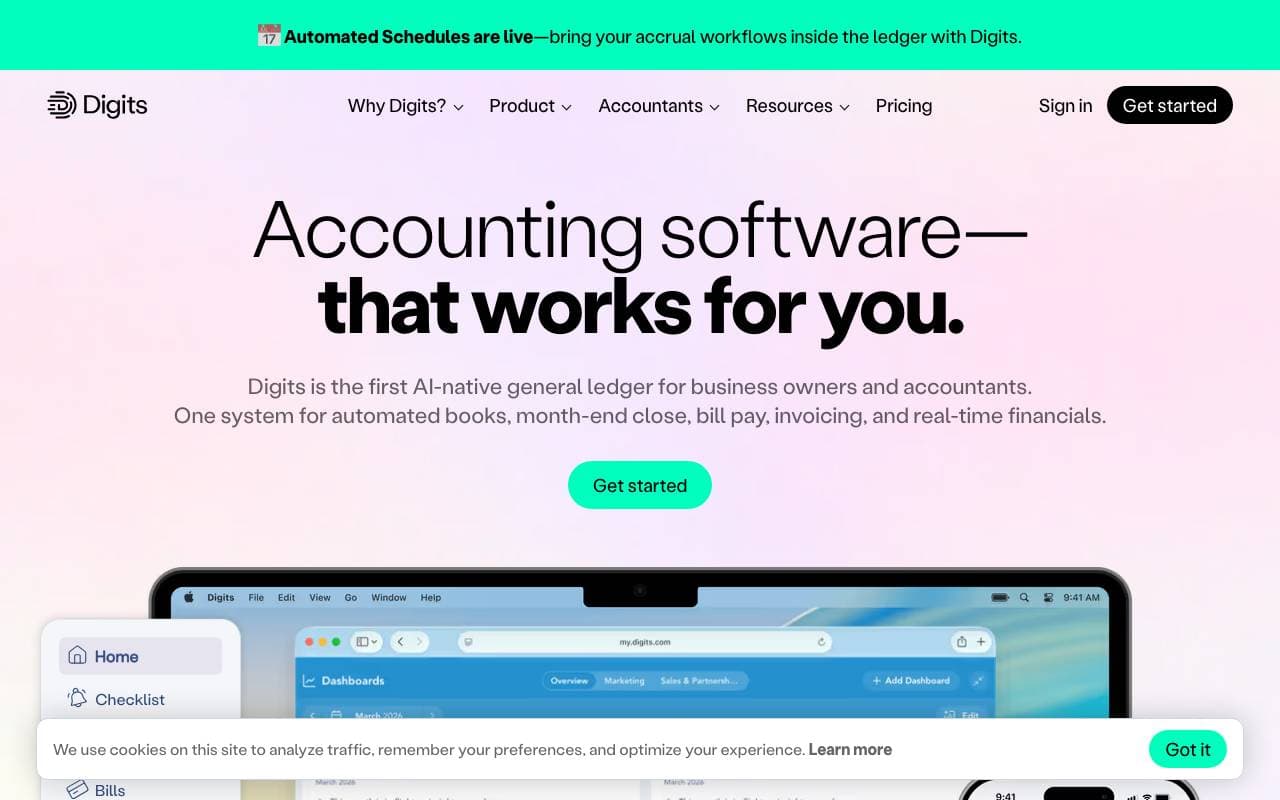

Digits
Finance AI Agents
AI-native accounting platform with autonomous agents for bookkeeping and financials


MiA Analyst
Finance AI Agents
Agentic AI platform that automates and streamlines core insurance operations.


TradeOS AI
Finance AI Agents
No-code platform for building AI trading agents across stocks and crypto markets.


Upmetrics
Finance AI Agents
AI-powered business planning software that generates business plans, financial forecasts, and pitch decks with guided, step-by-step assistance.


EasyFin AI
Finance AI Agents
AI platform for automating financial research, offering real-time analysis and predictive insights for smarter investments.
Trending now


Reducto AI
AI Agent Development Platforms
Document intelligence API that parses, splits, OCRs, and extracts structured data from complex PDFs, slides, and spreadsheets.


Biology AI
Education AI
Accurate Homework Help with Full Explanations


AdCrier
Marketing & Advertising
Sponsored answers, paid per click.


Pin AI
Workflow automation
Agentic AI recruiter that automates sourcing, screening, and outreach to accelerate hiring.