
StreamGenAI-powered Twitch clip editor that auto-detects viral moments and turns them into shareable shorts.

Overview
Key features
- Automatic viral moment detection
- Vertical reframing for Shorts and Reels
- Auto-generated captions and subtitles
- Chat and audio reaction analysis
- Multi-platform export options
- Batch clip generation from VODs
Pricing
- Model
- Freemium
- Category
- Video editing
- Rating
- 5.0 / 5 (4)
Use cases
Repurpose Twitch VODs into TikTok clips
Solo streamers can automatically extract viral moments from long broadcasts and export vertical clips formatted for TikTok, YouTube Shorts, and Instagram Reels.
Scale clip production for agencies
Content agencies managing multiple streamers can batch-generate clips from VODs, maintaining a consistent social pipeline without manually scrubbing footage.
Identify highlights via chat reactions
Editors can rely on chat spike and audio reaction analysis to surface the biggest crowd-pleasing moments, reducing review time on multi-hour streams.
Auto-caption shorts for accessibility
Creators can generate subtitles and reframe footage vertically in one workflow, producing platform-ready shorts optimized for silent autoplay feeds.
Pros & Cons
Pros
- Automates time-consuming clip discovery
- Outputs ready for vertical short-form platforms
- Detects moments using chat and audio signals
- Useful for solo creators without editors
Cons
- Limited to Twitch-style stream content
- AI detection may miss niche or quiet highlights
- Less control than manual editing workflows
Battle record
Across 6 battles in the Pantheon.
Last 5 battles
- #1
Video editing Showdown — August 2, 2026
Aug 2, 2026 · #1 of 5
- #5
Video editing Showdown — May 22, 2026
May 22, 2026 · #5 of 5
- #1
Video editing Showdown — September 22, 2025
Sep 22, 2025 · #1 of 5
- #3
Video editing Showdown — August 2, 2025
Aug 2, 2025 · #3 of 3
- #1
Video editing Showdown — June 13, 2025
Jun 13, 2025 · #1 of 4
Reviews
Average from 4 ratings.
Sign in to leave a review.

Use it every day
Honestly didn't expect to like it this much. Automatic viral moment detection is exactly what I needed, and automates time-consuming clip discovery. but I reach for it almost every day now and it just clicks.

Skeptical, then convinced
I went in skeptical — most tools in this space overpromise. It actually delivers on auto-generated captions and subtitles, and detects moments using chat and audio signals caught me off guard. still, I'd recommend giving it a real trial.

Years in this space
I've evaluated a lot of these over the years. What stands out here is batch clip generation from VODs — handled better than most — and useful for solo creators without editors. Worth the time if this is your use case.
Does the job
Pretty happy overall. Vertical reframing for Shorts and Reels just works and detects moments using chat and audio signals. Less control than manual editing workflows can be annoying, but no dealbreakers — I'd recommend it to a friend without hesitating.
Q&A
How to automatically cut boring parts from a Twitch VOD?
You can use StreamGen's AI VOD Editor. It automatically analyzes your stream and removes silence, loading screens, and menu navigation, leaving you with an engaging video ready to be edited in Premiere Pro or DaVinci Resolve.
Asked by Umar Farooq · Jun 1, 2026
What is an AI stream clipper?
An AI stream clipper is a tool that uses artificial intelligence to automatically scan your stream replays (VODs) and identify funny, exciting, or important moments. It then creates clips for you, saving you hours of manual searching. StreamGen is the ultimate automatic clip maker for Twitch.
Asked by Cristina Moreno · May 27, 2026
How do I edit Twitch clips for TikTok?
You can easily edit Twitch clips for TikTok with StreamGen. Simply paste your clip URL or connect your Twitch account, and our AI will help you convert it into a vertical video with captions in seconds. Check out our Twitch Clip Editor for TikTok.
Asked by Rania Nasser · May 27, 2026
Can I import clips manually?
Yes, you can directly import Twitch clips or video files. You can even create manual clips from your Twitch broadcasts directly within StreamGen.
Asked by Tobias Hartmann · May 25, 2026
Is StreamGen free?
Yes, there is a generous free version of StreamGen that offers almost all the features with lower limits. Check out our pricing page to know more about the available plans.
Asked by Greta Nowak · May 9, 2026
Ask a question
Video editing alternatives


Satura AI
Video editing
Turn long-form videos into short, shareable clips designed for social growth.

Saima
Video editing
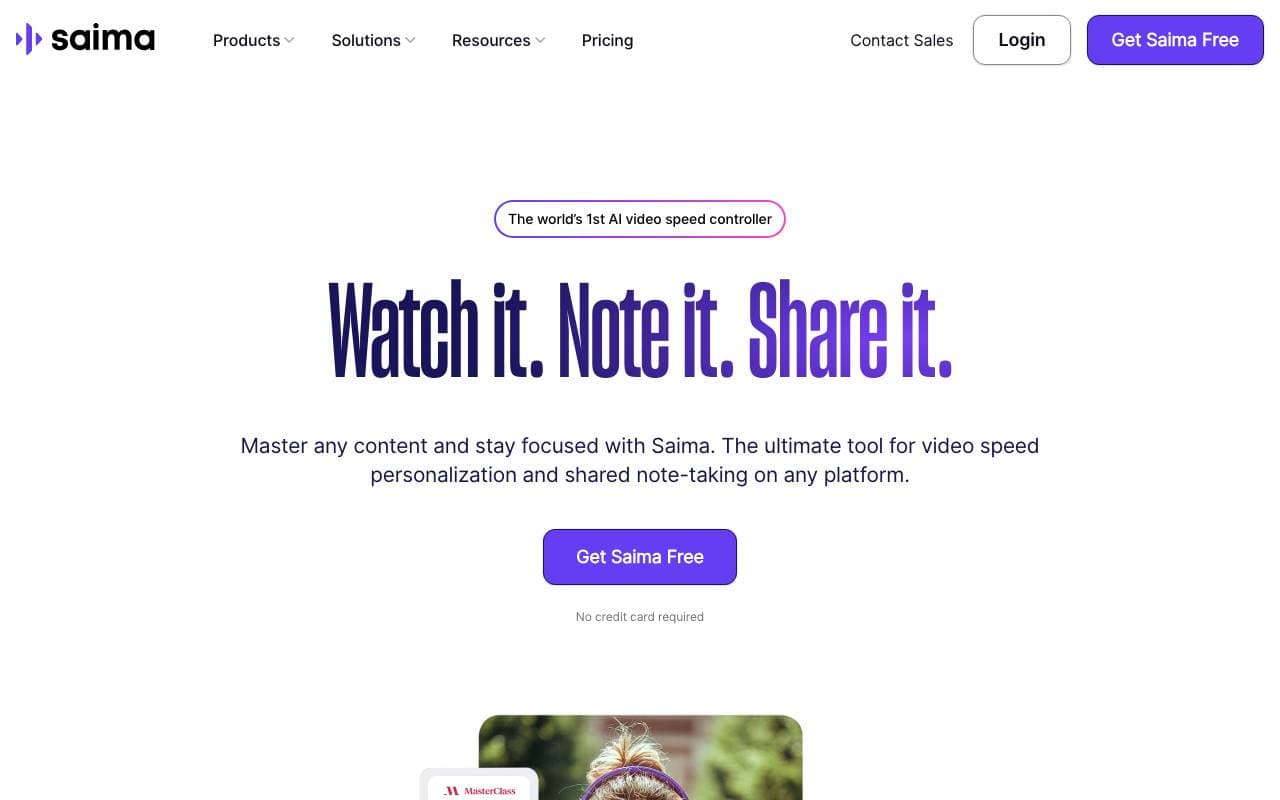
Saima is an AI-based video speed controller that transforms video watching with adaptive playback speed, silence removal, audio clarity, and collaborative no...


Lovo Ai
Video editing
Realistic AI text-to-speech and video creation in 100+ languages.


Highlight Studio
Video editing
Mac screen recorder with built-in editing for polished, professional videos.
Trending now


Reducto AI
AI Agent Development Platforms
Document intelligence API that parses, splits, OCRs, and extracts structured data from complex PDFs, slides, and spreadsheets.


Biology AI
Education AI
Accurate Homework Help with Full Explanations


AdCrier
Marketing & Advertising
Sponsored answers, paid per click.


Pin AI
Workflow automation
Agentic AI recruiter that automates sourcing, screening, and outreach to accelerate hiring.