
RunwayAn AI-powered creative platform providing tools for generating and editing videos, images, and other multimedia content.

Overview
Key features
- Gen-4.5 video model
- General World Models (GWM) for robotics and autonomy
- GWM Worlds for interactive and explorable world simulation
- GWM Avatars for conversational characters
- Runway Characters API for custom conversational characters
Pricing
- Model
- Freemium
- Category
- Video AI Agents
- Rating
- 4.6 / 5 (5)
Use cases
Generate Video from Text Prompts
Creators can produce short video clips from text or image prompts, accelerating ideation and concept visualization for films, ads, or social content.
AI-Assisted Video Editing
Editors use AI tools to streamline post-production tasks like removing objects, extending scenes, or applying stylistic transformations to footage.
Image Generation and Enhancement
Designers generate or refine images for marketing, storyboards, or visual assets directly within a unified creative workflow.
Multimedia Content for Marketing
Marketing teams create branded video and image content quickly, reducing reliance on external production resources.
Pros & Cons
Pros
- State-of-the-art video generation capabilities
- Advanced world models for simulating reality
- Conversational characters with natural conversation and contextual awareness
- Real-time video agents with autonomous capabilities
- Partnerships with leading organizations across industries
Cons
- Limited information on pricing and plans
- Complexity of features may require significant learning curve
- Potential limitations in customization and control over generated content
Battle record
Across 1 battle in the Pantheon.
Last battle
Reviews
Average from 5 ratings.
Sign in to leave a review.
Compared a few options
Evaluated this against two competitors. Where it wins: the API and it saves real time. Where it lags: the mobile experience lags. On balance the feature set — especially the API — justifies the 4 stars for our use case.
Skeptical, then convinced
I went in skeptical — most tools in this space overpromise. It actually delivers on the automation, and it is genuinely easy to set up caught me off guard. The mobile experience lags is why this isn't a perfect score, still, I'd recommend giving it a real trial.

Use it every day
Honestly didn't expect to like it this much. The API is exactly what I needed, and support is responsive. I do wish pricing gets steep at scale, but I reach for it almost every day now and it just clicks.

Compared a few options
Evaluated this against two competitors. Where it wins: the dashboard and support is responsive. Where it lags: a few rough edges remain. On balance the feature set — especially the automation — justifies the 5 stars for our use case.

Skeptical, then convinced
I went in skeptical — most tools in this space overpromise. It actually delivers on the onboarding, and it is genuinely easy to set up caught me off guard. still, I'd recommend giving it a real trial.
Q&A
Can I change my plan after subscribing?
Yes. You can upgrade at any time and the change takes effect immediately — upgrades are prorated, so you only pay the time-adjusted difference and receive the additional credits right away. If you downgrade, the unused balance is applied as a credit toward your next billing cycle and your current plan stays active until then.
Asked by Bruno Kaufmann · May 9, 2026
How do credits work?
Credits are the unit you spend to generate images, video, and audio on Runway. Each model uses a set number of credits per generation depending on the model, duration, and resolution — for example, Gen-4.5 uses 12 credits per second of generated video. Paid plans include a monthly credit allotment, and the Free plan includes a one-time deposit of 125 credits that doesn't expire.
Asked by Nils Johansson · Apr 6, 2026
What if I need more credits?
If you need more credits, you can purchase additional credits from the Plans & Billing page in your dashboard. The minimum purchase is 1,000 credits.
Asked by Vikram Rao · Mar 9, 2026
Do my credits roll over or expire?
On the Standard and Pro plans, monthly credits don't roll over — they reset within 24 hours of your billing date each cycle. On the Max plan, up to one month of unused credits rolls over to the following month. Any additional credits you purchase never expire.
Asked by Petra Vogel · Jan 31, 2026
Ask a question
Video AI Agents alternatives
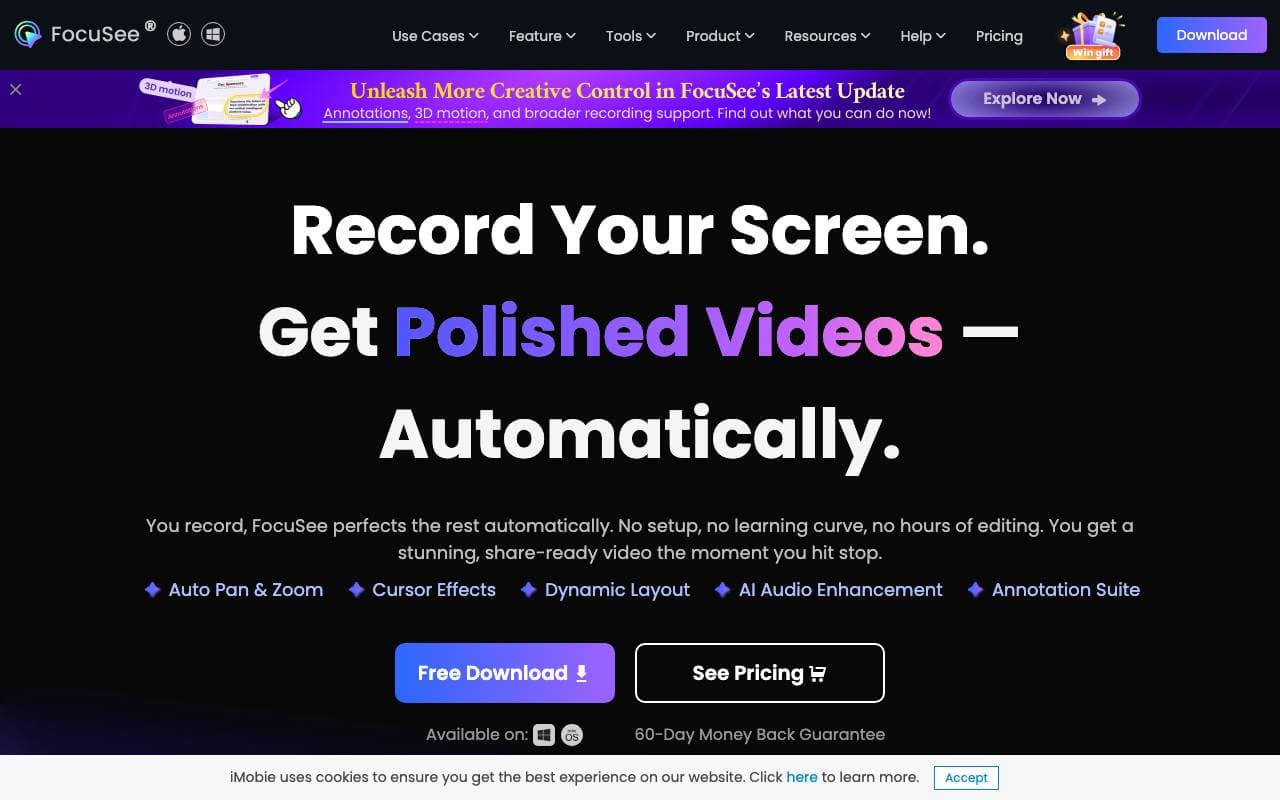
 FocuSeeVideo AI Agents
An AI-powered screen recorder that automates editing with zoom, captions, and effects for polished videos.

 ReelFarmVideo AI Agents
AI tool to auto-generate UGC-style TikTok videos and schedule posting to drive traffic and ads performance.

 D-ID Creative Reality™ StudioVideo AI Agents
Turn text and photos into lifelike talking avatar videos

 Veo 4 Video GeneratorVideo AI Agents
Prompt-to-video platform for cinematic multi-shot scenes with synced audio and consistent characters.

 Wan2.2Video AI Agents
Open-source video generation model family (5B/14B) for text/image/video-to-video, delivering 1080p clips with improved motion and control.

 Agent OpusVideo AI Agents
AI video agent that turns ideas into polished, ready-to-publish videos

 Seadance AIVideo AI Agents
All-in-one AI studio for generating and editing videos and images from text or photos.

 Higgsfield AIVideo AI Agents
AI video platform that turns prompts and images into cinematic, motion-rich clips.
Trending now

 Reducto AIAI Agent Development Platforms
Document intelligence API that parses, splits, OCRs, and extracts structured data from complex PDFs, slides, and spreadsheets.

 AdCrierMarketing & Advertising
Sponsored answers, paid per click.

 Biology AIEducation AI
Accurate Homework Help with Full Explanations

 Pixtral 12B 24.09LLM
Open multimodal 12B model handling interleaved images and text with a 128K context window.