PitchBobAI co-pilot that turns founder ideas into investor-ready pitch decks and startup documents.

Overview
Key features
- Conversational AI pitch generator
- Investor-ready deck creation
- Business plan and executive summary drafts
- Startup name and idea validation tools
- Multi-language support
- Founder-focused templates
Pricing
- Model
- $19.9
- Category
- Business Operations & Automation
- Rating
- 4.5 / 5 (4)
Use cases
Create an investor-ready pitch deck
First-time founders can answer guided questions about their business and receive a structured pitch deck formatted to match investor expectations.
Draft business plans and executive summaries
Generate executive summaries, business plans, and financial drafts from a single conversational input, saving hours on early fundraising prep.
Pitch in English as a non-native speaker
Founders who aren't fluent in English can use multi-language support to articulate their vision clearly in the format investors expect.
Validate startup ideas and names
Early-stage entrepreneurs can use built-in idea validation and naming tools to refine their concept before approaching investors.
Pros & Cons
Pros
- Guided workflow tailored to founders
- Generates multiple document types from one input
- Useful for non-native English speakers
- Saves time on early fundraising prep
Cons
- Outputs still need founder review and editing
- Generic phrasing can appear in drafts
- Less useful for later-stage startups
- Quality depends on detail of user input
Battle record
Across 3 battles in the Pantheon.
Last 3 battles
Reviews
Average from 4 ratings.
Sign in to leave a review.
Use it every day
Honestly didn't expect to like it this much. Conversational AI pitch generator is exactly what I needed, and guided workflow tailored to founders. I do wish generic phrasing can appear in drafts, but I reach for it almost every day now and it just clicks.
Does the job
Pretty happy overall. Founder-focused templates just works and guided workflow tailored to founders. but no dealbreakers — I'd recommend it to a friend without hesitating.
Solid for our team
We rolled this out across the team last quarter and generates multiple document types from one input. Multi-language support fits neatly into how we already work, and business plan and executive summary drafts removed a step we used to do by hand. Less useful for later-stage startups, which is the main caveat, but it has held up under daily use.
Skeptical, then convinced
I went in skeptical — most tools in this space overpromise. It actually delivers on investor-ready deck creation, and generates multiple document types from one input caught me off guard. still, I'd recommend giving it a real trial.
Q&A
Can I skip entire blocks of questions?
You can skip two major blocks of questions and answer them in subsequent iterations:For creating a financial model.For attracting investments.
Asked by Yelena Popova · Oct 23, 2025
What if I want to skip a question?
If you wish to skip a question, type Skip, but remember that the quality of the generated documents directly depends on the completeness, detail, and quality of your answers to the bot’s questions.
Asked by Hannah Goldberg · Oct 10, 2025
Can I change my answers after I’ve submitted them?
If you want to return to a previous question and change your answer, press the Back button.
Asked by Ola Eriksen · Oct 6, 2025
What tools does PitchBob offer to help me answer questions?
You have access to buttons:Help me to answer, which the bot offers based on your previous answers.Teach me, which allows you to watch short instructional videos to better understand how to correctly answer the given question.You can choose your own answer or the bot’s answer, and the bot may offer several versions of the answer upon your request.
Asked by Boris Yankov · Sep 29, 2025
Are there any guidelines for answering the bot’s questions?
Please follow the bot’s recommendations regarding the number of characters per question, and avoid uploading large amounts of information — respond on your own.
Asked by Ines Zeković · Sep 14, 2025
Ask a question
Business Operations & Automation alternatives
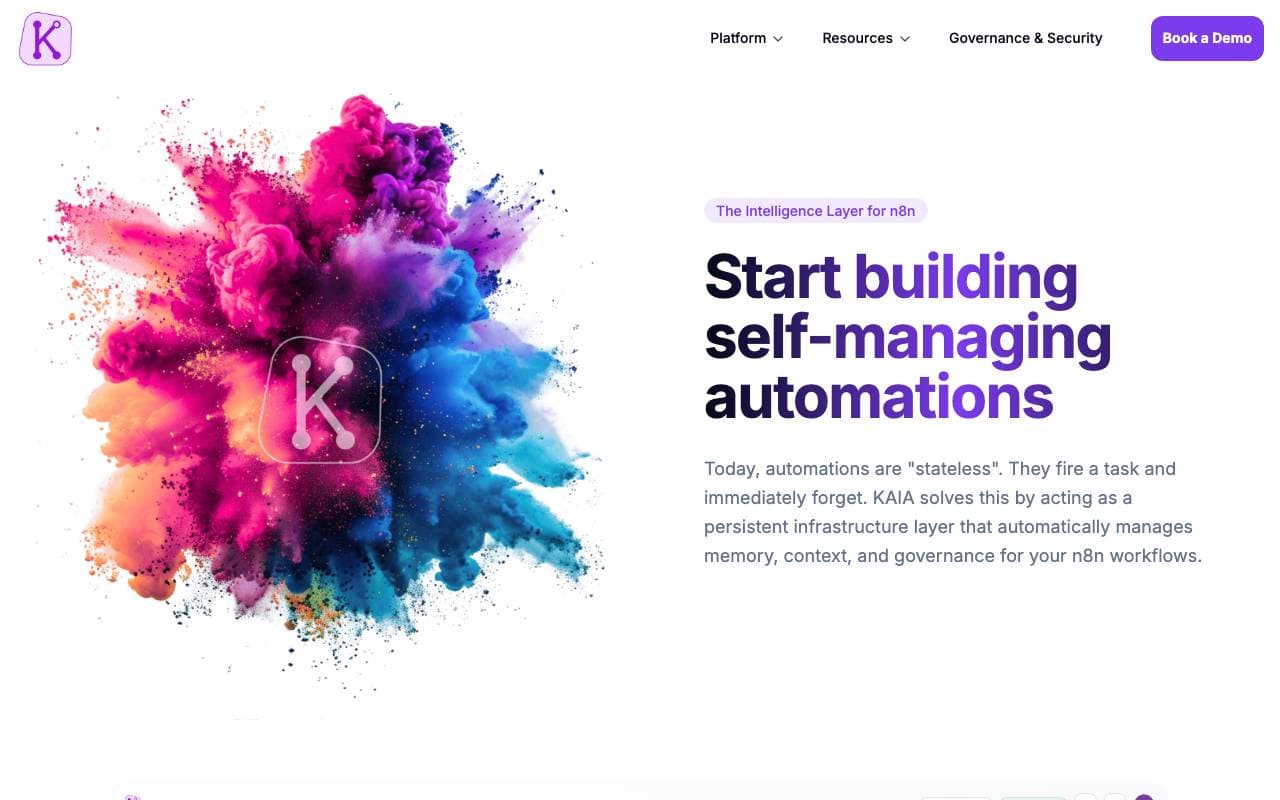
 KAIABusiness Operations & Automation
AI agents that automate business workflows to cut costs and boost efficiency.

Custom AI agents for factory operations and supply chain optimization.

 Juno AIBusiness Operations & Automation
AI-powered automation for business loan processing across lenders and brokers.

Cost tracking and automated billing built for AI agents.

AI teammates that click, type, and scroll to finish your work

 Workfast.aiBusiness Operations & Automation
AI-powered task automation and project management for faster team execution.
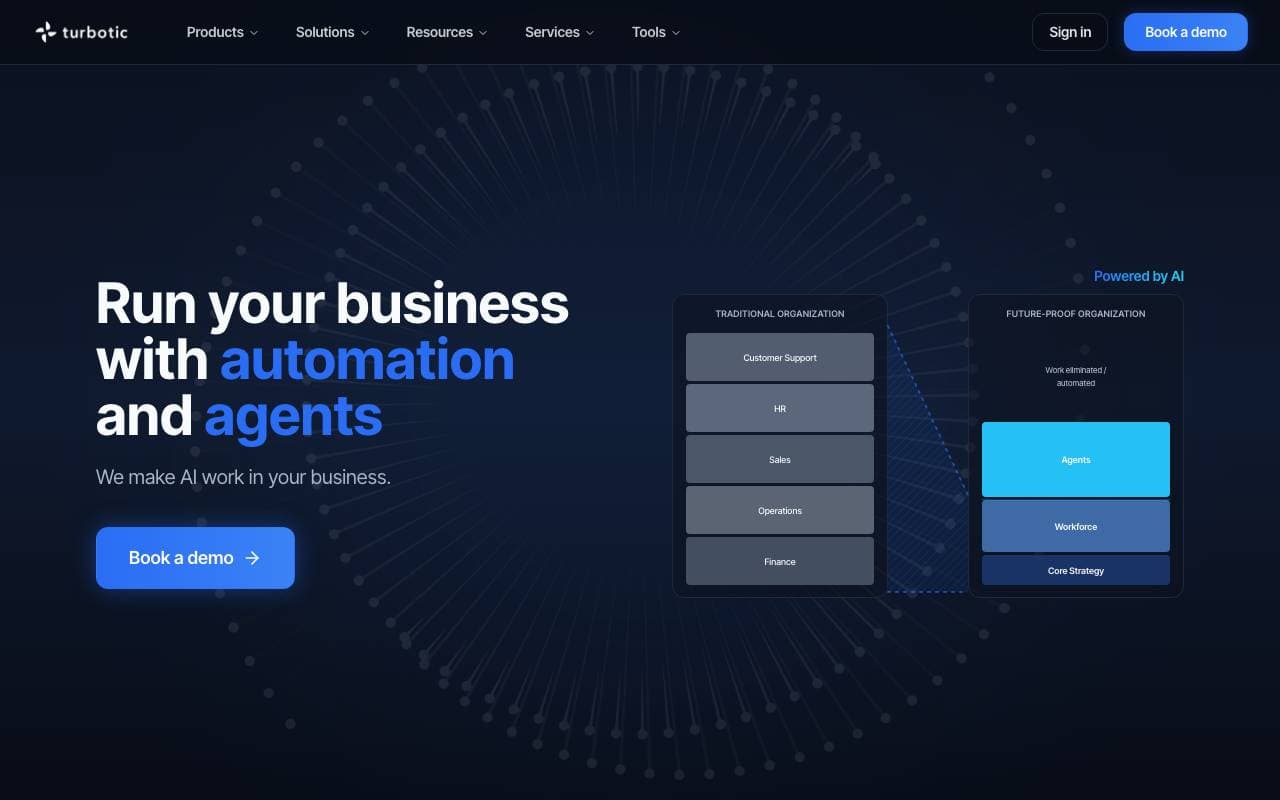
Turn ideas into working AI automations, fast.
 BasisBusiness Operations & Automation
AI agents that automate accounting workflows for firms
Trending now

 Biology AIEducation AI
Accurate Homework Help with Full Explanations

 Reducto AIAI Agent Development Platforms
Document intelligence API that parses, splits, OCRs, and extracts structured data from complex PDFs, slides, and spreadsheets.

 Pixtral 12B 24.09LLM
Open multimodal 12B model handling interleaved images and text with a 128K context window.

 AdCrierMarketing & Advertising
Sponsored answers, paid per click.