
NuqualisAI-powered email assistant that automates responses using your documents, saving time on repetitive inquiries.

Overview
Key features
- Automates responses to customer inquiries
- Trains using documents and instructions
- Seamless integration with existing workflows
- Human review option for accuracy and control
- Continuous updates for informed and effective responses
Pricing
- Model
- Free
- Category
- Email AI Agents
- Rating
- 4.8 / 5 (5)
Use cases
Automate Repetitive Customer Inquiries
Generate AI-powered email replies grounded in your existing documents, reducing time spent answering the same questions repeatedly.
Knowledge-Based Support Responses
Leverage your internal documents as a knowledge source so the assistant drafts accurate, context-aware email responses for support teams.
Inbox Productivity Boost
Streamline daily email workflows by letting AI handle routine messages, freeing up time for higher-priority tasks.
Pros & Cons
Pros
- Reduces email overload by handling repetitive inquiries
- Maintains a personal touch while automating responses
- Easy to train using documents and instructions
- Seamless integration with existing workflows
- Continuous updates to stay informed and effective
Cons
- May require occasional human review to ensure accuracy
- Dependent on quality of training data
- May not be as effective for highly complex or nuanced inquiries
- Limited control over assistant's responses outside of training data
Battle record
Across 5 battles in the Pantheon.
Last 5 battles
- #2
Email AI Agents Showdown — October 29, 2025
Oct 29, 2025 · #2 of 5
- #3
Email AI Agents Showdown — August 3, 2025
Aug 3, 2025 · #3 of 4
- #4
Email AI Agents Showdown — April 26, 2025
Apr 26, 2025 · #4 of 5
- #5
Email AI Agents Showdown — August 27, 2024
Aug 27, 2024 · #5 of 5
- #1
Email AI Agents Showdown — January 8, 2024
Jan 8, 2024 · #1 of 4
Reviews
Average from 5 ratings.
Sign in to leave a review.

Use it every day
Honestly didn't expect to like it this much. The automation is exactly what I needed, and the value for money is strong. I do wish the docs could be deeper, but I reach for it almost every day now and it just clicks.
Years in this space
I've evaluated a lot of these over the years. What stands out here is the integrations — handled better than most — and it saves real time. Worth the time if this is your use case.

Solid for our team
We rolled this out across the team last quarter and it is genuinely easy to set up. The onboarding fits neatly into how we already work, and the integrations removed a step we used to do by hand. The docs could be deeper, which is the main caveat, but it has held up under daily use.

Skeptical, then convinced
I went in skeptical — most tools in this space overpromise. It actually delivers on the core workflow, and support is responsive caught me off guard. The docs could be deeper is why this isn't a perfect score, still, I'd recommend giving it a real trial.

Skeptical, then convinced
I went in skeptical — most tools in this space overpromise. It actually delivers on the core workflow, and it is genuinely easy to set up caught me off guard. Pricing gets steep at scale is why this isn't a perfect score, still, I'd recommend giving it a real trial.
Q&A
Do unused free credits roll over to the next month?
No, the 200 free credits reset at the beginning of each month and do not accumulate. However, any purchased credits never expire.
Asked by Nils Johansson · Nov 16, 2025
What happens when I run out of free credits?
You'll receive a notification with invoice when your usage reaches 75% of your available credits, giving you time to purchase more if needed. If you choose not to purchase more, your assistant will pause processing new emails until your free credits reset the following month.
Asked by Julia Steiner · Oct 10, 2025
How do I purchase more email credits?
When you're approaching your free credit limit (at 75% usage), you'll receive an automatic notification with purchase instructions. You can also email ask@nuqualis.com anytime to request additional credits.
Asked by Dalia Haddad · Sep 17, 2025
Do I need to enter payment information to get started?
No, you can sign up and immediately start using your 200 free monthly credits without entering any payment information. Only when you need additional credits will you be asked for payment details.
Asked by Fiorella Bianchi · Sep 10, 2025
Ask a question
Email AI Agents alternatives


AI Email Assistant
Email AI Agents
Ambient AI agents that handle email by responding to context, not constant clicks.


UseJunior AI Assistant
Email AI Agents
Email-based AI assistant for fast, seamless contract review
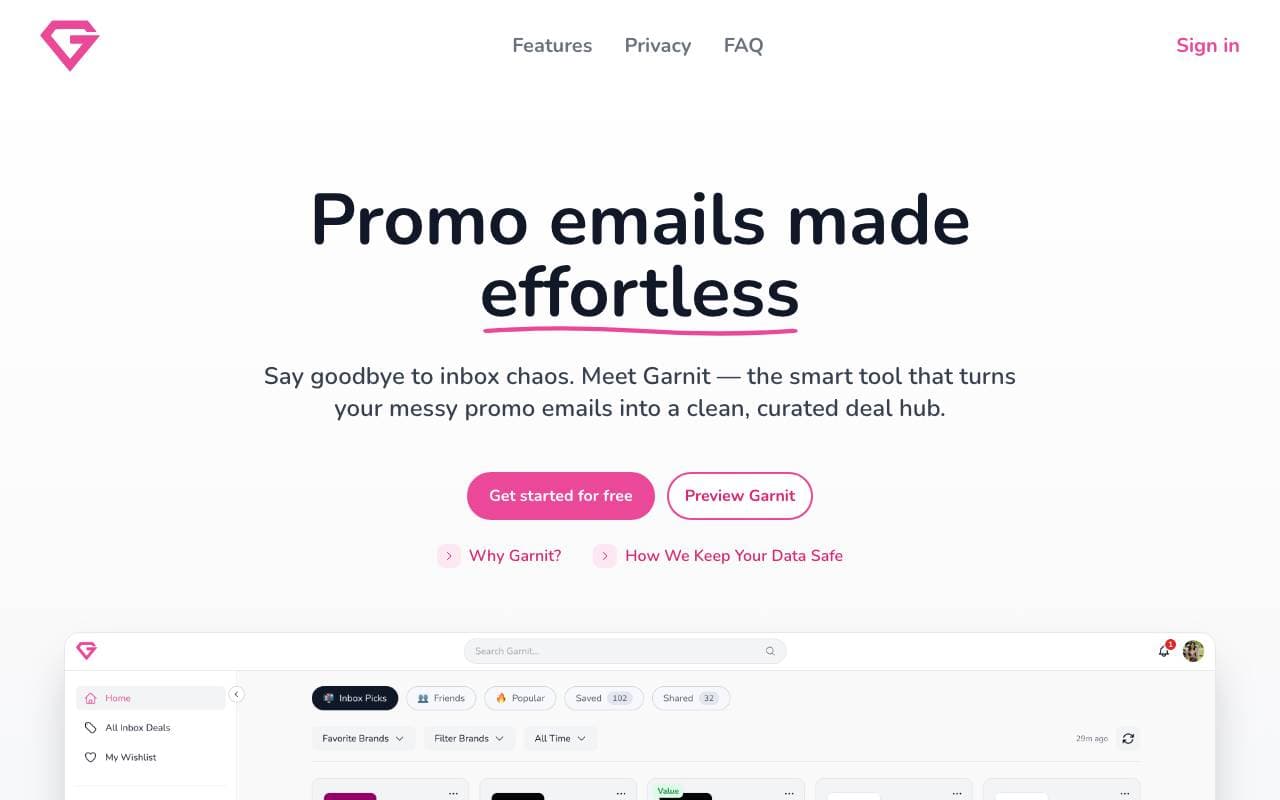

Garnit
Email AI Agents
AI-powered shopping assistant that surfaces top deals from your favorite brands in seconds.


Email AI Extractor
Email AI Agents
Automated email address extraction from websites for faster lead generation
Trending now


Reducto AI
AI Agent Development Platforms
Document intelligence API that parses, splits, OCRs, and extracts structured data from complex PDFs, slides, and spreadsheets.


Biology AI
Education AI
Accurate Homework Help with Full Explanations


AdCrier
Marketing & Advertising
Sponsored answers, paid per click.


Pin AI
Workflow automation
Agentic AI recruiter that automates sourcing, screening, and outreach to accelerate hiring.