
HARPA AIA browser extension that integrates AI to automate web tasks, enhance productivity, and streamline online workflows.

Overview
Key features
- YouTube video summarization
- Email categorization and response generation
- Article generation and writing assistance
- Web page monitoring and tracking
- READY-TO-USE PROMPTS for page-aware automations
- Compatibility with multiple AI models, including GPT-5.4 and Llama 4
Pricing
- Model
- Free
- Category
- Web AI Agents
- Rating
- 4.5 / 5 (4)
Use cases
Automate Repetitive Web Tasks
Use HARPA AI in the browser to automate routine online actions like form filling, data extraction, and page monitoring without manual effort.
Boost Research Productivity
Summarize articles, extract key insights, and interact with web content directly in the browser to speed up online research.
Streamline Online Workflows
Combine AI prompts with web navigation to build smoother workflows across multiple sites and tools from a single extension.
On-Page AI Assistance
Get instant AI help while browsing—drafting replies, rewriting text, or answering questions based on the page you're viewing.
Pros & Cons
Pros
- Automates web tasks and streamlines online workflows
- Enhances productivity with AI-powered features
- Offers best-in-class privacy with local models and GDPR compliance
- Compatible with multiple AI models, including GPT-5.4 and Llama 4
- Provides hallucination-free AI responses
Cons
- May rely heavily on AI models, leading to potential inconsistencies
- May not always accurately automate tasks
- Features and capabilities may be overwhelming for some users
- May require careful prompt crafting to achieve desired results
Battle record
Across 1 battle in the Pantheon.
Last battle
Reviews
Average from 4 ratings.
Sign in to leave a review.

Compared a few options
Evaluated this against two competitors. Where it wins: the dashboard and support is responsive. On balance the feature set — especially the onboarding — justifies the 5 stars for our use case.
Use it every day
Honestly didn't expect to like it this much. The core workflow is exactly what I needed, and it saves real time. I do wish pricing gets steep at scale, but I reach for it almost every day now and it just clicks.
Years in this space
I've evaluated a lot of these over the years. What stands out here is the onboarding — handled better than most — and the value for money is strong. The mobile experience lags is my one real gripe. Worth the time if this is your use case.
Use it every day
Honestly didn't expect to like it this much. The dashboard is exactly what I needed, and it saves real time. but I reach for it almost every day now and it just clicks.
Q&A
How does HARPA ensure privacy and data security?
HARPA is privacy‑centered: it runs on your computer, does not send or store website data on remote servers, and only performs tasks you request. It does not show ads or sell your data. Prompts you enter are sent directly to OpenAI, Google, or ClaudeAI servers for processing and are not stored on HARPA’s servers. See the Privacy Policy for details.
Asked by Faisal Rahman · Apr 22, 2026
How to switch the GPT version and model?
Locate the GPT connection button below the chat window (you may need to expand the control panel by clicking the triangle). Select a GPT connection and model from the screen that appears. Alternatively, type "-3" in chat and press Enter to switch to an efficient model, "-4" for a premium model, "-c" for Claude, etc.
Asked by Grace Okafor · Apr 1, 2026
How to create a ChatGPT account?
Navigate to the ChatGPT login page and click the Sign Up button. Choose to register with an email address, Google account, or Microsoft account, then follow the verification steps: verify your email, provide your full name, and verify your phone number with the code sent. After completing these steps, your ChatGPT account is ready to use.
Asked by Renata Silva · Mar 16, 2026
How to get access to GPT‑5.4?
HARPA CloudGPT supports the GPT‑5.4 model. Upgrade to the S plan to get access via HARPA, or use ChatGPT Plus, which includes GPT‑5.4 but is limited by OpenAI’s per‑session rate limits. GPT‑5.4 is also available for OpenAI API accounts. To upgrade to ChatGPT Plus, log into your OpenAI account, click "Upgrade to Plus" in the left menu, select the plan, enter payment details, and confirm.
Asked by Lorenzo Bianchi · Mar 16, 2026
Do I need to have an OpenAI account?
Generative AI features require a connection to AI service providers. You can use HARPA with a ChatGPT account, OpenAI API key, ClaudeAI, Google Gemini, OpenRouter, or other API keys. You can also connect to CloudGPT on the S plan.
Asked by Adaeze Uche · Mar 14, 2026
Ask a question
Web AI Agents alternatives

 Operator by OpenAIWeb AI Agents
OpenAI's autonomous agent that browses the web and completes tasks like a human user.

 AI Image to VideoWeb AI Agents
Turn still images into short animated video clips using AI motion generation.

 Agent EWeb AI Agents
Open-source AI agent that automates tasks directly in your local browser

 Seamless FormsWeb AI Agents
Turn static forms into dynamic, AI-powered conversations that adapt to each respondent.

 Agent Inbox UIWeb AI Agents
Web interface for human-in-the-loop oversight of LangGraph AI agents.

Build AI agents that browse the web, fill forms, and extract data at scale.

 Resume SquadWeb AI Agents
AI agents that reverse-engineer job descriptions to tailor your resume for each role.
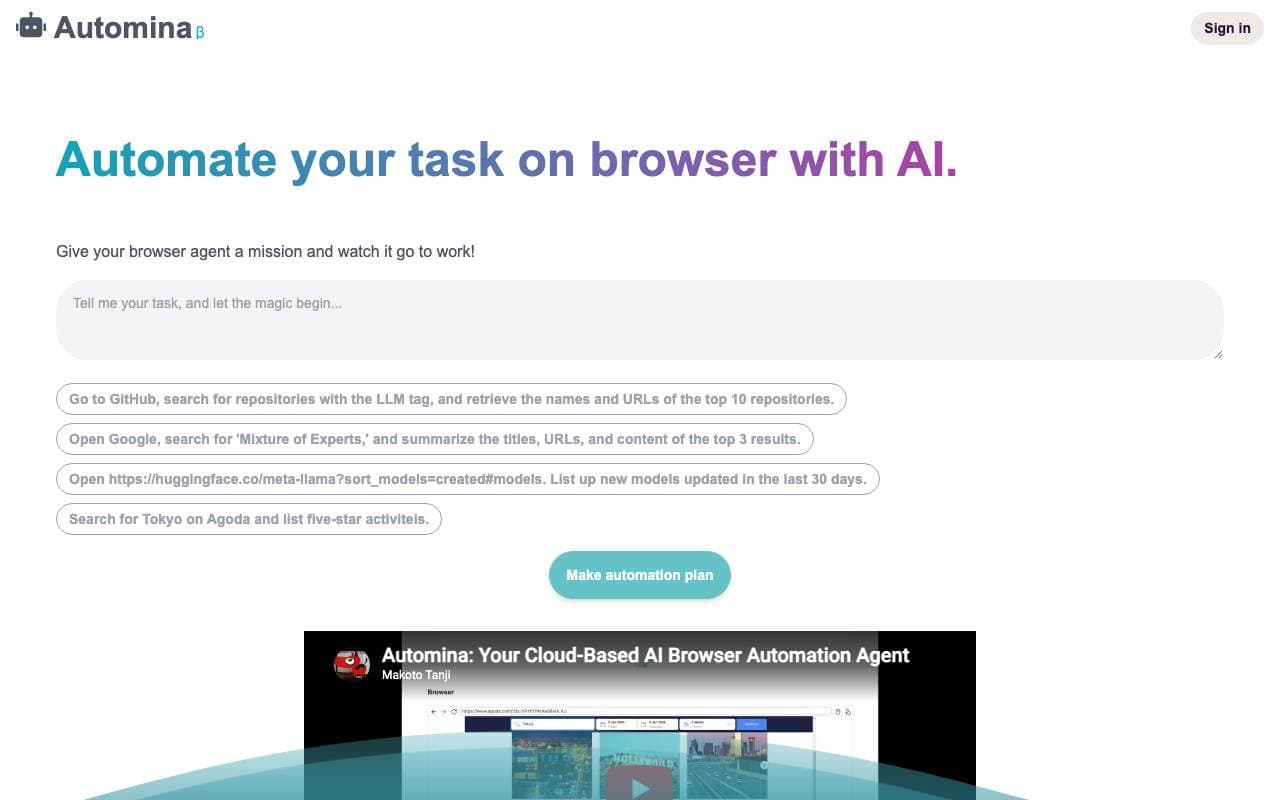
 AutominaWeb AI Agents
AI-powered browser agent that automates repetitive web tasks through natural language instructions
Trending now

 Reducto AIAI Agent Development Platforms
Document intelligence API that parses, splits, OCRs, and extracts structured data from complex PDFs, slides, and spreadsheets.

 AdCrierMarketing & Advertising
Sponsored answers, paid per click.

 Biology AIEducation AI
Accurate Homework Help with Full Explanations

 Pixtral 12B 24.09LLM
Open multimodal 12B model handling interleaved images and text with a 128K context window.