
Claude 3.5 SonnetAnthropic's advanced AI model for coding, reasoning, and computer-use tasks with a 200K context window.

Overview
Key features
- 200K-token context window
- Computer use for UI automation
- Advanced code generation and debugging
- Vision and document understanding
- API access via Anthropic, AWS, and GCP
- Improved multi-step reasoning
Pricing
- Model
- Freemium
- Category
- Multimodal AI
- Rating
- 4.8 / 5 (4)
Use cases
Develop a unique voice for an audience
Use Claude to create a unique voice for a specific audience by providing input on key questions and uploading relevant documents, if necessary.
Improve writing style
Refine your writing style with Claude's help, who can provide suggestions and recommendations based on your input and any supporting documents.
Brainstorm creative ideas
Leverage Claude's capabilities to generate creative ideas and provide interactive, visual, or checklist artifacts to help with the brainstorming process.
Explain complex topics simply
Use Claude to break down complex topics into simple, easy-to-understand explanations, accompanied by artifacts like interactive, visual, or checklist resources.
Pros & Cons
Pros
- Strong performance on coding and reasoning benchmarks
- Large 200K-token context window
- Supports computer-use and agentic workflows
- Available across multiple cloud platforms
Cons
- Computer use is still in beta and can be unreliable
- Usage costs can add up for long-context tasks
- Rate limits may constrain heavy workloads
Battle record
Across 1 battle in the Pantheon.
Last battle
Reviews
Average from 4 ratings.
Sign in to leave a review.

Does the job
Pretty happy overall. API access via Anthropic, AWS, and GCP just works and available across multiple cloud platforms. but no dealbreakers — I'd recommend it to a friend without hesitating.
Skeptical, then convinced
I went in skeptical — most tools in this space overpromise. It actually delivers on 200K-token context window, and large 200K-token context window caught me off guard. still, I'd recommend giving it a real trial.
Years in this space
I've evaluated a lot of these over the years. What stands out here is improved multi-step reasoning — handled better than most — and supports computer-use and agentic workflows. Rate limits may constrain heavy workloads is my one real gripe. Worth the time if this is your use case.
Solid for our team
We rolled this out across the team last quarter and strong performance on coding and reasoning benchmarks. 200K-token context window fits neatly into how we already work, and computer use for UI automation removed a step we used to do by hand. Usage costs can add up for long-context tasks, which is the main caveat, but it has held up under daily use.
Q&A
How do I cancel my Claude subscription?
You can cancel anytime, and your plan stays active until the end of your current billing period. To avoid the next charge, cancel at least 24 hours before your renewal date. If you signed up on the web or the desktop app, go to Settings > Billing and click Cancel. If you subscribed through the App Store or Google Play, cancel from that app under Billing > Manage subscription, or directly in your Apple or Google Play account. Team and self-serve Enterprise: an Owner or Primary Owner cancels under Organization settings > Billing. Sales-assisted Enterprise: Reach out to your Anthropic Contact or our Sales team to discuss cancellation. Canceling doesn't delete your data. Your chats, projects, and files stay with your account, though some features aren't available on the Free plan. For Pro and Max, your account moves to the Free plan once the period ends. For step-by-step help, see how to cancel a Pro or Max plan or cancel a Team plan.
Asked by Sami Virtanen · Apr 6, 2026
How do I upgrade, downgrade, or switch between plans?
You can change your plan any time in Settings. For individual plans, go to Settings > Billing and choose Manage subscription. On Team plans, an Owner or Primary Owner manages this under Organization settings > Billing. Upgrades take effect right away, and any unused time on your current plan is credited toward the new one, so you won't pay twice for the same days. Moving from monthly to annual works the same way, with your remaining time credited to the first annual invoice. In some upgrades (for example Pro Annual to Max 5x Monthly), your remaining value on your old plan is larger than the cost of one billing period of the new plan. In this case, the excess will be stored as credit, which will automatically get used for future purchases. Downgrades take effect at the end of your current billing period, and your chats, projects, and files stay with your account whichever plan you're on.
Asked by Anya Sokolova · Mar 9, 2026
Does Claude offer refunds?
Payments are generally non-refundable, except where our Consumer Terms of Service say otherwise or where local law requires it. Customers outside of Europe can follow this process to request a refund: Log in, open Get help from the menu, start a message, and choose Claude Refund Request to check your eligibility. If you subscribed through the App Store, Apple handles the refund, so you'll request it from Apple. If you subscribed through Google Play, contact our Support team to check eligibility for an active subscription. If you're in the European Economic Area and the United Kingdom, and within your 14-day withdrawal period, you can request a refund directly in the app.
Asked by Petros Georgiou · Feb 23, 2026
Can I pay annually? Does it cost less than if I pay monthly?
Yes, annual plans are designed to cost less than monthly subscriptions. Annual subscriptions are available for Pro and Team plans. Enterprise plans are only available as annual subscriptions. When you choose to pay annually, you're billed once up front for the year. If you're already on a monthly plan, you can switch to annual in Settings > Billing, and any unused time is credited toward your first annual invoice. See the steps for Pro and Team.
Asked by Esther Adeyemi · Jan 31, 2026
How much does the Claude Enterprise plan cost?
The Claude Enterprise plan (https://claude.com/solutions/enterprise) is built for large businesses operating at scale. Pricing is $20 per seat per month plus usage billed at API rates, so cost scales with the models and tasks your team runs. Enterprise is billed annually and includes everything in Team plus advanced security and admin controls, including SCIM, audit logs, custom data retention, and role-based access. You can get started self-serve or contact sales (https://claude.com/contact-sales) for a tailored quote.
Asked by Winifred Adeyemi · Jan 28, 2026
Ask a question
Multimodal AI alternatives
 AlgomoMultimodal AI
AI-powered customer support automation across chat, email, and messaging channels.
 AgentFiMultimodal AI
Build, customize, and share on-chain AI agents for DeFi workflows.
 Magentic OneMultimodal AI
Open-source generalist multi-agent system for tackling complex, multi-step tasks

 Project AstraMultimodal AI
Google DeepMind's universal AI agent that sees, hears, and reasons about the world in real time.

Autonomous AI customer service agent built for empathetic e-commerce support
 LangroidMultimodal AI
An open-source Python framework that simplifies LLM application development using a multi-agent programming paradigm.
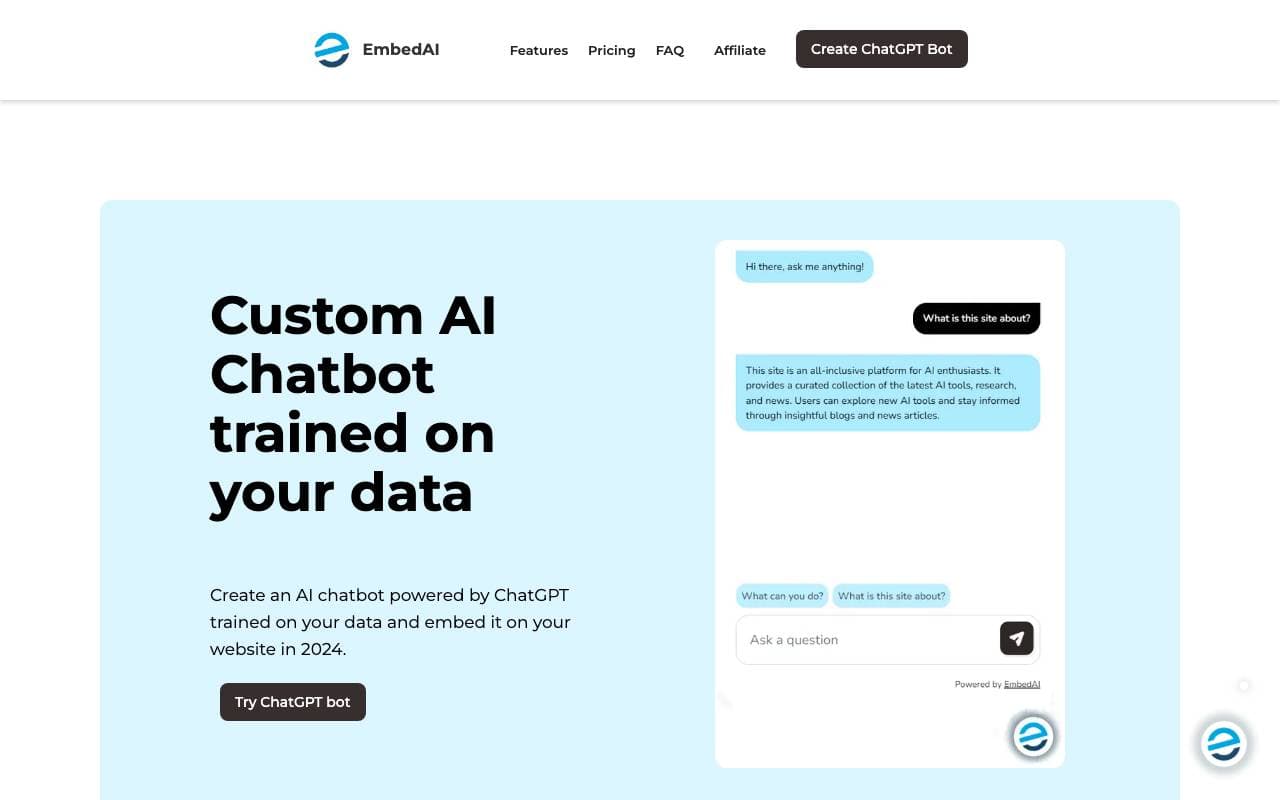
 EmbedAIMultimodal AI
Build custom ChatGPT-powered chatbots trained on your own data and embed them anywhere.

 LumivarMultimodal AI
AI agents built for the automotive industry
Trending now

 Reducto AIAI Agent Development Platforms
Document intelligence API that parses, splits, OCRs, and extracts structured data from complex PDFs, slides, and spreadsheets.

 AdCrierMarketing & Advertising
Sponsored answers, paid per click.

 Biology AIEducation AI
Accurate Homework Help with Full Explanations

 Pixtral 12B 24.09LLM
Open multimodal 12B model handling interleaved images and text with a 128K context window.