
BotpressEnd-to-end platform for building, deploying and managing AI agents and chatbots.

Overview
Key features
- Drag-and-drop conversation flow editor
- LLM-powered agents with tool use
- Knowledge base ingestion from docs and URLs
- Multi-channel deployment (web, WhatsApp, Slack, etc.)
- Analytics and conversation monitoring
- Human handoff and team collaboration
Pricing
- Model
- Freemium
- Category
- Agent Development
- Rating
- 4.8 / 5 (5)
Use cases
Automated Customer Support Agent
Deploy an LLM-powered chatbot trained on help docs and URLs to answer customer questions across web and WhatsApp, with human handoff for complex cases.
Lead Generation on Marketing Sites
Use the visual flow builder to design conversational agents that qualify visitors, capture contact details, and sync leads to CRM tools via API calls.
Internal Workflow Automation
Build agents in Slack that execute multi-step tasks, query internal knowledge bases, and trigger APIs to streamline employee requests and operations.
Multi-Channel Conversational Deployment
Design a single agent once and deploy it across web, WhatsApp, and Slack while monitoring performance through built-in analytics dashboards.
Pros & Cons
Pros
- Visual builder paired with developer SDK
- Wide range of channel integrations
- Built-in knowledge base and LLM support
- Active community and learning resources
Cons
- Pricing can scale quickly with heavy usage
- Advanced features have a learning curve
- Some integrations require custom coding
Reviews
Average from 5 ratings.
Sign in to leave a review.
Compared a few options
Evaluated this against two competitors. Where it wins: analytics and conversation monitoring and wide range of channel integrations. On balance the feature set — especially analytics and conversation monitoring — justifies the 5 stars for our use case.

Solid for our team
We rolled this out across the team last quarter and wide range of channel integrations. LLM-powered agents with tool use fits neatly into how we already work, and analytics and conversation monitoring removed a step we used to do by hand. Pricing can scale quickly with heavy usage, which is the main caveat, but it has held up under daily use.
Solid for our team
We rolled this out across the team last quarter and active community and learning resources. Analytics and conversation monitoring fits neatly into how we already work, and lLM-powered agents with tool use removed a step we used to do by hand. but it has held up under daily use.
Compared a few options
Evaluated this against two competitors. Where it wins: human handoff and team collaboration and wide range of channel integrations. On balance the feature set — especially multi-channel deployment (web, WhatsApp, Slack, etc.) — justifies the 5 stars for our use case.
Use it every day
Honestly didn't expect to like it this much. Drag-and-drop conversation flow editor is exactly what I needed, and visual builder paired with developer SDK. I do wish pricing can scale quickly with heavy usage, but I reach for it almost every day now and it just clicks.
Q&A
What channels does Botpress support?
Webchat, email, WhatsApp, Slack, Discord, Telegram, Instagram, Facebook Messenger, and voice, with more on the roadmap.
Asked by Bruno Kaufmann · May 31, 2026
How much can we customize?
There's no ceiling. Custom logic, multi-step workflows, integrations with any tool in your stack — you will never hit a technical limitation on what Botpress can do.
Asked by Isabela Almeida · Apr 26, 2026
How long does implementation take?
Most teams are live within days. If you don't have a dedicated support ops resource, we can handle the full implementation — same timeline, no internal lift required.
Asked by Kirsi Laine · Apr 16, 2026
We tried an AI tool before and it didn't work. Why is this different?
Most AI tools handle the easy tickets and escalate the rest back to your team. Botpress handles the complex ones too — multi-step workflows, real actions like issuing refunds or checking account status, and deep integrations with your product stack. If your last implementation stalled, we can handle the build entirely.
Asked by Yara Mansour · Mar 11, 2026
How does pricing work?
The Plus plan is $150/month — including unlimited agents and AI spend. No per-seat fees. Each pricing tier comes with an allotted amount of conversations, with additional conversation packages available as add-ons to accommodate upswings.
Asked by Nadia Petrova · Mar 5, 2026
Ask a question
Agent Development alternatives
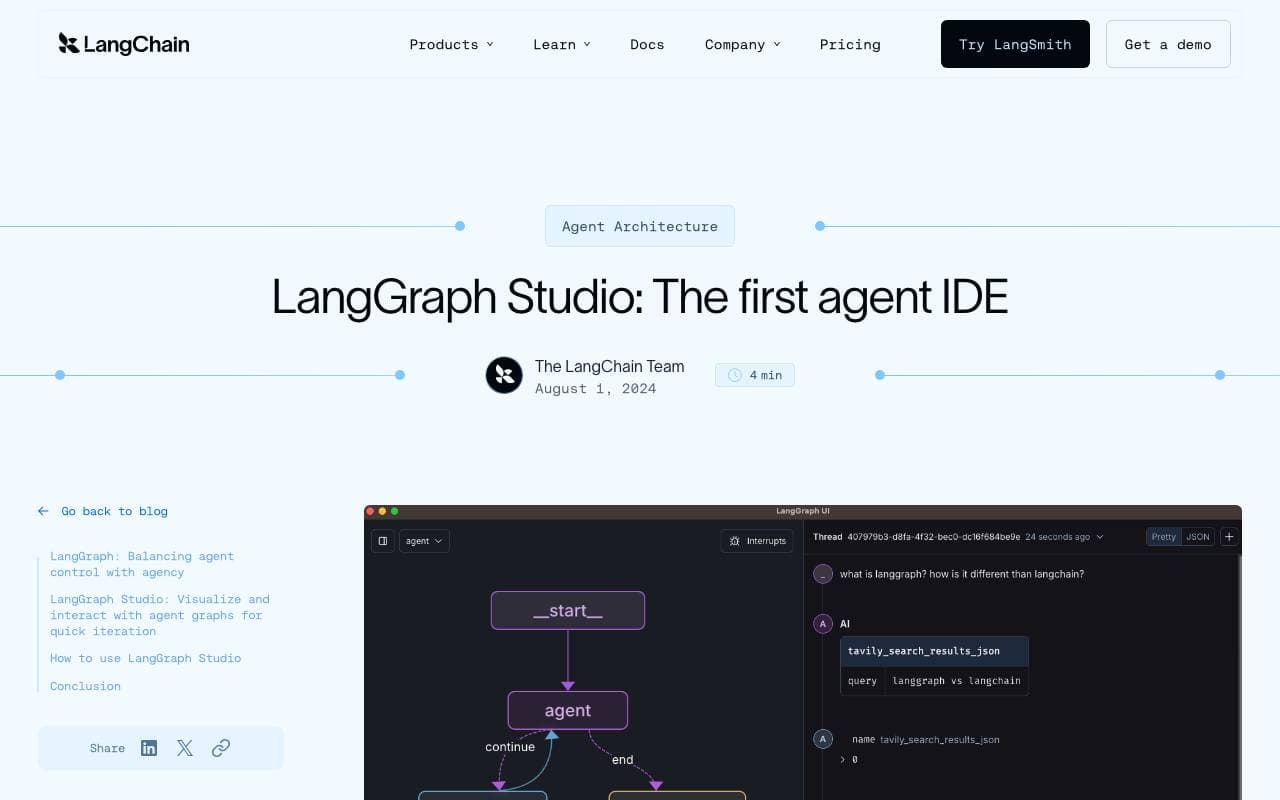

LangGraph Studio
Agent Development
Visual IDE for building, debugging, and inspecting LangGraph agent workflows

BrainSoup
Agent Development
Build custom AI agents that automate tasks and workflows through natural language.


Letta AI
Agent Development
An open-source platform for building stateful AI agents with long-term memory and advanced reasoning.


Snorkel Flow
Agent Development
Programmatic data labeling and AI development platform for building production models faster.

NetX
Agent Development
Modular economic network combining blockchain infrastructure with AI capabilities.


Theoriq AI
Agent Development
Decentralized protocol for building and governing multi-agent AI systems on-chain
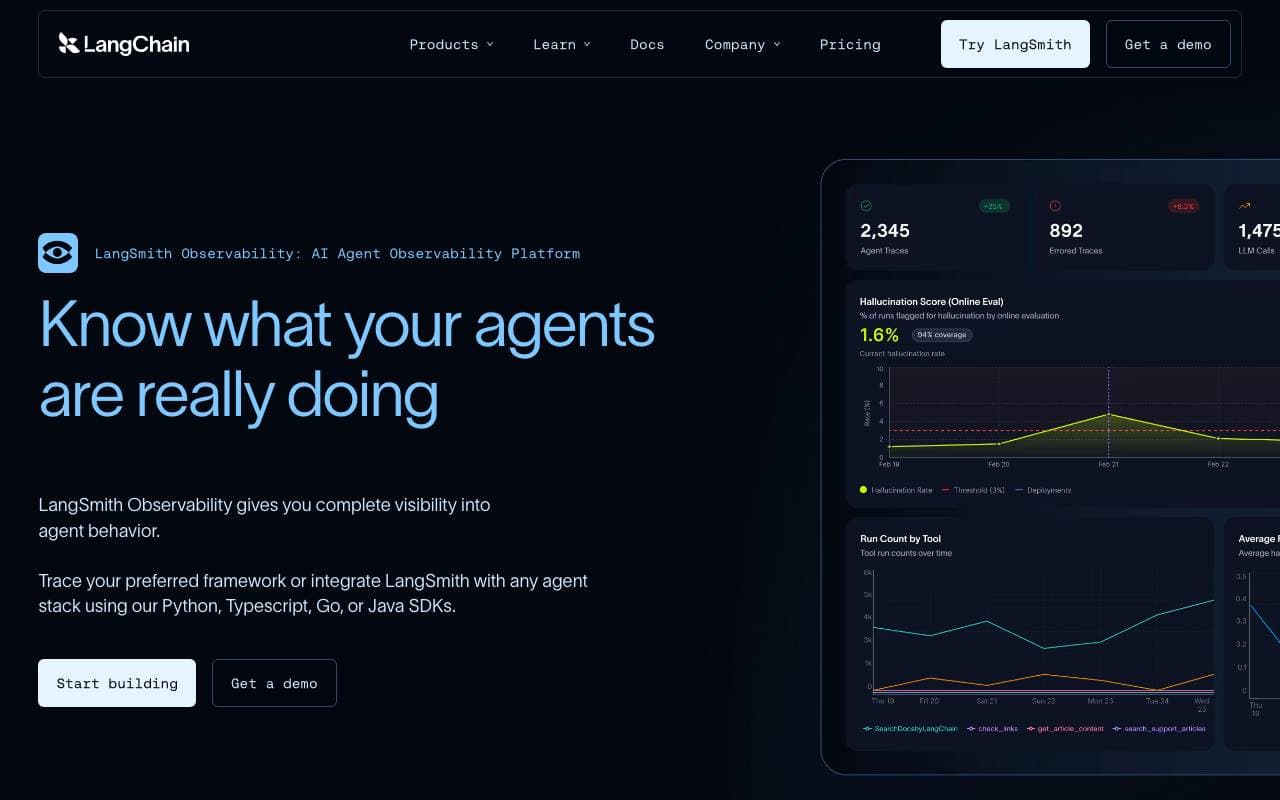

LangSmith
Agent Development
Observability, evaluation, and debugging platform for LLM applications from the LangChain team


Gretel AI
Agent Development
Synthetic data platform for generating privacy-safe, AI-ready datasets that mirror real-world data.
Trending now


Reducto AI
AI Agent Development Platforms
Document intelligence API that parses, splits, OCRs, and extracts structured data from complex PDFs, slides, and spreadsheets.


AdCrier
Marketing & Advertising
Sponsored answers, paid per click.


Biology AI
Education AI
Accurate Homework Help with Full Explanations


Pin AI
Workflow automation
Agentic AI recruiter that automates sourcing, screening, and outreach to accelerate hiring.