
Asana AIAI-powered work management that automates tasks and prioritizes team workflows.

Overview
Key features
- Smart task prioritization and recommendations
- Automated status updates and summaries
- AI-generated project goals and workflows
- Risk and blocker detection
- Natural language search across work
- Contextual insights for managers
Pricing
- Model
- Freemium
- Category
- Project Management
- Rating
- 4.3 / 5 (6)
Use cases
Automate Project Status Reporting
Managers can generate AI-written status updates and summaries across projects, reducing time spent compiling reports and keeping stakeholders consistently informed.
Prioritize Tasks Across Busy Workloads
Individual contributors receive smart recommendations on what to work on next, helping them focus on high-impact tasks instead of sorting through long backlogs.
Identify Project Risks Early
Team leads use AI-driven risk and blocker detection to surface issues before they derail timelines, enabling proactive intervention on at-risk goals and deliverables.
Search Work in Natural Language
Employees can ask questions in plain language to find tasks, projects, or updates across Asana, accelerating information retrieval without manual filtering.
Pros & Cons
Pros
- Integrated directly into existing Asana workflows
- Automates routine status updates and reporting
- Surfaces risks and blockers proactively
- Helps prioritize tasks across busy projects
Cons
- Requires an Asana subscription to access
- Advanced AI features tied to higher-tier plans
- Value depends on consistent team adoption
Battle record
Across 6 battles in the Pantheon.
Last 5 battles
- #4
Project Management Showdown — June 26, 2026
Jun 26, 2026 · #4 of 7
- #4
Project Management Showdown — March 21, 2026
Mar 21, 2026 · #4 of 4
- #1
Project Management Showdown — January 25, 2026
Jan 25, 2026 · #1 of 7
- #4
Project Management Showdown — December 24, 2024
Dec 24, 2024 · #4 of 4
- #1
Project Management Showdown — August 21, 2024
Aug 21, 2024 · #1 of 7
Reviews
Average from 6 ratings.
Sign in to leave a review.

Solid for our team
We rolled this out across the team last quarter and automates routine status updates and reporting. Smart task prioritization and recommendations fits neatly into how we already work, and natural language search across work removed a step we used to do by hand. Requires an Asana subscription to access, which is the main caveat, but it has held up under daily use.
Does the job
Pretty happy overall. Contextual insights for managers just works and surfaces risks and blockers proactively. but no dealbreakers — I'd recommend it to a friend without hesitating.
Use it every day
Honestly didn't expect to like it this much. Automated status updates and summaries is exactly what I needed, and automates routine status updates and reporting. I do wish advanced AI features tied to higher-tier plans, but I reach for it almost every day now and it just clicks.
Solid for our team
We rolled this out across the team last quarter and integrated directly into existing Asana workflows. Smart task prioritization and recommendations fits neatly into how we already work, and risk and blocker detection removed a step we used to do by hand. but it has held up under daily use.
Does the job
Pretty happy overall. Contextual insights for managers just works and surfaces risks and blockers proactively. Requires an Asana subscription to access can be annoying, but no dealbreakers — I'd recommend it to a friend without hesitating.

Does the job
Pretty happy overall. Risk and blocker detection just works and integrated directly into existing Asana workflows. Requires an Asana subscription to access can be annoying, but no dealbreakers — I'd recommend it to a friend without hesitating.
Q&A
How is Asana AI priced?
Asana AI is available on all paid tiers. Learn more here.
Asked by Ravi Kapoor · Jun 19, 2026
How do I get access to AI Studio to build smart workflows?
AI Studio is available on Starter, Advanced, Enterprise, and Enterprise+ plans. To get started, reach out to your admin and ask them to enable AI Studio in the admin console to build smart workflows for repeatable work, including an AI project plan template that helps organize tasks, owners, milestones, and deadlines. Use Asana's AI calendar to schedule tasks around your team's priorities, capacity, and available time. Learn more about AI Studio here.
Asked by Wanjiru Kamau · May 22, 2026
Is Asana AI secure, and how does it handle my data?
Yes, Asana AI is built with enterprise-grade security. Our AI partners never use customer data to train AI models, and Asana’s AI partners are contractually required to delete your data after each AI interaction. Asana AI also follows Asana’s permissioning model, so AI can only access information users already have access to.
Asked by Constantin Ionescu · May 21, 2026
What AI partners power Asana AI?
Refer to this help article for a breakdown of which partner powers each Asana AI feature.
Asked by Kalinda Reddy · May 8, 2026
Do AI partners train on my company data?
No. Our AI partners do not use customer data to train their models.
Asked by Wei Chen · Apr 17, 2026
Ask a question
Project Management alternatives

 Gantt ChartProject Management
Professional Gantt chart maker for planning project timelines, dependencies, and milestones.
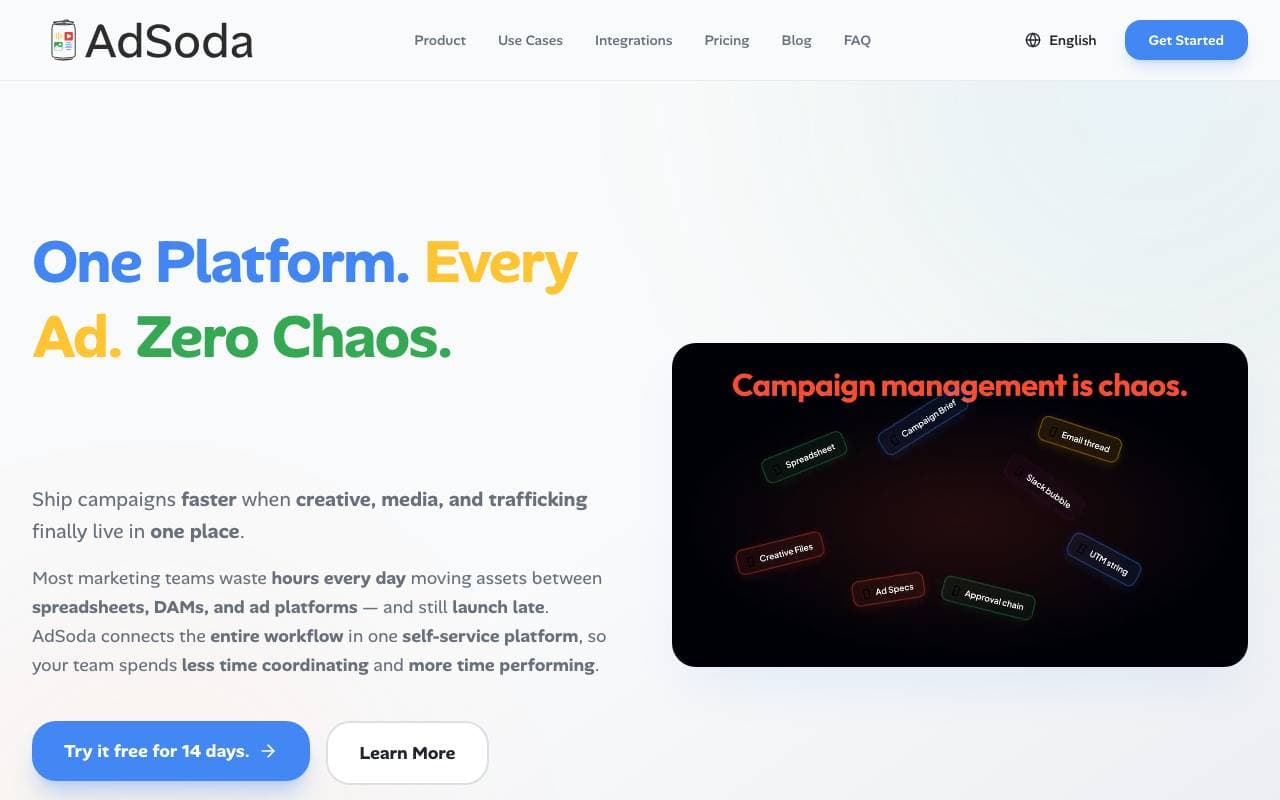
 AdSodaProject Management
Unified campaign operations platform linking creative, media planning, and ad trafficking.
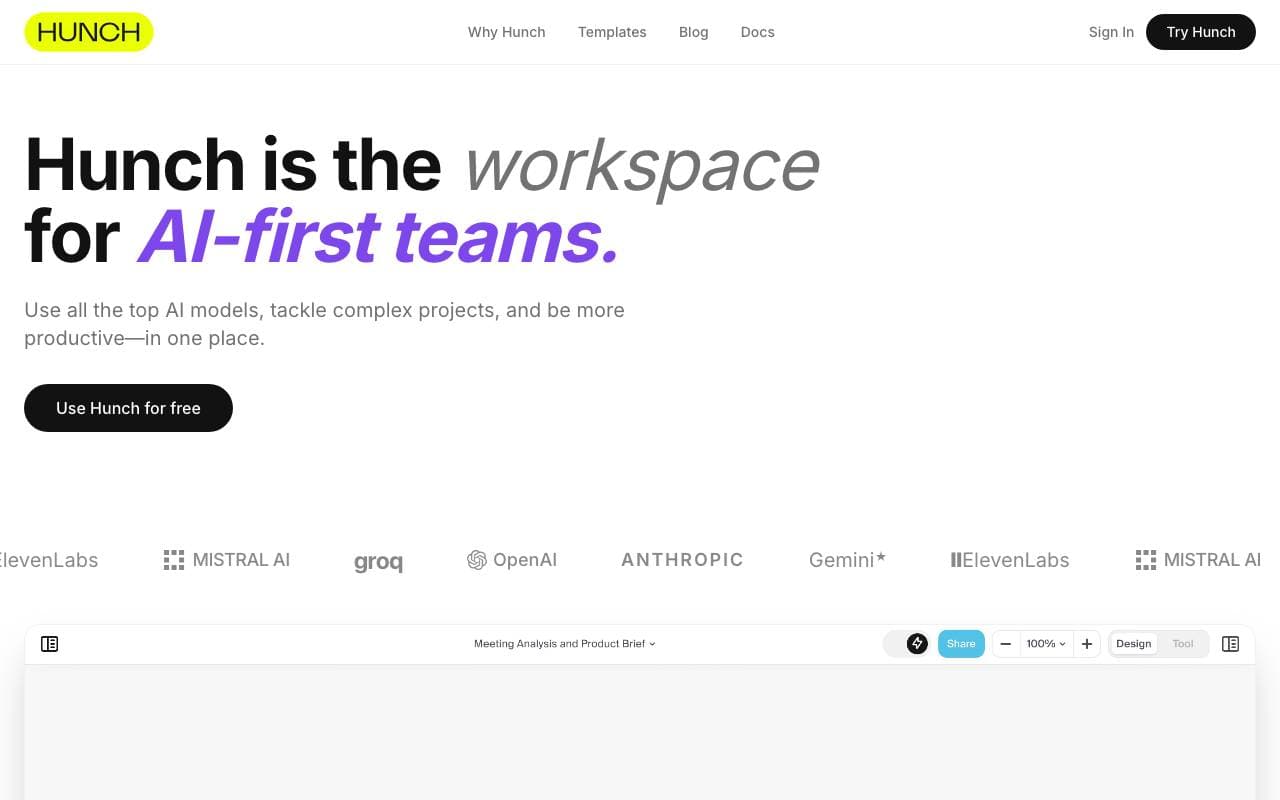
A unified workspace that brings multiple AI models together to tackle complex, multi-step projects.
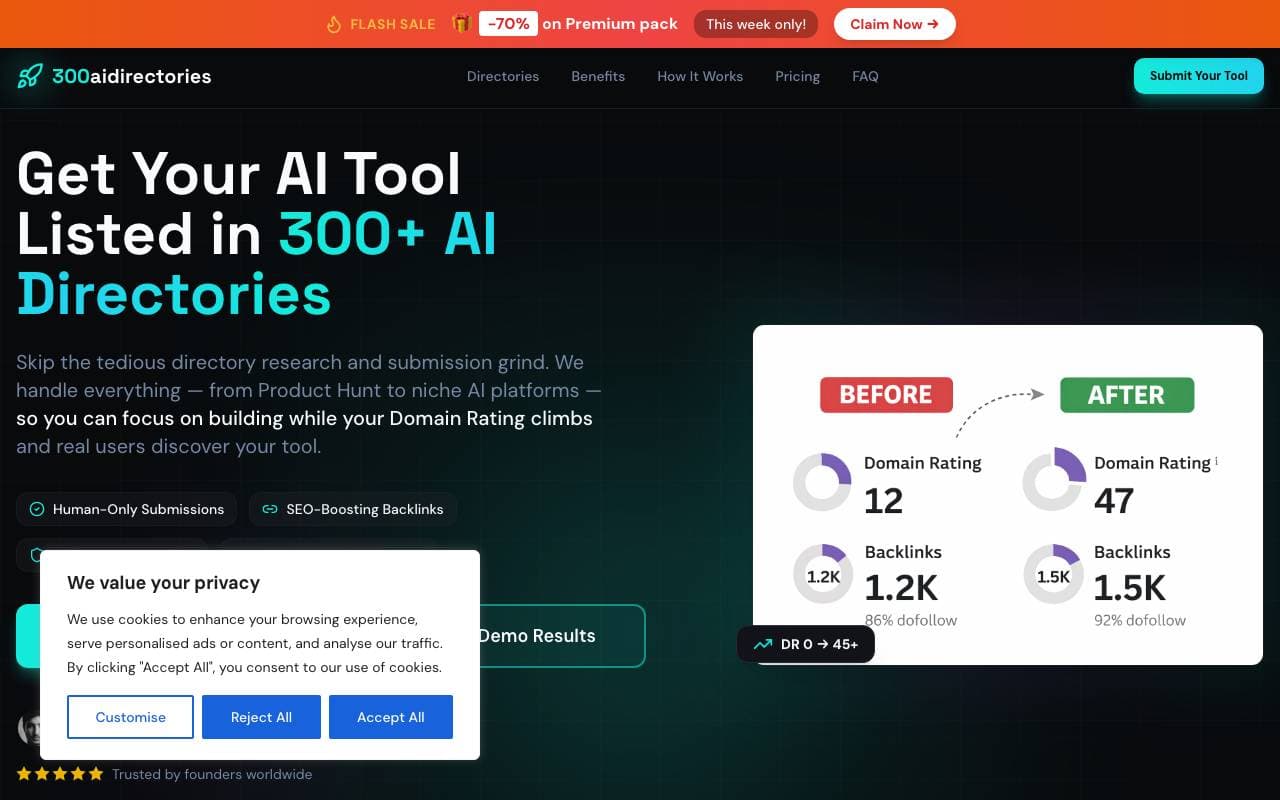
 x102techProject Management
AI-powered site audits with actionable steps to boost citations in ChatGPT, Gemini, and other AI engines.

 Quantum HireProject Management
AI agents that automate sourcing, screening, and scheduling for HR teams and recruiters.
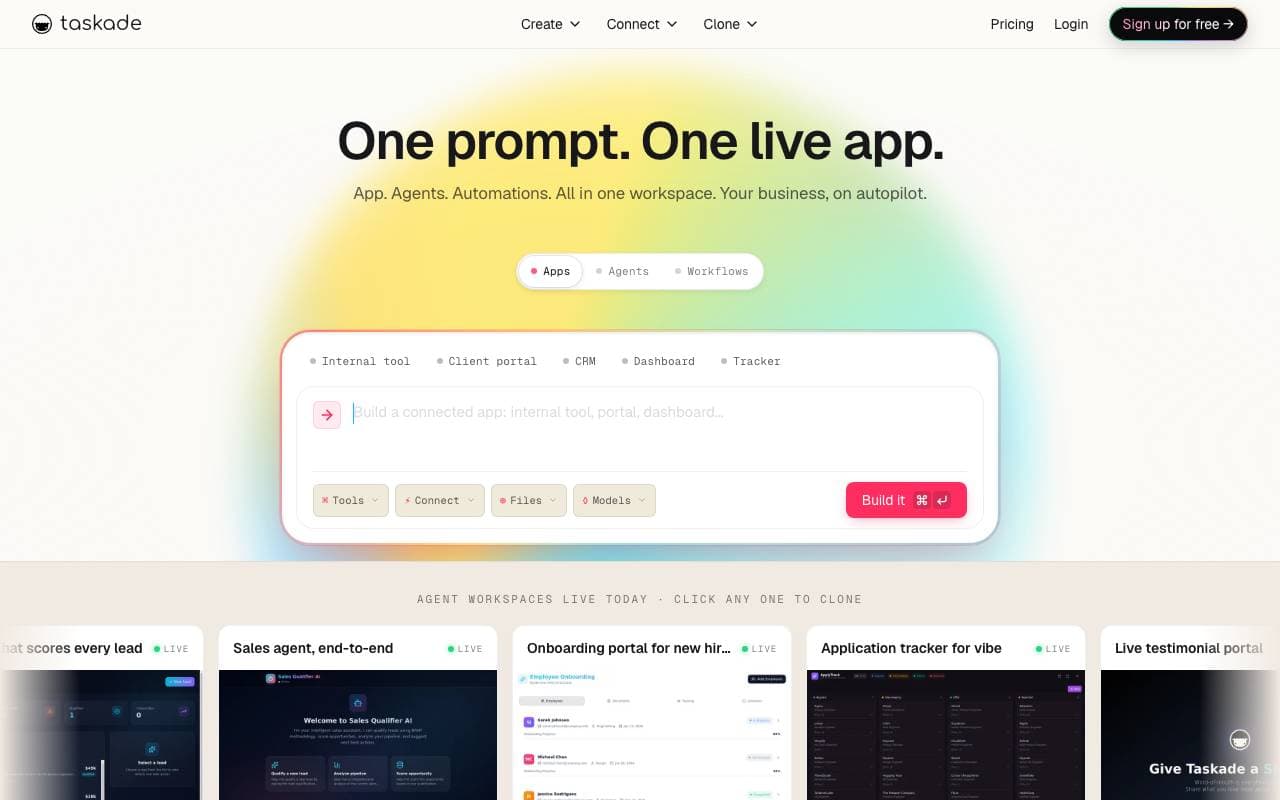
AI-powered workspace combining tasks, notes, and autonomous agents for team collaboration.
Trending now

 Biology AIEducation AI
Accurate Homework Help with Full Explanations

 Reducto AIAI Agent Development Platforms
Document intelligence API that parses, splits, OCRs, and extracts structured data from complex PDFs, slides, and spreadsheets.

 Pixtral 12B 24.09LLM
Open multimodal 12B model handling interleaved images and text with a 128K context window.

 AdCrierMarketing & Advertising
Sponsored answers, paid per click.