
Markdown Converter ProΜετατρέψτε Markdown σε PDF, HTML και Word — και αντιστρέψτε τα PDFs σε καθαρό Markdown.

Επισκόπηση
Βασικές λειτουργίες
- Εξαγωγή Markdown σε PDF
- Μετατροπή Markdown σε HTML
- Εξαγωγή Markdown σε Word (DOCX)
- Εξαγωγή PDF σε Markdown
- Διατήρηση μορφοποίησης για επικεφαλίδες, λίστες και κώδικα
- Διαδικασία μετατροπής μέσω περιηγητή
Τιμές
- Μοντέλο
- Free
- Κατηγορία
- Βιβλιοθήκες Πολυτεχνικών Εργαλείων
- Βαθμολογία
- 5.0 / 5 (6)
Περιπτώσεις χρήσης
Εξαγωγή τεκμηρίωσης Markdown σε επεξεργάσιμα αρχεία Word
Μετατρέψτε αρχεία Markdown σε πολυτελή έγγραφα Word για μη τεχνικούς ενδιαφερόμενους, επιτρέποντας απρόσκοπτη συνεργασία και επεξεργασία.
Δημοσίευση άρθρων blog Markdown ως καθαρό HTML για ιστοσελίδες
Μετατρέψτε το περιεχόμενο Markdown σε υψηλής ποιότητας HTML για δημοσίευση στο διαδίκτυο, διατηρώντας τη μορφοποίηση, τις εικόνες, τους πίνακες και τα μπλοκ κώδικα.
Μεταφορά παλαιών εγγράφων PDF σε αποθετήρια Markdown με υποστήριξη Git
Εξάγετε κείμενο, επικεφαλίδες, πίνακες, μπλοκ κώδικα και εικόνες από έγγραφα PDF σε καθαρό, επεξεργάσιμο Markdown, διευκολύνοντας τον έλεγχο εκδόσεων και τη συνεργασία.
Υπέρ και κατά
Υπέρ
- Υποστηρίζει πολλαπλά μορφότυπα εξόδου από μία πηγή
- Δυαλογική μετατροπή, συμπεριλαμβανομένου PDF σε Markdown
- Διατηρεί κοινές δομές Markdown όπως πίνακες και κώδικα
- Χρήσιμο τόσο για τεχνικά όσο και για μη τεχνικά παραδοτέα
Κατά
- Πολύπλοκες διάταξεις PDF ενδέχεται να μην μεταφράζονται καθαρά
- Περιορισμένες πληροφορίες για προηγμένα ελέγχους στυλ
- Δεν αναφέρεται υποστήριξη batch ή API
Ρεκόρ μαχών
Σε 5 μάχες στο Πάνθεον.
Last 5 battles
- #8
Tool Libraries Showdown — July 30, 2025
Jul 30, 2025 · #8 of 9
- #6
Tool Libraries Showdown — February 1, 2025
Feb 1, 2025 · #6 of 7
- #2
Tool Libraries Showdown — November 25, 2024
Nov 25, 2024 · #2 of 10
- #1
Tool Libraries Showdown — July 7, 2024
Jul 7, 2024 · #1 of 7
- #1
Tool Libraries Showdown — February 12, 2024
Feb 12, 2024 · #1 of 6
Κριτικές
Μέσος όρος από 6 βαθμολογίες.
Σύνδεση για κριτική.
Solid for our team
We rolled this out across the team last quarter and two-way conversion including PDF to Markdown. Markdown to HTML conversion fits neatly into how we already work, and browser-based conversion workflow removed a step we used to do by hand. Complex PDF layouts may not convert cleanly, which is the main caveat, but it has held up under daily use.
Compared a few options
Evaluated this against two competitors. Where it wins: markdown to HTML conversion and useful for both technical and non-technical deliverables. Where it lags: complex PDF layouts may not convert cleanly. On balance the feature set — especially pDF to Markdown extraction — justifies the 5 stars for our use case.
Solid for our team
We rolled this out across the team last quarter and supports multiple output formats from one source. Formatting preservation for headings, lists, and code fits neatly into how we already work, and markdown to Word (DOCX) export removed a step we used to do by hand. but it has held up under daily use.
Years in this space
I've evaluated a lot of these over the years. What stands out here is formatting preservation for headings, lists, and code — handled better than most — and preserves common Markdown structures like tables and code. Worth the time if this is your use case.

Use it every day
Honestly didn't expect to like it this much. PDF to Markdown extraction is exactly what I needed, and useful for both technical and non-technical deliverables. but I reach for it almost every day now and it just clicks.
Years in this space
I've evaluated a lot of these over the years. What stands out here is browser-based conversion workflow — handled better than most — and useful for both technical and non-technical deliverables. Worth the time if this is your use case.
Ερωτήσεις
Why choose credits over a subscription?
100% ControlOnly pay for what you use. No recurring charges on your credit card.Lifetime ValidityYour credits never expire. Buy now and use them next week, next month, or next year.Access EverythingDetailed conversions, large files (10MB), and image extraction included.Simple Pricing1 Credit = 1 Conversion. No complicated math. Just simple value.Money-Back GuaranteeNot satisfied? Get a full refund within 7 days. See our Refund Policy.Your Files Stay PrivateSecure checkout, and your uploaded files are auto-removed after processing.
Asked by Pierre Dubois · May 7, 2026
Who Uses a Markdown Converter?
From code reviews to journal submissions, the same Markdown round-trip fits very different workflows.
Asked by Ekaterina Orlova · May 6, 2026
What is a Markdown converter and why do I need one?
A Markdown converter is a tool that transforms Markdown (.md) files into other document formats such as PDF, Word (.docx), and HTML — or converts those formats back into Markdown. You need a Markdown converter when you write documentation, README files, or technical content in Markdown but need to share it as a professional PDF for clients, an editable Word document for non-technical colleagues, or clean HTML for web publishing. Markdown Converter Pro supports all six conversion directions: Markdown to PDF, Markdown to Word, Markdown to HTML, PDF to Markdown, Word to Markdown, and HTML to Markdown — making it a complete solution for any document conversion workflow.
Asked by Katarzyna Zielinska · May 1, 2026
How do I convert Markdown to PDF, Word, or HTML online?
To convert Markdown to PDF, Word, or HTML online, follow these three steps: Step 1 — paste your Markdown content into the editor or drag and drop a .md file. Step 2 — select your target format (PDF for print-ready documents, Word for editable reports, or HTML for web publishing) and preview the result in real time. Step 3 — click 'Convert & Download' to generate and download your file instantly. The converter preserves all GitHub Flavored Markdown (GFM) syntax including tables, code blocks with syntax highlighting, LaTeX math equations, Mermaid diagrams, task lists, and embedded images. Most conversions complete in under 5 seconds.
Asked by Cristina Moreno · Apr 26, 2026
What Markdown features are supported — GFM, LaTeX, Mermaid, tables?
Markdown Converter Pro supports the full GitHub Flavored Markdown (GFM) specification and beyond. Supported features include: Tables with column alignment, fenced code blocks with syntax highlighting for 100+ programming languages (Python, JavaScript, Go, Rust, etc.), LaTeX math equations (both inline $...$ and block $$...$$), Mermaid diagrams (flowcharts, sequence diagrams, Gantt charts, class diagrams), task lists with checkboxes, strikethrough, auto-linked URLs, footnotes, and embedded images. This makes it suitable for converting complex technical documentation, academic papers with mathematical formulas, and software architecture diagrams.
Asked by Quyen Tran · Apr 12, 2026
Κάνε μια ερώτηση
Εναλλακτικές για Βιβλιοθήκες Πολυτεχνικών Εργαλείων


AI prompt library
Βιβλιοθήκες Πολυτεχνικών Εργαλείων
Μια μεγάλης αποθήκης αναζήτησης προετοιμασμένων προτάσεων για ChatGPT, MidJourney και άλλα μοντέλα AI.
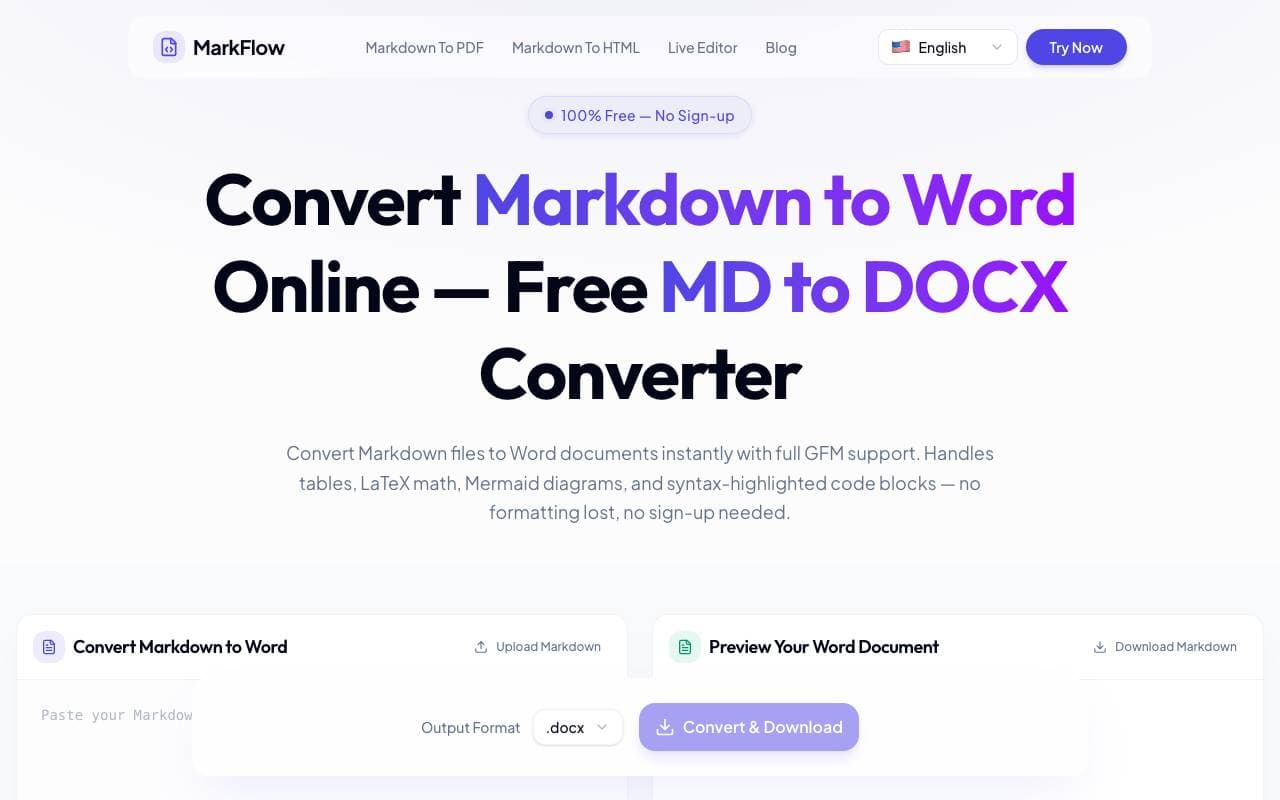

MD2Word
Βιβλιοθήκες Πολυτεχνικών Εργαλείων
Δωρεάν εργαλείο στο διαδίκτυο για τη μετατροπή αρχείων Markdown σε μορφοποιημένα έγγραφα Word.
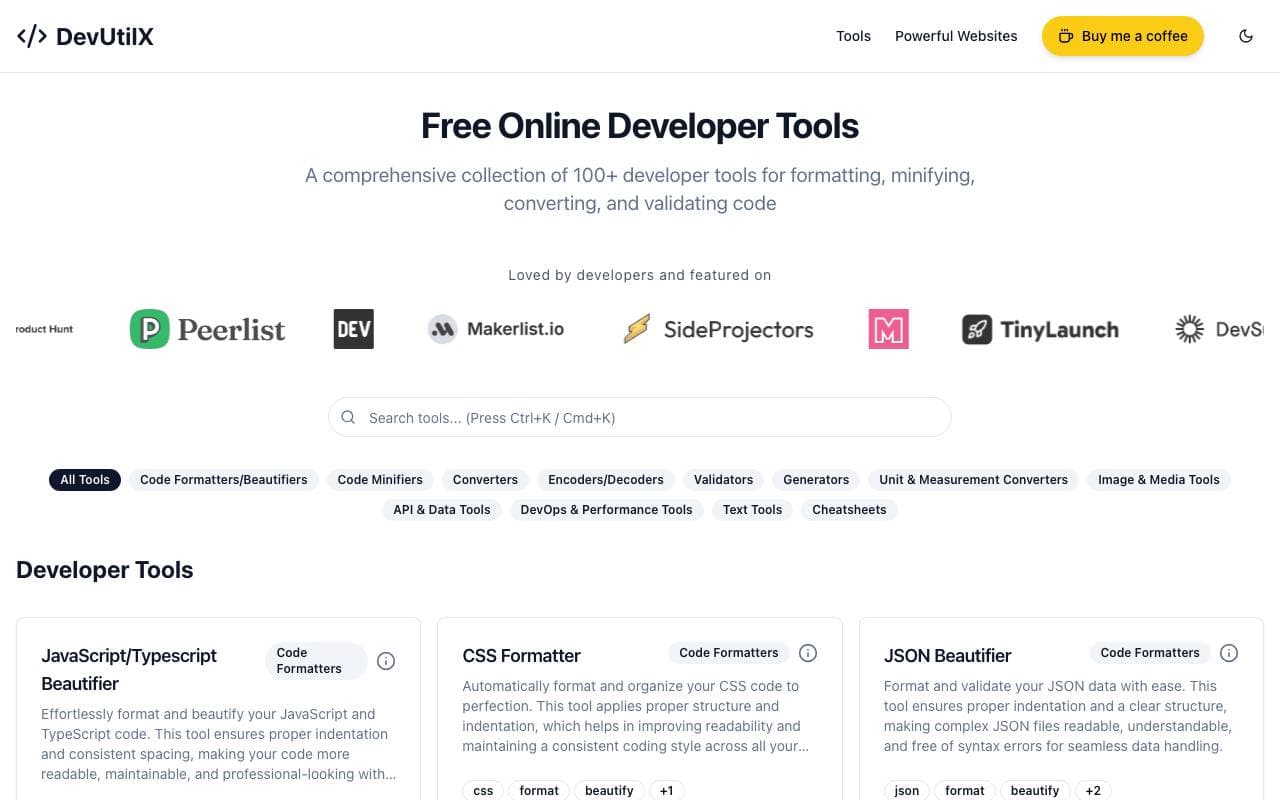

DevUtilX
Βιβλιοθήκες Πολυτεχνικών Εργαλείων
Μια ενωμένη ιστοσελίδα σούιτ 100+ για τα καθημερινά εργαλεία για τον προγραμματιστή.


AgentAuth
Βιβλιοθήκες Πολυτεχνικών Εργαλείων
Μέσο αποθήκευσης ελέγχου που επιτρέπει στα δίκτυα ανάλυσης να έχουν πρόσβαση ασφαλώς σε πλέον 250 εφαρμογές στο όνομά τους.

Wildcard
Βιβλιοθήκες Πολυτεχνικών Εργαλείων
Βοηθά τις μάρκες να εμφανίζονται και να πωλούν προϊόντα εντός του ChatGPT και άλλων AI βοηθών.

Machine Generated
Βιβλιοθήκες Πολυτεχνικών Εργαλείων
Ροές περιεχομένου σχεδιασμένες για μηχανικά κοινά και καταναλωτές AI.


NomadicML
Βιβλιοθήκες Πολυτεχνικών Εργαλείων
Συνεχής βελτιστοποίηση και προσαρμογή μοντέλων AI παραγωγής σε μη ορατά δεδομένα πραγματικού κόσμου σε πραγματικό χρόνο.

Grimly AI
Βιβλιοθήκες Πολυτεχνικών Εργαλείων
API AI προσανατολισμένο στους προγραμματιστές για ενσωμάτωση μοντέλων γλώσσας σε εφαρμογές και ροές εργασίας.
Trending now


Reducto AI
Πλατφόρμες Ανάπτυξης Ασυνείδητων Αγωγών
API ευφυούς επεξεργασίας εγγράφων που αναλύει, χωρίζει, κάνει OCR και εξάγει δομημένα δεδομένα από σύνθετα PDF, διαφάνειες και λογιστικά φύλλα.


Biology AI
Εκπαίδευση AI
Σεμάντηση Έργο με Πλήρεις Ηλεκτρονικές Αποδευμάτων


AdCrier
Κλλεκγθερόσ μεταβηαδεπημακη
Κομπολεπιθούμενοι απαντήσεις, ταμείνου ανά κλικ.


Pin AI
Απλησύσ τπεκβνης
Αυτόνομος AI recruiter που αυτοματοποιεί την εύρεση, την αξιολόγηση και τις προσεγγίσεις, επιταχύνοντας τη διαδικασία πρόσληψης.