
Markdown Converter ProKonvertiere Markdown zu PDF, HTML und Word – und wandle PDFs zurück in sauberes Markdown.

Übersicht
Hauptfunktionen
- Markdown zu PDF-Export
- Markdown zu HTML-Konvertierung
- Markdown zu Word (DOCX)-Export
- PDF zu Markdown-Extraktion
- Erhalt von Formatierungselementen für Überschriften, Listen und Code
- Browser-basierter Konvertierungsworkflow
Preise
- Modell
- Free
- Kategorie
- Toolschaftsbibliotheken
- Bewertung
- 5.0 / 5 (6)
Anwendungsfälle
Export von Markdown-Dokumentation zu bearbeitbaren Word-Dokumenten
Konvertiere Markdown-Dateien zu gepflegten Word-Dokumenten für nicht-technische Stakeholder, um nahtlose Zusammenarbeit und Bearbeitung zu ermöglichen.
Veröffentliche Markdown-Blogposts als sauberes HTML für Websites
Wandle Markdown-Inhalte in hochwertiges HTML für die Webpublikation um, wobei Formatierung, Bilder, Tabellen und Codeblöcke erhalten bleiben.
Migriere alte PDF-Dokumentation zu Git-basierten Markdown-Repositorys
Extrahiere Text, Überschriften, Tabellen, Codeblöcke und Bilder aus PDF-Dokumenten in sauberes, bearbeitbares Markdown, was Versionskontrolle und Zusammenarbeit erleichtert.
Pro & Contra
Pro
- Unterstützt mehrere Ausgabeformate aus einer Quelle
- Zweiseitige Konvertierung inklusive PDF zu Markdown
- Bewahrt gängige Markdown-Strukturen wie Tabellen und Code
- Nützlich für sowohl technische als auch nicht-technische Lieferungen
Contra
- Komplexe PDF-Layouts werden möglicherweise nicht sauber konvertiert
- Begrenzte Informationen zu erweiterten Styling-Kontrollen
- Keine Erwähnung von Stapelverarbeitung oder API-Zugang
Schlacht-Bilanz
Aus 5 Schlachten im Pantheon.
Last 5 battles
- #8
Tool Libraries Showdown — July 30, 2025
Jul 30, 2025 · #8 of 9
- #6
Tool Libraries Showdown — February 1, 2025
Feb 1, 2025 · #6 of 7
- #2
Tool Libraries Showdown — November 25, 2024
Nov 25, 2024 · #2 of 10
- #1
Tool Libraries Showdown — July 7, 2024
Jul 7, 2024 · #1 of 7
- #1
Tool Libraries Showdown — February 12, 2024
Feb 12, 2024 · #1 of 6
Bewertungen
Durchschnitt aus 6 Bewertungen.
Melde dich an, um eine Bewertung abzugeben.
Solid for our team
We rolled this out across the team last quarter and two-way conversion including PDF to Markdown. Markdown to HTML conversion fits neatly into how we already work, and browser-based conversion workflow removed a step we used to do by hand. Complex PDF layouts may not convert cleanly, which is the main caveat, but it has held up under daily use.
Compared a few options
Evaluated this against two competitors. Where it wins: markdown to HTML conversion and useful for both technical and non-technical deliverables. Where it lags: complex PDF layouts may not convert cleanly. On balance the feature set — especially pDF to Markdown extraction — justifies the 5 stars for our use case.
Solid for our team
We rolled this out across the team last quarter and supports multiple output formats from one source. Formatting preservation for headings, lists, and code fits neatly into how we already work, and markdown to Word (DOCX) export removed a step we used to do by hand. but it has held up under daily use.
Years in this space
I've evaluated a lot of these over the years. What stands out here is formatting preservation for headings, lists, and code — handled better than most — and preserves common Markdown structures like tables and code. Worth the time if this is your use case.

Use it every day
Honestly didn't expect to like it this much. PDF to Markdown extraction is exactly what I needed, and useful for both technical and non-technical deliverables. but I reach for it almost every day now and it just clicks.
Years in this space
I've evaluated a lot of these over the years. What stands out here is browser-based conversion workflow — handled better than most — and useful for both technical and non-technical deliverables. Worth the time if this is your use case.
Fragen & Antworten
Why choose credits over a subscription?
100% ControlOnly pay for what you use. No recurring charges on your credit card.Lifetime ValidityYour credits never expire. Buy now and use them next week, next month, or next year.Access EverythingDetailed conversions, large files (10MB), and image extraction included.Simple Pricing1 Credit = 1 Conversion. No complicated math. Just simple value.Money-Back GuaranteeNot satisfied? Get a full refund within 7 days. See our Refund Policy.Your Files Stay PrivateSecure checkout, and your uploaded files are auto-removed after processing.
Asked by Pierre Dubois · May 7, 2026
Who Uses a Markdown Converter?
From code reviews to journal submissions, the same Markdown round-trip fits very different workflows.
Asked by Ekaterina Orlova · May 6, 2026
What is a Markdown converter and why do I need one?
A Markdown converter is a tool that transforms Markdown (.md) files into other document formats such as PDF, Word (.docx), and HTML — or converts those formats back into Markdown. You need a Markdown converter when you write documentation, README files, or technical content in Markdown but need to share it as a professional PDF for clients, an editable Word document for non-technical colleagues, or clean HTML for web publishing. Markdown Converter Pro supports all six conversion directions: Markdown to PDF, Markdown to Word, Markdown to HTML, PDF to Markdown, Word to Markdown, and HTML to Markdown — making it a complete solution for any document conversion workflow.
Asked by Katarzyna Zielinska · May 1, 2026
How do I convert Markdown to PDF, Word, or HTML online?
To convert Markdown to PDF, Word, or HTML online, follow these three steps: Step 1 — paste your Markdown content into the editor or drag and drop a .md file. Step 2 — select your target format (PDF for print-ready documents, Word for editable reports, or HTML for web publishing) and preview the result in real time. Step 3 — click 'Convert & Download' to generate and download your file instantly. The converter preserves all GitHub Flavored Markdown (GFM) syntax including tables, code blocks with syntax highlighting, LaTeX math equations, Mermaid diagrams, task lists, and embedded images. Most conversions complete in under 5 seconds.
Asked by Cristina Moreno · Apr 26, 2026
What Markdown features are supported — GFM, LaTeX, Mermaid, tables?
Markdown Converter Pro supports the full GitHub Flavored Markdown (GFM) specification and beyond. Supported features include: Tables with column alignment, fenced code blocks with syntax highlighting for 100+ programming languages (Python, JavaScript, Go, Rust, etc.), LaTeX math equations (both inline $...$ and block $$...$$), Mermaid diagrams (flowcharts, sequence diagrams, Gantt charts, class diagrams), task lists with checkboxes, strikethrough, auto-linked URLs, footnotes, and embedded images. This makes it suitable for converting complex technical documentation, academic papers with mathematical formulas, and software architecture diagrams.
Asked by Quyen Tran · Apr 12, 2026
Frage stellen
Alternativen zu Toolschaftsbibliotheken


AI prompt library
Toolschaftsbibliotheken
Ein großer durchsuchbare Sammlung von fertigen Vorlagen zum Ausprobieren mit ChatGPT, MidJourney und anderen KI-Modellen.
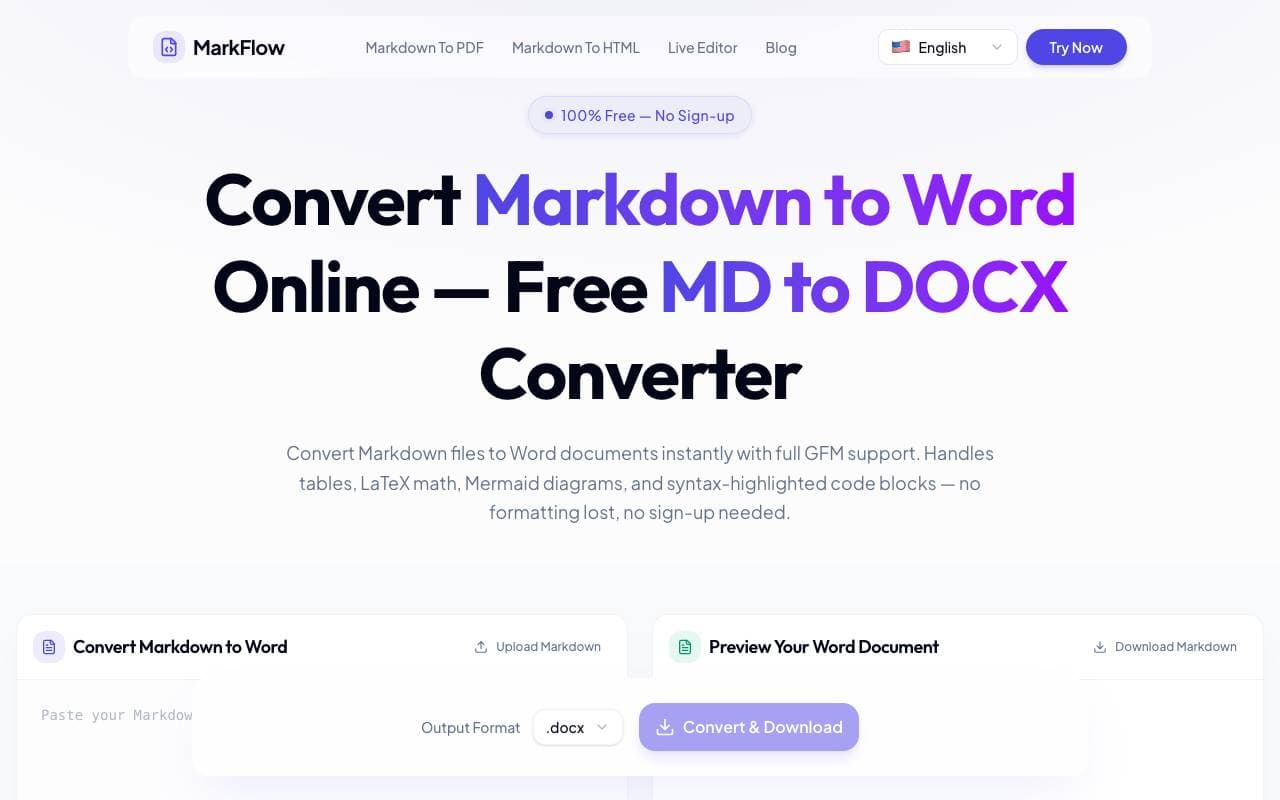

MD2Word
Toolschaftsbibliotheken
Kostenloses Online-Tool zum Konvertieren von Markdown-Dateien in formatierte Word-Dokumente.
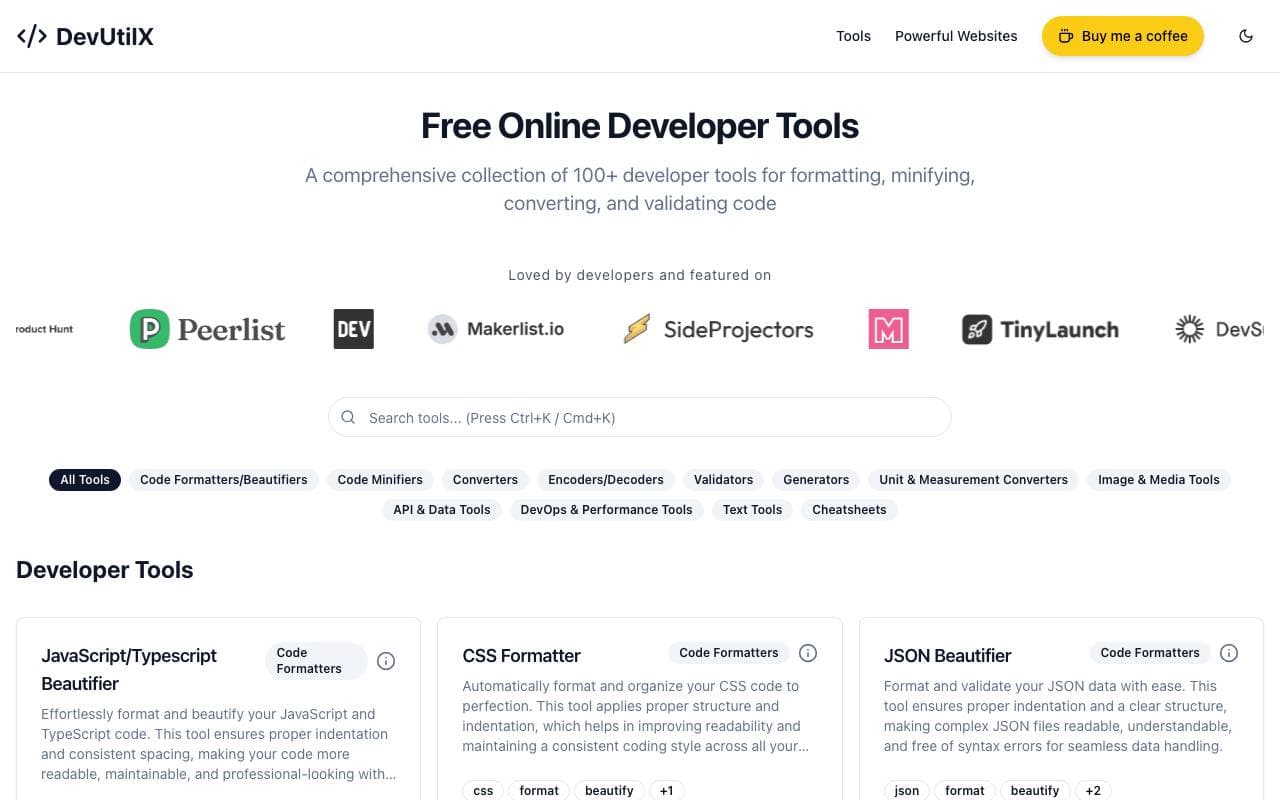

DevUtilX
Toolschaftsbibliotheken
Eines integrierten Web-Suiten von 100+ Entwickler-utilities für alltägliche Coding-Aufgaben.


AgentAuth
Toolschaftsbibliotheken
Authentifizierungs‑Schicht, die KI‑Agenten ermöglicht, im Namen der Benutzer sicher auf über 250 Apps zuzugreifen.

Wildcard
Toolschaftsbibliotheken
Hilft Marken, Produkte im ChatGPT und anderen AI-Helfern an die Oberfläche zu bringen und zu verkaufen.

Machine Generated
Toolschaftsbibliotheken
Inhalts-Feeds, speziell für Maschinenpublikum und KI‑Konsumenten entwickelt.


NomadicML
Toolschaftsbibliotheken
Kontinuierliche Optimierung und Anpassung von Produktions‑AI‑Modellen an unbekannte reale Daten in Echtzeit.

Grimly AI
Toolschaftsbibliotheken
Entwickler-gerechte AI-API für die Integration von Sprachmodellen in Anwendungen und Workflows.
Trending now


Reducto AI
Plattformen für die Entwicklung von Agenten mit künstlicher Intelligenz
Intelligenter Dokument API zur Analyse, Trennung, OCR-Analyse und Strukturierung von komplexen PDFs, Präsentationen und Tabellenkalkulationen.


Biology AI
Bildung AI
Genaue Hilfe bei Hausaufgaben mit ausführlichen Erklärungen


AdCrier
Marketing & Werbung
Gepflichtete Antworten mit Provision pro Klick.


Pin AI
Arbeitsablaufautomatisierung
Agentic AI Recruiter, der Sourcing, Screening und Outreach automatisiert, um den Einstellungsprozess zu beschleunigen.