
Komment AIAutomatisierte, im Code integrierte Dokumentation, die sicher innerhalb Ihres Workflows ausgeführt wird.

Übersicht
Hauptfunktionen
- Automatische, im Code integrierte Kommentar-Erstellung
- Extraktion von Funktionen und Klassen
- Dokumentation auf Repository-Ebene
- Sichere Verarbeitungspipeline
- Integration von CI/CD und Versionskontrollsystemen
- Unterstützung mehrerer Programmiersprachen
Preise
- Modell
- Freemium
- Kategorie
- Softwareentwicklung
- Bewertung
- 4.8 / 5 (4)
Anwendungsfälle
Dokumentation von Legacy-Codebasen
Generieren Sie automatisch Inline-Kommentare und Dokumentation für große Legacy-Repositories, wodurch veralteter oder unvollständig dokumentierter Code leichter verständlich und wartbar wird.
Beschleunigen Sie die Entwickler-Einführung
Bieten Sie neuen Ingenieuren kontextbezogene, im Code integrierte Erklärungen von Funktionen und Klassen, reduzieren Sie die Eingewöhnungszeit und erleichtern Sie den Wissenstransfer zwischen Teams.
Dokumentation aktuell halten via CI/CD
Integrieren Sie Komment AI in CI/CD-Pipelines und Versionskontrolle, um die Dokumentation automatisch bei Codeänderungen zu aktualisieren und ein Drift zu verhindern.
Sichere Unternehmens-Code-Dokumentation
Dokumentieren Sie proprietäre oder sensible Codebasen innerhalb einer sicheren Verarbeitungspipeline, geeignet für Unternehmen mit strengen Compliance- und Datenverarbeitungsanforderungen.
Pro & Contra
Pro
- Generiert Dokumentation direkt in Quellcode-Dateien
- Umgeht große und alte Codebasen
- Integriert sich in bestehende Entwicklungs-Workflows
- Reduziert manuellen Dokumentationsaufwand
Contra
- Die Ausgabegüte variiert je nach Sprache und Codekomplexität
- Generierte Kommentare können menschliche Überprüfung erfordern
- Begrenzter Nutzen für trivialen oder selbsterklärenden Code
Schlacht-Bilanz
Aus 1 Schlacht im Pantheon.
Last battle
Bewertungen
Durchschnitt aus 4 Bewertungen.
Melde dich an, um eine Bewertung abzugeben.
Does the job
Pretty happy overall. Function and class extraction just works and reduces manual documentation overhead. but no dealbreakers — I'd recommend it to a friend without hesitating.
Solid for our team
We rolled this out across the team last quarter and generates documentation directly in source files. Secure processing pipeline fits neatly into how we already work, and cI/CD and version control integration removed a step we used to do by hand. Generated comments may need human review, which is the main caveat, but it has held up under daily use.
Years in this space
I've evaluated a lot of these over the years. What stands out here is secure processing pipeline — handled better than most — and reduces manual documentation overhead. Worth the time if this is your use case.
Does the job
Pretty happy overall. CI/CD and version control integration just works and generates documentation directly in source files. Generated comments may need human review can be annoying, but no dealbreakers — I'd recommend it to a friend without hesitating.
Fragen & Antworten
How do I get started with Komment?
Sign in to Komment using your email or git account, then connect a code repository. Trigger documentation jobs by clicking Quickstart or set up a schedule, and watch as Komment automatically builds your wiki.
Asked by Anya Sokolova · Apr 3, 2026
Do you offer a free trial?
Yes, all new users automatically receive a 30-day free trial for any paid plan. Upon completion of the trial period, your account will automatically switch to the Free plan unless you choose to upgrade your subscription.
Asked by Femi Adebayo · Mar 18, 2026
How does Komment ensure accuracy?
Komment heavily leverages purpose-built algorithms, deterministic static analyses and multi-layer quality assurance to generate the best in-class output for technical documentation. Our rules-based approach to leveraging AI in production settings offers far superior performance over LLM wrappers. We also regularly run benchmarks against our output to continuously monitor reliability and performance. Fun fact — Komment's own code repos are documented by Komment as well!
Asked by Lindiwe Mahlangu · Feb 24, 2026
Which languages and platforms does Komment support?
Languages: Komment supports over 90 programming languages. Unless you're working with a highly specialized or obscure language, it's likely that Komment can generate a wiki for your codebase. Dev Platforms: You can use your GitHub, GitLab or BitBucket account to sign up and log in to Komment. You can also connect any GitHub-hosted repository to Komment for wiki generation. We plan to release adapters for GitLab and Bitbucket in 2025. Infrastructure: Komment is available as a Software-as-a-Service (SaaS) solution at https://app.komment.ai. For teams that prefer self-hosting, Komment can be deployed on virtual private clouds (VPCs) via AWS, Azure, or GCP.
Asked by Priya Nair · Feb 21, 2026
What types of documentation does Komment generate?
Komment currently generates: Usage instructions, Architecture diagrams, General overviews, Implementation details, API documentation, Security insights, Example snippets, In-code comments. Komment tailors documentation for each file based on its size, content, and complexity so that only the most relevant pieces from this list are produced for your code. Users on the Scale plan also receive documentation as markdown files submitted to their repo as a pull request, allowing them to keep their docs alongside their code. If your business needs a specific kind of documentation, let us know and we'll make it happen!
Asked by Noor Siddiqui · Feb 2, 2026
Frage stellen
Alternativen zu Softwareentwicklung
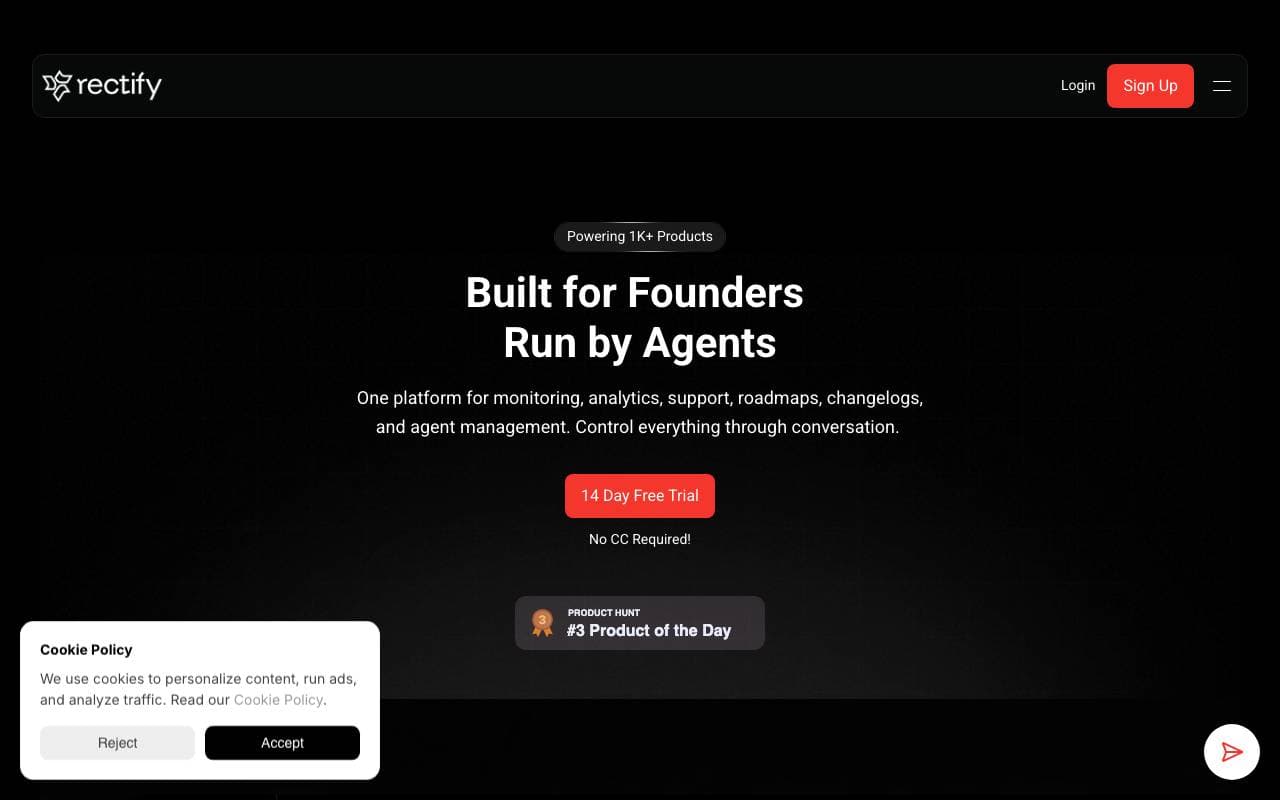
Rectify
Softwareentwicklung
Intelligente Debugging-Assistentin, die Entwickler dabei hilft, schnell AI-erzeugte Codefehler zu finden und zu fixen.

SwarmStack
Softwareentwicklung
KI-Agent für Produktplanung, -abstimmung und -rekonstruktionen


Warp AI
Softwareentwicklung
Terminal-App mit KI-Steuerelement, die natürliche Sprache in Befehle und Workflows umwandelt
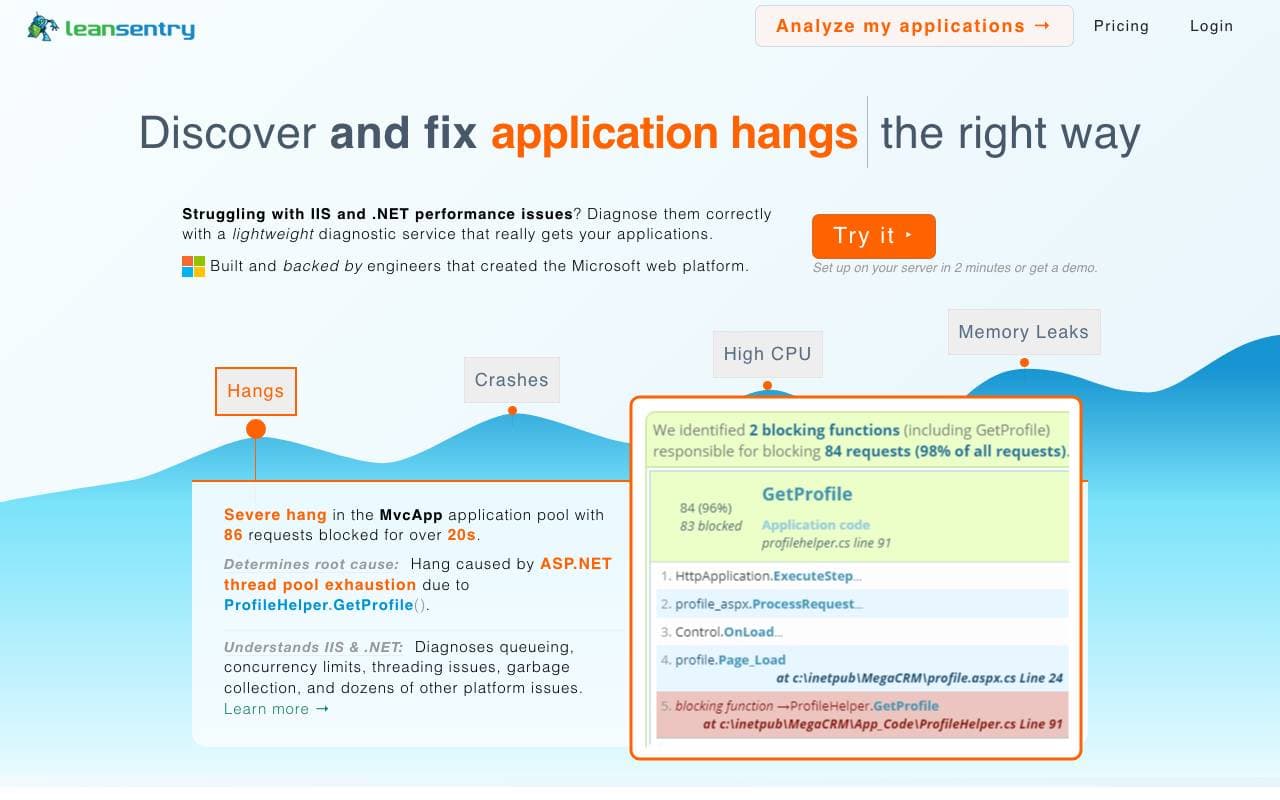

LeanSentry
Softwareentwicklung
KI-gestützte Diagnostik und Überwachung für IIS- und ASP.NET-Leistungsprobleme.


CopyChecker AI Reverse Image Search
Softwareentwicklung
Reverse-Bildersuche, um originale Quellen zu finden und Duplikate oder ähnliche Bilder zu erkennen.


OG Pilot
Softwareentwicklung
Ein-Klick-OG-Bildgenerator für schnellere, besser aussehende Linkvorschauen.
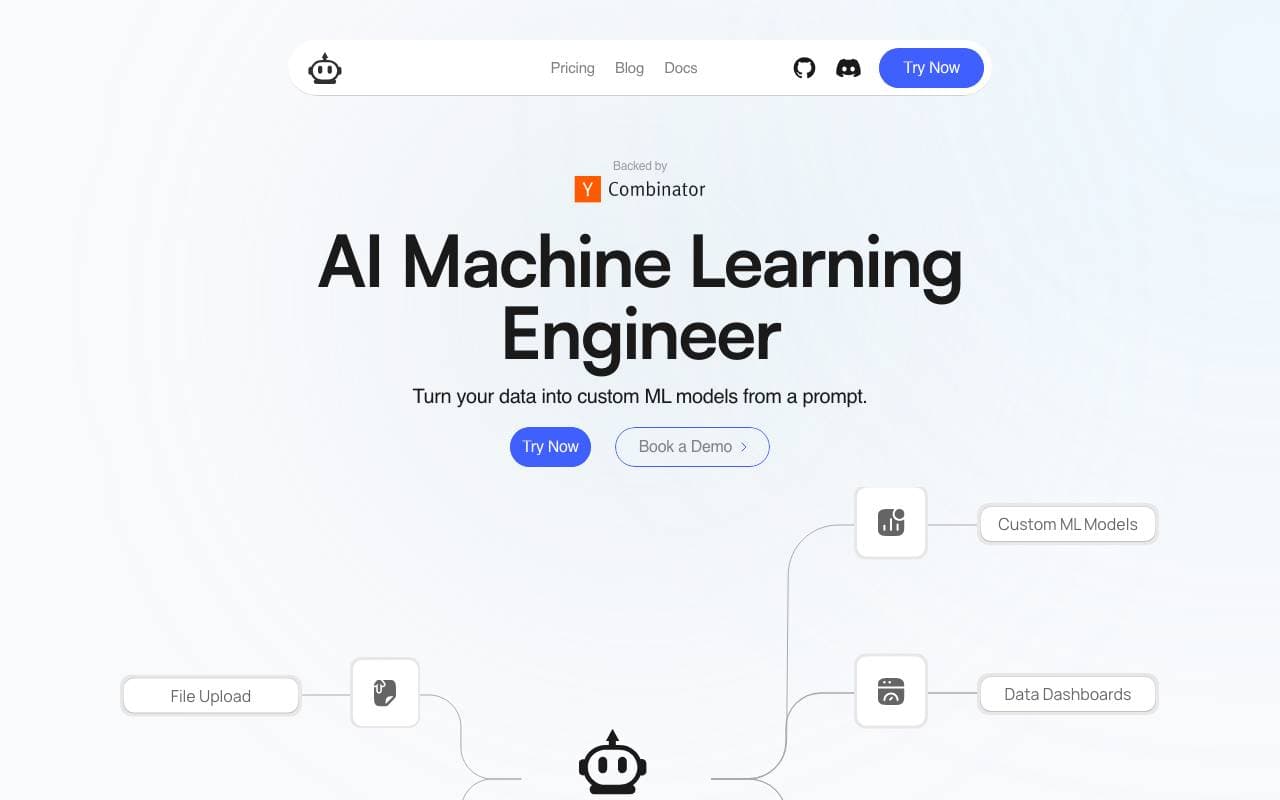

Plexe
Softwareentwicklung
Baue individuelle Machine‑Learning‑Modelle aus natürlicher Sprache

Wrapifai
Softwareentwicklung
Ohne Programmierkenntnisse miniature AI-Werkzeuge erstellen, um SEO-Verkehr anzuziehen und Leads zu fangen.
Trending now


Reducto AI
Plattformen für die Entwicklung von Agenten mit künstlicher Intelligenz
Intelligenter Dokument API zur Analyse, Trennung, OCR-Analyse und Strukturierung von komplexen PDFs, Präsentationen und Tabellenkalkulationen.


Biology AI
Bildung AI
Genaue Hilfe bei Hausaufgaben mit ausführlichen Erklärungen


AdCrier
Marketing & Werbung
Gepflichtete Antworten mit Provision pro Klick.


Beam AI
KI-Agente
Führender Plattform für agente Prozessautomatisierung, die sich selbst lernende AI-Agenten verwendet, um Arbeitsabläufe über verschiedene Branchen hinweg zu entzerren.