
Bit FlowsPokročilý plug-in pro automatizaci procesů pro WordPress s vizuálním zobrazením drag-and-drop stavbařkou.

Přehled
Klíčové funkce
- Drag-and-drop stavbařka workflowů
- Triggery a akce pro oblíbené pluginy pro WordPress
- Podmínky logiky a kroky formátování dat
- Integrace s externími aplikacemi prostřednictvím rozhraní API a webhooků
- Záložka logů a historie pro ladění workflowů
- Plánované a událostní automaty
- Prohlášení
Ceník
- Model
- Free
- Kategorie
- Pracovní proces
- Hodnocení
- 4.0 / 5 (4)
Případy užití
Automatizace úkolů na stránce
Stavíte a spravujete složité workflity pro automatizaci opakovaných úkolů na vaší stránce WordPress, jako jsou aktualizace obsahu, oznámení e-mailem a správa uživatelů.
Integrace s AI nástrojů
Připojujte a využijte modely AI, příkazy a nástroje pro vytvoření chytrých rozhodnutí a inteligentních vstupy do workflitu, aniž byste museli stavět samostatné integrace.
Příprava uživatelské zkušenosti
Stavíte ovladatelné a dynamické workflity, které mohou zvládat uživatelské údaje a interakce, čímž se umožňují osobního přístupu, automatických následných reakcí a okamžité aktualizace.
Pro a proti
Pro
- Samostatné hostování automatizace zachovává data na vaší webové stránce
- Vizuální budova není přístupná bez technické znalosti
- Široká škála integrací se pluginy pro WordPress
- Neplatíte poplatky za úlohu jako u cloudových služeb pro automatizaci
- vlastnosti
- Limited to the WordPress ecosystem
- Advanced workflows have a learning curve
- Some integrations require the pro version
- Performance depends on your hosting environment
- Nevýhody
- cons
- :
- Omezená na ekosystém WordPress,Pokročilé workflowy mají sklon k učení se, Některé integrace vyžadují verzi pro,Výkon závisí na vašem prostředí hostování,Nevýhody
- useCases
- :
- [object Object],[object Object],[object Object]
Proti
- Omezený na ekosystém WordPress
- Pokročilé workflity mají učeníý výchozí bod
- Některé integrace vyžadují verzi pro
- Výkon závisí na vašem prostředí hostingu
Recenze
Průměr z 4 hodnocení.
Přihlas se, abys mohl napsat recenzi.
Compared a few options
Evaluated this against two competitors. Where it wins: conditional logic and data formatting steps and self-hosted automation keeps data on your site. Where it lags: advanced workflows have a learning curve. On balance the feature set — especially conditional logic and data formatting steps — justifies the 4 stars for our use case.
Use it every day
Honestly didn't expect to like it this much. Scheduled and event-based automations is exactly what I needed, and visual builder is approachable for non-developers. I do wish advanced workflows have a learning curve, but I reach for it almost every day now and it just clicks.
Use it every day
Honestly didn't expect to like it this much. Drag-and-drop workflow builder is exactly what I needed, and wide range of WordPress plugin integrations. I do wish performance depends on your hosting environment, but I reach for it almost every day now and it just clicks.
Years in this space
I've evaluated a lot of these over the years. What stands out here is conditional logic and data formatting steps — handled better than most — and wide range of WordPress plugin integrations. Advanced workflows have a learning curve is my one real gripe. Worth the time if this is your use case.
Otázky
Does Bit Flows support AI agents?
Yes. Bit Flows includes a AI Agent that can analyze data, make decisions, call tools, and continue workflows based on the result.
Asked by Miriam Cohen · May 6, 2026
Does a Long and Complex Automation Flow Slow Down the Website or Server?
No, Bit Flows won't slow down your website, even with complex automation flows. It processes tasks asynchronously in the background, ensuring no impact on page load times. Tasks are distributed over time, preventing server overload. Bit Flows smartly manages resources, pausing workflows when server load is high and resuming once capacity allows. Features like throttling and delays further manage server load, ensuring a smooth user experience.
Asked by Carlos Mendoza · May 6, 2026
How Does Bit Flows Affect Shared Servers?
Bit Flows is optimized for shared servers, running workflows in the background without affecting frontend performance. It uses minimal CPU and RAM, pausing workflows when resource limits are reached, then resuming when capacity allows. The system efficiently manages tasks with optimized queue management. However, for real-time, high-volume workflows, adding delays or scheduling tasks during off-peak times ensures optimal performance.
Asked by Daniel Schmidt · May 3, 2026
Does Bit Flows Run Independently?
Yes, by default, Bit Flows runs independently and provides an immediate response when triggered, without waiting for the entire automation to complete. The automation then processes in the background, ensuring your website remains fast and responsive. Users can optionally modify this behavior to either wait for the entire flow or specific nodes.
Asked by George Papadakis · Apr 27, 2026
What Fail-Safe Measures are in Place if a Node Fails in a Multi-Step Workflow?
Bit Flows offers fail-safe measures to ensure automation stability. By default, workflows stop on failure, but users can configure it to skip failed nodes if subsequent steps don't depend on them. Additionally, Bit Flows automatically retries failed workflows and sends detailed email alerts with logs to help resolve issues, maintaining workflow stability and recovery.
Asked by Emiliano Vargas · Apr 20, 2026
Polož otázku
Alternativy k Pracovní proces

BuildShip
Pracovní proces
Bezkodevní vizuální stavební nástroj pro AI pracovní procesy, API a zadní automaty na základě obyčejné řeči.

ArchiLabs
Pracovní proces
AI koprilot pro Revit, který automatizuje modelovací úkoly prostřednictvím jednoduchého chatovacího rozhraní


vBots AI
Pracovní proces
Inteligentní automatizace postavená na streamlinování procesů pojišťovnictví a snižování lidských chybování.


DeepFlows AI
Pracovní proces
Asistenci AI navržená pro zvýšení produktivity pro finanční poradcům a investorů tím, že automatizuje komplexní přípravu dokumentů a analýzu informací.


ClearWork Discovery Agent
Pracovní proces
Automatizovaný objev procesů, který mapuje a automatizuje pracovní procesy během dní, ne měsíců.
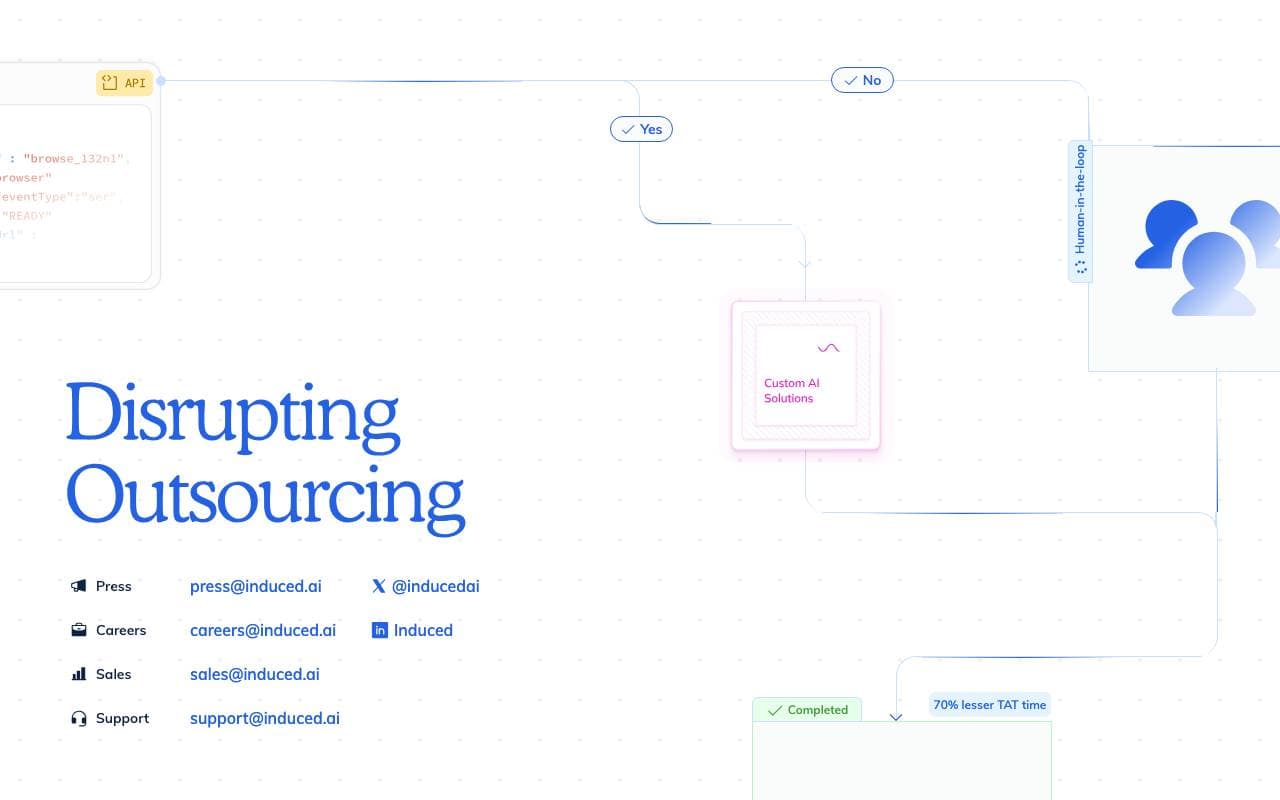

InducedAI
Pracovní proces
Platforma pro automatizaci workflowů přímo v prohlížeči pomocí AI


qode
Pracovní proces
Automatizace náboru pomocí AI, která shání, rozešiřuje a pořadí kandidátů zahrnuje od počátku do konce.


Activepieces
Pracovní proces
Open-source no-code platforma s důrazem na AI pro tvorbu workflow a autonomních agentů.
Trending now


Reducto AI
Platformy pro vývoj AI Agentů
Inteligentní dokumentová API, které rozpoznává, rozděluje, převede na text a extrahuje strukturovaná data z komplexních dokumentů PDF, prezentací a-tabulkových formulářů.


AdCrier
Marketing & reklama
Sponzorované odpovědi, platba za klik


Biology AI
Vzdělávání s umělou inteligencí
Přesné domácí úkoly s vysvětlením


Pin AI
Automatizace pracovních procesů
Agenturní AI-recruiter, který automatizuje hledání, screenování a outreach pro zrychlené obsazení pozice.