Best Other (2026)

3 min read
If you sign up through a link on this page, we may earn a commission — it never affects our rankings.
A buyer's guide to AI tools that don't fit standard categories, covering niche utilities, experimental projects, and specialized applications across various domains.
As a digital nomad, I've seen my fair share of cluttered inboxes and wasted productivity time spent researching the next great AI tool. We've all been there – overwhelmed with the promise of innovation, but stuck in a sea of unknowns. In this category, we shine a light on some unsung heroes that help you get your work done more efficiently, without breaking the bank or sacrificing your mental sanity.
Choosing a tool that actually helps
When it comes to selecting a tool in this category, it's essential to cut through the marketing noise and focus on what really matters. Is the tool designed to automate a specific task or process? Does it integrate seamlessly with your existing workflow? Are the creators actively maintaining and updating the tool? Ask yourself these questions and pay attention to user reviews and ratings.
One common pitfall is getting lured in by features you might not even need. Be cautious of tools that promise the world but lack concrete implementation specifics. For instance, form backend APIs like Formtorch handle complex server-side code without requiring you to write a single line – but don't assume it's the best fit for your specific needs. On the other hand, tools like Healthcare CoPilot provide real value by streamlining healthcare workflows according to established guidelines.
Pricing patterns and what to expect
Pricing varies widely in this category, from completely free to freemium models with paid tiers. Keep an eye out for any free tiers or trials, as they can give you a realistic taste of the tool's capabilities before committing to a paid plan. For example, Awesome OpenClaw Skills provides a comprehensive directory of community-built OpenClaw skills – entirely for free.
Typical pain points and their solutions
Let's take a look at some of the tools in this category that can help alleviate common pain points:
For data security and resilience, DruAI offers embedded AI agents within Druva's platform to autonomously secure, recover, and manage data. Meanwhile, NineFengShui simplifies feng shui analysis for floor plans with personalized remedies and PDF reports – no expert knowledge required.
On the other hand, tools like ThumbNew and HEICPDF.TO solve more mundane but still frustrating issues – generating eye-catching video thumbnails in seconds and converting Apple HEIC photos to PDF, respectively.
Putting these tools into action
Before selecting a tool, define your workflow's unique needs. Ask yourself: What specific pain points do I want to alleviate? What tasks do I want to automate? By clearly identifying your goals, you'll be better equipped to navigate this category and find the tools that truly support your productivity goals.
Don't be afraid to try out free tiers or freemium models to see if a tool fits your needs. With these unsung heroes on your side, you'll be well on your way to streamlining your workflow and reclaiming your work-life balance.
Other by the numbers
Pricing mix
Best Other (2026)
- 1
 ScriptMindTurn YouTube, TikTok, and Instagram videos into transcripts and SEO-ready articles in seconds.5.0 (5)
 - 2
 Healthcare CoPilotAgentic platform for clinicians to standardize referrals, triage, and pathway checks aligned with guidelines.5.0 (4)
 - 3
 ThumbNewAI-powered tool for generating eye-catching video thumbnails in seconds.4.8 (6)
 - 4
 NineFengShuiAI-powered feng shui analysis for floor plans with personalized remedies and PDF reports.4.8 (6)
 - 5
 Local GPTOpen-source local AI for private, offline document chat using GPT-style models on your own hardware.4.8 (6)
 - 6
 FormtorchForm backend API that handles submissions without writing server code4.8 (5)
 - 7
 Awesome OpenClaw Use CasesCommunity list of real OpenClaw use cases and workflows to copy, adapt, and extend for personal and developer productivity.4.8 (5)
 - 8
 EditStampOnline designer for custom rubber stamps, seals, and embossers.4.8 (5)
 - 9
 Paige AIAI-powered digital pathology platform for cancer detection, biomarker analysis, and diagnostic workflow automation.4.8 (5)
 - 10
 Louisa AIRelationship intelligence platform that surfaces revenue opportunities by mapping internal expertise and connections.4.8 (4)

ScriptMind
Turn YouTube, TikTok, and Instagram videos into transcripts and SEO-ready articles in seconds.
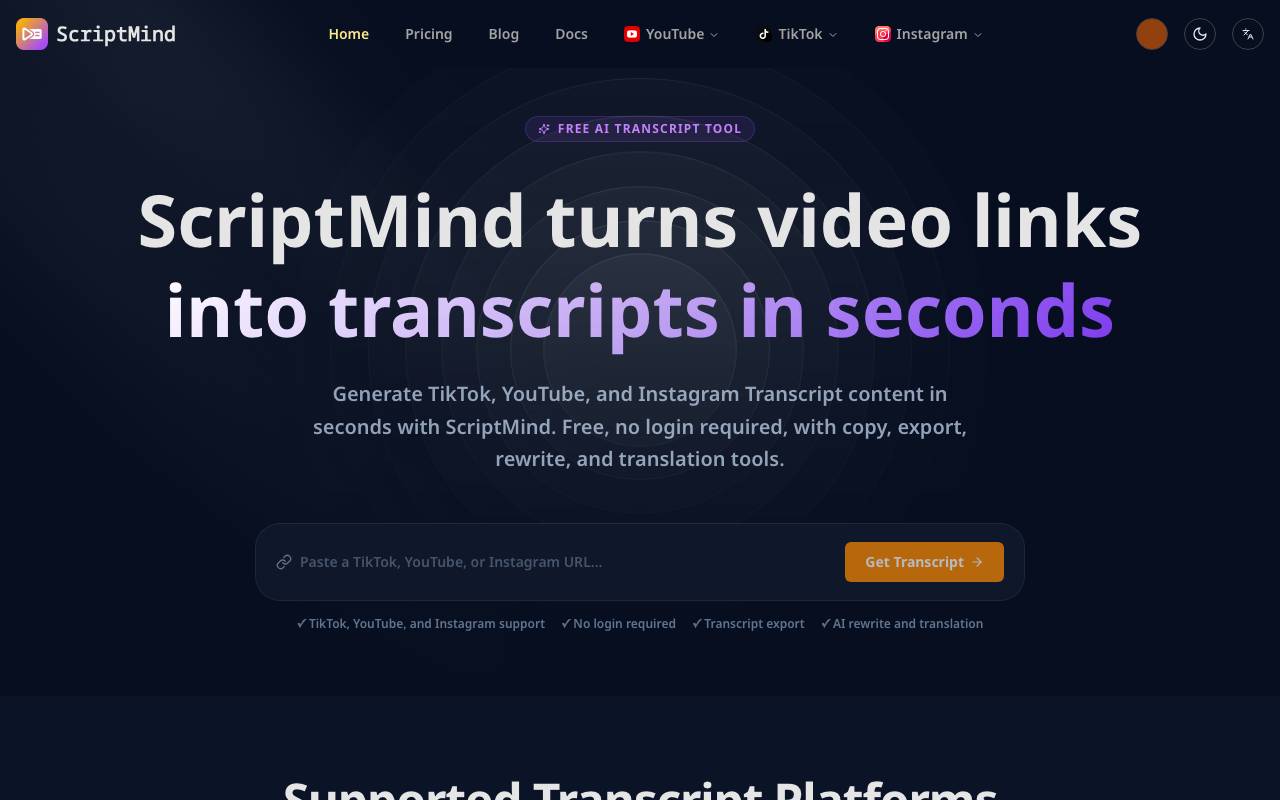
ScriptMind is a content repurposing tool that extracts spoken audio from short-form and long-form videos across YouTube, TikTok, and Instagram, then converts it into clean transcripts. From there, it can reshape the raw text into structured, SEO-optimized articles ready for publishing or further editing. The tool is aimed at creators, marketers, and bloggers who want to expand the reach of existing video content without rewriting it from scratch. By automating transcription and article generation, ScriptMind reduces the time needed to turn a single video into multiple written assets for blogs, newsletters, or social posts.
- Video-to-text transcription from YouTube, TikTok, and Instagram
- Automatic SEO article generation
- Support for multiple video formats and lengths
- Editable text output for further refinement
- Streamlined URL-based input
- Content repurposing for blogs and social media

Healthcare CoPilot
Agentic platform for clinicians to standardize referrals, triage, and pathway checks aligned with guidelines.

Healthcare CoPilot is an AI platform designed for clinicians to streamline and standardize referrals, triage, and pathway checks. It aims to align these processes with established medical guidelines, potentially improving patient outcomes and reducing variability in care. The platform is intended for use by healthcare professionals, providing them with a tool to manage and optimize patient workflows. By leveraging AI, Healthcare CoPilot seeks to enhance the efficiency and effectiveness of clinical decision-making. The platform's focus on guideline adherence suggests an effort to promote evidence-based medicine. However, without specific details, the full scope of its capabilities and integration with existing healthcare systems remains unclear. As with any healthcare technology, its success would depend on seamless integration with current clinical practices and ongoing updates to reflect evolving medical knowledge. Healthcare CoPilot operates within a broader context of digital health solutions aiming to support clinicians in their daily tasks. The use of such platforms underscores the growing role of technology in healthcare, particularly in areas requiring precise and timely decision-making. The potential of Healthcare CoPilot to contribute positively to patient care is significant, assuming it can demonstrate adherence to rigorous medical standards and adaptability to diverse clinical settings.
- Guideline-based referrals
- AI-driven triage support
- Pathway checks and management
- Clinical decision support
- Integration with electronic health records (EHRs)
- Real-time updates and alerts

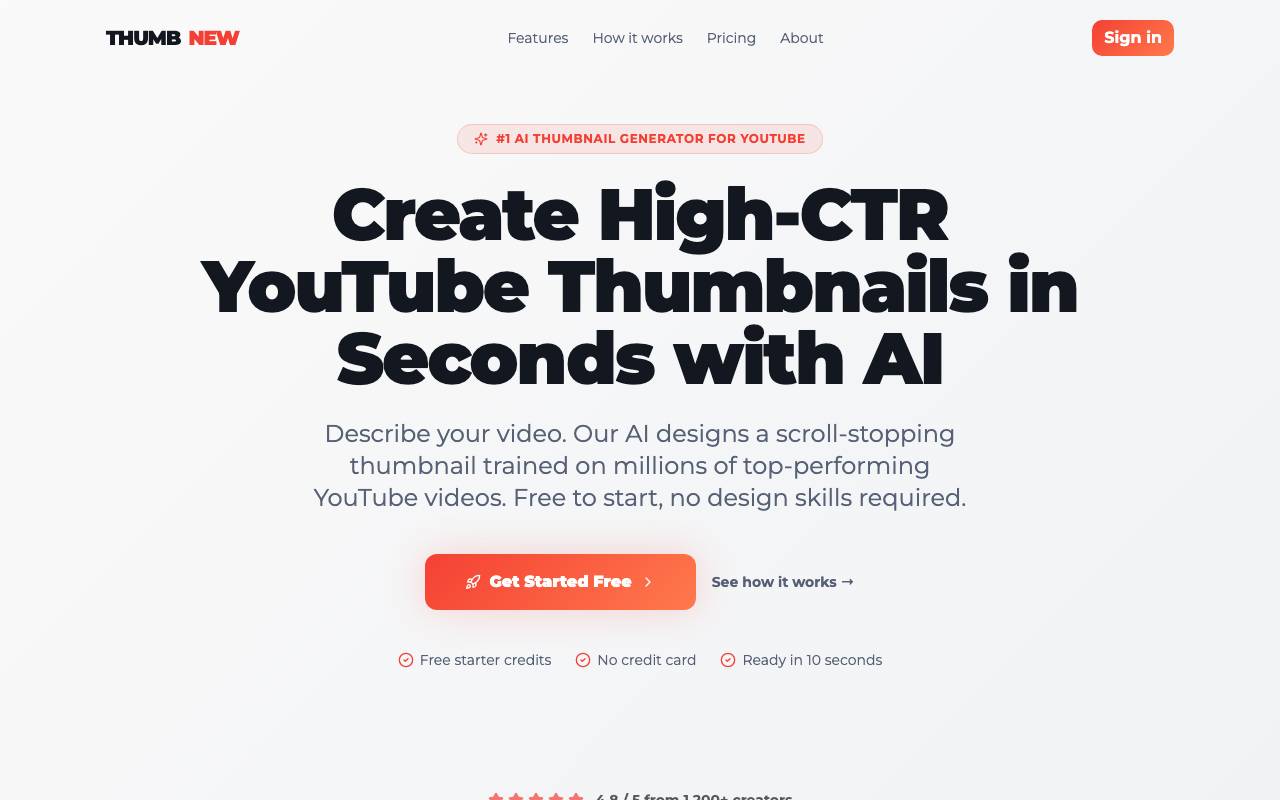
ThumbNew is a free AI-powered tool that generates eye-catching video thumbnails in seconds. It offers instant thumbnail generation without requiring any design skills, making it perfect for YouTubers who want to increase their Click-Through Rate (CTR). The tool is optimized for high CTR and is mobile-friendly, allowing users to create designs that are suitable for various screens. ThumbNew automatically generates thumbnails based on proven high-performing patterns, making it easier for users to create thumbnails that grab attention. While complex tools like Photoshop require significant time and effort, ThumbNew allows users to create thumbnails instantly in their browser, making it one of the easiest tools to use.
- AI-generated thumbnail concepts
- Text and style customization
- Trend-informed visual suggestions
- Multi-platform export options
- Batch generation for testing
- Template and reference uploads

NineFengShui
AI-powered feng shui analysis for floor plans with personalized remedies and PDF reports.

NineFengShui applies traditional feng shui principles through an AI engine that interprets uploaded floor plans. It evaluates spatial layouts, directional orientations, and key areas of a home or office to surface potential issues and opportunities according to classical feng shui frameworks. Users receive tailored remedy suggestions along with downloadable PDF reports, making it easier to review findings, share with family members, or consult with a professional. The tool is aimed at homeowners, renters, real estate buyers, and practitioners who want a faster, more accessible way to assess a space.
- AI floor plan interpretation
- Personalized feng shui remedies
- Downloadable PDF report generation
- Directional and zone-based analysis
- Support for residential and commercial layouts
- Accessible to non-experts

Local GPT
Open-source local AI for private, offline document chat using GPT-style models on your own hardware.
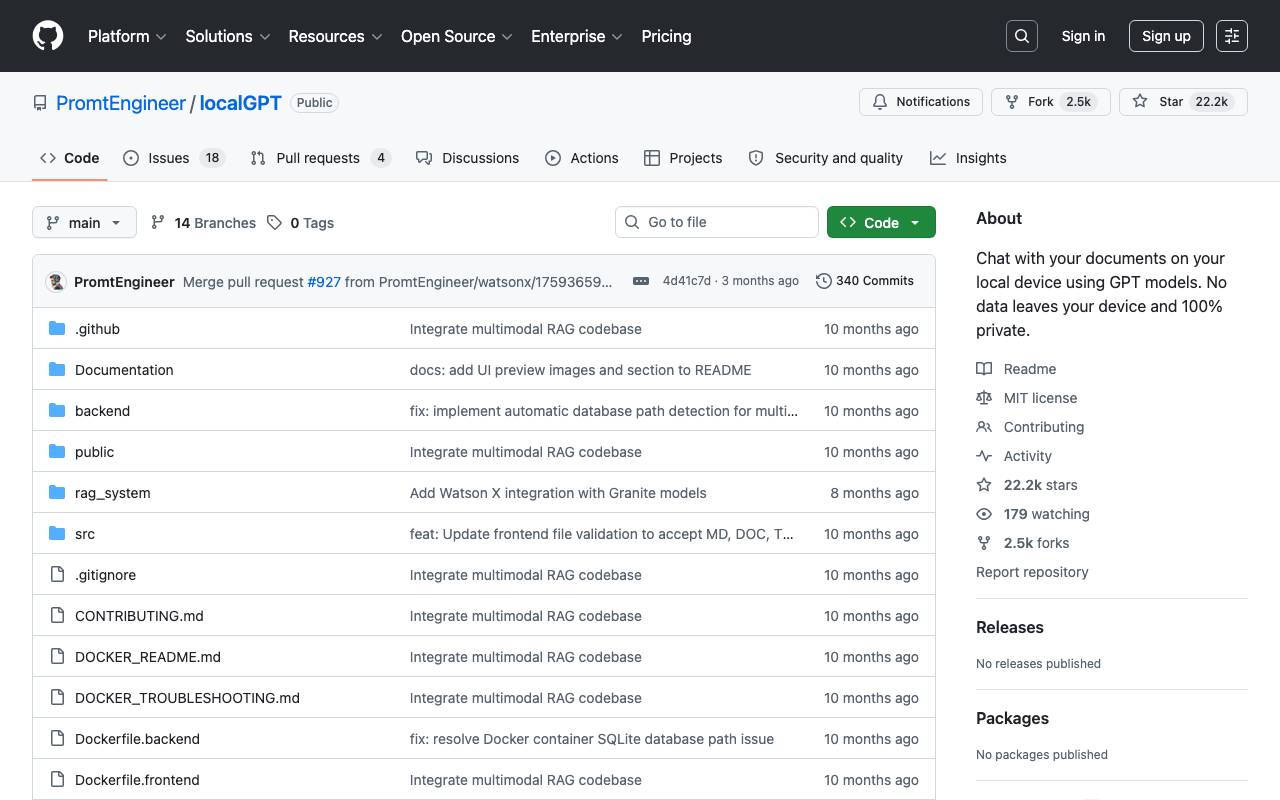
Local GPT is an open-source project that lets users chat with their documents entirely on their own machine. By running language models locally, it removes the need to send sensitive files to third-party cloud services, making it well suited for confidential, regulated, or proprietary content. The tool ingests files such as PDFs, text documents, and other common formats, builds local embeddings, and uses a retrieval-augmented generation pipeline to answer questions with references to the source material. Because everything runs offline after setup, users retain full control over their data and model choices. It is aimed at developers, researchers, and privacy-conscious teams who want a customizable alternative to hosted chat assistants and are comfortable working with self-hosted software.
- Local document ingestion and embeddings
- Retrieval-augmented question answering
- Support for various open GPT-style models
- Offline, on-device inference
- Configurable model and vector store backends
- Command-line and scriptable interface


Formtorch is a developer-first form backend that lets you collect form submissions without writing server code. It accepts HTML form posts, AJAX requests, and JSON payloads, performs built-in validation and spam filtering, and delivers notifications in real time. Point any HTML form or API request at a Formtorch endpoint and it handles everything else. Built for static sites, Jamstack apps, and modern web applications, Formtorch processes submissions and stores data securely, without requiring custom backend code or DevOps setup.
- Hosted form submission endpoints
- Spam and bot filtering
- Email and webhook notifications
- Submission dashboard and exports
- Integration with common web frameworks
- Custom redirects after submit

Awesome OpenClaw Use Cases
Community list of real OpenClaw use cases and workflows to copy, adapt, and extend for personal and developer productivity.
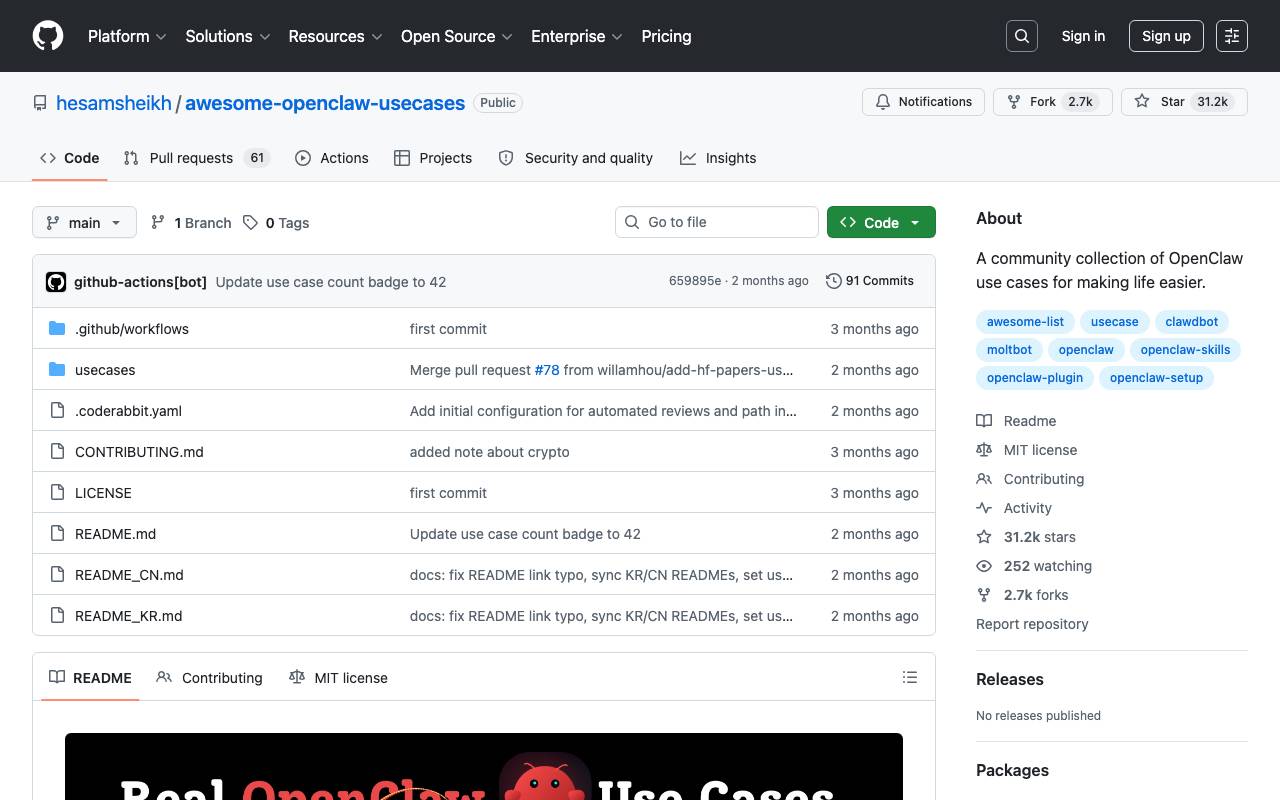
Awesome OpenClaw Use Cases is a community-driven list of real-life workflows and use cases for OpenClaw, aiming to help users adapt the tool to improve their daily lives. The repository provides a collection of examples showcasing how people utilize OpenClaw for various tasks, from productivity and content creation to infrastructure management and automation. It includes use cases such as daily Reddit and YouTube digests, social media automation, autonomous task management, and AI-powered customer service. The project encourages users to explore, adapt, and extend these use cases to suit their needs. However, users are warned about potential security vulnerabilities in some referenced skills and dependencies.
- Daily Reddit and YouTube digests
- Social media automation
- Autonomous task management
- AI-powered customer service
- Multi-agent content pipeline
- Infrastructure management

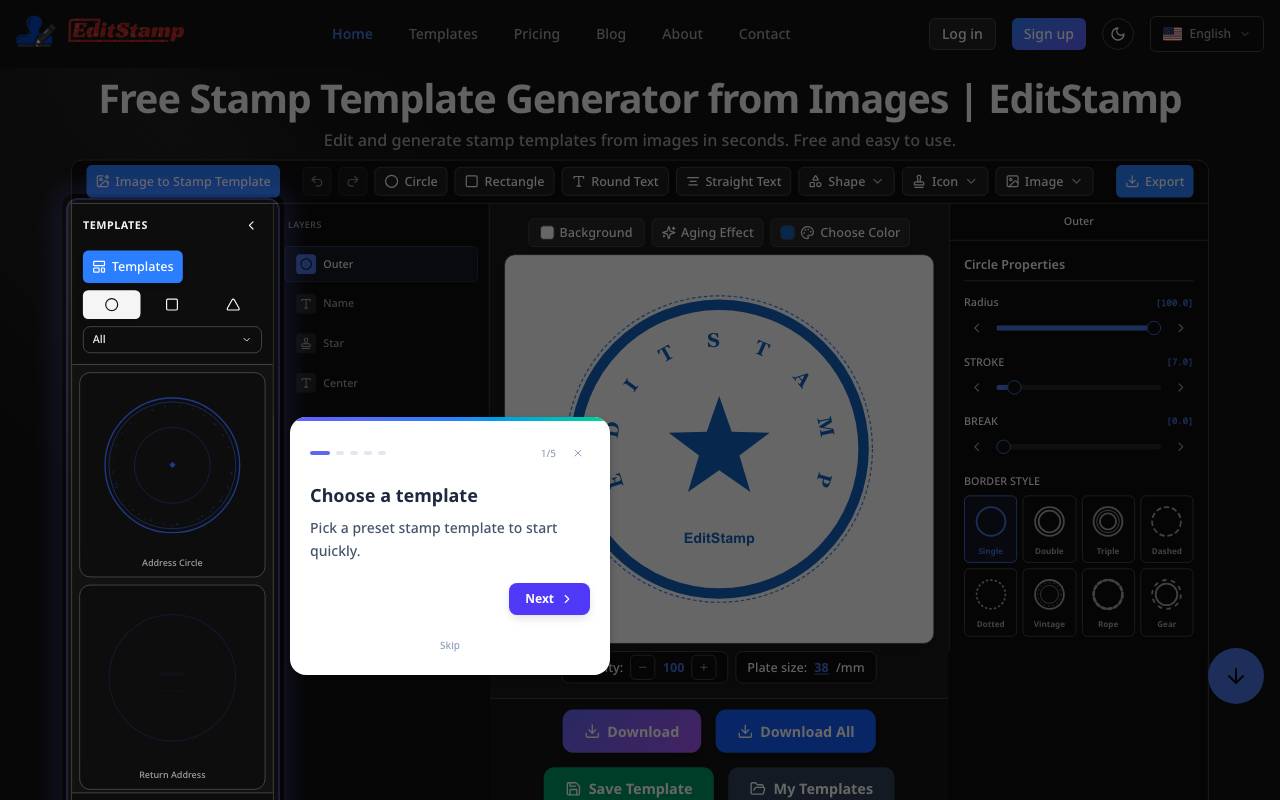
EditStamp is an online designer for creating custom rubber stamps, seals, and embossers. It allows users to generate stamp templates from images in seconds, without requiring software installation. The process involves four steps: uploading a photo or image, customizing the stamp with pre-made templates, text, fonts, colors, and layouts, exporting the stamp in multiple formats, and downloading it. The tool is designed for ease of use, with no advanced design software needed, and supports multiple formats like SVG, PNG, EPS, or PDF for both digital use and professional production. Users can choose from various shapes, including round, rectangular, or triangle, and customize the stamp body and output color. The platform offers a wide selection of ready-to-edit stamp templates and allows users to preview their design before exporting it. EditStamp is suitable for various users, including freelancers who need a quick signature stamp, small business owners looking to add a logo to their documents, and individuals preparing notary or wedding layouts. The tool offers a free version with core tools and templates, as well as a Pro version with additional features, including every export format and priority support.
- Custom rubber stamp designer
- Multiple stamp shapes and templates
- Logo and image upload
- Font and text styling options
- Live design preview
- Direct online ordering

Paige AI
AI-powered digital pathology platform for cancer detection, biomarker analysis, and diagnostic workflow automation.
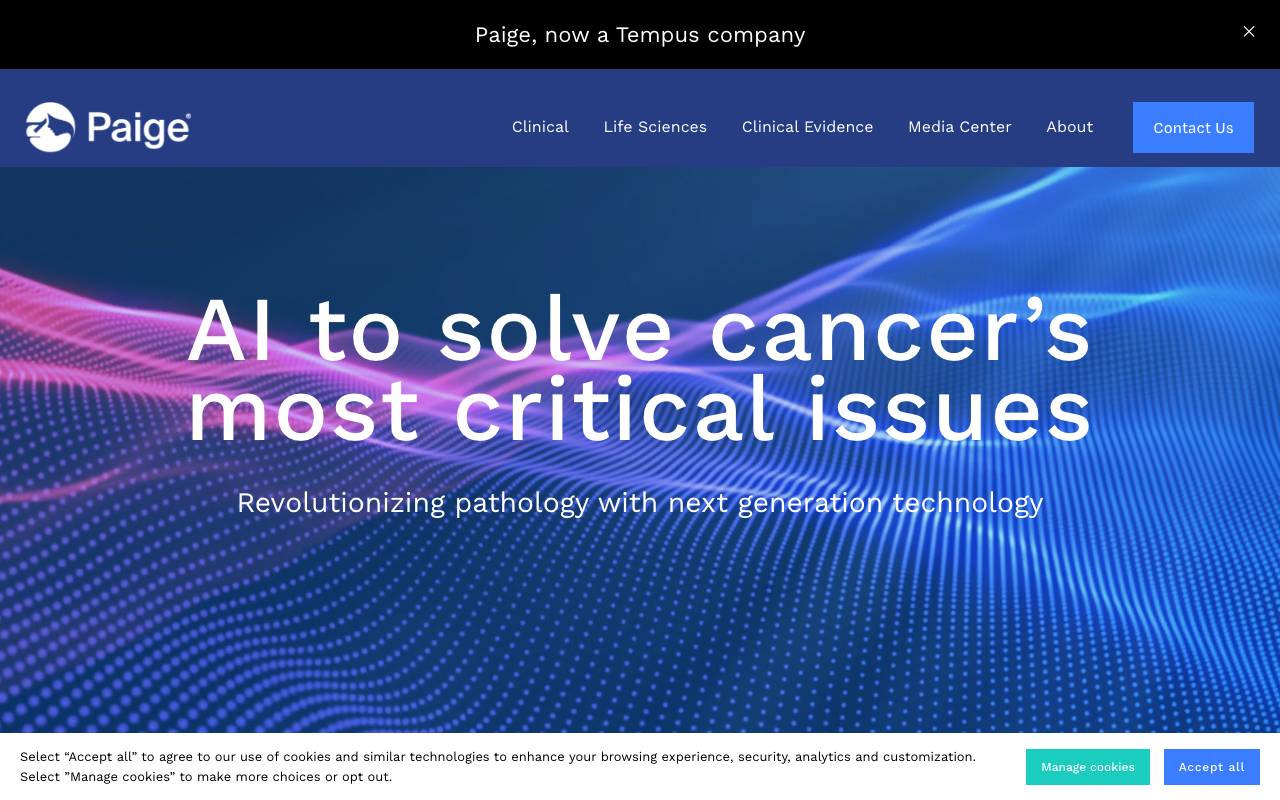
Paige AI is an AI-powered digital pathology platform that provides solutions for cancer detection, biomarker analysis, and diagnostic workflow automation. The platform offers various AI applications, including Paige Prostate Suite, Paige Breast Suite, and Paige GI Suite, which support pathologists in identifying and classifying cancer on H&E-stained whole-slide images. Paige's technology is based on foundation models, such as Virchow, that have been trained on large datasets, including over 1.5 million slides. The platform also includes Paige Alba, a multi-modal co-pilot designed to revolutionize pathology workflows and unlock precision medicine. Paige's solutions aim to alleviate time and resource pressures on pathologists, enabling them to deliver informed, quality diagnoses.
- AI-assisted diagnostic and biomarker applications
- Foundation models for cancer detection and analysis
- Paige Alba multi-modal co-pilot for pathology workflows
- PanCancer Suite for identifying subtle complexities of cancer
- Pre-built pan-cancer modules for therapeutic targeting and biomarker identification

Louisa AI
Relationship intelligence platform that surfaces revenue opportunities by mapping internal expertise and connections.
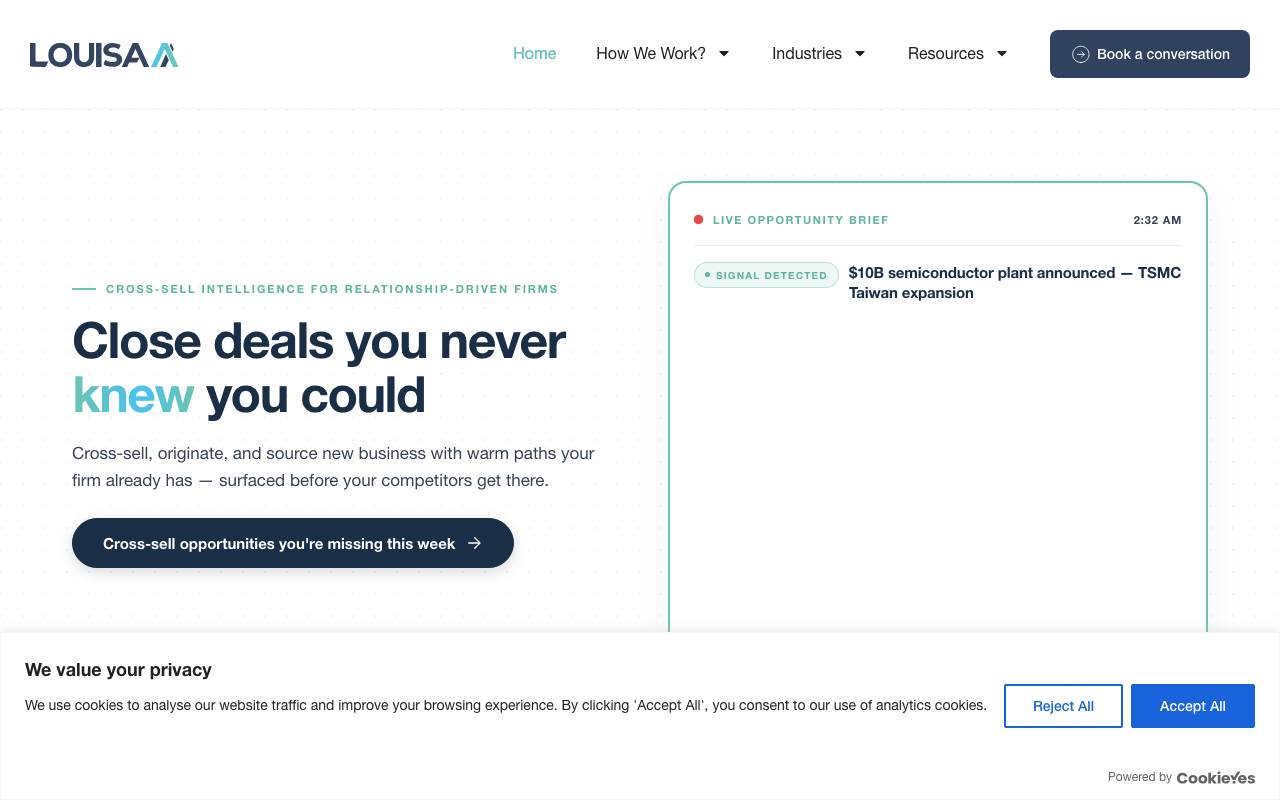
Louisa AI is an enterprise relationship intelligence platform that helps organizations understand who they know and what they know. By analyzing internal data sources, it builds a dynamic map of employee expertise, client relationships, and warm introductions across the company. The platform surfaces hidden connections and matches them to active deals, prospects, or strategic initiatives, helping sales and business development teams act on opportunities they would otherwise miss. It is designed for large, distributed organizations where knowledge and contacts are often siloed across teams and regions. Louisa AI integrates with existing CRM and communication systems, making relationship insights accessible within the tools employees already use to collaborate and close business.
- Expertise and relationship mapping
- Opportunity matching for active deals
- CRM and communication system integrations
- Warm introduction recommendations
- Cross-team collaboration insights
- Enterprise-grade data privacy controls
Browse all 22 Other tools
The complete, searchable directory — ranked by real user reviews.


